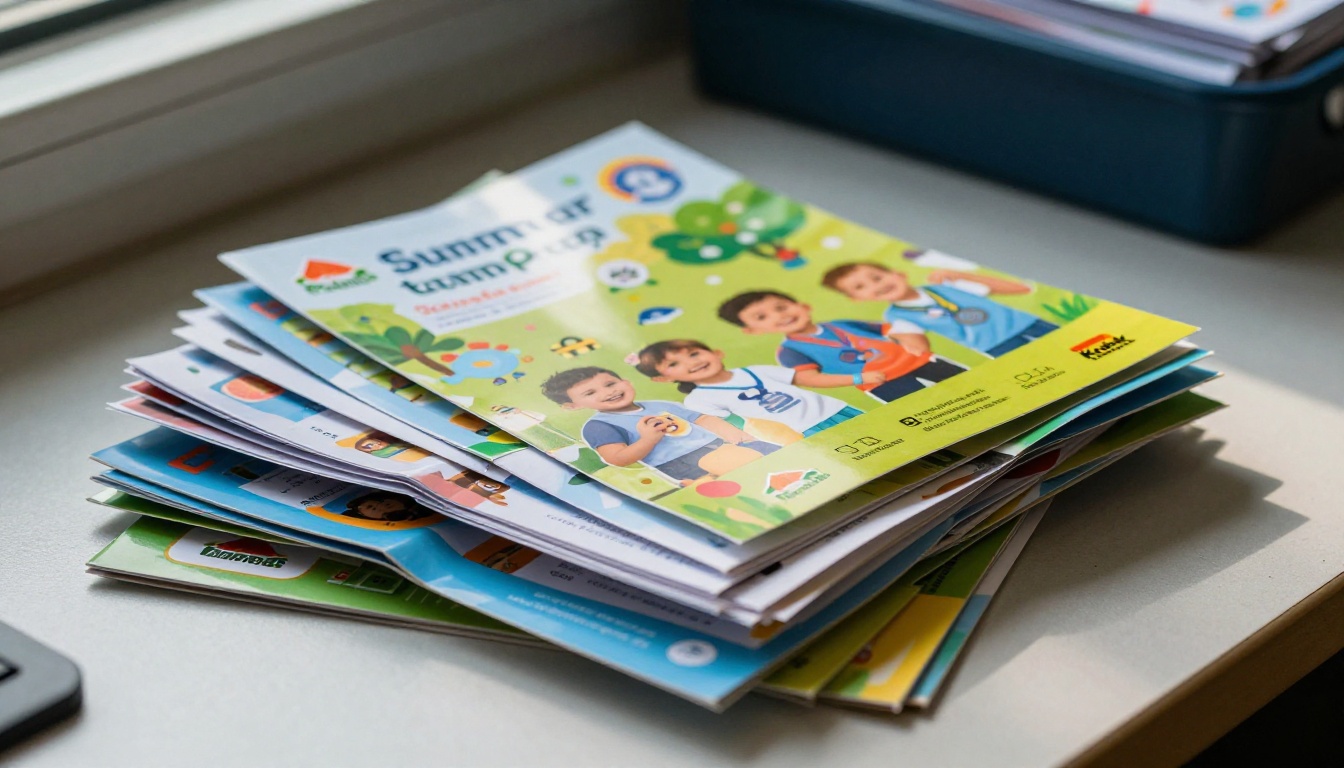
Every summer camp director knows this feeling well. You spend weeks working with a designer on a beautiful brochure. You order 500 printed copies. You hand them out at orientation, mail them to last year's families, and leave stacks at the local library. Then you watch most of them disappear into backpacks, glove compartments, and eventually the recycling bin, rarely seen again.
The families who actually need the schedule information, activity descriptions, and packing lists end up texting you directly to ask questions already answered on page three. Something has to change.
Turning your summer camp brochure into a flipbook with Flipbooks AI solves this at the root. Instead of a static PDF or a physical printout, your camp information lives online as an interactive, page-turning experience that parents can open on any device, share in a single tap, and reference all summer long without losing it.
Why Printed Camp Brochures Fall Short
The real cost of print distribution
Printing costs add up fast. A typical camp brochure runs 8-12 pages, and when you factor in design fees, print runs, and mailing costs, a single season can cost several hundred dollars just to get the brochure into parents' hands. That number climbs each year.
Beyond money, the shelf life of a printed brochure is short. Parents who receive a brochure in March often cannot find it by June when they actually need the swimming schedule. The information is static, so if a counselor change or activity update happens after print, you either reprint or deal with outdated information all season.
| Problem | Printed Brochure | Digital Flipbook |
|---|
| Cost per season | $200-$800+ | $0 per copy after upload |
| Update capability | Reprint required | Edit and republish instantly |
| Shelf life | Lost within weeks | Bookmarked and accessible all year |
| Sharing method | Manual distribution | Single link, shareable in one tap |
| Analytics | None | Views, clicks, time on page |
| Mobile experience | Awkward to read | Optimized for any screen |
What parents actually want
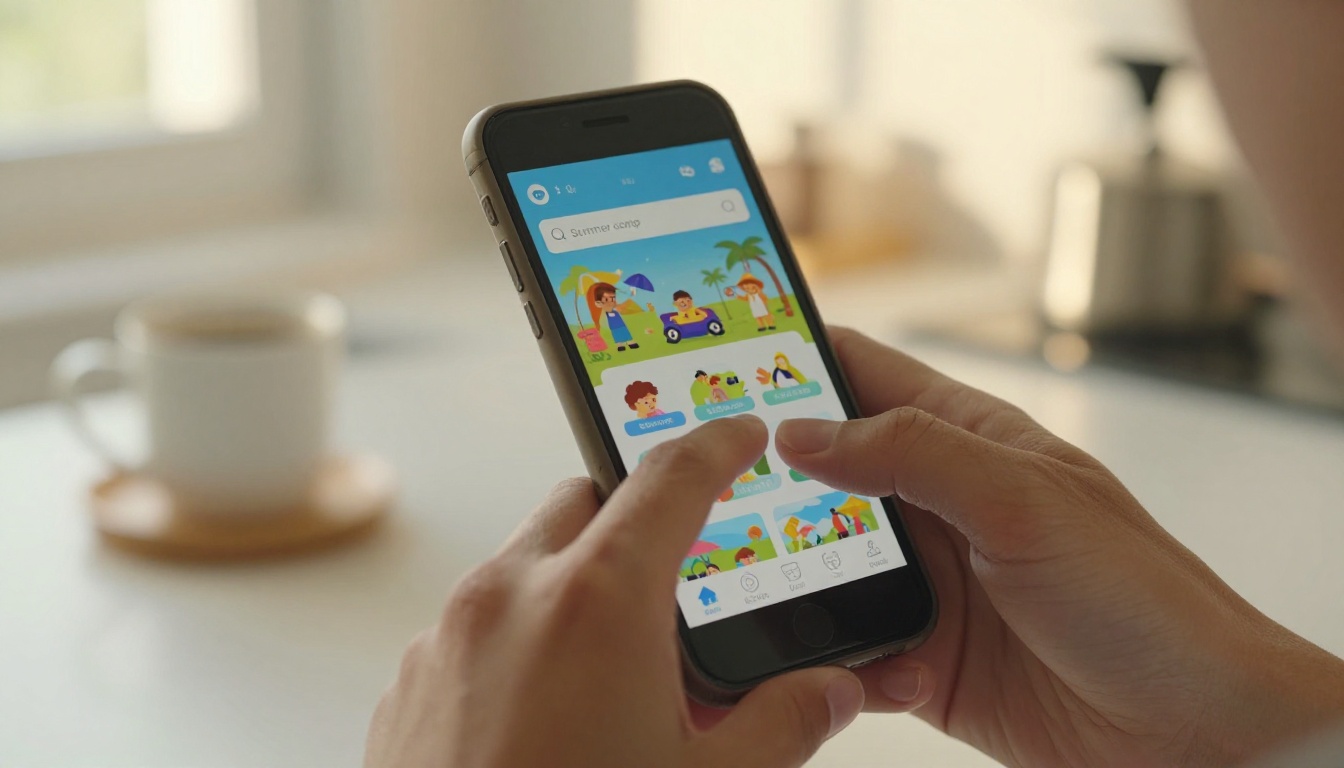
Parent behavior has shifted significantly. Most families now get all their school and activity information from email or a link shared in a group chat. When you hand a parent a printed brochure at orientation, the first thing many of them do is photograph it with their phone.
That photograph instinct tells you everything: parents want the information digitally. They want to search it, zoom in on a schedule, share the registration form link with their partner, and pull it up at 10pm when they are packing their child's bag. A printed brochure cannot do any of that.
What a Flipbook Does Differently
Page-turn experience on any device
A digital flipbook replicates the satisfying experience of flipping through a real brochure, but on any device without any downloads. Parents swipe through pages the same way they scroll a magazine, and the reading experience feels intentional and designed rather than like scrolling through a wall of text.
This matters for camp brochures specifically because the visual appeal of your camp photos, activity descriptions, and program overviews is a major part of what convinces families to register. A flipbook preserves that designed presentation while making it accessible everywhere.
Live links, videos, and forms inside
Unlike a PDF, a flipbook can contain working hyperlinks. Your registration form button actually works. The link to your camp website opens in a browser. If you have embedded a video of last year's activities, parents can watch it right inside the flipbook without leaving the page.
💡 Pro tip: Embed a short welcome video from your camp director on the first page. Families who watch it are significantly more likely to complete registration because the personal connection is established early.
This interactivity is what separates a flipbook from simply putting a PDF on your website. The experience is closer to a miniature website than a document, with every clickable element working exactly as expected.
How to Create Your Camp Flipbook with Flipbooks AI
Flipbooks AI is the fastest way to turn your existing camp brochure PDF into a polished digital flipbook. You do not need design software or technical skills. The process takes under ten minutes from start to published link.
Step 1: Prepare your PDF
Before uploading, do a final check on your PDF. Make sure:
- All photos are high resolution (minimum 150 DPI)
- Font sizes are legible at mobile screen sizes (minimum 12pt body text)
- Important information is not positioned in the gutter between pages
- The document is saved as a standard PDF, not a print-specific PDF/X format
If your brochure was designed for print, you may need to save a digital version with RGB color mode instead of CMYK. Your designer can do this quickly, or you can use most PDF editors to convert it.
Step 2: Upload to Flipbooks AI
Go to Flipbooks AI and create your account. Once inside:
- Click New Flipbook from your dashboard
- Select Upload PDF and choose your camp brochure file
- Wait for the automatic conversion, usually 30-60 seconds depending on page count
- Preview the flipbook to confirm all pages rendered correctly
The platform automatically generates the page-turning interface. Your brochure pages become interactive flipbook pages instantly, with no manual formatting required.
Step 3: Brand it for your camp
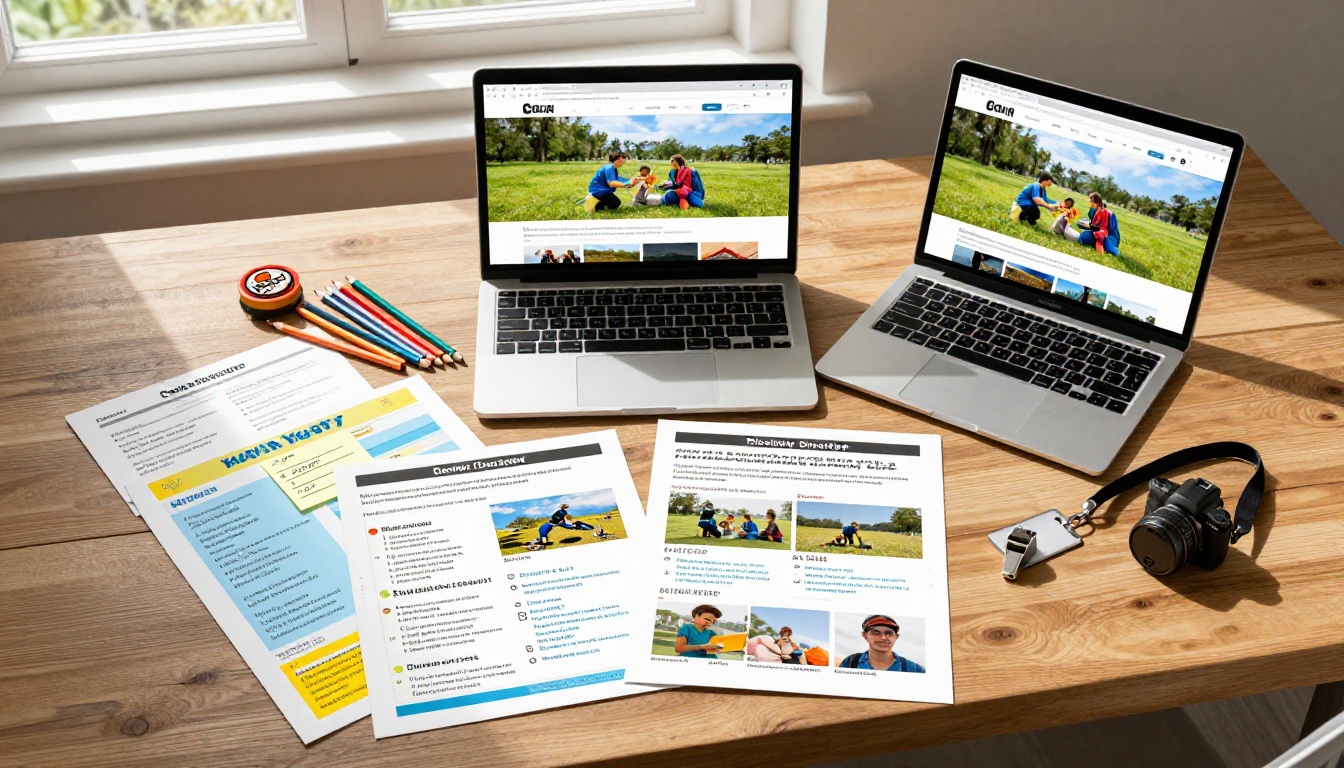
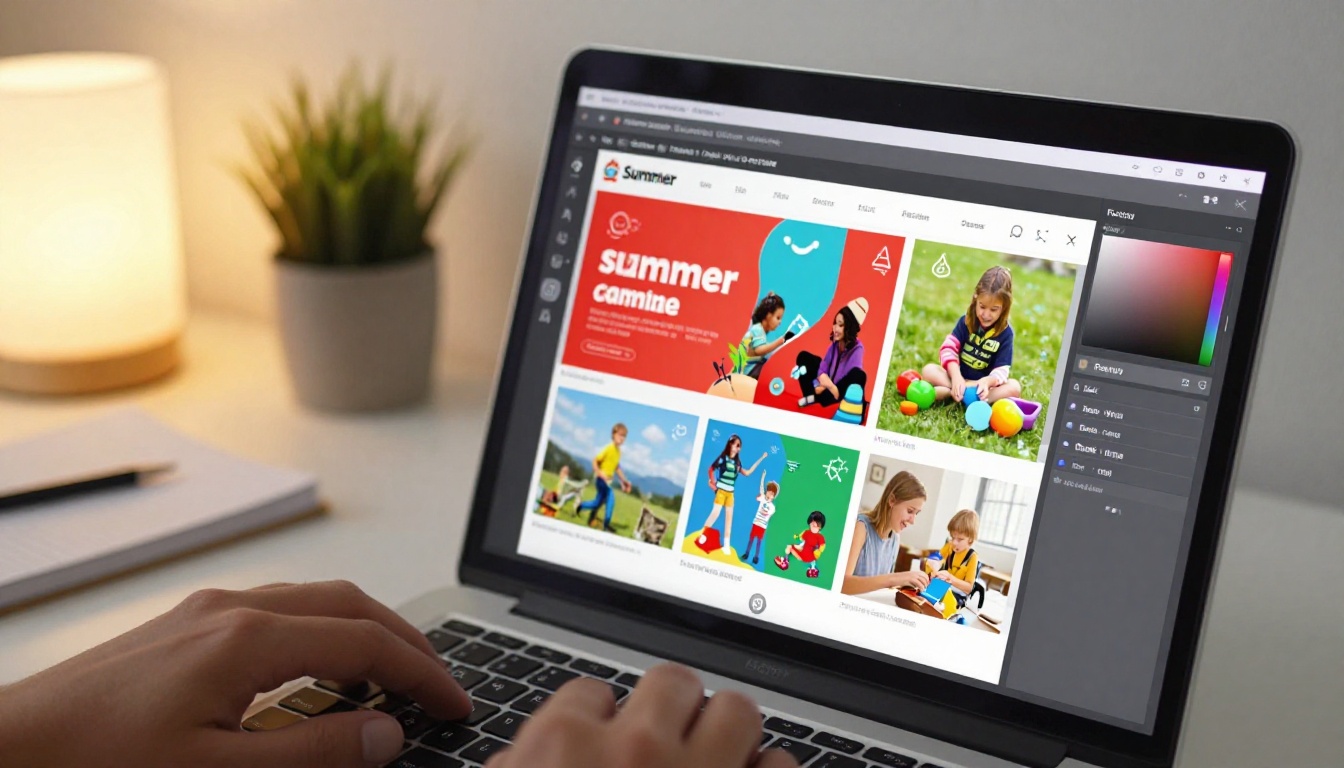
This is where the flipbook goes from functional to professional. Inside the editor:
- Set your brand colors: Match the flipbook interface to your camp's color palette
- Upload your camp logo: Appears on the viewer and on social share previews
- Customize the background: Choose one that complements your brochure's design
- Add a custom domain: If you have a camp website, the flipbook can live at a branded URL
✅ Best practice: Set the flipbook title to include your camp name and the current year (e.g., "Pine Ridge Summer Camp 2026"). This helps parents distinguish it from previous years' materials.
Step 4: Share with families
Once published, you have multiple ways to get the flipbook to parents:
- Direct link: A short URL you can paste into any email, text, or social post
- Embed code: Place the flipbook directly on your camp's website or registration page
- QR code: Print on physical materials so people can scan and open it instantly
- Password protection: For sensitive pricing tiers or early-access families only
What to Put in Your Camp Flipbook
Essential sections every camp needs
The most effective camp flipbooks do not just digitize the printed brochure. They take advantage of the digital format to add content that print could not include. Here is what works best:
| Section | What to Include | Why It Matters |
|---|
| Welcome page | Director photo, brief personal note | Creates immediate personal connection |
| Program overview | Age groups, session dates, daily schedule | Reduces inbound questions significantly |
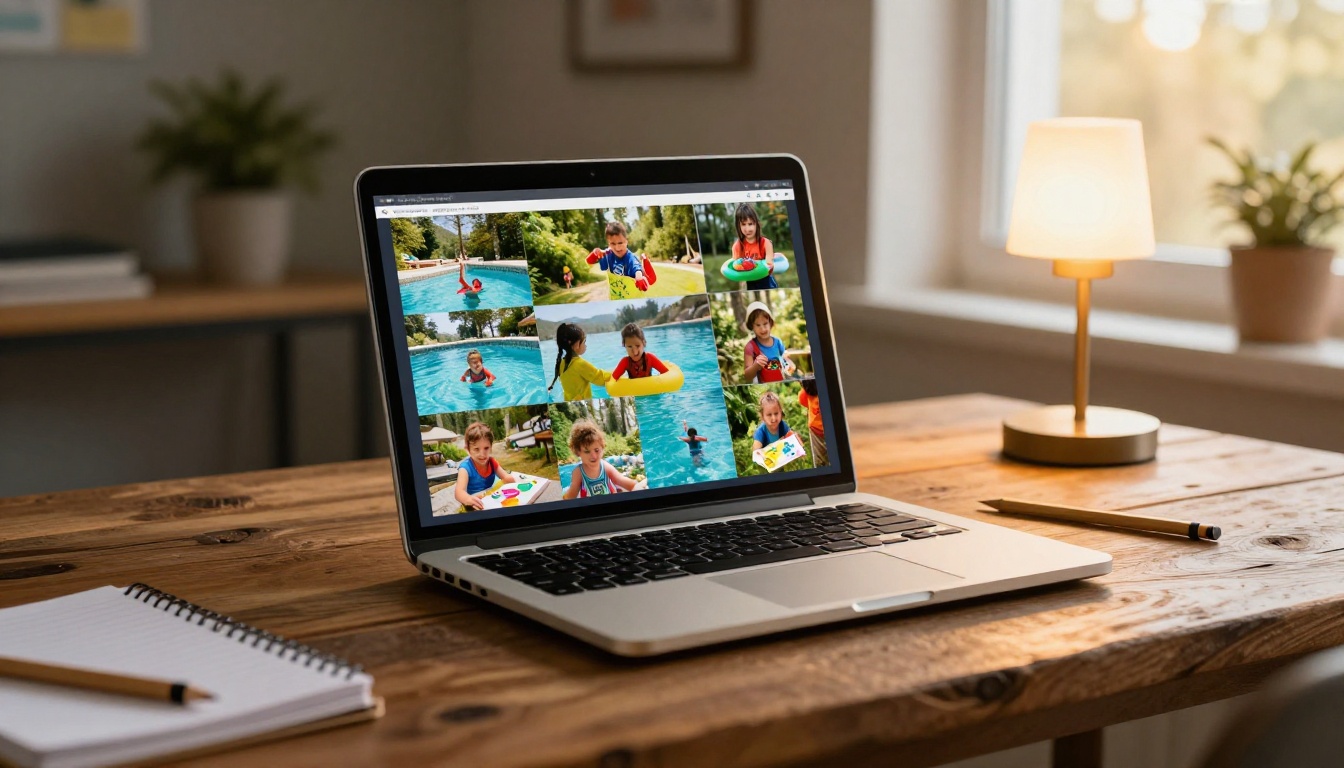
| Activity gallery | High-res photos of each activity area | Visual proof of the camp experience |
| Staff profiles | Photos and brief bios of lead counselors | Builds trust with new families |
| Packing list | Detailed by age group and session length | Parents reference this multiple times |
| Registration CTA | Working button linking to online form | Converts interest to action immediately |
| FAQ page | Answers to the 10 most common questions | Reduces individual parent emails |
| Camp policies | Health, safety, device, and behavior guidelines | Sets expectations before arrival |
Photos and video that sell the experience
The single most important content in any camp brochure is authentic photography. Parents are evaluating whether their child will be happy, safe, and engaged. Stock photography does not accomplish this. Real photos of real activities at your actual facility do.
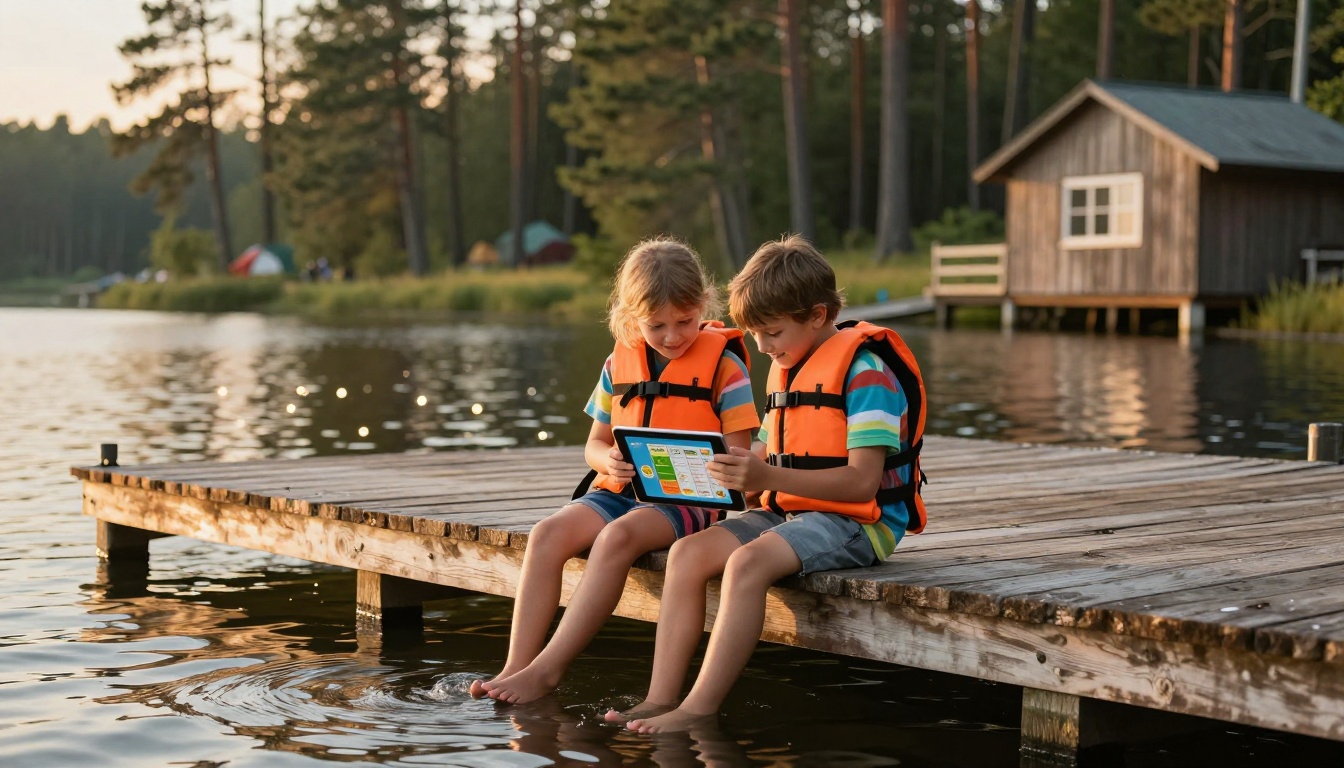
For a flipbook specifically, consider these photo strategies:
- Action shots over posed groups: A photo of kids mid-jump at the lake tells a better story than a formal group photo
- Location variety: Show the dining hall, cabins, activity areas, and natural setting
- Age representation: Families scan for children the same age as their own
- Staff interaction: Photos showing counselors actively working with campers build trust fastest
If your camp has video content from previous sessions, embed it directly in the flipbook. A 90-second highlight reel showing camp activities, friendships forming, and children genuinely having fun is more persuasive than any written description.
Sharing Your Camp Flipbook Effectively
Email campaigns and newsletters
The flipbook link is your primary asset for email outreach. Instead of attaching a PDF, which clogs inboxes and often gets blocked by spam filters, you include a single link and a preview thumbnail.
Email subject lines that work well with flipbook links:
- "Your [Camp Name] 2026 season preview is ready"
- "Everything you need for this summer, in one place"
- "Sam's packing list and full schedule inside"
For returning families, consider sending a "What's new this year" version of the flipbook that highlights program changes, new activities, and updated facilities. This makes long-term families feel valued rather than receiving the same generic brochure every year.
Social media and website embeds
The Embed Flipbook on Website feature lets you place the interactive flipbook directly inside your camp's website without redirecting visitors. Parents browsing your site can flip through the brochure without leaving the page, which significantly increases the time they spend with your content.

For social media, the flipbook link generates a rich preview when shared on Facebook or in WhatsApp groups, showing the cover image and title automatically. This visual preview dramatically increases click rates compared to plain text links.
⚠️ Important: If you are sharing flipbooks that include any personal information about enrolled campers, such as medical notes or session assignments, always use password protection. This is available on all paid plans.
Tracking What Parents Actually Read
What the analytics tell you
One of the most underused features of digital flipbooks is the analytics dashboard. With a Professional plan, you can see exactly:
- Which pages parents spent the most time on
- Where they dropped off, often a sign that a page needs more clarity
- How many times the flipbook was opened in total
- Which links inside the flipbook were clicked

This data is genuinely useful for improving your next season's materials. If 80% of parents never get past page 5, your brochure might be too long. If no one clicks your registration button, it may be buried too deep in the document. Print brochures give you zero of this feedback.
Lead generation for new families
The Professional plan includes a lead capture form you can embed directly in the flipbook. Interested families who have not yet registered can enter their email and name to receive more information, without leaving the flipbook experience.
For summer camps trying to grow enrollment, this is a direct conversion path: a family finds your flipbook via a friend sharing it in a neighborhood group chat, they flip through, get excited, and submit their contact information before they even leave the document.
Flipbooks AI Plans for Camp Directors
Choosing the right plan depends on how many camps or programs you manage and whether you need the analytics and lead generation features.
| Feature | Free | Standard | Professional |
|---|
| Flipbooks per account | 1 | Unlimited | Unlimited |
| Watermarks | Yes | No | No |
| Custom branding | No | Yes | Yes |
| Password protection | No | Yes | Yes |
| Embed on website | No | Yes | Yes |
| Analytics | No | No | Yes |
| Lead generation | No | No | Yes |
| Offline downloads | No | No | Yes |
For a single-location camp running one annual brochure, the Standard plan covers everything needed. Directors managing multiple programs or prioritizing enrollment growth will get strong ROI from the Professional tier through the lead capture and analytics features alone.
💡 Pro tip: If you manage a school newsletter or yearbook alongside your camp materials, a single account covers all of them under the same plan without any extra cost.
Print vs. Digital: The Real Numbers
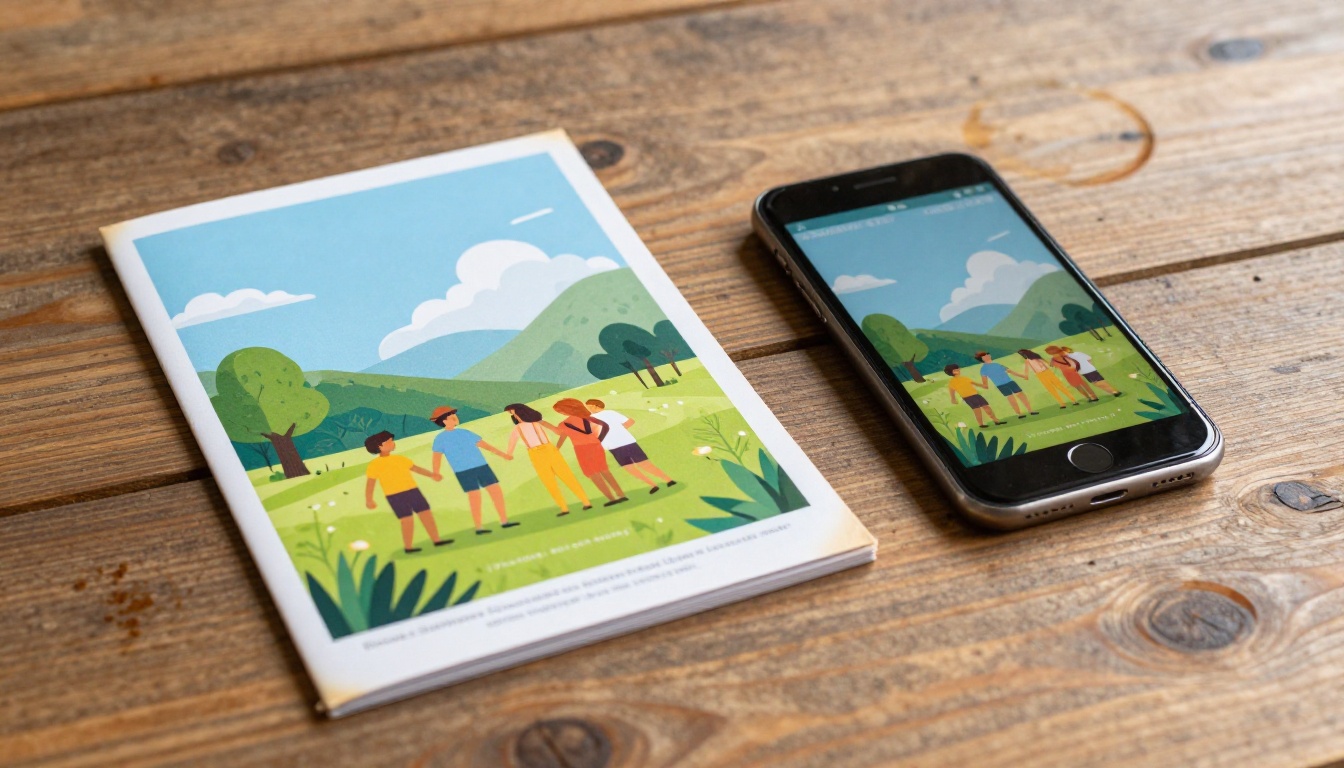
The shift from printed brochures to digital flipbooks is not about abandoning the physical experience. It is about meeting families where they actually are. A printed brochure that sits unseen in a drawer helps no one. A flipbook link that lives in a parent's email and can be pulled up at any moment serves its purpose every time.
Many camp directors now use a hybrid approach: a small print run for orientation day and in-person events, paired with a digital flipbook for all remote outreach. This cuts print costs significantly while maintaining the tactile option for situations where it makes sense.
✅ Best practice: Add the flipbook QR code to any printed materials you do produce. This way, every physical brochure becomes a bridge to the digital version that parents will actually keep.
Making the Switch This Season
If you already have this year's brochure designed as a PDF, you are one upload away from having a professional digital version live and shareable. The Brochure Flipbook Maker is built specifically for this use case, handling the PDF-to-flipbook conversion automatically while preserving all your design work.
For camps starting their brochure from scratch, the Online Brochure Designer provides templates specifically designed to look great in flipbook format from the beginning, removing the need to adapt a print layout for digital display.
The families you are trying to reach are already on their phones, already in group chats, and already expecting a digital-first experience from the organizations their children participate in. A camp brochure flipbook meets that expectation without requiring months of redesign or technical expertise.
Create your camp flipbook for free on Flipbooks AI today, and have a shareable link ready before your next enrollment email goes out.
Ready to pick the right plan? Compare all pricing options and see which tier fits your program's needs this season.



