Your workshop slides took hours to build. The research, the layout, the careful choice of fonts and colors. And then the session ends, and you send participants a PDF. It lands in their downloads folder, gets buried under other files, and is never opened again. There is a better way. Flipbooks AI lets you take those exact same slides and convert them into an interactive, page-turning digital flipbook that participants actually revisit, share with colleagues, and bookmark for reference.
Why Static PDFs Fail Your Workshop Content
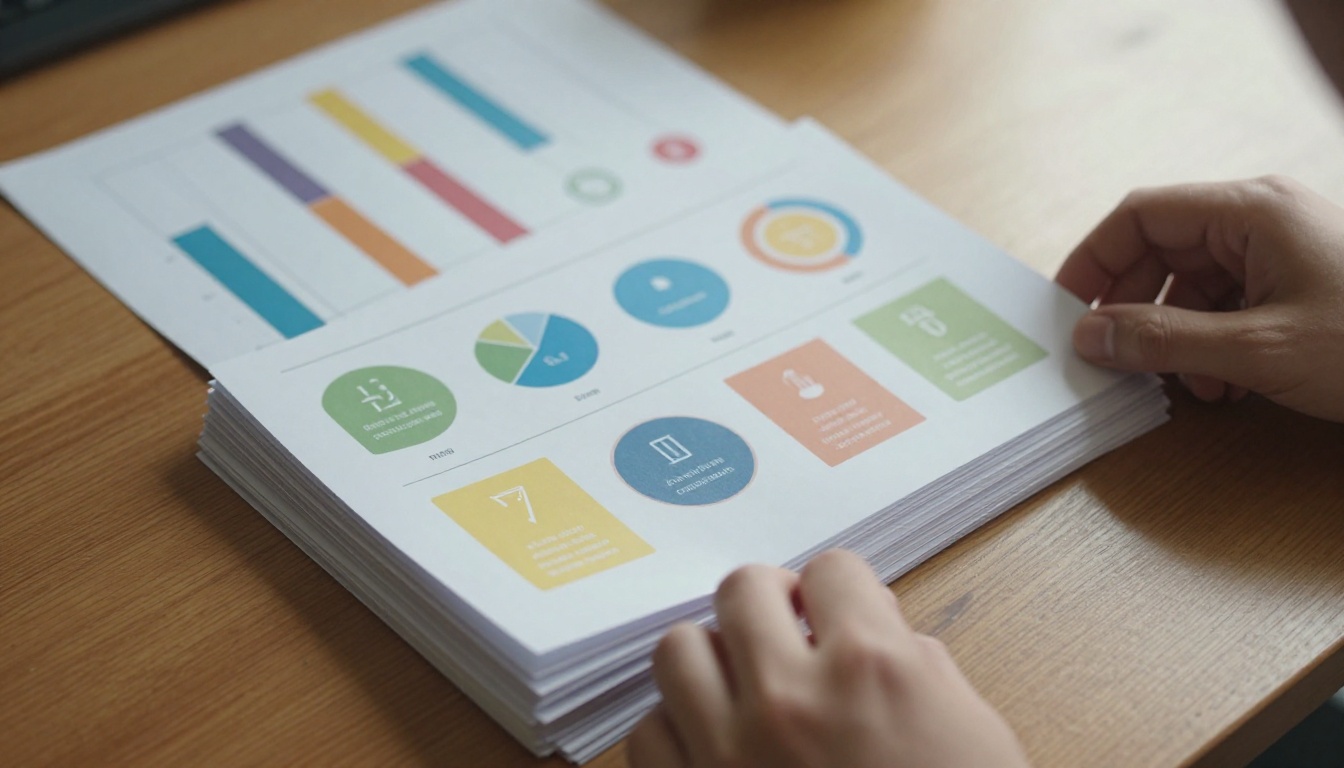
There is nothing inherently wrong with a PDF. It is a reliable format for archiving. But workshop materials are not meant to be archived. They are meant to be revisited, referenced, and shared. A flat PDF does not invite that behavior.
The Downloads Folder Problem
Ask anyone who has attended a corporate training session or educational workshop: how often do they go back to the PDF handout? Research on post-training retention consistently shows that learners revisit materials far more when those materials feel accessible and engaging. A folder full of identically named PDFs does not feel either of those things.

The average PDF sent after a workshop is opened once, if at all. The problem is not the content. It is the format. Static files feel like homework, not resources. They carry no visual invitation to spend time with them.
What Participants Actually Want
Participants want materials that are easy to open on any device, quick to skim visually, and simple enough to share with a colleague via a link. A flipbook format delivers all three. The interactive page-turn behavior signals to the brain that this is worth engaging with, not just a document to file away.
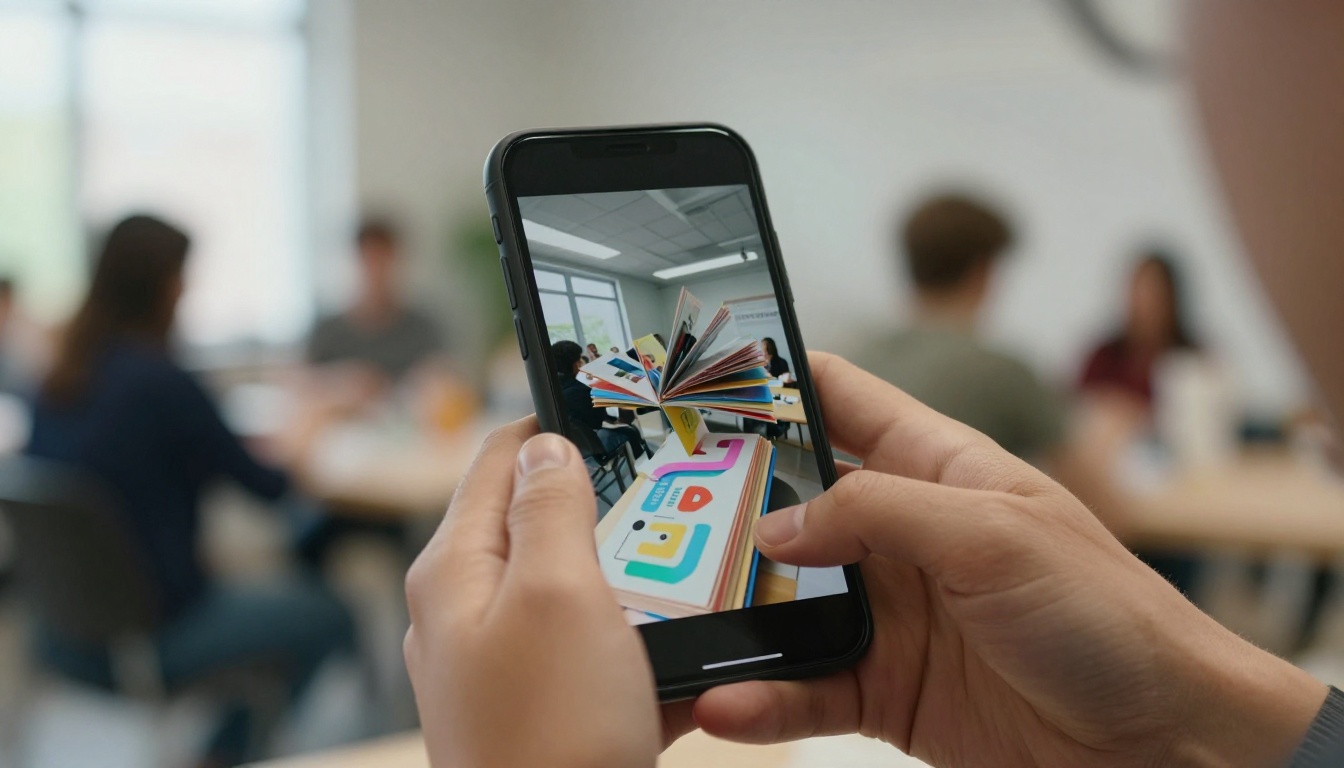
💡 Workshop flipbooks shared via direct link see significantly higher open rates than PDF email attachments. The friction of downloading versus clicking a link is the entire difference.
What a Workshop Flipbook Actually Offers
The visual format of a flipbook is not just cosmetic. It changes how people interact with your content. When slides are presented as a flipbook, participants naturally browse, pause on visuals, and return to specific sections by feel rather than by endless scrolling.
Interactive Pages vs. Static Slides
| Feature | PDF Handout | Workshop Flipbook |
|---|
| Page-turn experience | No | Yes, animated |
| Mobile-friendly viewing | Partial | Fully responsive |
| Shareable via direct link | Download required | Direct URL or embed |
| Password protection | No | Yes (Professional plan) |
| View analytics and tracking | No | Yes (Professional plan) |
| Embed video and audio | No | Yes |
| Custom branding | No | Yes |
| Always-current content | Resend required | Update once, link stays |
Real Benefits for Trainers and Speakers
Workshop creators who switch to flipbook delivery report a few consistent wins:
- Higher post-workshop engagement: Participants share links with colleagues who were not in the room, organically expanding the reach of the content.
- Better retention signals: Because the flipbook is visual and interactive, learners engage with it in the same mindset as reading a magazine rather than searching a document.
- Professional presentation: A polished flipbook carries implicit authority. It signals that the creator cares about the full experience, not just the content of the session.
- Centralized access: Update the flipbook once and everyone with the link sees the latest version automatically.
- Lead generation potential: On the Professional plan, you can embed contact forms directly inside the flipbook viewer.
Before jumping into the conversion workflow, it helps to know which source formats produce the best results and where to watch for common issues.
PowerPoint and Google Slides
PowerPoint (.pptx) and Google Slides are the most common workshop formats. Both export cleanly to PDF, which is the format used for flipbook conversion. Before exporting:
- Set slide dimensions to 16:9 or 4:3 for consistent output
- Embed all fonts to avoid rendering issues on other devices
- Confirm that images are high resolution, at least 150 dpi
- Remove slide transitions or animations, as they do not carry over to the flipbook format
PDF-Based Workshop Materials
If your workshop materials are already in PDF format, the process is even simpler. A multi-page PDF maps directly to a multi-page flipbook. Each page of the PDF becomes one page of the flipbook. Long PDFs over 100 pages should be checked for file size before uploading. Optimized PDFs under 50MB convert the fastest.
⚠️ Scanned PDFs can produce lower quality flipbook pages. Use text-based PDFs whenever possible for cleaner output and faster load times across all devices.
How to Convert Your Slides with Flipbooks AI
This is the practical part. The full process from exported slides to shareable flipbook takes under five minutes for most workshop materials.
Step 1: Export Your Slides as PDF
In PowerPoint, go to File > Export > Create PDF/XPS. In Google Slides, go to File > Download > PDF Document. Save the file somewhere accessible. Make sure the export includes all slides and that no pages are hidden.
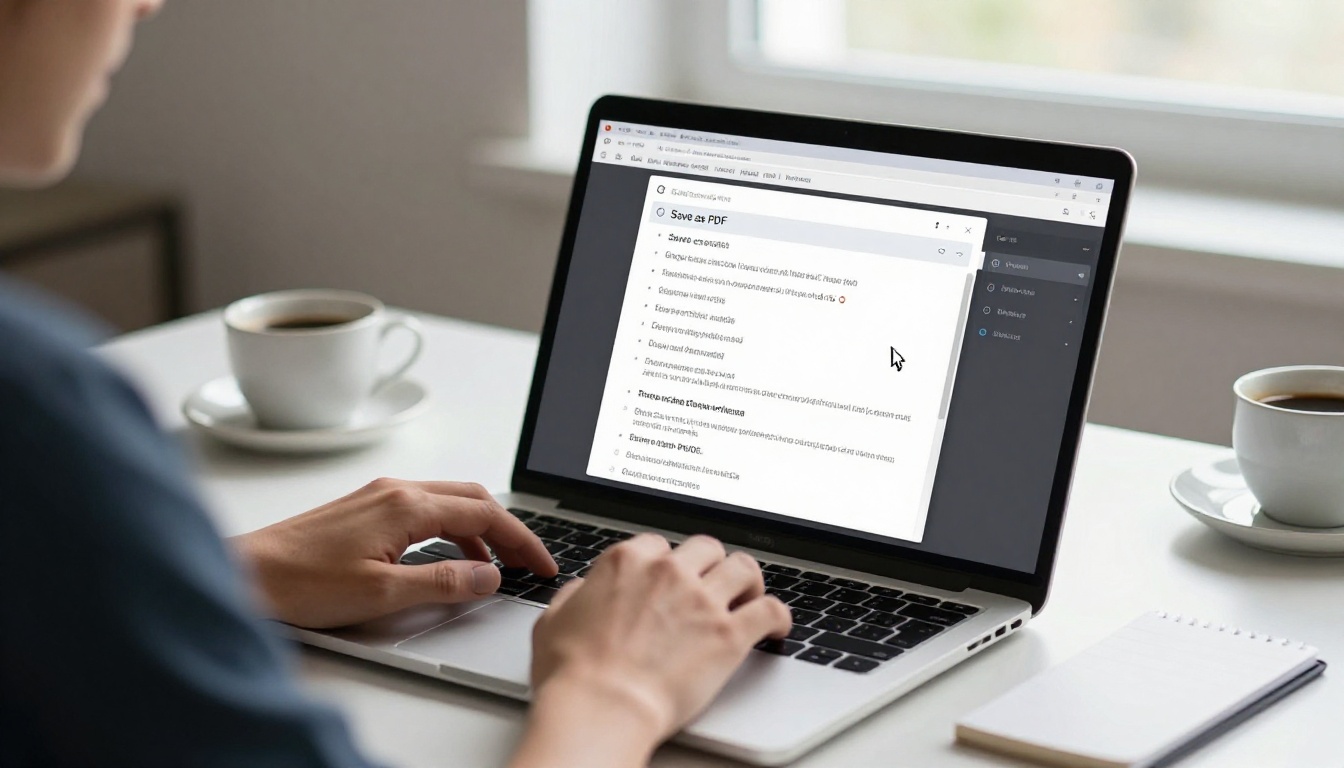
Step 2: Upload to Flipbooks AI
Head to Flipbooks AI and create a free account if you do not have one yet. Once logged in, use the PDF to Flipbook Converter to upload your PDF. The drag-and-drop interface accepts files up to several hundred pages.
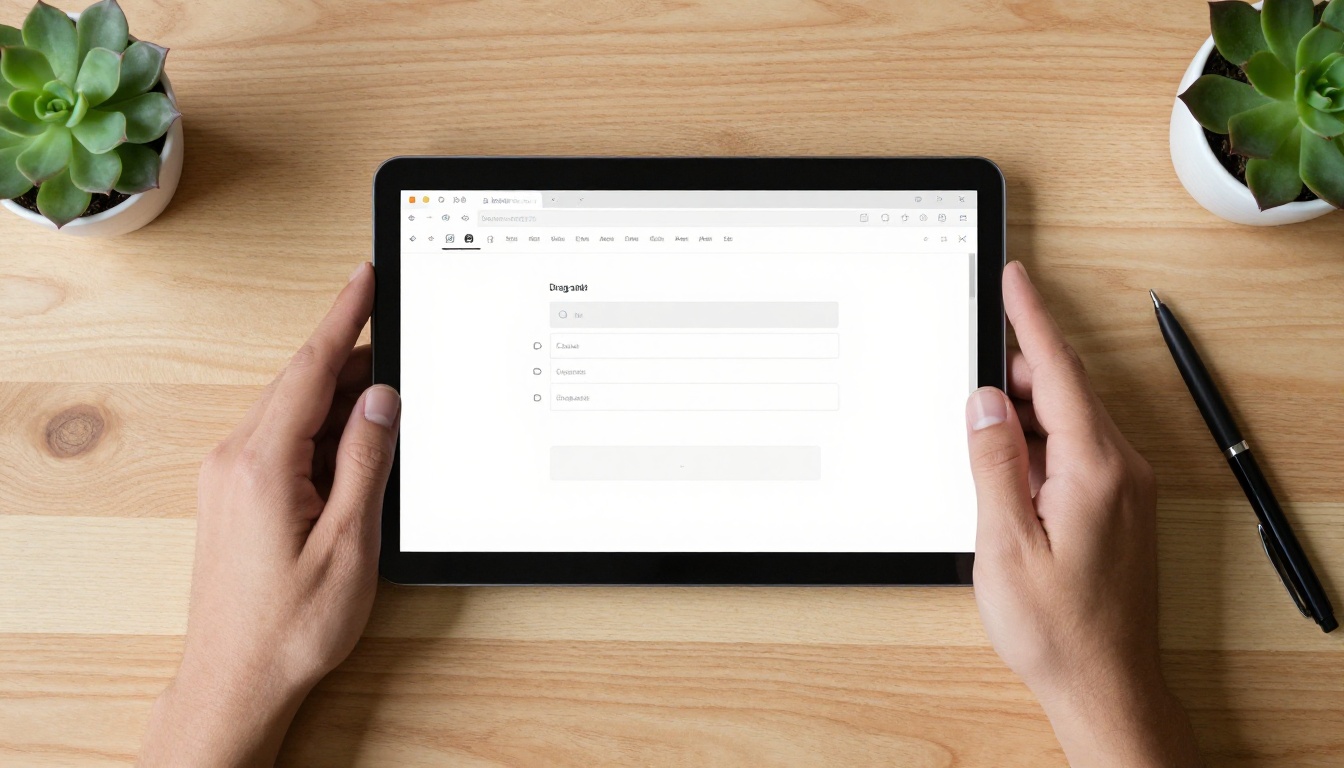
The conversion process is automatic. Within seconds, your slides appear as a fully browsable flipbook with page-turn animations. No coding, no design software, no waiting.
Step 3: Customize Your Flipbook
This step is where your workshop materials go from functional to professional. The customization panel lets you:
- Add your logo and brand colors for a cohesive, recognizable look
- Set a custom background behind the flipbook viewer
- Choose page-flip speed and animation style
- Enable or disable the table of contents for longer presentations
- Embed video clips from YouTube or Vimeo directly into specific pages
- Add audio narration for asynchronous training formats
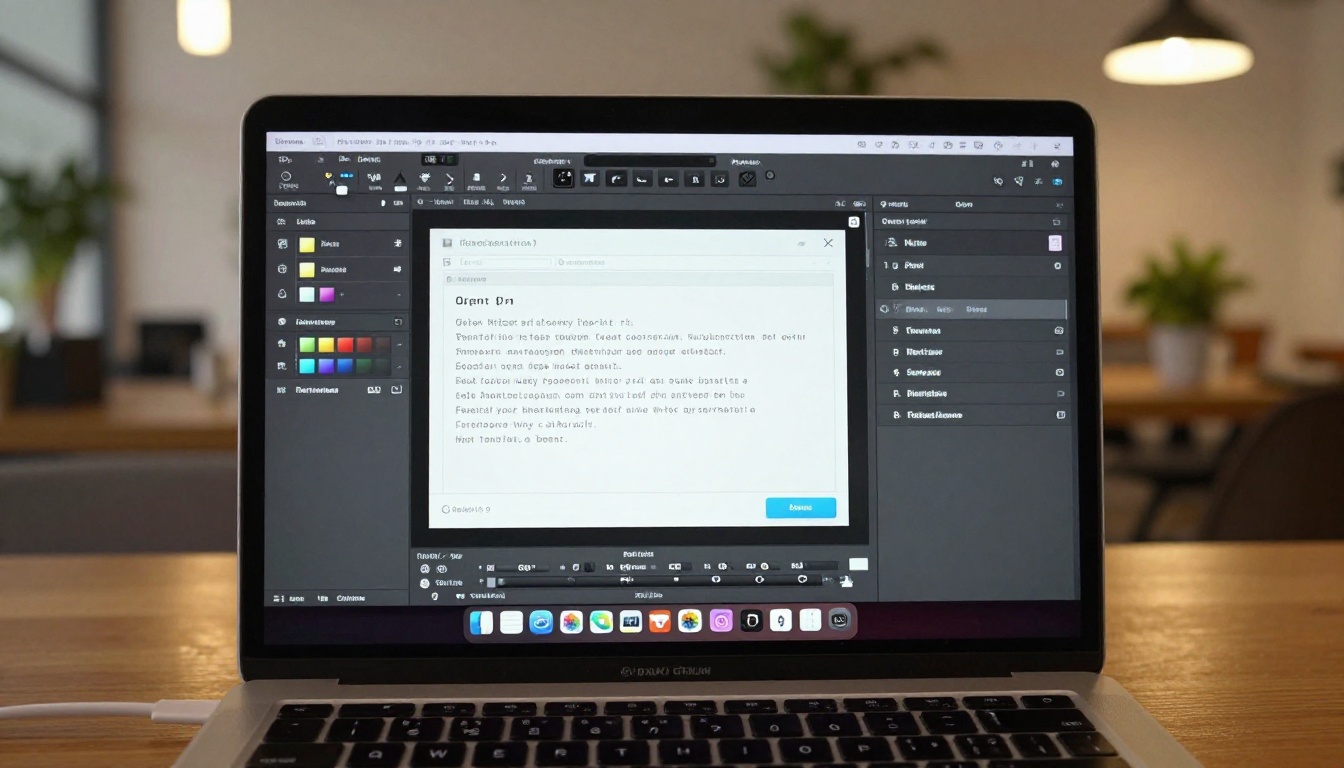
For workshop presenters who run regular training sessions, the Presentation Flipbook Designer and Training Manual Flipbook tools offer templates pre-configured for common workshop formats.
Step 4: Share and Track
Once your flipbook is ready, Flipbooks AI generates a shareable link instantly. You can:
- Copy a direct link and paste it into follow-up emails
- Generate a QR code to display on your final slide during the live session
- Embed the flipbook on your website or learning management system using a single line of code
- Set a password for private workshop materials available only to registered participants
- Track views with the analytics dashboard on the Professional plan
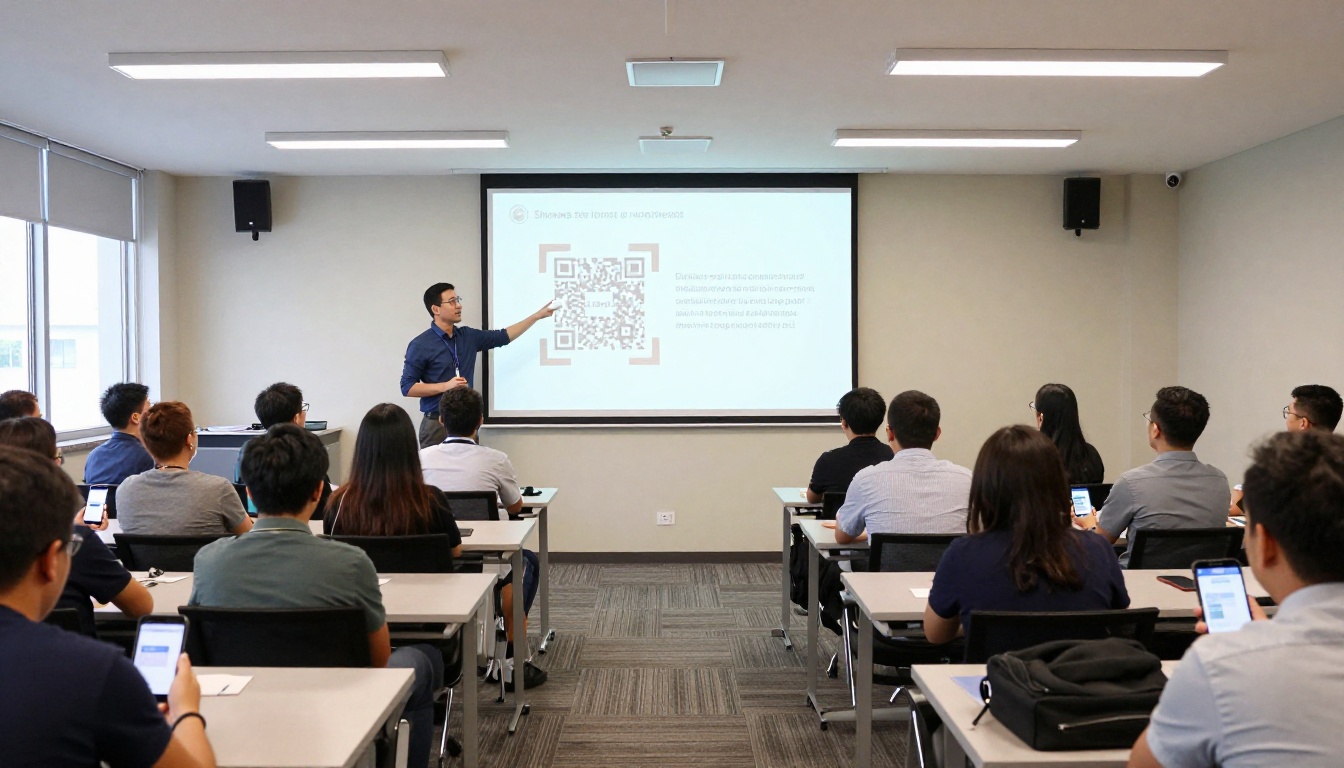
✅ Best Practice: Display the QR code on your final slide during the live workshop. Participants scan it immediately and have the flipbook saved to their phones before they leave the room, instead of waiting for an email that may never arrive.
Use Cases Across Workshop Types
The flipbook format works across a wide range of workshop contexts. Here are practical scenarios showing where it delivers the most value.
Corporate Training Sessions
HR and L&D teams running onboarding workshops, compliance training, or skills development programs benefit enormously from flipbook delivery. Instead of emailing 30-page PDFs that vary in version across teams, a single flipbook link ensures every employee accesses the same, always-current version.
A corporate training team can use the Sales Presentation Flipbook tool to convert sales methodology workshops into polished flipbooks that reps revisit before client calls. The same applies to product knowledge sessions, leadership training, and DEI programming.
Educational Workshops and Classes
Teachers running after-school enrichment programs, university professors delivering seminar materials, or course creators building supplementary content all have the same need: engaging materials that students actually read. A flipbook format positions course content closer to a textbook or magazine than a worksheet, and that framing matters psychologically for learner motivation.

The Course Material Publisher is purpose-built for this use case, with formatting options designed for long-form educational content. The School Newsletter Creator also works well for event recaps and parent communication following workshops.
Business Presentations and Sales Decks
Not every workshop-style presentation happens in a training room. Sales teams run internal workshops on product knowledge. Marketing teams present campaign strategies. Consultants deliver client-facing strategy sessions. In all of these contexts, the follow-up materials need to be professional enough to leave a strong impression after the meeting ends.
A flipbook sent as a follow-up after a business presentation is far more memorable than a PDF attachment. Recipients are more likely to open it, spend time with it, and forward it to stakeholders who were not in the original session.
Plan Comparison for Workshop Creators
Choosing the right plan depends on how many flipbooks you create and which features matter most for your workflow.
| Plan | Flipbooks | Watermarks | Password Protection | Analytics | Offline Downloads |
|---|
| Free | Limited | Yes | No | No | No |
| Standard | Unlimited | None | No | No | No |
| Professional | Unlimited | None | Yes | Yes | Yes |
💡 For most workshop creators running regular sessions, the Standard plan offers the best entry point with no watermarks and unlimited flipbooks. Professional unlocks analytics and lead generation, which matter if you want to know who is actually reading your materials after the session. See the full breakdown on the pricing page.
The Professional plan also includes lead generation forms that can be embedded directly inside the flipbook viewer. For paid workshops or premium training content, this means you can gate access and collect attendee information from the flipbook itself, without a separate landing page.
Pro Tips for Better Workshop Flipbooks
Beyond the basic conversion process, a few practices consistently produce better results for workshop-specific content.
Keep slides visual. Flipbooks reward image-heavy layouts. Slides that are mostly text will convert correctly but feel flat in flipbook form. If your slides are text-heavy, consider adding one strong visual per slide before converting.
Use a clean font stack. When exporting from PowerPoint, embed fonts or convert text to outlines. Generic system fonts sometimes substitute differently across devices, causing alignment issues in the final flipbook.
Test on mobile before sharing. Open your flipbook link on a smartphone before sending it to participants. The platform renders responsively, but it is worth confirming that your specific layout reads well on a smaller screen.
Segment long workshops into chapters. If your workshop runs over 60 slides, consider splitting it into chapter flipbooks and linking them together in a follow-up email. Shorter flipbooks have lower perceived time commitment and get opened more often.
Add your contact information on the last page. When participants share your flipbook with colleagues, that new audience has no context about you. A final slide with your name, organization, and contact link turns every organic share into a potential connection.
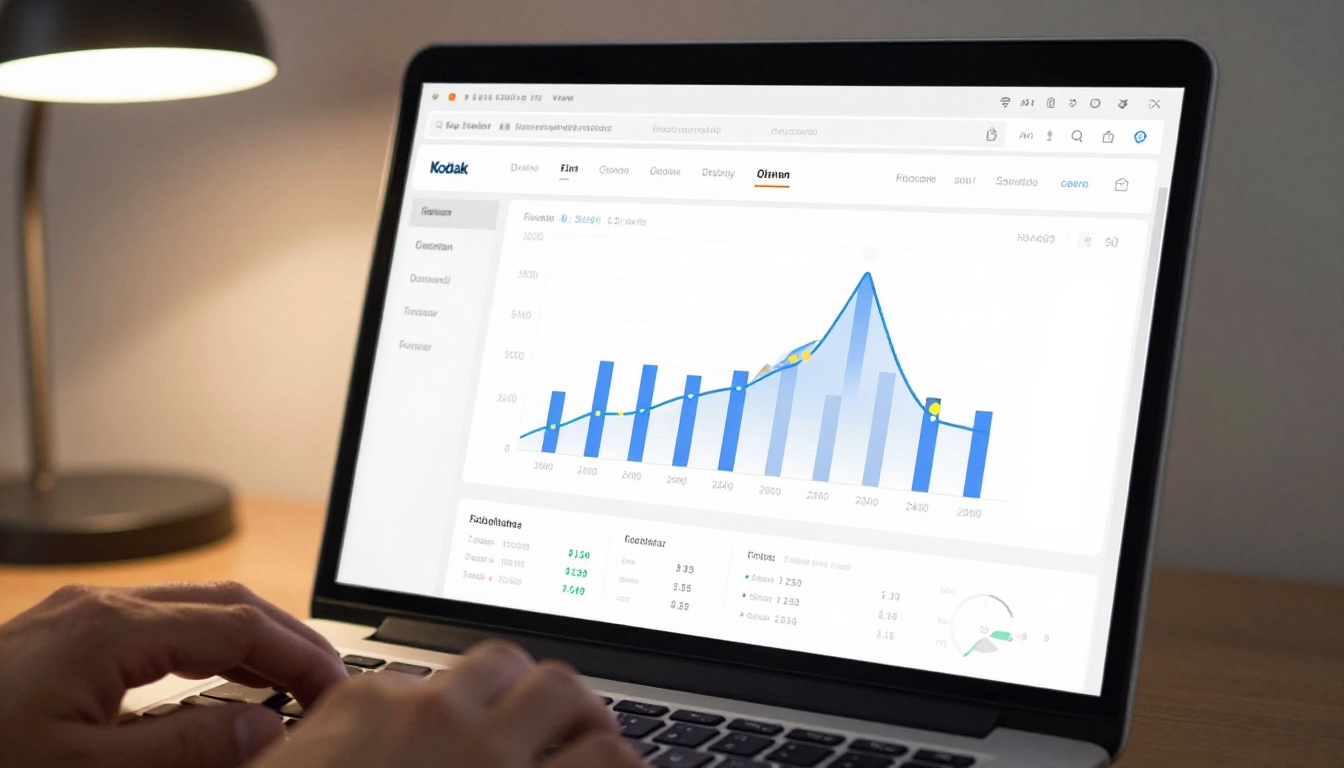
The analytics features on the Professional plan show you which pages get the most time, where readers drop off, and how many unique viewers your flipbook has received. For recurring workshops, this data is invaluable for refining which sections actually resonate and which slides participants skip entirely.
For trainers and educators who run multiple types of workshops, Flipbooks AI offers specialized tools for each use case.
Browse the full flipbook tools directory for the complete list of specialized options across industries and content types.
Start Sharing Your Workshop Materials the Right Way
Your slides already have the content that participants came for. The conversion step is fast, the result is professional, and the difference in engagement is real. Whether you are running a single in-person session or delivering recurring online training, a flipbook format gives your workshop materials the longevity and polish they deserve.
Create your first flipbook for free and have your workshop slides live as a shareable flipbook in under five minutes. When you are ready to add analytics, password protection, or lead generation, compare pricing plans to find the tier that fits your workflow.
Your participants will notice the difference.



