Most support tickets are not about broken products. They are about instructions that nobody read, or instructions that nobody could follow. If you want user manual examples customers follow without calling support, you need to study what people actually do with a manual: they skim, they hunt for a picture, and they give up fast. Modern teams now publish manuals as interactive flipbooks with Flipbooks AI, because a page that turns, zooms, and plays a short clip beats a 60 page PDF every time.
This article breaks down the manual patterns that work, shows how each one looks on the page, and gives you a repeatable process to build your own.
Why Customers Call Instead of Read
People rarely call because they are lazy. They call because the manual made the task feel riskier than a phone call. Think about the last time you opened a booklet for a router or a blender. You wanted one answer, and you got twelve pages of safety notices in nine languages.
Three failures show up again and again:
- The answer is buried. The step the customer needs sits on page 34 after a table of contents they never opened.
- The picture does not match the product. A generic line drawing sends people hunting for a port that looks different on their unit.
- The wording assumes expertise. Terms like "initialize the pairing sequence" mean nothing to a new owner holding a screwdriver.
💡 Pro tip: Read your last 50 support tickets and tag each one with the manual page that should have answered it. The pages with the most tags are your rewrite list.
The Real Cost of a Call
A single phone ticket often costs several dollars once you count agent time, tools, and follow-ups. A customer who fails at setup is also more likely to return the product or leave a poor review. Fixing the manual is the cheapest support hire you will ever make.
| Cost Source | Phone Support | Self-Serve Manual |
|---|
| Cost per resolved issue | High, agent time plus tooling | Near zero after publishing |
| Availability | Business hours | 24/7 |
| Consistency | Varies by agent | Same answer every time |
| Customer effort | Wait, explain, follow along | Open, scan, act |
| Scales with sales volume | Needs more staff | Does not |
What Customers Actually Do
Watch someone set up a product and you will see a pattern. They open the box, find the manual, and flip to the first picture. If the picture shows what they are holding, they continue. If not, they put the manual down and reach for their phone.
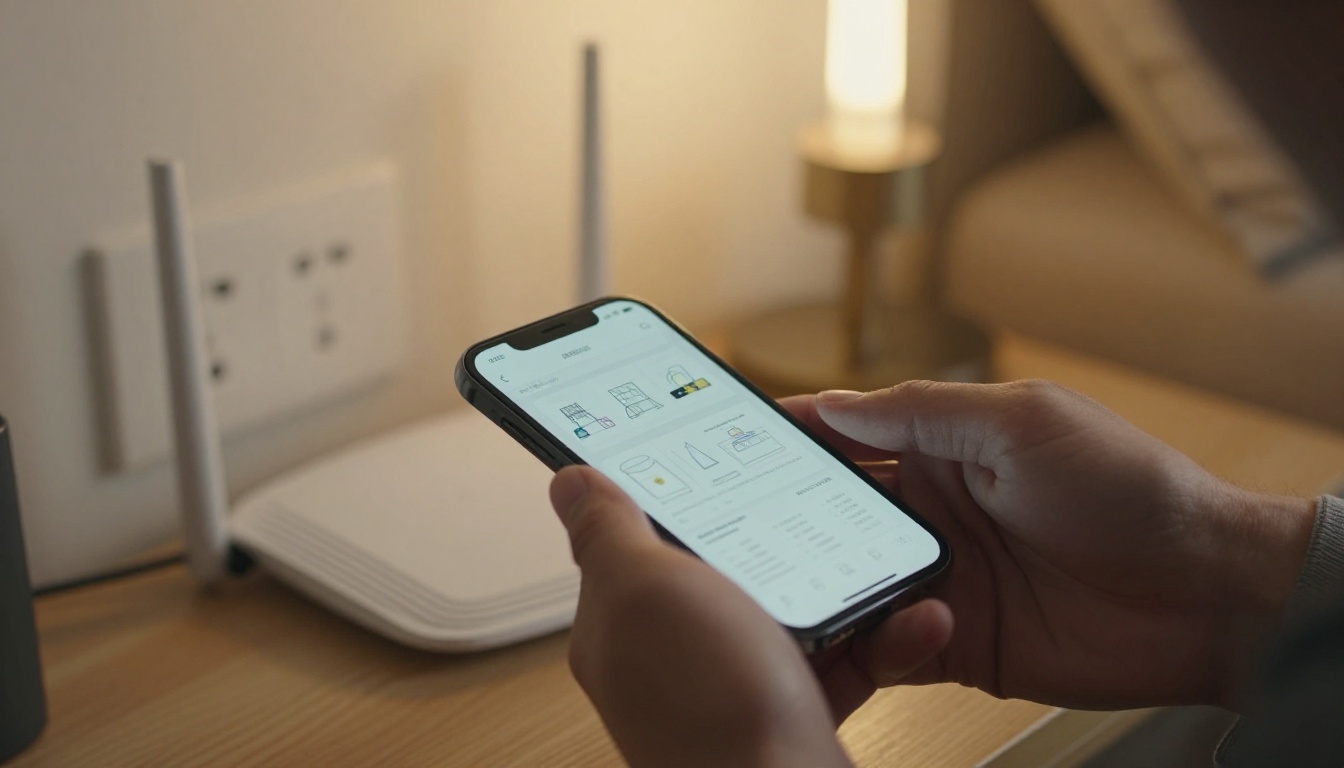
That moment is the whole game. Your first visual has to match the object in their hands.
Pattern One: The One Page Quick Start
The strongest manuals open with a single page that gets a customer to a working product in under five minutes. Everything else lives behind it.
What it includes:
- A photo of the box contents with numbered labels
- Three to five setup steps, one action per step
- A single sentence on what success looks like ("The light turns steady green")
- A pointer to where deeper help lives
A coffee machine brand, for example, can put "fill, plug in, press once" on the first page, and push descaling and cleaning schedules to later sections. The customer gets a first cup, feels capable, and keeps the booklet for later.
✅ Best practice: End the quick start with a visible success signal. People stop calling when they know the product is working.
Write One Action Per Step
A step that says "Remove the cover, align the tabs, and press until it clicks" hides three actions. Split it. Customers lose their place when steps carry more than one verb.
| Weak Step | Strong Step |
|---|
| Attach the panel and tighten the screws | 1. Hold the panel against the frame. 2. Insert four screws. 3. Tighten until snug |
| Configure the network settings | 1. Open the app. 2. Tap "Add device". 3. Pick your home network |
| Clean the filter as needed | Rinse the filter under warm water every 30 days |
Use Real Product Photos
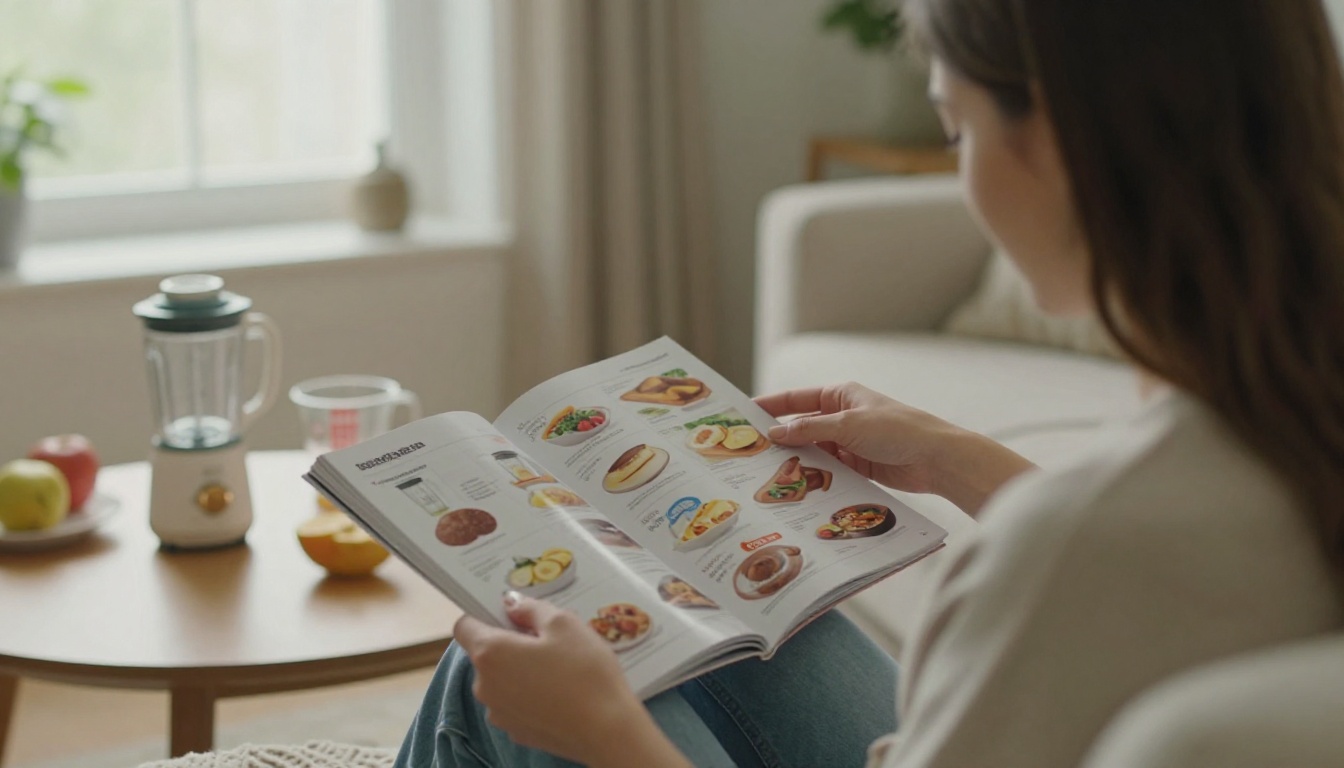
Photos of the actual product beat drawings in almost every test teams run. A customer can match a photo to the object in a second. If you build manuals in a flipbook, you can drop in zoomable pictures and let readers tap to enlarge a tiny port or label.
Pattern Two: Task Based Chapters
Old manuals are organized by product parts: "The Control Panel," "The Water Tank," "The Filter." Customers do not think in parts. They think in jobs: "make it work," "fix this noise," "clean it."
Task based chapters use headings written the way people talk:
- Set it up for the first time
- Connect it to Wi-Fi
- Fix a blinking red light
- Clean it every month
- Move it or store it
A smart thermostat maker can group every page under one of these jobs, so a customer with a blinking light goes straight to the right place. This also helps search, since your headings echo what people type into a search box.
Parts Based vs Task Based
| Feature | Parts Based Manual | Task Based Manual |
|---|
| Heading style | Component names | Customer goals |
| Findability | Poor for new users | Strong |
| Support ticket impact | Little change | Clear drop |
| Writing effort | Easy to draft | Needs user research |
| Best for | Technical reference | Everyday owners |
⚠️ Warning: Do not delete the parts reference. Keep it as a short appendix for advanced users and repair technicians.

Pattern Three: Troubleshooting Tables
When a product misbehaves, customers want a symptom and a fix, not a story. A troubleshooting table gives them exactly that. It is also the section most likely to prevent a call.
| Symptom | Likely Cause | Fix |
|---|
| Light blinks red | Not connected to Wi-Fi | Hold the button for 5 seconds and repeat setup |
| No sound | Volume muted or wrong output | Raise volume, then check the output setting |
| Device feels hot | Blocked vents | Move 10 cm from walls and wait 15 minutes |
| App cannot find device | Phone on another network | Join the same network as the device |
Order rows by how often they occur, not alphabetically. Your support data already tells you which problems come first.
Add a Last Resort Row
Finish the table with a clear escalation: "Still stuck? Here is how to reach us and what to have ready." Customers who tried the table are better prepared, and your agents spend less time asking basic questions.
Pattern Four: Photos Shot for the Task
Stock images and exploded diagrams are fine for engineers. Customers respond to pictures that show the exact moment of the task. A photo of hands inserting a filter, with the filter slot clearly lit, is worth a paragraph of text.
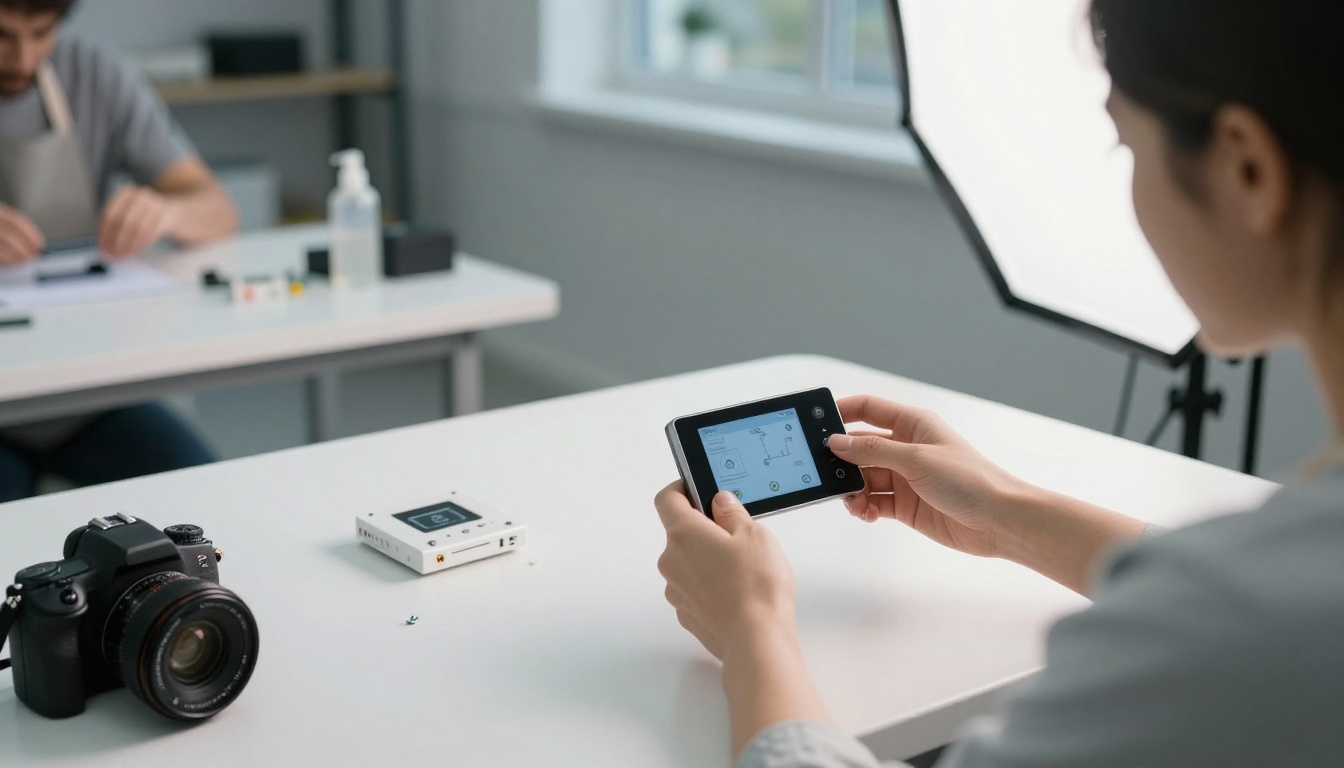
A simple shot list for any product:
- The box contents laid flat, from above
- Each connection point, close up
- Each step, shot from the customer's viewing angle
- The finished state, with the success signal visible
- One photo of a common mistake, marked clearly
Keep Photos Consistent
Use the same lighting, background, and angle across the manual. Consistent pictures feel like one voice and make it easier to spot what changed between steps.
💡 Pro tip: Shoot photos while you assemble the product yourself, following your own draft. Every moment you hesitate is a spot where a customer will hesitate too.
Pattern Five: Short Video Clips Inside the Page
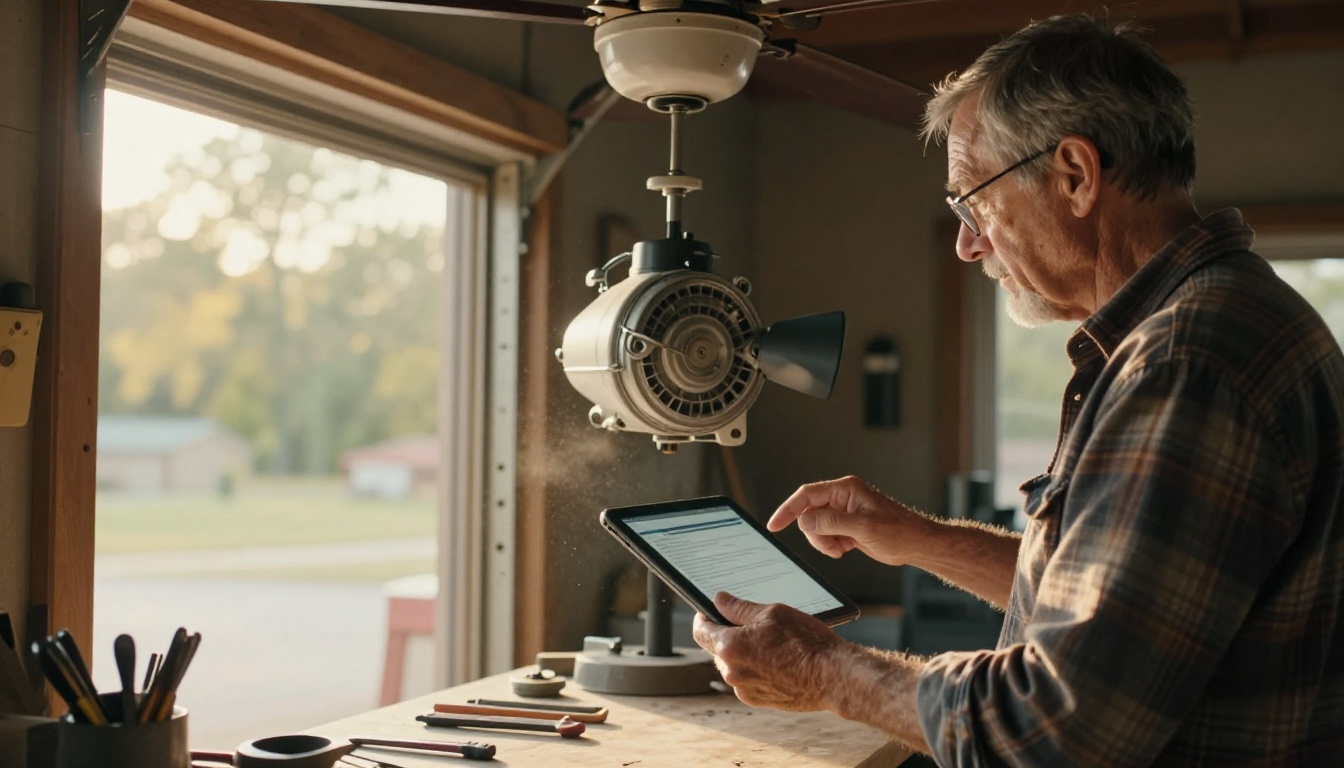
Some tasks are simply easier to show than to describe. Folding a filter, seating a cable, or clipping a strap takes five seconds on video and a hundred words in text. Short clips of 10 to 20 seconds, placed right beside the written step, work best.
A flipbook can embed video and audio directly on the page, so customers do not leave the manual to open another tab. That small detail matters: every extra click costs you readers.
| Content Type | Best Format | Typical Length |
|---|
| Physical assembly | Short video plus numbered steps | 10 to 20 seconds |
| Software setup | Annotated screenshots | 4 to 6 per task |
| Safety warnings | Bold text with an icon | One sentence |
| Maintenance schedule | Table | One page |
| Troubleshooting | Table with links | One to two pages |
Pattern Six: Plain Language and Short Sentences
Good manuals read like a patient friend talking you through it. Aim for sentences under 18 words. Use "you" and active verbs. Replace jargon with the word a customer would say out loud.
Before and after:
- Before: "The unit should be positioned such that adequate ventilation is maintained."
- After: "Leave 10 cm of space around the unit so it stays cool."
A Quick Style Checklist
- One idea per sentence
- One action per numbered step
- Bold the button names and labels the customer must find
- Put warnings before the step they apply to, never after
- Use the same name for each part every time
How to Create a Self-Serve Manual with Flipbooks AI
If your manual lives as a static PDF, readers pinch, scroll, and lose their place. A flipbook keeps the page layout you designed and adds navigation, search, and media. Here is how to turn your draft into something customers will open.
- Start with your PDF. Create your account on Flipbooks AI and upload your finished manual. The PDF to Flipbook Converter turns each page into a page-turning layout in moments.
- Pick the right template. For product instructions, the Training Manual Flipbook tool suits step-heavy content, and the Online Brochure Designer works well for short quick-start booklets.
- Add your branding. Set your logo, colors, and page effects so the manual feels like part of your product, with no watermarks anywhere.
- Embed media. Drop in short video clips and audio notes beside the steps that need them. Mobile-responsive design means the same manual works on a phone in the garage.
- Share it where customers look. Use a direct link in your box insert, a QR code on the product, or an embed on your help page with the Embed Flipbook on Website tool. Add password protection if a manual is only for dealers or staff.
- Track what happens. On the Professional plan, analytics show which pages get read and where readers stop, and lead generation can collect emails for update notices. See the pricing plans for details.
- Offer offline downloads. Let customers save the manual for places with weak signal, such as a basement or a job site.
✅ Best practice: Print the flipbook link or a QR code on the quick-start card inside the box. It costs almost nothing and sends every new owner straight to the right place.
Plan Comparison for Manual Publishers
| Need | Standard Plan | Professional Plan |
|---|
| Unlimited flipbooks | Yes | Yes |
| No watermarks | Yes | Yes |
| Embed video and audio | Yes | Yes |
| Password protection | Yes | Yes |
| Reader analytics | No | Yes |
| Lead generation | No | Yes |
Browse every available flipbook tool to find the format that matches your product line.
Real World Examples by Industry
Different products need different manual styles. Here is how the patterns above play out in practice.
- Small appliances: A one page quick start, a short video for the first use, and a cleaning schedule table.
- Consumer electronics: Task based chapters for pairing and updates, plus a troubleshooting table with Wi-Fi fixes.
- Furniture and flat pack: Numbered steps with a photo of each stage and a parts checklist at the very start.
- Software and apps: Annotated screenshots, a "first five minutes" page, and a link to a short walkthrough clip.
- Outdoor gear: A bold warning page, a packing diagram, and an offline download for areas without signal.

Match Format to Product Complexity
| Product Type | Pages | Core Pattern | Media |
|---|
| Simple gadget | 4 to 8 | One page quick start | Photos |
| Home appliance | 10 to 20 | Task chapters plus table | Short clips |
| Furniture kit | 8 to 16 | Numbered steps | Step photos |
| Software tool | 12 to 30 | Task chapters | Screenshots |
Measure Whether the Manual Works
A manual is a product, and products need feedback. Do not publish and walk away.
Four Numbers to Watch
- Tickets per 100 units sold. The most honest measure of success.
- Top ticket topics. If one topic keeps rising, the page for it needs a rewrite.
- Page drop-off. Analytics show where readers leave your manual.
- Setup completion time. Test with a few new users and time them.

Run a Five Person Test
Hand the draft to five people who have never seen the product. Stay silent. Write down each moment they hesitate, frown, or reach for a phone. Fix those moments, then test again with five new people. Teams that do this twice usually catch most of the problems that would have become tickets.
⚠️ Warning: Do not test with your own team. They already know the product, so they will skip the exact steps that confuse real customers.
Common Mistakes to Avoid
- Starting with legal text. Put safety notices where they apply and link the full legal pages later.
- Using one language for everyone. Offer separate flipbooks per language instead of packing nine into one booklet.
- Never updating. A manual that describes last year's firmware causes more calls than no manual at all.
- Hiding the manual. If customers cannot find it in ten seconds, it does not exist.
- Writing for yourself. Write for the person holding the box.
Your Next Step
Pick your five most common support topics and build a one page quick start plus a troubleshooting table for them this week. Then publish it as a flipbook so customers can open it from a link, a QR code, or your help center.
Ready to try it? Get started for free on Flipbooks AI, browse the full list of tools and templates, or compare pricing plans to choose the one that fits your team. The first manual you publish may be the one that quiets your phone for good.



