Visme is a polished design suite, but plenty of people open it, stare at the canvas, and realize they only wanted one thing: a document that readers can flip through, click and share without a clunky PDF attachment. If that sounds familiar, this comparison of Visme alternatives for making interactive documents will save you a few afternoons of trial and error. We tested the field with a practical lens: speed, price, interactivity and how easy it is to publish. Our first pick for fast PDF-to-flipbook work is Flipbooks AI, and we explain why below.
Why People Leave Visme
Visme bundles presentations, infographics, social graphics and documents into one editor. That breadth is its strength and, for many users, its problem. When your goal is a single interactive brochure or catalog, you pay for a toolbox and use one screwdriver.
Common reasons people start searching for something else:
- Price creep. Features like branding controls, downloads and analytics sit behind higher tiers.
- Heavy editor. Building from a blank canvas takes longer than converting a file you already have.
- Limited page-turn experience. Documents often read like scrolling pages rather than a real flipbook.
- Export limits. Teams that need clean embeds, password protection or lead capture hit walls quickly.
- Onboarding time. New collaborators need training before they can contribute.
💡 Pro tip: Write down your top three needs before you test any tool. A checklist beats a feature tour every time.
What Interactive Documents Actually Need
An interactive document is more than a PDF with a link on page one. Readers expect a few specific behaviors, and your tool should deliver them without extra work.
The Core Feature List
- Page-turn reading that feels natural on desktop and phone
- Clickable links, video and audio embedded inside pages
- Branding control for colors, logo and background
- Shareable link and embed code for websites and email
- Access control such as passwords for private material
- Analytics to see who opened the file and where they stopped
Where Most Tools Fall Short
Many editors nail design but ignore distribution. Others handle distribution well but give you few layout options. The best choice depends on which half of the job is harder for you.
| Need | Design suite approach | Flipbook platform approach |
|---|
| Start from scratch | Strong, template driven | Limited |
| Convert an existing PDF | Slow, often manual | Fast, usually one upload |
| Page-turn effect | Rare | Standard |
| Embed on a website | Available, varies | Built in |
| Time to get comfortable | Hours | Minutes |
Six Visme Alternatives Compared
Here is how the leading options stack up. Pricing changes often, so treat the tiers as relative and check each vendor before buying.
1. Flipbooks AI
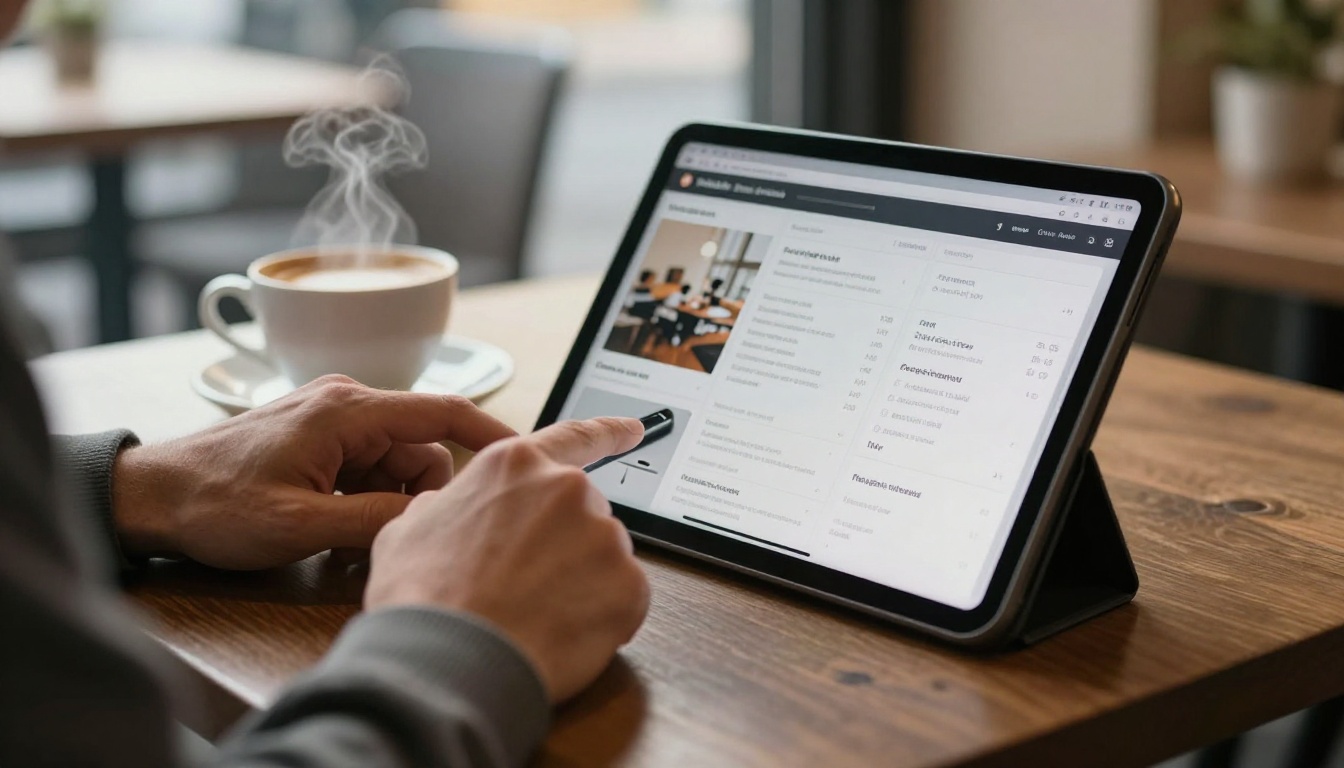
Best for turning existing PDFs into realistic page-turn publications. You upload a file, and the platform converts it into a flipbook with sound, video and links. There are no watermarks, and paid plans add unlimited flipbooks, analytics and lead generation. See the pricing plans for the full breakdown.
- Strength: speed and a true page-flip feel
- Weakness: it is not a design editor, so you create layouts elsewhere first
2. Canva
Best for teams that want a huge template library and a gentle start. It handles brochures and presentations well, and its sharing options have improved. Interactivity beyond links is modest.
- Strength: templates and collaboration
- Weakness: limited page-flip experience and analytics
3. Flipsnack
Best for dedicated flipbook publishing with a built-in designer. It offers brand controls and a polished viewer. Expect a more involved setup than a plain PDF upload.
- Strength: mature viewer and design tools
- Weakness: pricing climbs as you add features
4. Issuu
Best for magazines and public publishing where discovery matters. Its audience helps new readers find your work. Private corporate use is less of a focus.
- Strength: built-in audience
- Weakness: branding and interactivity are limited on lower tiers
5. Genially
Best for animated, gamified lessons and presentation content. It leans toward slides and interactive visuals rather than classic documents.
- Strength: rich animation and quizzes
- Weakness: overkill for a simple brochure
6. Heyzine
Best for quick, affordable flipbooks with simple sharing. It converts files fast and offers a clean reader. Deep customization is lighter than some rivals.
- Strength: simplicity and price
- Weakness: fewer design and analytics options
Side by Side Feature Table
| Tool | Best for | PDF upload | Page-flip viewer | Analytics | Setup effort |
|---|
| Flipbooks AI | Fast PDF conversion | Yes | Yes | Professional plan | Very low |
| Canva | Template design | Import | Limited | Basic | Low |
| Flipsnack | Design plus publishing | Yes | Yes | Paid tiers | Medium |
| Issuu | Public magazines | Yes | Yes | Paid tiers | Low |
| Genially | Animated lessons | Import | No | Yes | Medium |
| Heyzine | Budget flipbooks | Yes | Yes | Limited | Very low |

Features matter less than fit. These scenarios show how the choice changes depending on who you are.
The Freelance Designer
You already design in your favorite software and export a PDF. What you need is a beautiful way to present it. A converter like Flipbooks AI or the Portfolio Flipbook Builder fits better than rebuilding everything in another editor.

The Restaurant Owner
A menu changes weekly. Rebuilding it in a design suite is a chore, while uploading a fresh PDF takes seconds. The Restaurant Menu Creator is built around exactly this routine, and one link on a QR code stays valid after every update.

The Real Estate Agent
Property brochures need photos, floor plans and a contact link. Agents benefit from fast conversion and clean embeds on listing pages. Try the Real Estate Brochure Creator to see how a listing looks as a flipbook.

The Trainer or Teacher
Course handbooks and training manuals benefit from password protection and embedded video. Look at the Training Manual Flipbook and Course Material Publisher tools.
✅ Best practice: If your content changes often, choose a tool where updating the file keeps the same public link.
How to Make a Flipbook in Five Steps
Here is the quickest route from a PDF to a shareable interactive document using Flipbooks AI.
- Create your account. Head to Flipbooks AI and sign up. Free access lets you test the process.
- Upload your PDF. Drag the file into the uploader. The platform converts each page into a flip-ready spread within moments, using the PDF to Flipbook Converter.
- Customize the look. Set your brand colors, background, logo and page effects. Add video, audio or links where readers should interact.
- Choose sharing options. Copy a direct link, grab an embed code for your site (see Embed Flipbook on Website), or lock the file behind a password.
- Track results. On the Professional plan, analytics and lead generation show who read what. Offline downloads are available for readers without a connection.
💡 Pro tip: Export your PDF at a moderate file size. Heavy images slow down loading on phones.

What It Really Costs
Sticker prices mislead. A cheaper plan that lacks branding control or analytics can cost more once you add workarounds. Compare on the features you will use.
| Feature | Often free | Often mid tier | Often top tier |
|---|
| Watermark-free output | Rare | Common | Yes |
| Unlimited publications | No | Sometimes | Yes |
| Password protection | No | Sometimes | Yes |
| Analytics | No | Basic | Detailed |
| Lead capture | No | No | Yes |

⚠️ Watch out: Free plans frequently add a watermark to your flipbook. Confirm this before you share anything with clients.
Three Common Mistakes
- Picking by template count. A thousand templates mean little if your file already exists as a PDF.
- Ignoring mobile reading. More than half of readers open links on a phone, so test the viewer on one.
- Skipping access control. Sensitive price lists and internal manuals deserve a password from day one.
A Quick Decision Path
Use this short list to decide in under a minute:
- You have a finished PDF and want it live today: choose a converter such as Flipbooks AI.
- You need to design from nothing with templates: Canva or Visme itself still makes sense.
- You publish public magazines for discovery: consider Issuu.
- You build animated lessons: look at Genially.
- You want the lowest price for basic flipbooks: try Heyzine.
Browse all flipbook tools to find a ready-made starting point for catalogs, menus, reports and portfolios.
Ready to Make Your Pick?
The right Visme alternative is the one that removes steps from your routine. If you already hold a PDF, skip the canvas and publish it as an interactive flipbook with no watermark, custom branding and shareable links. Get started for free on Flipbooks AI, compare pricing plans, or create an account and pick a plan when you are ready for analytics and lead generation.



