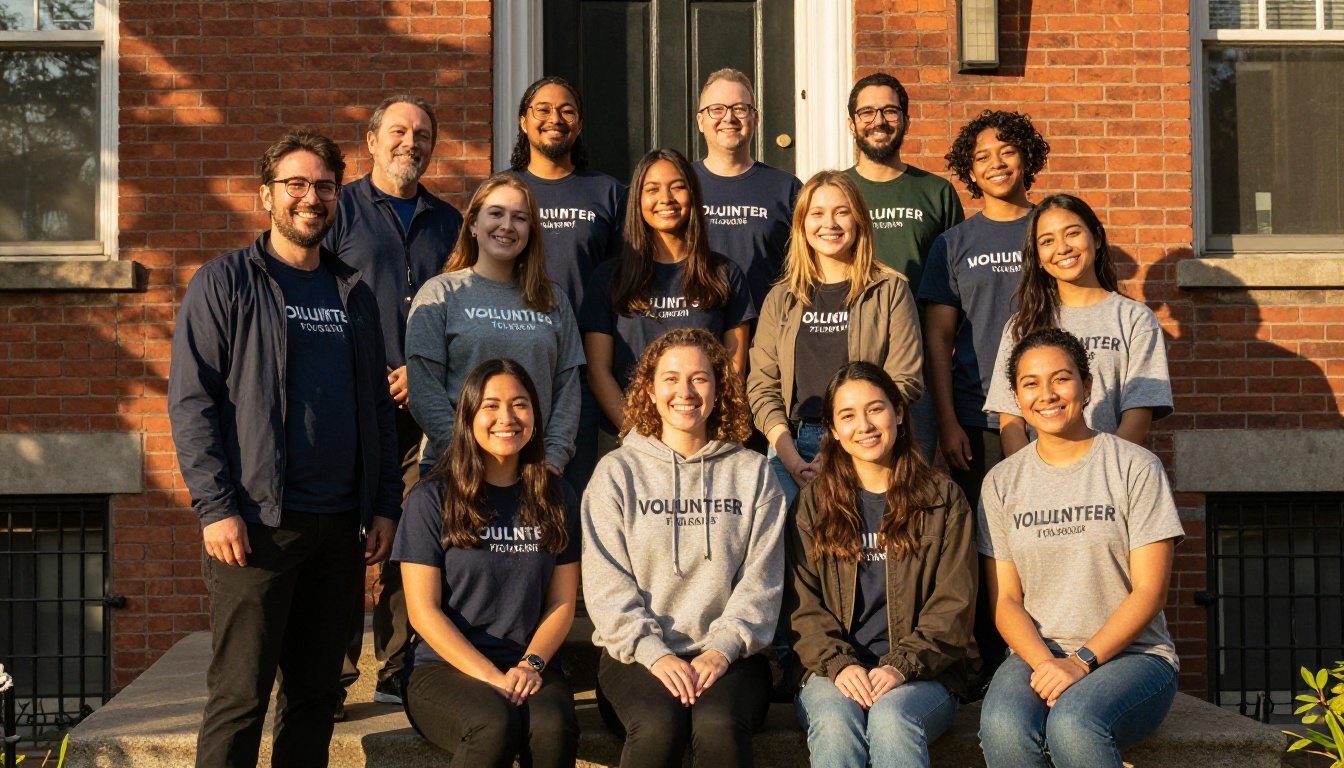
It is the first week of a new season, a volunteer asks where to park, and the answer in your printed handbook is wrong. The lot moved in March. Nobody reprinted anything. This happens in almost every organization that relies on volunteers, and it is fixable. The trick is to design volunteer handbooks nonprofits can update between seasons without rewriting them from scratch. With a tool like Flipbooks AI, you keep one living document, swap the pages that changed and share the same link with everyone.
This article walks through how to structure a handbook for easy updates, what to change each season, how to roll out revisions without confusing people, and how to publish the whole thing as a flipbook your team can open on any phone.
Why Handbooks Go Stale
Most handbooks die the same way. Someone spends three weeks writing a beautiful 40-page document, prints 100 copies, and then the world keeps moving. Contacts leave, schedules shift, policies tighten. Within a year the binder is part reference, part fiction.

The Real Cost of Old Information
Outdated content is not a small annoyance. It creates real problems:
- Safety risks when emergency contacts or procedures are wrong.
- Wasted staff time answering the same questions by phone and text.
- Lost trust, because volunteers notice when the document ignores reality.
- Compliance gaps when policies on youth protection or data privacy change.
💡 If your staff answer the same three questions every week, those answers belong on page two of the handbook.
Why Print Alone Fails
Print is lovely for orientation day, but every edit means another print run. That cost discourages updates, so updates stop happening. A digital version removes the penalty for fixing a typo.
| Format | Cost per update | Speed of change | Reach on day one |
|---|
| Printed binder | High, full reprint | Days or weeks | Only people present |
| PDF by email | Low | Hours, but old copies linger | Whoever opens the attachment |
| Flipbook with a live link | Very low | Minutes | Everyone with the link |
Split the Handbook by How Often It Changes
The single best habit is to sort content by shelf life. When you know which pages change each season and which almost never do, updating becomes a short checklist rather than a rewrite.
Stable Pages
These rarely change and form the backbone:
- Mission, history and values
- Code of conduct
- Safeguarding and reporting rules
- Roles and what each volunteer does
Seasonal Pages
These need review every time the calendar turns:
- Shift schedules and locations
- Weather, dress and equipment notes
- Event calendars and deadlines
- Contact lists and on-call numbers
- Parking, transit and building access
Annual Pages
Review these once a year, ideally before your busiest season:
- Policy updates and legal notices
- Training requirements
- Funding acknowledgments and partner logos
- Statistics and impact numbers

✅ Color code the corners of your draft pages: green for stable, orange for seasonal, blue for annual. At review time, you only touch the orange and blue.
A Season by Season Update Calendar
A handbook is only as current as your habit of reviewing it. Tie the review to events you already run, so nobody has to remember an extra deadline.
| Season | Typical change | Who owns it | Review window |
|---|
| Spring | Garden days, outreach events, new team leads | Program coordinator | Two weeks before start |
| Summer | Heat safety, cleanup events, youth volunteers | Safety lead | One month before |
| Autumn | School partnerships, harvest and drive schedules | Volunteer manager | Three weeks before |
| Winter | Holiday drives, closures, cold weather rules | Operations lead | Six weeks before |
Give Every Page an Owner
Assign each seasonal section to a named person. A shared document with no owner is a document nobody updates. A one line owner note at the bottom of the page is enough.
Keep a Change Log
Add a short page near the front titled "What Changed This Season." List three to six bullet points. Returning volunteers read that page first and skip everything they already know, which respects their time.

What Each Season Usually Needs
Here is what real organizations tend to revise, with examples you can borrow.
Spring: Fresh Starts
A community garden nonprofit adds a planting map, new tool storage rules and a list of student groups arriving in April. The mission page stays untouched.
Summer: Heat and Youth
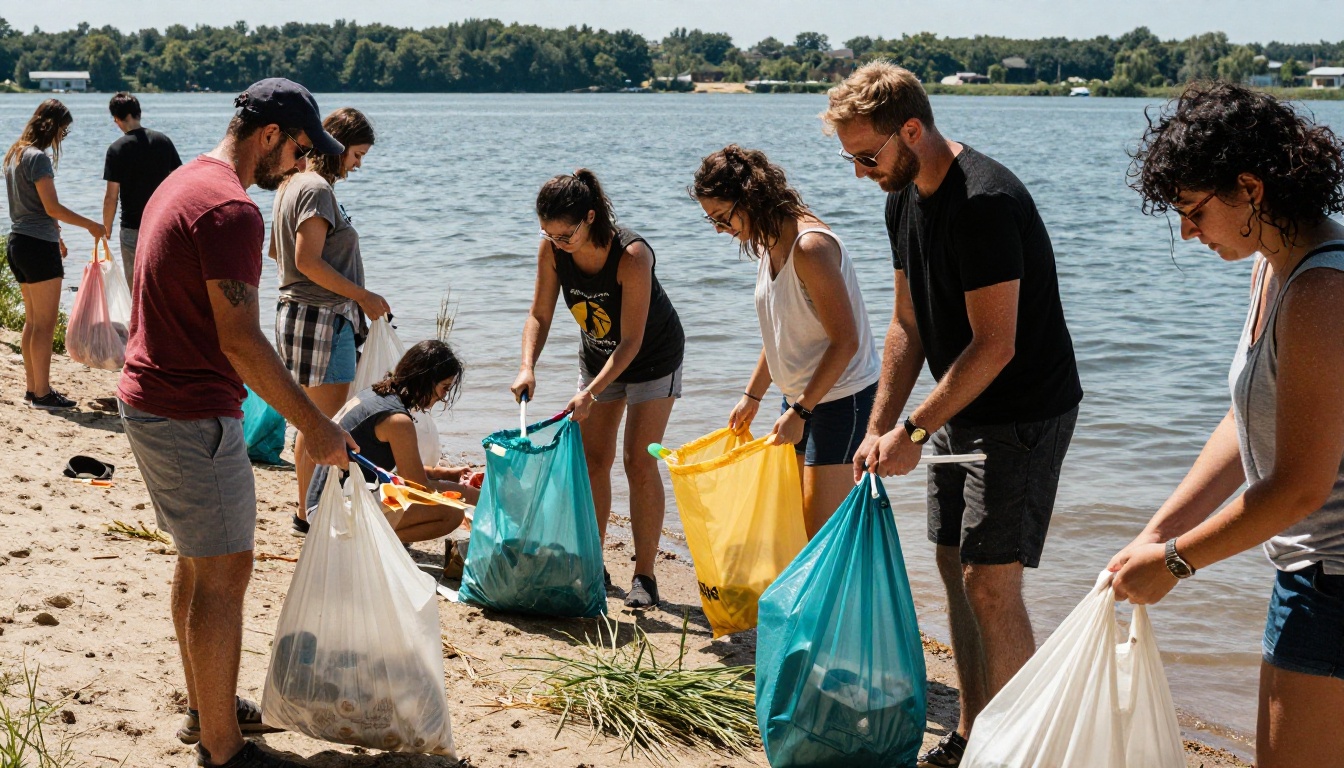
A lakeside cleanup group updates hydration advice, shade break schedules and the sign in process for volunteers under 18. They also add a short note on sunscreen and insect repellent.
Autumn: Schools and Harvests
A food bank refreshes partner school contacts, new drop off times and the holiday drive timeline. They also check that every phone number still works.
Winter: Closures and Cold
The same food bank adds snow day procedures, building hours around holidays and a warm clothing checklist. Winter is also when many nonprofits recruit one time volunteers, so a short "Your First Shift" page earns its place here.
⚠️ Never leave last year's dates in place. A wrong date is worse than a blank one, because people trust it.
Write Pages That Are Easy to Edit
How you write today decides how painful editing is tomorrow.
One Topic Per Page
When a page covers a single subject, a change touches one page. Resist the urge to squeeze three topics together to save paper, since digital pages cost nothing.
Use Plain, Short Sentences
Volunteers read on phones, often in a hurry. Short paragraphs, bold labels and checklists beat dense text. Aim for a reading level anyone can follow.
Avoid Hard Coded Details
Replace specifics that change often with a pointer. Instead of listing every shift time, link to the live schedule. Instead of printing a phone tree in five places, put it in one place and refer to it.

Keep Your Source File Tidy
Store the editable source in a shared folder with a clear name, such as "Volunteer Handbook Master." Archive each past version with the season in the file name. If something breaks, you can roll back in minutes.
How to Create Your Handbook with Flipbooks AI
If your team already keeps a PDF, you are nearly done. Here is how to turn it into a shareable, updatable flipbook.
- Create an account. Head to Flipbooks AI and sign up. You can start on a free plan and upgrade later by checking the pricing plans.
- Upload your PDF. Use the PDF to Flipbook Converter. Your pages convert into a page turning book in moments.
- Customize the look. Add your logo, pick brand colors and choose page effects. A handbook that looks like your organization feels more official and gets read more often. For ideas, see the Training Manual Flipbook tool.
- Add media. Embed a welcome video from your director, an audio note from a team lead or a map image. These are especially useful in the safety and orientation sections.
- Choose sharing options. Copy a direct link for email and text, or use the Embed Flipbook on Website tool to place the handbook on your volunteer page.
- Protect private sections. If the handbook includes internal contacts, turn on password protection so only registered volunteers can open it.
- Replace pages each season. When content changes, update your source PDF and upload the new version. Volunteers keep using the same link, so nobody has to hunt for a new one.

💡 Include a "Handbook Version: Spring 2027" line on the first page. When a volunteer reports a problem, you instantly know which version they saw.
Features Worth Switching On
- ✅ No watermarks, ever, so the handbook looks like your own
- ✅ Mobile responsive pages for volunteers on phones
- ✅ Offline downloads for sites with weak signal, like parks and shorelines
- ✅ Custom branding with your logo and colors
- ✅ Analytics and lead capture on the Professional plan, to see which pages people actually read
If your organization publishes impact reports as well, the Non-Profit Annual Report tool uses the same workflow.
Roll Out Updates Without Confusion
A perfect revision is useless if nobody notices it. Plan the announcement as carefully as the edit.
The Three Message Rule
- Two weeks before the season: announce that the new handbook is coming and when.
- Launch day: send the link with a three bullet summary of changes.
- One week after: ask for questions and fix any gaps you hear about.

Use Orientation as Your Anchor
Show the handbook on a screen during orientation. Walk through the "What Changed This Season" page and demonstrate how to search it on a phone. Volunteers who see the tool in action keep using it.
Compare Your Delivery Channels
| Channel | Best for | Weakness |
|---|
| Email | Launch announcements | Gets buried |
| Text message | Short reminders with a link | Limited space |
| Volunteer portal | Ongoing reference | Needs a login |
| QR code at the site | On the spot answers | Requires printed signage |
A QR code on a poster at the front door, linking to the live handbook, is one of the cheapest ways to make sure no volunteer ever relies on an old copy.
Mistakes That Undo Good Handbooks
Updating Everything at Once
A full rewrite feels productive but burns time and introduces new errors. Stick to the orange and blue pages.
Skipping the Volunteer Voice
Ask two or three experienced volunteers to read the seasonal changes before launch. They spot unclear instructions faster than staff do.
Forgetting Old Copies
If printed copies are still around, collect them or mark them as outdated. A short sticker saying "Check the live version" with a QR code works well.
No Plan for Mid Season Fixes
Things break between reviews. Decide in advance who can approve a quick correction, and how it is announced. A single named person who can push a fix the same day keeps small errors from growing.

A Simple Seasonal Checklist
Copy this into your calendar and tick it off each time the season turns.
- Open the source file and archive last season's version.
- Review every orange page with its owner.
- Update dates, contacts, locations and weather notes.
- Write the "What Changed This Season" page.
- Update the version label on the first page.
- Export the PDF and replace the flipbook pages.
- Test the link on a phone and on a computer.
- Send the three announcement messages.
- Collect questions during the first week and note fixes for next time.
A volunteer team that trusts its handbook asks fewer questions, makes fewer mistakes and feels more connected to the work. That trust comes from small, regular updates rather than one heroic rewrite every few years.
Ready to Build Yours?
You do not need a design team or a big budget to keep a handbook alive. You need a clear structure, an owner for each page and a link that never changes. Create your first handbook today with Flipbooks AI, browse all the flipbook tools for ideas and compare pricing plans when you are ready to add analytics and unlimited flipbooks. Your next season starts with a handbook that is already up to date.