Picture the ten minutes before your ceremony starts. Guests are seated, phones are away, and everyone has nothing to do but wait. That pause is the best reading window you will ever get, and a well-built program fills it. With a tool like Flipbooks AI, you can even turn that program into a page-turning digital booklet. Below are the wedding program ideas guests read before the vows, plus the wording, layouts and formats that make people lean in instead of fanning themselves with the card.
Why Most Programs Go Unread
A program fails for one of three reasons: it looks like a form, it says nothing new, or it is too long to scan in two minutes. Guests do not want a legal document. They want to know what is about to happen, who the important people are, and why they should care.
Think about how people behave in those minutes. They scan, they smile, they point at a name and whisper to the person next to them. A program that supports that behavior gets read. One that hides everything in tiny italic text does not.
Three habits that kill readership:
- Long paragraphs set in a decorative script font
- A cast list with only names and no relationship to the couple
- Identical wording to every other program the guest has seen this year
💡 Pro tip: Hand your draft to someone who is not in the wedding. If they cannot say what happens at the ceremony after thirty seconds, shorten it.
What Guests Actually Want to Know
Before choosing a format, decide what the reader needs. Most guests ask the same five questions silently while they sit.
- How long will this take?
- Who is that person standing next to the couple?
- Is there a reading, a song or a ritual I should know about?
- Where do we go afterward?
- Is there anything I should do, like stand, respond or put my phone away?
A program that answers those five questions in a glance is already ahead. Everything else is a bonus that makes the card feel personal.
The Two Minute Rule
Keep the main content short enough to finish in about two minutes. That usually means 150 to 250 words on the front and inside, with the rest carried by structure, spacing and small details.
Match the Tone of the Day
A backyard ceremony can carry jokes and nicknames. A cathedral ceremony may call for a quieter voice. Pick one tone and keep it from the first line to the last.
12 Wedding Program Ideas Guests Enjoy Reading
These are grouped by what they do for the reader. Mix two or three rather than trying all twelve.
1. The Honest Timeline
List each moment with an approximate time: processional, welcome, reading, vows, ring exchange, kiss, recessional. Guests love knowing the whole thing lasts twenty-five minutes. It also quiets the person who keeps checking their watch.
2. Who's Who With a Twist
Instead of a dry list, give every wedding party member one line of story. "Maya, maid of honor, has known Elena since they shared a bunk bed at age seven." Readers smile, and the room warms up before anyone speaks.
3. The Story of How You Met
Three or four sentences is enough. Keep it specific: the rainy bus stop, the borrowed umbrella, the wrong phone number that turned out right.
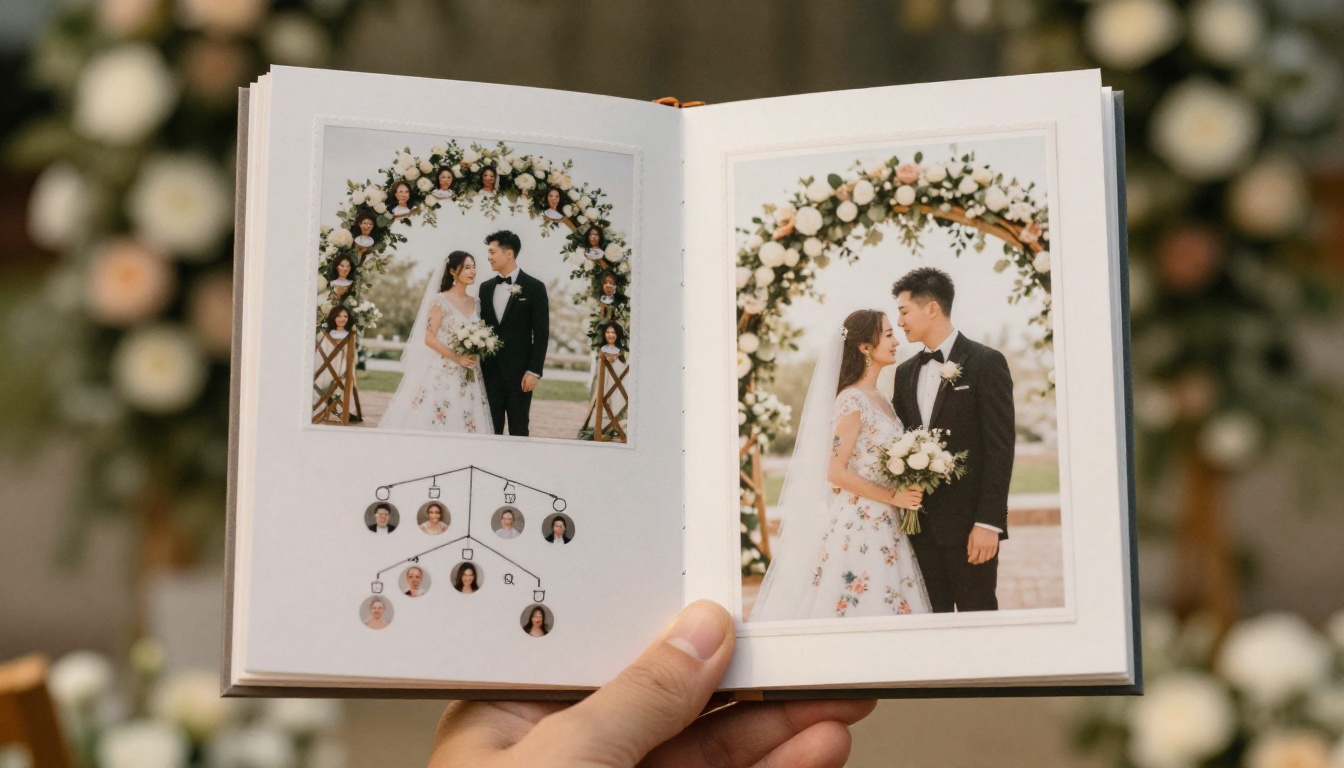
4. Family Tree Spread
A small illustrated or photographic tree showing parents, grandparents and siblings helps guests from both sides recognize one another. It is especially useful for large or blended families.
5. In Memory Of
A short, quiet line for loved ones who cannot attend. Place it near the bottom of the inside page so it feels respectful rather than prominent.
6. Reading Excerpts
Print the poem or passage that will be read aloud. Guests follow along, and the words stay with them afterward.
7. A Note for Kids
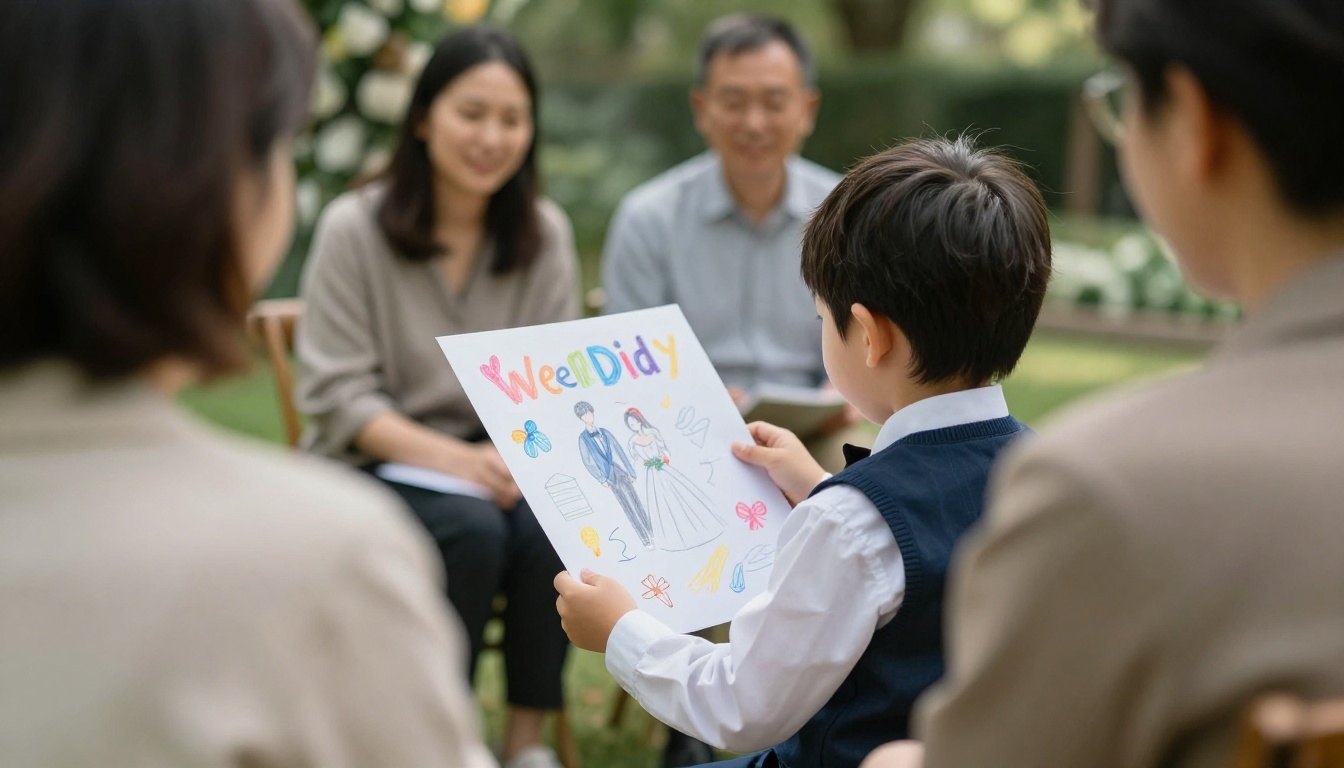
Add a tiny activity corner: a maze, a "spot the ring" hunt or space to draw the couple. Parents get a calmer row, and the children feel included.
8. Cultural or Religious Ritual Notes
Explain what each ritual means in one or two sentences. Guests unfamiliar with a tradition feel welcome instead of lost, and relatives feel seen.
9. Playlist Notes
Name the songs for the processional, signing and recessional. People enjoy finding out which song made the cut and why.
10. A Warm Welcome Letter
A short letter from the couple at the top of the program sets the tone. Two or three sentences thanking people for traveling is plenty.
11. Directions to the Reception
A tiny map, parking tip or shuttle schedule saves the venue staff a dozen questions. Put it on the back so the front stays emotional.
12. A Scannable Code or Link
A code that opens a longer digital version, with photos, the full order of events and a guest message wall, keeps the printed card light. More on this below.
The shape of the program changes how people use it. This table compares the most common formats.
| Format | Best For | Reading Time | Typical Cost | Risk |
|---|
| Single flat card | Short, intimate ceremonies | 1 minute | Low | Not enough room for stories |
| Folded booklet | Family tree, readings, notes | 2 to 3 minutes | Medium | Heavier printing cost |
| Fan on a stick | Outdoor summer weddings | 1 minute | Low to medium | People use it as a fan, not a read |
| Scroll or long card | Rustic, vintage themes | 1 to 2 minutes | Medium | Awkward to hold while seated |
| Digital flipbook | Destination weddings, large guest lists | 3 to 5 minutes | Low | Needs a link or code |
| Hybrid: card plus digital | Most modern weddings | 2 to 4 minutes | Medium | Two things to design |
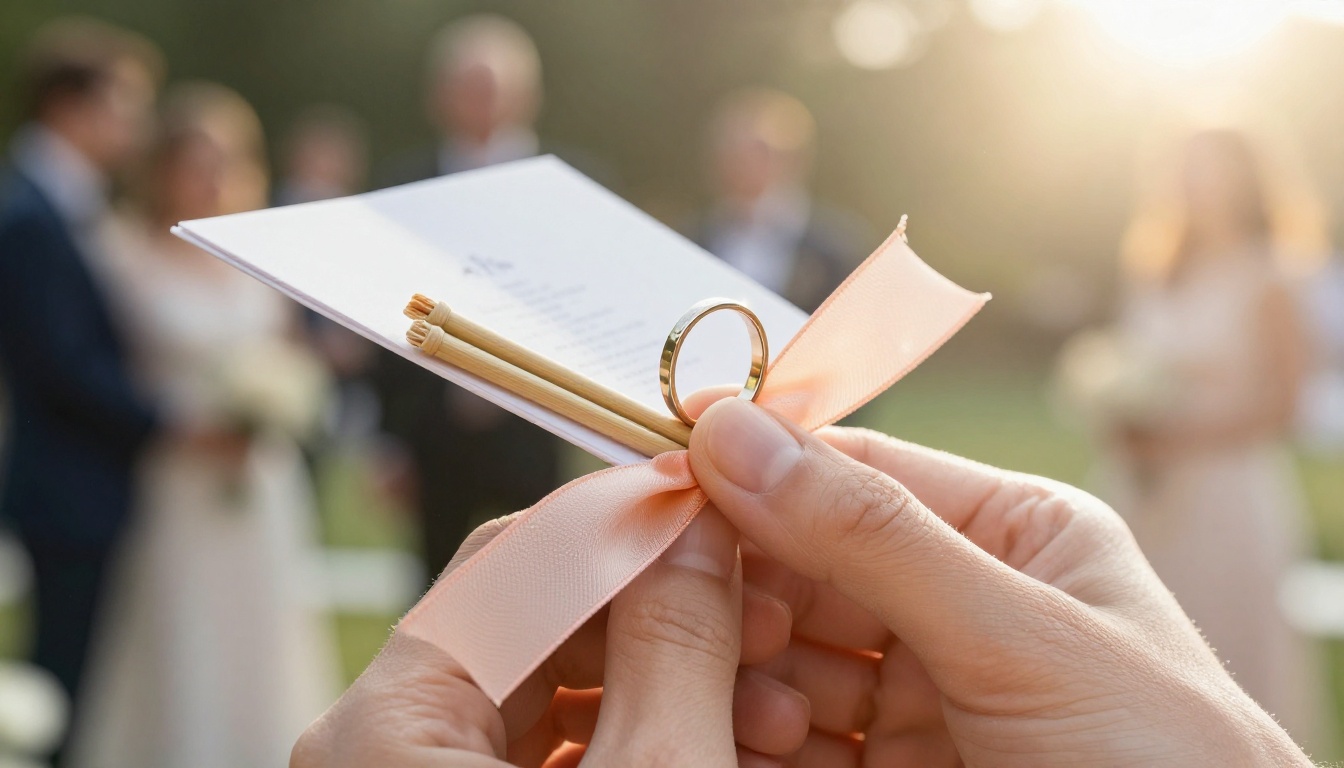
⚠️ Watch out: A fan program is charming, but guests will treat it as a fan. Put the most important content on the side that faces the reader when they hold it normally.
Wording That Gets Read
Plain, warm language beats ornate language every time. Compare two versions of the same moment.
| Ornate Version | Reader-Friendly Version |
|---|
| "The Solemnization of Holy Matrimony" | "The Vows" |
| "Presentation of the Bridal Party" | "Meet the People Who Got Us Here" |
| "Benediction and Recessional" | "Our Walk Out Together" |
| "Musical Interlude" | "A Song for Our Grandparents" |
Write Like You Talk
Read each line aloud. If you would never say it to a friend over coffee, rewrite it. The goal is to sound like the two of you, not like a stationery catalog.
Add One Surprise
Hide a small detail guests will find only if they read: a funny fact, an inside joke, or a tiny instruction such as "Stand when you see us smile." People remember it and mention it later.
Design Choices That Help Reading
Layout is half the battle. A beautiful card that is hard to read gets ignored.
Fonts. Use one script for the title and one clean serif or sans for everything else. Keep body text at 10 points or larger. Older guests will notice.
Contrast. Dark ink on ivory or white paper reads best. Pale gray on cream looks elegant in a mockup and is unreadable in dim light.
White space. Leave margins. A crowded page feels like homework.
Color. Pull two or three colors from the flowers or the venue so the program looks like it belongs at the wedding.
Texture. Cotton paper, deckled edges and a simple ribbon add feel without adding words.
✅ Best practice: Print one test copy, hold it at arm's length in a dim room, and check that every line is still legible.
Real Scenarios and What Worked
The garden ceremony. A couple married outdoors with 80 guests. They printed a single card with a timeline on the front and a "who's who with a twist" list on the back. Guests spent the waiting minutes laughing at the one-liners, and several asked to keep the card.
The blended family. A couple with children from earlier marriages used a family tree spread. Grandparents, stepsiblings and cousins all found themselves named, and nobody felt like an afterthought.
The destination wedding. A couple married abroad with guests flying in from three countries. They printed a short card and linked a longer digital booklet with the schedule, a map, a packing note and the story of how they met. Out-of-town guests read it on the plane.
The interfaith ceremony. The couple added short explanations of each ritual and a pronunciation hint for two readings. Guests from both families said they felt included.

Going Digital Without Losing the Charm
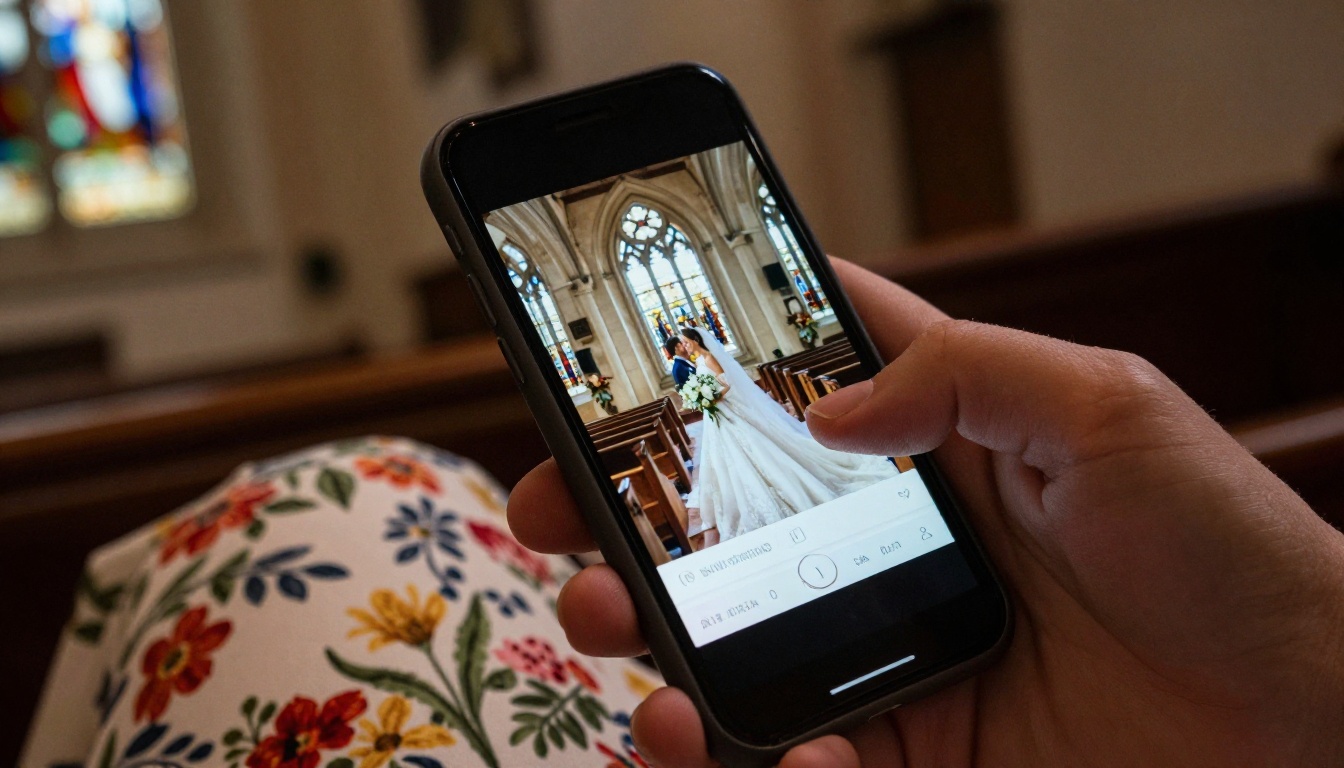
A printed card is lovely, but it has limits. It cannot hold forty photos, a playlist or a map that updates when the shuttle changes. A digital program can carry all of that, and when it is built as a flipbook, it still feels like turning pages.
| Feature | Printed Only | Printed Plus Digital Flipbook |
|---|
| Page count | 2 to 4 | Unlimited |
| Photos | A few | Dozens |
| Updates after printing | Impossible | Instant |
| Music or video | No | Yes |
| Guests who cannot attend | Left out | Can view online |
| Keepsake afterward | Paper card | Link to revisit anytime |
How to Build a Digital Wedding Program
If you already designed your card in a design app, you can turn it into an interactive booklet in a few minutes using the PDF to Flipbook Converter. The Wedding Album Flipbook tool is also handy if you want the same link to hold photos after the day. For a printed-style layout with a schedule, the Event Program Maker fits well.
- Create your account. Create an account on Flipbooks AI. It takes a minute.
- Export your design as a PDF. Make sure each page is sized consistently and that text stays inside safe margins.
- Upload the PDF. Drag it into the converter. Each page becomes a flippable page with realistic turning effects.
- Customize the look. Set your background color to match the wedding palette, add your names or monogram, and pick a page effect that feels soft rather than flashy. Flipbooks made here carry no watermarks.
- Add multimedia. Embed a short video message, the processional song or a voice note from the couple.
- Choose sharing options. Copy a direct link for the QR code, or use the Embed Flipbook on Website option to place it on your wedding site. If you want to keep it private to guests, turn on password protection.
- Test on a phone. Open the link on a mobile device, because most guests will. The design is mobile-responsive, so pages resize automatically.
- Print the QR code. Place it on the card, on a small table sign or at the entrance.
💡 Pro tip: Offline downloads let guests save the booklet for the flight home or for a venue with weak signal. On the Professional plan you can also see analytics to find out how many guests opened it. Compare options on the pricing page.
A Simple Layout You Can Copy
If you want a starting point, this four-page structure works for most ceremonies.
| Page | Content |
|---|
| 1 | Names, date, venue and a one-line welcome |
| 2 | Timeline with approximate times and reading excerpts |
| 3 | Who's who with one-line stories, plus family tree if needed |
| 4 | Thank you note, directions, QR code and a hidden surprise line |
Distribution Matters Too
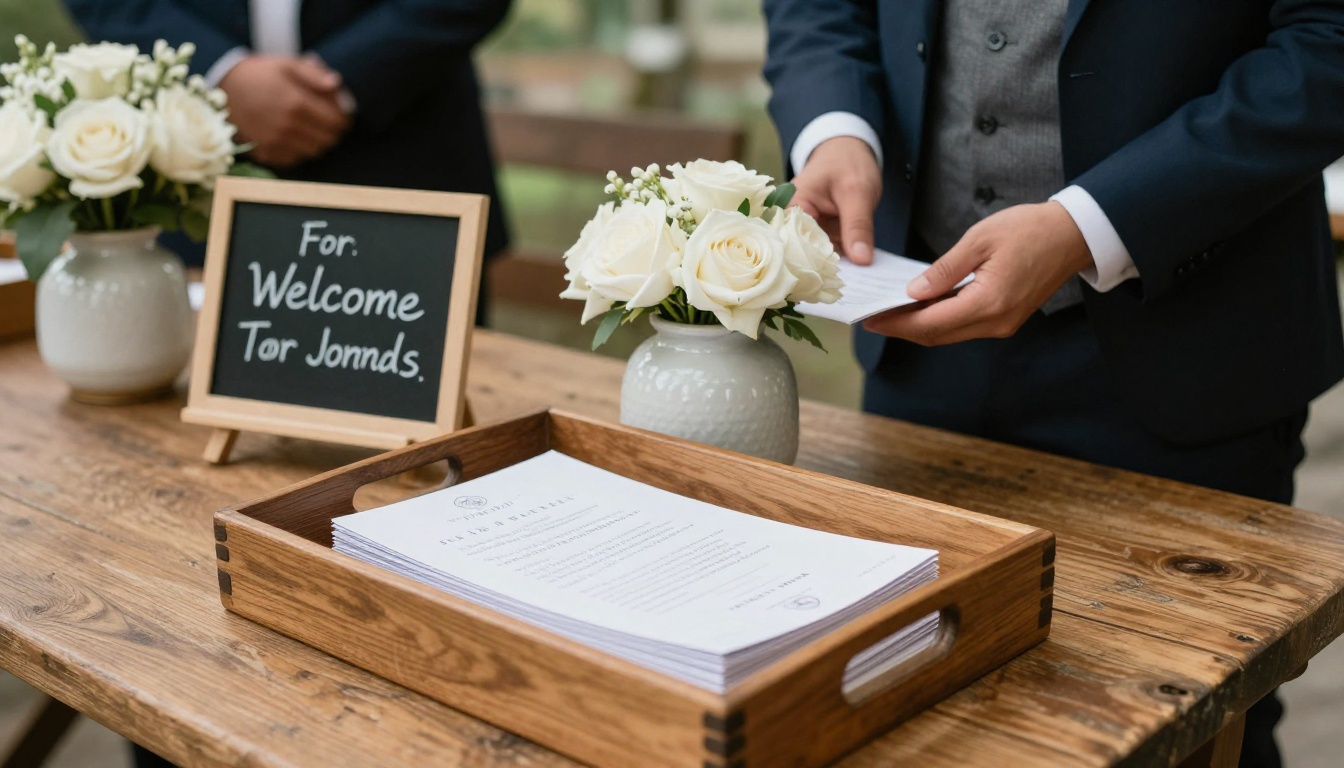
A great program still fails if it sits in a box. Place programs on chairs before guests arrive, or have ushers hand them out at the entrance. Handing it over personally gets the card into a hand, and a hand is far more likely to open it.
Include the Youngest Guests
A small activity page makes a real difference to a row of parents trying to keep children quiet.
Common Mistakes to Avoid
- Typos in names. Have two people proofread every name and every date.
- Too much text. If it takes longer than two minutes, cut it.
- Tiny fonts. Remember the oldest guest in the room.
- Forgetting the order. Keep the timeline in the exact order of the ceremony.
- No plan for the QR code. Test it from a few feet away, and make it large enough to scan.
- Printing too few. Order about 10 percent more than your guest count.
Quick Checklist Before You Print
| Task | Done |
|---|
| Names and titles checked by two people | ☐ |
| Timeline matches the officiant's plan | ☐ |
| Font size 10 points or larger | ☐ |
| Reading excerpts approved by readers | ☐ |
| QR code tested on two phones | ☐ |
| Extra copies ordered | ☐ |
| Digital version tested on mobile | ☐ |
Ready to Make Yours?
A program guests read is a small gift: it answers questions, sparks a smile and gives the quiet minutes before the vows some meaning. Start with the honest timeline, add a story or two, and decide whether a digital layer suits your guest list.
Ready to build your booklet? Get started for free on Flipbooks AI, browse all available flipbook tools, or check the pricing plans to pick what works for you.



