You received a link to a flipbook, and now you are hunting through an app store wondering which program you need. Good news: you almost certainly need nothing. A modern flipbook is a web page, and the browser already on your phone, tablet or computer opens it in seconds. This article answers the question "what app opens a flipbook" directly, explains the few cases where software matters, and shows publishers how to make sure readers never face an install prompt. If you publish your own, you can build one on Flipbooks AI and send readers a plain link.
The Short Answer
No app is required for most flipbooks. A flipbook made from a PDF is hosted online and displayed through your browser, the same way a news article or a video is. Chrome, Safari, Firefox, Edge and Samsung Internet all open it.
Think of it like this: when someone texts you a recipe site, you do not install a "recipe site app." You tap, it loads, you read. A flipbook link behaves exactly the same way.
Why People Expect an App
The confusion comes from older habits. Years ago, page-turning publications often needed Adobe Flash, a desktop viewer or a dedicated reader program. Those days are gone. Flash was retired, and browsers now handle animation, zoom and sound natively.
Another source of confusion is that some brands do offer apps. Those apps are optional shortcuts, not requirements.
What Actually Does the Work
Three things happen when you tap a flipbook link:
- Your browser requests the page from a server.
- The page loads a viewer built with standard web technology.
- The viewer draws pages, handles swipes and clicks, and plays any embedded media.
Nothing needs to be installed because the viewer arrives with the page itself.
How Each Device Opens a Flipbook
Every common device already has a capable browser. Here is what to use on each one.
| Device | Browser that works | Install needed? | Notes |
|---|
| iPhone and iPad | Safari, Chrome, Firefox | No | Swipe to turn pages, pinch to zoom |
| Android phone or tablet | Chrome, Samsung Internet, Firefox | No | Works in the in-app browser too |
| Windows laptop | Edge, Chrome, Firefox | No | Click page corners or use arrow buttons |
| Mac | Safari, Chrome | No | Trackpad gestures zoom smoothly |
| Chromebook | Chrome | No | Full feature support |
| Smart TV browser | Built-in browser | No | Basic reading works, controls are slower |
On an iPhone or iPad
Open the link from Messages, Mail or WhatsApp. If it opens inside the messaging app, tap the compass or share icon to move it into Safari for a larger view. Rotate to landscape for a two-page spread on a tablet.
On Android
Tapping a link usually opens Chrome or whichever browser you set as default. Pages turn with a swipe, and a double tap zooms into small print.
On a Computer
Click the link and read. Use the arrow buttons or your keyboard arrows to turn pages, and use the zoom control for detail. No plugin, extension or download appears.
On Older Devices
Very old phones with outdated browsers may struggle. Updating the browser or the operating system fixes most issues. If that is not possible, open the link on another device or ask the sender for a PDF copy.
When Do You Actually Need an App?
There are a few narrow cases. Knowing them saves you from installing things you do not need.
| Situation | App needed? | What to use instead |
|---|
| You received a web link | No | Any browser |
| You received a PDF file | Maybe | A PDF reader, usually built into your phone |
| You want to read offline | Sometimes | An offline download option from the publisher |
| A publisher runs a closed library app | Yes, optional | The publisher's own reader app |
| You scan a QR code | No | Your camera app opens the link |
PDF Files Are Different
A PDF is a file, not a web page. Phones open PDFs with built-in viewers, and computers use a browser or a reader program. The page-turning animation does not exist in a plain PDF. That animation is what a flipbook adds on top.
Offline Reading
If you have no signal, a web flipbook will not load unless the publisher allows downloads. Publishers using Flipbooks AI can enable offline downloads, so readers save a copy before a flight or a trip.
Closed Reader Apps
Some large publishers run their own library apps with accounts and subscriptions. Those require installation, but that is a business decision, not a technical need. Simple flipbooks never demand it.
💡 Quick check: if the address starts with https:// and loads in your browser, you are already reading it. No app is involved.
Why Browser Flipbooks Beat App-Only Reading
For readers, the biggest advantage is speed. There is no store page, no password, no storage warning and no update waiting. You tap and you read.
Less Friction, More Readers
Every extra step loses people. Asking someone to install software before reading a menu or a catalog sends most of them away. A link removes that barrier.
Works Across Every Platform
A single link serves iPhone, Android, Windows and Mac readers at once. Publishers do not maintain separate versions.
Always Current
When the publisher updates a flipbook, readers see the new version at the same link. Nobody has to update software.
| Factor | Browser flipbook | App-based reader |
|---|
| Setup time | Seconds | Minutes |
| Storage used | Almost none | Tens or hundreds of MB |
| Cross-device | Yes | Depends on the app |
| Updates | Automatic | Manual or scheduled |
| Sharing | One link | Account or invite often needed |
Opening a Flipbook From a QR Code
Printed flyers, menus and posters often carry a QR code. Point your camera at it and a banner appears with a link. Tap the banner and the flipbook opens in your browser.
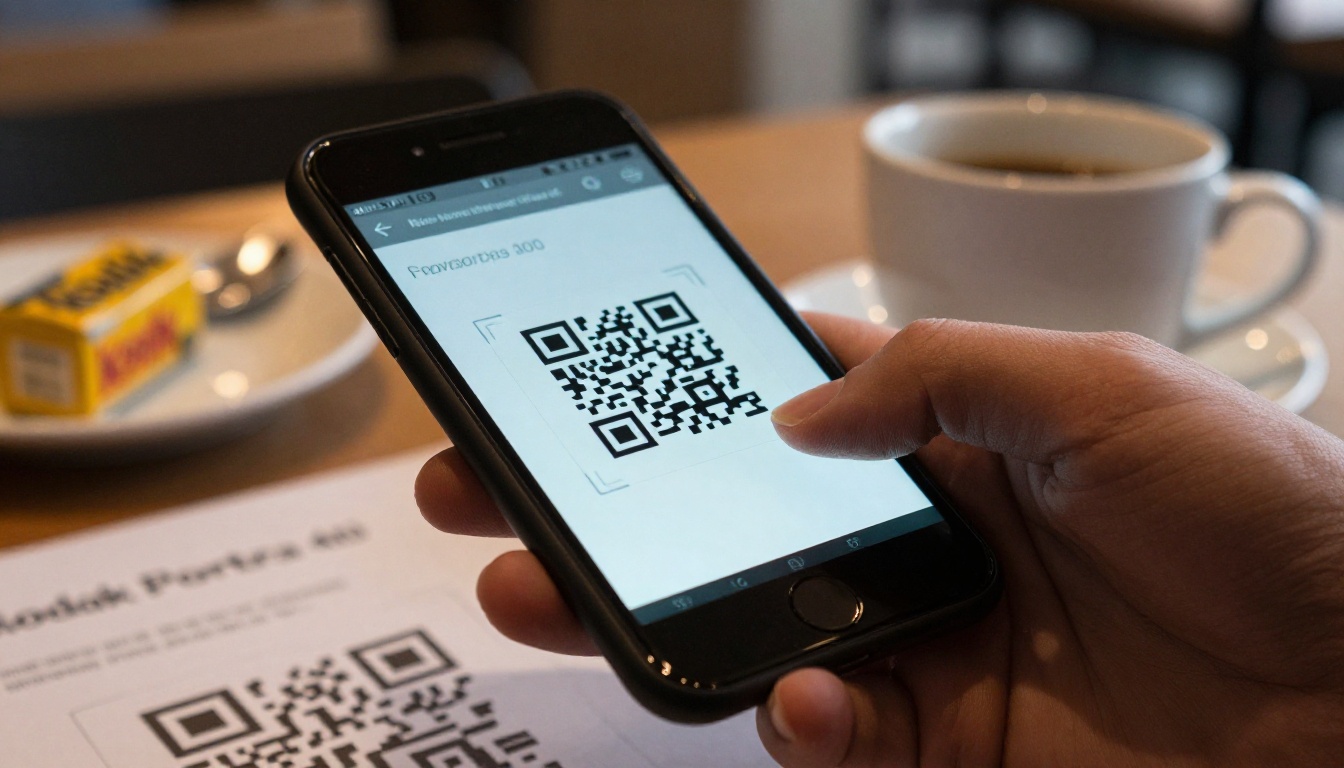
Real Example: A Cafe Menu
A cafe prints a QR code on each table. Guests scan it, the menu flipbook opens in Safari or Chrome, and they swipe through pages. No scanner app is involved because modern phone cameras read the code natively. A cafe owner can build this with the Restaurant Menu Creator.
Real Example: An Event Program
A conference prints a QR code on badges. Attendees open the schedule on their phones. Organizers publish changes to the same link, so everyone sees the latest agenda. The Event Program Maker fits this case.
✅ Best practice: print the short link under the QR code too, so readers with older cameras can still type it in.
How Publishers Make Flipbooks Open Without Apps
If you create flipbooks, your choices decide whether readers hit friction. Here is how to build one that opens everywhere.

Step-by-Step: Create a Link-Based Flipbook
- Visit Flipbooks AI and create an account.
- Upload your PDF with the PDF to Flipbook Converter. Conversion takes moments.
- Customize colors, logo and page effects so it matches your brand.
- Add video or audio if it helps the reader.
- Copy the share link, or grab an embed code for your site.
- Test the link on a phone, a tablet and a laptop before you send it.
Customization Options
You can set custom branding, adjust background colors and choose page-turn effects. Flipbooks stay free of watermarks, so your brand is the only one visible. Mobile-responsive design is built in, so the layout adapts to small screens.
Sharing Options
| Method | Best for | Reader effort |
|---|
| Direct link | Email, chat, social posts | One tap |
| QR code | Print materials, signage | One scan and one tap |
| Embed code | Your website | None, it is on the page |
| Password-protected link | Private documents | One tap plus a password |
See how to embed a flipbook on your website so readers never leave your page.

Protect Private Content
Contracts, price lists and internal reports should not be public. Add password protection and share the password separately. The reader still needs no app: they tap the link and enter the password.
Track What Readers Do
Publishers on the Professional plan get analytics and lead generation. You can see how many people opened the flipbook and where they stopped. Check the pricing plans to compare features.
Common Problems and Quick Fixes
Even without an app, a few things can go wrong. Most are easy to solve.
| Problem | Likely cause | Fix |
|---|
| Page will not load | Weak connection | Switch to Wi-Fi or reload |
| Pages look tiny | Portrait on a small screen | Rotate the phone or pinch to zoom |
| Link opens a blank screen | Outdated browser | Update the browser |
| Link opens inside a chat app | In-app browser limits | Open in Safari or Chrome |
| Password rejected | Typing error | Check capitals and spaces |
| Video will not play | Silent mode or data saver | Turn sound on, allow media |
Three Mistakes Publishers Make
- Sending a file instead of a link. A PDF attachment is heavy and has no page-turn effect.
- Forgetting to test on a phone. Most readers will open it there.
- Hiding the link. Place it where people can tap it, not buried in a footer.
⚠️ Warning: a link that requires a login before showing anything will lose readers. Use password protection only when content is truly private.
Real Use Cases Where No App Wins
Different businesses benefit in different ways. These examples show the pattern.
A Boutique Owner
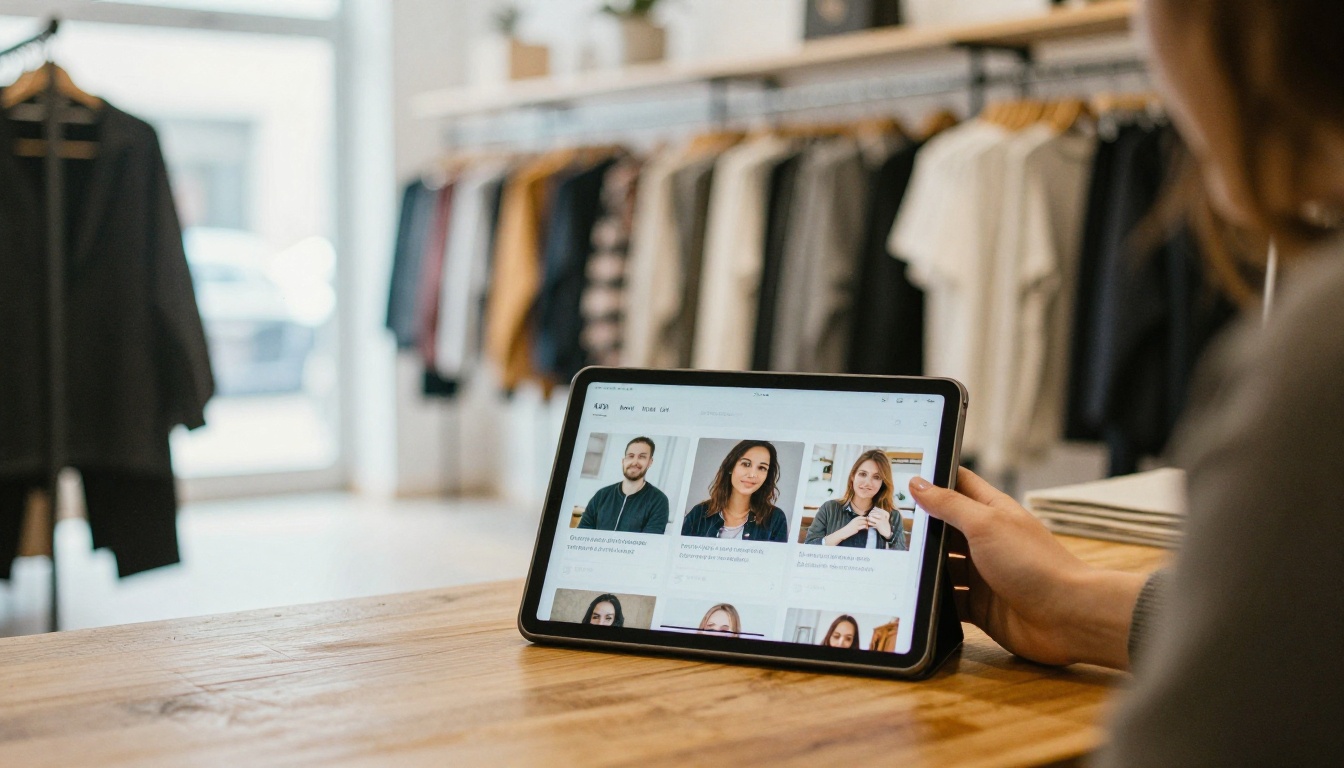
A shop owner shows a customer the new season on a tablet, then texts the same link so the customer can browse at home. Nothing is installed on either device.
A Magazine Reader at Night
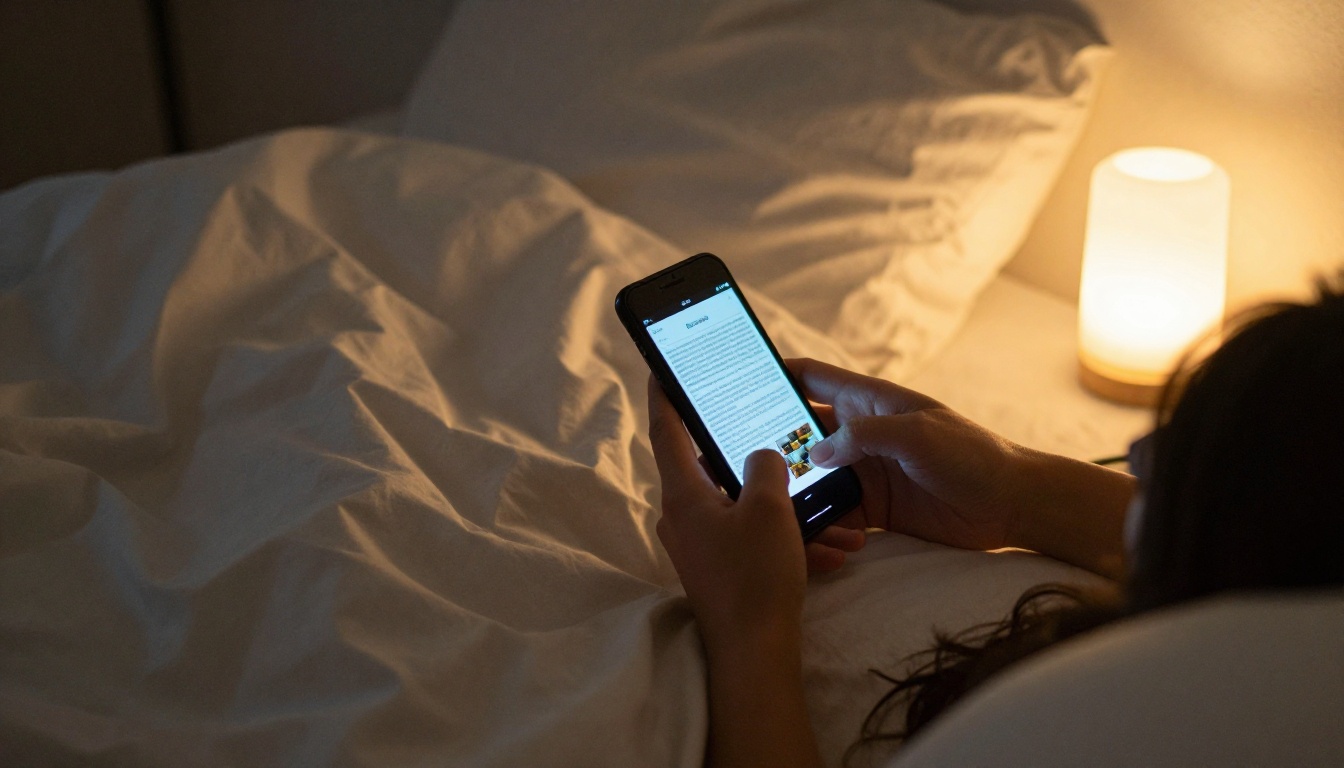
Someone lying in bed opens a digital magazine on their phone. The browser remembers nothing they must manage, and the page layout fits the screen.
A Remote Team
A manager shares a training manual with staff across three countries. Everyone opens the link on whatever device they own. See the Training Manual Flipbook for a ready starting point.
Your Next Step
If you are a reader, tap the link you were sent and enjoy it. Your browser already does everything required.
If you are a publisher, remove the friction for good. Send links, not files, and test on a phone first. Ready to publish? Get started for free on Flipbooks AI, browse all flipbook tools to find the right template, and compare pricing plans when you want analytics, unlimited flipbooks and offline downloads.



