When the biggest name in furniture stops printing its catalog, every other retailer in the category should pay attention. IKEA's decision to retire the book that sat in millions of homes for about seventy years is not just a story about paper. It is a signal about where furniture shoppers start their search, what they expect to see, and how much a printed brochure still has to earn to justify its cost. If you run a showroom, a small chain or an online shop, the useful question is simple: what do you do now? A good first move is to turn your range into a digital catalog with a tool like Flipbooks AI, and the rest of this article shows why, and how.
What Actually Happened to the IKEA Catalog
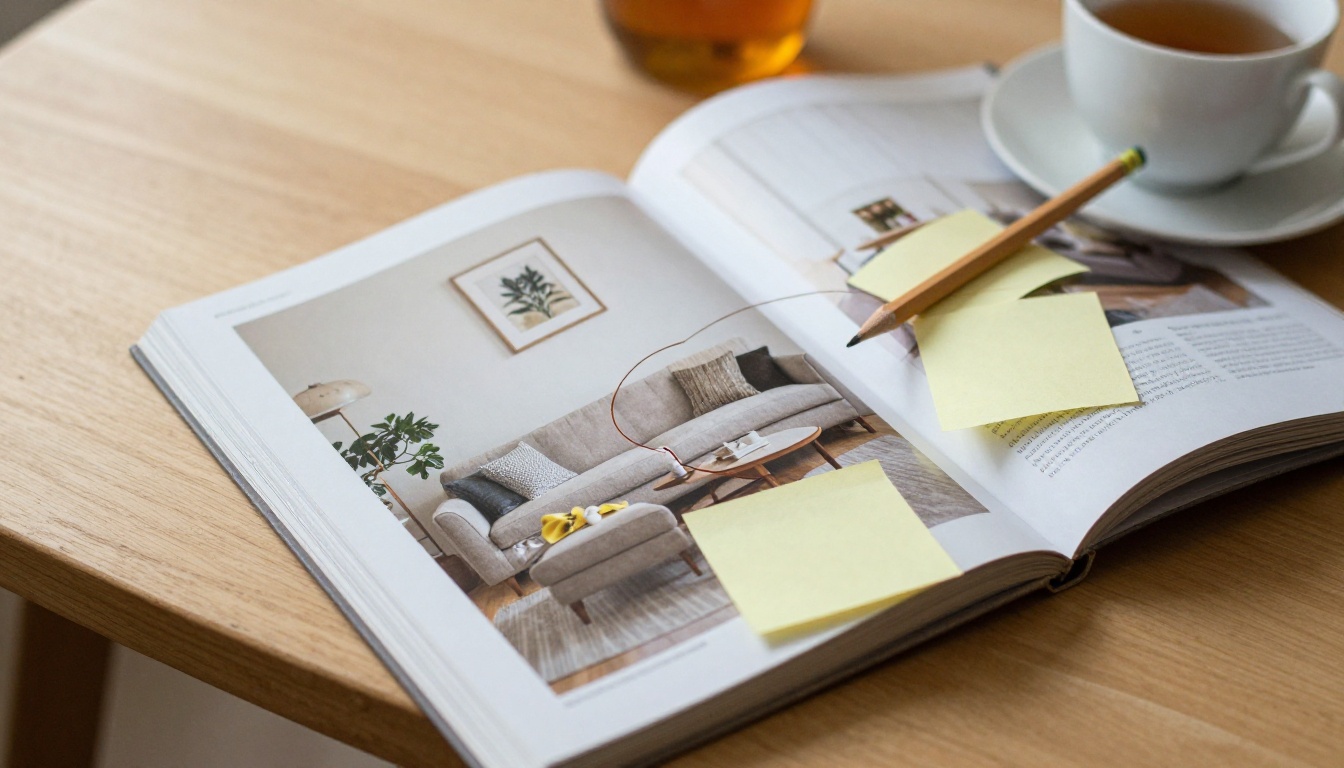
IKEA announced at the end of 2020 that the 2021 edition would be the last printed catalog. At its peak the book reached roughly 200 million copies a year and was printed in dozens of languages. It was, by volume, one of the most widely distributed publications in the world, ahead of many bestselling novels.
The company said the reason was plain: customers changed how they look for ideas. The printed book was replaced by the website, the mobile app and a set of digital inspiration tools. Paper had become one channel among many, and a costly one to produce, ship and recycle.
Why Print Lost Its Edge
A catalog takes months to plan, shoot, print and distribute. Prices, ranges and stock shift faster than that. By the time a shopper opened the book, some items had changed, sold out or been renamed.
Digital pages update in minutes. That alone changes the economics for a business that adds and removes products every season.
What Stayed the Same
Shoppers still want to browse. They still like turning pages, circling items, and imagining a sofa in a room. The behavior did not disappear. It moved onto screens, and that is the part many independent retailers have not caught up with.
💡 Pro tip: The lesson is not "print is dead." It is "the browsing habit survived, the paper did not." Keep the habit, change the container.
Why This Matters for Independent Retailers
Independent furniture stores rarely printed anything on IKEA's scale. Still, they lived in its shadow. The IKEA book set expectations for how a room should look, how prices should be displayed and how a range should be organized.
Shopper Expectations Have Shifted

A couple planning a living room now starts on a phone, usually in the evening. They save images, compare dimensions and send links to each other. If your range is trapped in a PDF that takes thirty seconds to load on mobile, they leave.
Three behaviors stand out:
- Research happens before the visit. Most shoppers arrive at a store already knowing what they want to see.
- Sharing is constant. A link sent to a partner or an interior designer is a sales assist you did not pay for.
- Patience is low. Pages must load fast and look right on a small screen.
The Gap Between Big Box and Small Shop
Large chains can fund apps, augmented reality tools and entire content teams. A neighborhood shop cannot. That gap is real, but it is smaller than it looks, because shoppers do not need a fancy app. They need a clear, attractive, easy to open catalog.

| Area | Big Box Retailer | Independent Retailer |
|---|
| Catalog budget | Large, dedicated team | Small, often one person |
| Update speed | Frequent, automated | Manual, often seasonal |
| Strength | Price and scale | Curation and service |
| Weak spot | Little personal advice | Limited digital reach |
| Best fit now | Apps and web tools | Shareable digital catalog |
The last row is the opportunity. A well-built digital catalog gives a small shop the same "open and browse" experience as a large one, at a fraction of the cost.
What Print Catalogs Still Do Well
It would be a mistake to throw away everything print offered. A printed book is tactile, memorable and works without a battery. Some customers, especially older ones, still prefer it.
The Honest Tradeoffs
| Feature | Printed Catalog | Digital Flipbook |
|---|
| Cost per copy | Printing and shipping | Near zero after creation |
| Update speed | Weeks or months | Minutes |
| Shareable by link | No | Yes |
| Trackable | Rarely | Page views and clicks |
| Works offline | Always | Possible with downloads |
| Feels premium | Strong | Strong with page effects |
| Environmental impact | Paper and transport | Low |
The digital flipbook format is the bridge. It keeps the page-turning feel people like and adds the speed and tracking they need.
A Hybrid Model That Works
Many retailers keep a short printed lookbook for in-store use, perhaps 16 pages, and send everything else through a digital catalog. The printed piece becomes a handout. The digital version carries the full range.
How to Build a Digital Catalog That Sells
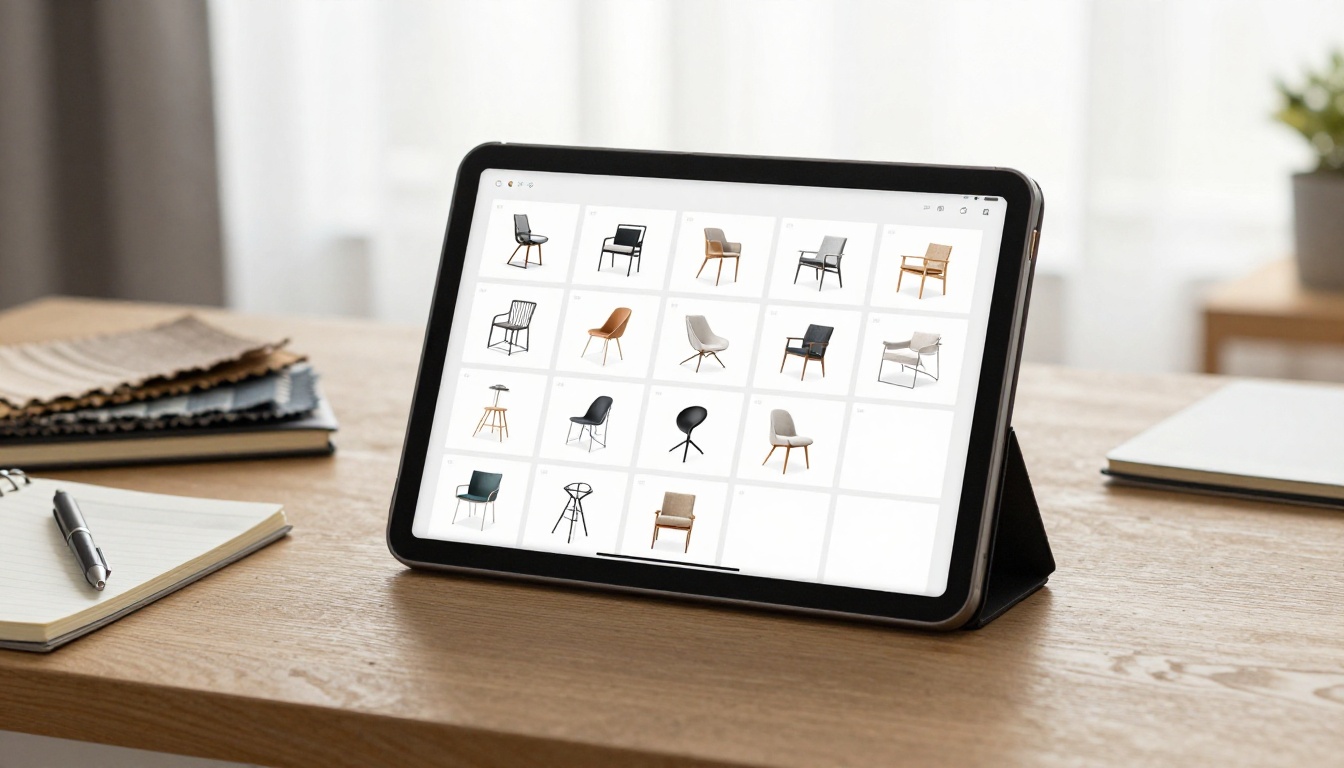
Here is where a practical tool helps. With Flipbooks AI you can turn an existing PDF into an interactive, page-turning catalog without a developer. The platform has no watermarks, so your brand stays front and center.
Step-by-Step: Create Your Furniture Flipbook
- Prepare your PDF. Export your current catalog or lookbook from your design software. Keep images sharp and file size sensible.
- Open the converter. Use the PDF to Flipbook Converter and upload your file.
- Pick a layout. The Furniture Catalog Maker is built for exactly this kind of range, with room for product photos, dimensions and finishes.
- Add your branding. Set your logo, colors and background so the catalog looks like your store, not a template.
- Add multimedia. Embed a short video of a table being assembled or a sofa fabric close-up. Audio and video can sit right inside the pages.
- Publish and share. Copy the direct link or the embed code and place it on your site, in emails and in social posts.
✅ Best practice: Put your most popular collection on the first three spreads. Shoppers decide quickly whether a catalog is worth their time.
Customization Worth Doing
Spend effort where it shows. A consistent color palette, one clear typeface and a clean cover page beat a dozen flashy effects. Page-turn animation is nice, but photography sells furniture.
If you want a tighter format for a single collection, the Digital Catalog Maker and the Catalog Flipbook Creator both work well for smaller releases.
Sharing Options That Match Real Sales
| Sharing Method | Best Use | Notes |
|---|
| Direct link | Email, chat, social | Fastest way to send a range |
| Embed code | Product and category pages | Keeps shoppers on your site |
| Password protection | Trade and designer pricing | Keeps wholesale rates private |
| Offline download | Trade shows, rural customers | Works without signal |
Trade pricing is a good example. Designers and contractors often get different rates. A password-protected flipbook lets you share a trade edition without exposing it publicly. Learn more about the Embed Flipbook on Website option if you want the catalog to live on your own pages.
Photography Still Decides the Sale
Digital does not lower the bar on images. If anything it raises it, because shoppers compare your photos against every other tab they have open.
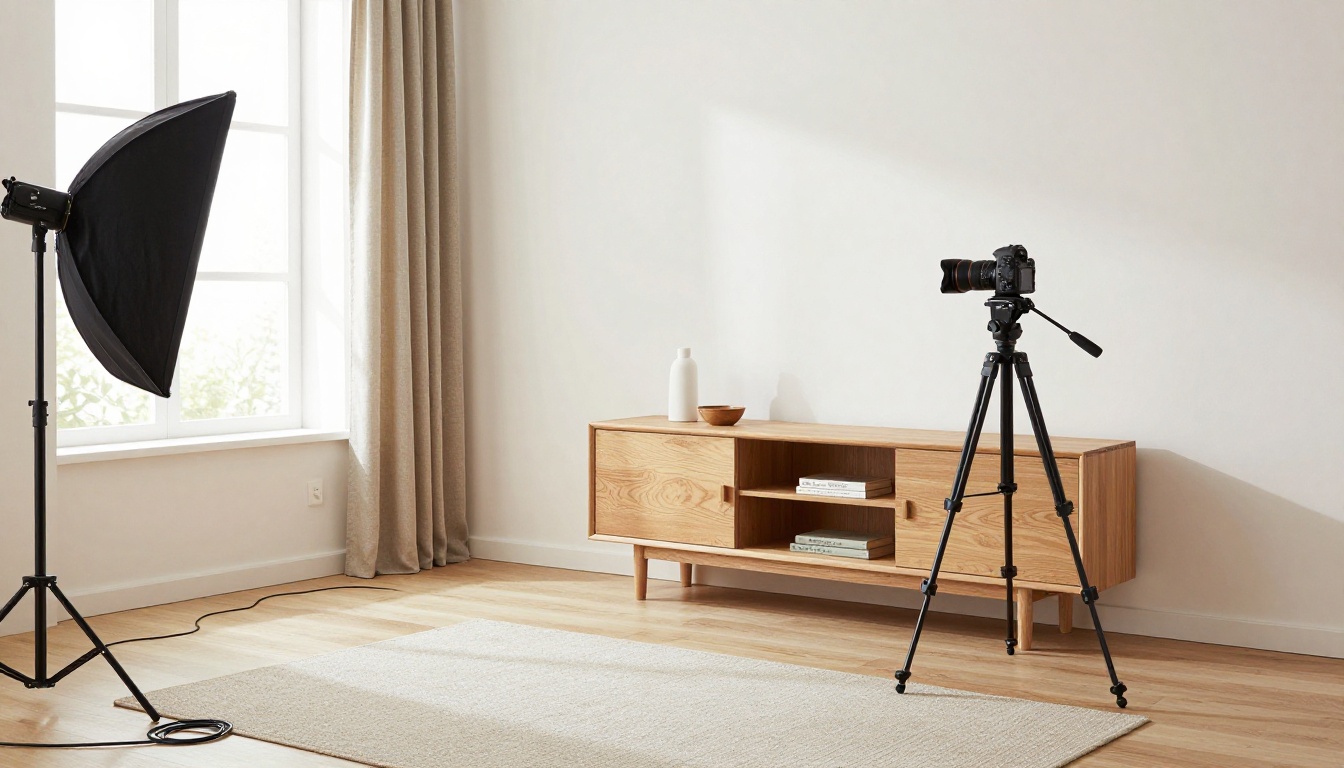
Room Scenes Beat White Backgrounds
Studio shots on white help with clarity, but room scenes sell the feeling. Mix both. Show the sofa alone on one page, then in a styled living room on the next. This mirrors the pattern that made the IKEA book so persuasive: products inside believable homes.
A Simple Shot List
- One hero image per collection
- One detail shot of material or finish
- One scale shot with a person or common object
- One styled room scene with three or four related pieces
⚠️ Warning: Do not hide dimensions in tiny type. Furniture returns are expensive, and unclear sizes are a top reason shoppers hesitate or send items back.
Bridge the Showroom and the Screen
A catalog is more than a download. It can anchor how your showroom and your online presence talk to each other.
Use QR Codes on the Floor
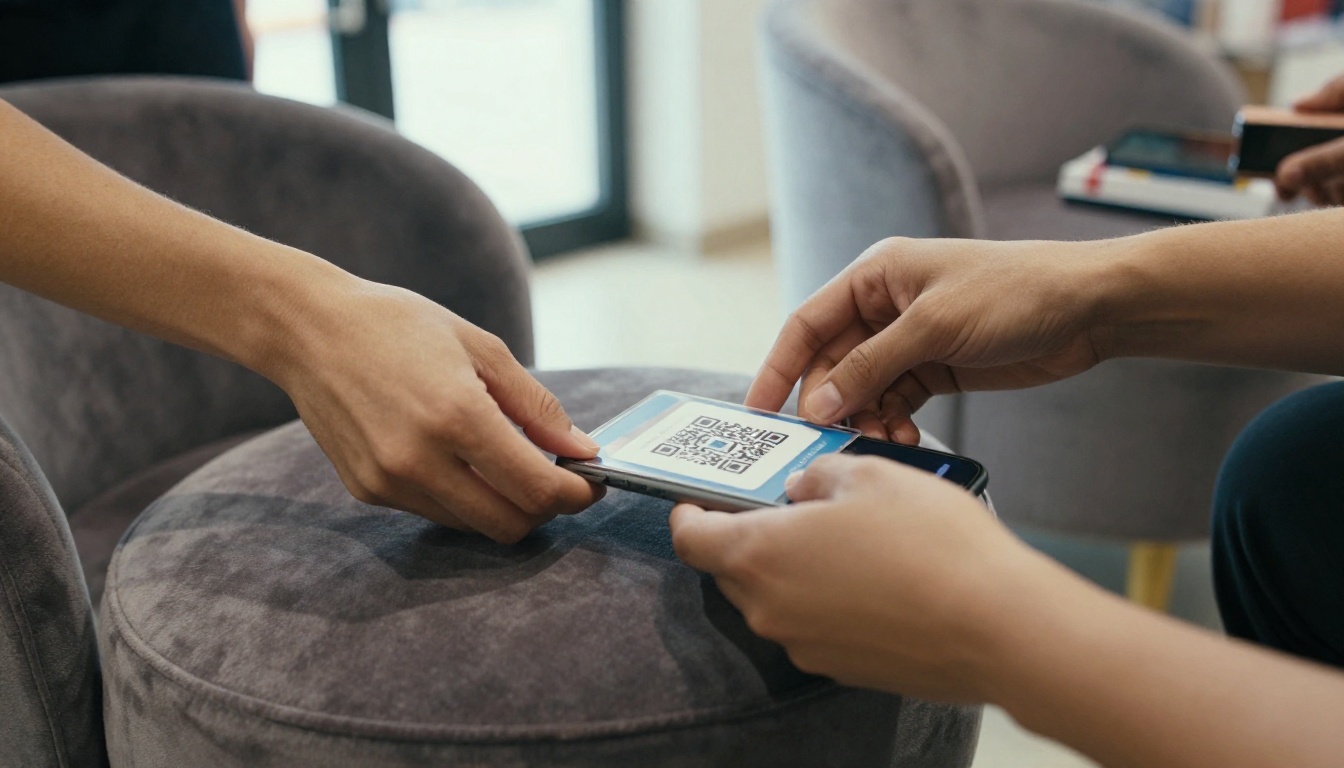
Place a small QR card next to each display piece. When scanned, it opens the flipbook at the right collection page. A customer standing in front of an armchair can see the other fabrics, sizes and prices without finding a salesperson.
A Real-World Scenario
A family-run store with two locations sells dining sets and sofas. They replace their annual printed booklet with a flipbook, add QR cards on the floor and link the catalog in every order confirmation email. Staff report that conversations change: customers arrive with pages bookmarked and ask sharper questions. The salesperson spends less time listing options and more time helping choose.
Capture Leads With Analytics
On the Professional plan, analytics and lead generation show which pages get read most and let you collect contact details before a reader continues. If the sectional sofas get three times the attention of the bedroom range, you know where to focus stock, ads and display space.
| What You Track | What It Tells You | Action to Take |
|---|
| Most viewed pages | Which collections draw interest | Feature them in the window |
| Drop-off point | Where readers lose interest | Shorten or reorder that section |
| Link clicks | Which products prompt action | Add those to email campaigns |
| Lead submissions | Who wants a follow-up | Call within a day |
Pricing, Seasonality and Speed
One quiet benefit of leaving print behind is flexibility. You can publish a spring edition, a sale edition and a trade edition without reordering paper.
Update Without Waiting

Out of stock? Edit the page and republish. Price change after a supplier update? Fix it the same day. This protects trust, because a shopper who finds a wrong price on page 12 starts doubting everything else.
A Simple Publishing Calendar
- Quarterly: Full range refresh with new photography
- Monthly: Offers and arrivals page
- As needed: Stock and price corrections
- Yearly: A short printed lookbook for loyal customers
Budget Comparison
| Cost Item | Annual Printed Catalog | Digital Flipbook |
|---|
| Printing | Highest single cost | None |
| Shipping | Per copy | None |
| Reprints after errors | Expensive | Free edits |
| Design time | Large upfront | Reusable pages |
| Tracking | Hard to measure | Built in |
Review the pricing plans to see which tier fits your volume. The Standard plan and above allow unlimited flipbooks, which suits stores that publish several editions a year.
Common Mistakes to Avoid
Retailers moving from print to digital tend to repeat a few errors.
Mistake 1: Uploading a Print File Unchanged
A PDF designed for A4 paper with tiny captions looks cramped on a phone. Increase text size and crop images so details stay readable.
Mistake 2: Hiding the Catalog
If shoppers need five clicks to find it, they will not. Place the link in your header, your product pages and your email signature.
Mistake 3: Ignoring Mobile
More than half of browsing now happens on phones. Check every page on a small screen before you publish. Flipbooks built on the platform are mobile-responsive, but your content still needs to be legible.
Mistake 4: Forgetting a Call to Action
Each spread should invite a next step: book a visit, request fabric samples, or message the store. Without that, the catalog is only a brochure.
What to Do This Month
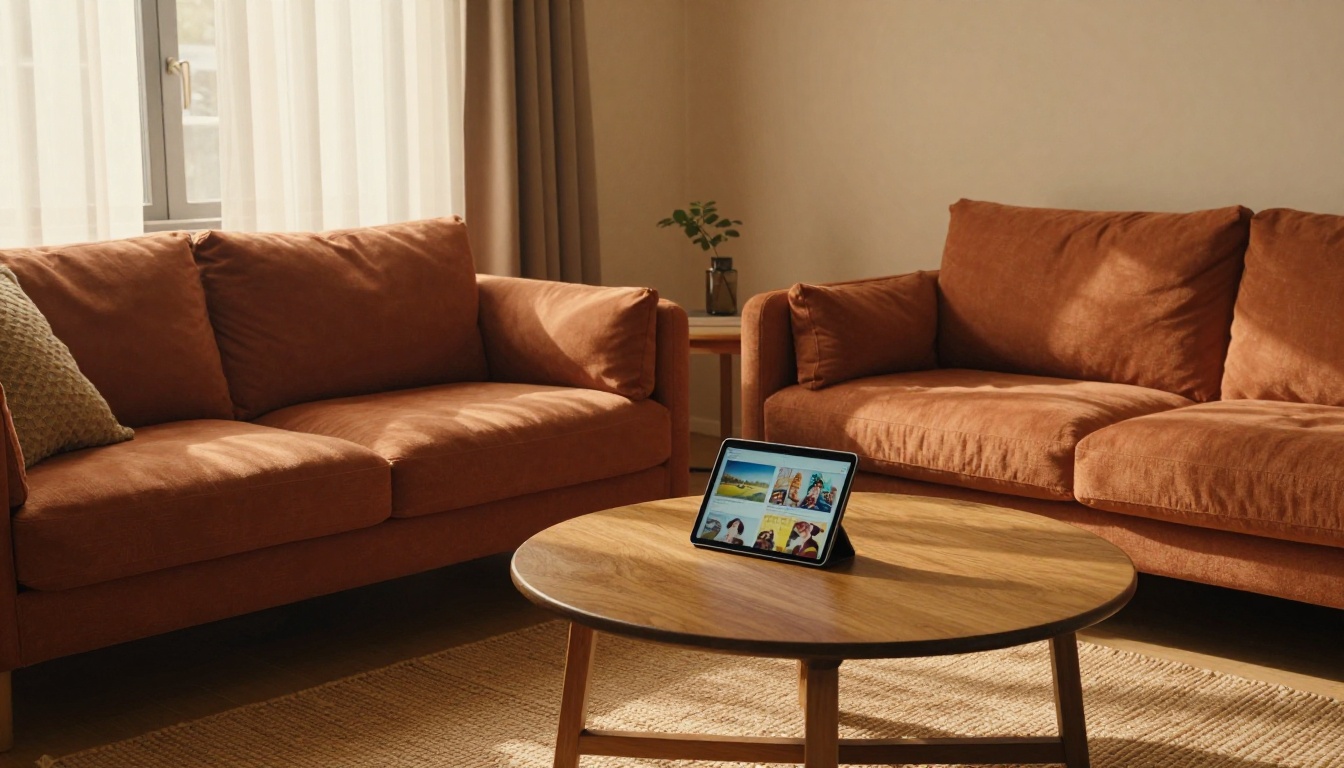
IKEA retiring its book is a reminder that the format around your products matters less than the experience of browsing them. You do not need a giant budget to match that experience. You need a clear range, good photos and a link people can open in a second.
Here is a short plan:
- Audit your current catalog and mark outdated pages.
- Refresh photography for your top three collections.
- Convert the file with the PDF to Flipbook Converter.
- Add QR cards in the showroom and the link in every email.
- Review analytics after 30 days and adjust.
Ready to build your first furniture flipbook? Get started for free on Flipbooks AI, browse all the tools and templates, or compare pricing plans to pick the one that suits your store.



