Selling flipbook services without a clearly defined package is the fastest way to confuse clients, undersell your work, and watch projects spiral into endless revision cycles. Whether you are a freelance designer offering digital publishing services, a marketing agency adding interactive content to your catalog, or a small studio building out a new revenue stream, the structure of your service package determines both how much you earn and how smoothly projects run.
The good news is that the components of a solid flipbook package are not mysterious. They follow a logical hierarchy from baseline deliverables that every client expects to premium features that justify significantly higher rates. This article walks through exactly what belongs in each tier, what to charge for it, and how tools like Flipbooks AI make it possible to deliver professional results without a development team behind you.
The Core Deliverables Every Package Needs
Before you think about tiers or pricing, nail down the non-negotiables. These are the deliverables that belong in even your cheapest package, because without them, you are not selling a flipbook service. You are selling a file.
PDF Conversion Done Right
The foundation of any flipbook service is PDF-to-flipbook conversion. But conversion alone means nothing if the output is low-quality or breaks on mobile. Your base deliverable needs to include a properly converted, mobile-responsive flipbook that maintains the original document's typography, color accuracy, and image resolution.
⚠️ Never deliver a flipbook that has not been tested on both desktop and mobile. Broken layouts on phones will send clients straight to your competitor.
What this means practically: you process the client's PDF, confirm that all pages render correctly, check that embedded fonts display properly, and verify that the flipbook opens cleanly on iOS Safari and Android Chrome. This is table stakes.
Hosting and a Shareable Link
A flipbook that lives only on someone's hard drive is not a flipbook. It is a PDF. Every service package must include hosted delivery with a shareable URL the client can send to anyone, anywhere, without requiring the recipient to download anything.
Flipbooks AI handles hosting automatically. Once a flipbook is created on the platform, it lives at a permanent URL that works on any device. No server configuration, no bandwidth concerns, no expiration dates. For service providers, this removes a major technical headache from every project.
Basic Branding Setup
Clients pay for a branded experience, not a generic viewer. Your base package should include at minimum a logo upload and primary color application. This takes under ten minutes on most platforms but transforms the perceived value of the deliverable significantly.
How to Tier Your Packages
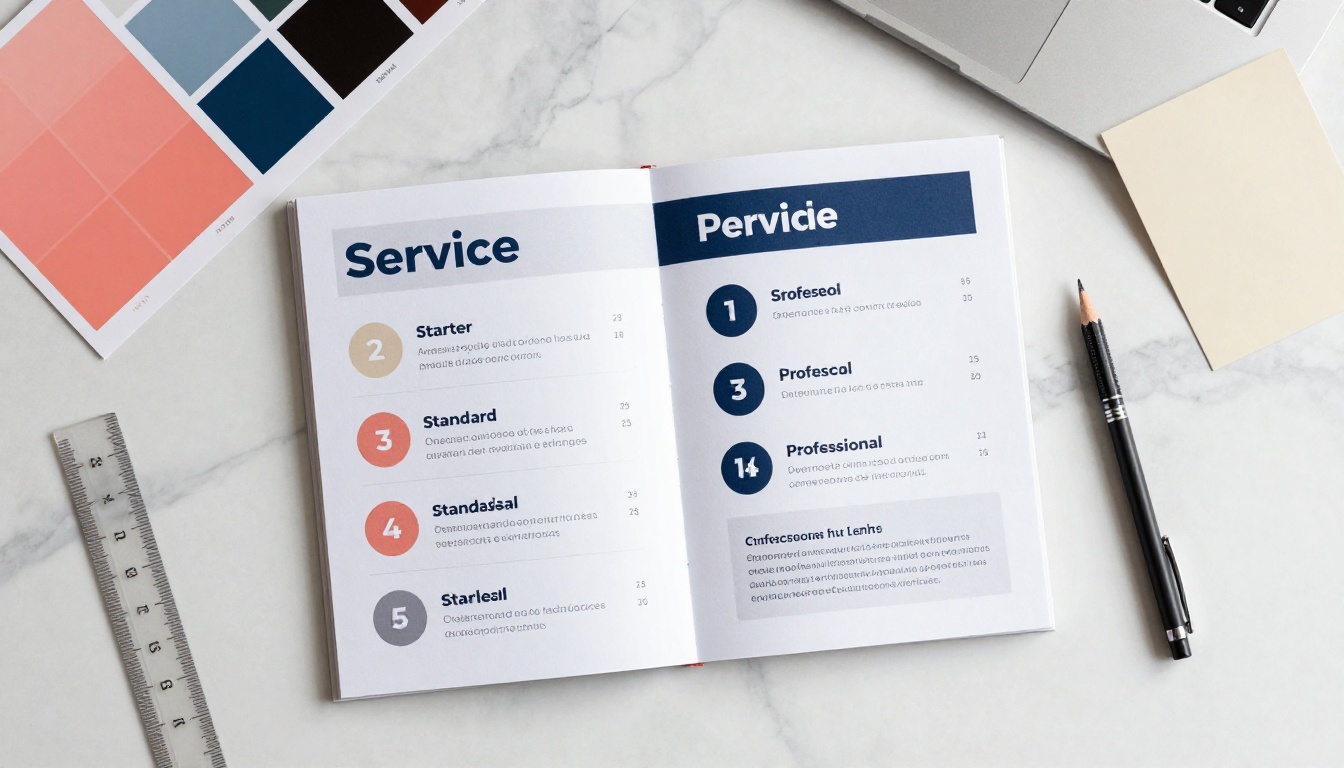
Once you know your baseline deliverables, the next step is stacking features into tiers that create a natural upsell path. The classic three-tier structure works here because it anchors value at the middle option, where most clients land.
Starter Package Must-Haves
The Starter tier covers everything a client needs to get a simple, working flipbook in front of their audience. It should be priced accessibly to bring in smaller clients, but scoped tightly enough that it does not eat your time.
Starter Package should include:
- PDF-to-flipbook conversion (up to 30 pages)
- Mobile-responsive output
- Custom logo and one primary brand color
- Hosted shareable link
- One round of revisions
- 48-hour delivery
Standard Package Features
The Standard tier is your workhorse offer. It accommodates the majority of client requests, allows for more complex branding, and includes features that make the flipbook genuinely more useful as a business tool.
Standard Package should include:
- Everything in Starter
- Up to 100 pages
- Full color palette and font matching
- Table of contents with clickable navigation
- Password protection for private documents
- Social sharing buttons
- Embedded links and calls-to-action within pages
- Two rounds of revisions
- 5-business-day delivery
Pro Package Add-Ons
This is where your pricing can stretch significantly. Pro features require more setup time and deliver outcomes that clients with larger audiences genuinely need: tracking, lead capture, and embedded rich media.
Pro Package should include:
- Everything in Standard
- Unlimited page count
- Embedded video and audio on specific pages
- Analytics dashboard (views, time on page, click-through rates)
- Lead generation forms to capture reader emails
- Offline download option for readers
- Embed code for website integration
- Priority 2-business-day delivery
- Three rounds of revisions

Here is how these tiers map against each other at a glance:
| Feature | Starter | Standard | Pro |
|---|
| PDF Conversion | Up to 30 pages | Up to 100 pages | Unlimited |
| Mobile-Responsive | ✅ | ✅ | ✅ |
| Logo + Colors | Basic | Full branding | Full branding |
| Hosted Link | ✅ | ✅ | ✅ |
| Password Protection | | ✅ | ✅ |
| Embedded Video/Audio | | | ✅ |
| Analytics | | | ✅ |
| Lead Generation Forms | | | ✅ |
| Offline Downloads | | | ✅ |
| Website Embed Code | | ✅ | ✅ |
| Revisions | 1 round | 2 rounds | 3 rounds |
| Delivery Time | 48 hours | 5 business days | 2 business days |
💡 Price the Standard tier at roughly 2.5x your Starter. Clients who see a small price gap between Starter and Standard will often choose Starter. A meaningful gap pushes them toward the middle, which is exactly where you want them.
Interactive Features Worth Charging For
Interactive elements separate a professional flipbook service from a DIY conversion. They are also the features clients most often do not know they need until you show them.
Embedded Videos and Audio
A product catalog that plays a demonstration video when a reader clicks on a product is worth far more than a static one. A real estate brochure with a property walkthrough embedded directly in the page converts better than one with just photographs.
These features belong in your Pro tier at minimum, or as standalone add-ons. Platforms like Flipbooks AI support both video and audio embedding natively, so the technical execution is straightforward once your client provides the media files.
Lead Gen Forms and Analytics
This is the feature that makes flipbook services genuinely ROI-positive for business clients. When a reader opens a flipbook and encounters a form asking for their name and email in exchange for a free resource or discount, the flipbook becomes a lead generation tool.
Analytics add another layer. Knowing how many people opened the flipbook, which pages they spent the most time on, and where they clicked out gives clients data they can act on. For B2B clients running annual reports or sales presentations, this is not optional. It is what they are measuring.
✅ Always position analytics as a business decision, not a technical feature. Say "you will know which pages your prospects actually read" rather than "the dashboard tracks page views."
Password Protection and Private Access
Not every flipbook is meant for the public internet. HR onboarding documents, investor reports, internal training materials, and exclusive client proposals all need controlled access. Password protection belongs in your Standard package and above.
Flipbooks AI includes password protection on Standard plans and above, meaning you can deliver this feature without any additional infrastructure or complexity on your end.
How to Build Packages with Flipbooks AI
If you are not already using Flipbooks AI as the platform behind your service offering, here is how the workflow looks in practice.
Setting Up and Converting
After your client sends over their PDF, you upload it directly through the PDF to Flipbook Converter. The conversion is automatic. Pages render with accurate colors and fonts, and the output is immediately mobile-responsive. For clients with product catalogs, you can use the Digital Catalog Maker or one of the specialized tools like the Fashion Catalog Creator or the Furniture Catalog Maker to get an output that is purpose-built for their industry.

Branding and Customization
Once the flipbook is created, the branding panel lets you apply a custom logo, color palette, and font selections. For restaurant clients, the Restaurant Menu Creator already includes the structure you need. For real estate agencies, the Real Estate Brochure Creator handles property-specific layouts. The platform has no watermarks on Standard plans and above, which means every deliverable you send looks clean and professional.
Sharing, Embedding, and Delivery
When the flipbook is ready, you share the hosted URL directly with your client. For clients who want to embed it on their website, the Embed Flipbook on Website tool generates the embed code they drop directly into their CMS. For Pro clients, you walk them through the analytics dashboard and show them how to set up a lead generation form before handoff.
💡 Screen-record the walkthrough of the analytics dashboard for your Pro clients and include it as a short video in your deliverables folder. Clients who know how to use their tools come back for more projects.
Pricing Your Packages Without Underselling
Pricing is where most service providers leave money on the table. The instinct is to price low to win clients, but flipbook services carry real value that justifies professional rates.
What the Market Charges
Here is a realistic snapshot of what freelance flipbook services command in 2025:
| Package Tier | Typical Price Range | Best For |
|---|
| Starter | $97 to $197 | Small businesses, one-off documents |
| Standard | $297 to $597 | Marketing teams, product catalogs |
| Pro | $797 to $1,500+ | Agencies, annual reports, lead-gen campaigns |
| Retainer (monthly) | $500 to $2,500/month | Ongoing publishing (menus, newsletters) |

Project-Based vs. Retainer Pricing
Project pricing works well for one-time deliverables. Retainer pricing works better for clients who need regular updates, such as restaurants that change their menus seasonally or companies that publish monthly newsletters.
For retainer clients, define what is included each month clearly: how many flipbooks, how many pages, how many revision rounds. Use the Newsletter Flipbook Publisher or the E-Magazine Publishing Tool for clients with recurring content.
⚠️ Never offer unlimited revisions on any tier. Cap them, or define what counts as a revision in your contract. Scope creep on revision cycles is where flipbook service margins disappear.
The Add-Ons Clients Keep Buying
Beyond your core tiers, certain add-ons come up so consistently that it is worth pricing them separately and including them on your service menu.
| Add-On | Price Range | What It Delivers |
|---|
| Additional revision round | $50 to $150 | Extra iteration beyond package limit |
| Rush delivery (24 hours) | $75 to $200 | Priority turnaround |
| Video embedding (per video) | $50 to $100 | Adds interactive media to specific pages |
| Lead gen form setup | $100 to $250 | Email capture integrated into the flipbook |
| Analytics setup and walkthrough | $75 to $150 | Dashboard configuration and client training |
| Multi-language version | $150 to $400 | Second language version of same flipbook |
| Additional flipbook (same brand) | 30 to 40% discount | Efficiency pricing for repeat work |
What Goes in Your Client Deliverables Folder
How you deliver the finished flipbook matters as much as the flipbook itself. A well-organized handoff builds trust and reduces back-and-forth questions.
A solid client deliverables folder should contain:
- The flipbook URL with a note on how to share it
- Login credentials (if you created the account on their behalf) or a transfer invite
- The embed code in a plain text file, clearly labeled
- A one-page PDF summary of what was built, what plan tier is active, and what features are enabled
- A password document (if password protection was applied) stored separately from the main folder
- Walkthrough video or PDF showing the client how to access analytics, update the flipbook, or request changes
- Your revision policy restated clearly so there is no ambiguity
✅ For Pro clients with analytics enabled, schedule a 30-minute handoff call to walk them through the dashboard. It takes minimal time and dramatically increases perceived value. Clients who understand their data become long-term retainer clients.

Build the Service, Then Fill It
A flipbook service package is only as strong as the clarity behind it. Clients do not buy confusion. They buy a defined outcome at a defined price delivered by someone who clearly knows what they are doing.
Start with your three tiers. Nail down the deliverables for each. Price them based on the value they deliver, not the time they take. And use a platform that handles the technical side reliably so that your time goes into client relationships and sales, not troubleshooting conversion errors.
Flipbooks AI has no watermarks, supports unlimited flipbooks on Standard plans and above, and includes every feature in this article from password protection to analytics to embedded media. If you are building a service around digital publications, it removes most of the infrastructure risk.

Ready to start building your first client project? Create your account and have a flipbook ready to deliver in under an hour. When you are ready to compare plan options, the pricing page breaks down exactly what each tier includes. And if you need a starting point for a specific industry, browse all available tools and templates to find the right fit for your next client.



