You're in the middle of a proposal. The design is clean, the strategy is solid, and then the client leans back and says it: "Why can't we just send a PDF?" Every agency, every freelancer, and every digital consultant has heard this question. Most people stumble through an answer. This article gives you the exact words, the real comparisons, and the hard numbers you need to flip that conversation in under two minutes. The short version: PDFs were built for printing, not for the way people consume content today. Flipbooks AI turns those same files into interactive, trackable, mobile-friendly publications that work the way modern business actually works.
The Question Every Agency Hears
When a client asks "why not PDF?" they're usually not asking a technical question. They're asking one of three things: Is this going to be more work? Is it going to cost more? Will my audience actually be able to open it?
These are fair concerns. And none of them require a lecture about file formats. They require a direct, honest answer.
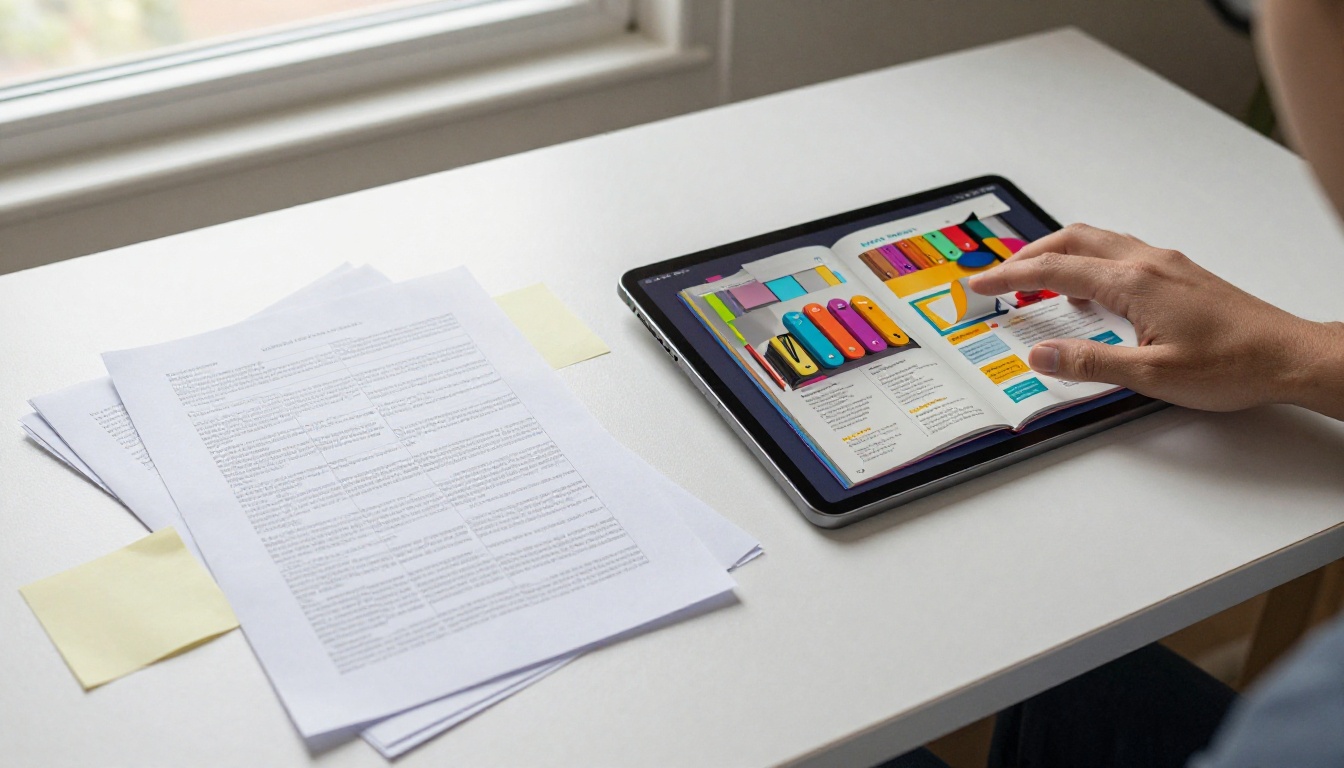
Why Clients Default to PDF
PDF has been the business standard since the early 1990s. It prints reliably, it looks the same on every device (theoretically), and everyone knows how to email one. Familiarity breeds comfort, and clients have been trained for decades to reach for PDF the moment they need to send a document.
The problem is that what worked in 1995 does not work in 2025. Reading habits have changed, devices have multiplied, and the expectation that a document will just sit there passively while your audience scrolls through it is no longer realistic for most business use cases.
What's Really Behind the Question
When a client asks "why not PDF?" what they often mean is: "I don't understand the problem you're solving." That's your cue. Your job isn't to disparage PDFs. It's to show them the specific problem their PDF has, and then show them what life looks like without it.
The moment you make it concrete, the conversation changes.
PDF's Real Weaknesses
Let's be precise. PDFs are fine for contracts, invoices, legal documents, and anything that genuinely needs to be printed or archived. But for catalogs, brochures, reports, proposals, menus, portfolios, and presentations that are meant to be read online, PDFs have three structural problems clients rarely see until you show them.
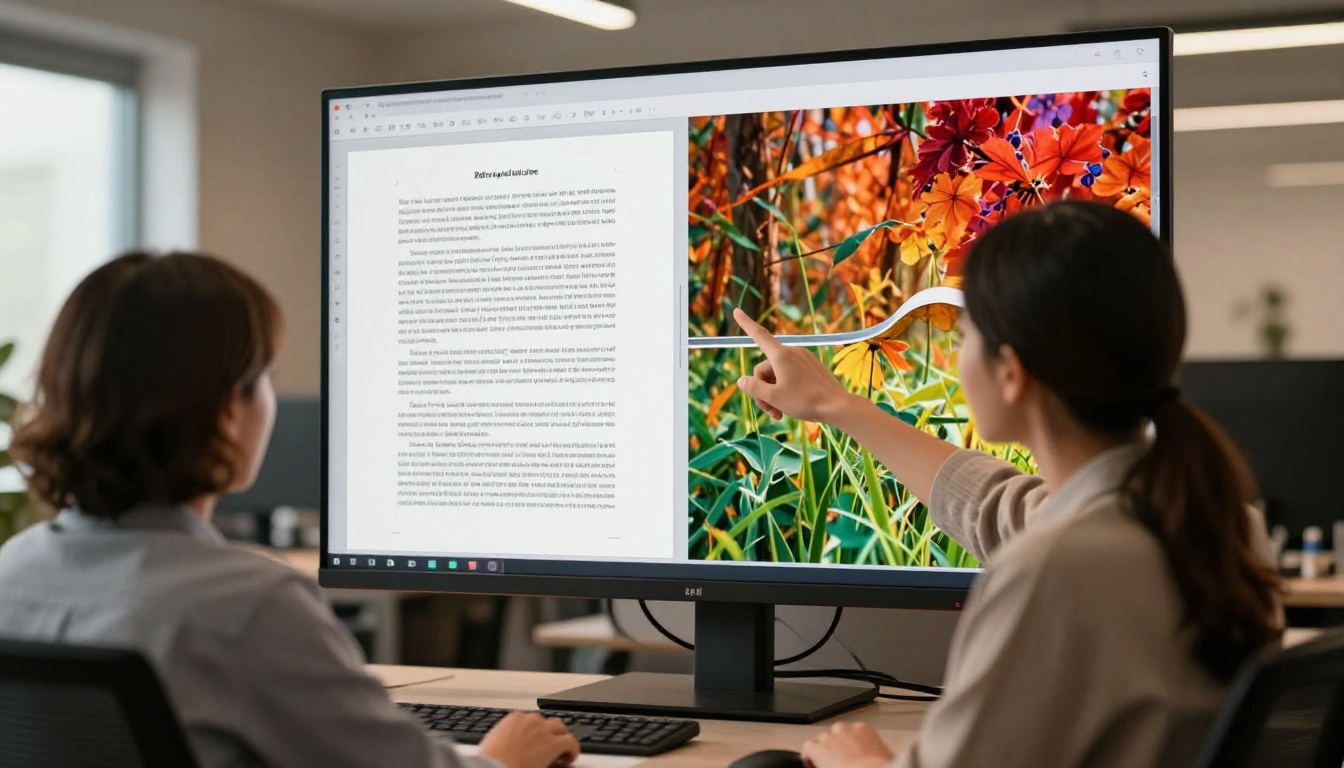
No Tracking, No Data
When you email a PDF, it disappears. You have no idea if it was opened, how far the recipient read, which pages they lingered on, or whether they forwarded it to five colleagues or deleted it immediately. In a sales context, this is a critical blindspot. You can't follow up strategically if you don't know where interest dropped off.
💡 Pro tip: With an interactive flipbook on Flipbooks AI, you can see exactly which pages get the most attention. Use that data to restructure your next proposal around what actually gets read.
Mobile Experience Is Broken
PDFs were designed for A4 paper. When someone opens a PDF on their phone, they get a miniaturized page they have to pinch-and-zoom to read. Text wraps badly, images scale awkwardly, and columns stack in ways that destroy the original layout. For a client sending a product catalog or company brochure, this means every mobile reader gets a degraded experience. In 2027, that's most readers.
Interactive flipbooks built on a proper publishing platform render responsively. They adapt to the screen. The reading experience on mobile is designed from the start, not an afterthought.
No Multimedia, No Interaction
A PDF is flat. You can embed a hyperlink, but that's about the limit of interactivity. You can't embed a product video, you can't add a clickable CTA button that tracks conversions, and you can't attach audio to a page. For any document where you want the reader to do something after reading, a PDF is the wrong tool.
⚠️ Warning: If your catalog or brochure is meant to drive sales, a format with no embedded video, no lead capture, and no analytics is working against you from the first click.
5 Client Questions, 5 Direct Answers
Here are the five most common variations of "why not PDF?" and exactly what to say in each case.
| Client Question | What to Say |
|---|
| "Everyone can already open a PDF." | "They can open a flipbook too, from any browser, no download needed. The difference is what happens after they open it." |
| "PDFs are universally accepted." | "So is a fax machine. Accepted doesn't mean effective. The question is whether it performs." |
| "Our team is already set up for PDFs." | "You keep creating in whatever format works for you. The flipbook platform converts the PDF in seconds. No new workflow." |
| "Will it work for print too?" | "If you need print, export the original PDF. The flipbook is for your digital distribution. Both can coexist." |
| "Isn't it more expensive?" | "The cost of sending 500 PDF emails with no data is higher than you think. One bounce, one unopened file, one lost deal adds up fast." |
These aren't clever retorts. They're honest clarifications. Each one redirects the conversation from format preference to business outcome, which is where the decision should actually live.
What Interactive Documents Do Better
The following table lays out the functional differences between a standard PDF and an interactive flipbook across every dimension that matters for online business documents.

| Feature | PDF | Interactive Flipbook |
|---|
| Mobile-responsive display | No | Yes |
| Real-time analytics | No | Yes |
| Embedded video and audio | No | Yes |
| Page-view tracking | No | Yes |
| Password protection | No | Yes |
| No download required | No | Yes |
| Shareable link | Limited | Yes |
| Embeddable on website | No | Yes |
| Lead capture forms | No | Yes |
| Custom branding | No | Yes |
| Offline access | Yes | Yes (downloadable) |
| Print-ready output | Yes | Yes (export PDF) |
✅ Best practice: Show this table to the client during your pitch. Visual comparison eliminates ambiguity faster than any verbal explanation.
The PDF column isn't wrong. It's just limited. And for most online-first business documents, those limitations directly cost engagement, reach, and conversion.
How to Show a Client in 60 Seconds
The fastest way to end the "why not PDF?" conversation is to show rather than tell. Here's a simple demo sequence that takes under a minute and works in any client meeting.

- Open the client's existing PDF in one browser tab.
- Open a comparable flipbook from Flipbooks AI in a second tab.
- Switch to mobile view in browser developer tools, or pull out your phone.
- Show the PDF: pinch-to-zoom chaos, broken columns, illegible text.
- Show the flipbook: clean, responsive, elegant page-turn on the same screen.
- Click through to the analytics section. Show them what "document opened at 9:43am, page 4 viewed for 3 minutes" looks like in real data.
That's it. No presentation, no slide deck. You've answered "why not PDF?" with a 60-second live demonstration. The client sees the gap themselves, which is far more persuasive than you explaining it.
💡 Pro tip: Have a sample ready. The PDF to Flipbook Converter can process a PDF in under 30 seconds. Use the client's own file if you can get it before the meeting.
The Numbers That Close the Argument
When a client is still on the fence after the demo, shift to data. These are the kinds of business-level metrics that reframe the format question as a performance question.
| Metric | PDF Baseline | Interactive Flipbook |
|---|
| Average session time | 1-2 min | 4-6 min |
| Mobile reader experience | Poor | Excellent |
| Pages viewed per session | 2-3 | 6-9 |
| Measurable engagement | None | Full analytics |
| Follow-up data available | None | Page-level heatmaps |
| Conversion tracking | None | Embedded forms and CTAs |
The session time difference alone changes how you follow up. If your document is a sales proposal and you can see the prospect spent eight minutes on page six (pricing) and two minutes on page seven (testimonials), you know exactly where to open your next call.
That context is worth more than any formatting preference. And it's something a PDF can never give you.
How to Convert a PDF into a Flipbook
This is where the conversation often shifts from "why not PDF?" to "okay, show me." Here's how to take an existing document and turn it into a professional interactive flipbook using Flipbooks AI.

Step 1: Create your account
Go to Flipbooks AI and sign up. The process takes about 90 seconds. No credit card required to start.
Step 2: Upload your PDF
Click "New Flipbook" and upload your PDF directly. The platform accepts large files, handles multi-page documents without issue, and preserves your original design layout including fonts, images, and spacing.
Step 3: Customize your flipbook
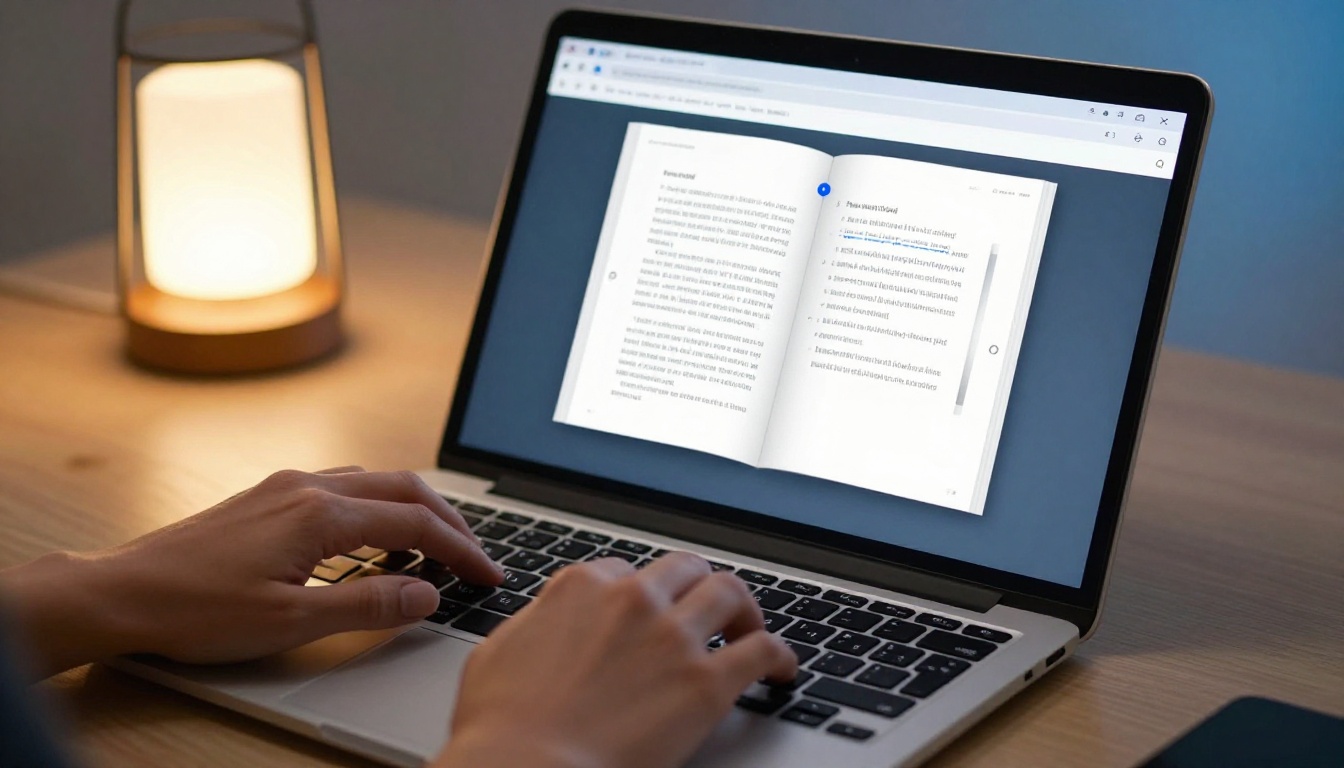
Once uploaded, set your brand colors, add your logo, choose a page-flip animation style, and apply a background. You can also embed video directly into specific pages, add audio narration, and insert clickable links that track engagement.
Step 4: Set your sharing options
Choose how your flipbook gets distributed. Options include:
- Direct link: A clean, shareable URL anyone can open in a browser
- Embed code: Drop the flipbook directly into your website with a single snippet, using the Embed Flipbook on Website tool
- Password protection: Restrict access to specific recipients
- QR code: For print materials that link to the digital version
Step 5: Track performance
On the Professional plan, you get access to full analytics: page views, session duration, reader location, scroll depth, and lead capture forms that collect contact information directly inside the document. For sales teams and marketing agencies, this is where the ROI becomes undeniable.
✅ Best practice: For product catalogs, try the Product Catalog Generator or Digital Catalog Maker for a purpose-built starting point. For company reports, the Annual Report Creator handles complex multi-section documents cleanly.
The platform also covers specialized use cases: the Real Estate Brochure Creator for property listings, the Restaurant Menu Creator for hospitality clients, and the Sales Presentation Flipbook for proposals that need to close deals.
What Different Clients Actually Need
Not every client asking "why not PDF?" has the same underlying concern. Match your answer to the specific type of client you're talking to.

| Client Type | Their Real Concern | Your Best Angle |
|---|
| E-commerce / retail | "Will customers actually read it?" | Mobile experience and session time data |
| Agency / consultant | "Is this easy for our team to manage?" | One upload, no workflow change, instant conversion |
| Real estate | "Can I brand it fully?" | Custom colors, logo, domain embedding |
| Hospitality / restaurant | "Does it work on phones?" | Responsive design, QR code sharing for in-venue use |
| Corporate / enterprise | "Is the data secure?" | Password protection, private sharing, no indexing |
| Education / training | "Can I update it easily?" | Re-upload the PDF, new version live instantly |
Knowing your client type before the meeting lets you lead with the answer they actually need, instead of a generic pitch about interactivity. Match their concern, not your enthusiasm.
Part of why the "why not PDF?" question gets asked is because agencies sometimes overreach. Not every document needs to be a flipbook. Here's an honest breakdown.
PDFs are still the right choice for:
- Legal contracts and agreements
- Tax documents and financial filings
- Internal archival documents
- Print-ready files for physical distribution
- Any document where the recipient needs to sign, annotate, or submit
Flipbooks are the right choice for:
- Product and service catalogs
- Marketing brochures and company profiles
- Proposals and sales presentations
- Annual reports shared online
- Restaurant and spa menus
- Portfolios and lookbooks
- Training materials and course content
- Event programs and newsletters
Being willing to tell a client "actually, for this document a PDF is fine" builds more trust than pushing interactive format on everything. It signals that your recommendation is genuine, not a product pitch.
Start with One Document
The fastest way to get a skeptical client comfortable is to propose a test. Not a commitment to a new platform. Not a rebrand of their entire document library. Just one document, side by side, for 30 days.
Take their most-shared PDF, convert it using Flipbooks AI, and run both versions simultaneously. Then bring the data to your next meeting.
The analytics from even one month of real distribution will answer the question better than any argument you make today. Open rates, session depth, mobile vs. desktop split, pages with the highest attention: that's the conversation a client actually wants to have. And it's a conversation only the flipbook version can make possible.
Ready to run that test? Create your account on Flipbooks AI in under two minutes, upload your client's existing PDF, and have a live comparison ready before your next call. If you want to see what's possible across every document type first, browse all tools and templates. And if you're comparing plans for a client or your own agency, check the pricing options for a full breakdown of what each tier includes.
One document. Thirty days. The data does the selling for you.



