Your customers are already on their phones, and you have probably been asked the same question a hundred times: "Do you have a catalog?" The answer you give decides how much you sell. Two options dominate small business sales right now: the built-in catalog inside WhatsApp Business, and a branded page-turning catalog built with a tool like Flipbooks AI. They look similar from a distance, yet they behave very differently once real buyers start using them.
This article puts both formats side by side. You will see where each one wins, where each one quietly costs you sales, and how to combine them so the chat becomes your front door and the flipbook becomes your showroom.
The Short Answer First
If you sell fewer than 30 simple products and every customer already chats with you, the WhatsApp catalog is fast and free. If you sell more than that, care about brand presentation, want to track who reads what, or need to reach people outside WhatsApp, a flipbook catalog sells better.
Most growing shops end up using both: a flipbook for browsing and persuasion, and WhatsApp for the final conversation and payment arrangement.
💡 Pro tip: Do not treat this as an either/or decision. The strongest setups send people from WhatsApp to a flipbook and back again.

How the WhatsApp Catalog Works
The WhatsApp Business app lets you add products with a photo, a name, a price, a short description and an optional link. Customers open your profile, tap "View catalog", and scroll a simple grid. They can add items to a cart and send you the list as a message.
What it does well
- Zero setup cost. It is free inside the Business app.
- Instant familiarity. Nobody needs to be taught how to use it.
- Direct conversation. The customer is already in a chat with you.
- Quick edits. You can change a price from your phone in seconds.
Where it struggles
- Tight product limits. Large catalogs become slow to manage by hand.
- Plain presentation. Every business looks the same: a grid of squares with small text.
- No storytelling. You cannot add collections, lookbooks, size charts or long descriptions in a designed layout.
- Trapped inside one app. People who are not on WhatsApp, or who found you on Instagram or Google, cannot browse it easily.
- Thin tracking. You see messages, but not which pages people looked at or how long they stayed.
How a Flipbook Catalog Works
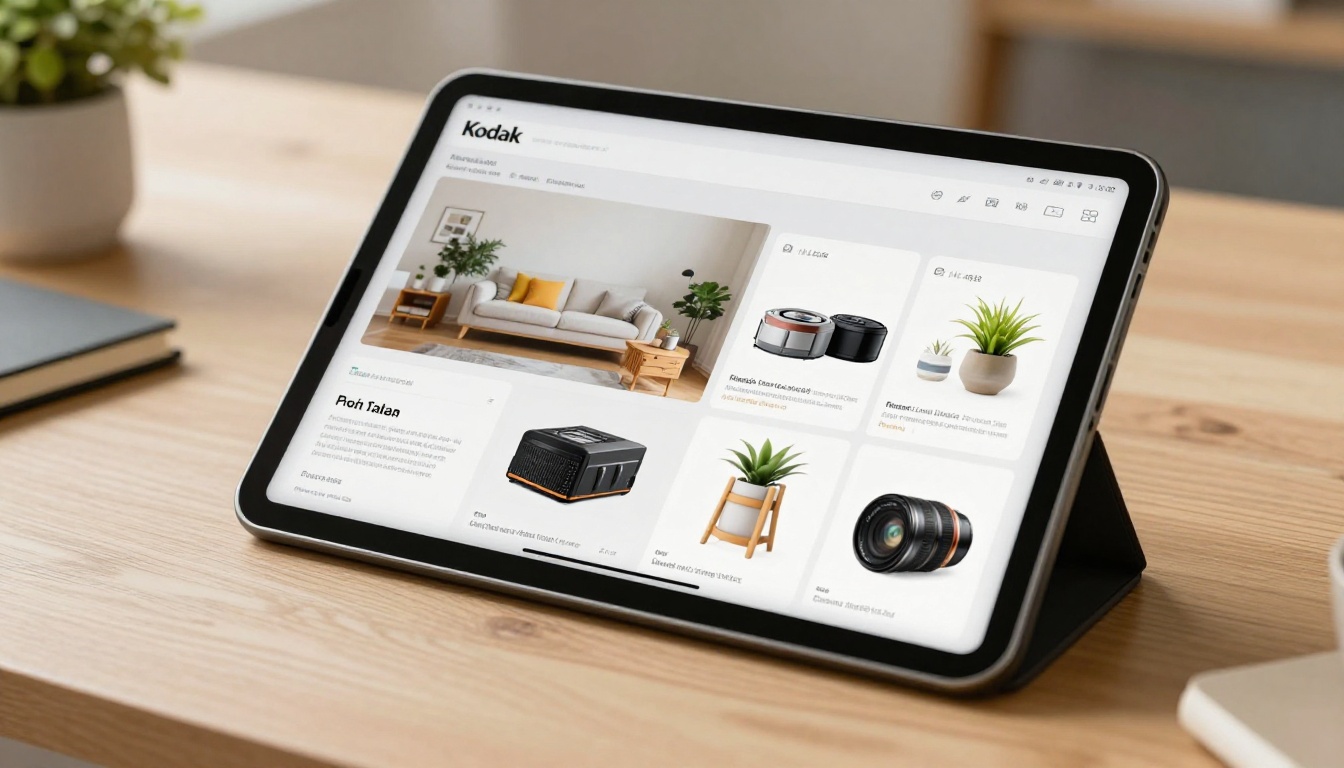
A flipbook catalog starts as a PDF or a design you already have. You upload it, and it becomes an interactive, page-turning experience with realistic page effects, zoom, clickable links and embedded media. You then share it by link, QR code or embed it on your website.
With Flipbooks AI you can build one without watermarks, add your own colors and logo, and keep it mobile-responsive so it reads well on small screens.
What it does well
- Full design control. Your layout, your fonts, your photography, your story.
- Unlimited pages and products. A 12-page lookbook or a 300-page wholesale book both work.
- Shareable anywhere. One link works in WhatsApp, email, Instagram bio, SMS and print QR codes.
- Rich media. Add video demos, audio and clickable product links.
- Tracking. On the Professional plan, analytics and lead generation show you what readers actually do.
- Protection. Password protection keeps wholesale prices private.
Where it struggles
- It needs a source file. You must design or export a PDF first.
- Updates take a short extra step. You replace the file rather than tapping one price field.
- No built-in chat. You pair it with a contact button or a WhatsApp link.
Head to Head Comparison
| Feature | WhatsApp Catalog | Flipbook Catalog |
|---|
| Cost to start | Free | Free tier, paid plans for more |
| Brand design control | Very low | Very high |
| Number of products | Limited and manual | Practically unlimited |
| Works outside WhatsApp | Poor | Excellent |
| Rich media (video, audio) | No | Yes |
| Reader analytics | Minimal | Yes (Professional plan) |
| Private pricing | Not really | Password protection |
| Offline viewing | No | Offline downloads |
| Speed of a price change | Seconds | A few minutes |
| Built-in chat | Yes | Via link or button |
| Print and QR friendly | Awkward | Easy |
The table makes the trade clear. WhatsApp wins on speed and chat. A flipbook wins on presentation, reach and measurement.

"Sells better" depends on what stage of the buying journey you are measuring. Think of three moments.
Moment one: attention
A buyer lands on your catalog for the first time. In a plain grid, your jewelry, candles or furniture compete with a small photo and two lines of text. In a flipbook, the first page can set a mood, show a hero image and tell them why your products exist. Presentation raises perceived value, and perceived value supports higher prices.
Moment two: decision
The buyer compares options. A flipbook lets you group items into collections, add size guides and show products in real settings. A WhatsApp grid pushes the buyer to ask questions, which is helpful for conversation but slow for people who prefer to decide quietly.
Moment three: purchase
Here WhatsApp is hard to beat. The buyer taps, writes "I want the blue one", and you reply in seconds. A flipbook has no chat built in, so you need to add a clear button that opens WhatsApp with a pre-filled message.
✅ Best practice: Put a WhatsApp link on every page of your flipbook. Browsing happens in the flipbook, buying happens in the chat.
Verdict by moment:
| Stage | Winner |
|---|
| Attention | Flipbook |
| Decision | Flipbook |
| Purchase | WhatsApp |
| Follow up | WhatsApp |
| Measurement | Flipbook |

Real World Examples
A jewelry maker with 80 pieces
A solo jewelry maker keeps getting messages asking for "the silver ones". The WhatsApp catalog shows tiny thumbnails with no context. She builds a 20-page lookbook with each collection on its own spread, adds a ring size chart and links every page to a pre-filled WhatsApp message. Questions drop because the book answers them, and the ones that arrive are ready to buy. The Interactive Lookbook Designer suits this kind of work.
A wholesale hardware supplier
A supplier has 400 SKUs and different price tiers for different clients. WhatsApp cannot hold that cleanly. A password-protected flipbook with tiered pricing works as a living trade book. Buyers open it on a phone in the warehouse, zoom into specs and send an order by chat. The Product Catalog tool is a natural starting point.

A florist at weekend markets
A market stall owner prints a QR code on a small sign. Passing shoppers scan it and flip through seasonal bouquets with prices. Orders for Monday delivery come through WhatsApp. The catalog sits on the table all day without needing a data plan on their end for printed browsing, and the florist updates it each week.
A fashion boutique
Boutiques live on seasonal drops. A Fashion Catalog can be rebuilt every season with new photography, while the WhatsApp catalog keeps only the current best sellers for quick replies.
Mobile Experience Matters Most
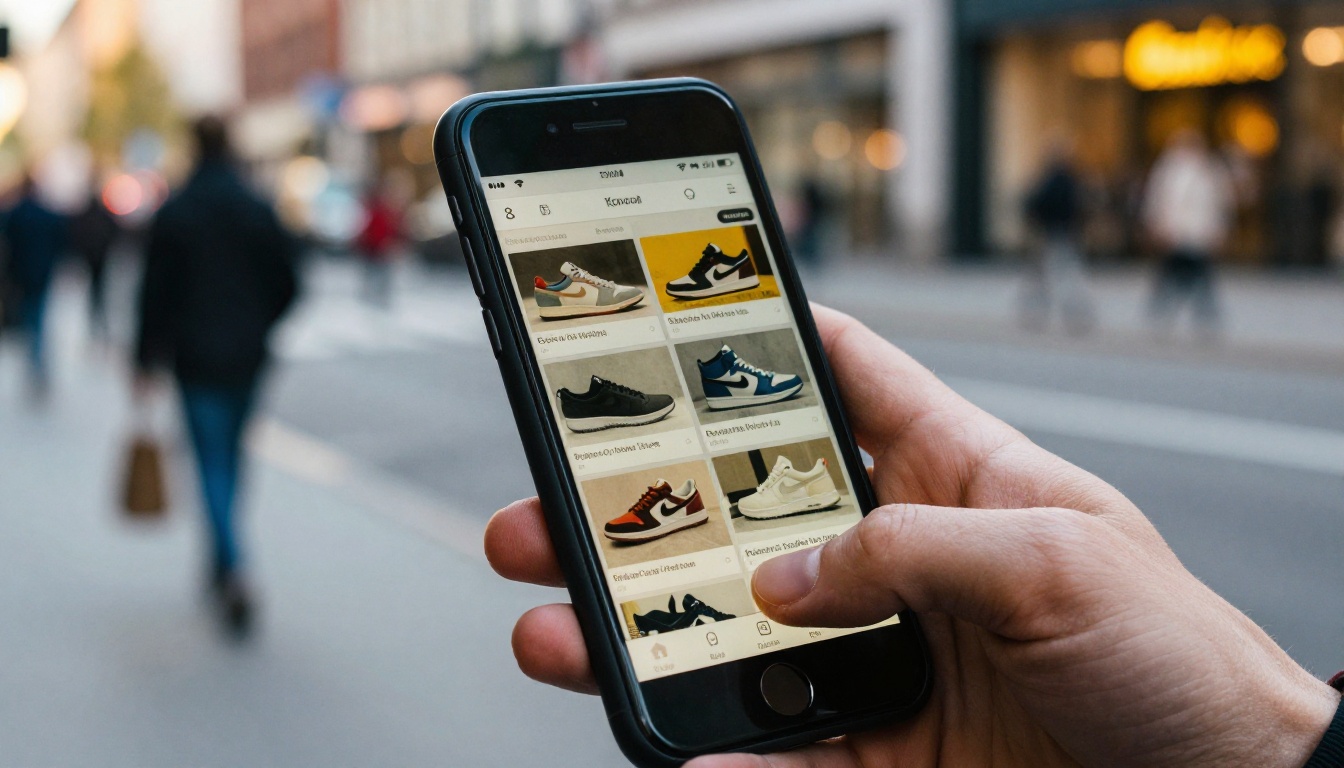
More than half of small business catalog views happen on a phone, so mobile behavior can decide a sale. Both formats work on mobile, but they feel different.
| Mobile factor | WhatsApp Catalog | Flipbook Catalog |
|---|
| Load speed | Very fast | Fast, depends on file size |
| Thumb-friendly navigation | Yes | Yes, swipe to turn pages |
| Zoom on product details | Basic | Smooth zoom |
| Needs an app | Yes, WhatsApp | No, opens in any browser |
| Shareable in a story or bio | Awkward | One simple link |
A flipbook opens in the browser, so a customer who came from Instagram or a search result does not need to install anything. That removes friction at the exact moment interest is highest.
⚠️ Warning: Heavy PDFs slow down mobile loading. Compress your images before uploading and keep each page under a reasonable size.
Pricing and Time Costs
Free does not always mean cheap. The WhatsApp catalog costs nothing in money but costs time when you manage many items one at a time. A flipbook costs a subscription but saves hours when you already have a PDF.
| Cost factor | WhatsApp Catalog | Flipbook Catalog |
|---|
| Software fee | None | Free tier, then monthly plan |
| Time to add 50 products | Long, one by one | Short if a PDF exists |
| Design cost | None | Optional |
| Cost of lost sales from poor presentation | Higher | Lower |
Check the current pricing plans to see which tier matches your volume. The Standard plan and above include unlimited flipbooks.

Measuring What Sells
You cannot improve what you cannot see. With a plain WhatsApp catalog you know who messaged you. You do not know who looked and left.
With a flipbook on the Professional plan you can see page views, reading time and lead details. That tells you which collection holds attention, which page loses people and which products deserve a better photo. A simple weekly routine works well:
- Open your analytics every Monday.
- Note the top three pages by reading time.
- Move those products closer to the front of the book.
- Check which pages readers abandon and rewrite or reshoot them.
- Compare WhatsApp messages received against flipbook visits.
If visits are high and messages are low, your call to action needs work. If both are low, your link sharing needs work.
How to Build a Flipbook Catalog
If you have decided to add a flipbook to your WhatsApp routine, here is a practical tutorial.

Step 1: Prepare your PDF
Export your catalog from Canva, Word, InDesign or Google Slides. Use high-quality product photos and keep text readable at phone size.
Step 2: Create your account
Go to Flipbooks AI and sign up. Then open the PDF to Flipbook Converter.
Step 3: Upload and convert
Drag your PDF into the uploader. The tool converts each page into a flipbook page with realistic turning effects. This usually takes under a minute.
Step 4: Customize the look
Set your brand colors, add your logo, choose a background and pick page effects. Add video demos or audio where they help sell the product.
Step 5: Add buyer links
Link each product image to a WhatsApp chat using a pre-filled message such as "Hi, I want to order the linen shirt in blue." This single step connects the flipbook to your chat.
Step 6: Share it
You have several sharing options:
- A direct link to paste into WhatsApp, Instagram and email
- A QR code for packaging, flyers and market signs
- An embed code to place it on your website with the Embed Flipbook tool
- Password protection for wholesale or private lists
Step 7: Track and refine
On the Professional plan, turn on analytics and lead generation. Offline downloads let customers keep a copy for later.
💡 Pro tip: Put your flipbook link in your WhatsApp Business profile description and in your auto-reply greeting.
A Simple Hybrid Setup That Works
Instead of choosing, build a loop.
- Attract: Share the flipbook link on social media, Google profile and printed QR codes.
- Browse: The customer flips through collections on any device.
- Ask: A button on each page opens WhatsApp with the product name filled in.
- Confirm: You reply, agree on delivery and take payment.
- Repeat: Send the updated flipbook to past buyers when new stock arrives.
Keep a small WhatsApp catalog with your top 10 sellers for customers who prefer the quick grid. Use the flipbook for everything else.
Common Mistakes to Avoid
- Uploading a huge PDF with heavy images. It loads slowly on mobile data.
- Forgetting the call to action. A beautiful catalog without a buy button is just a brochure.
- Letting prices go stale. Update the flipbook whenever the price list changes.
- Hiding the link. If customers cannot find the catalog, it cannot sell.
- Using tiny text. If you cannot read it on your own phone, neither can they.
Which One Should You Pick Today?
| Your situation | Best choice |
|---|
| Under 30 products, chat-only sales | WhatsApp catalog |
| 30 to 100 products, brand matters | Flipbook plus WhatsApp |
| Hundreds of products or tiered prices | Flipbook with password |
| Selling through Instagram or Google | Flipbook |
| Physical stalls and printed materials | Flipbook with QR code |
| Need to track what people read | Flipbook |
If you are unsure, start with what you have. Keep your WhatsApp catalog live, turn your existing PDF into a flipbook this afternoon and compare results after two weeks.
Start Selling With Both
Ready to put this into practice? Create your free account on Flipbooks AI and turn your PDF into a catalog customers enjoy opening. Browse all available flipbook tools to find the right template for your products, or compare pricing plans to pick the tier that fits your business.
Your WhatsApp chat closes the sale. Your flipbook makes people want to start the chat.



