You have spent weeks on photography, pricing and layout. The catalog goes to print, ten thousand copies land on pallets, and then someone notices the QR code on page 3 points to a landing page you deleted last night. That single mistake is why the static versus dynamic question matters more than it looks. If you are building a digital companion for your paper pages with Flipbooks AI, the type of QR code you print decides whether that companion stays reachable, trackable and editable for years or becomes a dead link.
Short answer: for almost every printed catalog, a dynamic QR code is the safer choice. Static codes still have a place, though, and the details below show exactly where. By the end you will know how each type works, what each one costs, which one fits your print run, and how to set the whole thing up in about fifteen minutes.
How QR Codes Actually Work
A QR code is just a picture of text. A phone camera reads the black and white squares, decodes the text, and opens it. When the text is a web address, the browser goes there. Nothing more happens.
The difference between static and dynamic comes down to what text is stored inside the squares.
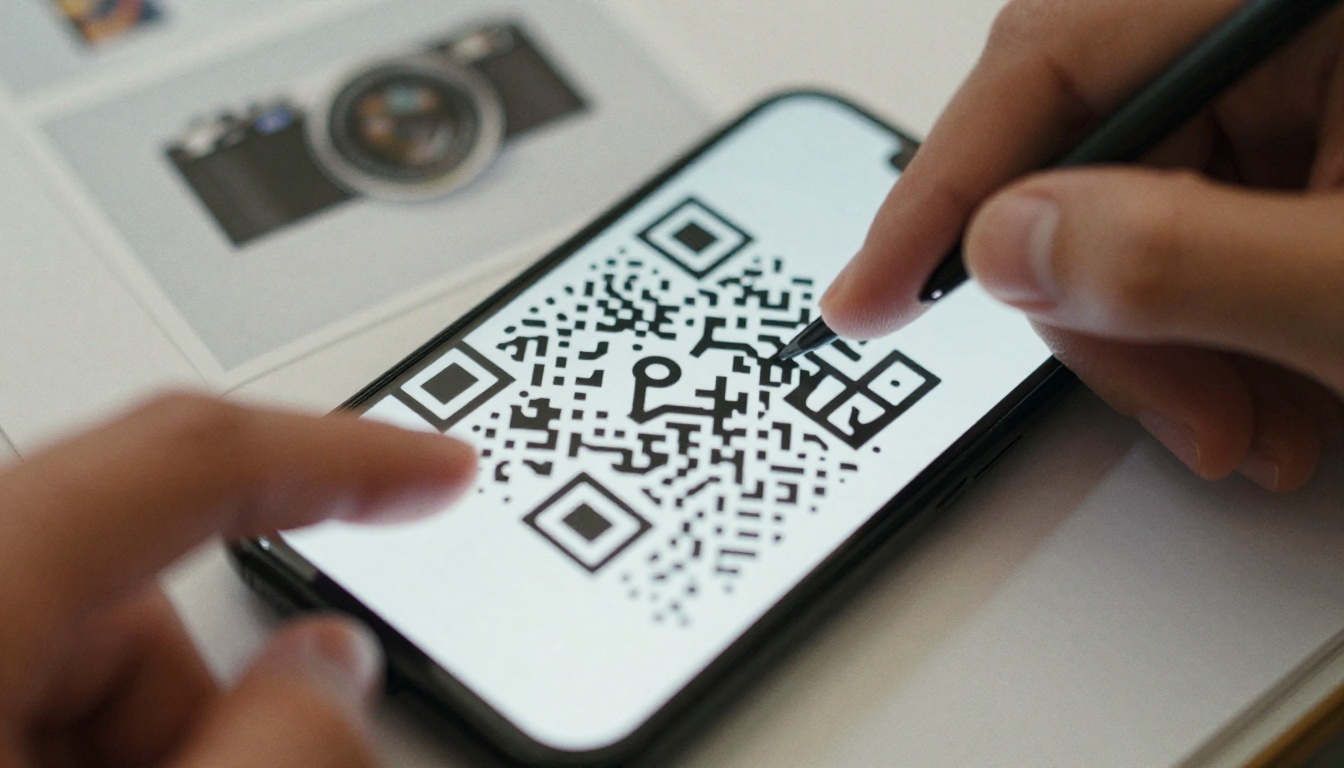
What a static code stores
A static QR code holds your final destination address directly. If the link is https://yourstore.com/spring-catalog, those exact characters are baked into the pattern. Once printed, the pattern can never change. Want a different destination? You reprint.
What a dynamic code stores
A dynamic QR code holds a short redirect address that belongs to a QR service. When someone scans it, their phone first visits the redirect, which then forwards them to your real destination. You can change the destination at any time from a dashboard, while the printed pattern stays exactly the same.
Why the pattern looks different
Because a dynamic code stores a short address, it contains less data. Less data means larger squares, fewer of them, and a pattern that scans faster and more reliably on glossy paper. Static codes with long links produce dense, tiny squares that struggle in low light or on curved surfaces.
💡 Pro tip: If your static code looks like a swarm of tiny dots, shorten the link first. A shorter payload gives you a cleaner, more scannable pattern even without a redirect service.
Static vs Dynamic at a Glance
Before the long explanation, here is the side by side view most print buyers want.
| Feature | Static QR Code | Dynamic QR Code |
|---|
| Destination can change after print | No | Yes |
| Scan tracking (counts, devices, location) | No | Yes |
| Typical cost | Free | Free tier or monthly fee |
| Depends on a third party service | No | Yes |
| Pattern density | Higher with long links | Lower and cleaner |
| Expiry risk | None | If the subscription lapses, code may stop working |
| A/B testing destinations | No | Yes |
| Best for | Permanent, simple links | Anything that may change or needs data |
The table hides one important trade-off. A static code never expires, but it can never be fixed. A dynamic code can always be fixed, but only while the service behind it stays active. Keep both facts in mind as you read on.
The Case for Static Codes
Static codes get a bad reputation, and some of it is unfair. They are a perfectly good tool when used for the right job.
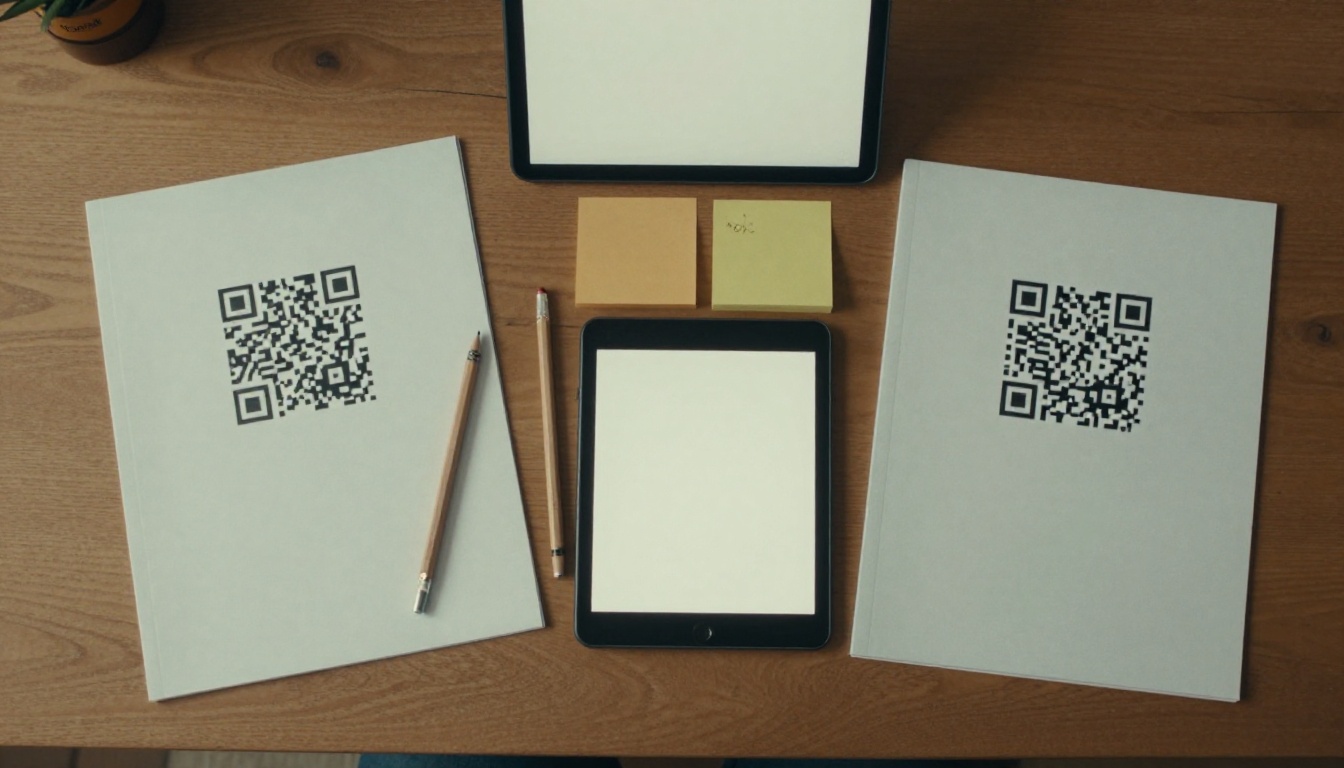
They cost nothing
Generating a static code takes ten seconds and no account. There is no subscription, no renewal, and no vendor that can raise prices on you.
They never depend on someone else
Because the destination is stored in the pattern itself, there is no middleman. If the QR service you might have used goes out of business, your static code keeps working as long as your own page does.
When static is the right call
- A permanent web address you fully control, such as your homepage or a contact page that will exist for a decade
- Plain text like a Wi-Fi password, a phone number or a short product code
- A vCard with contact details on a business card tucked inside the catalog
- Internal use such as warehouse labels where tracking is irrelevant
Where static fails a catalog
Catalogs are living documents in disguise. Prices shift, products retire, seasons end. A static code tied to a specific landing page is one site redesign away from a 404. And you will not know it is broken until a customer tells you, because static codes give you zero data.
⚠️ Warning: Never print a static QR code that points to a campaign page, a PDF stored in a folder, or any URL you do not personally guarantee will exist for the full life of the catalog.
The Case for Dynamic Codes
Dynamic codes solve the exact problems catalogs create. Most of the value comes from three things.
1. You can fix mistakes after printing
Typos in a URL happen. So do broken redirects after a website migration. With a dynamic code you open the dashboard, paste the corrected address, and every printed copy in the world starts working. That alone can save a print run.
2. You get real scan data
A catalog is hard to measure. You hand it out and hope. A dynamic code tells you how many people scanned, when, on which device and roughly from where. That turns paper into something you can optimize.

3. You can change the story seasonally
The same printed code can send customers to the spring collection in March and the clearance page in August. Use one catalog for a year without it ever feeling stale.
What can go wrong
Dynamic codes have one serious weakness: the redirect lives on someone else's server. If you stop paying, many providers deactivate the code. Your printed catalogs then point to a placeholder page asking for a payment. Some businesses have learned this the hard way after a trial expired.
Protect yourself with these habits:
- Choose a provider that lets you use your own domain for the redirect, such as
go.yourstore.com.
- Pay annually, not month to month, and set a calendar reminder.
- Check the provider's terms for what happens when a plan ends.
- Keep a record of every code, its destination and its print date.
Cost Over Time
Free sounds attractive until you do the math on a large print run. Here is a realistic comparison for a catalog printed in 5,000 copies with a three year shelf life.
| Scenario | Static | Dynamic (paid plan) |
|---|
| Code creation | $0 | $0 |
| Annual service fee | $0 | Around $60 to $240 |
| Cost to fix a wrong link | Full reprint, often thousands | $0 |
| Cost to change destination | Full reprint | $0 |
| Analytics tool | Not available | Included |
| Three year total (typical) | $0 plus risk | $180 to $720 |
Even at the higher end, a dynamic code costs less than reprinting a single box of catalogs. The question is not whether you can afford it, but whether you can afford a broken link.
💡 Pro tip: Treat the annual service fee as insurance. It protects a print investment that likely cost ten to a hundred times more.
What the Print Itself Needs
Whichever type you choose, bad printing can ruin a good code. Print vendors see the same mistakes repeatedly.
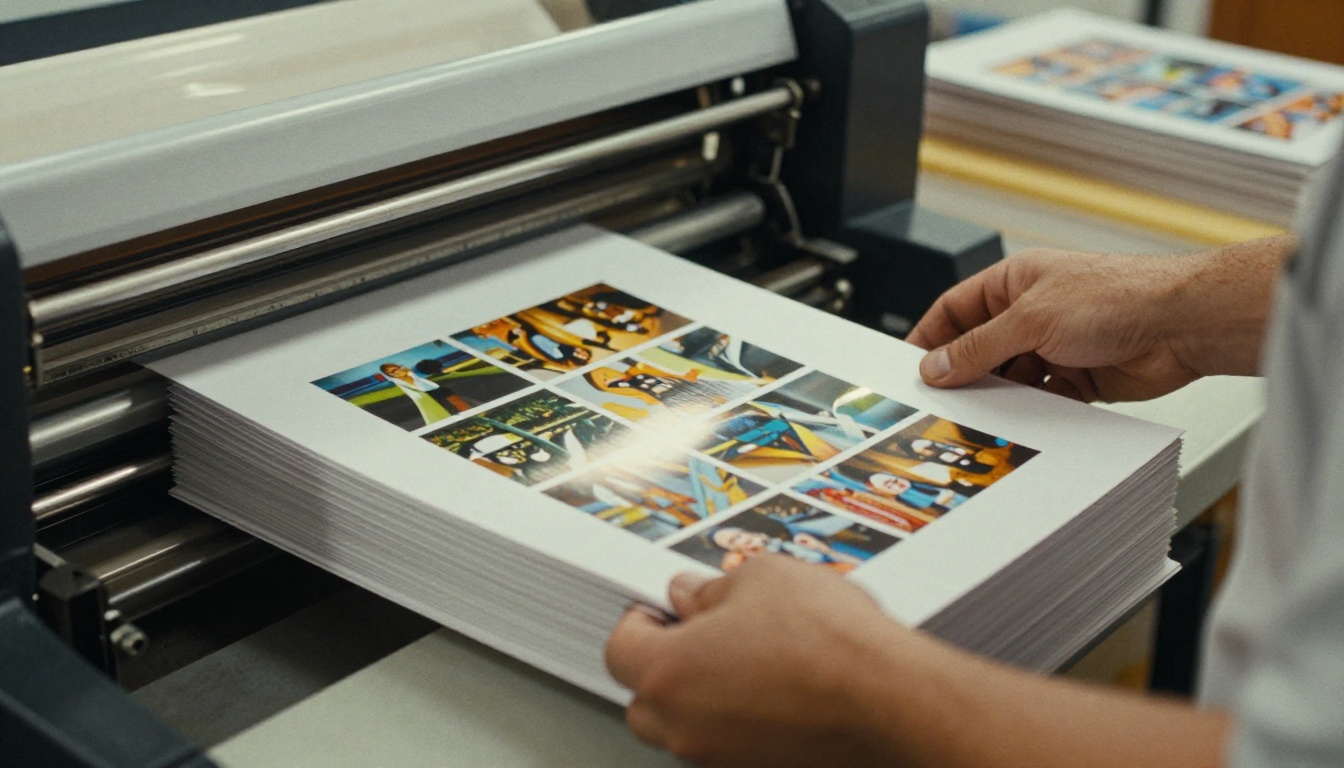
Size and quiet zone
- Minimum size: 2 cm by 2 cm (about 0.8 inch), larger if readers will scan from a distance
- Keep a blank border of at least four squares around the code
- Never place the code across a page fold or the binding gutter
Contrast and color
- Dark code on a light background, always
- Inverted codes (light on dark) fail on many older phones
- Avoid gradients and busy photo backgrounds directly behind the pattern
Paper and finish
Highly glossy coatings can reflect light and confuse a camera. A matte or satin finish gives the most reliable scans. If you must use gloss, test with several phones before approving the run.
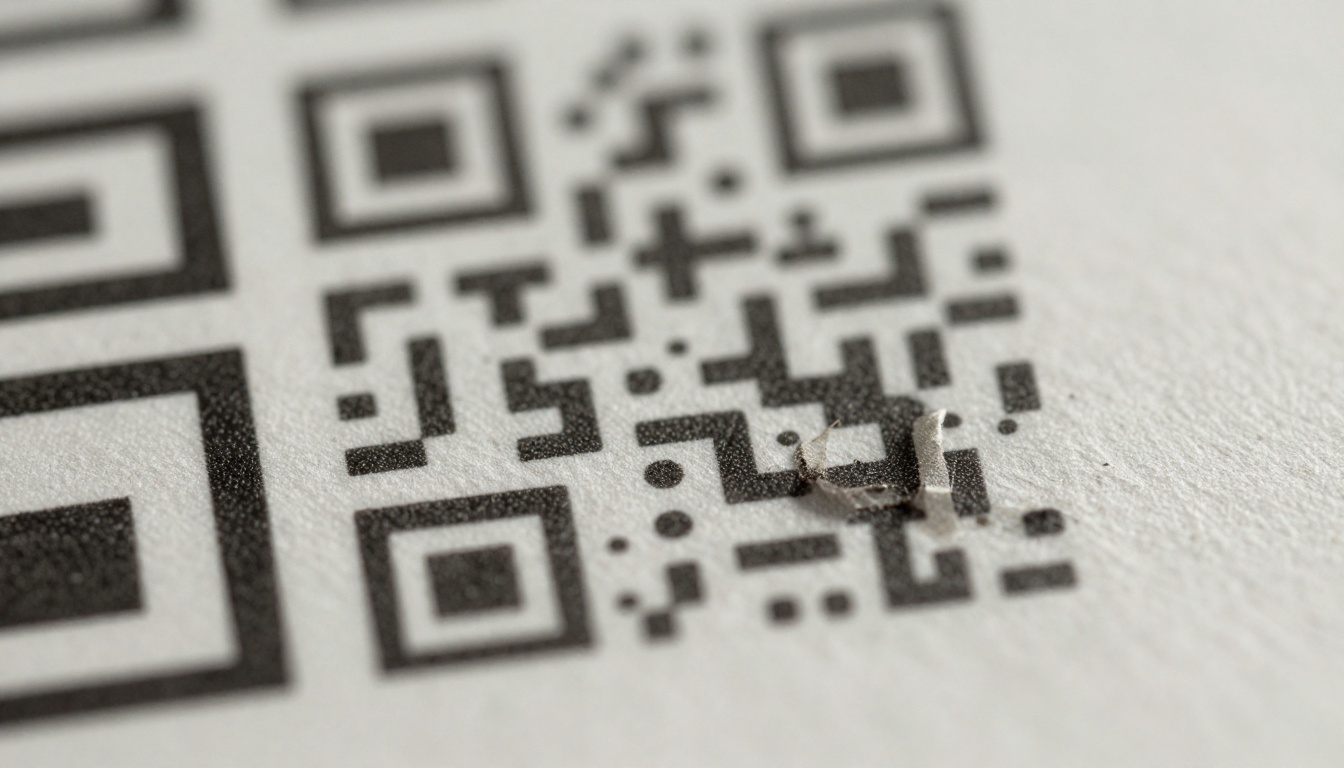
Always add a call to action
A bare code gets ignored. Put a short line beside it saying what the scan delivers: "Scan to see this collection in 3D", "Scan for sizes and live stock", or "Scan to watch the product video". Tell the reader what they gain.
Test before you commit
- Print a single proof page on the real paper stock.
- Scan it with at least three different phones, including an older model.
- Scan in dim light and in direct sun.
- Confirm the destination loads quickly on a mobile connection.
Where to Send Scans
Choosing static or dynamic is half the decision. The other half is what the customer sees after the scan. A PDF that needs pinching and zooming on a phone wastes the moment.
A mobile friendly digital version of the same catalog works far better. With the PDF to Flipbook Converter you upload the print PDF and get a page turning flipbook that opens instantly on any phone, with no app and no watermark.

| Destination | Mobile Experience | Easy to Update | Good For |
|---|
| Raw PDF file | Poor, needs zoom | Replace the file | Technical sheets |
| Standard product page | Good | Edit the page | Single products |
| Flipbook of the full catalog | Excellent | Re-upload and the link stays | Whole catalogs |
| Video or social page | Good | Change the link | Brand campaigns |
Matching destination to catalog type matters. A fashion brand might send scans to an Interactive Lookbook Designer page, while a manufacturer might prefer the Product Catalog tool with clickable specifications. A furniture seller could link to a Furniture Catalog where each sofa shows dimensions and fabric options.
Real Examples That Show the Difference
Abstract advice is easy to nod at and forget. These scenarios make the trade-offs concrete.
A furniture retailer
The retailer prints 8,000 seasonal catalogs with a static code pointing to /autumn-2026. In January the marketing team renames the page to /winter and removes the old one. Every remaining catalog now sends customers to an error page. With a dynamic code, the team would have switched the destination in thirty seconds.
A restaurant group
A group places a code on a printed takeaway menu insert. They use a dynamic code and discover through scan data that 70 percent of scans happen between 5 pm and 7 pm on weekdays. They schedule a lunch special promotion during that quiet window and track whether scans rise. Static codes could never have shown this.
A trade show exhibitor
An exhibitor hands out catalogs at a three day event. A dynamic code lets them send scans to a lead capture page on day one, then to a "thank you for visiting" offer afterward, without touching the printed material.

A small craft business
A solo maker prints 200 catalogs and links to their permanent shop homepage on a domain they own. A static code is fine here. The address will outlive the paper, there is nothing to measure at that volume, and there is no subscription to remember.
Decision Table: Pick in Under a Minute
Answer these questions honestly and tally the result.
| Question | If Yes, Lean Toward |
|---|
| Is the print run larger than 1,000 copies? | Dynamic |
| Might the destination page ever change? | Dynamic |
| Do you want to know how many people scanned? | Dynamic |
| Does the code link to a seasonal or campaign page? | Dynamic |
| Will the link stay the same for 5+ years on a domain you own? | Static |
| Is the code for plain text, Wi-Fi or contact details? | Static |
| Do you refuse any ongoing subscription? | Static (with a very stable URL) |
If you answered yes to two or more of the dynamic rows, go dynamic. Most catalog projects land there.
✅ Best practice: The strongest setup for most brands is a dynamic code on your own domain, pointing to a flipbook link that stays constant while you update the content behind it.
How to Set It Up With a Flipbook
Here is a practical workflow that makes the printed catalog and its digital twin work together. You can finish it in a single afternoon.

Step 1: Build the digital catalog
Open Flipbooks AI, create an account, and upload the same PDF you send to the printer. The platform converts it into a realistic page turning flipbook in seconds.
Step 2: Customize it
Add your logo, brand colors and page effects. Embed product videos or audio where they help. With the Digital Catalog Maker you can also make pages feel closer to the printed object so the jump from paper to phone feels natural.
Step 3: Protect or share as needed
Choose a public link for customers, or add password protection for a wholesale only edition. Grab the direct link or embed code. If you want the catalog on your own site too, the Embed Flipbook on Website tool gives you the snippet.
Step 4: Create the dynamic QR code
In your QR service, create a dynamic code and set its destination to the flipbook link. Prefer a redirect domain you own. Download the code as an SVG or high resolution PNG for print.
Step 5: Place it on the page
Put the code near a strong call to action, away from folds, with a clear border. Send the proof to the printer with the exact size specified.
Step 6: Measure and improve
Inside the flipbook, the Professional plan offers analytics and lead generation. Combine that with the scan data from your QR service for a full picture: scans on one side, page level reading behavior on the other. Compare pricing plans to see which tier fits.
Step 7: Update without reprinting
When your catalog changes, upload the new PDF and keep the destination steady. The printed code continues to work and customers always see the current edition.
Common Mistakes to Avoid
These errors show up again and again in print projects.
- Printing a static code to a temporary URL. Campaign pages die. Printed paper does not.
- Using a free dynamic trial for the real run. When the trial ends, so does the code.
- Skipping the phone test. A code that scans on your new phone may fail on a five year old one.
- Making the code too small. Under 2 cm, reliability drops quickly.
- Placing it on the fold. The gutter splits the pattern and breaks the scan.
- Forgetting a call to action. People scan what they understand is worth scanning.
- Sending users to a desktop PDF. Mobile visitors leave within seconds.

Quick Checklist Before You Print
Ready to Connect Paper and Screen?
For a printed catalog, choose dynamic unless the link is truly permanent and you have no interest in data. The small yearly cost buys you the ability to fix errors, track results and keep one print run relevant for seasons.
Then give every scan somewhere worth landing. Get started for free on Flipbooks AI, turn your catalog PDF into a mobile friendly flipbook, and browse all available tools and templates to match your industry. When you need analytics and lead capture, compare plans and pick the one that fits your next print run.



