The way flipbooks get made has shifted dramatically in the past few years, and most people haven't caught up to how significant that shift actually is. What used to require hours of manual design work, desktop publishing software expertise, and a back-and-forth process between designers and clients can now be done in minutes. That's not an exaggeration. Flipbooks AI and tools like it sit at the intersection of AI automation and digital publishing, and the results are changing who can create professional-quality interactive publications and how fast they can do it.
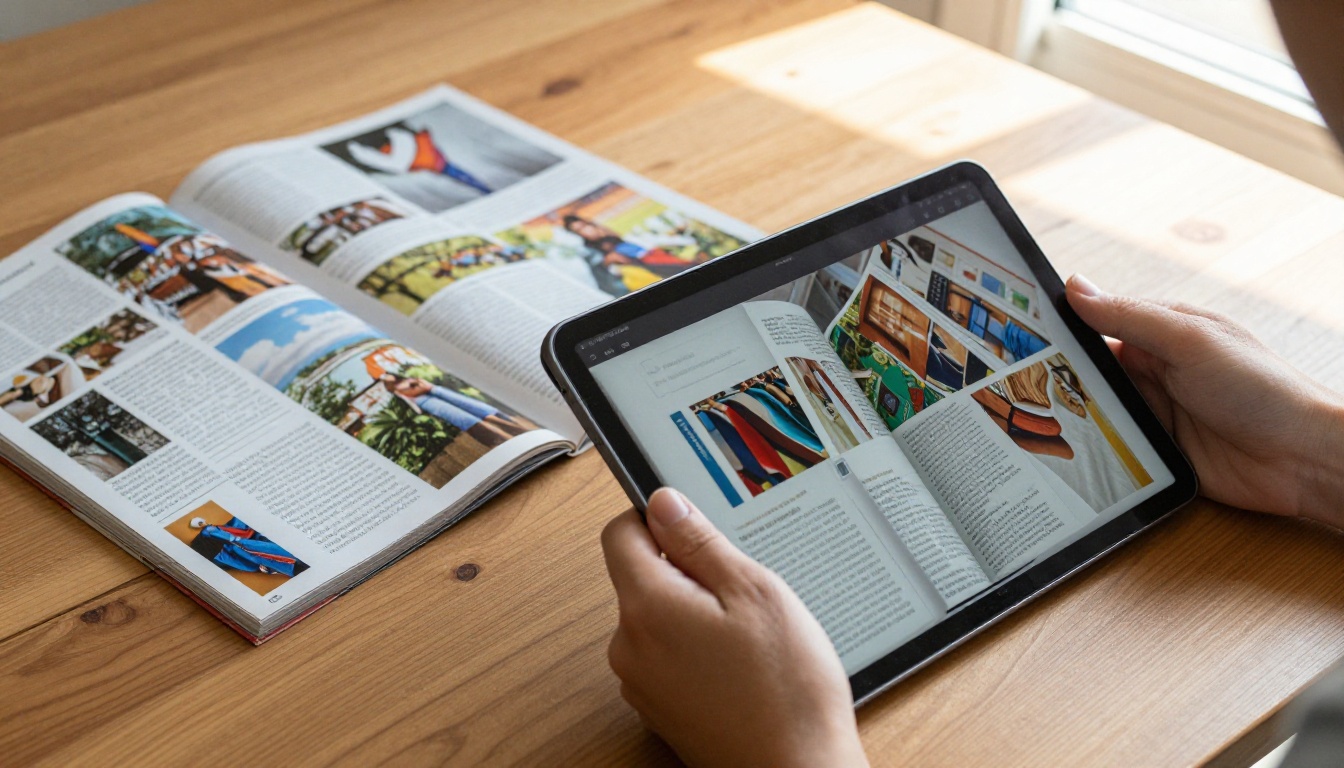
What Flipbook Creation Looked Like Before
Before AI entered the picture, creating a flipbook, even a basic digital one, meant either hiring a designer or spending serious time learning a tool. You needed a properly formatted PDF, knowledge of page sizing and bleed margins, and then you'd upload it to a conversion tool that would spit out something functional but rarely polished.
The old process had real bottlenecks
The typical workflow looked something like this: design in InDesign or Illustrator, export to PDF, upload to a basic converter, get back a flat page-flip file with no branding, no interactivity, and certainly no analytics. If you wanted custom colors, a logo, or embedded video, you were looking at either a premium subscription with a steep learning curve or hiring someone to do it for you.
For small businesses, schools, independent creators, and marketing teams without dedicated designers, this created a real wall. The tools existed but weren't accessible. The outputs were technically "interactive" but felt static.
Why the old tools fell short
| Pain Point | Old Approach | AI-Powered Approach |
|---|
| Design setup time | 2 to 8 hours per publication | Minutes with auto-layout |
| Branding customization | Manual, requires design skill | Automated with brand presets |
| Image optimization | Manual resize and compress | Auto-optimized on upload |
| Publishing workflow | Multi-step export and upload | Single workflow from PDF |
| Analytics | Rarely included | Built into platform |
The table above captures a pattern that anyone in content production will recognize: the work wasn't in the creativity, it was in the execution. AI is collapsing that execution gap.
When people hear "AI-powered flipbook creator," they often imagine something vague. In practice, the AI inside modern platforms like Flipbooks AI does several very specific things.
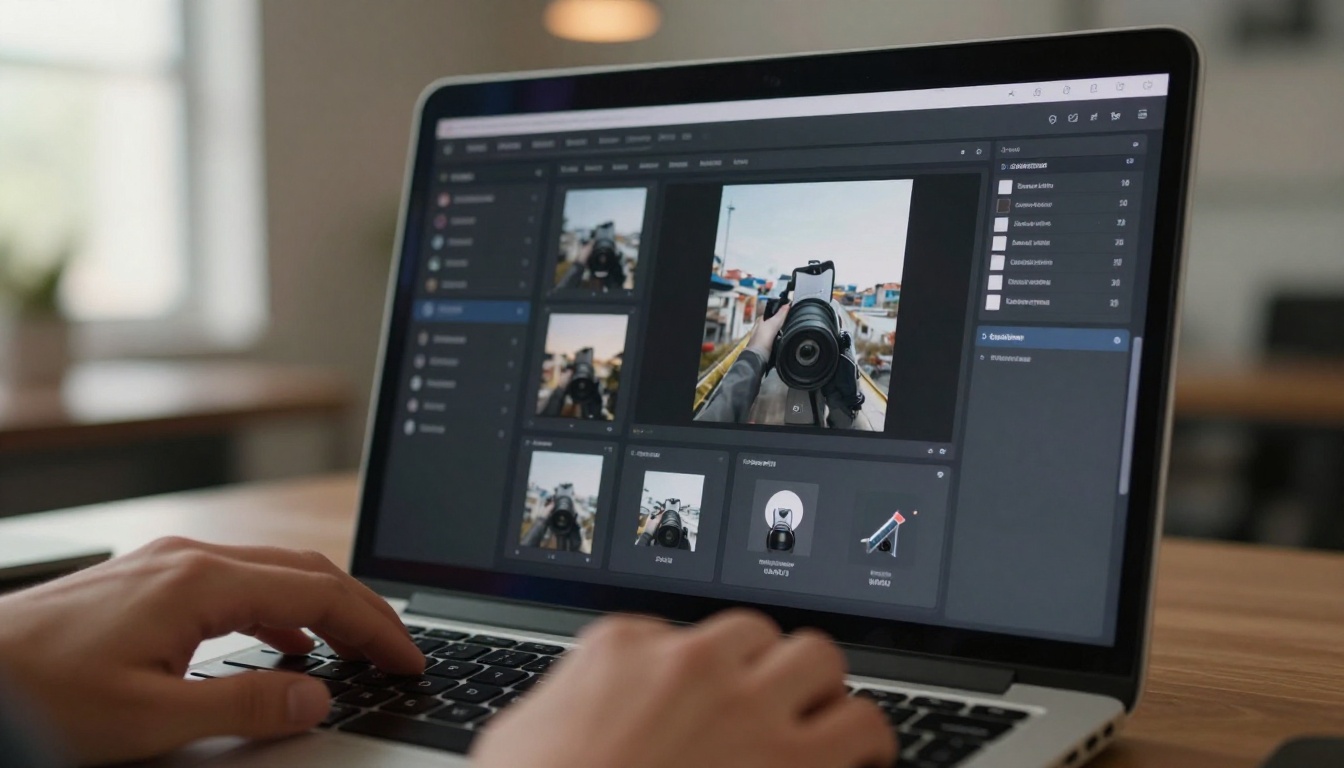
Automated layout detection
AI reads the structure of your uploaded PDF and identifies what's a heading, what's body text, what's a call-to-action, and what's decorative. This allows the system to preserve design intent when converting to a flip format rather than just flattening everything into static images.
Smart image handling
Rather than converting each page into a low-resolution raster image (which is what older converters do), AI-powered tools analyze image content, apply compression without visible quality loss, and in some cases upscale imagery for better presentation on high-DPI screens. This is especially visible when you convert print catalogs with product photography.
Behavioral analytics
Some platforms use AI to analyze reader behavior within a flipbook and surface that data in a meaningful way. Which pages hold attention longest? Where do readers drop off? That kind of feedback loop used to require enterprise-level analytics software. Now it comes standard with Professional plan subscriptions.
💡 AI doesn't just convert your PDF, it reads it. The difference between a flat conversion and an intelligent one shows up most clearly when you have complex layouts with multiple columns, pull quotes, and mixed media.
The Speed Difference Is Real
Speed is the single most concrete argument for AI in digital publishing. The math is simple.
Before vs. after, by task
| Task | Manual Process Time | AI-Assisted Time |
|---|
| Convert 20-page PDF to flipbook | 45 to 90 minutes | Under 3 minutes |
| Apply brand colors and logo | 30 to 60 minutes | Instant with presets |
| Add embedded video to pages | 20 to 40 minutes per video | Drag and drop, 2 minutes |
| Generate shareable link | 5 to 10 minutes | Instant |
| Set up password protection | 10 to 20 minutes (if available) | One toggle |
| Enable analytics tracking | Requires third-party setup | Built-in, enabled by default |
When you're producing one flipbook a month, that time saving is a convenience. When you're producing ten or twenty, it becomes a business decision.
Real-world turnaround examples
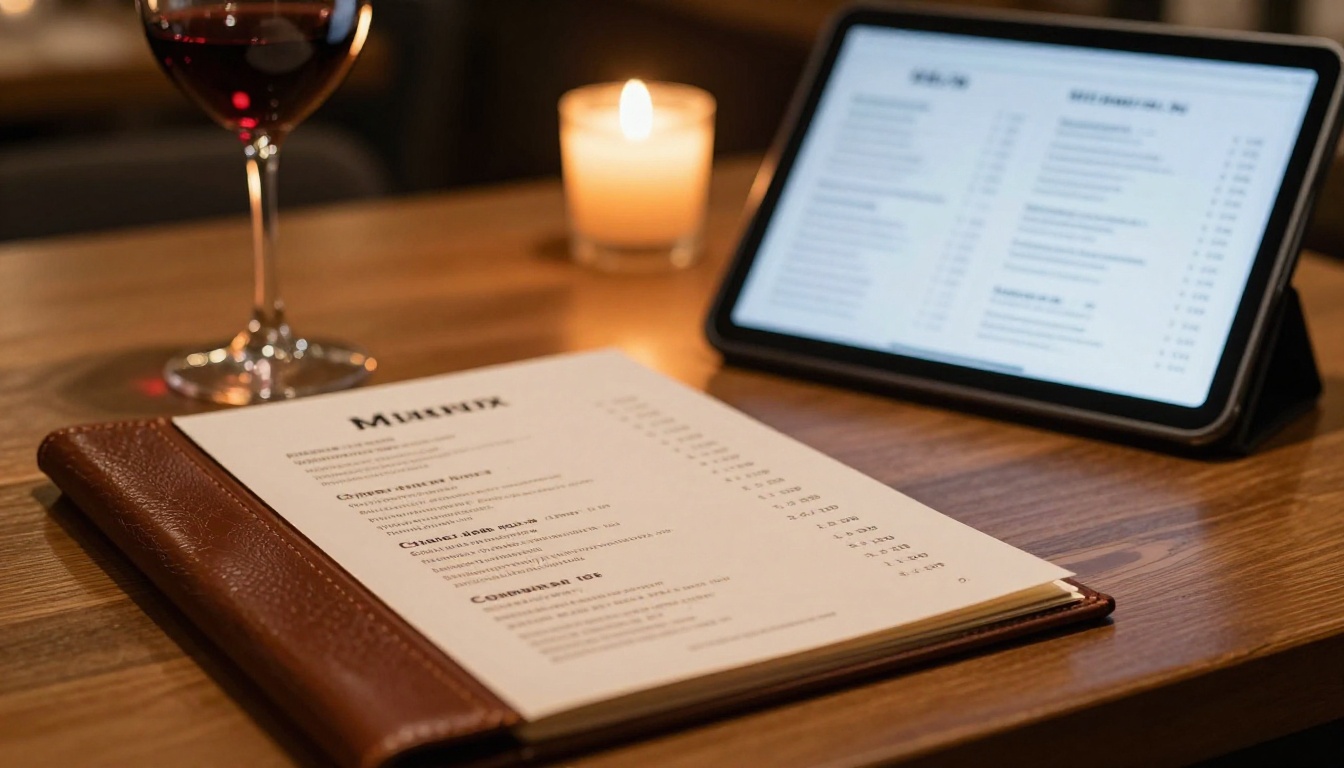
A restaurant chain that updates its seasonal menu quarterly isn't going to hire a design agency every time. With an AI-powered tool, the marketing coordinator uploads the new PDF, the platform handles the rest, and the updated digital menu is live in under five minutes. The Restaurant Menu Creator makes this repeatable with no design overhead.
A fashion label launching a new collection lookbook used to need a two-week runway between finalizing photography and having a distributable digital publication. Today that's a same-day turnaround. The Interactive Lookbook Designer handles the format, and the brand team focuses on the content itself.

Who Benefits Most From AI-Powered Flipbooks
Not every industry benefits equally, but the range of who benefits is wider than most people expect.
Marketing and sales teams
Marketing teams produce more content than ever, across more channels, with fewer people. AI-powered flipbook creation fits directly into that reality. A product catalog, a sales presentation, a client proposal — these are all formats that benefit from the professional presentation of an interactive flipbook, and none of them require a designer when the tool does the heavy lifting.
The Sales Presentation Flipbook and Digital Catalog Maker tools are built specifically for teams that need to produce polished deliverables fast without bottlenecking on design resources.
Real estate professionals
Property brochures are among the highest-impact and most frequently produced documents in real estate. Agents who used to spend $200 to $400 per brochure on print production and design can now create a professional digital brochure from a PDF in minutes. The Real Estate Brochure Creator handles the format, and sharing a password-protected link with a client takes seconds.
✅ Real estate agents using digital flipbook brochures report higher click-through rates from email campaigns than static PDF attachments, because the interactive page-flip format is more compelling and mobile-friendly.

Education and training
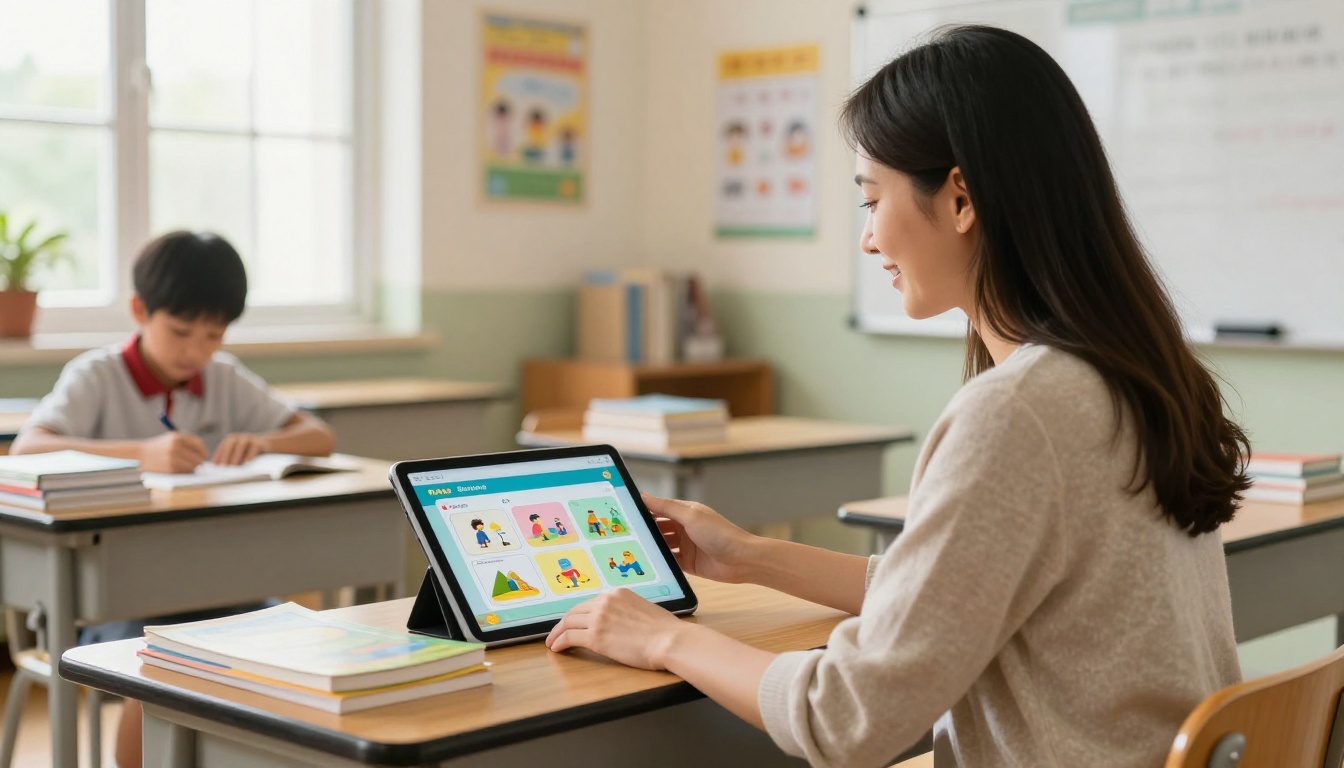
Educators and corporate trainers have quietly become one of the largest audiences for flipbook tools. A course material document, a training manual, or a school newsletter in flipbook format is more immersive than a flat PDF and more accessible than a full LMS course build.
The Training Manual Flipbook and Course Material Publisher tools make it straightforward to convert existing materials into interactive publications that work on any device.
Independent creators and freelancers
A photographer with a portfolio, a chef with a recipe book, a travel blogger with a destination write-up — these creators used to have limited options. Print was expensive. Static PDFs were forgettable. AI-powered flipbook tools give independent creators a professional publishing format without professional design costs.
The Photography Portfolio Flipbook, Recipe Book Flipbook, and Travel Guide Flipbook tools are purpose-built for exactly this kind of solo creator use case.
What AI Can (and Cannot) Do for Your Flipbooks
Being clear about what AI handles well versus where it still needs human input helps set realistic expectations.

Where AI genuinely excels
- Conversion accuracy: Reading PDF structure and preserving layout intent during digital conversion
- Speed at scale: Processing multi-page documents instantly, regardless of page count
- Optimization: Compressing images, optimizing for mobile display, adjusting for different screen densities
- Personalization presets: Applying brand colors, fonts, and logos consistently across every page
- Analytics processing: Identifying read patterns and reader behavior data at a level that wasn't previously accessible without custom tooling
- Accessibility: Auto-generating mobile-responsive versions of every publication
Where human input still matters
- Original design: AI can convert and optimize, but it can't replace a well-designed source document. Garbage in, garbage out still applies.
- Content strategy: Deciding what goes into a flipbook, what tone it takes, and what action it drives remains human work.
- Brand nuance: A tool can apply your logo and hex codes, but getting the feel exactly right still often requires a human review pass.
⚠️ AI-powered conversion works best when the source PDF is already well-structured. Scanned documents, low-resolution PDFs, and heavily stylized layouts with unusual fonts will produce less accurate results than clean, well-formatted files.
Feature comparison across plan tiers
| Feature | Free | Standard | Professional |
|---|
| Flipbooks per account | Limited | Unlimited | Unlimited |
| Custom branding | No | Yes | Yes |
| Password protection | No | Yes | Yes |
| Analytics | No | Basic | Full |
| Lead generation | No | No | Yes |
| Offline downloads | No | Yes | Yes |
| Embedded video and audio | No | Yes | Yes |
| Watermark-free | No | Yes | Yes |
Browse the full breakdown on the pricing page to find the tier that fits your workflow.
How to Build Your First AI-Powered Flipbook
If this is your first time using Flipbooks AI, here's how the process works from start to shareable link.
Step 1: Create your account
Go to flipbooksai.com/account and set up a free account. No credit card required to start. The free tier gives you access to the conversion workflow so you can see the output before committing to a plan.
Step 2: Upload your PDF
Click "New Flipbook" and upload your PDF. The AI processes the document immediately, reading layout structure, identifying page elements, and preparing the conversion. For a standard 20-page document, this takes under 60 seconds.
💡 For best results, use a PDF exported at 300 DPI from your design software. Lower resolution PDFs will still convert, but image sharpness on retina displays will be noticeably reduced.
Step 3: Apply your branding
Once the conversion preview loads, you'll see your flipbook in a default style. From the customization panel, you can:
- Upload your logo (it appears consistently on every page)
- Set primary and secondary brand colors
- Choose a page-flip animation style
- Select a background color or texture for the reader frame
- Add custom fonts if your plan includes it
Step 4: Add interactivity
This is where AI-powered flipbooks separate themselves from basic converters. Within the editor, you can:
- Embed YouTube or Vimeo videos directly onto specific pages
- Add clickable hotspot links to external URLs
- Include audio clips on any page
- Set up lead capture forms (Professional plan)
The platform handles rendering these elements responsively across devices without any manual coding.
Step 5: Publish and share
When the flipbook is ready, click Publish. You'll get:
- A direct shareable link (works on any browser, any device)
- An embed code for dropping the flipbook into any website or blog post
- Password protection settings if the content is private
- Analytics access showing views, time-on-page, and reader behavior
The full publishing workflow from PDF upload to live shareable link takes under 10 minutes for most documents. Browse all available flipbook tools to find the right template for your specific use case.
The Bigger Picture for Digital Publishing
The broader shift happening in digital publishing is that the barrier between "having content" and "publishing content professionally" is collapsing. AI is the primary reason.
For decades, professional presentation required professional tooling or professional people. A well-formatted brochure, a polished catalog, an interactive magazine — these were capital investments. You paid for them with time, money, or both.
What AI-powered publishing platforms have done is absorb most of that capital requirement. The tools handle the formatting. The conversion is automated. The distribution is instant. What's left is the content itself, which has always been the part that actually matters.
This doesn't mean design is dead or that every flipbook now looks identical. It means the floor has risen dramatically. The baseline quality available to someone with no design background and a $20 per month subscription is now comparable to what required dedicated design software and significant training five years ago.
For businesses, that's a cost story. For creators, it's an accessibility story. For the broader digital publishing ecosystem, it signals that the infrastructure layer is being commoditized so the creative layer can move faster.
What this means in practice
If you're currently distributing content as static PDFs attached to emails, you're leaving real value on the table. A PDF tells you nothing about who read it, for how long, or which pages mattered. An interactive flipbook with analytics built in gives you that data automatically.
If you're paying a design agency to produce quarterly publications, the AI tools available today can handle the execution layer of that work in-house, freeing agency budget for strategy, original creative work, or campaigns that genuinely require senior creative talent.
If you're a solo creator who's been hesitating because digital publishing felt too technical or too expensive, the calculus has changed. An account on Flipbooks AI and a well-prepared PDF is all you need to have a professional publication live by end of day.
Start Creating Now
Ready to see what your content looks like in flipbook format? Create your first flipbook for free and convert your PDF in under five minutes. Take a look at the full range of tools and templates to find the right fit for your specific use case. When you're ready to scale, compare pricing plans to find what works for your workflow and budget.



