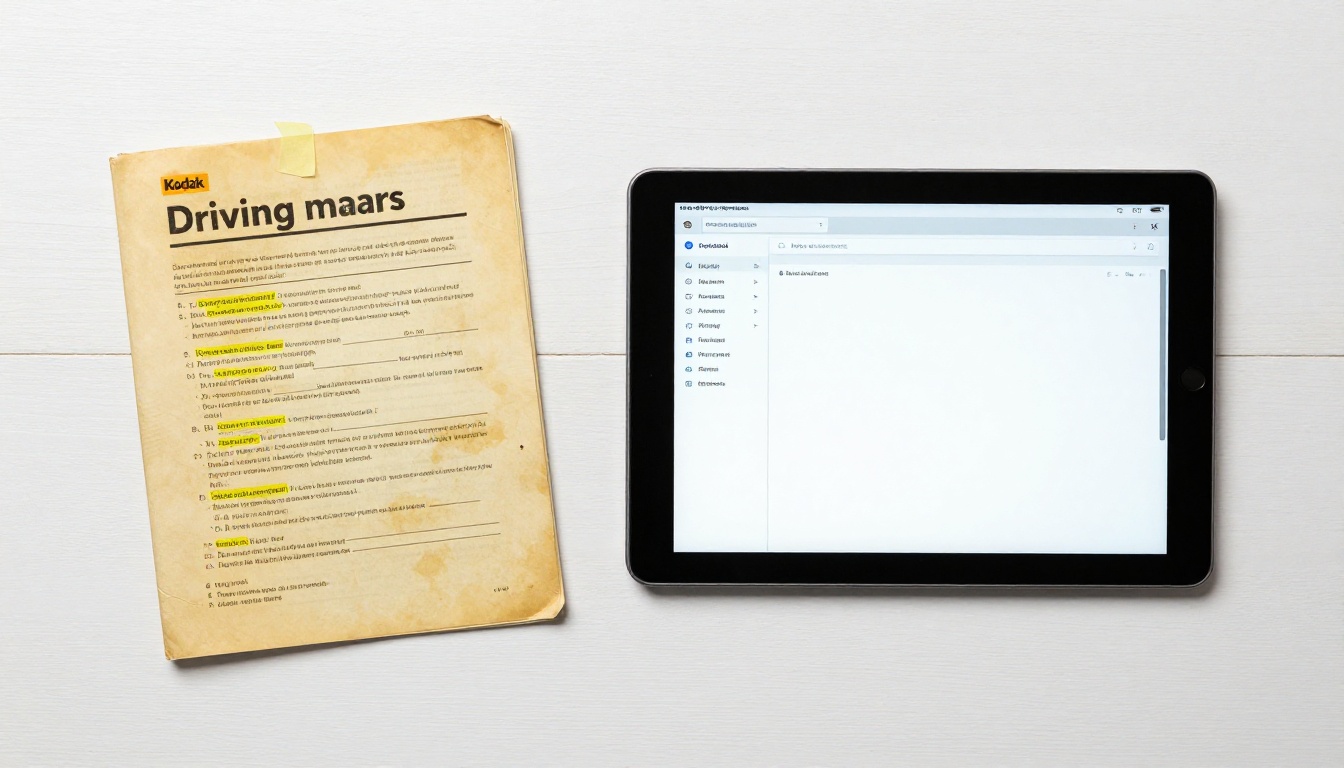
Driving schools that still hand students a thick, spiral-bound manual on day one are fighting an uphill battle before a single lesson starts. Students today arrive with smartphones in their pockets, scroll social media between lessons, and have been absorbing information digitally for over a decade. Handing them a 90-page photocopied packet does not inspire confidence in your program. It signals that your school has not moved with the times, and in a competitive market, that signal matters.
Flipbooks AI makes it possible to convert your existing driver training materials into a professional, interactive, mobile-ready digital flipbook in minutes. No coding, no designers, no expensive software. Just upload your PDF, customize it, and share it with every student via a link.
This article breaks down exactly why digital flipbook manuals are no longer optional for driving schools, what they solve that print never could, and how to get your first one live today.

Why Printed Manuals Are Holding Schools Back
Most driving schools are aware that their printed materials are not ideal. They know the manuals get left in cars, lost at home, or returned with coffee stains. But very few have stopped to count what printing actually costs, or considered the deeper operational problems that come with paper-based training resources.
The Hidden Cost of Printing
Reprinting manuals every time traffic laws change, a new vehicle joins the fleet, or your pricing structure updates is not cheap. A single manual printed and bound at a local print shop can run $8 to $15 per copy. For a school enrolling 200 students per year, that is $1,600 to $3,000 spent annually on physical manuals alone, before accounting for staff time spent managing inventory, reprinting on demand, or chasing down missing copies.
Beyond the direct cost, there is the waste problem. When a student loses their manual or leaves the program, that printed copy is gone. There is no way to revoke access, share an updated version, or repurpose it. Digital flipbooks eliminate all of this overhead instantly.
| Cost Factor | Printed Manual | Digital Flipbook Manual |
|---|
| Per-student cost | $8 to $15 per copy | $0 (share via link) |
| Update cost | Full reprint required | Edit once, updates everywhere |
| Storage needed | Physical shelf space | Cloud storage only |
| Lost copy recovery | Reprint and replace | Resend the link |
| Revision speed | Days to weeks | Immediate |
| Environmental impact | Paper, ink, waste | None |
Outdated Content Is a Liability
Traffic laws change. Road sign standards get updated. Speed limits in school zones shift. When your students are learning from a manual that contains outdated information, you are not just delivering a poor experience. You are potentially putting them in front of a licensing examiner with wrong information, which reflects directly on your school's pass rates and reputation.
With a digital flipbook, you update the master PDF, re-upload it, and every student link automatically reflects the new version. No reprinting. No chasing down old copies. No embarrassing disclaimers on the front page saying "please check with your instructor for current regulations."
What Students Actually Expect Today
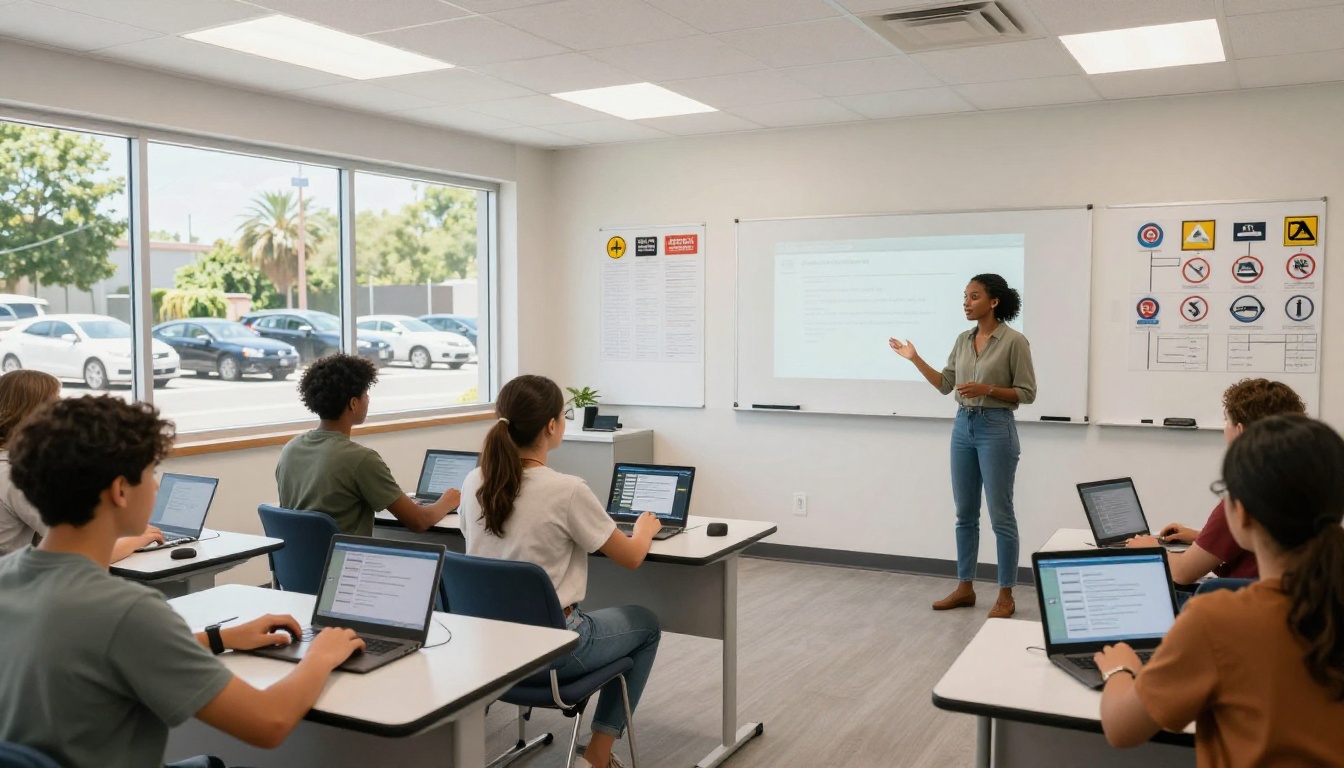
The students walking through your door in 2027 and beyond have grown up with instant digital access to everything. Their textbooks have online portals. Their university notes are in Google Docs. Their gym classes use apps. They are not impressed by paper. They are, however, very receptive to schools that meet them where they already are.
The Mobile-First Generation
Over 85% of young adults aged 18 to 24 primarily access information through their smartphones. A PDF that requires a laptop to open properly, or a printed manual they have to carry around, creates friction in the learning process. A digital flipbook accessible from any device, at any time, removes that friction entirely.
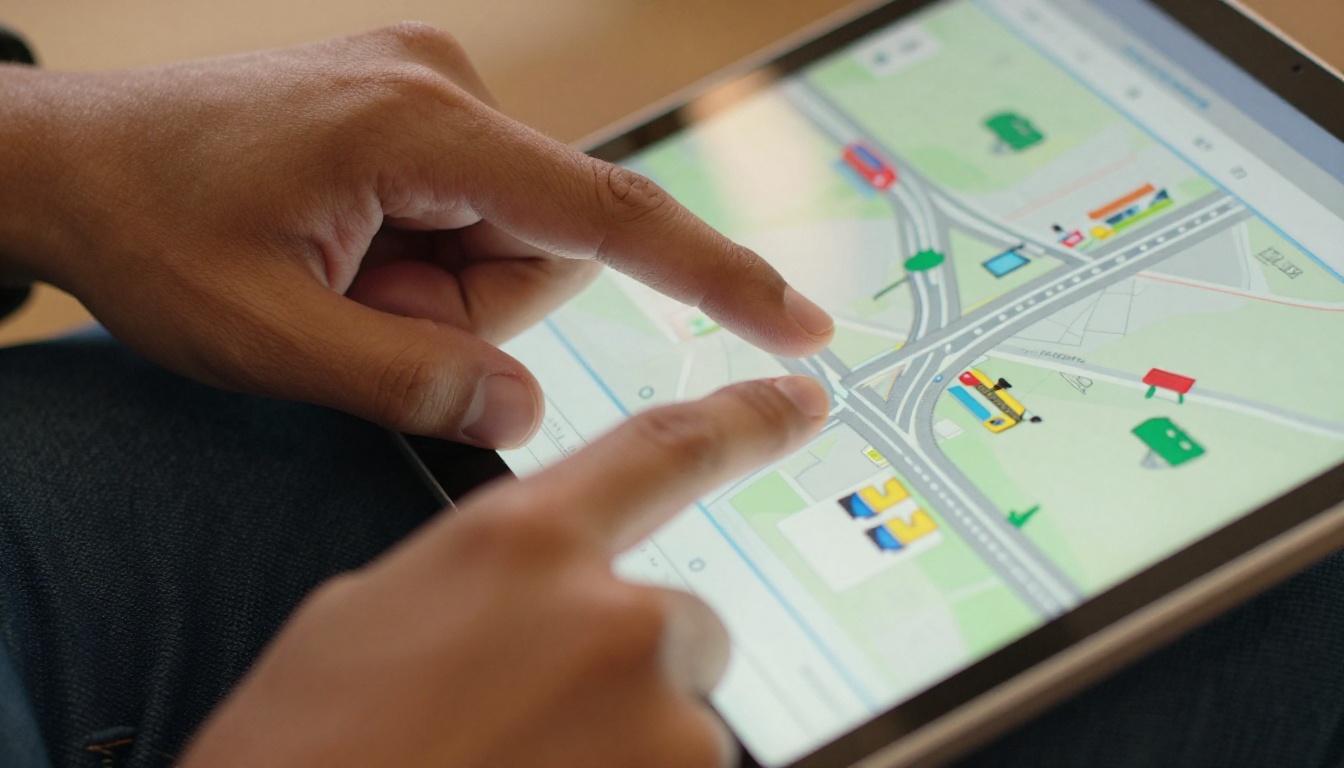
Students can review intersection rules while waiting for their lesson to start. They can flip back to parking procedures at home the night before their driving test. They can share a specific page with a parent who is helping them practice. None of this is possible with a printed manual.
Study Habits Have Shifted
Research on adult learning consistently shows that spaced repetition and self-directed review are among the most effective ways to retain new information. A printed manual is a static object. A digital flipbook with embedded links, video clips, and interactive elements gives students multiple ways to engage with the same material, which means better retention over time.
This directly affects your school's pass rate. Better-prepared students pass their tests. Better pass rates build your reputation. Better reputations bring more enrollments. The ripple effect of a single digital upgrade is significant.
It is worth being specific about what separates a PDF (even one shared digitally) from a true digital flipbook manual. Many schools have tried the halfway approach of emailing students a PDF, and it does not deliver the same experience.
| Feature | Shared PDF | Digital Flipbook Manual |
|---|
| Page-turn animation | No | Yes |
| Mobile optimization | Limited | Full |
| Embedded video support | No | Yes |
| Analytics (who read what) | No | Yes (Professional plan) |
| Password protection | No | Yes |
| Custom branding | No | Yes |
| Offline access | App-dependent | Yes (downloadable) |
| Shareable via link | Basic | Yes, with tracking |
| Embed on your website | No | Yes |
| Search inside document | No | Yes |
A digital flipbook feels like a product. A shared PDF feels like an attachment. That distinction matters enormously to how students perceive your school's professionalism.
💡 The Training Manual Flipbook tool on Flipbooks AI is built specifically for instructional content like driver education materials, with multi-chapter support and table of contents navigation.
Real Benefits for Driving School Operations
Beyond student experience, digital flipbook manuals create tangible operational wins for the people running the school.
Instant Updates, No Reprinting
When a regulation changes in your state or province, you need your training materials to reflect that change immediately. With Flipbooks AI, you update the source PDF, re-upload it, and the change is live for every student who holds a link. No waiting for the next print run. No explaining to students that their copy is out of date.
This is especially valuable for multi-vehicle schools where different manuals cover different vehicle classes. Managing multiple printed versions across a student cohort is an administrative headache. Managing them as digital flipbooks is a two-minute task per document.
Track Who Read What
The Professional plan on Flipbooks AI includes analytics that tell you exactly how students are interacting with your manual. You can see which pages were read, how long students spent on each section, and whether they actually opened the manual at all.
This is genuinely useful data. If you notice that 70% of students skip the section on night driving, you can address that in your classroom sessions. If a student fails their test and claims they studied everything, you can actually verify that claim.
💡 Pro Tip: Use analytics data to refine your next manual version. Pages with low read time may need a visual upgrade, shorter text, or a summary callout box.
Password Protection for Proprietary Content
Your driving manual represents years of curriculum development. The test questions, the specific training sequences, the diagnostic checklists are intellectual property. With password protection available on Flipbooks AI, you can ensure that only enrolled students access the manual, and that access can be revoked when a student completes the program.
How to Build Your Driving School Manual with Flipbooks AI
If you already have a driving manual in any document format (Word, InDesign, Google Docs), you are a few steps away from a professional digital flipbook that students can access from any device.
Step 1: Prepare Your PDF
Export your existing driving manual as a PDF. Make sure all images and diagrams are embedded, text is legible at mobile screen sizes, and the document is organized with a clear table of contents. If you do not have an existing digital version, tools like Google Docs or Canva make it straightforward to build one.
Step 2: Create an Account
Go to Flipbooks AI and create your account. The Standard plan and above give you unlimited flipbooks, which means you can create separate manuals for different vehicle classes, training modules, or student levels without additional cost.
Step 3: Upload Your PDF
Click "Create Flipbook," upload your PDF, and the system converts it automatically into an interactive flipbook with page-turn animation, mobile optimization, and a shareable link. The PDF to Flipbook Converter handles the technical conversion with no design or development skills required.
Step 4: Add Your Branding
Set your school's logo, primary color scheme, and a branded title page. This takes about five minutes and immediately makes the manual feel like an official product from your school rather than a generic digital document.
Step 5: Set Access Controls
If your manual contains proprietary content or test questions, enable password protection. Share the link with the password via email when a student enrolls, and update or revoke it when they finish the course.
Step 6: Share It
Use the Embed Flipbook on Website tool to place the manual directly on your student portal or website. Alternatively, share the direct link via email or SMS at registration. Both approaches take under two minutes.
✅ Best Practice: Share the manual link immediately at enrollment, before the first lesson. Students who pre-read the material arrive more prepared, ask better questions, and progress faster through the program.
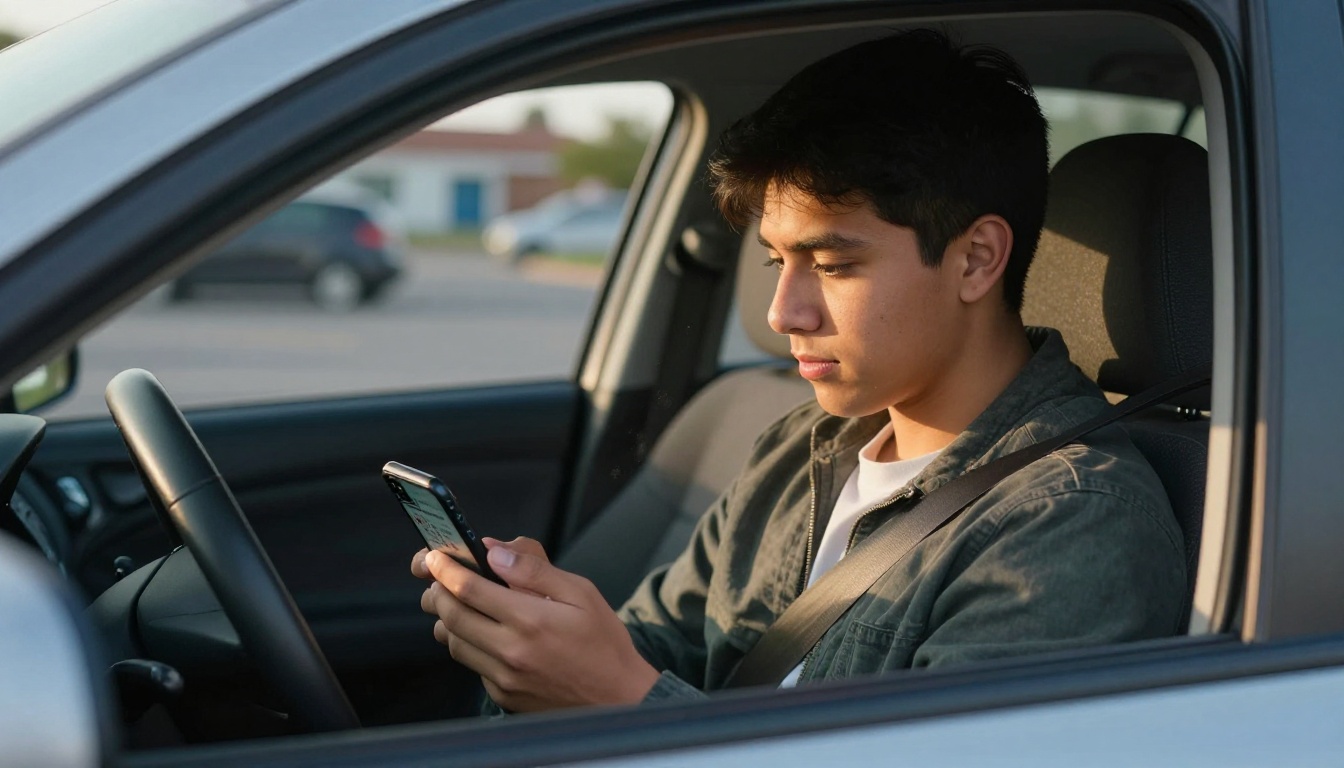
Flipbooks AI Plans for Driving Schools
Not every driving school needs every feature. Here is a quick breakdown of which plan makes sense at different scales.
| Plan | Best For | Standout Features | Watermarks |
|---|
| Standard | Schools with 1 to 3 instructors | Unlimited flipbooks, custom branding, mobile-ready | None |
| Professional | Multi-instructor or multi-campus schools | Analytics, password protection, offline downloads, lead generation | None |
⚠️ Note: If you plan to use analytics to track student reading behavior or need password protection for proprietary content, the Professional plan is required. See full pricing details.
Both plans include no watermarks on any published flipbook. You own the presentation and the student experience from start to finish.
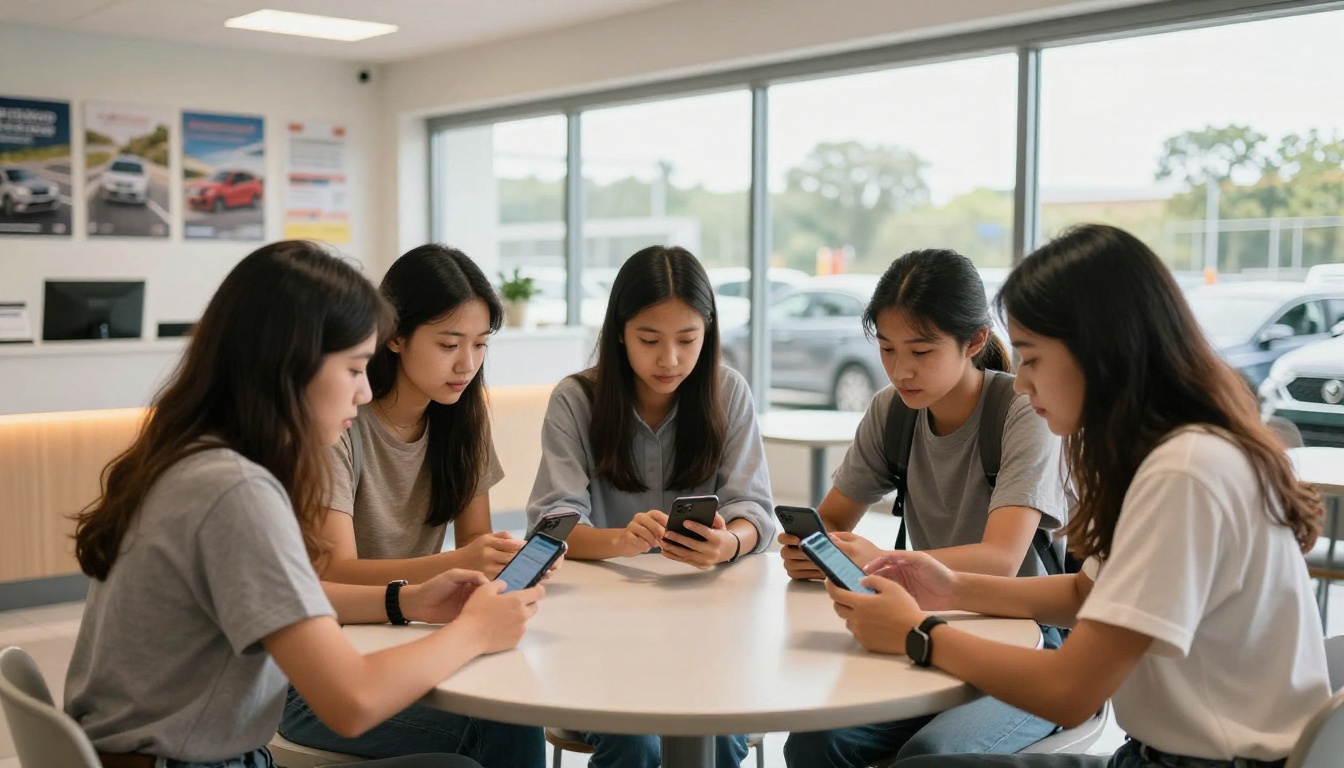
3 Mistakes Schools Make When Going Digital
Switching to a digital manual is the right move, but a few common missteps can undermine the experience before students even open page one.
Not Testing on Mobile First
Most students will open your flipbook on a phone. If you only test it on a desktop browser during setup, you may miss formatting issues that make the mobile experience poor. Before sharing with any student, open the flipbook link on your own phone and scroll through every page of the document.
Skipping the Branding Step
A digital flipbook with no branding looks like a shared PDF with a novelty page-flip effect. Spending five minutes adding your logo, school name, and color scheme turns it into a professional document that reinforces your brand every time a student opens it. This matters particularly for word-of-mouth referrals, since students often share materials with friends or family who are also considering enrolling.
Sharing the Manual Too Late
Many schools make the mistake of handing students the manual during their first lesson, when there is already a lot of new information coming at them. Sharing it digitally at enrollment, several days before the first session, gives students time to read at their own pace and arrive prepared. The result is a noticeably more engaged first lesson.

What a Digital Manual Says About Your School
There is a signaling effect to every decision a driving school makes. The car you use for lessons, the condition of your waiting area, the quality of your instructor certifications: all of these communicate something to prospective students and their parents. So does your training material.
A laminated, printed manual from 2018 signals that this school runs on inertia. A clean, branded, interactive digital flipbook signals that this school invests in quality, thinks about the student experience, and stays current with how people actually absorb information today.
In a market where families are choosing between multiple schools in their area, often based on online reviews and first impressions, the professionalism of your materials is a real differentiator. It is not the only factor, but it is one that costs almost nothing to address once you have a PDF ready.
💡 Real-World Example: A driving school in Texas switched from printed manuals to a digital flipbook format in 2023. Within six months, they reported a measurable increase in first-attempt test pass rates, attributed partly to students reviewing the manual more frequently because it was always on their phone. They also eliminated their annual $2,400 printing budget entirely.
You can also use the Course Material Publisher to package your manual alongside supplemental materials, such as quizzes, instructor notes, or video demonstrations, into a single digital publication. For schools that produce regular student communications, the School Newsletter Creator rounds out the digital toolkit nicely.
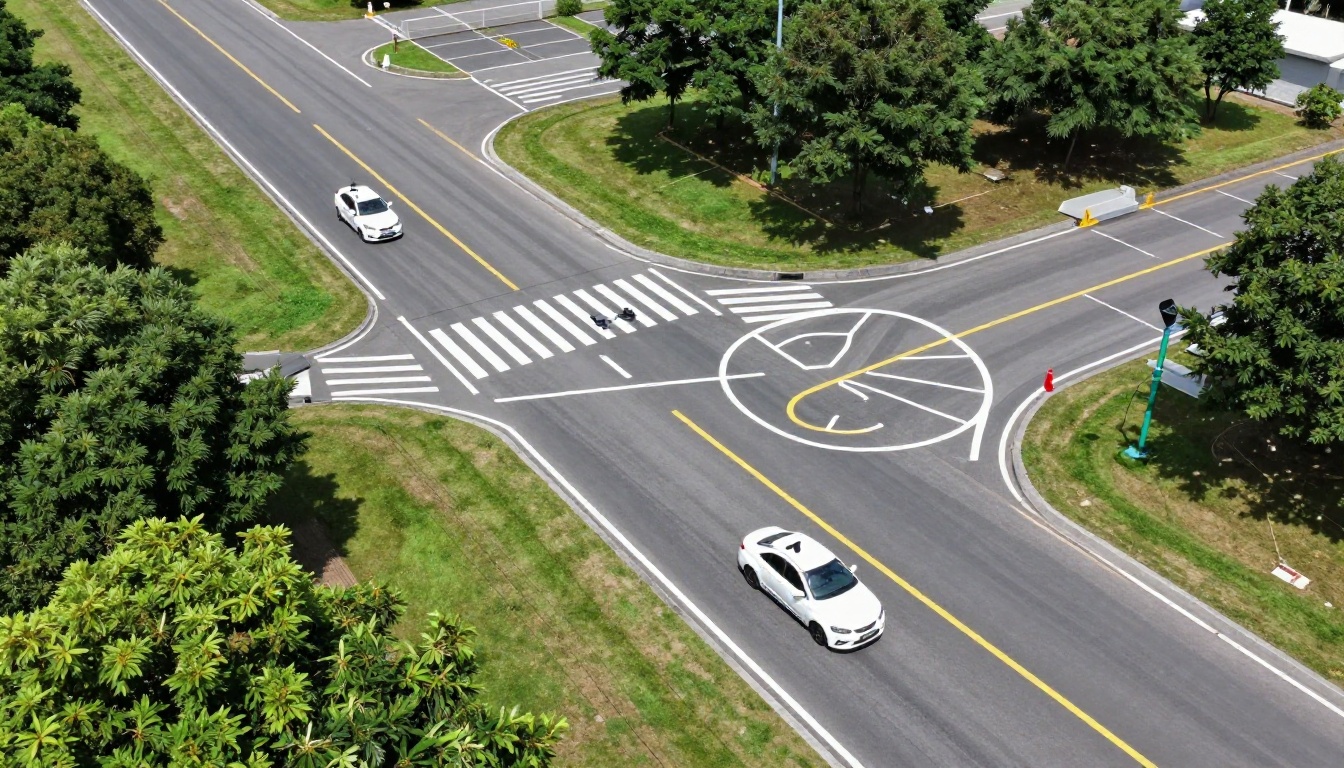
Who Benefits Most from This Switch
Digital flipbook manuals are not exclusively for large franchised driving schools. In fact, small independent schools tend to see the most immediate return because:
- Small schools spend a disproportionately large share of their budget on printing relative to enrollment
- Boutique schools competing on quality benefit the most from the professional presentation
- Rural schools with students who travel far for lessons get real value from on-demand digital access between sessions
- Multilingual schools can maintain separate flipbooks for different language versions without any increase in distribution cost
The Training Manual Flipbook tool works identically whether you are running five students per week or fifty. The operational leverage is the same, and the per-student cost drops to effectively zero once the flipbook is created.
Your Next Step
Driving schools that move to digital flipbook manuals are not just improving a document. They are improving the entire student preparation experience, reducing operational costs, protecting proprietary content, and presenting a more professional image to every person who considers enrolling.
The process takes less than an hour from first login to shareable link. Your existing manual is probably already a PDF. The hardest part is deciding to act.



