Plain PDF quotes are costing electricians jobs every single day. The work looks identical, the price might even be lower, but the client goes with someone else because their quote felt more professional. If you've lost a job and never really understood why, the answer is often sitting right there in the document you sent. Flipbooks AI gives electricians a way to change that, without rebuilding your quoting process from scratch.
The Problem with Plain PDF Quotes
Most electricians send quotes the same way they did ten years ago: a flat PDF, maybe a Word doc, sometimes a handwritten page. The information is all there. But the presentation tells the client exactly what kind of business you run, before you've plugged in a single wire.
What Clients Actually See
When a homeowner gets three quotes for a rewire job, they're not reading every line. They're scanning. They notice how the document looks in under ten seconds, and that first impression affects how they process every number that follows. A polished, easy-to-read quote signals that you're organized, detail-oriented, and worth trusting inside their home.

Why Paper Still Costs You Jobs
Paper quotes have real, measurable problems that go beyond how they look:
- They get lost, folded in a bag, or buried under mail on the kitchen counter
- There's no easy way for a client to click for more detail or ask inline questions
- They can't be forwarded cleanly to a spouse or partner for a second opinion
- They feel exactly like the cheapest option, even when they're not
A client comparing your handwritten estimate to a competitor's interactive digital quote is already leaning one direction before they've read a single figure.
What Is a Flipbook Quote?
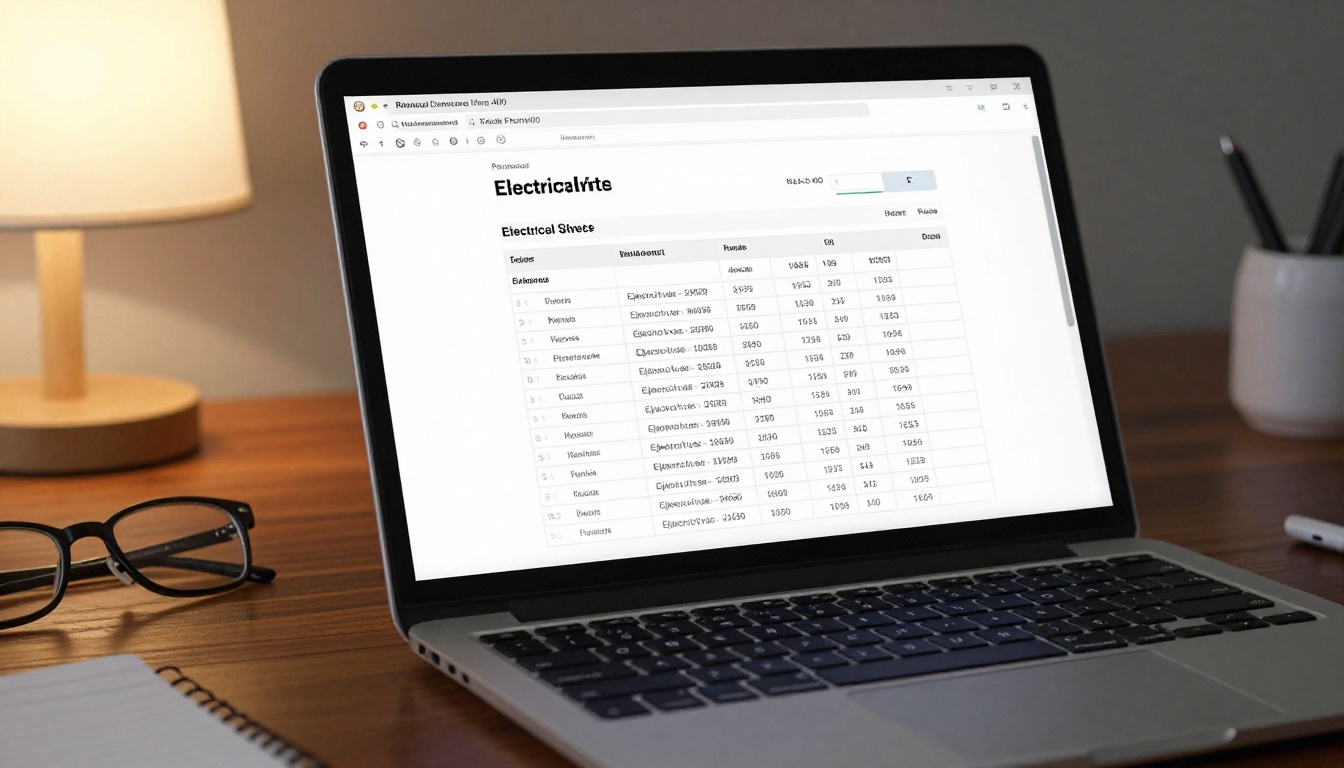
A flipbook is an interactive digital document that looks like a real publication. It has pages that turn, sections that scroll, clickable links, and a visual layout that feels nothing like a PDF export. When you use Flipbooks AI, you upload your quote as a PDF and the platform converts it into a fully interactive flipbook you can share with a single link.
More Than a Pretty Document
A flipbook quote isn't just about aesthetics, though that matters significantly. It's about how clients interact with your price. They can navigate straight to the section they want, zoom into specific line items, and view photos you've embedded without hunting through attachments. The friction that kills quote approvals disappears.
How It Works for Trades
The workflow fits naturally into how electricians already operate:
- Build your quote in any software you already use (Word, Excel, Google Docs, your CRM)
- Export it as a PDF
- Upload to Flipbooks AI using the PDF to Flipbook Converter
- Apply your branding, colors, and any embedded photos of past work
- Share the link via text or email, no attachments required
The client clicks the link, the quote opens instantly on their phone or laptop, and it looks like you invested real care in making it.
Why Electricians Win More Jobs with Flipbook Quotes

This isn't about looking fancy. It's about closing rates. Contractors who move to digital, interactive quotes see real differences in how quickly clients respond, how often they approve without negotiating, and how readily they refer to others.
First Impressions Close Deals
There's a reason big commercial contractors put design time into their bid documents. A well-presented quote communicates competence. It says: this is what working with me looks like. Residential and small commercial clients feel this too, even if they couldn't articulate it.
💡 The quote is often the first piece of work a client actually sees from you. Make it count.
Clients Read Quotes They Can Actually Follow
A static PDF gets skimmed. An interactive flipbook gets read. When clients can flip to a section, click on a photo, or zoom into a price breakdown, they engage more deeply with what you've written. That means fewer follow-up calls asking what something means, and more approved quotes.
Mobile-Friendly Quotes Get Answered Faster
Most homeowners will open your quote on a phone. PDFs on mobile are miserable: pinch to zoom, scroll sideways, lose your place. Flipbook quotes are fully mobile-responsive. The client opens a link, the document fills their screen, and they can read it comfortably without any friction.

✅ Fast response times directly improve your cash flow. A quote that's easy to read on a phone gets approved before your competitor's PDF has even been opened.
What to Include in Your Electrical Flipbook Quote
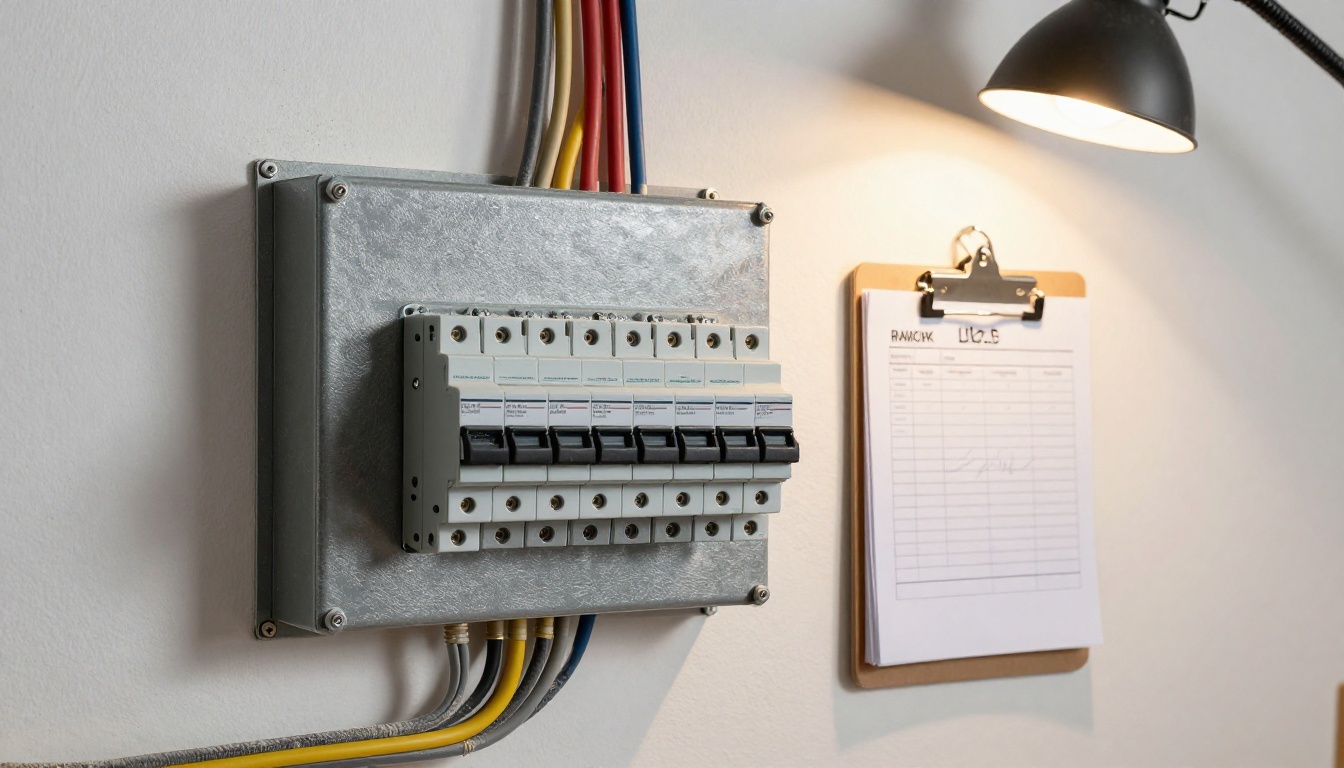
A flipbook gives you the space to present more without it feeling overwhelming. Use that space strategically.
The Sections Every Winning Quote Needs
1. Opening page with your branding
Your company name, logo, and the client's name. This makes it feel like it was built specifically for them.
2. Scope of work
Clear, plain language. Break it into phases if it's a big job. Use bullet points, not paragraphs.
3. Itemized pricing
Don't lump everything together. Show materials, labor, and any call-out fees separately. Transparent pricing builds trust and reduces friction.
4. Timeline and milestones
When does work start? How long will it take? What will the site look like during and after?
5. Photos of previous similar jobs
This is where flipbooks genuinely pull ahead of PDFs. Embed three to five high-quality photos of comparable completed work. Clients respond to proof.
6. Your credentials and licenses
Your electrical license number, insurance details, and any relevant certifications. Visible credentials reduce hesitation.
7. How to accept and next steps
A clear, simple instruction: click here, reply to this email, or call this number. Don't make them figure it out.
Before and After Photos That Seal the Deal
Including before and after photos of similar jobs directly inside the quote removes one of the biggest objections clients have: "I don't know what I'm actually getting." Seeing a messy consumer unit turned into a clean, organized installation is worth more than any description you can write.
Pricing That Makes Sense
Avoid single-line totals. When clients see one large number at the bottom of a quote without context, they negotiate. When they see materials at X, labor at Y, disposal at Z, and the total is the natural result of those figures, the price feels earned. Transparent pricing reduces friction and increases the approval rate.
⚠️ Never hide costs in a single lump sum. Itemization isn't just good practice, it's protection if a dispute arises later.
Flipbook vs. PDF vs. Paper: A Real Comparison

| Feature | Paper Quote | PDF Quote | Flipbook Quote |
|---|
| Mobile-friendly | No | Poor | Excellent |
| Embeds photos | No | Basic | Full support |
| Easy to forward | No | Limited | One-link share |
| Branded layout | No | Possible | Full custom branding |
| Client interest | Low | Medium | High |
| Tracking views | No | No | Yes (Professional plan) |
| Password protection | No | No | Yes |
| Time to send | High | Medium | Low |
| Looks professional | Rarely | Sometimes | Always |
The differences add up fast. It's not just one advantage, it's eight of them compounding with every quote you send.
How to Build Your First Electrical Quote on Flipbooks AI
Flipbooks AI is built for exactly this workflow. Here's how to send your first interactive quote.
Step 1: Create your account
Head to flipbooksai.com/account and sign up. The process takes under two minutes and you can start on the free plan immediately.
Step 2: Build your quote document
Use whatever software you already work in: Google Docs, Microsoft Word, your quoting tool, or your CRM. Design the quote layout with your branding, sections, and itemized pricing. Include photos of past work directly in the document.
Step 3: Export to PDF
Save or export the document as a PDF. This is the standard export option in every major program.
Step 4: Upload using the PDF to Flipbook Converter
Go to the PDF to Flipbook Converter and upload your file. The conversion takes seconds. Your PDF becomes an interactive, page-turning flipbook.
Step 5: Customise your branding
Apply your company colors, upload your logo, and adjust the page transition style. Your quote should feel like it belongs to your business, not a generic template.
Step 6: Share the link
Copy the shareable link and send it to your client via text or email. No attachments, no downloads required. The client clicks and the quote opens instantly in their browser.
💡 For jobs where you need to protect sensitive pricing, use the password protection feature to keep the quote confidential. Available on Standard and above plans.
Step 7 (Optional): Track who opened it
On the Professional plan, you get analytics showing who opened the flipbook, how long they spent on it, and which pages they viewed. If a client opened the quote three times and spent four minutes on the pricing page, you know they're interested. Follow up that day.
Not every job needs the same structure. Here's how to adapt the flipbook format to different scenarios:
| Job Type | Key Sections to Include | Extra Elements |
|---|
| Residential rewire | Scope, phases, timeline, credentials | Before and after photos, safety compliance note |
| New build fit-out | Itemized stages, specification list | Floor plan markups, materials spec sheet |
| Consumer unit upgrade | Before state, new spec, compliance cert | Close-up photos of panel, warranty info |
| Commercial maintenance | Scope, pricing per callout, SLA terms | Response time guarantee, contact sheet |
| EV charger installation | Spec, cable route, council approval note | Site photos, charger product sheet |
Using the right structure for the job type makes your quote feel like it was written by someone who genuinely understands the work, not just filled in a template.
The Numbers Behind Better Quotes

Quoting is a numbers game. The more quotes you send, the more jobs you win. But the quality of each quote affects the conversion rate, and the conversion rate is where real money is made.
What Better Presentation Actually Does
- Electricians who move from plain documents to formatted digital quotes typically see response times drop from days to hours
- Clients who can read a quote clearly on mobile are more likely to approve without requesting an in-person meeting first
- Embedded photos of past work reduce the number of "can you show me examples" calls before a client commits
- Branded, professional documents reduce price sensitivity because clients perceive higher quality before the job has even started
The Time You Save
Building a flipbook quote takes roughly the same time as formatting a PDF carefully, and far less time than a printed, laminated proposal. But the sharing process is faster: one link, no email attachments, no printing, no physically handing anything over. When you're running three or four quotes a week, that time compounds significantly.
✅ A well-built quote template means your next quote takes 15 minutes to customize and send. Set it up once, reuse it indefinitely.
Real Scenarios Where Flipbook Quotes Win
Residential Rewire Job
A homeowner gets three quotes for a full rewire. Two arrive as plain PDFs. Yours arrives as a branded flipbook with section tabs, five photos of completed rewires in similar homes, an itemized price breakdown, and a one-click accept button. The client sends it to their partner with a single link. They approve the next morning. The other two contractors are still waiting for a callback.
Commercial Fit-Out Quote
You're bidding on a small retail fit-out. The client is a business owner who will show the quote to their accountant. Your flipbook includes a summary page, a full specification breakdown, a materials list with brand names, and a one-page bio on your company. The accountant has everything they need in one document, no back-and-forth required. You get the job.
Emergency Callout Follow-Up
You did an emergency callout for a business last week. Now they need ongoing maintenance. Your follow-up quote arrives as a polished flipbook with a recurring service pricing table, a list of what's included each visit, and an SLA for response times. It looks like the proposal a much larger company would send. You sign a 12-month contract.
Flipbooks AI Plan Comparison
| Plan | Monthly Price | Flipbooks | Custom Branding | Analytics | Password Protection | Offline Download |
|---|
| Free | $0 | 3 | Basic | No | No | No |
| Standard | Affordable | Unlimited | Full custom | No | Yes | Yes |
| Professional | See pricing | Unlimited | Full custom | Yes | Yes | Yes |
Check the full pricing breakdown for current plan rates and feature details. The Professional plan is worth it for any electrician quoting more than five jobs a week, where analytics alone can tell you which clients to follow up with the same day.
Send Quotes That Clients Actually Open

The electrical trade is competitive. Every job you quote, someone else is quoting too. The work you do once you get the job is excellent, but you can't get to that point if your quote doesn't make it past first impressions.
Flipbook quotes change that equation. They're faster to share, easier for clients to read on any device, and they look like the work of a contractor who pays close attention to the details. That perception matters because clients are making a trust decision, and the quote is often the first piece of trust-building they experience with your business.
Ready to send your first interactive quote? Create a free account on Flipbooks AI and convert your next quote in minutes. If you want to see what's included at each level before committing, the pricing page has everything laid out clearly.
Browse the full list of tools on the platform to see how else you can put your documents to work, from project proposals and company brochures to maintenance schedules and service menus.



