Free tools always sound like the smart move until they are not. You upload a PDF, click a button, and suddenly your polished company catalog has a "Created with [Free Tool Name]" banner stamped across the footer of every single page. That is not a minor inconvenience. That is your brand taking a hit in front of every client, partner, and prospect who opens that document. Flipbooks AI exists precisely because the gap between what free flipbook tools promise and what they actually deliver is massive, and that gap has real business consequences.
The Watermark Problem That Costs You Clients
Watermarks on free flipbook tools are not a bug. They are a deliberate feature designed to market the tool at your expense. Every document you create becomes a free advertisement for the software company, not a professional representation of your business.

How Watermarks Damage Real Deals
Consider a real estate agent who creates a property brochure using a free tool. Every potential buyer sees the watermark before they see the property details. The implicit message: this agent does not invest in their own business. Why would a buyer trust them with a six-figure transaction?
The same logic applies to:
- Restaurant menus sent to review sites or distributed digitally
- Product catalogs shared with wholesale buyers
- Company reports presented to investors or board members
- Training manuals distributed to new staff
In each case, the watermark signals "we cut corners," which is precisely the opposite of the impression any business wants to make.
Free Tools That Brand Your Content for Themselves
Most free flipbook platforms include watermarks in various positions: footer banners, corner logos, or page overlays. Some tools rotate the watermark position so it is harder to crop out. Others include them only on shared links, not downloads, so the problem only appears at the worst possible moment.
⚠️ Warning: Some free tools claim "no watermark" but bury the branded sharing URL in the link structure itself. Your document URL becomes freetool.com/view/your-document instead of your own domain, which still signals a third-party tool to savvy readers.
Flipbooks AI operates on a completely different principle: no watermarks, ever, on any plan. Your content looks like yours.
Storage Limits That Stop Projects Cold
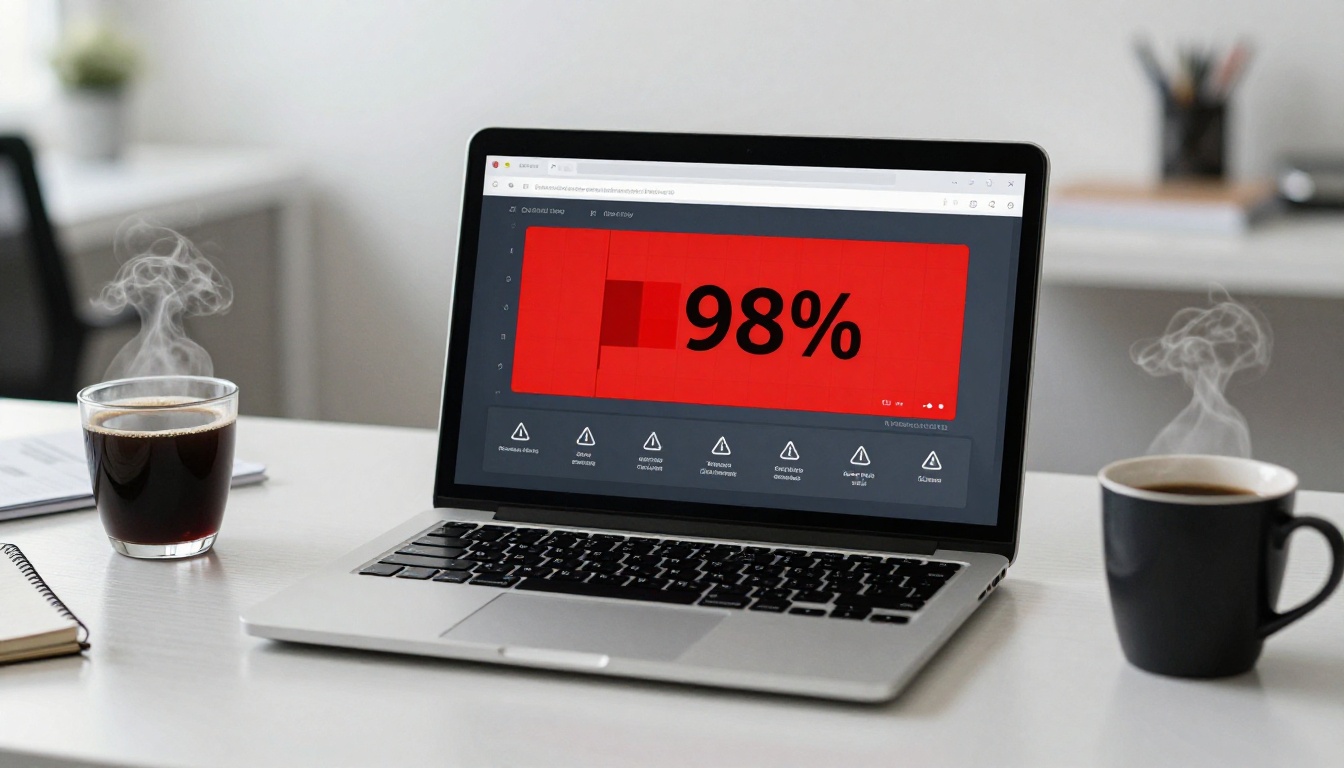
Free plans on flipbook tools typically cap storage at anywhere from 50MB to 500MB. For a single simple brochure, that might seem sufficient. But real business publishing rarely stays simple.
What Hitting the Cap Actually Looks Like
A typical product catalog PDF with high-quality photography runs 15 to 40MB. A company annual report with charts, infographics, and photos easily hits 50MB. Once you have two or three documents live, you have used your entire free storage allocation. At that point, your options are:
- Delete existing published documents (breaking links already shared)
- Compress everything so aggressively that quality suffers
- Pay for an upgrade under pressure, often at a higher price than if you had chosen paid from the start
- Start over with a different tool
None of those options are good. Option 1 is particularly damaging because any links you have already distributed now return 404 errors, which is a professional embarrassment and an SEO problem if the links were embedded on websites.
The Hidden Cost of "Free" Storage
The actual math on free storage costs is not complicated. When you factor in the time spent managing file size, compressing PDFs to fit limits, deleting older documents, and eventually migrating to a paid plan anyway, the "free" option often costs more in lost productivity than a modest monthly subscription would have from the beginning.
💡 Pro tip: Before choosing any flipbook platform, calculate your realistic storage needs over a 12-month period. Multiply your average document size by the number of flipbooks you plan to publish monthly. Most businesses need at least 2GB of active storage within six months.
PDF Conversion Quality That Ruins Your Work
The core function of a flipbook tool is converting a PDF into an interactive, page-turning digital publication. When that core function fails, nothing else matters. Free tools routinely deliver poor conversion quality because high-fidelity rendering requires serious server infrastructure that free plans do not subsidize.

Blurry Pages and Lost Formatting
Common conversion failures on free platforms include:
- Font substitution: Custom fonts get replaced with generic alternatives because the tool does not embed font data properly
- Image compression: Photos get compressed to reduce server load, resulting in pixelated product shots and washed-out photography
- Layout shifts: Multi-column layouts, text boxes, and tables sometimes reflow incorrectly during conversion
- Color profile issues: CMYK-designed print documents can shift dramatically in color when converted to RGB web display without proper color management
For a restaurant sending a digital menu, blurry food photography is damaging. For a fashion brand sharing a lookbook via Flipbooks AI's Interactive Lookbook Designer, image fidelity is non-negotiable.
What Good Conversion Actually Looks Like
High-quality flipbook conversion preserves:
- Original font rendering at all zoom levels
- Full-resolution images with proper compression curves
- Exact layout fidelity matching the original PDF
- Color accuracy across device screens
- Clickable links embedded in the original PDF
Free tools rarely deliver all five. Professional platforms invest in conversion infrastructure because it is the entire value proposition.
Reliability and Uptime: The Silent Deal-Breaker
Free-tier infrastructure is subsidized infrastructure. That means your documents compete for server resources with thousands of other free users, on hardware that the company has minimal financial incentive to over-provision.

Free Servers Go Down When It Matters Most
The pattern is predictable: free tools experience the most downtime during peak traffic hours, which happen to be the same hours when your clients are most likely to open your documents. A sales presentation link shared before a 10am meeting should not return a 503 error at 9:58am.
Beyond scheduled downtime, free tools also face:
- Sudden shutdowns: Dozens of popular free tools have simply closed their doors, leaving all stored documents inaccessible overnight
- Slow loading: Under-resourced servers mean longer load times, and page-level analytics consistently show that flipbooks taking more than 3 seconds to load lose a significant portion of readers
- Geographic performance gaps: Free tools rarely invest in CDN infrastructure, so your flipbook loads fast in one city and slowly for clients in another country
What Happens When the Tool Disappears
This is the scenario nobody thinks about until it happens. Several well-known free flipbook platforms have shut down in recent years. When that happens, every link you ever shared stops working simultaneously. Every embedded flipbook on your website goes blank. Every QR code printed on physical materials points to nothing.
⚠️ Warning: If your flipbook links are embedded in physical print materials (brochures, business cards, packaging), a tool shutdown makes every single printed item immediately obsolete. There is no recovery path.
The Features Free Plans Simply Do Not Include
Beyond the core problems above, free flipbook tools are missing entire capability categories that professional publishers rely on daily.
No Analytics Means Flying Blind
You cannot improve what you cannot measure. Free tools provide zero insight into:
- How many people opened your flipbook
- Which pages they spent the most time on
- Where readers dropped off
- What device they used
- Geographic distribution of your audience
Analytics data is not a luxury feature. For a sales team, knowing which pages of a proposal a prospect spent the most time on is actionable intelligence. For a marketing team, page-level data informs which content in a catalog is resonating and which sections need rework. Flipbooks AI's Professional plan includes analytics and lead generation tools that turn passive documents into active sales assets.
No Password Protection for Private Content
Not every flipbook is meant for the public internet. Internal training manuals, board reports, client proposals, and private lookbooks all require access control. Free tools almost universally lack password protection, which means your only options are hoping the link stays obscure (security through obscurity is not security) or not using the tool at all.

Password protection is standard on paid Flipbooks AI plans and takes seconds to configure. You decide who sees what, without relying on link obscurity.
No Custom Branding or Domain
Your documents should reinforce your brand, not advertise someone else's software. Free tools lock you into their visual identity: their sharing page design, their URL structure, their color palette around your content. Custom domains, branded sharing pages, and white-label options are exclusively paid features across virtually every platform in the category.
Free vs. Paid: The Real Feature Gap
The differences between free and professional flipbook tools extend across every capability that matters for business use.
| Feature | Free Tools | Professional Plans |
|---|
| Watermarks | Always present | Never |
| Storage | 50MB to 500MB | Unlimited (Standard+) |
| Number of flipbooks | 1 to 5 | Unlimited |
| PDF conversion quality | Compressed / degraded | Full fidelity |
| Custom branding | No | Yes |
| Password protection | No | Yes |
| Analytics | No | Full dashboard |
| Custom domain | No | Yes |
| Offline downloads | No | Yes |
| Video / audio embeds | No | Yes |
| Lead generation | No | Yes (Professional) |
| Mobile optimization | Partial | Fully responsive |
| Uptime SLA | None | Guaranteed |
| Priority support | No | Yes |
The gap is not marginal. It is the difference between a tool that works for occasional personal use and a platform built for professional publishing at any volume.
Comparing Plan Value
| Plan Type | Typical Monthly Cost | Flipbooks | Storage | Main Limitation |
|---|
| Free tier | $0 | 1 to 5 | Under 500MB | Watermarks, no branding, no analytics |
| Standard paid | $15 to $30 | Unlimited | 5GB+ | May lack lead gen tools |
| Professional | $40 to $80 | Unlimited | 20GB+ | None for most use cases |
When you calculate cost per flipbook at any meaningful publishing volume, the free tier becomes the most expensive option per unit of professional output.
How to Build a Proper Flipbook with Flipbooks AI
For anyone who has experienced the limitations above and is ready to move to a platform that actually works, here is exactly how to create a professional flipbook using Flipbooks AI.

Step 1: Create Your Account
Go to flipbooksai.com/account to register. The signup process takes under two minutes. You can start with a free trial to verify the conversion quality before committing to a plan.
Step 2: Upload Your PDF
Click "New Flipbook" and drag your PDF into the upload area. Flipbooks AI accepts PDFs up to the storage limit of your plan, with full fidelity rendering. Watch the conversion preview to confirm your fonts, images, and layouts render exactly as intended.
Step 3: Customize Your Branding
Once converted, open the customization panel:
- Set your brand colors for the viewer interface
- Upload your logo to appear in the viewer header
- Choose page-turn animation style (classic flip, slide, or fade)
- Add background textures or colors behind the pages
- Enable or disable the table of contents based on your document type
Step 4: Configure Sharing and Privacy
Before publishing, set your access controls:
- Public link: Anyone with the URL can view
- Password protected: Require a password before viewing
- Embed code: Copy the iframe embed for your website
- Custom domain: Map the flipbook to your own domain (Standard and above)
Step 5: Publish and Track
Hit publish and share your link. On the Professional plan, your analytics dashboard immediately starts recording views, page-level data, time on page, and device breakdown. You can also activate lead generation to capture visitor emails before granting access.

Flipbooks AI offers specialized tools for every publishing use case. For product catalogs, the Digital Catalog Maker adds e-commerce-friendly features. For restaurants, the Restaurant Menu Creator includes layout templates optimized for food presentation. For real estate agents, the Real Estate Brochure Creator makes property brochures look polished in minutes.
Professional digital publishing is not complicated when you have the right platform. The problems that make free tools frustrating, watermarks, storage walls, blurry conversions, broken links, missing analytics, no privacy controls, are all solved problems on a professional platform.

The real question is not "why do free flipbook tools fail?" The answer to that is obvious once you examine the economics: free tools are lead generation tools for software companies, not publishing tools for your business. The real question is how much your professional reputation and your document workflow are worth to you.
For most businesses, the answer is "more than $20 a month."
✅ Best practice: Start with a professional platform from day one. The cost of migrating documents, updating shared links, and rebuilding your publishing workflow after a free tool fails or disappears is always higher than the subscription cost would have been.
Browse all available flipbook tools and templates to find the right starting point for your specific use case. Whether you are publishing a corporate annual report, a fashion lookbook, a training manual, or a restaurant menu, there is a purpose-built tool ready to use.
Ready to stop fighting with free tool limitations? Get started for free on Flipbooks AI and see the conversion quality difference in your first document. When you are ready to publish without watermarks or restrictions, check pricing plans to find the right fit for your publishing volume.



