Furniture is one of the few product categories where seeing is not just believing — it's buying. Customers spend thousands of dollars on sofas, dining sets, and bedroom collections, and they need to visualize how those pieces fit into their lives before they commit. That's exactly why furniture brands using Flipbooks AI are converting browsers into buyers at rates their PDF-dependent competitors simply cannot match.
The shift is not subtle. Digital flipbooks have transformed the static, forgettable furniture catalog into an immersive, shareable, and trackable sales tool. And once you understand how buyers actually make furniture purchasing decisions today, the math becomes obvious.
Static PDFs Are Costing You Sales
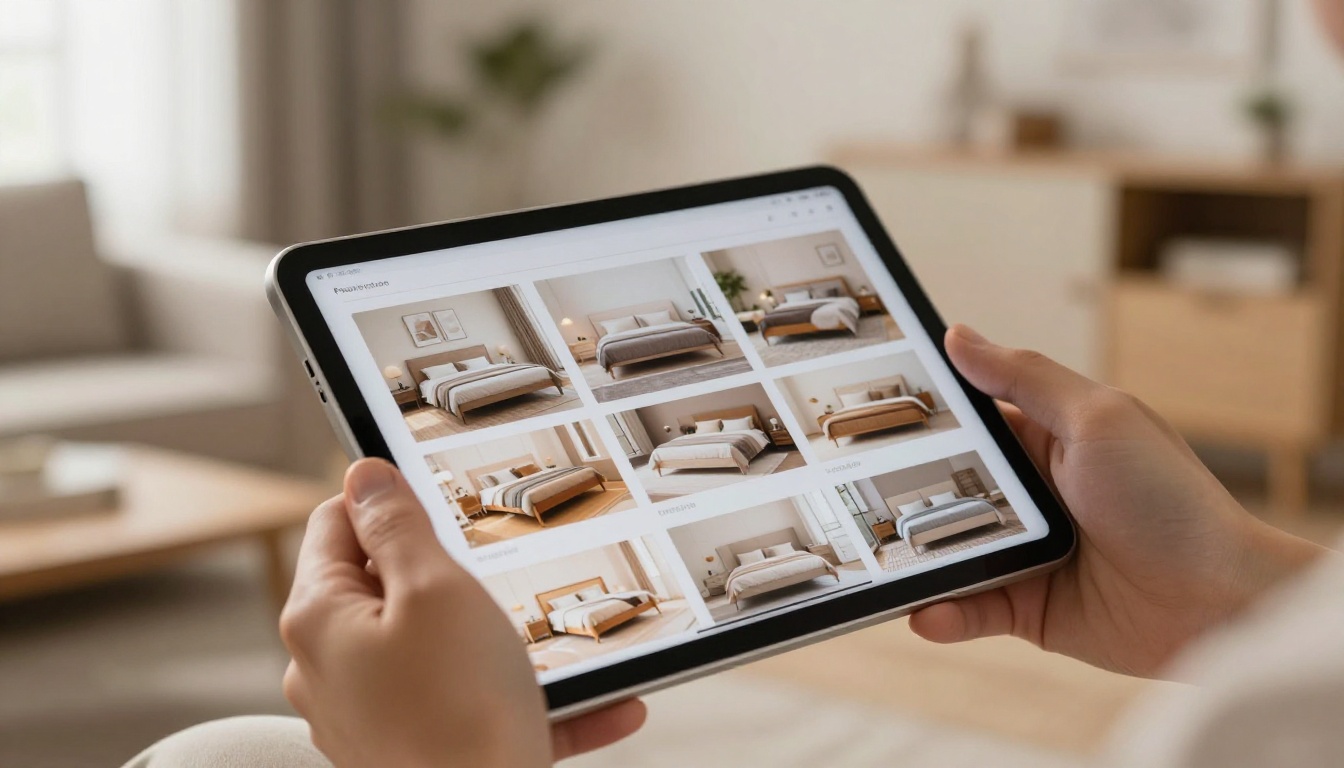
The PDF Problem Nobody Talks About
A PDF catalog is a dead document the moment it leaves your design team. It cannot be updated when stock changes. It cannot be tracked. It has no click-through capability. And on a smartphone, where most of your potential buyers are scrolling right now, it's a pinch-and-zoom nightmare.
The average PDF catalog open rate hovers around 15-20%. The average time spent? Under two minutes. Compare that to interactive digital flipbooks, which regularly achieve 4-6 minute average session durations and open rates above 40% when properly shared. That's not a marginal improvement. That's a different category of tool entirely.
Why Sharing Breaks Down
When a customer finds a bedroom set they love in a static PDF, sharing that specific product with a partner or family member requires them to download the file, attach it to a message, and explain which page to look at. That friction kills impulse sharing. With a flipbook, they send a link. The other person opens it in a browser, lands on the right page, and sees the same beautiful layout.
💡 Pro Tip: Shareable URLs are one of the highest-ROI features of digital flipbooks for furniture brands. Every share is a free referral.
How Furniture Buyers Actually Shop Today
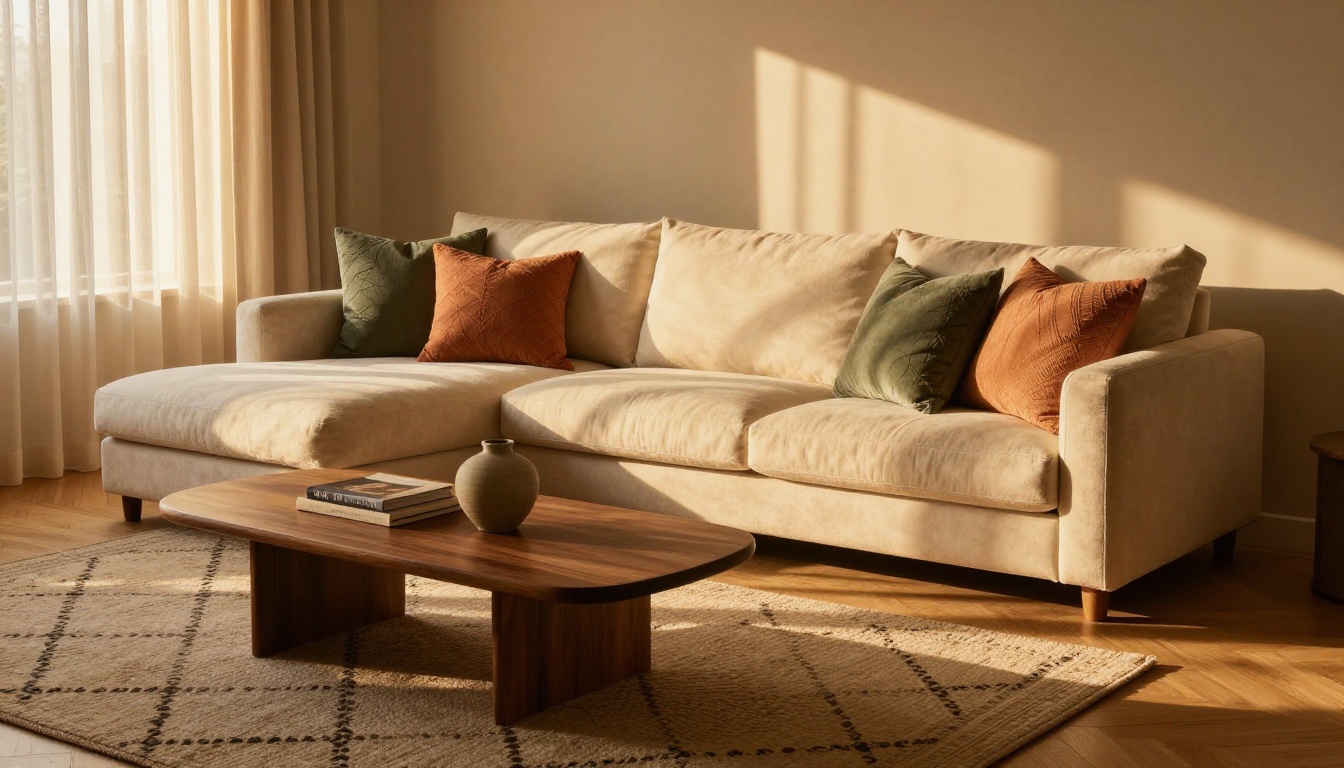
Mobile-First, Always
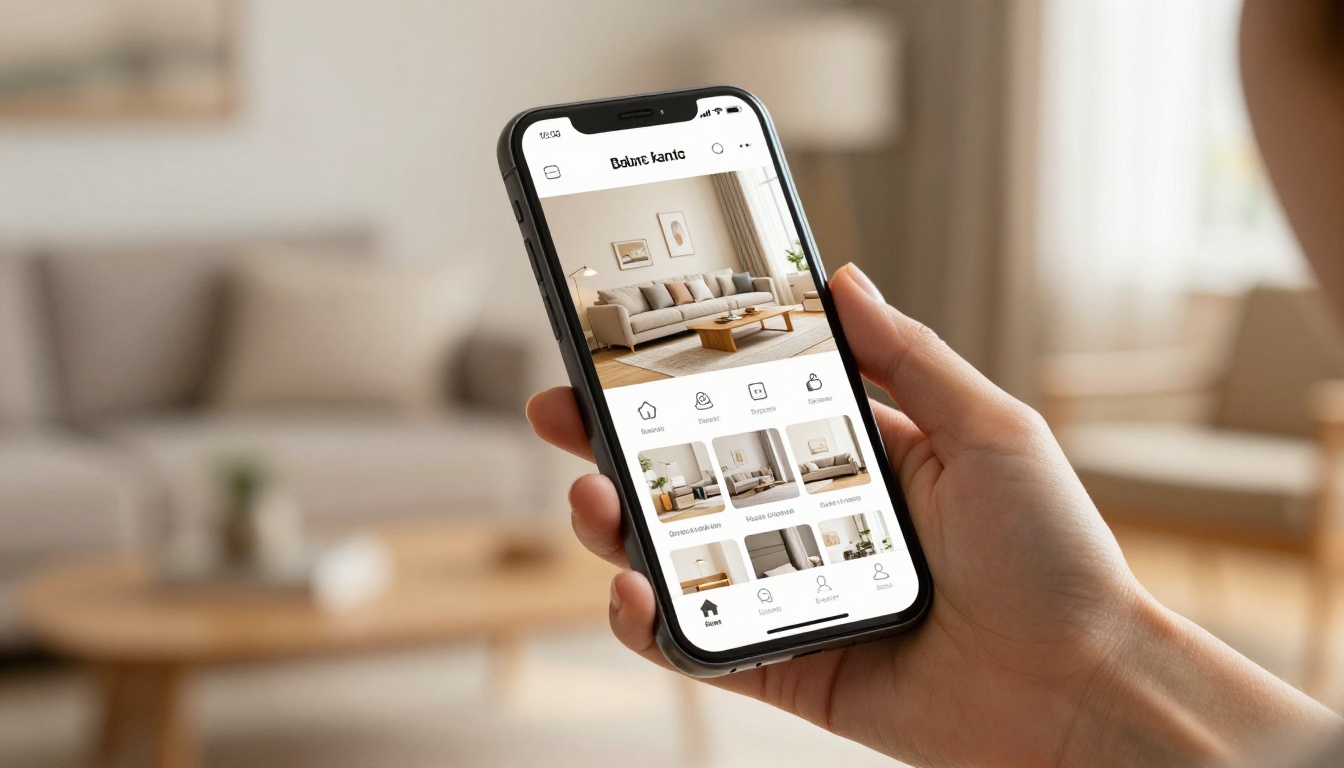
Over 70% of furniture research now begins on a mobile device. Buyers are scrolling Instagram, saving Pinterest pins, and comparing products on their phones long before they set foot in a showroom or complete a checkout. A catalog that does not work beautifully on mobile is a catalog that does not work at all.
Digital flipbooks created with Flipbooks AI are fully mobile-responsive by default. The page-flip experience is optimized for touch screens, images load fast, and the layout adapts without any pinching or zooming required. That seamless experience signals quality before a customer has even looked at your prices.
The Inspiration-to-Purchase Arc
Furniture buying is not transactional. It's aspirational. A buyer does not think "I need a sofa." They think "I want my living room to feel like this." That emotional, inspiration-driven journey is where furniture flipbooks shine. The page-by-page browsing experience, the room staging photography, the lifestyle storytelling — all of it mimics the in-store discovery experience that has always driven furniture sales.
✅ Best Practice: Build your flipbook around room stories (living room, bedroom, dining room) rather than product categories. Buyers shop by feeling, not SKU number.
The Real Reasons Flipbooks Drive More Sales
Page-Turn Psychology
There is real cognitive science behind the page-turn. Physical and digital page-flipping activates a different type of browsing behavior than scrolling. It signals "I am reading a publication," not "I am scrolling a feed." That psychological shift creates more focused attention and a stronger association with premium quality, which is critical for furniture brands selling at higher price points.
Studies on digital publications show that readers of flipbook-style content process more information per session and recall more product details than those who consume the same content in scroll format. For a furniture brand, that means more products remembered, more wishlist items, and ultimately more purchases.
Embedded CTAs and Product Links
Every page of your furniture flipbook can contain clickable product links, "Buy Now" buttons, "Request a Quote" forms, and direct links to your e-commerce product pages. A static PDF cannot do any of this.
When a customer is on page 12 admiring a sectional sofa and there's a direct link to that product on your website, the path from inspiration to purchase collapses from days to minutes. That speed is where conversions happen.
Analytics That Actually Help You Sell
With Flipbooks AI Professional plan, you get page-by-page analytics showing exactly which products get the most attention, which room vignettes hold readers longest, where people drop off, and which pages drive the most outbound clicks.
This data is something furniture brands have never had before. Now you can answer questions like:
- Which collection is generating the most interest?
- Are buyers spending more time on dining or primarily on bedroom?
- Is the pricing page causing drop-off?
- Which product images need to be replaced?
💡 Pro Tip: Use analytics to test your catalog layouts. Run two versions of the same collection page, track which converts better, and optimize every quarter.
Flipbook vs. Static PDF: A Direct Comparison

This table shows what furniture brands actually get when they switch from static PDFs to interactive digital flipbooks:
| Feature | Static PDF | Digital Flipbook |
|---|
| Mobile-responsive | ✗ | ✓ |
| Shareable link | ✗ | ✓ |
| Clickable product links | ✗ | ✓ |
| Page-by-page analytics | ✗ | ✓ |
| Updatable without resending | ✗ | ✓ |
| Video embedding | ✗ | ✓ |
| Password protection | ✗ | ✓ |
| Lead generation forms | ✗ | ✓ |
| Offline download option | ✗ | ✓ |
| Custom branding | Partial | ✓ |
| No watermarks | ✓ | ✓ |
The difference is not incremental. It's structural.
What to Put in Your Furniture Flipbook

The best-performing furniture flipbooks share a consistent structure. Here's what works:
Sections That Convert
1. Brand Story Opening (2-3 pages)
Set the mood. Show a lifestyle image. State your brand values in one powerful sentence per page. This is not fluff; it primes the buyer to emotionally connect before they see a price tag.
2. Room Vignettes by Space
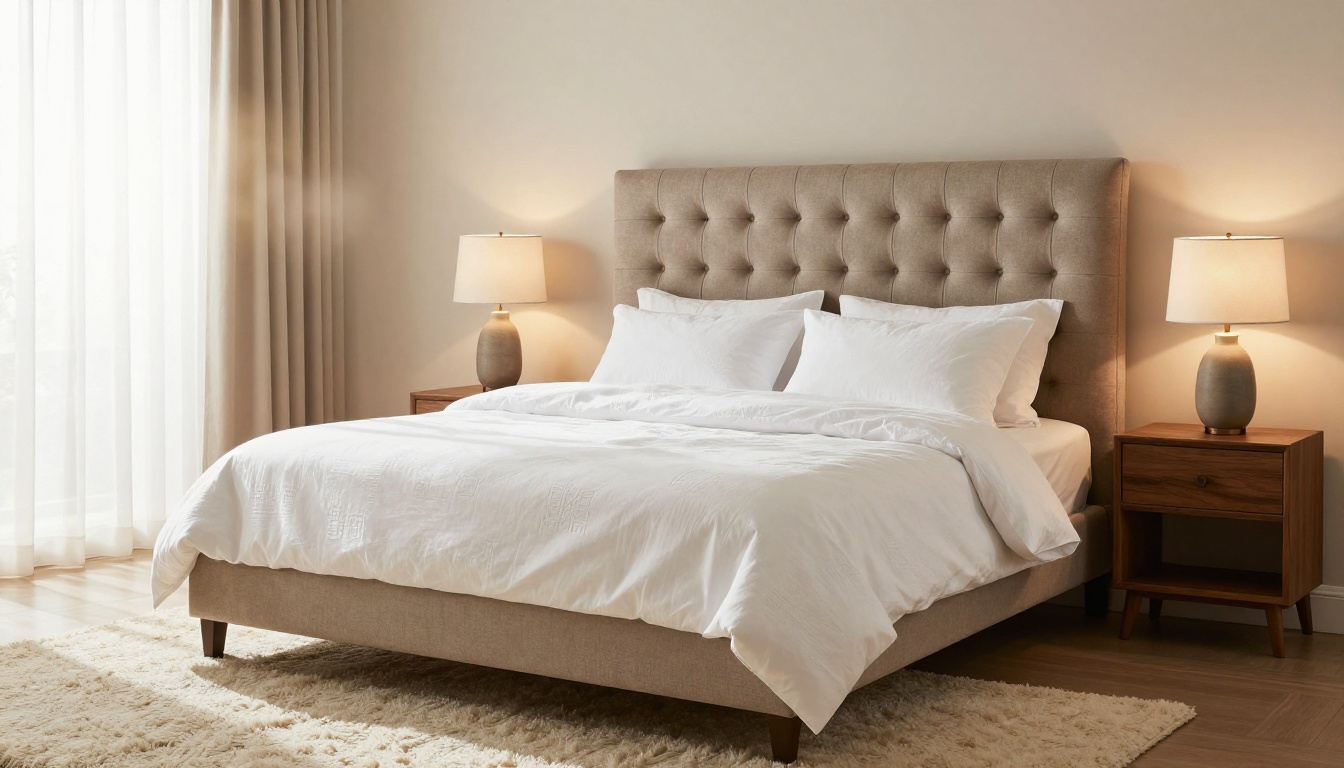
Organize by living room, bedroom, dining room, home office, and outdoor. Each vignette should show a complete, aspirational room setting rather than isolated product shots. Real rooms sell furniture faster than white-background product images.
3. Collection Deep-Dives
For each collection, show multiple angles, available finishes, material close-ups (fabric weave, wood grain texture, metal hardware detail), and dimensions. Include a brief description focusing on feel, not specs.
4. Materials and Customization Guide
A fabric and finish selector page is one of the highest-engagement sections in any furniture flipbook. Buyers spend significant time here. Include swatches, material names, and care information.
5. Pricing and Package Options
Do not hide pricing. Buyers who are price-shopping will leave anyway; buyers who are ready to commit need to see numbers. A clean pricing table embedded in the flipbook keeps them inside your content instead of sending them to Google a competitor.
6. Direct CTAs on Every Section Spread
Every major section should end with a call-to-action, whether that's "Visit Our Showroom," "Request a Swatch Kit," or a direct product link.
⚠️ Warning: A flipbook without CTAs is just a pretty document. Every page should have at least one next step for the buyer.
How to Create a Furniture Catalog Flipbook with Flipbooks AI

Flipbooks AI makes building a professional furniture flipbook straightforward. Here's exactly how to do it:
Step 1: Start Your Account
Go to flipbooksai.com/account and create a free account. No credit card is required to get started. The platform works entirely in the browser, with no software to install.
Step 2: Upload Your PDF Catalog
Once you're in the dashboard, click "Create Flipbook" and upload your PDF catalog file. Flipbooks AI converts your PDF into a fully interactive flipbook in seconds. If you don't have a PDF ready, you can start from a template or use the Furniture Catalog Maker tool to build one directly in the platform.
💡 Pro Tip: For the best visual quality, export your PDF at 300 DPI before uploading. This ensures your furniture photography renders at full sharpness in the flipbook.
Step 3: Apply Your Brand Identity
In the customization panel, upload your brand logo, set your brand colors for the flipbook player interface, and choose your page transition style. Flipbooks AI supports:
- Custom logo placement
- Brand color themes for the navigation bar
- Multiple page-flip animation styles
- Background music or ambient sound (optional)
- Custom domain or embed options
Step 4: Embed Links and CTAs
Click on any page to enter the hotspot editor. You can overlay clickable buttons that link to specific product pages, contact forms, or your e-commerce checkout. For a furniture brand, the most effective hotspots are:
- Product name plus "View Online" button on every featured piece
- "Request a Free Swatch" button on material pages
- "Book a Showroom Visit" button on the brand story spread
Step 5: Share, Embed, or Protect
When your flipbook is ready, you have several distribution options:
- Direct link: Share a clean URL on social media, email campaigns, and WhatsApp
- Embed code: Paste a single line of code to embed the flipbook directly on your website product pages
- Password protection: Create private dealer-only catalogs or early-access VIP versions
- PDF download: Allow customers to save a version offline for reference
Step 6: Track What Works
In the Professional plan, your analytics dashboard shows page-level data, time-on-page metrics, total views, unique visitors, and outbound link clicks. Review this data monthly and update your flipbook based on what's actually resonating with buyers.
Flipbooks AI Plan Comparison for Furniture Brands
| Feature | Free | Standard | Professional |
|---|
| Number of flipbooks | 1 | Unlimited | Unlimited |
| Watermark-free | ✗ | ✓ | ✓ |
| Custom branding | ✗ | ✓ | ✓ |
| Password protection | ✗ | ✓ | ✓ |
| Analytics dashboard | ✗ | Basic | Full page-level |
| Lead generation forms | ✗ | ✗ | ✓ |
| Offline downloads | ✗ | ✓ | ✓ |
| Embed on website | ✓ | ✓ | ✓ |
| Video embedding | ✗ | ✓ | ✓ |
| Priority support | ✗ | ✗ | ✓ |
For most furniture brands actively using catalogs as a sales tool, the Standard plan delivers the core value immediately. Professional unlocks the analytics and lead generation features that turn your flipbook into a measurable revenue driver.
Explore pricing plans to see the full breakdown and choose what fits your current catalog volume.
Real-World Use Cases: Furniture Brands Winning with Flipbooks
Independent Furniture Retailers
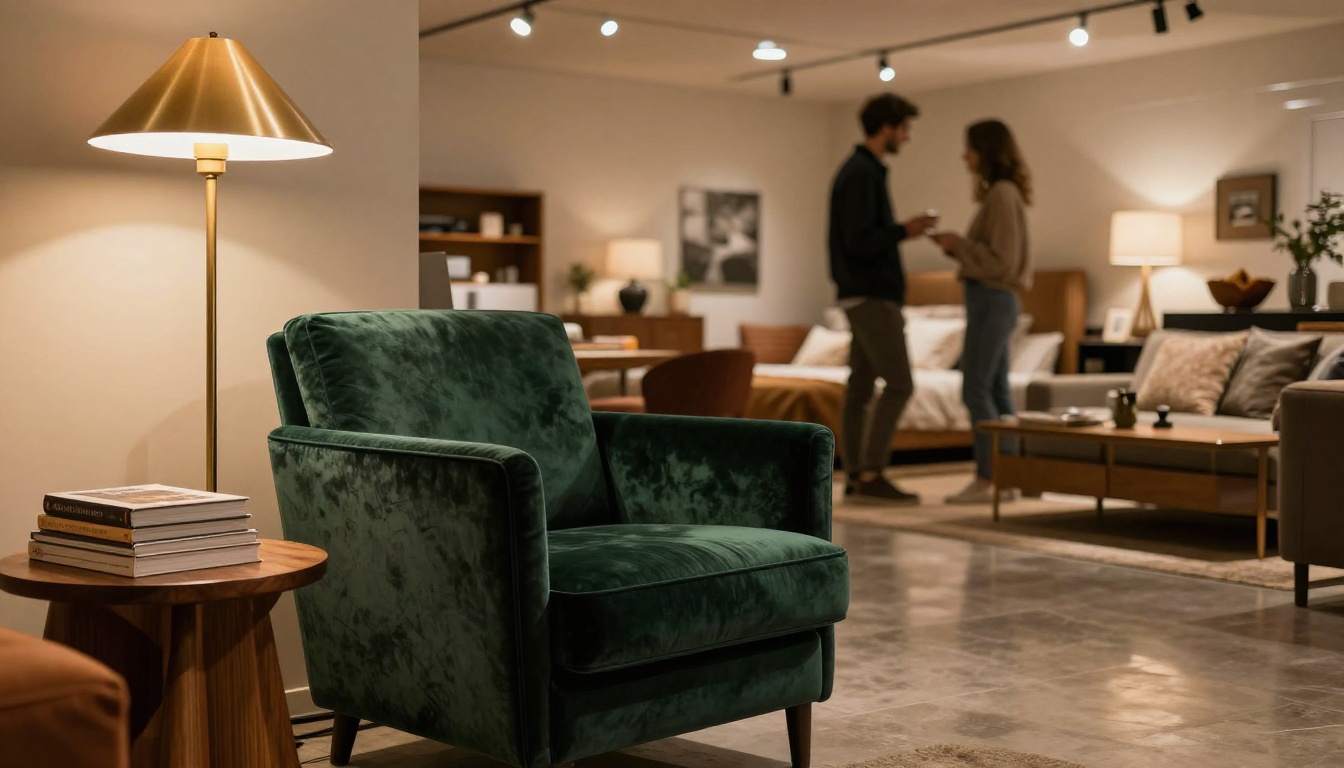
A single-location furniture store using a seasonal flipbook linked in their email newsletter reports their catalog emails now get 3-4x higher click-through rates than their previous product-image-grid emails. The flipbook keeps people on the content longer, and the showroom visit booking button converts at a rate their static PDFs never approached.
Multi-Brand Furniture Showrooms
Large showrooms carrying multiple brands use separate flipbooks for each brand they carry, each password-protected for wholesale buyer access. Sales reps share the relevant flipbook link before a buyer visit so clients arrive already oriented to the collection they want to explore in person.
Online-Only Furniture Brands
For direct-to-consumer furniture brands with no physical showroom, a flipbook becomes the closest thing to a showroom experience they can offer. Room staging photography embedded in a tactile page-flip format creates a premium browsing experience that product-page grids cannot replicate. Brands report significantly higher average order values from visitors who spent time in the flipbook before reaching the product page.
Seasonal and Promotional Catalogs
Rather than sending a PDF attachment with a "New Collection" email (which often gets blocked by spam filters or goes unopened), furniture brands now send a single link to a flipbook. The link loads instantly in any browser, works on any device, and contains the full catalog with direct purchase links on every spread.
✅ Best Practice: Create a new seasonal flipbook for Spring and Fall collections. Archive previous seasons as evergreen content with a "Previous Collections" link on your homepage.
The Numbers Worth Knowing
| Metric | Industry Benchmark | Flipbook Average |
|---|
| Catalog open rate (email) | 15-22% | 38-45% |
| Average session duration | 1.5 min | 4.5 min |
| Pages viewed per session | 3.2 | 8.7 |
| Product click-through rate | 2-4% | 11-18% |
| Social share rate | 0.8% | 3.4% |
| Mobile usability score | Poor (PDF) | Excellent |
These numbers reflect what happens when you give buyers a format that respects how they actually want to browse.
Not every furniture catalog has the same goal. Here's a quick reference for matching the right tool to your specific catalog type on Flipbooks AI:
Browse all available flipbook tools to see the full range of templates and use cases available for furniture and home brands.
Start Selling More Furniture
The furniture brands seeing the strongest catalog performance right now are not doing anything complicated. They converted their existing PDF catalog into a digital flipbook, added product links on every page, shared it as a link instead of an attachment, and watched their metrics improve across the board.
Every day a furniture brand relies on a static PDF as its primary catalog, it's leaving engagement, shares, analytics, and sales on the table. The switch takes minutes with the right tool.
Ready to create your first furniture flipbook? Get started for free on Flipbooks AI, with no credit card required. When you're ready to access advanced analytics and lead generation, compare pricing plans to find the right fit. And if you want to see what's possible before you start, explore the full catalog of tools and templates built specifically for brands like yours.



