Most businesses request a print quote, glance at the per-unit price, and nod. That number looks reasonable. Then the invoice arrives, and it is 40% higher than expected. The gap is not an error. It is a systematic pattern, and it happens because commercial printing has layers of cost that vendors rarely volunteer upfront. If you are ordering catalogs, product books, or brochures for your business, this breakdown will show exactly where the money goes, and why thousands of businesses are moving to digital publishing tools like Flipbooks AI instead.
The Number on the Quote Is Not the Full Price
Every printing quote begins with a base calculation: paper cost, ink coverage, press time, and a small margin. That calculation is real. The problem is that it excludes a significant portion of the actual work required to produce a print job.
What Gets Left Out of Basic Quotes
Printing vendors often itemize these costs separately, or absorb them into minimums without making them visible in the initial quote:
- Prepress and file preparation fees: Your files must meet exact technical specifications. If they do not, the vendor charges for the correction work.
- Plate creation charges: Each color in the print process requires its own physical aluminum printing plate.
- Makeready time: The press calibration phase that happens before a single real copy is printed.
- Physical proof printing: A signed-off proof is required before committing to full quantity. You pay for those proof sheets.
- Binding and finishing: Saddle-stitching, perfect binding, lamination, die-cutting, and UV coating are all separate line items.
- Freight and delivery: Pallets of printed materials are heavy. Shipping is rarely trivial.
- Sales tax on materials: This applies to the full invoice in most jurisdictions.
By the time these line items appear, a quote that read $0.80 per catalog commonly lands at $1.40 to $2.20 per unit when the job is complete. For short print runs, the ratio shifts even further against you.
💡 Pro tip: Always request an all-in quote that includes prepress, plates, makeready, all finishing, and freight delivered to your door. Compare that number against the original per-unit rate. The spread between them is your real print cost.
Setup Fees and Plates: The Cost Before Page One Prints
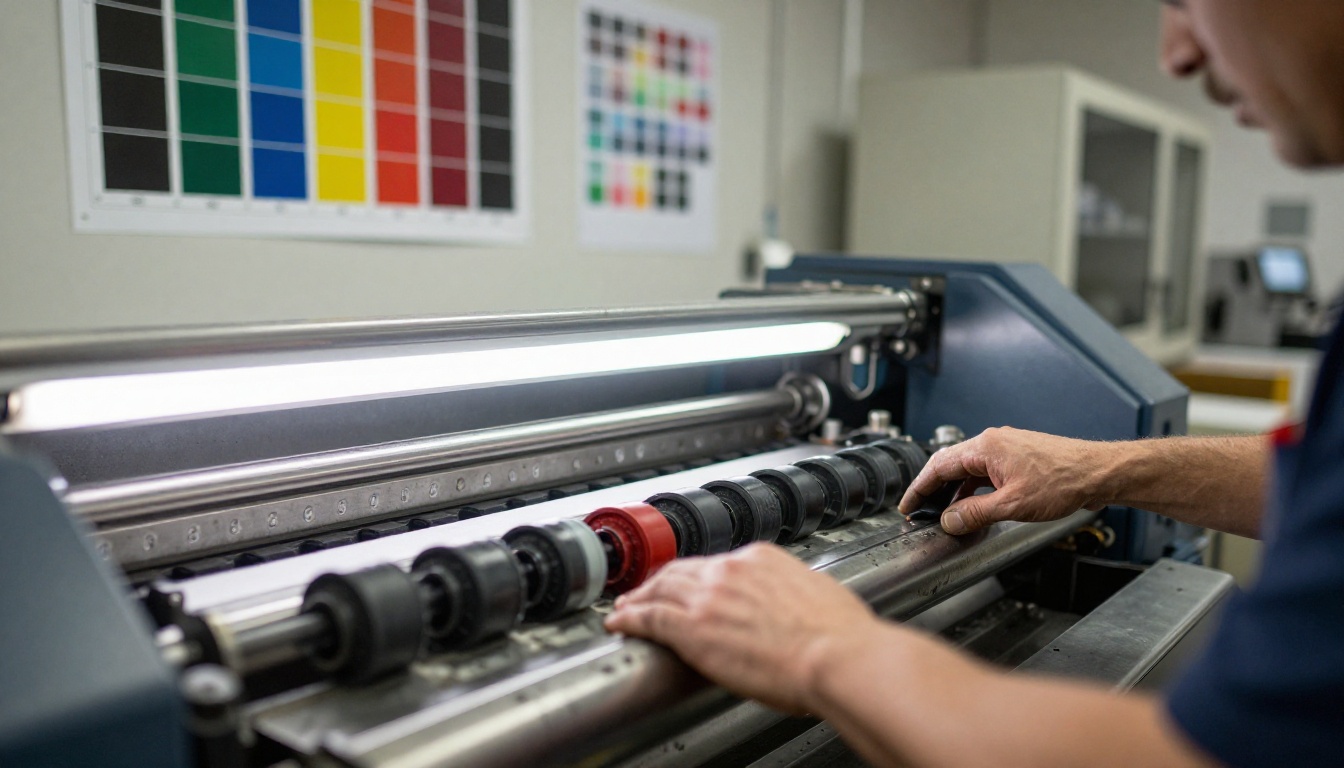
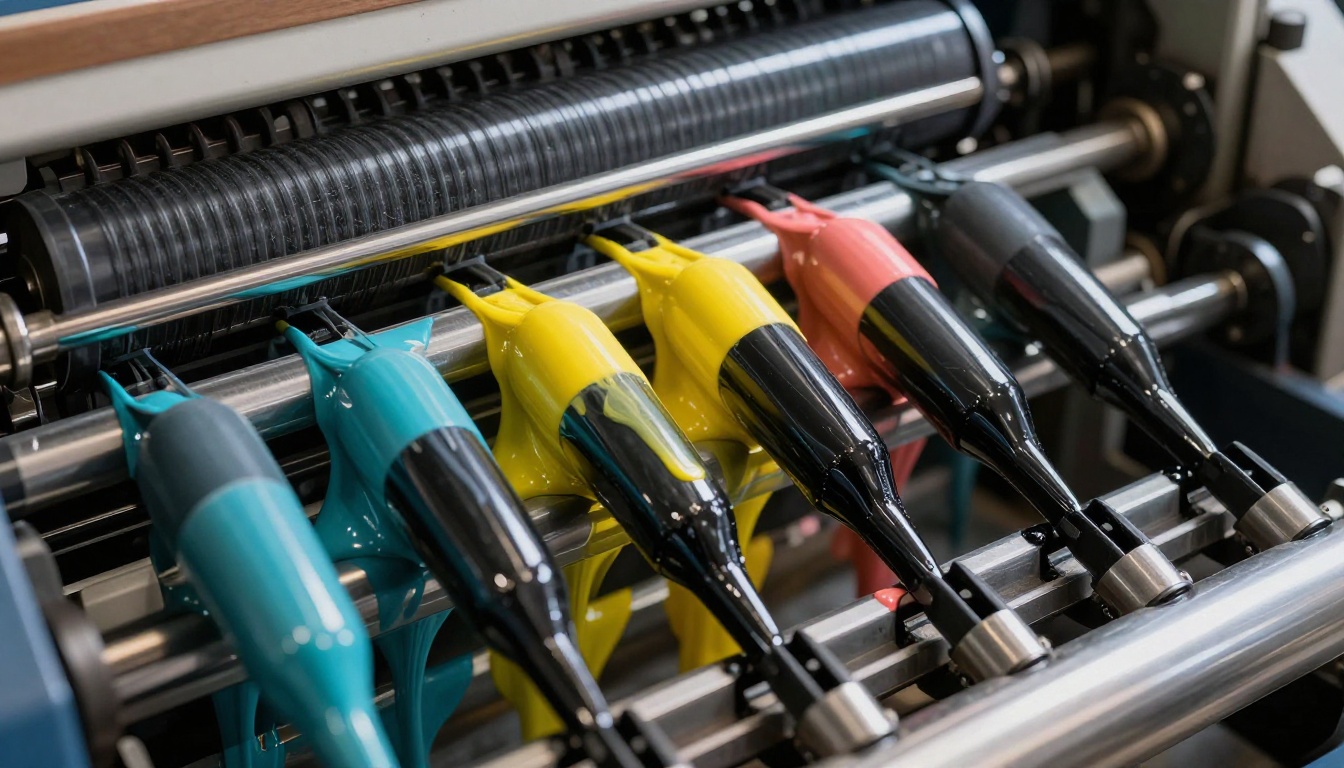
Offset printing, the standard method for high-quality catalog production at volume, requires physical aluminum printing plates. Each plate corresponds to one ink in the CMYK process: Cyan, Magenta, Yellow, and Black. A full-color 32-page catalog may require eight or more press forms, each needing four plates, for a total of 32 plates or more depending on configuration.
What Makeready Actually Means for Your Budget
"Makeready" is the full press preparation process that occurs before your actual run begins. A press operator must:
- Mount and align each color plate to exacting tolerances
- Mix and calibrate ink density and viscosity for each station
- Run dozens to hundreds of test sheets to achieve correct color registration
- Produce a final approved press proof before the job runs
On a large-format commercial press, makeready takes one to four hours depending on job complexity. That time is billed to your job at press-hour rates, regardless of how many copies you are printing. Whether you print 100 or 100,000 copies, the makeready cost is essentially identical.
Plate Costs by Format
| Product Format | Plates Required | Estimated Plate Cost |
|---|
| Single-color flyer | 1 plate | $20 to $50 |
| Full-color brochure (4-page) | 4 plates | $80 to $200 |
| Full-color catalog (16-page) | 8 to 16 plates | $160 to $800 |
| Full-color catalog (32-page) | 16 to 32 plates | $400 to $1,200+ |
| Spot Pantone colors | +1 plate per color | $50 to $150 each |
These costs are entirely fixed. They do not decrease with higher quantities. The economic implication is direct: the fewer copies you print, the more each one is effectively subsidizing the fixed costs of the entire run.
Minimum Quantities and the Trap of Print Economics
Because setup costs are fixed and significant, the economics of offset printing only become favorable at high quantities. Most commercial printers set their practical floor at 500 to 1,000 copies for catalog work. Below that threshold, the per-unit cost becomes difficult to justify for most budgets.
The 500-Copy Problem
Suppose you need 200 updated product catalogs for a regional sales meeting. The printer's minimum economical run is 500 copies. You are now facing three choices:
- Print 500 copies anyway: Pay for 300 copies you will never use, warehouse them, and likely discard them when the content next changes.
- Use a digital short-run printer: Inkjet or toner-based digital presses handle short runs, but typically at three to six times the per-unit cost of offset.
- Switch to digital distribution: Publish your catalog as an interactive flipbook and distribute a link at zero incremental cost per viewer.
Most businesses default to option one. They over-print, over-store, and over-spend, because the workflow feels familiar. The financial cost of that comfort is rarely totaled until an audit happens.
Per-Unit Economics That Flip Against You
| Quantity | Offset Cost per Unit | Digital Press Cost per Unit | Digital Flipbook |
|---|
| 50 copies | Not viable (est. $15+) | $4.00 to $8.00 | $0 (included in plan) |
| 250 copies | $3.50 to $6.00 | $2.00 to $4.00 | $0 |
| 500 copies | $1.80 to $3.00 | $1.50 to $2.50 | $0 |
| 2,000 copies | $0.90 to $1.50 | $1.20 to $1.80 | $0 |
| 10,000 copies | $0.45 to $0.80 | $0.80 to $1.20 | $0 |
At quantities of 500 or fewer, digital press printing often equals or beats offset on a per-unit basis, without the setup cost problem. But the real comparison is between any print format and digital publishing, where the per-viewer cost is zero regardless of scale.
⚠️ Warning: Print-on-demand services have improved significantly, but they still charge per unit. A digital flipbook published through Flipbooks AI carries no per-view cost regardless of how many people access it.
Storage, Distribution, and the Long Tail of Print Costs
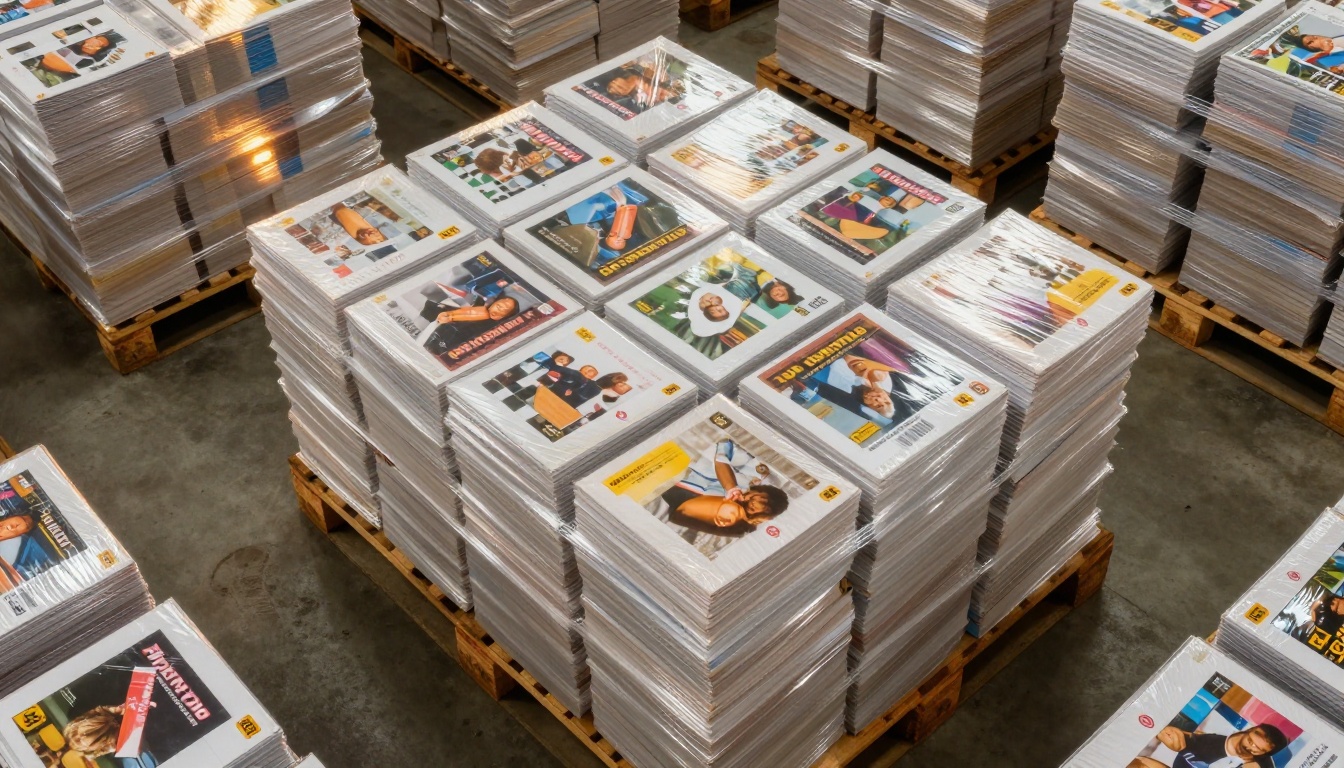
Printed materials do not vanish once they leave the press. They occupy physical space, require handling, and must be moved wherever they are needed. Each of these functions carries a cost that compounds month over month.
Where Printed Materials Go Between Uses
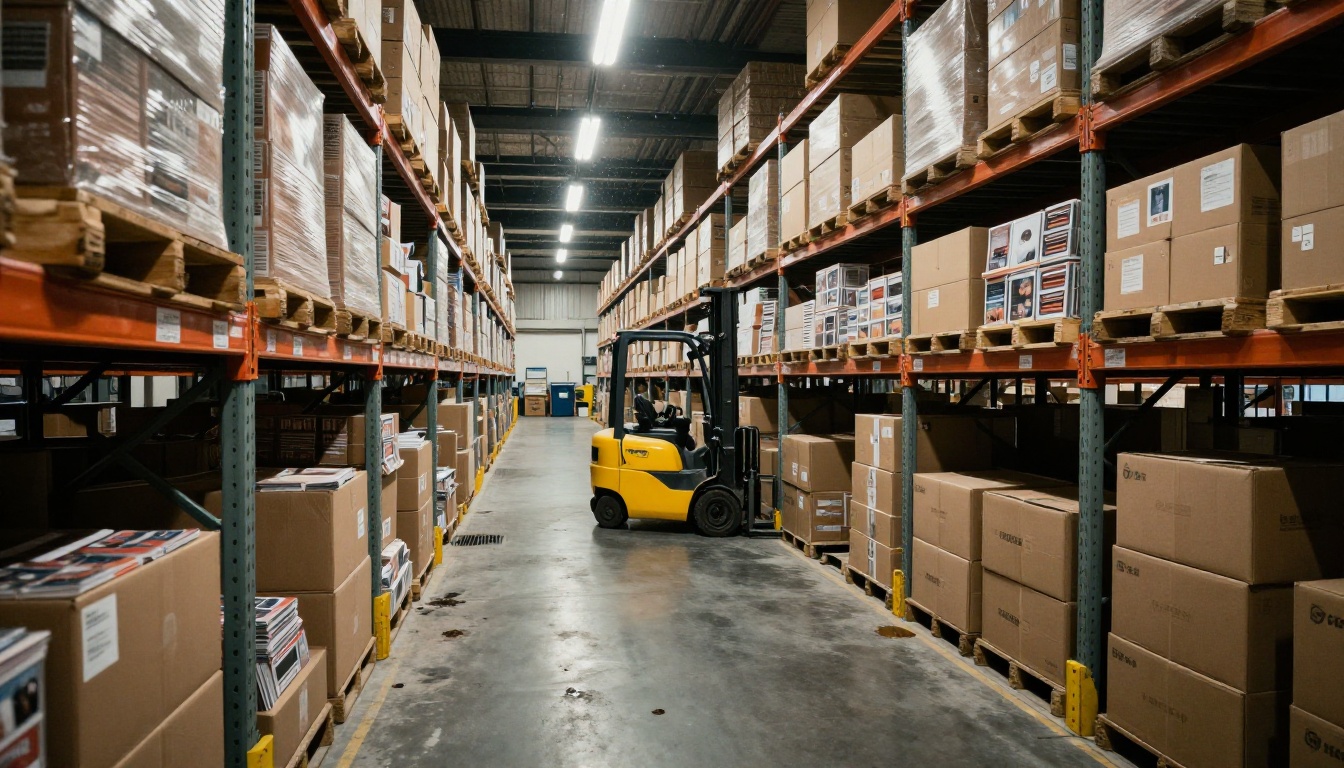
After delivery, most companies store printed catalogs in one of three ways:
- In-office storage: Takes up real square footage that carries a rental value. A standard pallet of 2,000 catalogs occupies approximately 4 square feet of floor space for months at a time.
- Third-party warehousing: Commercial fulfillment facilities charge $15 to $50 per pallet per month, with additional pick-and-pack fees every time materials are shipped out.
- At the printer: Some vendors offer short-term storage, but this adds logistical dependency and ongoing holding charges without reducing your liability.
Shipping and Fulfillment Costs
Every catalog sent to a prospect, client, or trade show location carries a real distribution expense:
- Postage or courier charges: $0.50 to $3.00 per piece for domestic mail, $5 to $20 or more for international shipments
- Packaging materials: Poly bags, padded mailers, cardboard inserts for protection
- Fulfillment labor: Time spent picking, packing, addressing, and labeling each shipment
- Returns and undeliverables: Refused or undeliverable mail is not free to process or re-route
A campaign distributing 2,000 catalogs to a prospect list can add $4,000 to $8,000 in fulfillment costs on top of the print and storage expenses. That cost never appears on the original print quote.
✅ Best practice: Before committing to a print run, map your full distribution plan. Add every fulfillment touchpoint to the per-unit print cost before comparing against digital alternatives. The number that results is your true cost to put one catalog in front of one person.
When Content Gets Outdated, the Losses Stack Up
This is the cost that causes the most damage and receives the least attention in planning discussions: the expense of printed materials that become incorrect before they are fully used.
Reprints and Version Control Costs
Content changes are inevitable. Prices shift, products get discontinued, contact information updates, regulations change, and seasonal offers expire. For printed materials, any of these events converts existing inventory from an asset into a liability.
When a catalog run of 3,000 copies becomes outdated six months after printing, the financial impact includes:
- Destruction or recycling of remaining inventory, often 50% to 80% of the original run still in stock
- Full reprint with all setup costs incurred again: new plates, makeready, print run, finishing, and freight
- Staff time spent identifying and pulling incorrect materials from circulation across all locations and field sales teams
- Customer-facing errors: Orders placed using outdated pricing or discontinued products, leading to cancellations, credits, and service calls
For businesses that update catalog content annually or more frequently, this cycle is a recurring budget event that typically doubles the effective cost of each print campaign over a two-year period.
The Cost of Outdated Information in Customer Hands
Beyond internal reprinting costs, outdated catalogs in the market create ongoing damage. A customer who receives a brochure quoting last season's pricing will call expecting that price. A prospect handed a discontinued product sheet will plan a purchase around it. The downstream cost in customer service, refunds, and lost trust compounds well beyond the reprint expense.
Digital publishing removes this cycle entirely. With Flipbooks AI, any update to a product catalog takes minutes. The link stays the same. Every person who opens it, at any point in time, sees the current version immediately. There is no inventory to destroy, no reprint to order, and no version management problem across sales teams or locations.

Print vs. Digital: A Real Cost Comparison
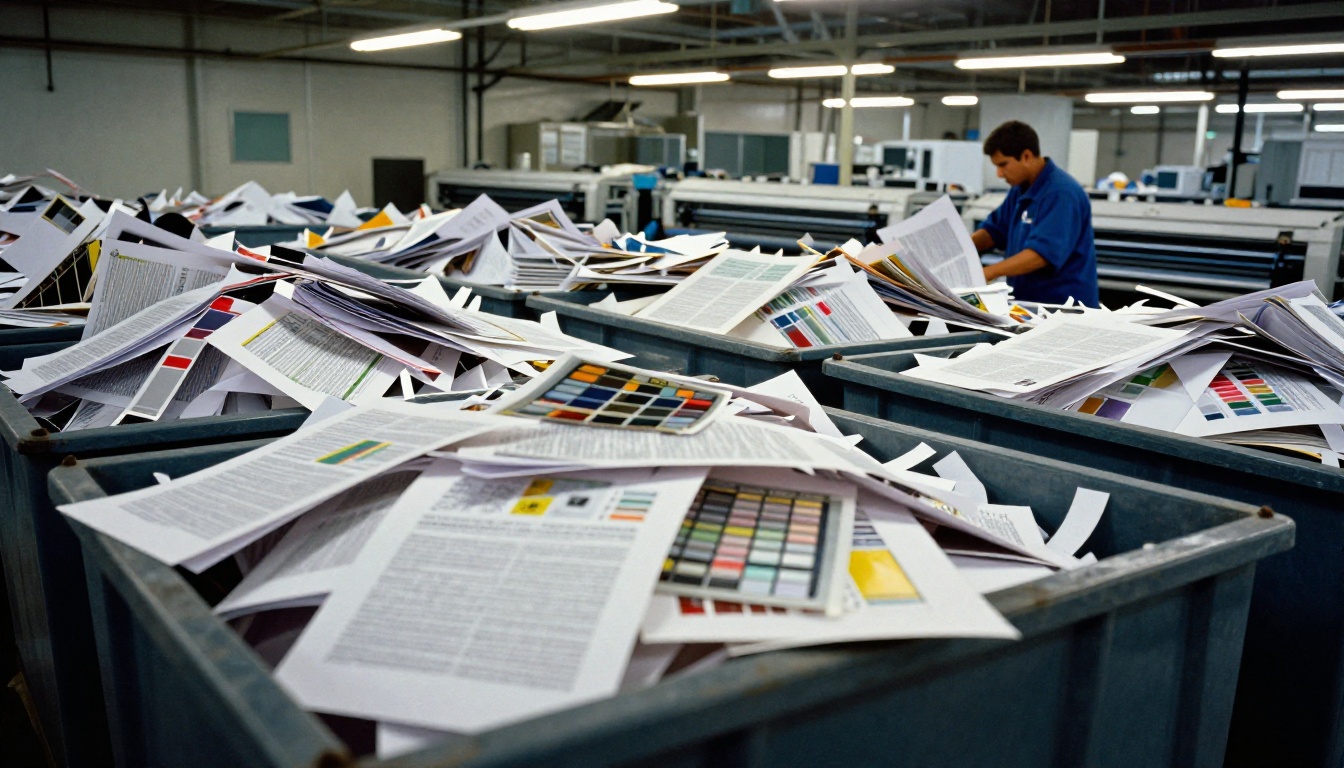
Totaling all cost categories side by side gives a clearer picture of where money actually flows over a typical catalog production and distribution cycle.
Side-by-Side Total Cost of Ownership
| Cost Category | Print Run (2,000 catalogs) | Digital Flipbook (unlimited views) |
|---|
| Design and prepress | $500 to $2,000 | $500 to $2,000 |
| Plate creation and makeready | $400 to $1,200 | $0 |
| Printing (unit cost x quantity) | $1,800 to $6,000 | $0 |
| Storage (6 months at warehouse) | $200 to $600 | $0 |
| Distribution and fulfillment | $2,000 to $6,000 | $0 (link, embed) |
| Update reprint (one cycle) | $1,800 to $4,000 | $0 (update in platform) |
| Total estimated cost | $6,700 to $19,800 | $500 to $2,000 |
The design and content creation investment is identical in both cases, because the content has to be produced regardless of how it is distributed. Every other category favors digital publishing by a factor of three to ten or more.
Distribution Reach Comparison
Print catalogs reach exactly as many people as were printed and delivered. A digital flipbook reaches any number of people, anywhere in the world, with no additional cost for each additional viewer.
| Distribution Method | Audience Ceiling | Cost per Additional Viewer |
|---|
| Physical direct mail | Capped by quantity printed | $1.00 to $5.00 |
| Distributed at events | Capped by stock on hand | $1.50 to $4.00 |
| Digital flipbook via link | Unlimited | $0.00 |
| Embedded on website | Unlimited | $0.00 |
| Shared via email campaign | Unlimited | $0.00 |

Moving Your Print Catalog to a Digital Flipbook
If the numbers above describe your situation, here is how to convert your existing printed catalog into a professional interactive digital publication using Flipbooks AI.
Step 1: Create Your Account
Visit flipbooksai.com/account and sign up. No credit card is required to begin. Once inside, your dashboard shows all available creation tools and any flipbooks you have already published.
Step 2: Upload Your Existing PDF
If you already have a print-ready PDF, upload it directly. Flipbooks AI accepts standard PDF files and converts them automatically into an interactive flipbook with realistic page-turn animation. Use the PDF to Flipbook Converter for the fastest path from file to published flipbook.
- Drag and drop your PDF into the upload area
- Processing typically completes in under two minutes for a standard 40-page catalog
- Each page is rendered at high resolution with smooth page-turn physics built in
Step 3: Apply Branding and Interactive Elements
After upload, customize the presentation to match your brand standards:
- Set your brand colors and upload your logo to the flipbook interface
- Set a custom background and first-page thumbnail image for sharing previews
- Embed video links or audio on specific pages for product demos or testimonials
- Enable password protection for catalogs intended for specific clients or partners
- Add your own custom domain if you want the flipbook URL to appear on your branded address
💡 On Standard plan and above, your flipbook carries no watermarks. It presents to viewers as a fully branded, professional publication with your identity only.
Step 4: Share and Distribute
Your flipbook is ready to share immediately after publishing:
- Direct link: Copy and paste a URL to distribute via email, messaging, or social channels
- Embed code: Add a single HTML snippet to your website or landing page using the Embed Flipbook on Website tool
- QR code: Generate a QR code to print on physical packaging or signage, linking directly to the digital version
- Social sharing: Post directly to social platforms where the flipbook generates inline previews that recipients can interact with immediately
Step 5: Track Who Actually Reads It
On the Professional plan, analytics show exactly how people interact with your catalog, information that print can never provide:
- Total views and unique visitor counts
- Time spent on each individual page
- Geographic location of viewers across regions
- Lead generation forms built directly into the flipbook experience
Browse pricing plans to see what each tier includes and choose based on your publishing volume and reporting needs.

Tools for Specific Publication Types
Depending on the type of publication you produce, Flipbooks AI offers purpose-built creation tools for specific formats:
Each tool provides a dedicated layout optimized for that content type, reducing the time from PDF to published flipbook significantly.

When Print Still Makes Sense (And When It Does Not)
Physical printing is not obsolete. There are situations where a tangible printed piece creates genuine value that a digital file cannot replicate, and those situations are worth identifying clearly.
Print remains the right choice for:
- Premium brand moments: A luxury unboxing insert, a handcrafted brand book, or a physical portfolio that a client holds during a high-stakes presentation
- Environments without connectivity: Trade show floors with unreliable WiFi, remote sales territories with limited data access, or in-store display materials
- Legally binding documents: Contracts, regulatory filings, and anything requiring an original physical signature or official seal
- Tactile-first products: Cases where the paper stock, texture, or weight is itself part of the brand or product experience, such as art books or specialty packaging
Print is the wrong choice when:
- Content changes more than once per year
- Your audience is geographically dispersed or international
- Quantity cannot be predicted in advance
- Budget is constrained and per-unit cost creates real pressure on margins
- You need to measure how many people actually viewed the content and which pages held their attention
For the majority of product catalogs, service brochures, company reports, and marketing publications, a digital flipbook delivers the same content at a fraction of the total spend, with greater reach, and with the ability to update in real time without any reprint cost.
✅ Best practice: Run both formats in parallel during your first transition cycle. Print a minimal quantity for the specific scenarios where physical format adds genuine value. Send the digital link everywhere else. After one cycle, the view and response data will tell you exactly where to reallocate budget next period.
Print has its place. But that place is considerably smaller than most marketing budgets currently assume. Every dollar spent on plates, makeready, overstock, and fulfillment for content that changes regularly is a dollar that could fund better reach, better measurement, and more frequent content updates through digital channels.
Ready to see what your catalog looks like as a flipbook? Create a free account on Flipbooks AI and upload your existing PDF in minutes. Browse the full tools library to find the right format for your content type, or check your plan options to compare what each tier offers for your publishing volume.



