You hit send. A folder link. Google Drive, maybe Dropbox. Inside: twelve PDFs, three unnamed JPEGs, a file called "FINAL_v3_USE_THIS," and a folder labeled "old stuff." You feel fine about it because the files are all there. Everything the client needs is technically present.
But here's what just happened on their end.
They clicked the link. They stared at a browser tab that looks like a filing cabinet someone knocked over. No context. No flow. No brand. Just a list of items that say nothing about who you are or how much you care about the work.
This is the folder problem, and it's quietly costing professionals clients, deals, and credibility every single day. Flipbooks AI exists because this problem is real and the fix is faster than you think.
The Signal a Folder Sends
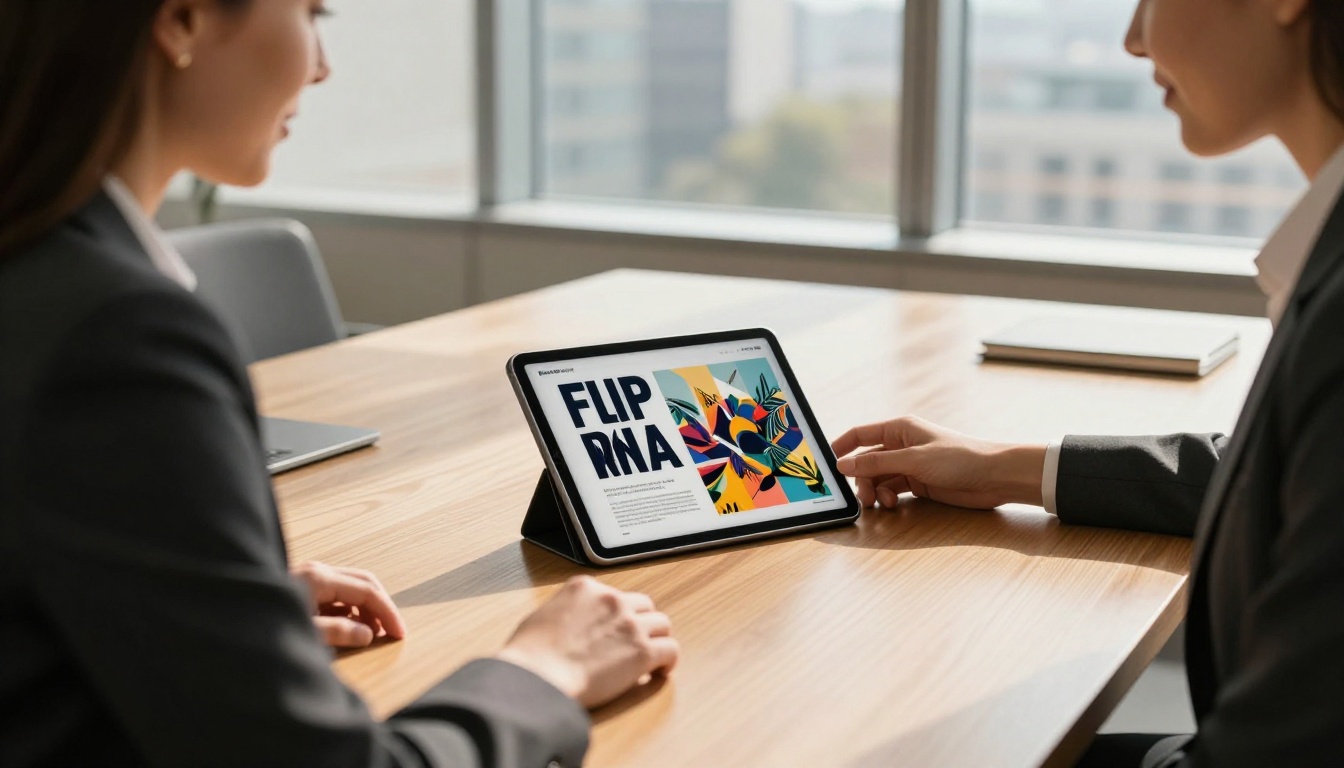
What a Client Sees the Moment They Click
When someone clicks a folder link, they are not thinking "great, everything I need is here." They are thinking "where do I start?" That question, if it doesn't get answered in three seconds, usually means they close the tab, go back to their inbox, and forget about it.
A folder is a storage tool. It was designed for people who need to find things, not for people who need to be persuaded, informed, or impressed. Sending one as a deliverable is like handing someone a bag of groceries instead of cooking them a meal.
The contents may be identical. The experience is not.
The Trust Problem Happens Before They Open a File
Research on first impressions in digital environments consistently shows that formatting signals competence before content does. A client doesn't know the quality of your PDF until they open it. But they already have an opinion of you the second they see the folder interface.
A raw folder communicates:
- No editorial judgment: You put everything in and let them sort it out.
- No effort on presentation: You did not prepare this for them specifically.
- No confidence in the work: If you believed in it, you'd have shown it better.
None of this is fair. None of it is accurate. But all of it is happening in your client's brain before they open a single file.
5 Things That Signal You Did Not Plan This

There Is No Story or Flow
A folder presents files in alphabetical or date order. Neither of those is a narrative. Professional documents have a sequence: this comes first, this provides context, this closes the argument. A folder does not tell that story. It just lists.
Good presentations have flow. A proposal starts with the problem, moves to the solution, builds to the investment ask. A folder shows all three simultaneously with no hierarchy and no guidance.
Broken Links and Missing Files Are Invisible Until It Is Too Late
You shared the folder. You forgot to share the subfolder. Or the permission settings blocked the images. Or one file is from a different account and shows as "access denied." These things happen constantly with folder sharing, and the client rarely tells you. They just quietly form an opinion.
⚠️ A broken or inaccessible file in a client's shared folder is one of the fastest ways to appear disorganized. You sent something you didn't test.
File Names Were Never Meant for Clients
You know what "v2_FINAL_edits_April_USE.pdf" means. You lived through the iteration cycle. Your client does not have that context. They see a name that communicates internal chaos. File names were designed for your file system, not for a client-facing experience.
There Is No Branding
A folder shared from Google Drive or Dropbox looks like it came from Google or Dropbox. The client sees Google's interface, Google's fonts, Google's layout. There is nothing that says this came from your company, reflects your identity, or was built with care for them specifically.
Nobody Tells Them Where to Start
"Just look through the folder" is not client service. If a client has to spend ten minutes figuring out which file to open first, you have already created friction where there should be flow. And friction in the client experience does not stay invisible.
Folder vs. Professional Document Sharing
| Feature | Shared Folder | Interactive Flipbook |
|---|
| First impression | File list, generic interface | Branded layout, designed opening |
| Navigation | Alphabetical or date order | Guided page-by-page flow |
| Branding | Platform branding (Google/Dropbox) | Your colors, logo, typography |
| Mobile experience | Clunky, inconsistent | Fully responsive |
| File access tracking | None | Analytics per page (Pro) |
| Password protection | Limited | Built-in, per-flipbook |
| Broken link risk | High (permission errors common) | No broken files, single URL |
| Customization | None | Full: colors, fonts, opening design |
| Client perception | "They sent me a folder" | "They built something for me" |
The difference is not about the content. It is about whether you packaged it in a way that respects the recipient's time and attention.
Real Scenarios Where Folders Have Cost People

The Lost Proposal
A marketing agency spent three days building a proposal for a hospitality client. Research, strategy, creative direction, budget breakdown. They put it all in a Google Drive folder and sent a link.
The client opened it on their phone during a commute. The folder UI loaded slowly. The PDF was too large to preview inline. They closed it and meant to come back. They didn't. The agency followed up a week later. The client said they needed to "review the materials." They hadn't.
The same proposal, formatted as a page-turning digital publication, would have been readable on the phone in under two minutes.
The Annual Report Nobody Read
A nonprofit sent their annual report to major donors as a folder of sections. The full report, the appendix, the financial summary, the program highlights: all separate PDFs. Few donors opened more than one.
When a peer organization published their equivalent as a branded, interactive digital report, donors read it start to finish. They shared it. They mentioned specific pages in feedback.
💡 The format does not just affect whether people read. It affects whether they share, remember, and act on what they read.
The Sales Deck That Felt Like Homework
A SaaS company sent prospects a folder with "deck," "pricing," and "case studies" as three separate files. Prospects had to download, open, and read three separate documents. Most read one. Conversion was well below industry average.
Combining the same three pieces into a single interactive flipbook with a table of contents meant prospects consumed significantly more content per session and responded to follow-ups with specific page references.
What Polished Professionals Send Instead
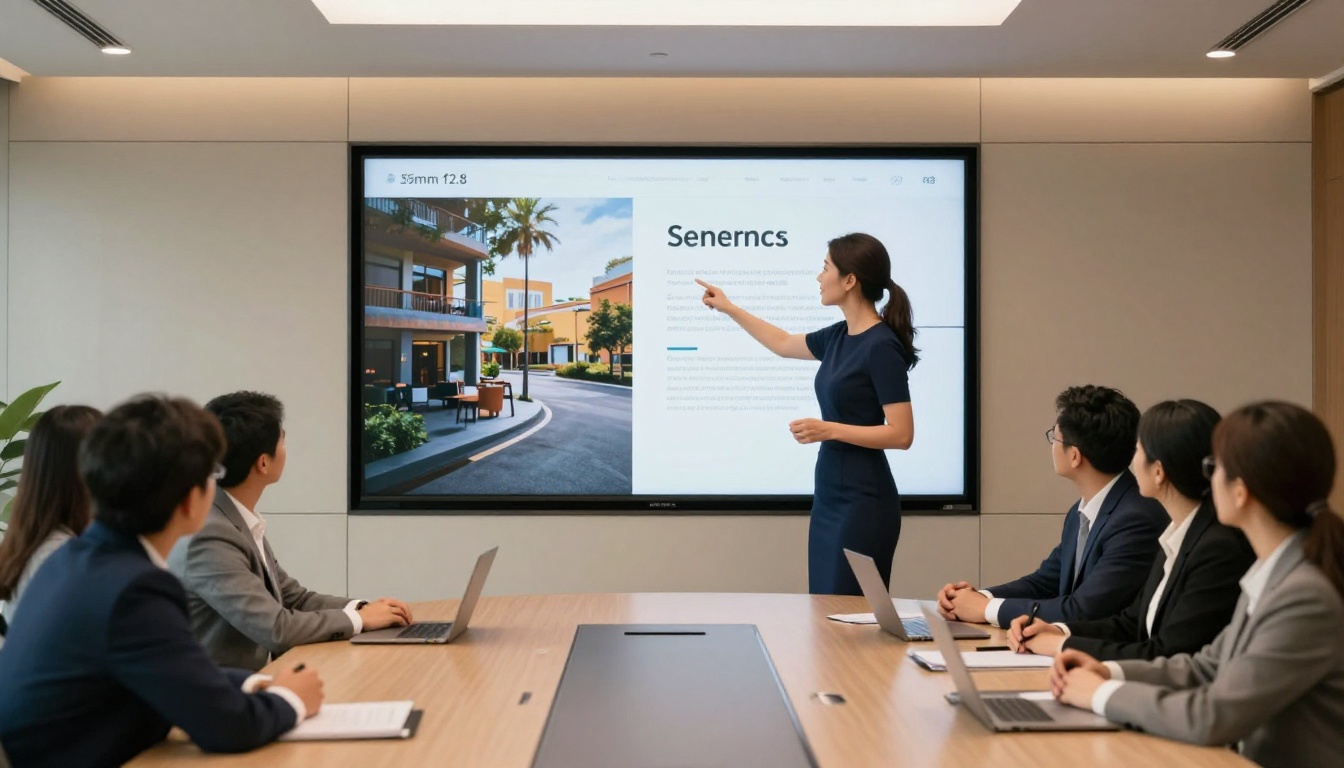
Interactive Digital Publications
Rather than a file dump, high-performing sales teams, agencies, and executives share branded interactive documents that tell a story. These are not PDFs. They are living, navigable publications where:
- Pages turn with animation
- Content is organized and sequenced intentionally
- Branding is consistent from the first page to the last
- The URL is clean and shareable
- Mobile rendering is automatic and perfect
This is the difference between sending a bag and serving a meal.
Flipbooks in High-Stakes Client Contexts
Consider where the document-sharing moment matters most:
- Sales proposals: The prospect's first impression of your work quality
- Annual reports: Stakeholders' view of your organization's credibility
- Product catalogs: A buyer's first experience with your range
- Press kits: A journalist's first read of who you are
- Training materials: An employee's first structured encounter with your processes
In every one of these scenarios, a folder sends the wrong signal. A branded flipbook sends a completely different one.
How to Stop Sending Folder Links in the Next 10 Minutes
This is not a complex workflow change. Here is exactly how professionals replace folder links with polished flipbooks using Flipbooks AI.
Step 1: Create Your Account
Go to Flipbooks AI and sign up. The process takes under two minutes. No credit card required to start.
Step 2: Upload Your PDF
Click "New Flipbook" and upload the PDF you would normally share as a raw file. Flipbooks AI converts it automatically, no design software, no manual formatting. The conversion preserves your document's layout, images, and typography exactly as you built them.
✅ If you have multiple files you'd normally dump into a folder, combine them into a single PDF first using any free PDF merger. Then upload the one file.
Step 3: Add Your Brand
Apply your brand colors, upload your logo, and set a branded opening design. Flipbooks AI gives you full control over the visual identity of the publication, so the client experience begins with your brand, not the platform's.
Step 4: Configure Sharing Options
Instead of a folder link, you now have:
- A single clean URL: shareable anywhere, trackable
- Password protection: for confidential proposals or client-specific materials
- Embed code: if you want to publish it on a website or in an email
- QR code: for print or in-person handoffs
Step 5: Send It
Copy the link. Send it. The client opens a polished, branded, navigable digital publication instead of a filing cabinet.
That's the entire switch. Everything you already put into the content, now packaged in a way that makes the content worth reading.
How Flipbooks AI Plans Compare
| Feature | Free | Standard | Professional |
|---|
| Flipbooks | 1 | Unlimited | Unlimited |
| Watermark | Yes | No | No |
| Custom branding | No | Yes | Yes |
| Password protection | No | Yes | Yes |
| Analytics | No | No | Yes |
| Lead generation | No | No | Yes |
| Offline downloads | No | Yes | Yes |
| Embed on website | No | Yes | Yes |
| Custom domain | No | No | Yes |
For most client-facing use cases, the Standard plan removes watermarks and adds unlimited flipbooks with full branding. The Professional plan adds analytics so you can see exactly which pages a client spent time on: insight that a folder can never give you.
Compare all plans and pricing to find the right fit.
Flipbooks AI offers purpose-built tools for different document types so the end result is optimized for context, not generic.
Each tool is built for a specific use case with templates and defaults that match professional expectations in that category.
The Business Case for Looking Prepared

Clients Make Decisions Before They Read a Word
The moment of receiving your deliverable is itself a signal. If a client opens your link and sees a clean, branded, well-structured publication, they have already registered that you are someone who thinks about experience. That feeling affects how they read everything inside.
If they open a folder, the pre-reading signal is neutral at best. At worst, it actively works against you.
The content competes. The packaging decides whether people engage with it.
Your Format Is Part of Your Brand
Every touchpoint a client has with you shapes their perception of your brand. The email. The invoice. The proposal. The report. If three of those are thoughtfully designed and one is a Dropbox link to a folder called "Q3 stuff," you have introduced inconsistency in how you present yourself.
Consistency in professional presentation is not just aesthetics. It is a proxy for reliability. Clients assume that how you present things reflects how you manage things.
💡 Professionals who switch from folder sharing to flipbooks often report that clients comment on the change without being asked. They notice. They remember. They refer.
The ROI Is Immediate and Measurable
- Fewer follow-up questions: A well-structured flipbook answers "where do I start?" before it is asked.
- Higher content consumption: Clients read more pages when navigation is easy and the format is engaging.
- Better analytics: With the Professional plan, you know which sections they spent time on, which tells you exactly where to focus your follow-up conversation.
- Stronger close rate: When the experience of reviewing your proposal is frictionless and impressive, the decision to hire you feels easier.
Stop Sending Folders. Start Sending Impressions.
Every professional has sent a folder and hoped for the best. Most have also, at some point, received a folder from someone else and thought "this is a lot to sort through." We already know how it feels on the receiving end.
The switch is not difficult. The content you already create is good enough. It just needs packaging that matches the effort you put into it.
Get started for free on Flipbooks AI and replace your next folder link with a flipbook in under ten minutes. No design skills. No new content. Just a better way to share what you already built.
Browse all available tools and templates to find the format that fits your specific use case. Or check pricing plans if you're ready to commit to professional document sharing as a standard.
The next time you're about to share a folder, ask yourself one question: does this look like something I'm proud to put my name on? If the answer is no, you already know what to do.



