You have seen it happen. A guest sits down, glances at the little square on the table, sighs, and pulls out a phone with the look of someone about to do homework. That moment, before they have even ordered a drink, is where many restaurants quietly lose goodwill. The good news is that the problem is rarely the QR code itself. It is what the code opens. A well built digital menu, such as a mobile-friendly flipbook made on Flipbooks AI, can turn that sigh into a smile.
In this article we will look at why some diners truly dislike QR code menus, which complaints are fair, and how to fix every one of them without going back to sticky laminated cards.
Why Diners Push Back
QR menus spread fast in 2020 because they were hygienic and cheap. Years later, the novelty has worn off, and guests judge them like any other part of the meal. Here is what they actually say when they are asked.
It Feels Impersonal
A menu is the first thing a restaurant says to you. Handing someone a printed card is a small act of hospitality. Pointing at a code on the table says, "You are on your own." For couples on a date night or families celebrating a birthday, that coldness stands out.
It Interrupts the Moment
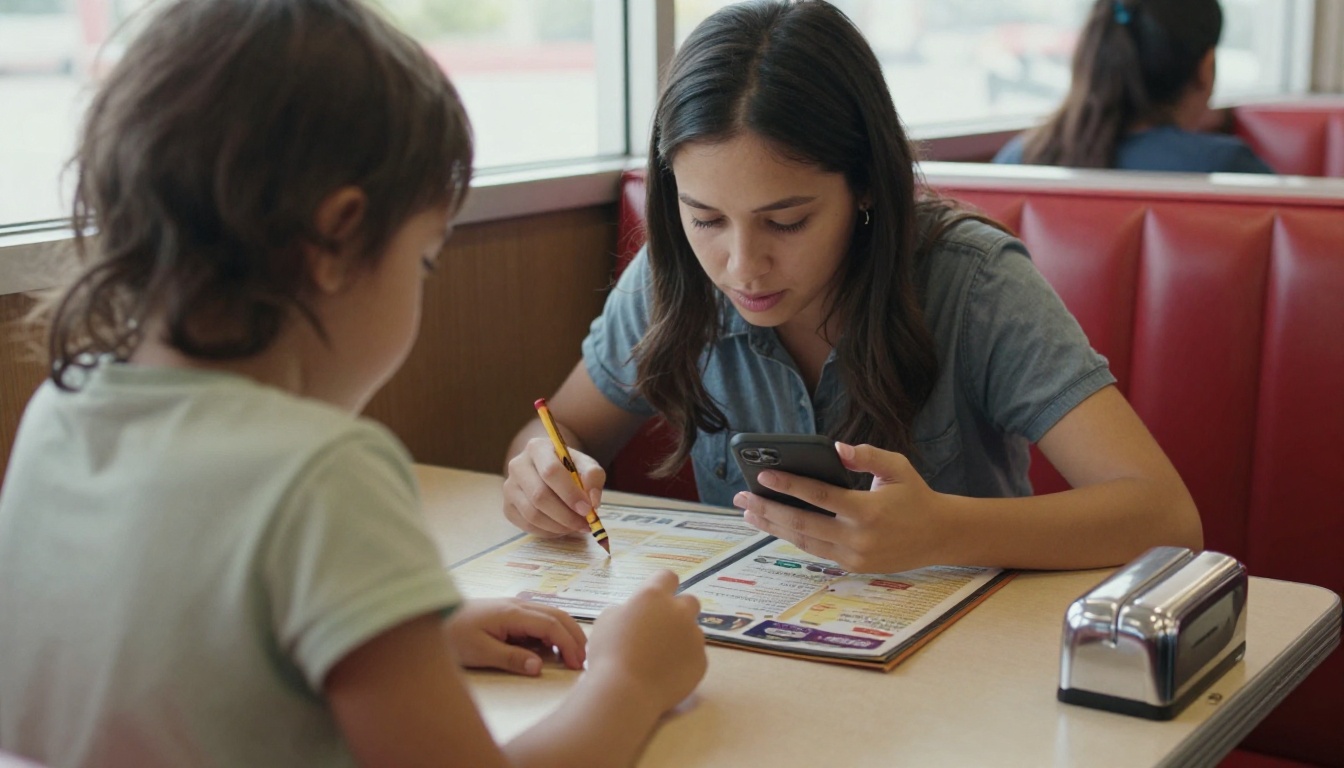
Phones at the table already compete with conversation. When the menu lives on a phone, a guest who opens it to check one dish may end up answering messages for ten minutes. Hosts notice that tables with phone menus often order later.
It Excludes Some Guests
Not everyone arrives with a charged phone, a data plan, or the patience to use one. Older guests, travelers abroad, and people with low vision face real barriers. Accessibility is not a footnote here. It is a fairness issue.
⚠️ Warning: If a guest has to ask staff for a paper menu, the QR code has already failed. Track how often that happens for one week. The number is usually higher than owners expect.
The Real Technical Culprits
Most frustration is not philosophical. It is practical. Four problems cause the bulk of complaints.
Slow Loading and Weak Signal
Many restaurants sit in basements, malls, or thick-walled historic buildings. Cell signal is poor, and venue Wi-Fi often requires a password the guest does not have. A menu that takes 20 seconds to load feels broken.
Tiny PDFs That Need Pinching
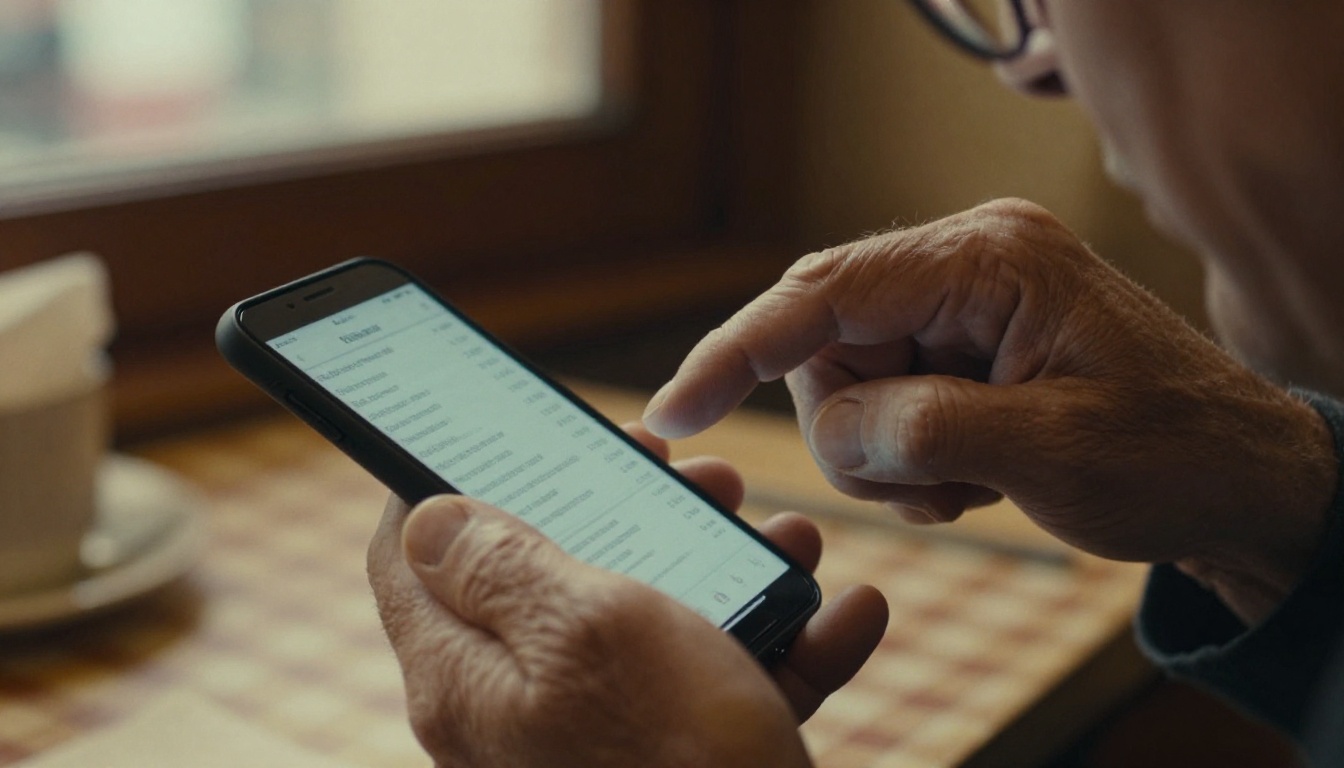
The most common fix owners try is to link straight to the print PDF. On a phone, that means a page designed for A4 paper shrunk to the size of a playing card. Guests pinch, zoom, scroll sideways, lose their place, and repeat.
Forced App Downloads and Sign-ups
Some third party ordering platforms demand an account, an email, or an app install before showing a single price. Guests feel tricked, and they are right to.
Broken or Outdated Links
A QR code printed in 2021 may point to a domain that expired. A guest scanning it and landing on an error page will remember that more than the pasta.
| Problem | What the Guest Experiences | Typical Cause |
|---|
| Slow load | Blank page, spinner | Heavy files, poor signal |
| Tiny text | Pinching, scrolling | Print PDF on a phone |
| Forced sign-up | Annoyance, abandonment | Third party platform rules |
| Dead link | Error page | Expired domain or old code |
| Wrong prices | Arguments at payment | Menu not updated |
Paper vs Phone: An Honest Comparison
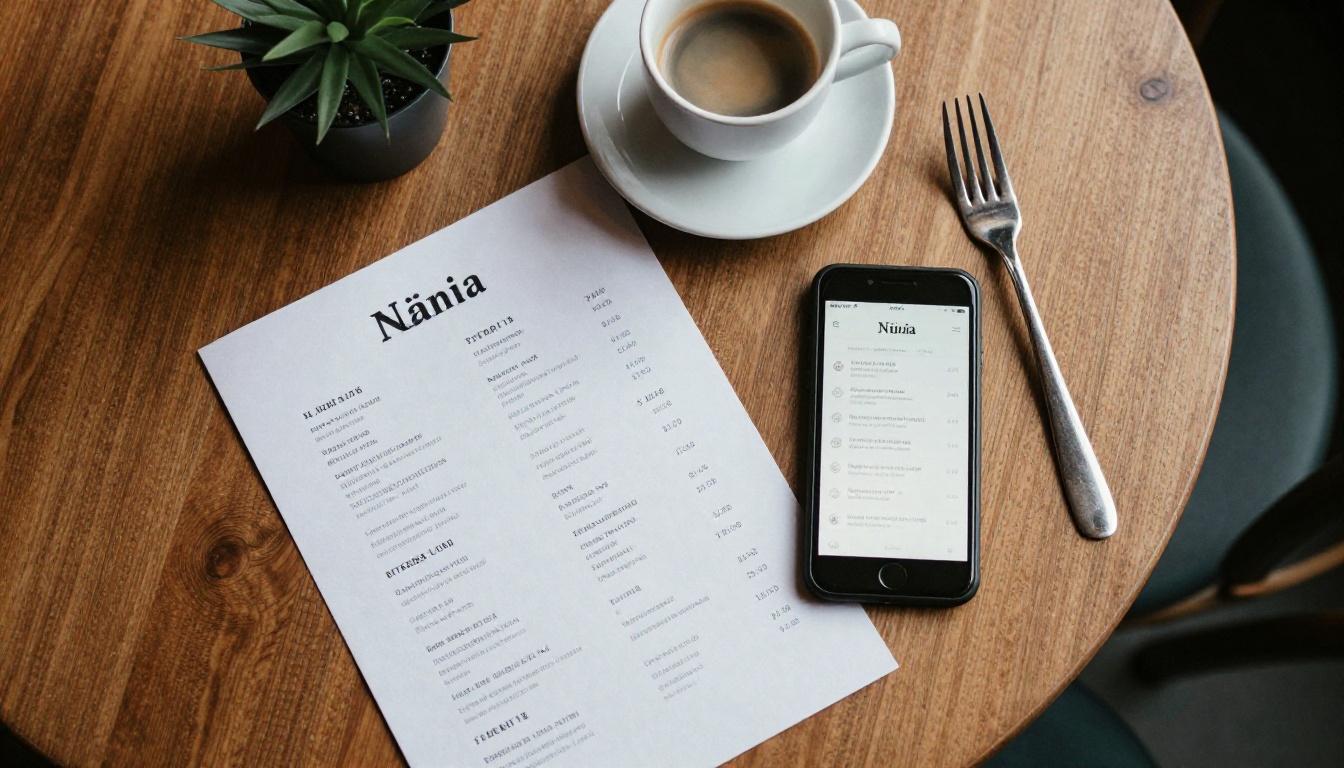
Before choosing a fix, compare what each format really offers. There is no single winner, and the best restaurants often mix two.
| Feature | Printed Menu | Plain QR PDF | Mobile Flipbook Menu |
|---|
| Easy to read | Yes | No | Yes |
| Update in minutes | No | Sometimes | Yes |
| Works on weak signal | Yes | Poor | Good with light files |
| Photos and video | Limited | Heavy and slow | Optimized |
| Cost per change | High | Low | Low |
| Feels welcoming | Very | Low | High with good design |
| Needs a guest phone | No | Yes | Yes |
💡 Pro tip: Keep a few printed menus at the host stand. Offering a choice removes pressure and keeps older guests happy, while the QR code serves everyone else.
Now the useful part. Each fix below answers a complaint from earlier.
Fix 1: Design for the Phone First
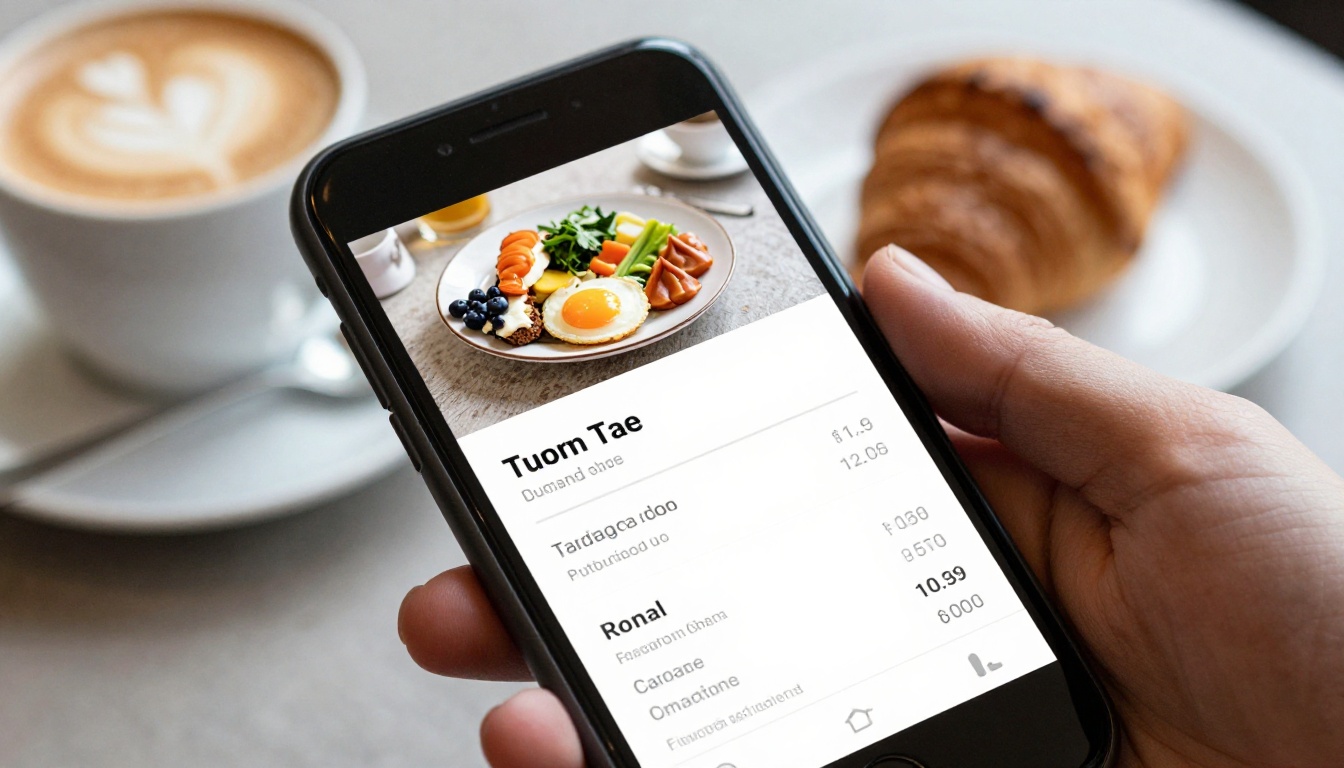
Stop sending guests to a print file. A phone friendly menu has large type, single column layout, and sections that fit the screen. With a flipbook, pages are laid out for swiping, which feels natural and familiar, like turning a real page.
Fix 2: Keep Files Light
Compress photos, limit pages, and avoid autoplay video on the first screen. A menu should open in two seconds on an average connection. If your venue has bad signal, consider offering free guest Wi-Fi with a short, readable password printed beside the code.
Fix 3: Remove the Barriers
No app. No account. No email wall. A guest should scan and see food. Flipbooks made on Flipbooks AI open in a browser with no login for the viewer, and there are no watermarks, ever.
Fix 4: Place the Code Wisely
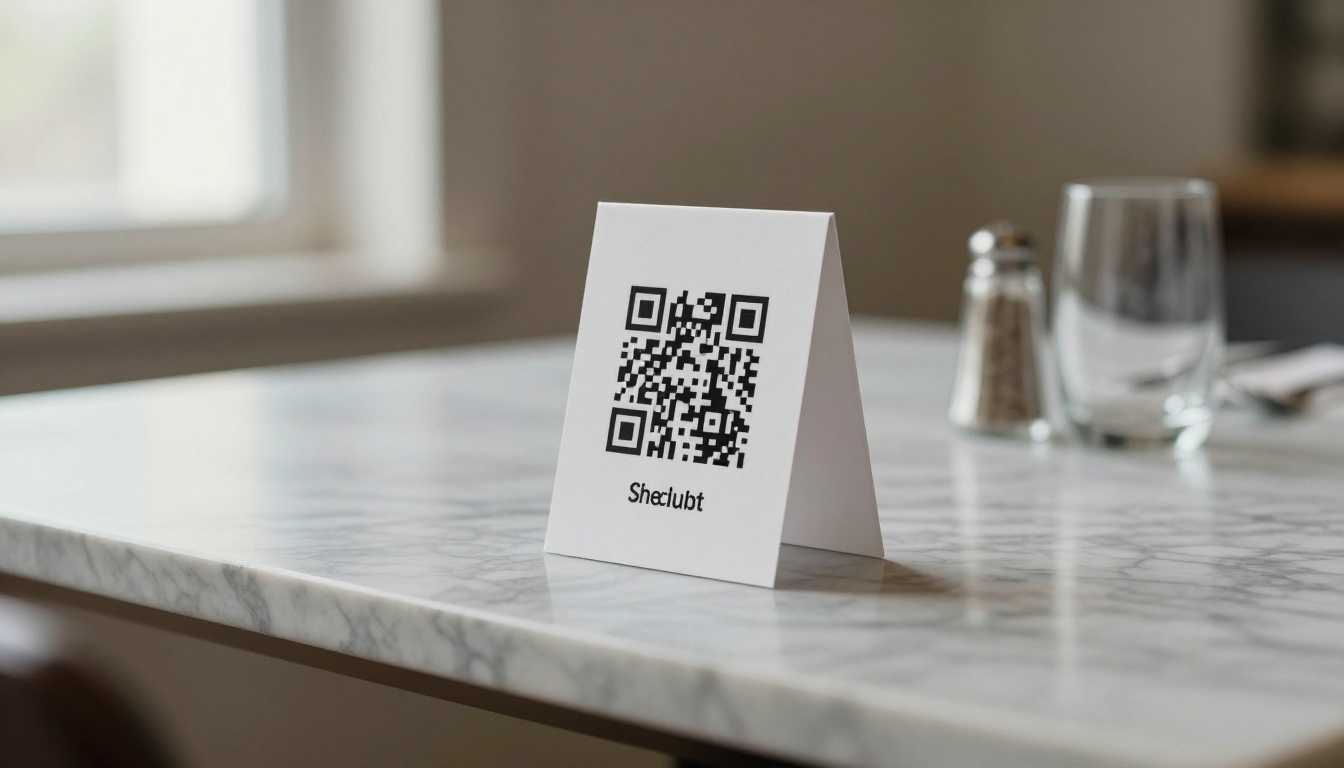
The code should be large enough to scan from arm's length, with good contrast and a short URL printed underneath as a backup. Avoid placing it where candles, glasses, or glare can block it.
Fix 5: Keep Humans in the Loop
Technology works best when staff stays warm. Train servers to say, "Menus are on the table code, or I can bring you a paper one." That one sentence changes how the whole system feels.
If your menu is already a PDF, you are ten minutes from a better version. This is the process with the Restaurant Menu Creator and the PDF to Flipbook Converter.
Step by Step
- Open your account. Go to Flipbooks AI and sign in or create a free account.
- Upload your PDF. Drag your current menu into the uploader. The platform converts each page into a swipeable flipbook automatically.
- Check every page on a phone. Preview on a real device. If text looks small, redesign that page with bigger type before publishing.
- Apply your branding. Add your logo, set colors that match your signage, and choose a page turn effect that feels subtle, not flashy.
- Add multimedia carefully. Embed a short video of the chef or a photo of the signature dish. Keep it to one or two so loading stays fast.
- Set sharing options. Copy the direct link, or use the embed code for your website. Use password protection for private event menus or tasting dinners.
- Print your QR code. Generate a code from the link, test it on three different phones, and place it on tables.
- Update whenever you need. Change a price or remove a sold out dish, re-upload, and the same link shows the new version. No reprinting.
Extra Tools Worth Using
On the Professional plan, you can see analytics on how many guests open the menu and which pages they view most. Lead generation lets you collect emails for a newsletter or loyalty offer, and offline downloads give guests a copy they can open without signal.
✅ Best practice: Put your most profitable dishes on page one. Analytics will show whether guests actually reach page three.
| Plan Feature | Why Restaurants Care |
|---|
| No watermarks | Keeps the menu on brand |
| Unlimited flipbooks (Standard and above) | Separate menus for lunch, dinner, brunch, drinks |
| Password protection | Private events and tasting menus |
| Analytics (Professional) | See what guests read |
| Offline downloads | Helps in weak signal buildings |
| Mobile responsive design | Readable on any phone |
Real Examples That Work
Abstract advice is easy. Here are three scenarios that show how these fixes play out.
The Basement Wine Bar
A small wine bar with no cell signal kept getting complaints. The owner switched to a lightweight flipbook, added a short Wi-Fi password to each table, and kept five printed copies on the shelf. Complaints dropped, and servers stopped spending time explaining the menu.
The Family Cafe
A busy cafe was losing patience from parents juggling kids and phones. They placed the QR code on a table tent but also stacked simple printed kids menus beside the cash register. Parents had the choice, and the chaos eased.
The Seasonal Patio Bar
A patio bar changes its cocktails every month. Reprinting menus was expensive and slow. With a flipbook link behind the QR code, the manager updated drinks in minutes on a Monday morning. The code on the tables never changed.
| Venue | Main Issue | Fix | Result |
|---|
| Wine bar | No signal | Light flipbook and Wi-Fi | Faster ordering |
| Family cafe | Parents overwhelmed | Printed backup | Calmer service |
| Patio bar | Monthly reprints | Editable link | Lower print costs |
Common Mistakes to Avoid
Even with a great tool, a few habits can sink a menu.
- Linking to an unedited print PDF. It is still the number one mistake.
- Forgetting to test. Scan the code on an old Android phone and an iPhone before every printing run.
- Cramming too much on one page. White space is not wasted space.
- Using low contrast colors. Gold text on cream is pretty and unreadable in dim lighting.
- Leaving outdated items online. Nothing irritates a guest like ordering a dish that is gone.
- Hiding allergen details. Put them where guests can find them quickly.
💡 Quick audit: Hand your phone to a friend who has never seen your menu. Time how long it takes them to find the vegetarian options. If it is more than 20 seconds, redesign.
What to Do Next
QR code menus are not the villain. Poor ones are. When the menu loads fast, reads clearly, and sits beside a friendly human option, most of the resentment disappears. Guests stop thinking about the technology and start thinking about dinner, which is exactly what you want.
Ready to fix yours? Create your account on Flipbooks AI, upload your current menu, and see a phone friendly version in minutes. Browse all flipbook tools if you also need a Digital Price List Generator or a Menu Flipbook Designer, and compare pricing plans to find the one that fits your restaurant. You can also try it free and decide after you have seen your own menu on a phone.



