Static catalogs cost you customers every time someone clicks that PDF link and bounces 40 seconds later. Flipbooks AI changes that equation with realistic page flip animation that makes your catalog feel like a real, physical publication worth reading from the first page to the last.
What Page Flip Animation Actually Does
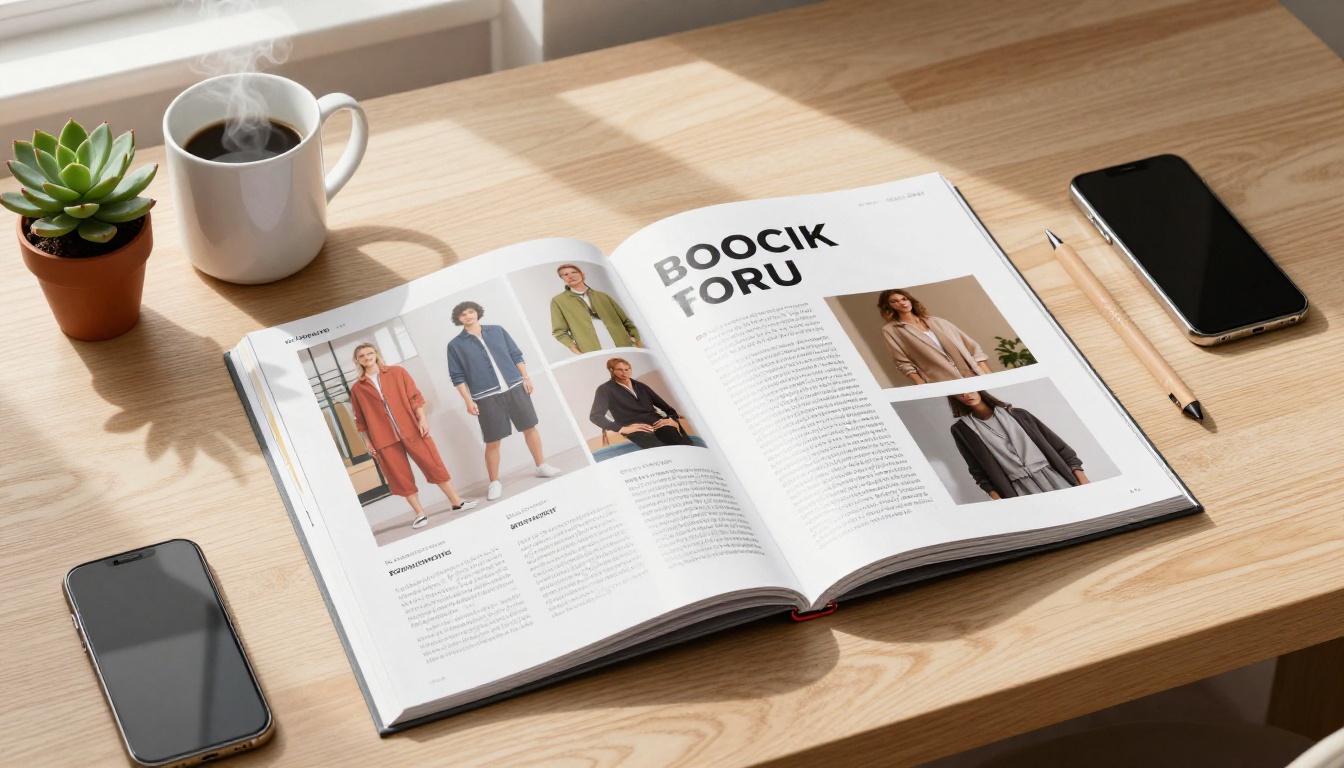
Most people think of page flip animation as a visual flourish. It is not. The mechanics behind a realistic page-turn effect tap into deeply ingrained reading behavior. Humans have spent centuries flipping physical pages, and the brain processes that motion as a meaningful signal: this is something worth reading.
The Psychology Behind the Flip
When a page turns with natural physics, the paper curving, the shadow shifting, the corner lifting, viewers trigger a completion bias. They want to see what is on the next page. This is the same psychological pull that keeps readers turning chapters in a book when they planned to stop three chapters ago.
Static PDFs offer no such pull. They present all content as equally available and equally skippable.
💡 Research on digital reading behavior consistently shows that content presented with spatial orientation, knowing where you are in a document, reduces bounce rates and increases reading depth.
Spatial Orientation in Digital Reading
Physical catalogs give readers a sense of location. Flip halfway through and you feel the weight distribution. You know you are in the middle. Digital flipbooks replicate this with:
- Visible page count and position indicators
- The physical thickness of remaining pages visible on the right spine
- Progressive page reveal as you advance through sections
A flat PDF scrolled on a phone gives none of this. The reader has no idea how far they have come or how much is left.
How Page Flip Animation Affects Your Business Numbers
This is where catalog owners start paying attention. The visual effect is one thing. The downstream impact on actual business metrics is what justifies switching from PDF to flipbook.
Time on Page
The most reliable effect of adding page flip animation to a catalog is increased dwell time. When content feels like a destination rather than a document, visitors stay longer. Longer sessions mean more product impressions, more familiarity with your brand, and a higher probability of purchase intent.
Conversion Rate on Product Pages
Catalogs that link directly from product images to purchase pages see measurably better conversion rates when the catalog itself is interactive. A visitor who has spent four minutes browsing a fashion catalog with realistic page turns is a warmer lead than one who glanced at a PDF for thirty seconds.
Return Visitor Rate
Flipbooks create a bookmarking behavior. Readers remember where they stopped. Many digital flipbook platforms allow readers to bookmark specific pages, which creates a reason to return. A PDF does not offer this.
| Metric | Static PDF | Page Flip Flipbook |
|---|
| Average session duration | 45-90 seconds | 3-6 minutes |
| Page depth per session | 2-4 pages | 8-15 pages |
| Return visitor likelihood | Low | Moderate to High |
| Mobile completion rate | Under 20% | 40-60% |
| Embeddable on website | Limited | Fully native |
⚠️ These ranges reflect general industry benchmarks across digital publishing platforms. Your actual results depend on catalog quality, audience, and distribution channels.

The Real Cost of Sending Customers a PDF
Sending a PDF catalog feels safe and familiar. It is also quietly killing your catalog marketing ROI. Here is what typically happens when a customer receives a PDF link:
- They open it in a browser tab
- The PDF renders slowly on mobile, if at all
- They scroll a few pages, lose their place
- They close it without reaching your hero products
- They forget it existed by the next day
None of this is the customer's fault. PDFs were never designed for catalog browsing. They were designed for document archiving and printing. Using one as your primary customer-facing catalog is like serving dinner on a paper plate: technically functional, entirely wrong for the occasion.
What Customers Actually Want
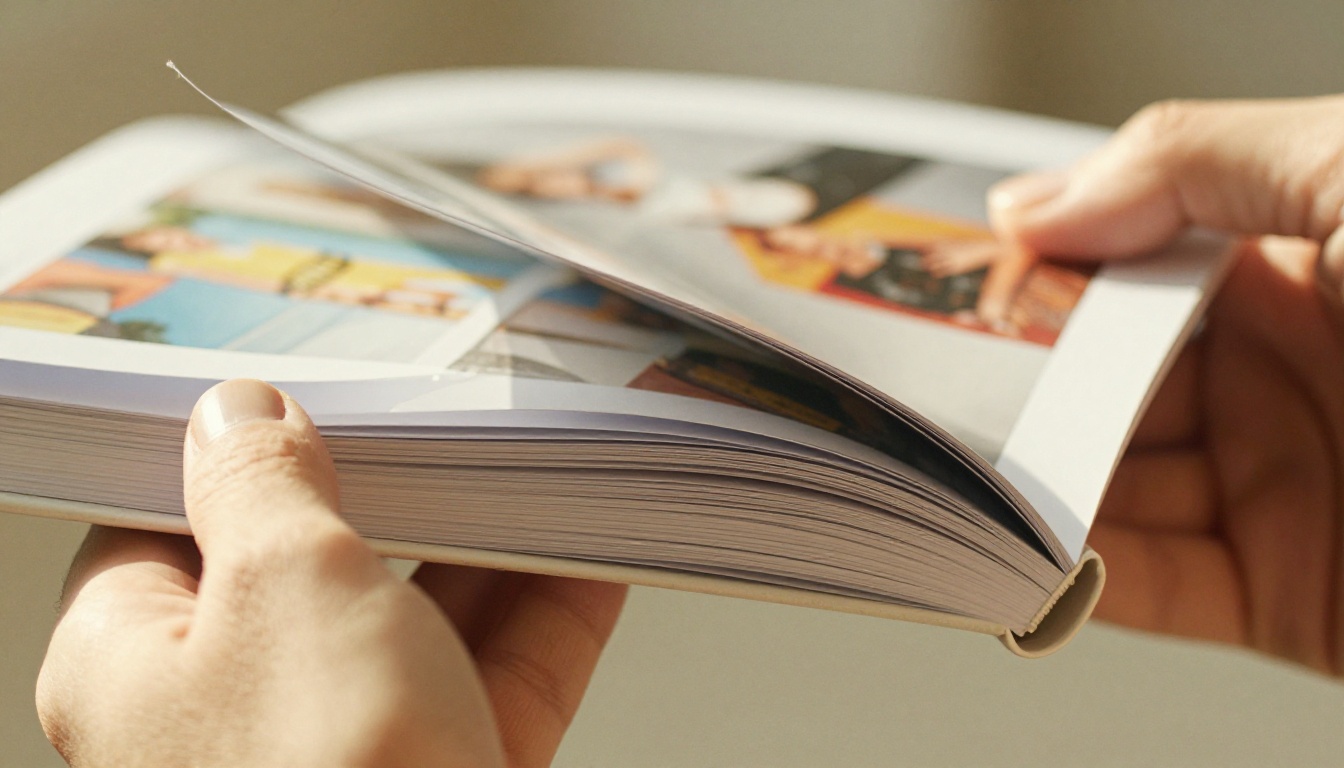
When someone clicks a link to browse your catalog, they want a reading experience. They want to feel like they are holding something real. Page flip animation is the digital equivalent of that tactile, satisfying sensation of turning a well-printed page.
The effect also signals professionalism. A brand that delivers an interactive, animated flipbook catalog communicates that it cares about the customer experience from first contact.
Which Catalog Types Benefit Most
Page flip animation is not equally valuable for every type of document. For catalogs specifically, the gains are outsized because catalogs are designed to be browsed, not read linearly.
Fashion and Apparel Catalogs
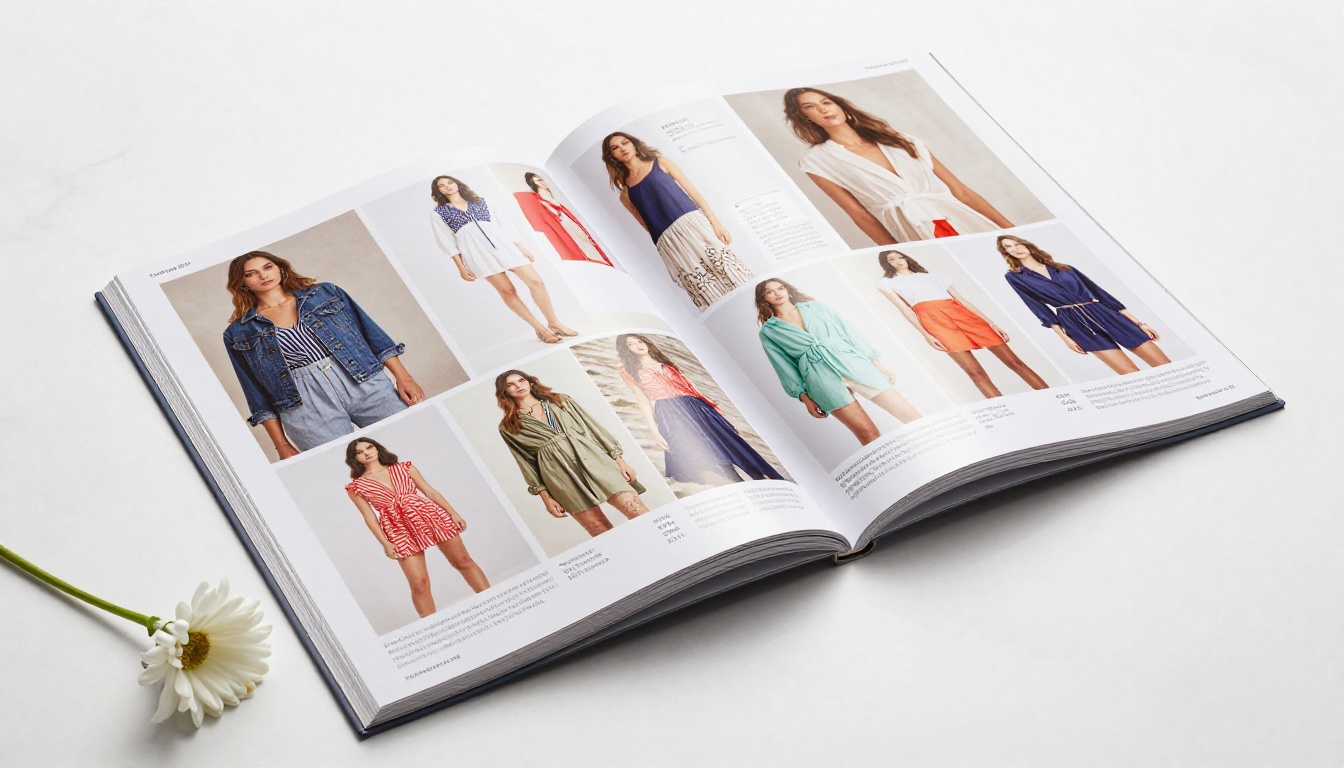
Fashion catalogs are the strongest use case. Editorial photography, bold spreads, and seasonal collections are made for the page-flip experience. The physical magazine feel aligns perfectly with how fashion brands want customers to perceive their products. The Fashion Catalog Creator is built exactly for this workflow, letting you upload your existing PDF and publish a stunning interactive flipbook in minutes.
Product and Retail Catalogs
Home goods, electronics, and multi-category retail catalogs benefit enormously from the ability to flip between sections, bookmark products, and share specific pages. The Product Catalog Generator converts your existing catalog design into a fully interactive flipbook without any redesign work.
Furniture and Interior Design Catalogs
Room-by-room layouts and large-format imagery in furniture catalogs are poorly served by PDF scrolling. Page turns that reveal full-bleed spreads create an aspirational browsing experience that mirrors a printed lookbook. The Furniture Catalog Maker handles oversized spreads and high-resolution imagery perfectly.
Real Estate and Property Brochures
Property listings with floor plans, photography, and neighborhood details read naturally as a flipped publication. Clients spend more time with a property when it is presented as a proper brochure rather than a flat scrolling document.
| Catalog Type | PDF Experience | Flipbook Experience | Priority Level |
|---|
| Fashion / Apparel | Poor | Excellent | Critical |
| Product / Retail | Fair | Excellent | High |
| Furniture / Home | Poor | Excellent | Critical |
| Real Estate | Fair | Very Good | High |
| Food / Menu | Poor | Very Good | High |
| Annual Reports | Fair | Good | Medium |
| Event Programs | Fair | Good | Medium |
Mobile Browsing and the Flip Effect
More than half of catalog traffic today comes from mobile devices. This is where the PDF catalog truly fails, and where the page flip flipbook has an overwhelming advantage.
How Mobile Changes Everything
On mobile, PDFs require pinch-to-zoom, horizontal scrolling, and constant re-orientation. The reading experience is frustrating by design. Flipbooks built with mobile-responsive architecture offer:
- Touch swipe gestures that mirror natural page-turning behavior
- Automatic fit-to-screen scaling without distortion
- Portrait and landscape mode support that adapts instantly
- Fast load times through optimized asset delivery
A visitor browsing your catalog on a phone should feel the same tactile satisfaction as someone flipping through it at a trade show. Page flip animation, combined with mobile-optimized rendering, makes that possible.
✅ Best practice: Always preview your flipbook on at least three device types, desktop, tablet, and phone, before publishing. The page flip experience should feel smooth and natural across all of them.

How to Create a Flipbook Catalog with Page Flip Animation
Flipbooks AI makes converting any catalog PDF into a fully animated flipbook straightforward. No design software, no code, no waiting.
Step 1: Create Your Account
Go to flipbooksai.com/account and create a free account. No credit card required to get started. The free tier lets you publish and share immediately so you can see the result before committing to a plan.
Step 2: Upload Your Catalog PDF
From your dashboard, click New Flipbook and upload your catalog PDF. The platform accepts any standard PDF file and processes it automatically, converting every page into high-resolution flipbook spreads.
💡 For best results, export your catalog from InDesign, Illustrator, or Canva at 300 DPI before uploading. Crisp source files produce sharper flipbook pages with cleaner text rendering.
Step 3: Customize the Experience
Once uploaded, open the Editor to configure:
- Page flip style: Choose between soft, realistic paper physics or a sharper, faster flip depending on your brand tone
- Brand colors: Set your primary and secondary brand colors for the flipbook interface and toolbar
- Front and back page: Add a strong hero image and a back page call-to-action
- Background: Choose a solid color, texture, or custom background behind your flipbook pages
Step 4: Add Interactive Elements
This is where flipbooks separate entirely from PDFs:
- Embedded links: Make product images clickable with direct links to your shop
- Video embeds: Drop product videos directly into relevant spreads
- Audio narration: Add voiceover for key pages or seasonal messages
- Lead generation forms: Capture visitor emails directly within the catalog, available on the Professional plan
Step 5: Publish and Share
Click Publish to generate your public flipbook URL. From there, you have full control over distribution:
- Direct link: Share via email, social media, or messaging apps
- Embed code: Drop the flipbook directly into any website using the Embed Flipbook on Website tool
- Password protection: Restrict access to trade clients or press contacts with a custom password
- QR code: Generate a scannable QR for print materials, packaging, or signage
Step 6: Track Performance
Once live, the built-in analytics dashboard shows you:
- Total views and unique visitors by date range
- Average time spent per session
- Most-viewed pages, so you know which products attract the most attention
- Geographic traffic breakdown
- Lead capture data on the Professional plan

Comparing Flipbook Plans: What You Actually Need
Flipbooks AI offers tiered plans designed for different catalog publishing needs. Here is a practical comparison:
| Feature | Free | Standard | Professional |
|---|
| Flipbooks | 1 | Unlimited | Unlimited |
| Watermark | None | None | None |
| Custom domain | No | Yes | Yes |
| Analytics | Basic | Standard | Advanced |
| Lead generation | No | No | Yes |
| Password protection | No | Yes | Yes |
| Offline downloads | No | No | Yes |
| Video/audio embeds | No | Yes | Yes |
| Custom branding | No | Yes | Yes |
For most catalog publishers, the Standard plan covers the essentials: unlimited flipbooks, no watermarks, password protection, and custom branding. The Professional plan adds analytics depth and lead capture, which pays for itself quickly if your catalog is a direct sales tool.
See the full breakdown at flipbooksai.com/pricing.

The SEO Argument for Interactive Catalogs
There is a search traffic case for flipbook catalogs that most brands overlook. When you publish your flipbook on a dedicated page with proper metadata, you create an indexable URL that can rank for catalog-related searches.
PDF files can technically be indexed by search engines, but they provide a poor landing page experience. A flipbook hosted on a proper web URL, with fast load time, mobile-responsive design, and low bounce rate, sends stronger quality signals to search algorithms.
Beyond direct SEO, the time-on-page gains from a flipbook versus a PDF translate directly into improved user behavior metrics that search engines factor into ranking decisions. More time on page. Lower bounce rate. More return visits. All of these work in your favor.
💡 Embed your catalog flipbook on a dedicated landing page with a descriptive title, meta description, and surrounding editorial text. This gives search engines the text signals they need while the flipbook delivers the reading experience visitors want.
Real-World Use Cases Worth Noting
The brands getting the most from page flip animation tend to share one thing: they treat their digital catalog as a customer experience touchpoint, not a product list.
A furniture retailer embeds their seasonal catalog on their homepage as an interactive flipbook. Visitors who open the flipbook spend significantly longer on the site than those who visit product category pages directly.
A fashion boutique sends their lookbook as a flipbook link instead of a PDF attachment in their newsletter. Open rates are similar to before, but click-through to product pages doubles because the reading experience holds attention through to the final spread.
A real estate agency uses password-protected flipbook brochures for high-value property listings, sharing a unique link with qualified buyers. The polished presentation reinforces the premium positioning of the properties.
A restaurant group replaced their printed menu PDFs with mobile-optimized flipbook menus using the Restaurant Menu Creator, reducing customer support questions about menu items and driving more direct reservations from the online menu page.

When to Make the Switch
If you are still sending customers to a PDF download link, the moment to update is now. The barriers are lower than most brands expect:
- You already have the PDF: The source file you designed is all you need
- Setup takes minutes: No custom development, no redesign work on the flipbook side
- The cost difference is minimal: Flipbook hosting at Flipbooks AI starts free and scales with your actual needs
The only thing standing between your current catalog and a page-flip experience is the time it takes to upload the file.
✅ Try this: Take your most recent catalog PDF, upload it to Flipbooks AI on the free plan, and share the link with five customers. Ask them to compare the experience to the PDF version. The feedback will tell you everything.

The work that goes into designing a great catalog, the photography, the layout, the brand storytelling, all of it deserves a presentation format that does it justice. A static PDF does not.
Page flip animation is not decorative. It is functional. It increases reading depth, reduces bounce rates, boosts time-on-page, and makes your catalog feel like the premium publication it is. Customers who spend more time with your catalog buy more, return more often, and remember your brand more clearly.
Ready to see what your catalog looks like as a flipbook? Get started for free on Flipbooks AI and convert your first catalog in minutes.
Browse all available catalog tools to find the right fit for your industry, or compare plans to find the option that matches your publishing volume and feature needs.



