You finished your book, you built a beautiful page-turning version with Flipbooks AI, and now you wonder if you can simply hand that file to Amazon. It is a fair question, and the short answer saves you a lot of frustration: Amazon Kindle does not accept a flipbook as a book file. A flipbook is a web viewer. Kindle Direct Publishing (KDP) wants a manuscript or an ebook file it can process, check and deliver to e-readers and apps.
That does not mean flipbooks are useless for authors. Far from it. Used the right way, a flipbook becomes a free preview, a launch asset and a reader magnet that pushes people toward your Kindle listing. This article explains what Kindle actually takes, why a flipbook gets rejected, and how to combine both formats without wasting a single weekend.
The Short Answer for Authors
A flipbook is usually an HTML5 experience: pages rendered in a browser with a turning animation, hosted on a website and shared with a link or an embed code. A Kindle ebook is a packaged file that Amazon converts into its own delivery format.
Those are two different things:
- A flipbook lives on a URL. Kindle sells files, not links.
- A flipbook depends on a browser and an internet connection. Kindle devices and apps render a book offline with their own engine.
- A flipbook mimics paper. Kindle readers expect text that reflows, resizes and responds to font settings.
So if your plan was "upload my flipbook to KDP," the plan needs a small adjustment. You need to export the underlying content in a format Amazon supports, then keep the flipbook as a companion.
💡 Pro tip: Treat your flipbook as a showroom and your Kindle listing as the checkout. Both matter, but they do different jobs.
What File Types Does Kindle Accept?
KDP changes its supported list from time to time, so always check the current upload screen before you commit. In general, authors can submit the following for an ebook manuscript:
| Format | Best for | Notes |
|---|
| EPUB | Text-heavy books, novels, nonfiction | The most reliable choice for reflowable text |
| DOCX | Simple manuscripts written in Word | Easy, but formatting can shift during conversion |
| KPF | Books built in Kindle Create | Good for illustrated or formatted layouts |
| HTML | Technical or web-written content | Needs clean, simple markup |
| PDF | Print paperbacks and hardcovers | Meant for the print interior, not a Kindle ebook |
Notice what is missing: a flipbook link, a hosted viewer, or an embedded page-turn widget. There is no field in KDP where a URL becomes the book.
Why a Flipbook Gets Rejected
Authors who try to push a flipbook into Kindle usually hit one of these walls.
It is not a supported file
A flipbook is delivered through a web address. Even if you download a flipbook as a package, it contains scripts, stylesheets and page assets that KDP cannot turn into a Kindle title. The upload either fails or produces a broken book.
Interactive scripts are not allowed
Kindle books run in a controlled reading environment. Page-turn animation, embedded players and custom scripts are outside what the platform delivers to readers. Amazon wants consistent behavior on every device.
Reflowable text beats fixed pages
A flipbook preserves the exact page layout of your PDF. That is wonderful on a laptop and awkward on a six-inch e-ink screen. If a reader cannot adjust the font size, the book feels cramped, and Amazon reviewers may flag a poor reading experience.
Quality checks catch shortcuts
KDP runs automated checks for formatting, missing images and metadata problems. A poorly converted flipbook export will often trigger warnings you then have to fix by hand.
⚠️ Warning: Do not paste a flipbook link into your book description or the book itself as a way around the format rules. Amazon restricts external links and promotional redirects inside the content, and your title can be suppressed.

Reflowable vs Fixed Layout on Kindle
Here is where authors often get confused. Kindle does support a fixed layout option for certain books, which is the closest thing to a flipbook feel inside the Kindle ecosystem.
| Feature | Reflowable ebook | Fixed layout ebook | Web flipbook |
|---|
| Text resizing | Yes | Limited or no | Zoom only |
| Best for | Novels, essays, how-to books | Picture books, comics, cookbooks | Brochures, catalogs, previews |
| Page-turn animation | Standard Kindle swipe | Standard Kindle swipe | Realistic page curl |
| Works offline | Yes | Yes | Depends on setup |
| Accepted by KDP | Yes | Yes, with rules | No |
| Needs a link to open | No | No | Yes |
If your book is image-rich, such as a photo book or a children's story, fixed layout may keep the design intact on Kindle. If it is text-led, reflowable is almost always the better call, even though it feels less "designed."
How Authors Actually Use Flipbooks Well
Instead of fighting the rules, put the flipbook where it shines. Here are six uses that work for real authors.
- Free sample chapters. Publish the first two chapters as a flipbook and place the link on your website or social profiles. Readers get a taste of the pacing and the layout.
- Launch teasers. Build a short preview a week before release and send it to your email list.
- Reader magnets. Offer a bonus workbook, checklist or short story as a flipbook in exchange for an email signup.
- Press and review kits. Give bloggers and podcast hosts a browsable preview with your author bio and sell sheet.
- Companion material. Add a visual reference, a recipe collection or a map gallery that supports a Kindle title.
- Backlist catalogs. Create a digital catalog showing all your books with direct links to each Amazon page.

A real-world example
Picture a self-published cookbook author. The Kindle edition is a fixed-layout file with recipes and photos. On her website, she offers a flipbook of the first ten recipes as a free sample. Visitors flip through it on their phones, love the look, and tap the button at the end to buy the full book on Amazon. The flipbook never competes with Kindle. It feeds it.
A novelist can do something similar. A short flipbook sampler with the opening chapter, a reader quote and a button to the Kindle page turns casual browsers into buyers.
How to Create a Flipbook Preview with Flipbooks AI
You do not need design skills. The PDF to Flipbook Converter turns your manuscript PDF into a page-turning experience in a few minutes. Authors working on longer titles can also look at the Interactive E-Book Publisher and the E-Book Flipbook Generator.
Follow these steps:
- Create your account. Head to Flipbooks AI and sign up. You can try the platform before choosing a plan.
- Prepare a sample PDF. Export only the chapters you want to share. A sample of 20 to 40 pages is usually enough.
- Upload the PDF. Drag the file into the dashboard. The conversion builds the pages, links and layout automatically.
- Customize the look. Pick background colors that match your book, add your logo or author brand, and choose the page effect and sound that suit your genre.
- Add a buy button. Place a link on the final page that sends readers straight to your Kindle listing.
- Set sharing options. Copy the direct link, grab an embed code for your author website, or protect the flipbook with a password for advance readers.
- Track what happens. On the Professional plan you get analytics and lead generation, so you can see how far readers get and collect emails. Check the pricing plans to see which tier fits.
A few features authors appreciate:
- ✅ No watermarks, ever
- ✅ Password protection for private advance copies
- ✅ Embed videos and audio, handy for author readings
- ✅ Mobile-responsive design for readers on phones
- ✅ Offline downloads for conference handouts
- ✅ Custom branding to match your series
✅ Best practice: End every flipbook sample with a clear call to action and one link. Too many choices dilute the click.

Preparing the Real Kindle File
While your flipbook promotes the book, you still need a proper ebook file. Here is a sensible workflow.
Start from clean source text
Keep one master manuscript in Word or a similar editor. Use real heading styles for chapters instead of manual formatting. Clean source text converts better to EPUB and also exports well to PDF for your flipbook.
Choose your Kindle format
- Text-only novel or nonfiction: export a reflowable EPUB.
- Illustrated or design-heavy title: consider Kindle Create and a KPF file, or a fixed-layout EPUB where allowed.
- Print edition as well: prepare a separate print-ready PDF for the paperback.
Test on real devices
Use the KDP previewer to check how your book appears on Kindle e-readers, tablets and phones. Look at chapter breaks, tables, images and the table of contents.
Write metadata that sells
Pick seven strong search phrases, choose two or three categories and write a description that opens with a hook. Then add your flipbook sample link to your author website, not inside the book.
| Task | Tool | Output |
|---|
| Write and edit | Word processor | Master manuscript |
| Build Kindle edition | Kindle Create or EPUB export | KPF or EPUB |
| Build print edition | Layout software | Print-ready PDF |
| Build free preview | Flipbooks AI | Shareable flipbook link |
Common Mistakes to Avoid
Even experienced authors trip on these.
Mistake 1: Uploading a PDF as the ebook
Some authors upload a PDF straight from their layout program. On a Kindle, the text may look tiny and cannot reflow. Reserve the PDF for print and your flipbook.
Mistake 2: Hiding links to other stores
Amazon is strict about directing readers to competing retailers inside the book. Keep your flipbook links on your website, social profiles and newsletter.
Mistake 3: Ignoring mobile readers
More people read on phones than on dedicated devices. Whatever format you choose, test small screens. Your flipbook already adapts to mobile, so keep the sample lean and the font readable.
Mistake 4: Skipping the preview
A sample gives buyers confidence. If you publish a Kindle title with no outside preview, you rely only on Amazon's "Look Inside." A flipbook adds a second, more visual way to sample your work.
Mistake 5: Forgetting rights and exclusivity
If you enroll in KDP Select, Amazon asks for digital exclusivity on the ebook. Giving away the full book as a free flipbook could break that rule. Sharing a sample is generally fine, but read the current terms before you publish a full public copy.
⚠️ Warning: Always verify the latest KDP Select and content policies on the official Amazon pages. Rules evolve and this article cannot replace them.
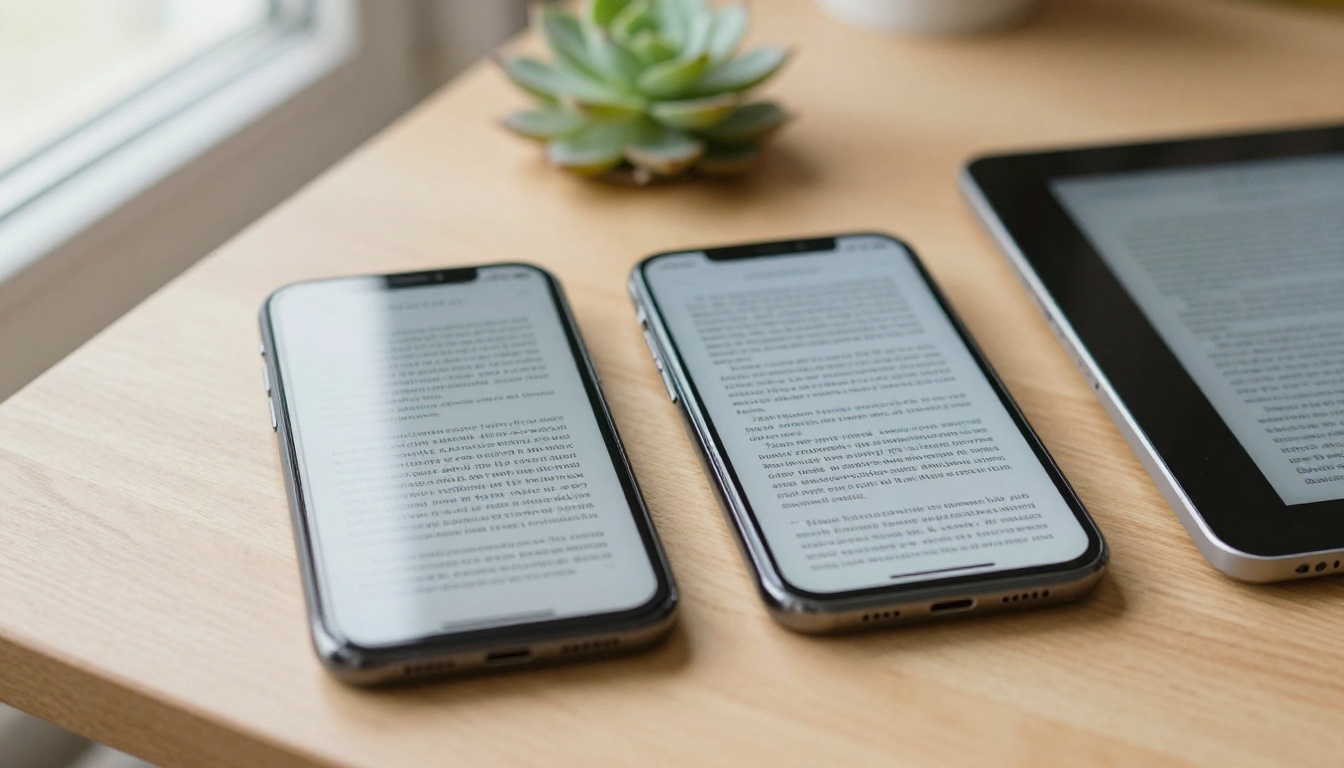
Kindle vs Flipbook: Which One Wins?
Neither wins, because they solve different problems. Use this comparison to decide where each belongs in your plan.
| Goal | Kindle ebook | Flipbook |
|---|
| Sell copies through Amazon | Yes | No |
| Reach readers on Kindle devices | Yes | No |
| Share a free sample anywhere | Limited | Yes |
| Collect emails from readers | No | Yes, with lead generation |
| Show visual design and layout | Fixed layout only | Yes |
| Track reader behavior | Sales reports only | Page-level analytics |
| Embed audio or video | Very limited | Yes |
| Control access with a password | No | Yes |
The smartest authors use both. The Kindle listing handles distribution and payment. The flipbook handles marketing, previews and community.
Practical Scenarios
The nonfiction expert
A consultant publishes a business book on Kindle and builds a flipbook of the first chapter plus a worksheet. She places it on her speaker page and her LinkedIn profile. Every talk ends with a link to the flipbook, which leads to the Kindle listing.
The children's author
A picture book works as a fixed-layout Kindle title. A flipbook sample lets parents preview the illustrations on a tablet before buying. Embedded audio lets the author read the opening lines aloud.
The photographer
A photo essay is a poor fit for a reflowable ebook. A photographer can sell a fixed-layout Kindle edition, then host the full-resolution gallery as a digital portfolio for clients and galleries.
The self-help writer
A short workbook is perfect as a free flipbook reader magnet. Readers who finish it receive an email inviting them to buy the full book on Kindle.
A Quick Pre-Launch Checklist
Before you press publish on Amazon and share your flipbook, run through this list:
- Final manuscript proofread by a second person.
- EPUB or KPF file passes the KDP previewer on three device types.
- Print PDF prepared if you offer a paperback.
- Flipbook sample built from a clean PDF export.
- Buy button on the last flipbook page points to the live Kindle page.
- Flipbook link added to your author site, email signature and social bios.
- Password set for advance reader copies if you want them private.
- Analytics or lead capture turned on to measure interest.
💡 Pro tip: Update the flipbook buy link the moment your Amazon page goes live. A dead link on launch day wastes your best traffic.
Ready to Build Your Preview?
So, will Amazon Kindle accept a flipbook? No, but that is not the end of the story. Publish your real book as an EPUB or KPF on Kindle, then let a flipbook do the persuading everywhere else.
Ready to create your first flipbook? Get started for free on Flipbooks AI. Browse all the flipbook tools to find the right layout for your genre, and compare pricing plans to pick the features that match your launch. If you already have a manuscript PDF, the PDF to Flipbook Converter gets a shareable sample online in minutes, and you can embed it on your website so every visitor can flip through your first chapter.