A wine list is a sales tool disguised as a piece of paper. The way you sort it decides whether a nervous first-timer orders a confident bottle or defaults to "the house red". If you are weighing wine list design ideas and wondering whether to sort by style, region or grape, the short answer is that each layout serves a different guest, and the right one depends on your room, your staff and your cellar. Whichever you pick, a digital version built with Flipbooks AI lets you change it in minutes instead of reprinting.
Below you will find a side-by-side comparison, real-world examples, pricing and typography tips, and a tutorial for turning your list into a page-turning flipbook.
Why Wine List Layout Matters
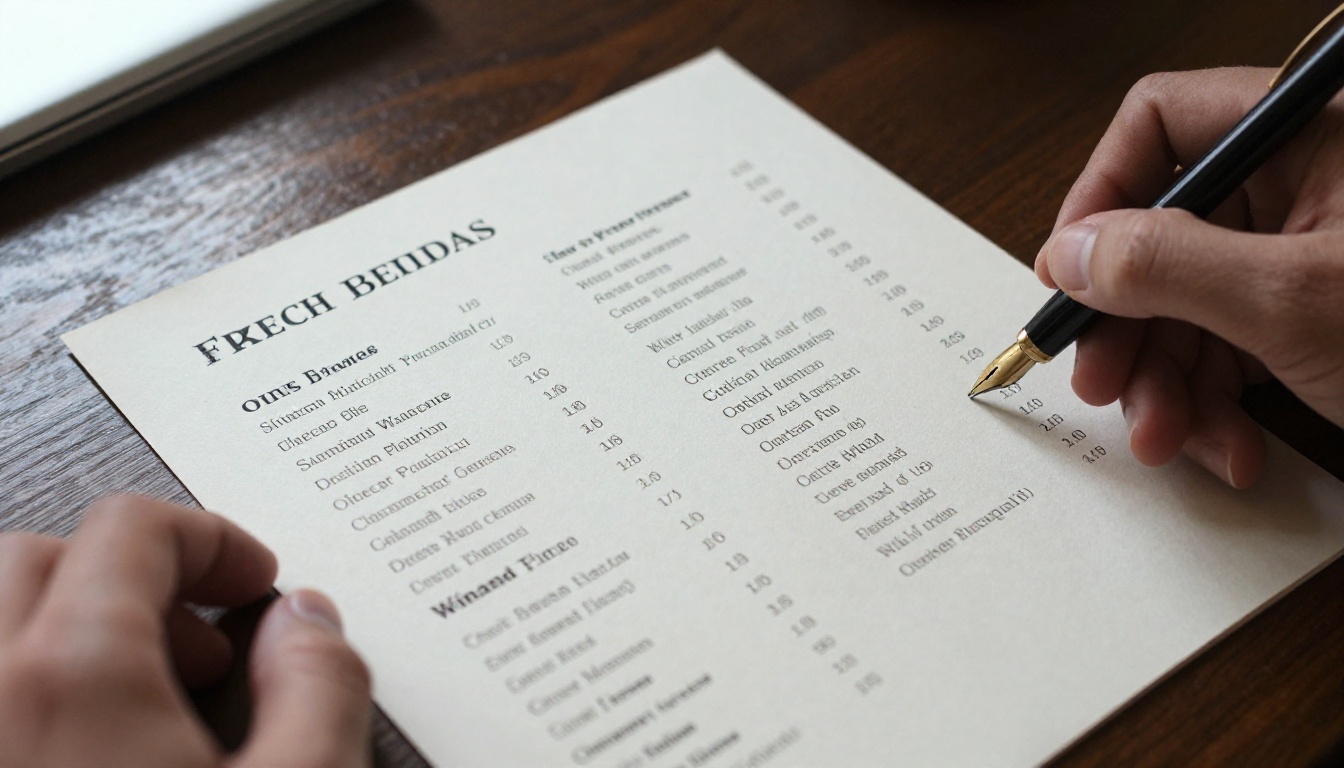
Guests spend less than three minutes with a wine list before they decide. In that window they are not reading every line. They are scanning for a landmark: a style they like, a place they know, or a grape they can pronounce.
Your sorting logic is the map. A good map gets people to a bottle they feel good about. A bad one pushes them toward the cheapest option or toward asking a server who may be busy.
What Guests Actually Want
Most diners fall into one of three groups:
- The explorer by taste: knows what they like ("something crisp and light") but not the label.
- The traveler: recognizes places like Burgundy, Rioja or Napa and orders by geography.
- The grape loyalist: asks for Pinot Noir or Chardonnay by name.
No single layout satisfies all three perfectly, which is why the choice deserves real thought.
What Your Staff Needs
Your servers also use the list. If the layout matches how they talk about wine, they sell with confidence. If the list uses a structure they never train on, guests get mixed messages.
💡 Pro tip: Ask two servers to find a wine for an imaginary guest using only the list. Whichever layout gets them there fastest is a strong candidate.
Sorting by Style: The Beginner Friendly Option
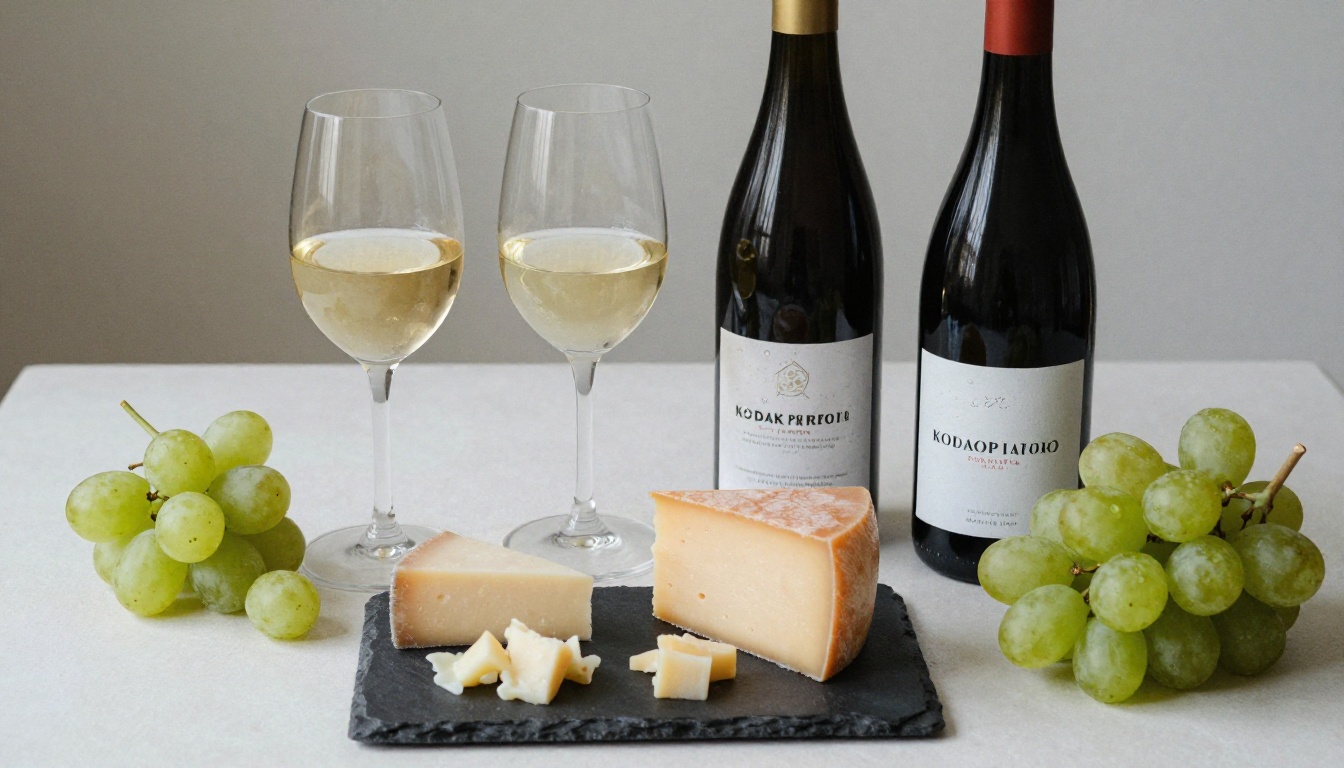
Style-based lists group wines by how they taste and feel, using headings such as "Crisp and Citrusy", "Rich and Buttery", "Bold and Structured" or "Light and Juicy".
How It Works
Instead of region names, guests see descriptive categories. Under each heading you list the wines with a short tasting note, the grape and the price.
Where It Shines
- Casual restaurants and gastropubs with a mixed crowd
- Venues with high guest turnover and tourists
- Lists with 20 to 60 labels
- Rooms where servers have limited time per table
A bistro that groups its wines under "Easy Sippers", "Food Friendly Whites" and "Big Reds for Steak" often sees guests trade up, because the heading removes the fear of choosing wrong.
Where It Struggles
Style words are subjective. One person's "bold" is another's "heavy". Collectors and regulars may find the structure too simple, and large cellars become hard to browse when every heading holds twenty bottles.
Sorting by Region: The Classic Approach
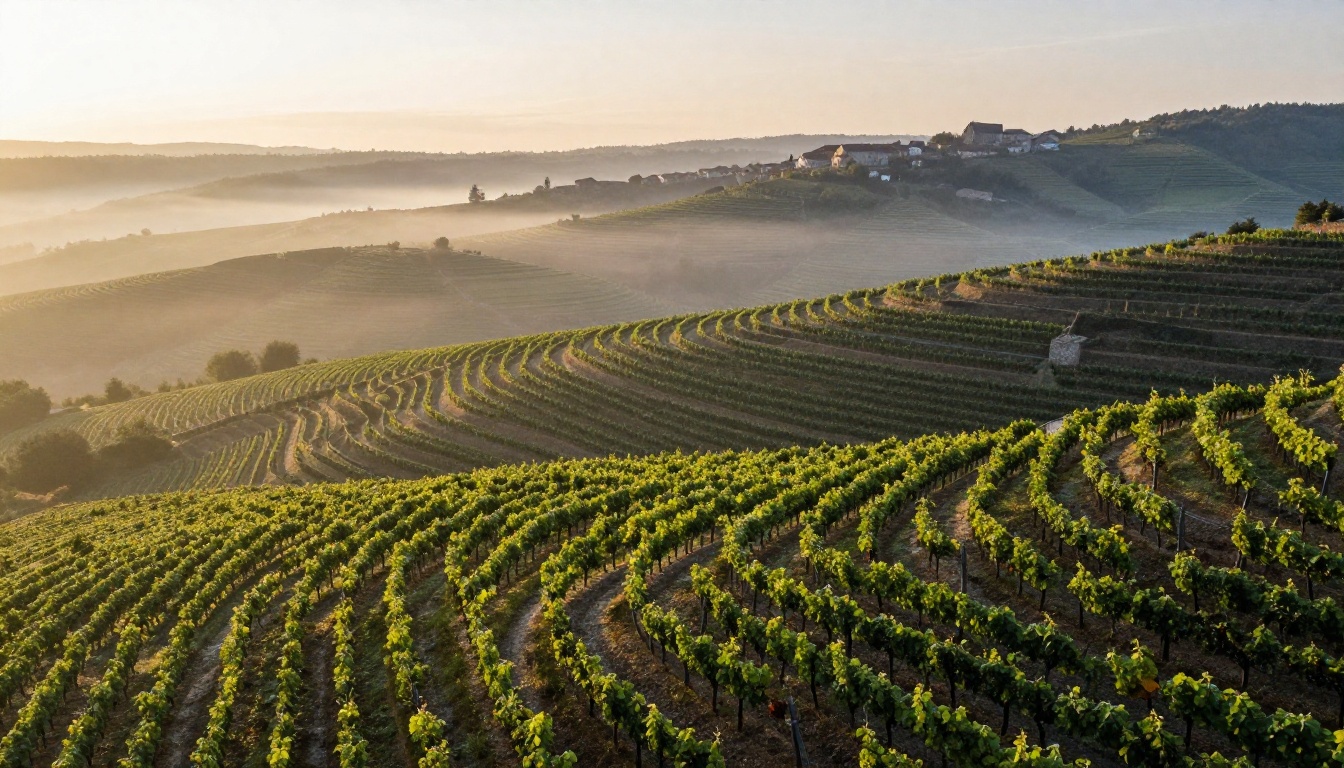
Regional lists follow geography: France, Italy, Spain, then subregions such as Bordeaux, Burgundy or Rhône. This is the traditional fine dining structure.
Why Sommeliers Love It
Region reflects how Old World wines are named. A Chablis is Chardonnay, but the label never says so. A region list respects that logic and lets knowledgeable guests find exactly what they want. It also makes it easy to show depth: vertical vintages, producers and appellations line up neatly.
The Downside
Region lists assume knowledge. A guest who does not know that Sancerre is a Sauvignon Blanc may skip the entire page. If you go this route, add the grape in smaller italics next to each name so no one has to guess.
⚠️ Watch out: A region heavy list with no grape or style hints is the fastest way to lose casual diners. Always include at least one descriptor per wine.
Best Fit
- Fine dining and tasting menu restaurants
- Wine bars with a strong French, Italian or Iberian focus
- Cellars of 100+ labels where precision matters
Sorting by Grape: The Familiar Shortcut
Grape-first lists group by variety: Chardonnay, Pinot Noir, Cabernet Sauvignon, Riesling. New World venues, especially in California, Australia and Chile, use this structure naturally because labels there highlight the grape.
The Upside
Grape lists are fast to scan. A guest who loves Malbec goes straight to the Malbec section and compares prices and regions at a glance. It also supports comparisons, such as the same grape from Argentina and from France.
The Catch
Blends do not fit. Many of the world's best wines, from Bordeaux to Châteauneuf-du-Pape, mix several grapes. You will end up with a messy "Blends" section or odd placements. Grape lists can also bury interesting, lesser known varieties under big names.
Side by Side Comparison
Here is how the three layouts compare on the points that matter most.
| Factor | By Style | By Region | By Grape |
|---|
| Guest confidence | High for beginners | High for experts | High for loyalists |
| Staff training needed | Low | High | Medium |
| Handles blends | Yes | Yes | Poorly |
| Best list size | 20 to 60 | 80+ | 30 to 80 |
| Upselling potential | Strong | Strong with training | Moderate |
| Typical venue | Bistro, pub | Fine dining | New World wine bar |
Quick Decision Rules
- If most guests say "I just want something good," choose style.
- If your cellar is built on appellations and vintages, choose region.
- If your bottles are mostly single variety wines from the New World, choose grape.
- If you cannot decide, use a hybrid (see below).
The Hybrid Layout That Works Everywhere
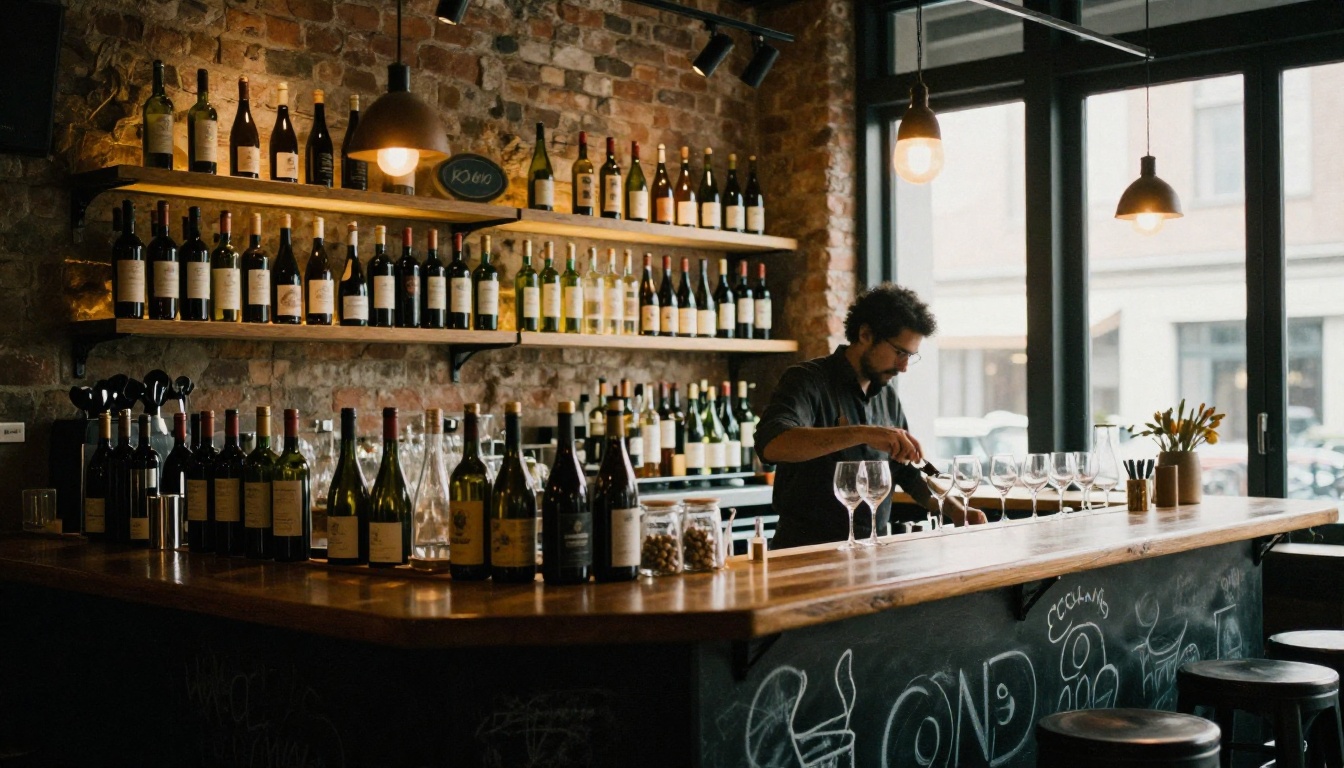
Many successful restaurants blend two systems. The most common recipe is a primary sort by style with region and grape shown on every line. A guest browsing "Crisp and Citrusy" sees the producer, the grape (Albariño), the region (Rías Baixas) and the price in one scan.
A Sample Entry
Albariño, Rías Baixas, Spain · Albariño · Bright lemon, sea salt, green apple · $14 glass / $52 bottle
That single line serves all three guest types. The explorer reads the tasting note, the traveler sees Spain, and the loyalist spots the grape.
Another Hybrid Option
Fine dining venues sometimes do the reverse: region first, then a style tag in the margin. This keeps the classic feel while helping newcomers.
Pricing and Ordering Tips
Layout is only half the story. How you order wines inside each section changes what people buy.
| Strategy | What It Does | Best Used For |
|---|
| Low to high price | Makes the cheapest wine feel like the starting point | Casual venues |
| High to low price | Anchors guests with an expensive bottle first | Premium rooms |
| Chef or sommelier picks at top | Guides attention to margin wines | Any venue |
| By glass first | Encourages trial and lowers risk | Wine bars |
Drop the Dollar Signs
Print prices as plain numbers, without currency symbols or trailing zeros. Studies of menu behavior suggest this makes guests less price conscious. Keep the column aligned and quiet.
Use Strategic Anchors
Place one high priced bottle near the top of each section. It rarely sells, but it makes the next bottle look reasonable.
✅ Best practice: Put the wines you most want to sell in the first and last positions of each section, where eyes land naturally.
Typography, Spacing and Tone
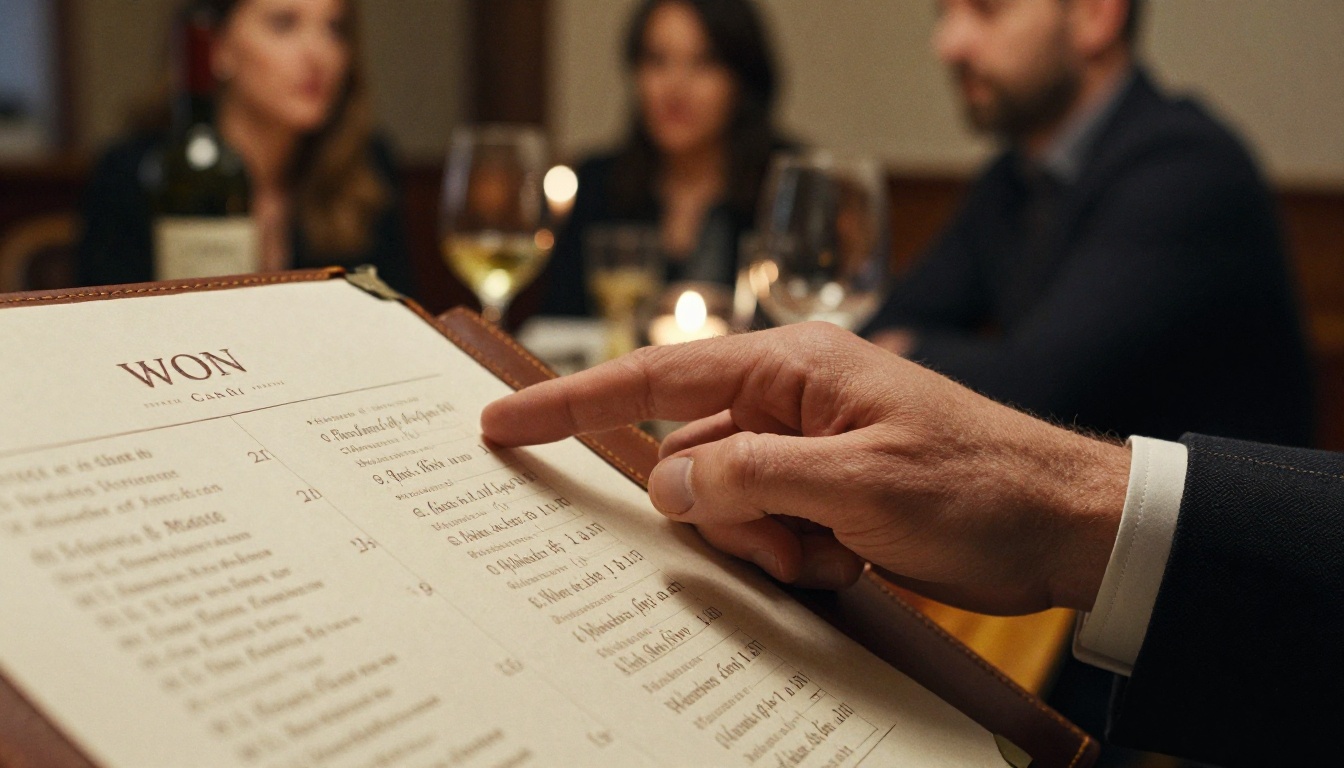
A beautiful layout still fails if it is hard to read in low light. Restaurants are dim, and guests may be on their second glass.
Readability Rules
- Use at least 11 point body text for printed lists.
- Choose one serif and one sans serif at most.
- Leave generous space between sections rather than adding lines or boxes.
- Limit tasting notes to six to ten words.
- Mark vegan, organic or biodynamic wines with a small, consistent icon.
Write Like a Person
"Peach, wet stone, and a squeeze of lime" beats "exhibits notes of stone fruit with a mineral finish". Short, sensory words sell. Skip jargon unless your guests use it.
Length Matters
A list that spans eight pages feels like homework. Cap each section at around ten to twelve wines and cut dead stock. A tight list signals confidence and makes servers' recommendations more believable.
Real Examples You Can Borrow
The Neighborhood Bistro
A 40 bottle list sorted by style: "Fresh and Zesty", "Soft and Fruity", "Savory and Earthy", "Bold and Bright". Each wine has a one line note and a region tag. Result: faster ordering and more bottles sold per table.
The Italian Trattoria
Sorted by region (Piedmont, Tuscany, Sicily), with the grape in italics and a small icon showing "pairs with pasta" or "pairs with grilled meat". The structure respects tradition while staying approachable.
The Californian Wine Bar
Grape first, since local labels highlight variety. Each grape section has a mini note: "Pinot Noir: silky, cherry driven, and best with salmon or duck".
Print or Digital? Why Flipbooks Win
Printed lists go stale. A producer sells out, a vintage changes, a price moves, and now your list is wrong. Reprinting a leather bound menu costs real money, so many venues live with errors for weeks.
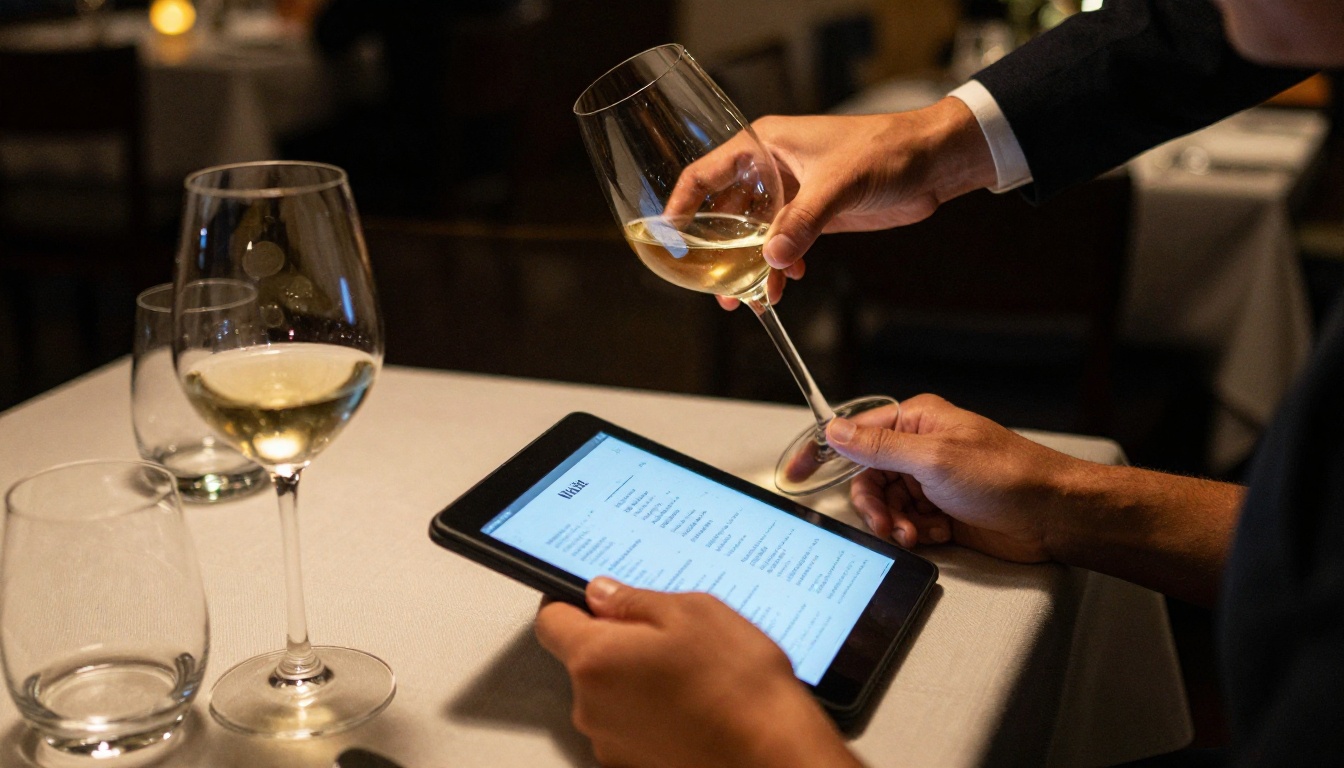
A digital wine list solves this. With a flipbook you update the file, and every link, QR code and embed shows the new version immediately. You can keep a printed copy for atmosphere and a digital copy for accuracy.
Print vs Flipbook
| Feature | Printed List | Flipbook Wine List |
|---|
| Update cost | Reprint required | Free and instant |
| Sharing | In person only | Link, QR code, embed |
| Photos and video | Limited | Supported |
| Mobile friendly | No | Yes |
| Tracking views | No | Yes, with analytics |
| Seasonal versions | Separate print runs | Duplicate and edit |
How to Build Your Wine List with Flipbooks AI
If you already have your list as a PDF, you can have a page-turning version online in a few minutes. The Restaurant Menu Creator and the Menu Flipbook Designer are built for exactly this.
Step by Step
- Create your account. Go to Flipbooks AI and sign up. No watermarks, ever.
- Upload your PDF. Drag your wine list into the PDF to Flipbook Converter. Pages convert automatically and keep their layout, fonts and colors.
- Customize the look. Add your logo, pick background colors that match your dining room, and choose a page turn effect. A soft, slow turn suits fine dining, while a quick flip fits a casual bar.
- Add media. Drop in a short video of the vineyard or an audio note from your sommelier. Guests can tap to hear the story behind a bottle.
- Share it. Copy a direct link, generate a QR code for table cards, or use the embed code to place the list on your website.
- Protect private lists. Use password protection for a reserve or members-only cellar list.
- Track what guests read. Analytics and lead capture on the Professional plan show which sections get the most views. See the pricing plans for details.
💡 Pro tip: Put a QR code on the table card, and keep a printed copy for guests who prefer paper. Offering both removes any friction.
Handy Features for Wine Lists
- ✅ Unlimited flipbooks on Standard and above, so you can keep separate lists for lunch, dinner and events
- ✅ Offline downloads for guests with weak signal in cellars and stone buildings
- ✅ Mobile responsive pages that read well on any phone
- ✅ Custom branding that matches your restaurant
If you also run a spa, hotel or event space, browse all the flipbook tools to find one for each menu.
Testing Your Wine List Layout
Never assume your sorting choice is right. Test it.
A Simple Two Week Test
- Pick one layout and run it for two weeks.
- Track bottles sold, glasses sold and average spend per table.
- Switch layouts, or change one variable, for the next two weeks.
- Compare and keep the winner.
With a digital list, the swap takes minutes, and analytics show where guests linger.
Questions to Ask Your Team
- Which wines do guests ask about most?
- Where do guests get confused?
- Which section is skipped?
- Do servers feel the list helps them or gets in the way?
Common Mistakes to Avoid
- Too many wines. Long lists overwhelm. Cut to what sells.
- No tasting notes. Names alone mean nothing to most guests.
- Mixed logic. Do not sort one page by region and the next by grape without clear headings.
- Tiny type. Candlelight and small fonts are a bad pair.
- Outdated vintages. Wrong years lead to awkward moments at the table.
- Hidden by-the-glass options. Many guests will only order a glass; make it easy to find.
Pick Your Layout and Publish It
There is no single right answer. Style lists make new drinkers feel at home, region lists reward knowledge, and grape lists give fast comparisons. When in doubt, sort by style and show grape and region on every line, then test and adjust.
Ready to put your list online? Get started for free on Flipbooks AI, browse the Restaurant Menu Creator, and compare pricing plans to choose what fits your venue.



