Every yearbook starts with one stubborn question: what is this book actually about? The Class of 2027 will open it at reunions, at weddings and on random Tuesday nights decades from now, so the theme has to feel like them, not like a template. Whether you print a hardcover, publish a digital edition with Flipbooks AI, or do both, a strong theme makes every other decision easier: colors, fonts, photo style, even caption tone.
This article gives you twelve yearbook theme ideas for the Class of 2027, a way to choose between them, and a practical plan to turn the winner into a finished book.
Why Your Theme Matters
A theme is the thread that ties 200 pages of faces, sports scores and club photos into one story. Without it, a yearbook is a directory. With it, the book becomes a memory.
A good theme does four things:
- Guides design. Palette, typography and page grids follow from it.
- Unifies sections. Sports, clubs and portraits feel connected.
- Sparks writing. Captions and headlines get easier when you have a voice.
- Sells the book. Students buy what looks like it was made for them.
💡 Pro tip: Write the theme as a single sentence before you design anything. If you cannot say it in one line, it is not ready.
What Makes Class of 2027 Different
These seniors were in middle school when remote learning faded and grew up with short video, group chats and shared playlists. They value authenticity over polish. Themes built on real moments, handwritten details and shared nostalgia tend to land better than slick corporate looks.
Theme vs. Concept vs. Title
Staffs often mix these up, so keep them separate:
| Element | What It Is | Example |
|---|
| Theme | The big visual and emotional idea | Retro mixtape |
| Title | The short phrase on the front page | "Side A" |
| Concept | How the theme shows up in each section | Section dividers as track listings |
12 Theme Ideas Worth Considering
Here is the full list, grouped by mood. Mix and match elements if no single idea fits.
1. Retro Mixtape
Cassette labels, handwritten track lists and warm analog colors. Each section becomes a side of a tape, and every club gets a "track name." It works well because nearly every student has a playlist that defines their year.
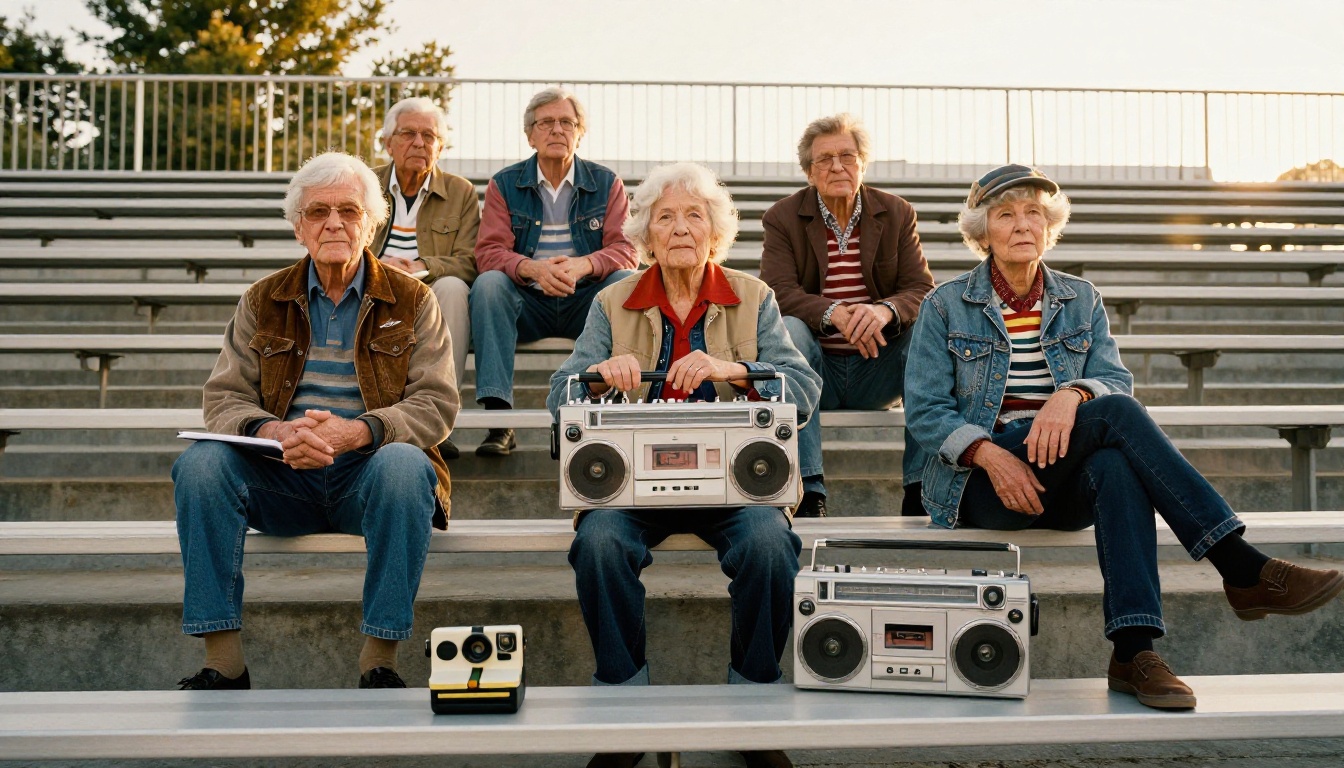
Best for: schools with strong music or drama programs.
2. Polaroid Memories
Instant film frames around candid photos, with a handwritten caption underneath. It is simple, personal and cheap to execute because the style lives in the layout, not in extra assets.
3. Quiet Minimal
Plenty of white space, one typeface, black and white portraits and a single accent color. This is the theme for staffs that want an editorial, gallery feel.
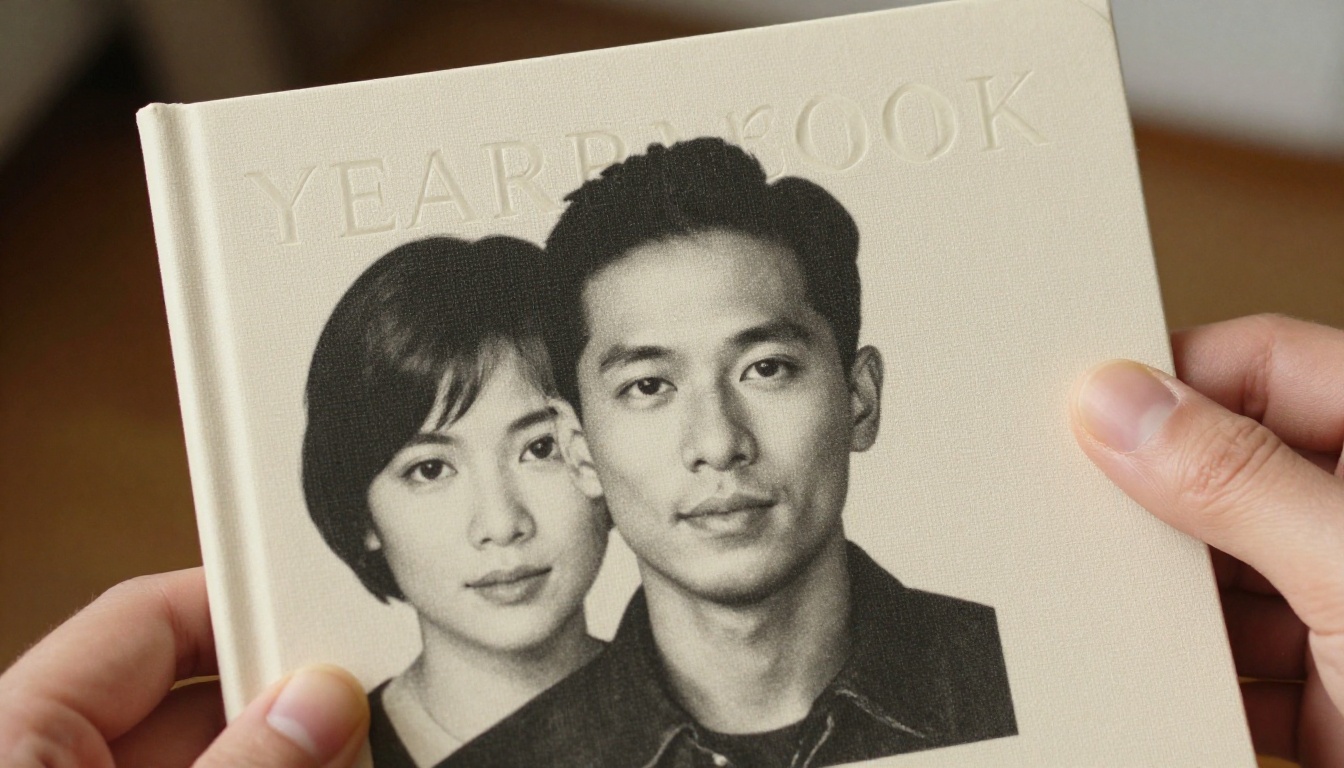
⚠️ Watch out: Minimal does not mean empty. Every page still needs a clear focal point, or it reads as unfinished.
4. Growing Season
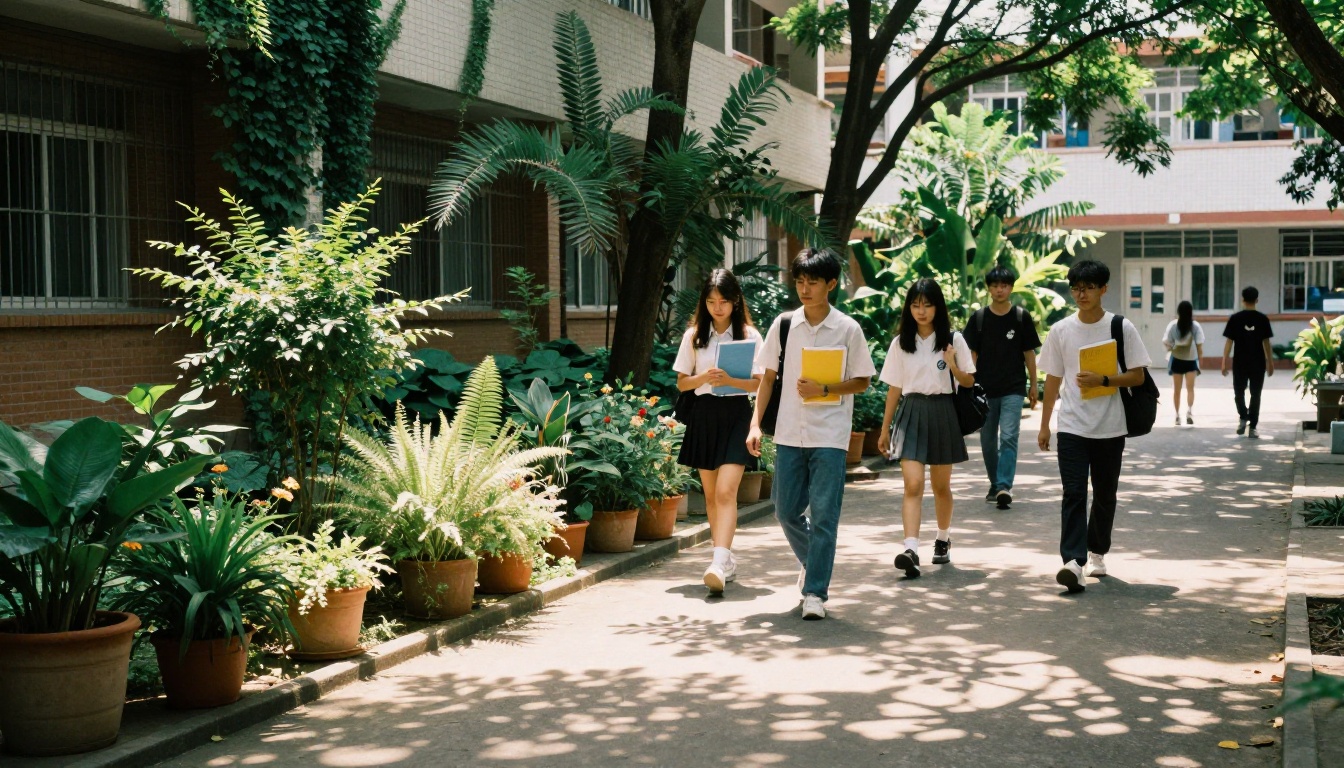
Botanical details, earthy greens and seasonal dividers: planting in fall, growing in winter, blooming in spring. It suits schools with gardens, outdoor programs or a strong sustainability culture.
5. Inside Jokes
A book built around the phrases, nicknames and running gags only your school understands. Collect them in a survey, then give each one a spread. It is funny, specific and impossible for another school to copy.
6. Hometown Pride
Local landmarks, street names and neighborhood diners woven into the design. Great for small towns and schools with deep community roots.
7. The Everyday Heroes
Instead of featuring only athletes and officers, celebrate the custodian who knows every name, the lunch staff, the bus drivers and the quiet students who held the school together.
8. Frame by Frame
A film theme: clapperboards, storyboards, credits and "scenes" for each season. The senior section becomes the final credits, with a line for every student.
9. Map of the Year
Hand drawn style maps, compass details and coordinates for important locations on campus. It gives you a natural structure: each chapter is a "destination."
10. Collage Chaos
Layered photos, torn paper, tape and doodles in the style of a school scrapbook. It looks busy by design, but needs a strict color palette to stay readable.
11. Golden Hour
Warm sunset tones throughout, with photography shot in late afternoon light. It is flattering for portraits and gives the whole book a nostalgic glow.
12. Unfinished Sentences
Each section opens with a sentence students complete: "I will always remember...", "The best part was...". Their answers become pull quotes across the book.
Comparing the Options
Use this table to match a theme with your staff, budget and school culture.
| Theme | Difficulty | Photo Style Needed | Cost to Execute | Best Section Fit |
|---|
| Retro Mixtape | Medium | Candid, warm | Low | Clubs, music |
| Polaroid Memories | Easy | Candid | Low | Student life |
| Quiet Minimal | Medium | Formal portraits | Low | Portraits |
| Growing Season | Medium | Outdoor | Medium | Seasons |
| Inside Jokes | Easy | Candid | Low | Whole book |
| Frame by Frame | Hard | Mixed | Medium | Senior section |
| Collage Chaos | Hard | Any | Low | Spreads |
| Golden Hour | Medium | Late afternoon | Low | Portraits |
✅ Best practice: If your staff has fewer than ten people, choose an Easy or Medium theme. Ambitious themes need more hands.
How to Pick the Winner
A theme chosen by one person feels imposed. A theme chosen by a poll feels owned. Here is a process that works.
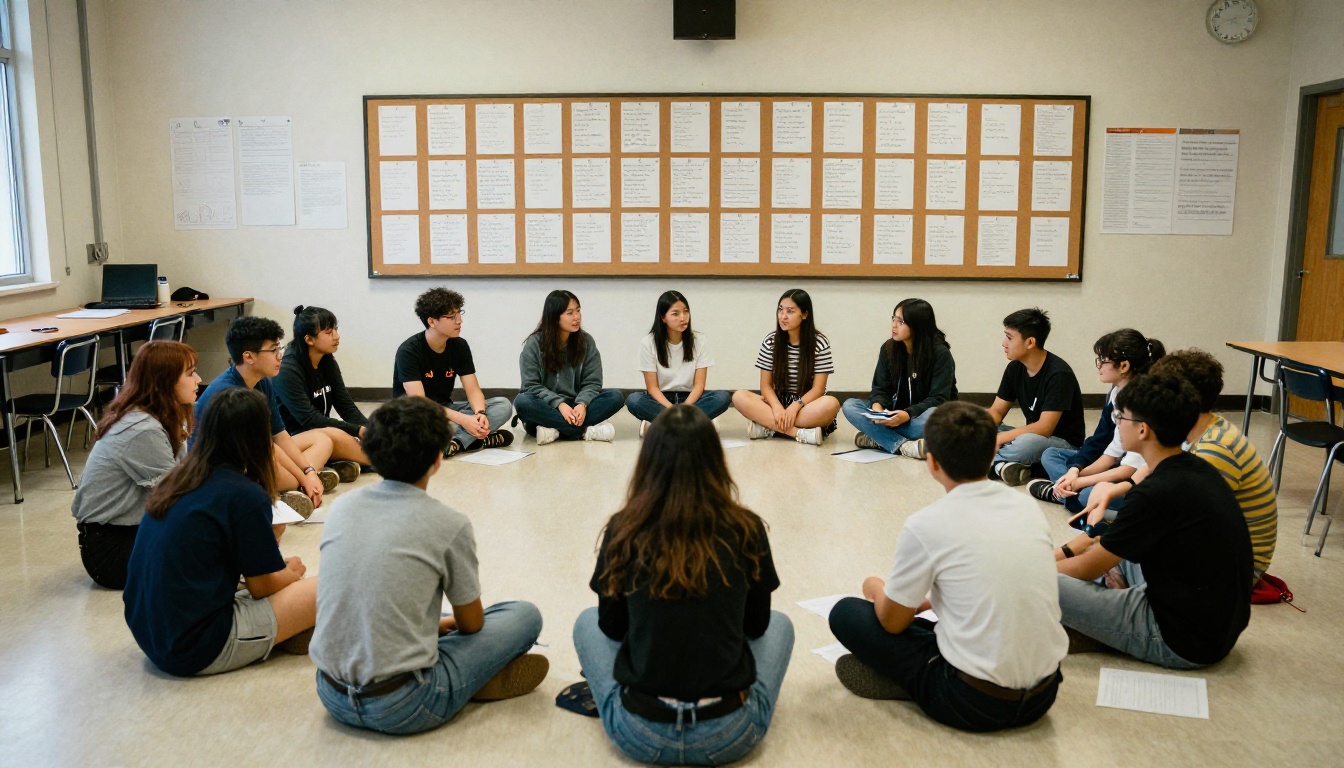
- Brainstorm broadly. Gather the staff and collect at least 20 ideas in ten minutes. No judging yet.
- Cut to five. Remove anything that would be hard to photograph or dated within two years.
- Build a mini mockup. Make one sample spread for each finalist, with real photos and real fonts.
- Run a short vote. Post the mockups in a hallway or a class poll and let seniors choose.
- Stress test the winner. Try it on a sports page, a portrait page and a club page. If it breaks on one, adjust.
Questions to Ask Before You Commit
- Can we photograph this with the equipment and time we have?
- Will it still look good in ten years, or does it depend on a passing trend?
- Does it include students who are not athletes or officers?
- Can the printer or digital platform reproduce the colors accurately?
Common Mistakes
- Picking a trend meme. It will feel stale before the book arrives.
- Overcomplicating the title. Short phrases are easier to design around.
- Ignoring accessibility. Low contrast text is hard to read in print and on screens.
Turning a Theme Into Design
Once the theme is chosen, convert it into a style sheet that every page follows.
Palette and Type
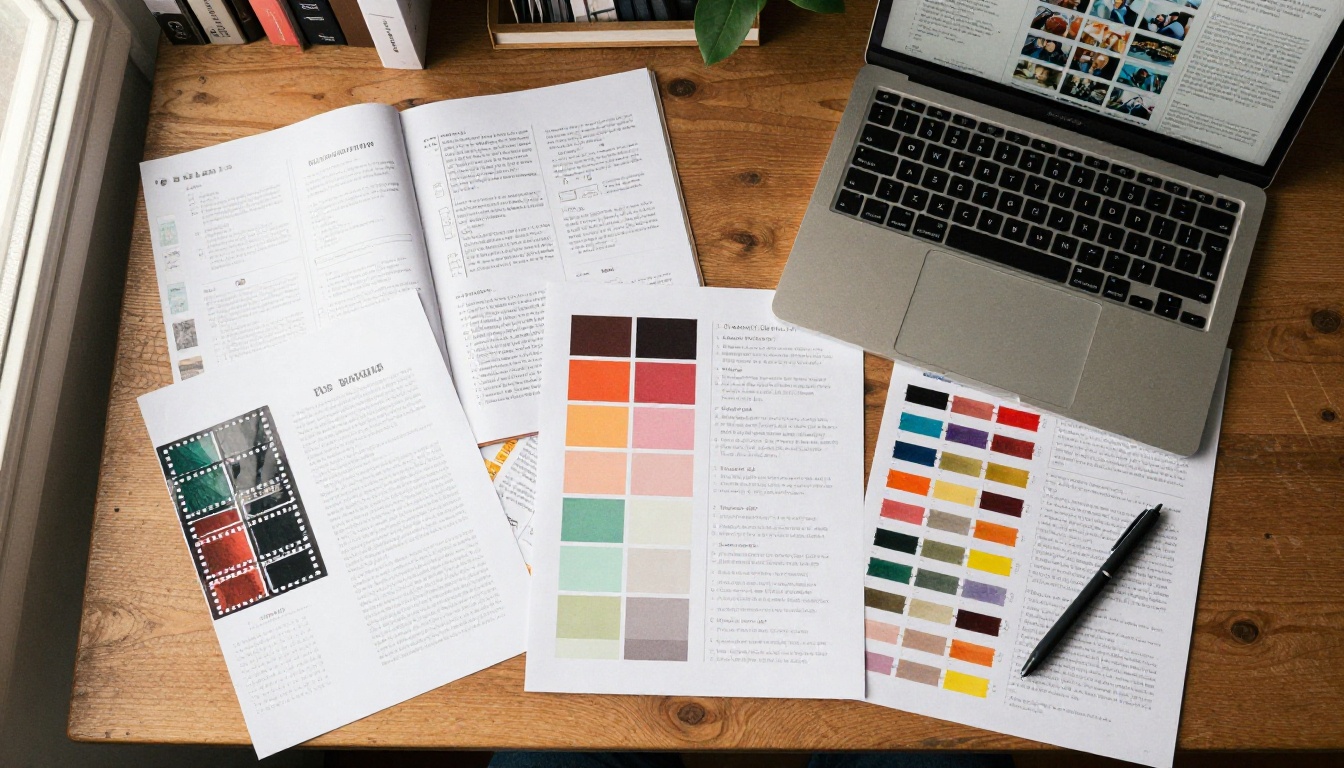
Limit yourself to three or four colors and two fonts. One font for headlines, one for captions. Write the hex values on the first page of your style sheet so everyone uses the same shades.
| Design Element | Recommendation | Why |
|---|
| Colors | 3 to 4 total | Keeps pages consistent |
| Headline font | Distinctive, readable | Carries the theme |
| Body font | Simple serif or sans | Easy to read at small size |
| Margins | At least 0.5 inch | Avoids trimming problems |
| Photo captions | One voice throughout | Feels edited, not assembled |
Photography Direction
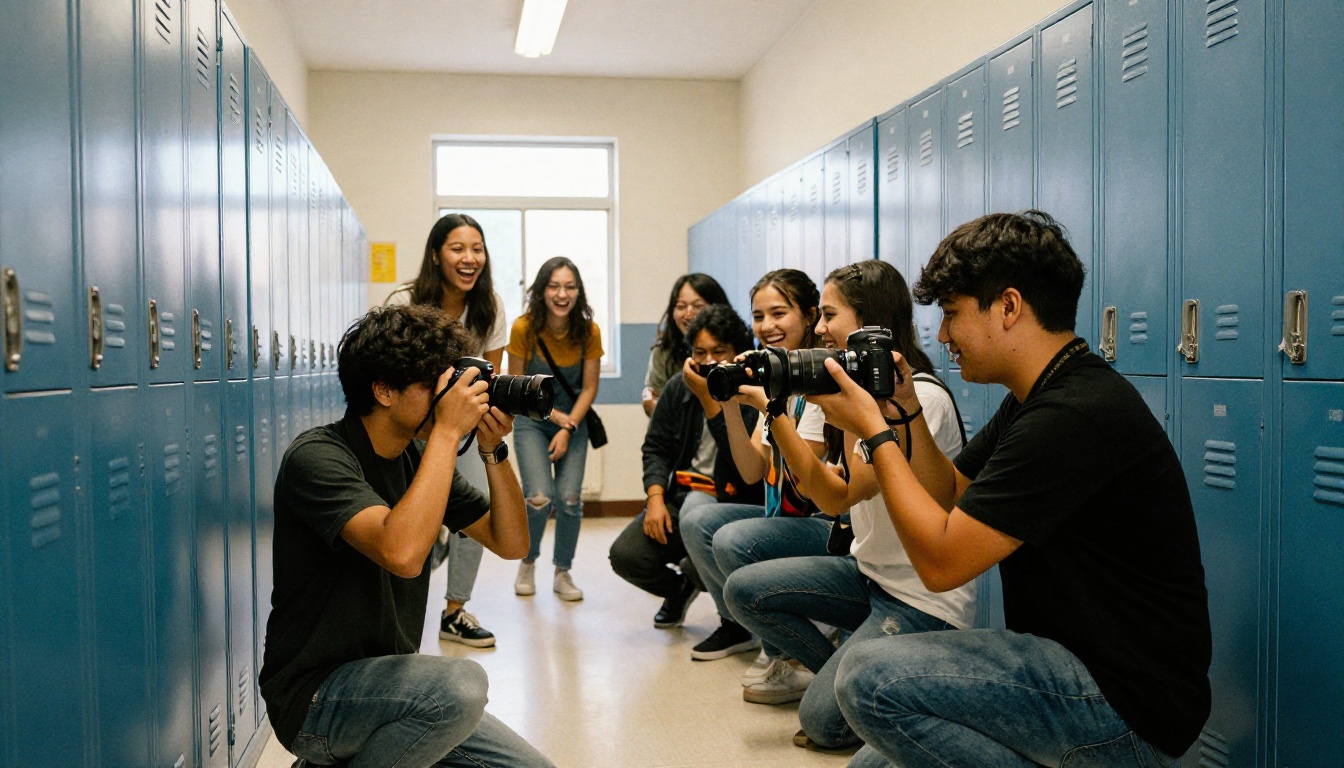
Decide early what a "theme photo" looks like. For golden hour, schedule shoots in late afternoon. For minimal, shoot against plain walls. For inside jokes, ask students to stage the joke. Shooting with intention saves hours at the layout stage.
💡 Pro tip: Create a shared shot list by section. Ask each photographer to capture one wide, one medium and one detail shot of every event.
Writing in the Theme's Voice
Headlines are where a theme becomes memorable. A mixtape book might title the sports section "Fast Tempo," while a film book might call it "Action Sequence." Keep the tone consistent and let students contribute lines.
Publish a Digital Edition Too
Print is still the heart of a yearbook, but a digital edition reaches students who moved away, relatives overseas and graduates who lost their copy. A page turning flipbook feels like holding the book, and it can include links, audio and video clips that paper cannot.

How to Create a Digital Yearbook With Flipbooks AI
The Yearbook Flipbook Maker turns your final PDF into an interactive book. Here is the process:
- Create your account. Sign up here and open the dashboard.
- Upload your PDF. Drag your exported yearbook into the uploader. The PDF to Flipbook Converter processes every page and keeps your fonts and colors intact.
- Customize the look. Match the viewer to your theme: background color, page turn effect, logo and custom branding. A retro mixtape book might use a warm brown background, while a minimal book stays white.
- Add multimedia. Embed video clips from games, performances or senior messages, and add audio like the school song.
- Share it. Copy a direct link, or use the embed option to place the book on your school website. Use password protection if the book should only reach students and families.
- Track results. Analytics and lead generation are available on the Professional plan, so you can see how many people opened the book. Check the pricing plans for details.
Flipbooks never carry a watermark, the viewer is mobile responsive, and offline downloads are available for readers without a stable connection.
Print vs. Digital at a Glance
| Feature | Printed Yearbook | Digital Flipbook |
|---|
| Cost per copy | Higher | Near zero after creation |
| Video and audio | No | Yes |
| Searchable text | No | Yes |
| Shareable with relatives | Mail it | Send a link |
| Lasts on a shelf | Yes | Yes, with offline download |
| Updates after printing | No | Yes |
✅ Best practice: Offer the digital edition as a free bonus with every printed order. It raises perceived value without adding printing costs.
A theme should not end at the last page. Carry it into everything around the book.
Promotion Ideas
- Post a "theme reveal" on school social channels with a teaser spread.
- Hang posters in hallways using the theme's palette.
- Offer pre-order bundles with matching stickers or bookmarks.
- Use countdown posts before the distribution day.
Distribution Day
Plan a small event. Seniors will want to sign each other's books right away, so provide pens, a quiet corner and music that fits the theme. For digital readers, include a simple QR code on printed flyers pointing to the flipbook.
Proofing Checklist
- Check every name spelling against official rosters.
- Confirm photo credits and captions.
- Review color contrast on every page.
- Print a few spreads on a normal printer before sending the files.
- Have the advisor and one outside reader review the full book.
A Sample Timeline
Keep the process manageable by working backward from your print deadline.
| Month | Task |
|---|
| September | Brainstorm and vote on theme |
| October | Build style sheet and shot list |
| November to February | Photograph events and collect surveys |
| March | Finish most spreads |
| April | Proof and finalize senior section |
| May | Send to printer and publish digital edition |
Ready to Build Your Book?
The best yearbook theme is the one your seniors recognize as theirs. Start with the options above, test them on real pages, and let the class vote.
When the pages are done, create your first flipbook with Flipbooks AI and give every graduate a copy they can open anywhere. You can also browse all flipbook tools for newsletters, event programs and course materials, or use the School Newsletter Creator to keep families informed while you build. Compare pricing plans to choose what works for your school.