You added a video to your flipbook, and now it stutters on a phone, shows a stranger's ad, or refuses to load behind a company firewall. The format you picked matters more than most people think. In this comparison, we put YouTube, Vimeo and raw MP4 files head to head inside a digital publication built with Flipbooks AI, so you can choose once and stop second-guessing.
The short answer: YouTube wins on reach and cost, Vimeo wins on polish and privacy, and MP4 wins on control and offline use. The long answer depends on who reads your flipbook, where they read it, and what you want them to do next.
A flipbook is a reading experience. People flip, pause, zoom and skim. A video dropped into that flow either feels like a natural part of the page or like an interruption with a spinner on it.
Three things decide which one you get:
- Load behavior: how fast the first frame appears after a page turn.
- Control: who owns the player, the branding and the surrounding suggestions.
- Reach: whether the video plays on every device, network and country your audience uses.
Each format makes a different trade on those three. None is perfect, which is why a quick side-by-side is worth the five minutes.
What "Video in a Flipbook" Actually Means
There are two ways to place video on a flipbook page. You can embed a hosted video (a YouTube or Vimeo link that plays through that service's player), or you can upload a file (usually MP4) that plays from the flipbook's own storage. Flipbooks AI supports embedded video and audio so you can pick whichever route fits the page.
💡 Pro tip: Decide the format before you design the page. A hosted embed needs a rectangular player area. An MP4 can be styled with a custom poster image and fewer visible controls.
YouTube in a Flipbook
YouTube is the default choice for a reason. It is free, it is fast on almost every network, and nearly everyone has watched something on it.
Where YouTube Shines
- Zero hosting cost. Upload once, embed anywhere.
- Adaptive streaming. The player adjusts quality to the reader's connection, so a reader on weak mobile data still sees a picture.
- Built-in captions. Auto-generated subtitles help sound-off readers on trains and in offices.
- Search reach. A public video can also bring viewers to your channel and back to the flipbook.
Where YouTube Hurts
- Suggested videos. When a clip ends, the player can show other videos, sometimes from competitors.
- Visible branding. The logo and controls stay in the frame, which clashes with a tightly designed catalog.
- Possible ads. Depending on channel settings and region, readers may see an ad before your content.
- Blocked networks. Some schools, hospitals and corporate networks block it outright.
Best Use Cases for YouTube
YouTube fits public, top-of-funnel content: a product demo in a digital product catalog, a how-to clip in a training handout, or a brand story in a lookbook. If you want the broadest audience and do not mind a little platform chrome, it is the easiest option.
⚠️ Warning: If a video is set to "unlisted" or "private," readers outside your account may see an error. Test the flipbook in a private browser window before you share the link.
Vimeo in a Flipbook
Vimeo is the format design teams reach for. It was built for creators and businesses, and the player behaves accordingly.
Where Vimeo Shines
- Clean player. Paid plans let you remove Vimeo branding and tune the controls and colors to match your flipbook.
- No surprise ads or suggestions. The viewer sees your clip and nothing else.
- Privacy controls. Domain-level embed restrictions and password protection keep a video from being embedded or watched where you did not intend.
- High-quality encoding. Footage looks crisp, which matters for fashion, interiors and photography work.
Where Vimeo Hurts
- Cost. Meaningful features sit behind paid plans, and storage and bandwidth are limited by tier.
- Smaller audience. Fewer people have an account, and fewer will find your video by search.
- Another subscription to manage. One more login, one more renewal date.

Best Use Cases for Vimeo
Vimeo suits brand-sensitive publications: a portfolio flipbook for a photographer, an interactive lookbook for a fashion label, or a sales presentation for a private client. When the flipbook is the product, the player should disappear.
MP4 Files in a Flipbook
An MP4 is just a file. You export it, upload it, and it plays. No third-party player, no outside account, no suggestions at the end.
Where MP4 Shines
- Full control. You own the file, the poster frame and the exact moment it starts.
- No platform dependency. If YouTube changes a policy or Vimeo changes a plan, your video still plays.
- Works behind firewalls. Since nothing is loaded from an outside video site, restricted networks are less likely to block it.
- Offline friendly. When readers download a flipbook for offline use, a bundled file can travel with it.
- Privacy by default. Nothing is tracked by an outside player.
Where MP4 Hurts
- File size. A heavy 4K export makes every page turn slower. Keep clips short and compressed.
- No adaptive streaming. One file means one quality. A reader on a poor connection will buffer.
- No automatic captions. You need to burn subtitles into the footage or provide them another way.
- Storage limits. Large video libraries can hit plan limits quickly.
Best Use Cases for MP4
MP4 fits short, controlled clips: a five-second loop showing a product detail, a welcome message in a restaurant menu, or a confidential walkthrough inside a password-protected annual report.
✅ Best practice: Export MP4 files as H.264 video with AAC audio, 1080p or lower, and aim for under 15 MB per clip. Most flipbook pages do not need more.
Side-by-Side Comparison
Here is the full picture in one place.
| Factor | YouTube | Vimeo | MP4 File |
|---|
| Cost | Free | Free tier, paid for pro features | Uses your storage |
| Setup effort | Very low | Low | Medium (export and compress) |
| Player branding | Visible | Removable on paid plans | None |
| Ads or suggestions | Possible | None on business plans | None |
| Mobile playback | Excellent, adaptive | Excellent, adaptive | Good if file is small |
| Privacy controls | Basic | Strong | Strongest |
| Works on blocked networks | Sometimes blocked | Sometimes blocked | Usually fine |
| Offline use | No | No | Yes, when bundled |
| Auto captions | Yes | Limited | No |
| Best for | Reach | Polish | Control |
A Quick Scoring Model
If you like numbers, rate each factor from 1 to 5 for your project, then add them up.
| Priority | YouTube | Vimeo | MP4 |
|---|
| Lowest cost | 5 | 2 | 3 |
| Clean look | 2 | 5 | 5 |
| Fast on mobile data | 5 | 5 | 3 |
| Privacy | 2 | 4 | 5 |
| Easy to update | 4 | 4 | 2 |
Weight the rows that matter to your audience. A public marketing flipbook will weigh cost and mobile speed. A confidential investor deck will weigh privacy and look.
Which One for Which Project
Format advice is only useful when it lands on a real project. Here are common scenarios.
Restaurants and Cafes
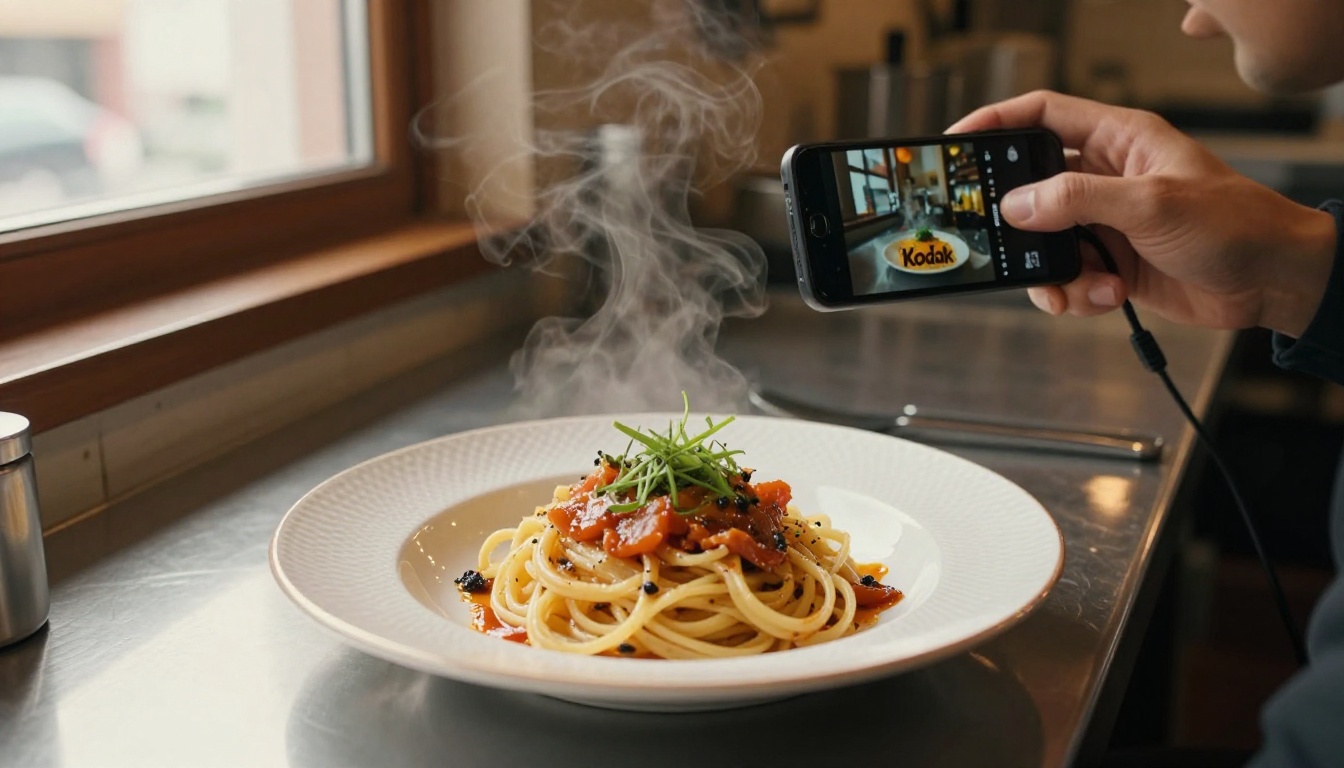
A short clip of a dish being plated sells better than any adjective. Because menus are often opened on a phone at the table, speed is the priority. Use a small MP4 loop or a YouTube embed, and keep it under 10 seconds. A restaurant owner filming with a phone and a tripod can produce this in an afternoon.
Real Estate Agents
Property brochures are shown on tablets in living rooms and shared by email. Walkthrough tours are longer, so adaptive streaming helps. YouTube works for public listings, and Vimeo works when a client wants a private tour. See the real estate brochure creator for layouts built for this.
Corporate Reports and Training
Internal documents often live behind firewalls and passwords. MP4 is the safest choice because it does not rely on an outside site being reachable. For a training manual flipbook, short task clips of 30 to 60 seconds work well.
Fashion, Photography and Design
Visual brands care about every pixel around the video. Vimeo gives you the clean player, and a custom poster frame gives you the first impression.
Public Magazines and Newsletters
When the goal is reach, YouTube is hard to beat. Readers already trust the player, and the video can also live on its own channel.
💡 Pro tip: You are not locked into one format. Use YouTube for the long tutorial and a tiny MP4 loop for a decorative detail in the same flipbook.
How to Add Video to Your Flipbook
Here is the practical workflow, from PDF to published page.
- Create your account. Sign up on Flipbooks AI and open the dashboard.
- Upload your PDF. Drag the file in. The PDF to flipbook converter turns each page into a turnable spread in moments.
- Open the editor. Choose the page where the video belongs and select the media option.
- Choose your source. Paste a YouTube or Vimeo link, or upload an MP4 from your computer.
- Position and size the player. Leave breathing room around it, and keep it clear of the page gutter so the fold does not cut it.
- Customize the look. Set your brand colors, background, page effects and logo so the video sits inside a consistent design.
- Test on three screens. Check a phone, a tablet and a desktop. Turn the page back and forth to confirm the video loads quickly.
- Share it. Copy the direct link, use the embed code for your website, or add password protection for private material.
Everything above works without a watermark, and the Standard plan and above allows unlimited flipbooks.
Sharing Options at a Glance
| Method | Best for | Notes |
|---|
| Direct link | Email and social | Fastest to send |
| Embed code | Websites and blogs | Keeps visitors on your domain |
| Password protection | Private clients | Pairs well with MP4 or private Vimeo |
| Offline download | Trade shows, field teams | MP4 travels best |
Seven Mistakes That Break Video Pages
Most video problems on flipbooks come from the same short list.
- Uploading a raw camera file. A 400 MB clip will frustrate every reader. Compress it first.
- Autoplay with sound. Browsers block it, and readers dislike it. Start muted or wait for a tap.
- Putting several videos on one spread. Two players compete for bandwidth. Give each a page.
- Forgetting a poster frame. A black rectangle looks broken. Choose a clear first image.
- Using a private link. Check the sharing setting on the hosting site.
- Skipping captions. Many people read with the sound off.
- Never testing on mobile data. Wi-Fi hides problems that show up outdoors.
Measuring What Works
Picking a format is a guess until you see how readers respond. The Professional plan adds analytics and lead generation, so you can see which pages get attention and whether people stay long enough to watch.
Watch for these signals:
- Time on the video page. Longer time suggests the clip is being watched.
- Drop-off after the video page. A sudden exit often means the video failed to load.
- Device split. If most readers are on phones, favor smaller files and adaptive streams.
- Lead form completions. A video placed right before a form can lift the number of sign-ups.
A simple test: publish two versions of the same page, one with a YouTube embed and one with a compressed MP4, and compare results over two weeks.

A Decision Shortcut
If you want a fast answer without scoring anything:
- Pick YouTube when the flipbook is public and you want maximum reach at no cost.
- Pick Vimeo when presentation and privacy matter more than price.
- Pick MP4 when the clip is short, the audience is restricted, or the flipbook must work offline.
The best video for your flipbook is the one your readers can actually play, on their device, on their network, without friction. For most public projects that means YouTube. For premium brands it means Vimeo. For controlled, short or offline content it means MP4.
Ready to try it? Create your first flipbook on Flipbooks AI and add a video in minutes. Browse all the flipbook tools and templates to find a layout for your project, and compare pricing plans to choose the features that suit your team.



