You spent weeks on the layout, the photography and the editorial voice. Then a reader opens the digital edition and the first thing they see is a banner for a product that has nothing to do with your brand. That is the everyday reality for many publishers who host a free magazine on Yumpu, and it is the main reason people go looking for Yumpu alternatives that keep ads off the page. If you want a clean reading experience from day one, Flipbooks AI is one option worth testing, and this article compares it with the other realistic choices so you can decide with facts instead of guesses.
We will look at why ads appear, what to check before you move, which platforms stay clean, how pricing models differ, and how to republish an existing PDF in about ten minutes.

Why Ads Show Up Next to Your Pages
Free hosting is never really free. Many flipbook platforms pay for storage and bandwidth by selling ad space around the publications that sit on their free tier. Your magazine becomes the inventory.
The business model behind free hosting
A platform that lets you upload unlimited PDFs without paying has to earn money somewhere. Ads, forced branding and upsell prompts are the usual answers. Paid plans then remove some or all of them.
What readers actually see
Ads can appear beside the page, under the reader, or as an overlay when the page loads. Even a small banner changes the mood of an editorial piece. A luxury travel magazine with a discount-shopping banner next to a cover story loses credibility fast.
Why it hurts more than you think
- Trust drops. Readers assume you chose the ad, even when you did not.
- Competitors can appear. Ad networks may show a rival's offer next to your content.
- Load time grows. Extra scripts slow the first page, and slow pages lose readers.
- Embeds look messy. When you place the magazine on your own site, the ad travels with it.
⚠️ If your magazine supports a sales funnel, an unrelated ad on the reader is a leak in that funnel. Treat it as a cost, not a cosmetic issue.
What to Check Before You Switch
Moving platforms is easy if you check the right things first. Skipping this list is how people end up swapping one set of limits for another.

Ad policy by plan
Ask a precise question: on the plan I will actually pay for, are ads removed completely, or only reduced? Some platforms remove third-party ads but keep their own promotional links.
Branding and watermarks
A clean page without ads can still carry a platform logo on every spread. Check whether you can use a custom logo, your own colors and your own domain.
Embed and share options
You will probably want the magazine on your website, in a newsletter and on social posts. Confirm that the embed code is responsive and that direct links look professional.
Analytics and lead capture
If the magazine is part of marketing, you need numbers: views, reading time, popular pages. Lead capture forms are a bonus if you gate premium issues.
Export and ownership
Make sure you can keep your original PDF and, ideally, download an offline copy. Lock-in is a hidden cost.
| Checklist item | Why it matters | Red flag |
|---|
| Ad removal | Clean reader for every visitor | Ads only removed on top tier |
| Custom branding | Looks like your own product | Platform logo stays |
| Responsive embed | Works on phones | Fixed-width iframe |
| Analytics | Proves value of each issue | No page-level data |
| Password protection | Private or paid issues | Not offered |
| Offline download | Readers can save issues | Not offered |
The Main Yumpu Alternatives Compared
Several platforms compete in this space. They differ in focus: some lean toward publishing communities, some toward sales catalogs, and some toward simple conversion of a PDF into a page-turning viewer.

Flipbooks AI
Flipbooks AI converts a PDF into a mobile-friendly flipbook with no watermarks. Paid plans add unlimited flipbooks, password protection, analytics and lead generation. You can review the pricing plans to see which tier matches your volume. For magazines specifically, the Magazine Flipbook Creator and the E-Magazine Publishing Tool are built for the job.
Issuu
Issuu is a well-known publishing network with a built-in audience. It suits publishers who want discovery inside a marketplace, though the experience is tied to the Issuu environment, and ad-free or branded options depend on the plan.
FlippingBook
FlippingBook is aimed at business users who produce catalogs, brochures and reports. It offers strong branding controls, and pricing is oriented toward companies rather than hobbyists.
Flipsnack
Flipsnack combines flipbook publishing with a design editor. It is useful if you want to build the layout and publish in the same place, but you pay for that breadth.
Heyzine and Publuu
Both focus on quick conversion of a PDF into an interactive viewer, with free tiers that may carry platform branding. They are good for testing, and worth checking against your branding needs before a commercial launch.
💡 Always test a real issue, not a sample file. Fonts, large images and internal links expose weaknesses that a three-page demo hides.
| Platform | Best for | Ad-free approach | Typical trade-off |
|---|
| Flipbooks AI | Brands and independent magazines | No watermarks, clean reader | Some features need Professional plan |
| Issuu | Audience discovery | Depends on plan | Lives inside a marketplace |
| FlippingBook | Corporate catalogs and reports | Paid plans | Company-oriented pricing |
| Flipsnack | Design plus publishing | Paid plans | Higher cost for full toolset |
| Heyzine / Publuu | Fast PDF conversion | Paid tiers | Free tier branding |
Plan details change often, so confirm the current terms on each vendor's pricing page before you decide.
Who Should Pick What
The right answer depends on who you are, not on a universal ranking. Here are four common situations.

The independent magazine
A small team publishing monthly needs unlimited issues, a clean reader and a fair price. Volume matters more than a design editor because the layout already exists in InDesign or Affinity.
The fashion or lifestyle brand
A boutique can use a digital lookbook as a sales asset. The Interactive Lookbook Designer and the Fashion Catalog Creator fit this case, where a stray ad is a brand risk.
The corporate communicator
Internal magazines and annual reports need password protection and analytics. A Corporate Report Maker style workflow keeps documents private while still giving a polished reading feel.
The newsletter publisher
If you send a periodic digital edition, the Newsletter Flipbook Publisher turns each send into a page-turning issue that opens fast on phones.
| Use case | Top priority | What to look for |
|---|
| Independent magazine | Unlimited issues | Flat plan, no watermark |
| Fashion brand | Visual polish | Custom colors, clean embed |
| Corporate report | Privacy | Password protection, analytics |
| Newsletter | Speed on mobile | Light pages, shareable links |
How the Pricing Models Differ
Price per month is only the headline. What counts is what you get at that price.

Per-publication limits
Some plans cap the number of active flipbooks. If you publish twelve issues a year and keep a back catalog, a cap of five forces constant deleting.
Per-view or traffic limits
Others limit monthly views. A successful issue then becomes a surprise bill. Look for platforms that state their limits clearly.
Feature gating
Analytics, lead capture, custom domains and password protection are often split across tiers. Write down the three features you cannot live without, then find the cheapest plan that includes all three.
A quick cost test
- Count how many issues you will keep live at once.
- Estimate monthly readers for your best-performing issue.
- List the three must-have features.
- Compare only the plans that satisfy all three.
- Check the cancellation and export terms.
✅ Best practice: take the yearly total, divide by the number of issues, and compare the cost per issue. It is a fairer measure than a monthly price.
Move Your Magazine in 10 Minutes
Switching is mostly a copy-and-paste job. Here is the process using Flipbooks AI as the example, since the same steps apply to most tools.
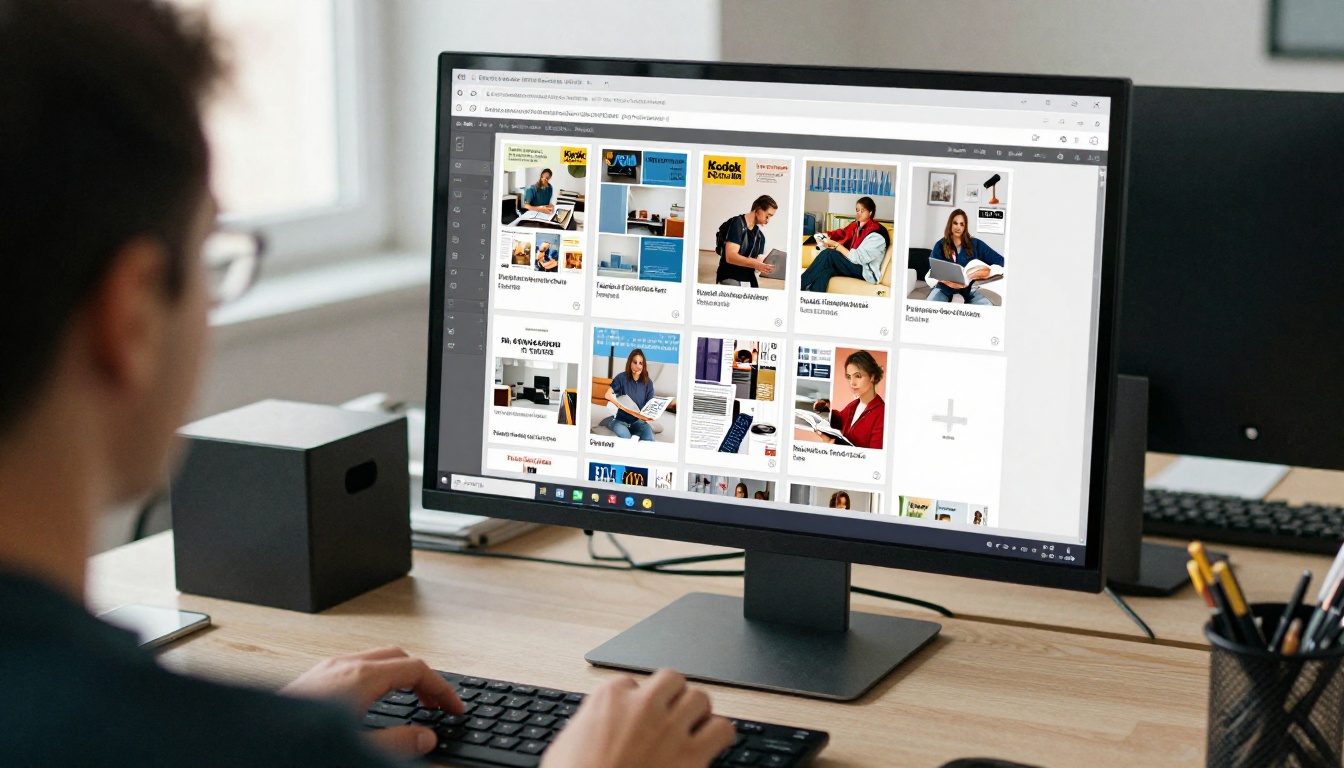
Step 1: Prepare the PDF
Export your magazine as a PDF at screen resolution, usually 150 dpi for photos, with fonts embedded. Keep single pages rather than printer spreads if you want a reader-friendly flow.
Step 2: Create an account
Create an account and open the PDF to Flipbook Converter. Upload the file and wait for the conversion to finish. Most issues process in under a minute.
Step 3: Customize the look
Add your logo, choose background colors and set the page-turn effect. If the issue has video or audio, embed them directly on the relevant page. A screenshot-style preview helps you check that nothing is clipped on mobile.
Step 4: Set sharing rules
Choose how readers reach the issue:
- Direct link for newsletters and social posts.
- Embed code for your own site, following the Embed Flipbook on Website instructions.
- Password protection for subscriber-only issues.
Step 5: Turn on analytics and lead capture
On the Professional plan you can see which pages hold attention and collect emails before readers open a premium issue. Offline downloads let loyal readers keep a copy for flights or poor connections.
Step 6: Redirect the old link
Replace the old Yumpu link on your website, in your email footer and on your social bios. Keep the old page live for a short while, then retire it once traffic has moved.
💡 Update your bookmarks, but also search your own site for the old link. Old blog posts are where stale URLs hide.
Making the Reading Experience Better
Removing ads is the first win. The next gains come from how you present the issue.

Design for the phone first
Most readers open links on a phone. Use larger body text, short paragraphs and images that still work when cropped. Test the flipbook on a small screen before you announce it.
Add interactive moments
A clickable contents page, a video inside a feature, or a link on a product photo turns passive reading into action. These small touches give analytics something meaningful to measure.
Keep a clean archive
Old issues are an asset. Organize them by year and theme so a new reader can binge your back catalog. A tidy archive is a quiet source of traffic.

Common mistakes to avoid
- Uploading a printer PDF with crop marks and bleeds.
- Skipping the mobile test, then finding the text too small.
- Forgetting the password on a subscriber issue and sharing it publicly.
- Ignoring analytics, so every issue is a guess.
- Deleting the old page before redirecting readers.
| Mistake | Result | Fix |
|---|
| Printer-ready PDF | Odd margins and marks | Export a screen version |
| No mobile test | Tiny text | Preview on a phone |
| Open link for paid issue | Lost revenue | Use password protection |
| No analytics | Blind decisions | Review page data monthly |
What Readers Notice First
A reader who opens a clean magazine on a phone at a cafe will not think about the platform. They notice that the pages load fast, the images are sharp, and nothing interrupts the story. That is the standard to aim for, and ad-free hosting is the baseline rather than a luxury.

Ready to Publish Without Ads?
Pick the platform that matches your volume, your branding needs and your budget, then test it with a real issue. If you want a clean reader, no watermarks and room to grow into analytics and lead capture, get started for free on Flipbooks AI. Browse all flipbook tools to find the template that fits your magazine, and compare the pricing plans before you commit. When you are ready to upgrade, the account to pricing link takes you straight to the plans.



