A good calendar does one job: it tells you where the year is going before the year starts going without you. If you are searching for a 2027 calendar template in Word, you probably want three things: it should be free, it should be easy to edit, and the holidays should already be on it. This article gives you all three, plus Excel versions that fill in dates by themselves. And once your calendar is finished, you can turn the PDF into a page-turning flipbook with Flipbooks AI so your team, class, or family always opens the latest version.
💡 Quick answer: Word is best for a printable, designed calendar. Excel is best for a calendar that calculates, filters, and tracks deadlines. Use both if you plan a whole year of projects.
Why 2027 Is Easy to Plan
What Makes 2027 Different
2027 is not a leap year, so February has 28 days and the year has 365 days. January 1, 2027 falls on a Friday, which means the first week of the year is short and most calendars start with a partial row. That small detail matters when you build a grid by hand, because the first date has to land in the right column or every month after it is wrong.
A few other facts worth knowing before you build anything:
- The year starts on a Friday and ends on a Friday (December 31, 2027).
- Easter Sunday is March 28, so Good Friday lands on March 26.
- July 4 falls on a Sunday, so the federal holiday is observed on Monday, July 5.
- Christmas Day is a Saturday, so the federal holiday is observed on Friday, December 24.
- There are 52 full weeks plus one extra day, so some months show six rows in a weekly grid.
Word or Excel: Which to Pick
Both formats are free if you already own Microsoft 365 or use the free web versions. The right choice depends on what you do with the calendar after you build it.
| Feature | Word Template | Excel Template |
|---|
| Best for | Printing, wall calendars, handouts | Tracking, planning, deadline math |
| Editing text | Click and type in any cell | Type in cells, add comments |
| Design freedom | High: fonts, photos, shapes | Medium: colors, borders, formats |
| Dates fill in automatically | No, entered once | Yes, with formulas |
| Holiday highlighting | Manual shading | Automatic with a holiday list |
| Easy to share as PDF | Yes | Yes, with print area set |
| Learning curve | Very low | Low to medium |
If you only need something to hang on a wall, choose Word. If a manager, teacher, or client will ask "how many working days are left?", choose Excel.
Build a Word Calendar in 10 Minutes
You do not need a download to get a clean, editable 2027 calendar. Word already has everything required. Build it once, save it as a template, and you can reuse the layout every year by changing the dates.
Set Up the Page
- Open a blank document in Word.
- Go to Layout, then Orientation, and choose Landscape.
- Set margins to Narrow so the grid has room.
- Open Layout, then Size, and pick Letter or A4 depending on where you print.
✅ Best practice: Keep one month per page. Twelve pages print cleanly, fold neatly into a wall calendar, and convert well to a flipbook later.
Insert the Monthly Grid
- Type the month name, for example January 2027, and center it in a large font.
- Choose Insert, then Table, and create 7 columns and 7 rows. The top row holds the weekday names, the other six hold the dates.
- Type Sun, Mon, Tue, Wed, Thu, Fri, Sat in the first row. If you prefer a Monday start, begin with Mon and end with Sun.
- Place the number 1 in the Friday column for January 2027, then continue counting across and down.
- Select the whole table, open Layout, and set Row height to around 0.9 inches so each day has writing space.
Table cells in Word expand as you type, so each day can hold appointments, birthdays, or a short to-do list.
Style It So It Reads Fast
Pick one or two fonts only. A bold sans-serif for the month name and a light, readable font for the numbers works for almost every design. Then apply these rules:
- Shade weekends in a pale gray so working days stand out.
- Use one accent color for holidays, and keep it the same on every page.
- Right-align the day numbers so they sit in the top corner of each cell.
- Add a narrow notes column or a thin mini calendar of the previous and next month at the top.
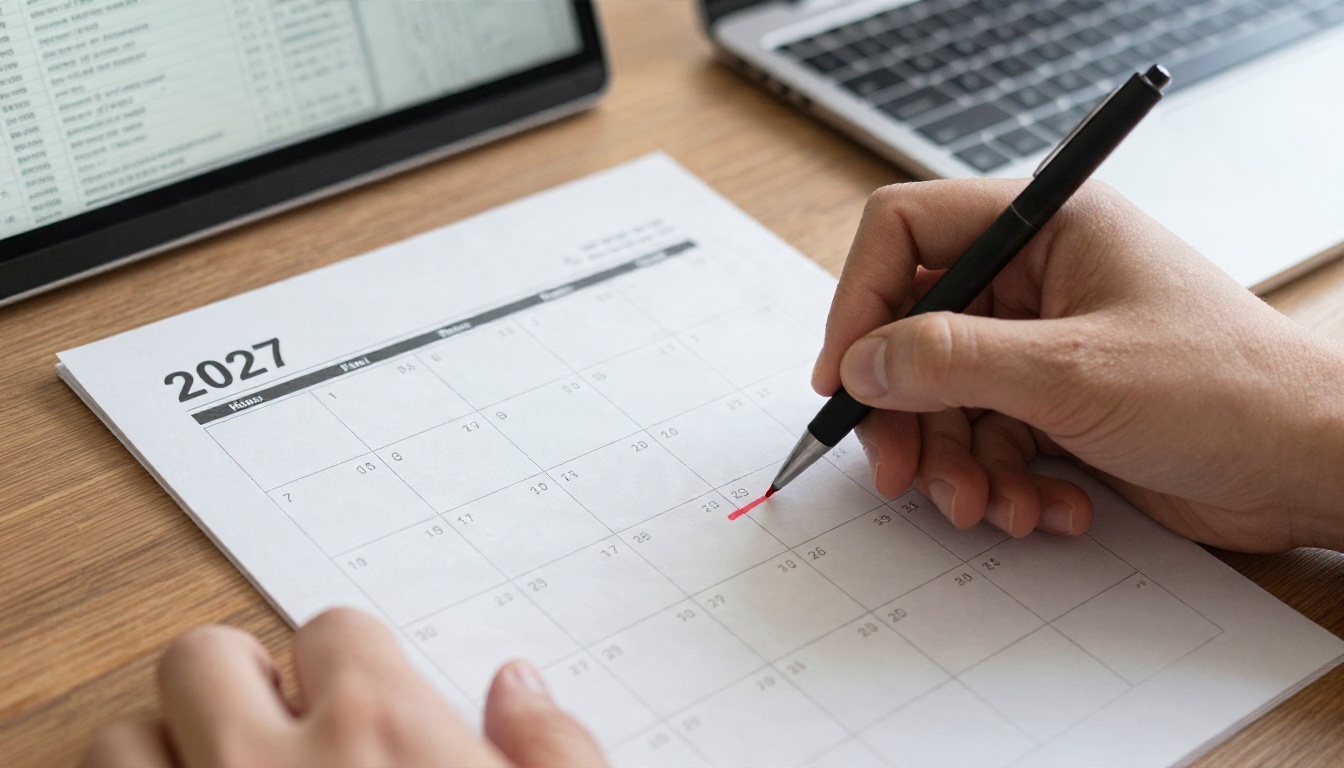
💡 Shortcut: Word also includes ready-made calendars. Go to File, then New, and search for "calendar". Pick one, change the year to 2027, and the dates update. Then you only need to restyle it.
2027 Holidays to Add
A calendar with holidays already marked saves you from double-booking a deadline on a day nobody is at work. Here is the 2027 list for the United States. Check your local rules before you finalize, because states and employers add or skip days.
US Federal Holidays
| Holiday | 2027 Date | Day of Week |
|---|
| New Year's Day | January 1 | Friday |
| Martin Luther King Jr. Day | January 18 | Monday |
| Presidents' Day | February 15 | Monday |
| Memorial Day | May 31 | Monday |
| Juneteenth (observed) | June 18 | Friday |
| Independence Day (observed) | July 5 | Monday |
| Labor Day | September 6 | Monday |
| Columbus / Indigenous Peoples' Day | October 11 | Monday |
| Veterans Day | November 11 | Thursday |
| Thanksgiving | November 25 | Thursday |
| Christmas Day (observed) | December 24 | Friday |
Juneteenth itself is June 19, a Saturday, so the observed day moves to Friday, June 18.
Other Dates Worth Marking
Federal holidays are only part of the picture. Add these to a separate color or a separate list so you can switch them on or off:
- Good Friday: March 26
- Easter Sunday: March 28
- Mother's Day: May 9
- Father's Day: June 20
- Halloween: October 31 (a Sunday)
- Daylight saving time starts: March 14, and ends: November 7 in most US states
- Tax filing deadline: mid April for most individuals, so check the exact date when it is announced
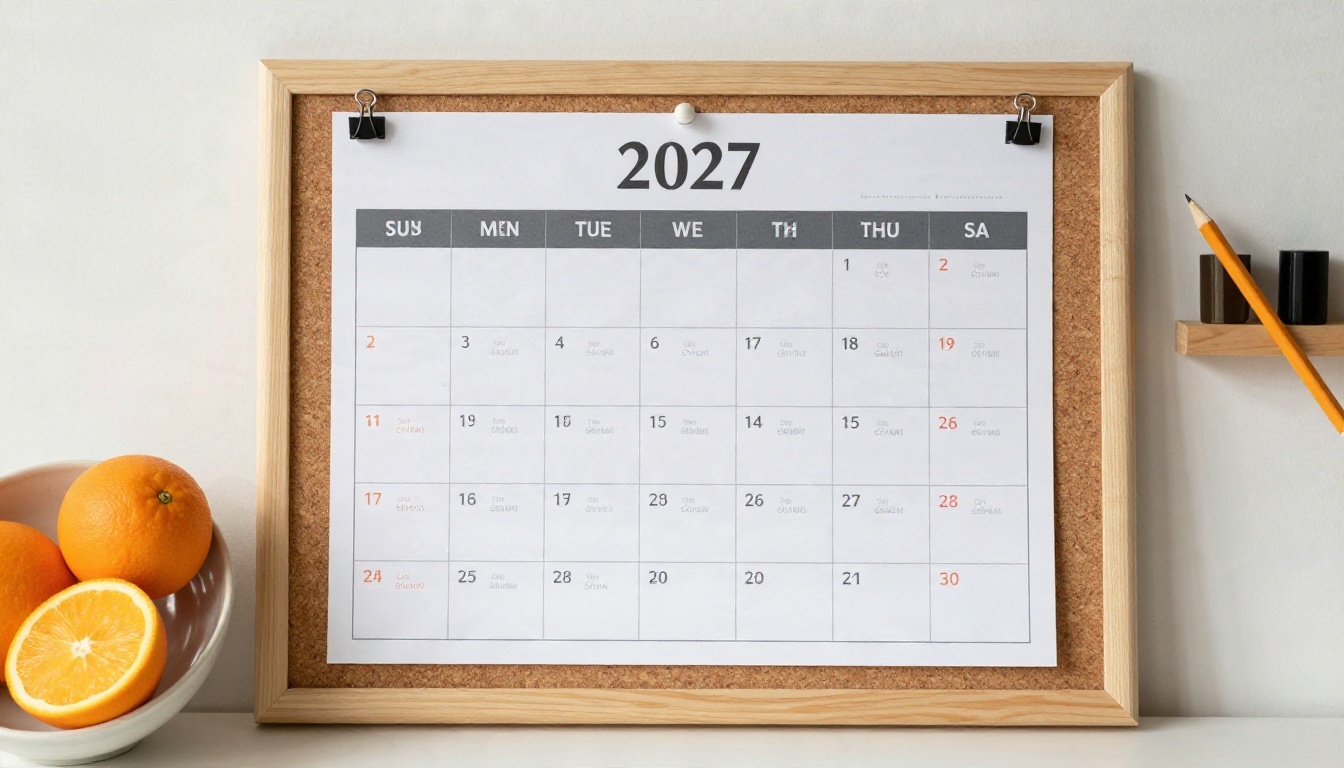
For school and business calendars, add term start dates, quarter ends, payroll days, and product launches in a different color from holidays. Too many colors make the page noisy, so limit yourself to three: holidays, deadlines, and personal events.
Excel Versions That Update Themselves
Word is pretty, but Excel is smarter. With a few formulas you can build a yearly calendar template that fills in every date from one cell, highlights holidays on its own, and counts working days. Change the year in one box next January and the whole workbook follows.
Yearly Grid Formulas
Set cell B1 to the year, for example 2027. For each month block, you only need the first visible date of the grid, which is the Sunday on or before the first of the month. Use this in the top-left cell of the January block:
=DATE($B$1,1,1)-WEEKDAY(DATE($B$1,1,1),1)+1
Every other cell in the block then adds one day to the cell before it:
=A3+1
Format all date cells with the custom format d so only the day number appears. For a Monday start, change the WEEKDAY argument from 1 to 2. Repeat the block for each month and change the month number inside DATE.
Highlight Holidays Automatically
- Create a second sheet called Holidays and paste the dates from the table above in column A.
- Select the calendar grid and open Conditional Formatting, then New Rule, then Use a formula.
- Enter
=COUNTIF(Holidays!$A:$A,A3)>0 and choose a fill color.
- Add a second rule to gray out dates that belong to another month:
=MONTH(A3)<>MONTH(DATE($B$1,1,1)).
Add a holiday later and the calendar recolors itself. No manual shading, no missed days.
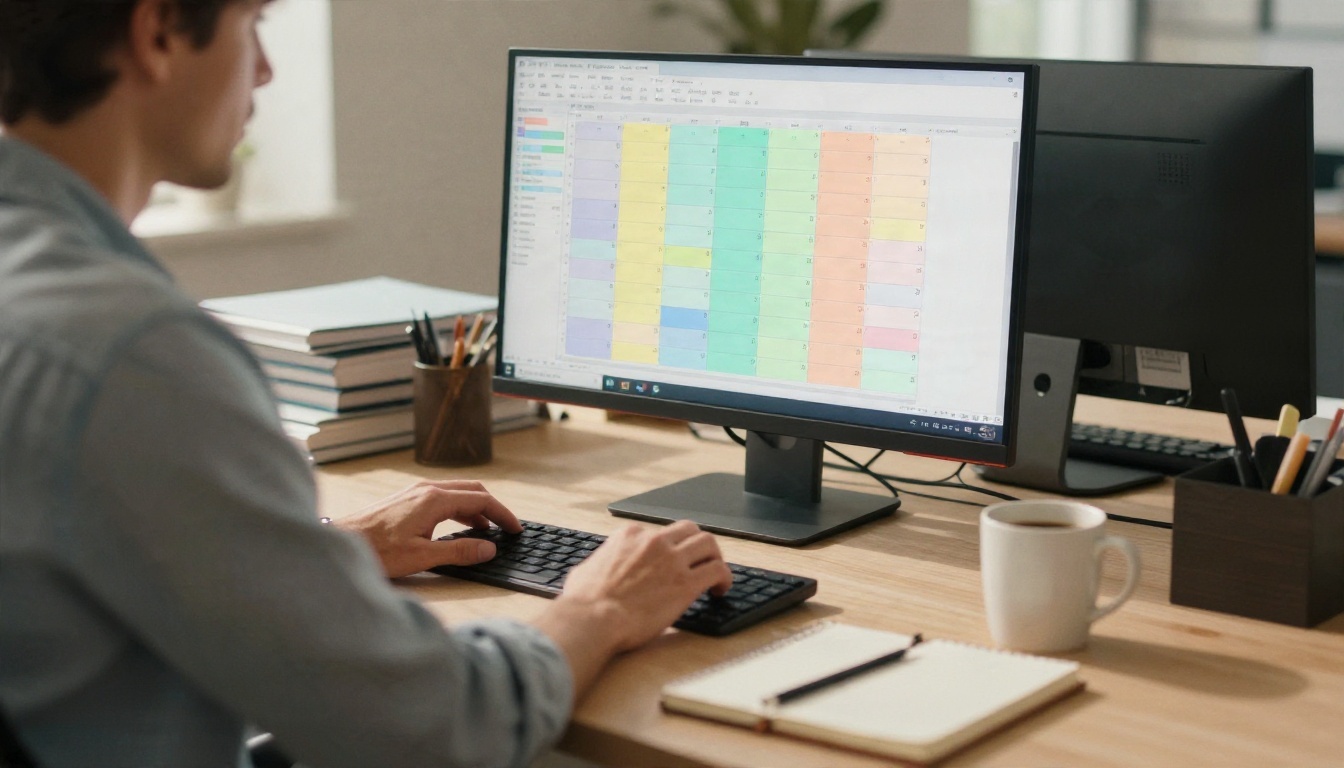
Count Working Days
Excel can also tell you how much time you really have. This formula counts working days in the whole year, skipping weekends and every date on your holiday list:
=NETWORKDAYS(DATE($B$1,1,1),DATE($B$1,12,31),Holidays!$A$2:$A$12)
Use the same idea for any project window by swapping the start and end dates. Project managers like this because a "six week" deadline is often only 27 or 28 real working days.
Which Excel Layout Fits Your Job
| Layout | Best For | Setup Time |
|---|
| 12 monthly blocks on one sheet | Wall printout, year at a glance | 20 minutes |
| One sheet per month | Daily notes, appointment lists | 30 minutes |
| Horizontal timeline by week | Project plans, content schedules | 25 minutes |
| Row per day with filters | Logging tasks, hours, or expenses | 10 minutes |
Real Ways People Use These Templates
Teams and Content Planners
A marketing team can paste a Word calendar into a shared folder and add launch dates by hand, but an Excel version works better when posts, ads, and emails all need owners. Add columns for channel, owner, and status, filter by month, and the same file becomes a content calendar. Mark holidays first so no big announcement lands on Thanksgiving week.
Schools and Families
A teacher can print a Word calendar for each term, mark exam weeks in one color, and hand it out on the first day. A parent can pin a yearly version to the fridge with school breaks, birthdays, and appointments. Because 2027 has several Monday holidays, long weekends are easy to spot and plan around: January 16 to 18, February 13 to 15, May 29 to 31, September 4 to 6, and October 9 to 11.
Small Businesses
A salon, studio, or local shop can print a monthly calendar for the counter and keep an Excel copy for staff schedules. Holiday closures go in first, then seasonal promotions. Sending the same version to every employee is where most small teams slip, and that is the problem a shareable flipbook solves.
| Use Case | Best Format | Extra Feature to Add |
|---|
| Wall calendar at home | Word, one month per page | Family photos in the header |
| Employee shift planning | Excel, row per day | Filters by person |
| School term planner | Word, landscape | Color-coded exam weeks |
| Content publishing plan | Excel, timeline by week | Status drop-down list |
| Client-facing schedule | PDF from Word | Branded cover page and logo |
Share Your Calendar as a Flipbook
Printing is fine until someone changes a date. A PDF attached to an email is fine until five versions are floating around. A flipbook gives you one link that always shows the current calendar, and readers can flip through the months on a phone or tablet.

How to Create a Calendar Flipbook with Flipbooks AI
- Export your calendar to PDF. In Word, choose File, then Save As, then PDF. In Excel, set the print area first, then export. One month per page gives the best page-turn effect.
- Open the platform. Go to Flipbooks AI and create an account. You can compare plans on the pricing page.
- Upload the PDF. Use the PDF to Flipbook Converter. Each page of the file becomes a flippable page, and the layout stays sharp on desktop and mobile.
- Customize the look. Add your logo, pick background colors that match your calendar, choose the page-turn effect, and add links, audio, or video to any month. There are no watermarks, ever.
- Share it. Copy the direct link, send it by email, or paste the embed code onto your site with the Embed Flipbook on Website tool. Use password protection for private team schedules.
- Update when plans change. Replace the PDF with a new version and everyone with the link sees the new calendar.
💡 Pro tip: If you are building a branded wall calendar for clients, start with the Digital Catalog Maker or the Online Brochure Designer layouts for ideas on cover pages and page flow.
Pro Features Worth a Look
On the Professional plan you also get analytics, so you can see who opened the calendar and which months they viewed, and lead generation forms if you distribute a promotional calendar to customers. Offline downloads let readers keep a copy on their phone. Standard plans and above include unlimited flipbooks, so you can publish a separate calendar for every team or client.
| Flipbook Feature | Why It Helps a Calendar |
|---|
| Mobile-responsive display | Readable on phones without pinching |
| Password protection | Keeps staff schedules private |
| Embed code | Puts the calendar on an intranet or website |
| Custom branding | Matches company colors and logo |
| Analytics (Professional) | Shows which months get opened |
| Offline downloads | Works without a connection |
Common Mistakes to Avoid
Most calendar problems come from small setup errors, not from design. Check these before you print or publish.
- Wrong start day. If January 1, 2027 is not in the Friday column, every month will be off. Test the first and last dates of each month.
- Forgetting observed holidays. July 4 is a Sunday and the day off is Monday, July 5. Christmas is Saturday and the observed day is Friday, December 24.
- Too many colors. Three is enough. More than that and nobody can tell what matters.
- Tiny cells. If people write by hand, each day needs at least 0.8 inches of height.
- No version name. Save files as "Calendar 2027 v1", "v2", and so on, or better, share one live link.
- Printing without a test page. Print one month first. Margins, bleed, and shading often look different on paper.
⚠️ Warning: Holiday lists differ by country, state, and employer. Treat any list, including the one above, as a starting point and confirm against your official calendar before you publish.
Your 2027 Calendar Starts Here
Pick your format and build it now, while the year is still blank. Use Word if you want something you can print and hang, use Excel if you want formulas and filters, and share it as a flipbook if more than one person needs the same dates.
Ready to publish yours? Create a free account on Flipbooks AI, upload your PDF, and send the link. Browse all flipbook tools for other ideas, like planners, newsletters, and event programs, or compare pricing plans to see which one fits your team.



