Your brochure is probably sitting in a folder as a PDF that nobody opens. Attachments get ignored, pinch-zooming on a tablet is painful, and you have no idea whether anyone read past page one. An interactive brochure fixes all three problems: it flips like paper, adapts to the screen in front of it, and tells you what people actually looked at. With Flipbooks AI you can turn an existing PDF into one in a few minutes, and this article shows you exactly how to create an interactive brochure for computer and tablet, which free tools are worth your time, which templates fit which job, and how to share the result without losing control of it.
Why Interactive Beats a Static PDF
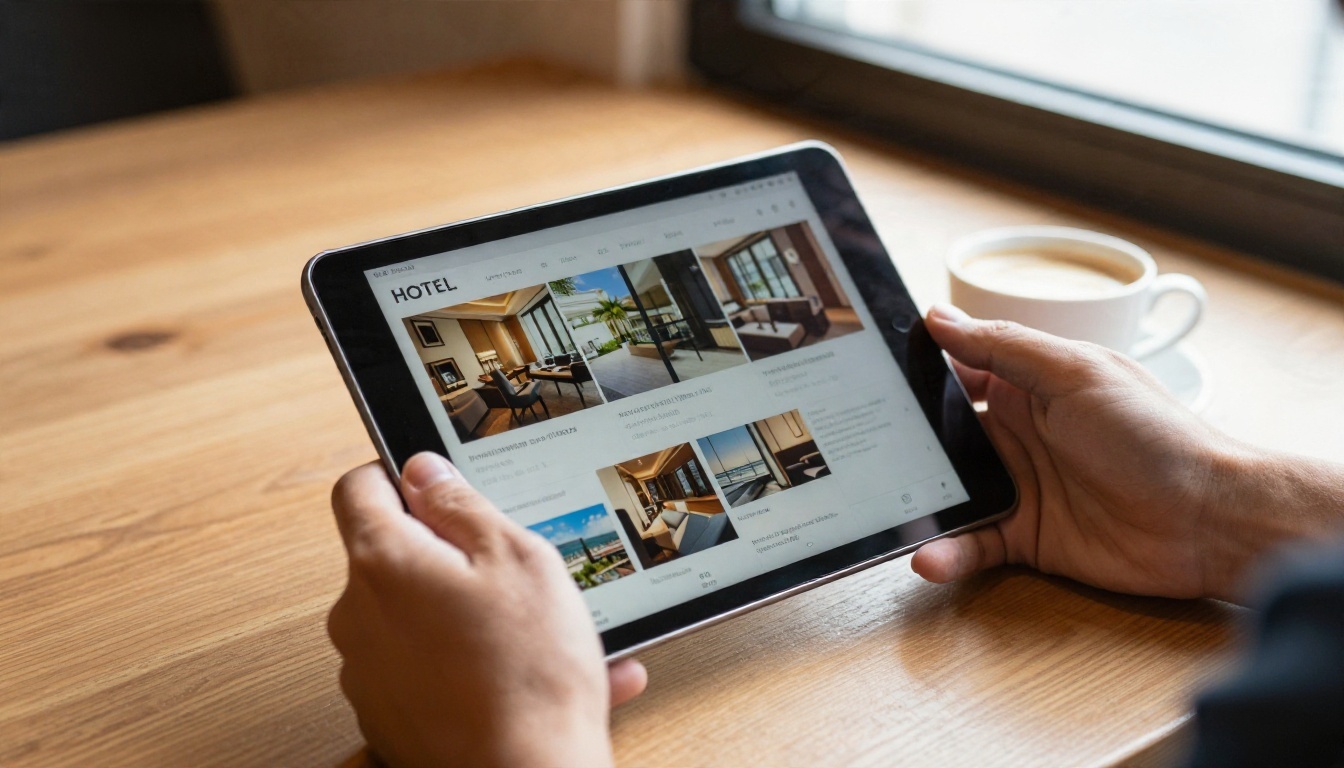
A PDF is a photograph of a document. It looks the same everywhere, which sounds like a virtue until you open it on a 10-inch tablet and spend half a minute zooming into a footnote. An interactive brochure is closer to a small website that happens to look like a printed booklet.
What "Interactive" Actually Means
The word gets thrown around loosely, so here is the practical definition. A brochure is interactive when the reader can do something other than scroll:
- Flip pages with a swipe, a click or the arrow keys, with a realistic page-turn effect
- Zoom into a photo or price table without the layout breaking
- Tap links that open a booking page, a map or an email draft
- Play video and audio right on the page
- Search the text, jump to a chapter, or go full screen
💡 Pro tip: If your brochure has a phone number, an address or a booking URL, make each one a live link. It is the cheapest interactivity you can add, and it is often the one that produces the most enquiries.
Computer vs Tablet vs Phone
People read differently on each device, and a good brochure respects that. A laptop gives you a wide landscape view, a mouse and a keyboard. A tablet gives you touch, a held-in-the-hand reading posture and usually a sofa or a train seat. Here is how the three compare.
| Device | Best layout | Navigation | Typical reader mood |
|---|
| Laptop or desktop | Two-page spread, landscape | Click, arrow keys, scroll wheel | Researching, comparing, working |
| Tablet | Spread in landscape, single page in portrait | Swipe, pinch, tap | Relaxed browsing, sales meetings |
| Phone | Single page, large text | Swipe, tap | Quick lookup, QR code scan |
The takeaway: design once, but test on at least a laptop and a tablet before you publish. A responsive flipbook viewer switches between spread and single-page mode for you, so the same file works on both.
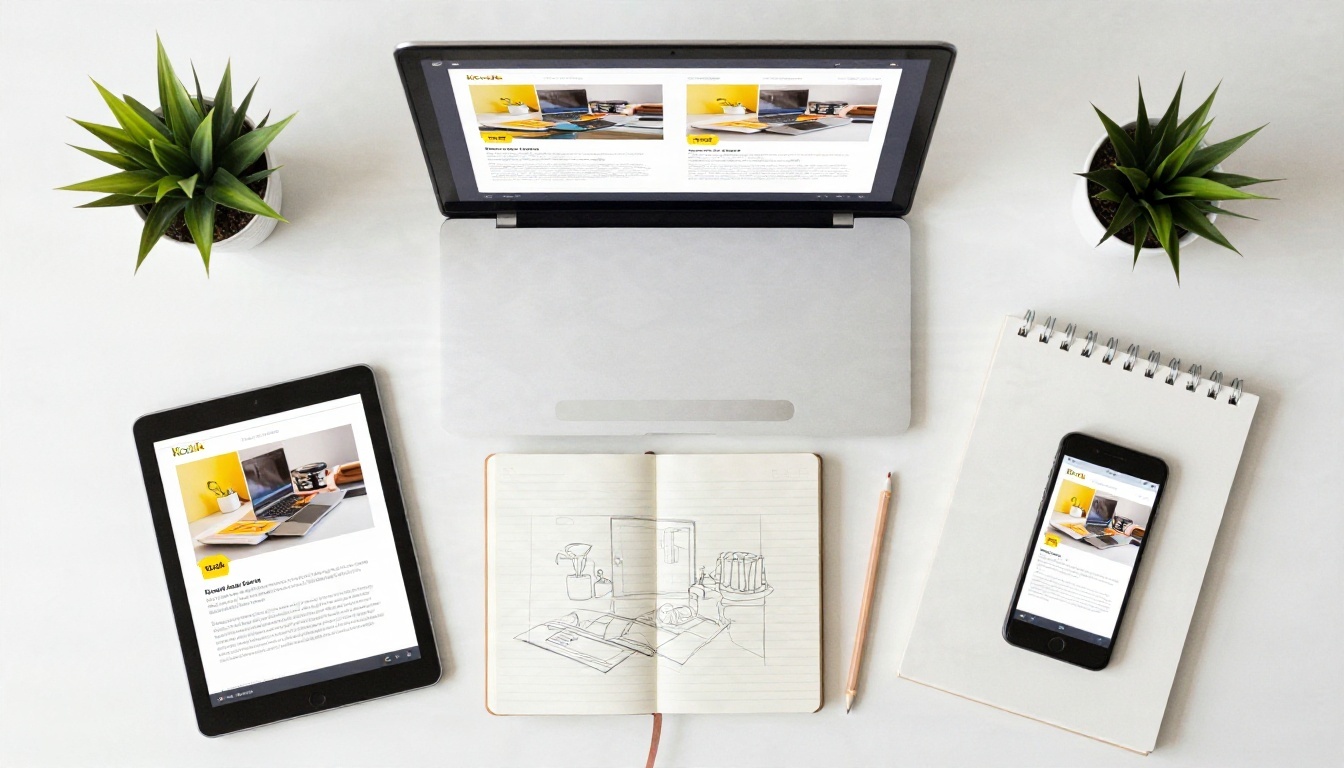
Search for "free brochure maker" and you will find dozens of options. Most fall into three buckets: design editors that export a PDF, PDF-to-flipbook converters, and website builders with a brochure template. Only the second bucket gives you a true page-flip experience from a file you already have.
What Free Plans Usually Include
Free plans exist to get you to try the product, so they come with limits. Knowing the usual limits saves you from building something you cannot publish.
| Limit | Typical free plan | What to check |
|---|
| Watermark | Provider logo on every page | Can it be removed, and at what price? |
| Number of flipbooks | 1 to 3 | Is it per account or per month? |
| Page count | 10 to 50 pages | Fine for brochures, tight for catalogs |
| Sharing | Public link only | Is password protection available? |
| Analytics | None | Do you see views, time on page, clicks? |
| Download | Not allowed | Can readers save an offline copy? |
Watch Out for Watermarks
The most common trap is the watermark. A banner across the bottom of your brochure undermines the professional look you were building. On Flipbooks AI, flipbooks carry no watermarks, ever, which is worth checking for before you spend an afternoon designing anything elsewhere. See the pricing page for how the plans differ.
⚠️ Warning: Some free tools let you build everything and only reveal the watermark or the page limit at the export step. Publish a test brochure first, before you invest hours in the final design.
Pick a Template That Fits Your Goal
Templates save time, but only if they match what you are selling. A restaurant brochure with a hotel layout will feel off, however pretty it is. Start from the job the brochure has to do.
Match the Template to the Industry
Different industries need different structures. Here is a quick comparison of dedicated tools you can start from.
| Use case | Best-suited tool | Typical page flow |
|---|
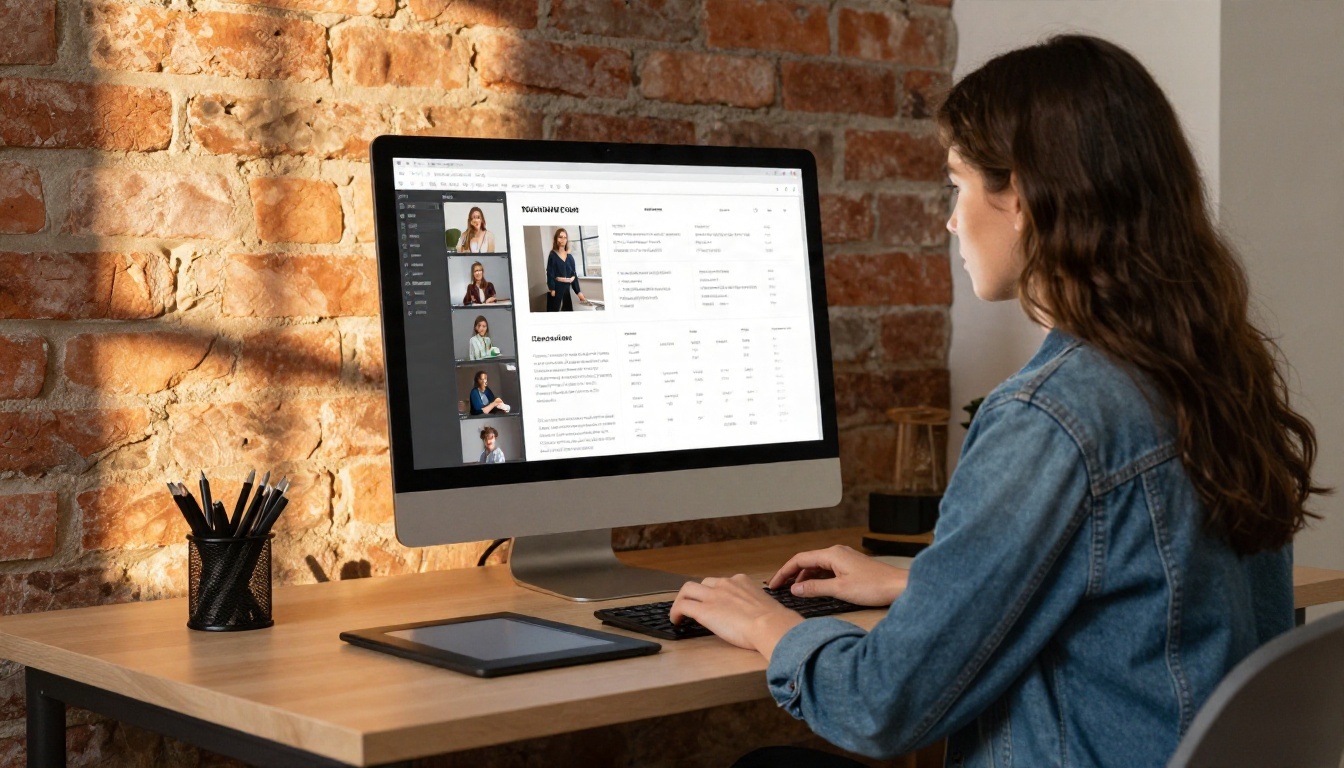
| Hotels and resorts | Hotel Brochure Designer | Hero photo, rooms, dining, spa, map, booking |
| Property listings | Real Estate Brochure Creator | Exterior, floor plan, interiors, neighborhood, agent |
| Car dealers | Automotive Brochure Generator | Hero shot, trims, specs, colors, financing |
| General business | Online Brochure Designer | Intro, services, proof, pricing, contact |
| Existing PDF | Brochure Flipbook Maker | Your own page order, unchanged |
A real example: an estate agent can walk a couple through a listing on a tablet in the living room itself. The couple flip the pages, zoom into the floor plan and tap the viewing-request link, all without a printed sheet in sight.

Layout Rules for Tablets
Tablets are where weak brochures get caught out. A few rules keep you safe:
- Body text at 11 pt or larger in the source file. Smaller text forces zooming.
- Margins of at least 12 mm so nothing sits under a thumb or a device bezel.
- One idea per page. A spread should be readable in about ten seconds.
- High-contrast colors. Light grey on white disappears in sunlight.
- Large tap targets. Buttons and links need room around them.
✅ Best practice: Export your PDF at 150 to 200 DPI. Lower looks soft on a Retina tablet screen, higher only makes the file heavy and slows loading on mobile data.
How to Create an Interactive Brochure with Flipbooks AI
If your brochure already exists as a PDF, this is the fastest route. You do not need design software, and you can finish a first version over a coffee. Start by creating a free account, then follow these steps.
Step 1: Upload and Convert
- Sign in at flipbooksai.com and click the button to create a new flipbook.
- Drag your PDF into the upload area, or pick it from your computer. The PDF to Flipbook Converter handles the conversion automatically.
- Wait a few seconds while each page becomes a crisp, zoomable image with live text.
- Preview the flip effect in the editor. Check page order, orientation and any cropped margins.
A typical 12-page brochure converts in well under a minute. If you spot a typo, fix it in the source file and re-upload rather than patching around it.
Step 2: Customize the Look
Open the design settings and match the viewer to your brand:
- Background color or image behind the pages, so the flipbook sits comfortably inside your site
- Logo and brand color on the toolbar and buttons
- Page-turn effect and speed, from a soft slide to a realistic curl
- Single-page or spread mode for the default view on laptops and tablets
- Sound of a paper flip, which some readers love and others hate (it is optional)
Step 3: Add Links, Video and Audio
This is where a PDF becomes a brochure that earns its keep. Add a clickable area over your booking button, drop a short video onto a product page, or attach a voice-over to the welcome spread. Keep clips short, ideally under 60 seconds, so they work well on mobile data.
💡 Pro tip: Add video to only two or three pages. A brochure where every page autoplays something feels like a pop-up ad, not a catalog.
Sharing Options That Work
A beautiful brochure is useless if people cannot open it easily. The good news is that a flipbook can be shared in several ways, and you can mix them depending on the audience.
Link, QR Code and Embed
Each method suits a different situation:
| Method | Best for | Setup effort | Control level |
|---|
| Direct link | Email, messaging apps, social bios | Copy and paste | Low |
| QR code | Printed flyers, shop windows, table cards | Generate and print | Low |
| Embed code | Your website or landing page | Paste into page HTML | Medium |
| Password-protected link | Client proposals, internal documents | Set a password | High |
| Offline download | Trade shows, poor Wi-Fi, long flights | Enable in settings | Medium |
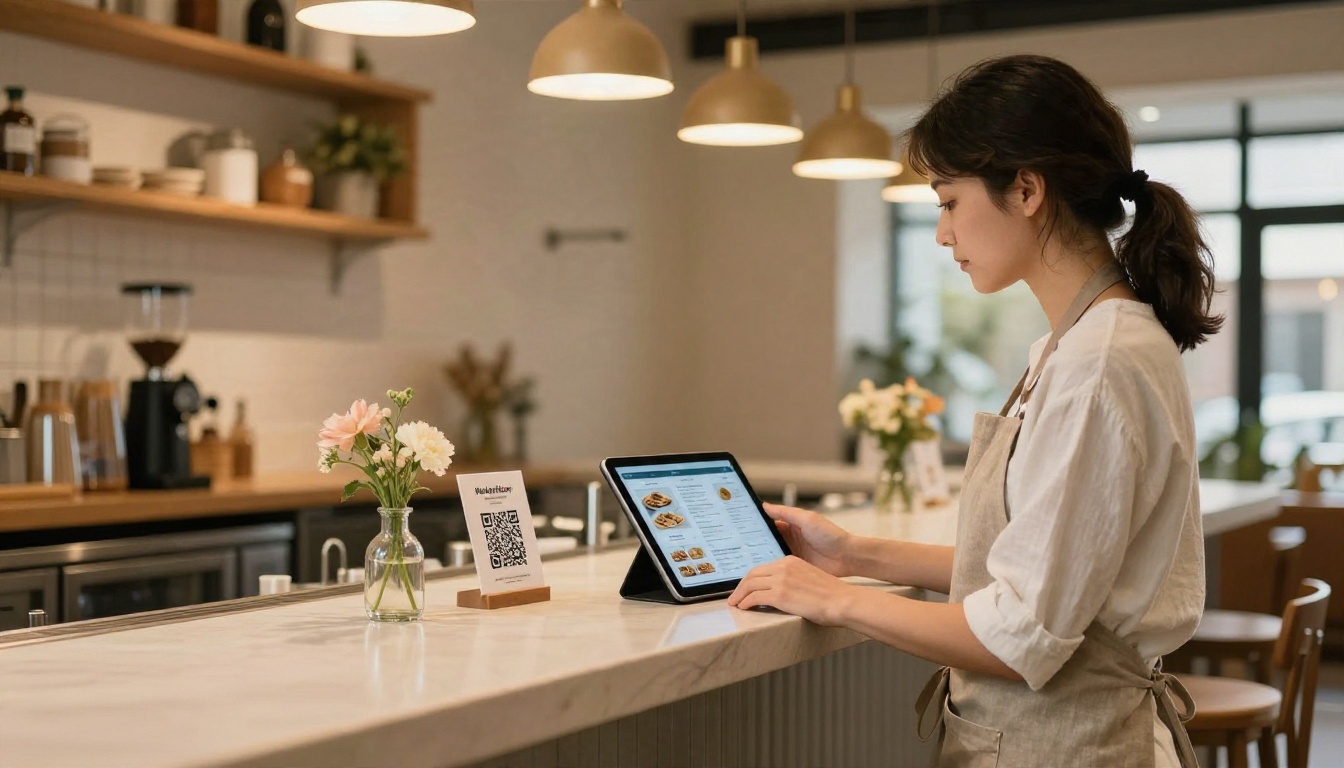
A restaurant is a good picture of how this works. It can stick a QR code on every table, link the same brochure from its Instagram bio and embed it on the booking page. One file, three entry points. The Restaurant Menu Creator follows exactly this pattern, and the Embed Flipbook on Website tool shows how the embed step works.
Password Protection for Private Content
Not every brochure should be public. A pricing sheet for wholesale buyers, a draft proposal or a pre-launch product range belongs behind a password. Switch on password protection, send the link in one message and the password in another, and you keep control of who reads it.
⚠️ Warning: Do not put the password in the same email as the link. If the message is forwarded, both go with it.
Pro Features: Analytics and Lead Capture
Once your brochure is live, the question changes from "does it look good?" to "is it working?" The Professional plan on Flipbooks AI adds the tools to answer it.

Read the Numbers
Analytics show you which pages hold attention and where readers drop off. If 70% of readers leave on page four, that page is your problem. Move the pricing earlier, shorten the text or swap the photo. That feedback loop is something a PDF in an inbox can never give you.
Capture Leads Before the Flip
Lead generation lets you ask for a name and an email address before, or partway through, the brochure. Use it sparingly. A gate on page one will cost you readers, while a gate on page six, after the reader has seen real value, feels fair.
Here is how the plan tiers compare for brochure work:
| Capability | Free | Standard | Professional |
|---|
| No watermarks | Yes | Yes | Yes |
| Unlimited flipbooks | No | Yes | Yes |
| Password protection | Limited | Yes | Yes |
| Offline downloads | No | Yes | Yes |
| Analytics | No | Basic | Full |
| Lead generation | No | No | Yes |
Check the current pricing for exact limits, since plans change over time.
Mistakes to Avoid
After watching many brochures go live, the same slip-ups come back again and again. Here are the ones worth dodging.
- Uploading a print file with crop marks. Export a clean PDF without bleed or crop marks, or they show up as odd borders.
- Using tiny text. If you need to zoom to read it, readers will not bother.
- Skipping the tablet test. A layout that looks perfect on a 27-inch monitor can feel cramped on a tablet in portrait mode.
- Forgetting the call to action. Every brochure needs a next step, such as a link, a button or a phone number, on the last page.
- Heavy files. A 60 MB PDF loads slowly on mobile data. Compress images before you upload.
- No contact page. Readers who reach the end and find nothing to click will simply leave.
✅ Best practice: Send the brochure to yourself first. Open it on your laptop, then on a tablet, then on your phone. Five minutes of checking catches almost every embarrassing mistake.
Ready to Publish Yours?
You already have most of what you need: a PDF, a goal and an audience. The rest takes minutes, not days. Create your free account on Flipbooks AI, upload your file and send yourself the link. Browse all flipbook tools to find a template that suits your industry, and when you are ready for analytics, passwords and lead capture, compare the plans and pick the one that fits.
Your next brochure should be something people open, flip through and act on. A static attachment rarely manages that, but a good interactive brochure does it on every screen.



