You have forty photos on your phone, a client or a family group chat waiting, and no desire to send forty separate attachments. A flipbook image generator solves that: you upload your pictures, the tool arranges them as pages, and the result opens in a browser with a realistic page-turn effect. No downloads for the viewer, no cluttered email threads. Just one link. In this article we compare the free online options, walk through photo upload on Flipbooks AI, and show which settings and sharing choices are worth your time.
What a Flipbook Image Generator Does
Photos In, Page-Turning Album Out
At its simplest, an image flipbook generator takes static pictures and presents them as a digital book. Each photo (or each group of photos laid out on a page) becomes a spread. Viewers click or swipe to turn pages, zoom into details, and read on any device.
Most platforms work from a PDF, because a PDF already holds pages, layout and image quality in one file. That is how Flipbooks AI works: you convert your photo pages into a PDF, upload it, and the platform turns it into an interactive flipbook. If you already have a PDF, the PDF to Flipbook Converter handles it directly.
💡 Pro tip: Your phone can already create the PDF. Select photos in your gallery, choose Print, then Save as PDF. On a desktop, any free layout app or even a word processor can export a photo-per-page PDF.
Who Actually Needs One
Image flipbooks are not only for designers. People reach for them in very ordinary situations:
- Photographers who want a portfolio that feels more polished than a shared folder
- Wedding and event planners delivering an album to a couple
- Boutique owners showing a seasonal lookbook
- Real estate agents presenting a property photo tour
- Families collecting holiday pictures in one place
- Teachers sharing field trip or classroom photos with parents
Free Online Options Compared
Plenty of sites advertise a "free" image flipbook maker. The differences show up the moment you try to share the result. Here is how the common categories of free options stack up.
| Option type | Photo handling | Typical free limits | Sharing | Best for |
|---|
| Basic free flipbook sites | Upload JPG/PNG or PDF | Watermark, page cap, ads | Public link only | One-off personal albums |
| Design apps with flipbook export | Drag and drop layouts | Limited templates, export restrictions | Link or download | Designing pages from scratch |
| PDF to flipbook converters | PDF upload | Few flipbooks, branding on viewer | Link and embed | Existing PDFs |
| Cloud storage previews | Raw images | No page-turn effect at all | Folder link | Quick file transfer |
| Flipbooks AI | PDF upload from photo pages | No watermarks | Link, embed, password protection | Portfolios, lookbooks, client albums |
What "Free" Usually Hides
Free tiers are rarely free in every sense. Before you invest an evening building something, check for these:
- Watermarks stamped across every page or on the viewer toolbar
- Expiry: flipbooks that vanish after 14 or 30 days
- Page limits that cut off a 60-photo album at page 10
- Compression that turns sharp photographs into soft, muddy ones
- Forced public visibility, which is a problem for client or family photos
Watermarks and Page Limits
A watermark on a wedding album or a product lookbook looks careless. That is why "no watermarks, ever" matters more for image-heavy flipbooks than for text documents: the photos are the entire product. Flipbooks AI keeps the output clean, and the pricing page lists exactly what each plan adds, such as unlimited flipbooks on the Standard plan and above.
⚠️ Watch out: If a free tool will not tell you what happens to your flipbook after the trial, assume it will disappear. Always keep your original PDF.
How to Create an Image Flipbook with Flipbooks AI
Here is the full process, from loose photos to a shareable link. It takes about ten minutes for a 30-page album.
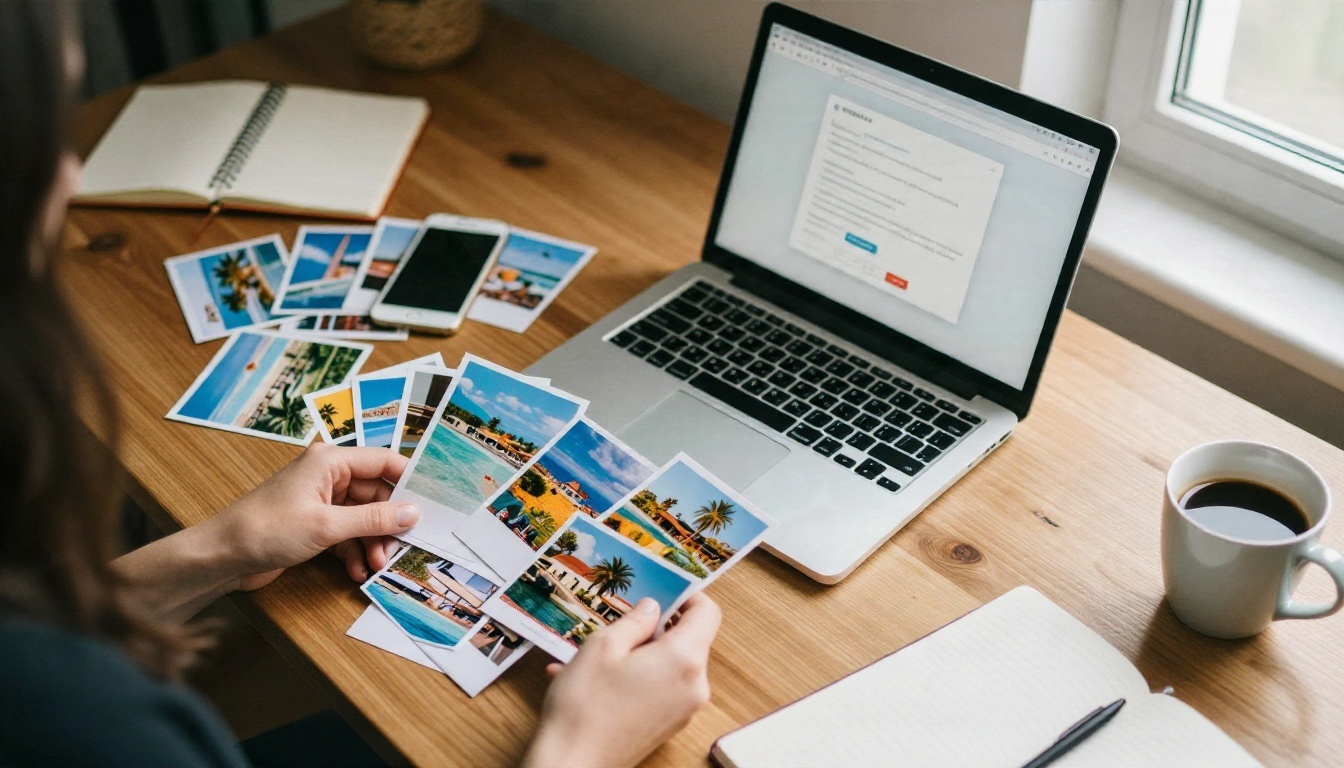
Step 1: Prepare Your Photos
Pick your best images first. A flipbook with 24 strong photos beats one with 80 mediocre ones. Sort them in the order you want people to see them, because page order is the story.
Step 2: Create the PDF
Export your photos as a PDF, one image per page or several per page in a layout. Landscape pages suit panoramic shots; portrait pages suit fashion and people. Keep one orientation throughout for a smooth viewing experience.
Step 3: Upload and Convert
- Go to Flipbooks AI and create an account.
- Click to create a new flipbook and select your PDF.
- Wait for the conversion. Each PDF page becomes a flipbook page with a page-turn effect.
- Open the preview and flip through to check page order and image sharpness.
Step 4: Customize
Add your branding, choose background colors, and pick a page effect. Section below lists the settings that actually matter. If you want a head start, the Photography Portfolio and Wedding Album Flipbook tools are built around image-first layouts.
Step 5: Share
Copy the link, set a password if the album is private, or grab the embed code for your website. More on that below.
Photo Upload Tips That Save Time
Best File Formats
Convert before you upload so the output is predictable. Here is a quick reference.
| Source format | Works directly? | Recommendation |
|---|
| PDF | Yes | The best format for page order and quality |
| JPG / JPEG | Via PDF export | Fine for photos; export one per page |
| PNG | Via PDF export | Good for graphics, larger files |
| HEIC (iPhone) | Convert first | Export to JPG or PDF from your gallery |
| RAW files | Convert first | Export to high-quality JPG before building pages |
Resolution and File Size
Resolution decides whether zooming looks crisp or blurry. Aim for around 1600 to 2400 pixels on the long edge for each photo. That is sharp on a laptop and still loads quickly on mobile data. Anything much larger inflates the file without a visible benefit on screen.
💡 Rule of thumb: If your PDF is over 100 MB, compress the images before exporting. Viewers on slow connections will thank you.

Settings Worth Changing
You do not need to touch every setting. These are the ones that change how the finished flipbook feels.
| Setting | What it does | When to change it |
|---|
| Page effect | Controls the page-turn animation | Soft curl for albums, flat slide for catalogs |
| Background color | Sets the area around the pages | Dark for photography, light for lifestyle |
| Custom branding | Adds your logo and colors | Client work and business portfolios |
| Toolbar options | Shows or hides zoom, share, download | Hide download for private work |
| Auto-flip / start page | Controls how the flipbook opens | Presentations and kiosk displays |
| Mobile view | Adapts layout for phones | Leave on, since most viewers open links on a phone |
Page Effects and Layout
A realistic page curl feels natural for personal albums and wedding books. For a more modern portfolio, a simpler transition keeps focus on the picture. Whatever you choose, test it on your phone before you share.
Branding and Colors
Photographers should lean toward a neutral dark background such as charcoal or deep gray, which makes colors look richer. Boutique and lifestyle brands often do better with warm off-white. Add your logo once, and it appears consistently across the viewer.
Multimedia
You can embed video and audio in a flipbook, which suits a photo album with a short voice message or a soundtrack. Keep it light: one audio track per album is plenty, and viewers should never have to hunt for the pause button.
Sharing by Link and Embed
This is where a flipbook beats a PDF attachment. One URL replaces a heavy file, and you can update the content without sending anything again.
| Sharing method | Setup effort | Privacy control | Best use |
|---|
| Direct link | Copy and paste | Anyone with the link | Messages, email, social bios |
| Password-protected link | One extra setting | Only people with the password | Client galleries, family albums |
| Embed code | Paste into your site | Follows your site visibility | Portfolios, blogs, landing pages |
| Offline download | Enabled in settings | Controlled by you | Trade shows, travel, low-signal areas |

Direct Link
Copy the flipbook URL and paste it anywhere: WhatsApp, email, Instagram bio, a QR code on a business card. The viewer opens it instantly with no app and no account. This is the simplest way to share and the one most people use.
Password Protection
Wedding photos, family pictures, unreleased product shots and client proofs should not be open to the world. Turn on password protection, send the link in one message and the password in another. It takes seconds and keeps private photos private.
Embed on Your Website
If you run a portfolio site or blog, paste the embed code so the flipbook lives inside your own page. Visitors never leave your domain. The Embed Flipbook on Website tool covers the process, and the Digital Portfolio Creator is a good starting point if you do not have a site yet.
Real-World Examples
Here is how different people put an image flipbook to work.
A Boutique Lookbook
A clothing shop photographs a new collection on a Monday, exports 20 pages on Tuesday, and sends the flipbook link to its mailing list on Wednesday. Customers browse on their phones, and the owner embeds the same flipbook on the shop's homepage. The Interactive Lookbook Designer fits this workflow well.

A Photographer's Client Gallery
A portrait photographer delivers a 50-photo selection as a password-protected flipbook. The client flips through, zooms into favorites and shares the link with a partner. Compared with a ZIP download, it feels like a finished product. On the Professional plan, analytics show how many times the gallery was opened, which helps with follow-up.
A Real Estate Photo Tour
An agent exports interior and exterior shots into a landscape PDF, one room per page. The flipbook goes into an email and onto the listing page. Buyers see a clean walkthrough without downloading anything. For longer brochures, the Real Estate Brochure Creator adds text and pricing around the photos.
Which Use Case Needs Which Plan
| Use case | Pages | Suggested features | Plan level |
|---|
| Family holiday album | 10 to 30 | Password, simple link | Entry |
| Wedding album | 30 to 60 | Password, offline download | Entry or Standard |
| Photography portfolio | 15 to 40 | Branding, embed, multiple flipbooks | Standard |
| Lookbook for a shop | 15 to 30 | Branding, embed, regular updates | Standard |
| Client gallery with tracking | 30 to 80 | Analytics, lead generation | Professional |
Check the pricing plans for the current limits on each tier.
Common Mistakes
Most disappointing flipbooks fail for the same few reasons.
- Mixing orientations. Landscape and portrait pages in the same book make the flipbook jump around. Pick one.
- Overcompressing photos. A tiny file size is no help if every face looks blurry.
- No cover page. The first page decides whether people keep turning. Use your best photo and add a short title.
- Too many photos. Fifty photos is fine, but only if the sequence has a rhythm.
- Skipping the mobile test. Open your own link on a phone before you send it to anyone.
- Sharing a private album openly. Use a password for anything personal.
✅ Best practice: Start with a strong opening image, group photos by theme or location, and finish on a closing page with your name, contact details or a thank-you note.
Make Your First Flipbook Today
A good flipbook image generator should do three things: handle your photos without quality loss, let you tweak the look in a couple of clicks, and give you a link you can share anywhere. Free tools can do the basics, but watermarks, expiry dates and page limits tend to show up exactly when you are ready to share.
Ready to try it? Create a free account on Flipbooks AI, upload your first photo PDF, and send the link to someone today. Browse all flipbook tools to find a template for portfolios, catalogs or albums, and compare pricing plans when you need unlimited flipbooks, analytics or lead generation.



