Swipe the corner of a digital magazine and the page curls, casts a soft shadow, and settles with a quiet rustle. Nothing physical moved, yet your brain swears it did. So how does a flipbook work, and why does it feel so much better than scrolling a flat PDF? This article breaks it down in plain language: the mechanics behind the page-flip effect, real online examples, a step-by-step tutorial, and a fair comparison of free tools. If you want to try one while you read, you can create a flipbook on Flipbooks AI in a few minutes.
What a Flipbook Actually Is
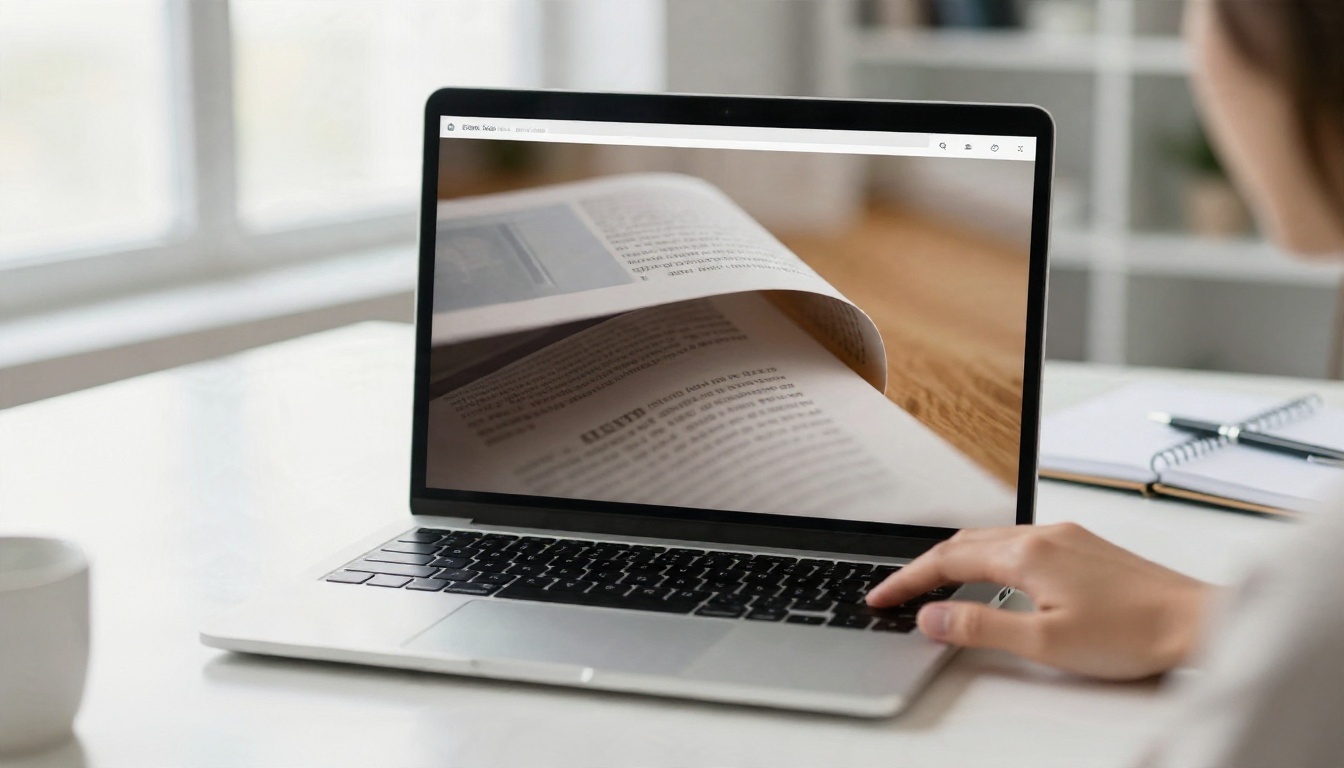
A flipbook is a digital publication that displays pages one after another and animates the turn between them. Think of a brochure, catalog, magazine, or menu that behaves like paper but lives in a browser. You open a link, see a cover, and click or swipe to turn the page.
💡 Quick definition: a flipbook is a set of page images (plus optional links, video, and audio) wrapped in a viewer that simulates a page turn.
From Paper Thumb Books to Screens
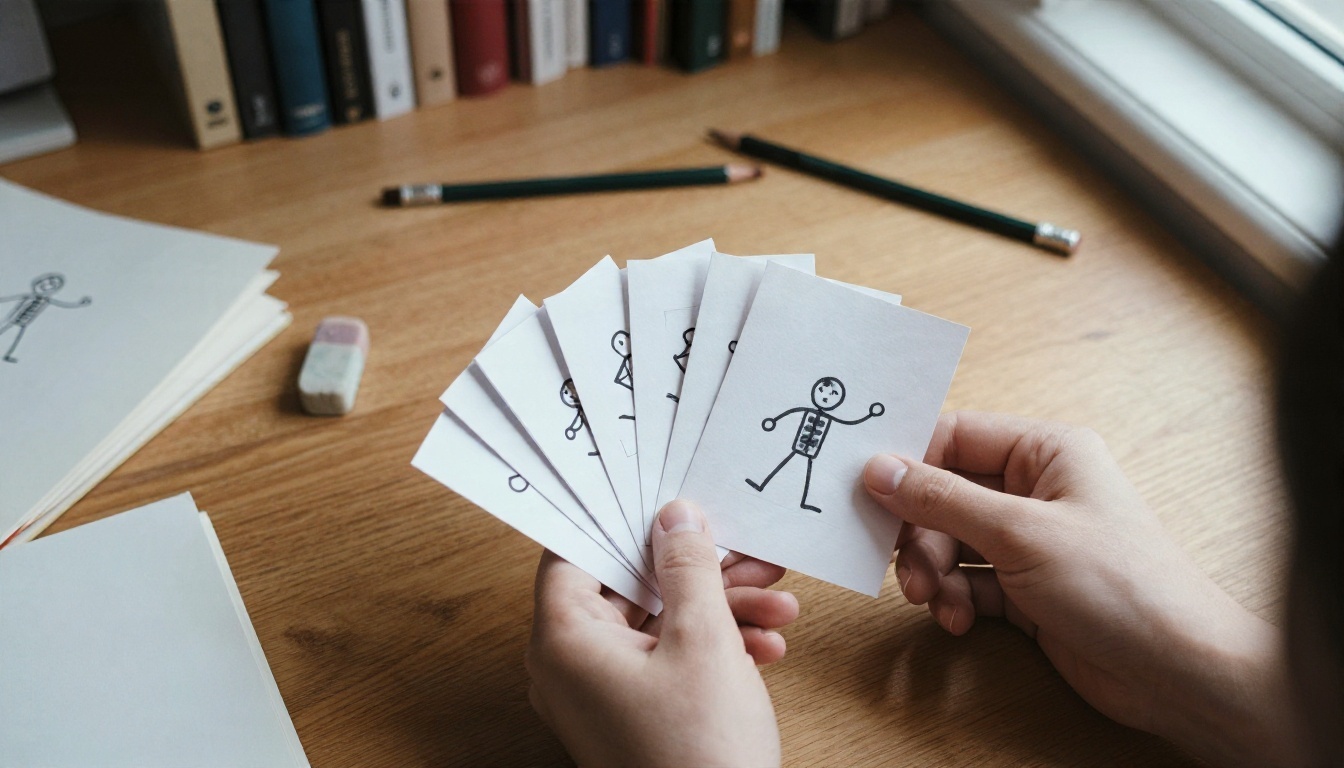
The name comes from the old hand-drawn animation books. You draw a slightly different picture on each page, hold the stack, and flick the edges with your thumb. The images blur into motion. Digital flipbooks borrow the page-turning motion but not the animation purpose: today the goal is to make reading feel natural.
Flipbook vs Plain PDF
A PDF is a fixed document. It opens in a viewer, scrolls vertically, and offers little feedback. A flipbook takes the same source file and adds a reading layer on top. Here is how they differ in practice:
| Feature | Plain PDF | Flipbook |
|---|
| Page turn | Scroll or jump | Animated curl or slide |
| Mobile experience | Pinch and zoom | Responsive, swipe friendly |
| Links and media | Limited | Clickable links, video, audio |
| Sharing | Attachment or download | Single link or embed code |
| Tracking | None | Views, time spent, clicks (paid tiers) |
| Branding | Fixed | Custom colors, logo, background |
How the Page-Flip Effect Works
The effect looks complicated, but the logic is simple. Every flipbook runs through the same three stages: prepare the pages, render them in a viewer, and animate the turn when you interact.
Step One: Pages Become Images
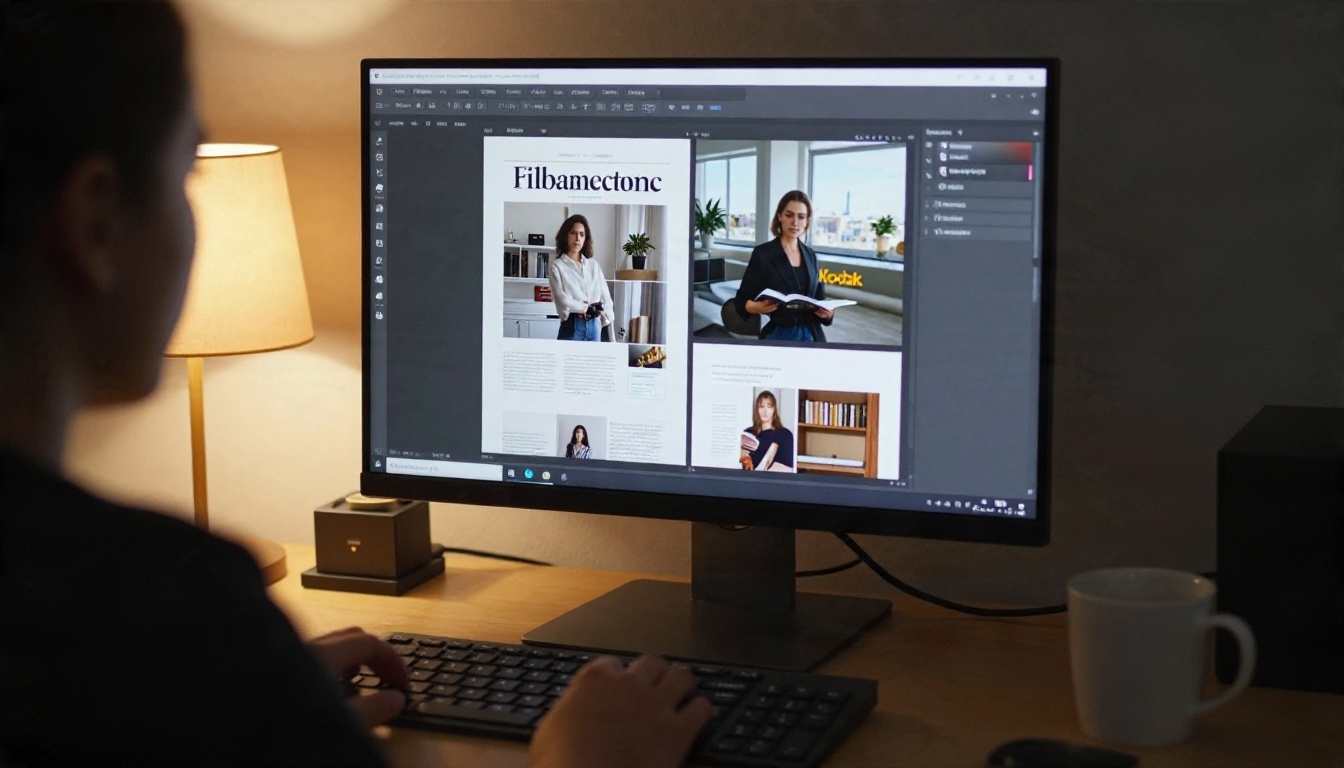
When you upload a PDF, the platform splits it into individual pages and converts each one into a lightweight image, often in several resolutions. Small versions load first so you see something instantly, and sharper versions load as you zoom. That is why a 60-page catalog can open in a couple of seconds instead of waiting for one giant file.
The Curl Math, Simply
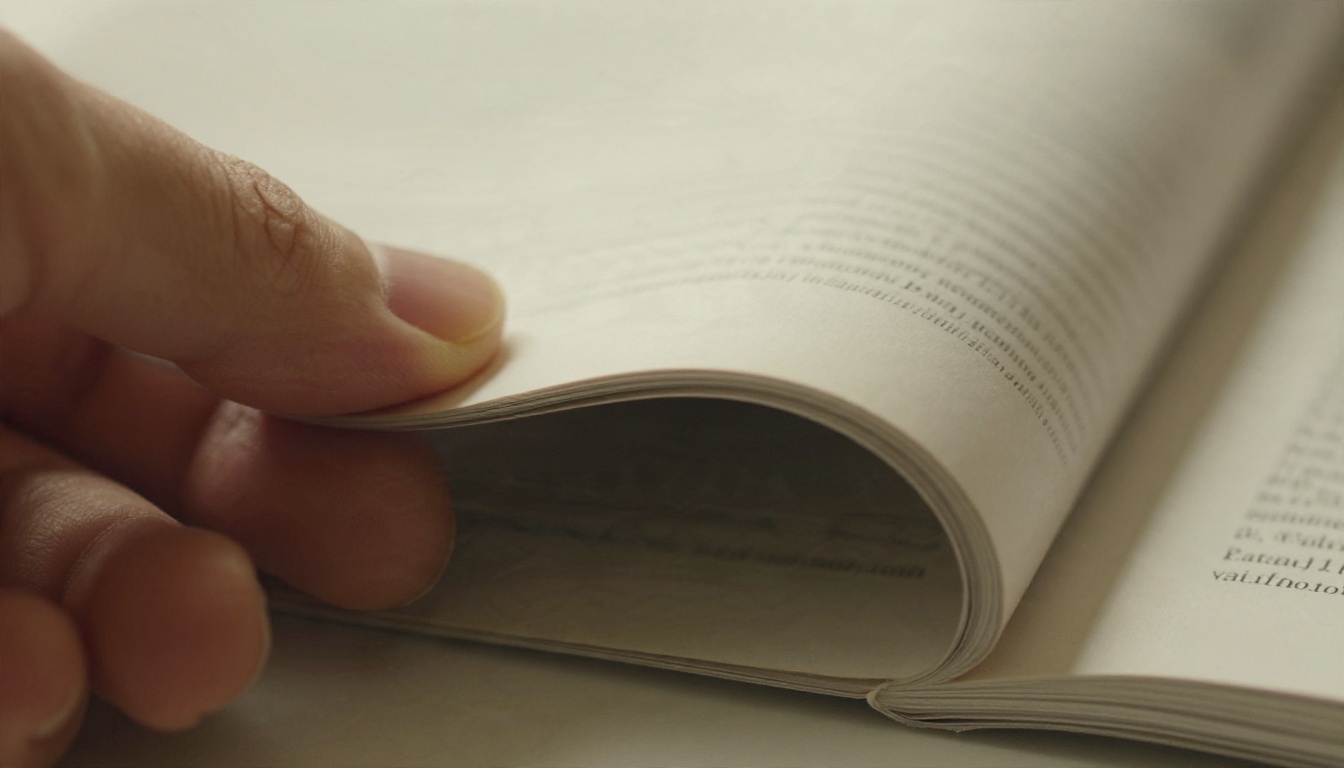
Here is the trick. A page is treated as a flat rectangle that can bend along a fold line. When you drag a corner, the viewer calculates where the fold sits based on your pointer position. Everything on one side of the fold is drawn mirrored, as the back of the paper. Everything on the other side stays flat. Add a gradient shadow along the fold and the brain reads it as a curved sheet.
Most viewers use one of two methods:
- Canvas or WebGL rendering: the page is painted pixel by pixel on a drawing surface, which allows realistic curls and lighting.
- CSS transforms: the browser rotates the page element in 3D space, which is lighter and works well on modest devices.
Sound, Shadows, and Timing
Three small details sell the illusion:
- Shadow gradients that follow the fold and darken the page beneath it.
- Easing curves so the page accelerates and slows like real paper instead of moving at a constant speed.
- Optional page turn sound, a short recording played when the animation starts.
Here is the whole pipeline in one table:
| Stage | What happens | What you notice |
|---|
| Upload | PDF is split into pages | A short progress bar |
| Conversion | Pages become optimized images | Fast loading, sharp zoom |
| Layout | Pages arranged as single or spread view | Book-like presentation |
| Interaction | Click, drag, or swipe triggers the fold | Curling page and shadow |
| Delivery | Link, embed, or download | Works on phone, tablet, desktop |
Online Flipbook Examples That Work
Seeing a flipbook in use clears up the concept faster than any diagram. These are the formats that people publish most often, and the reason each one suits the page-turn format.
Restaurant Menus
A restaurant can publish a seasonal menu without reprinting anything. Guests scan a QR code at the table and flip through starters, mains, and desserts on their phone. When the chef changes a dish, the owner uploads a new PDF and the same link shows the update. A tool like the Restaurant Menu Creator is built for exactly this workflow.

Fashion Lookbooks
Lookbooks depend on rhythm: a full-bleed photo, a detail shot, a styled outfit. The page-turn pace controls how the story unfolds, which a scrolling PDF cannot do. Brands often publish a seasonal collection with an Interactive Lookbook Designer and add links on each look that send shoppers straight to the product page.

Real Estate Brochures
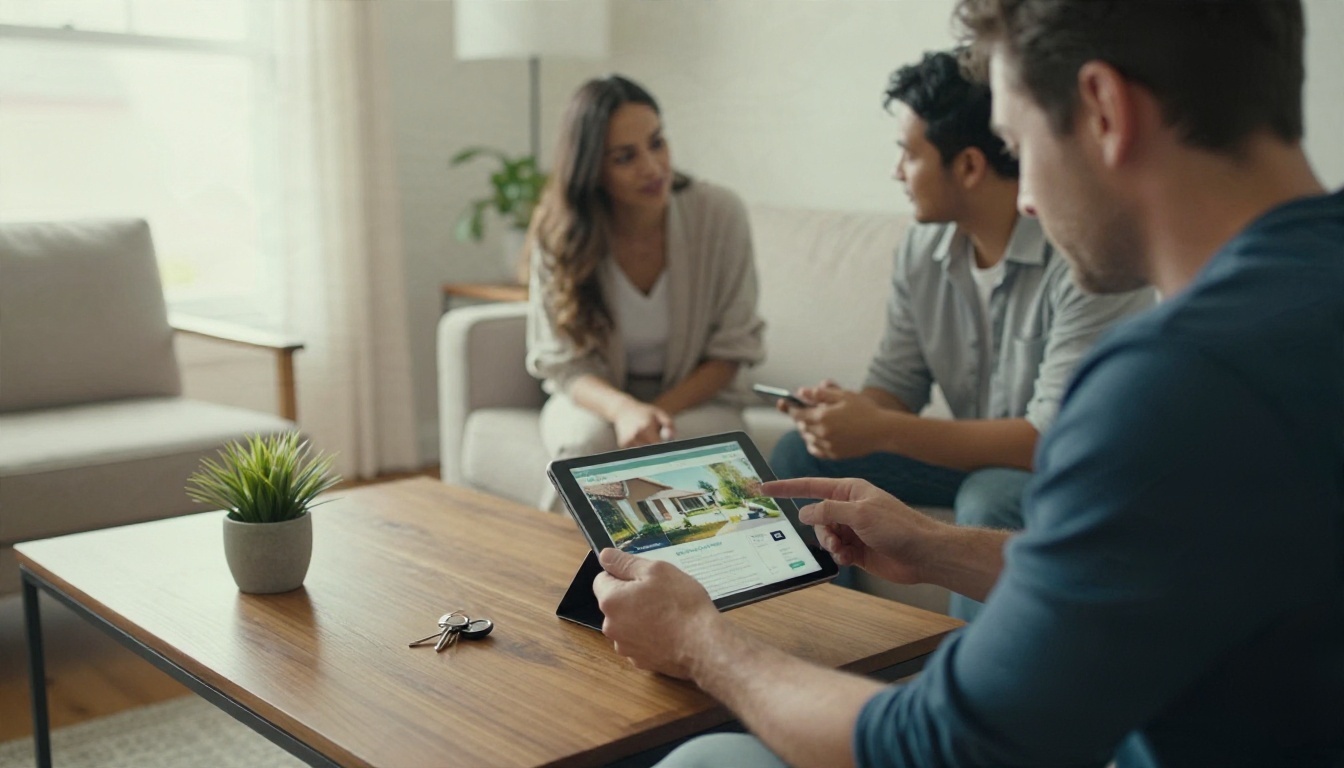
Agents often present property details on a tablet during a viewing, then send the same link afterward. The flipbook keeps floor plans, photos, and pricing in a single shareable object. The Real Estate Brochure Creator gives agents a template for this.
Use Cases at a Glance
Plenty of services offer a free flipbook maker, and they are not all equal. The free tier is usually a trial with limits, so it pays to check what you give up before you publish something customers will see.
What Free Usually Means
Common limits on free plans include:
- A watermark or promotional badge on every page.
- A cap on the number of flipbooks or pages.
- Public links only, with no password option.
- No analytics and no way to download for offline use.
- Ads or a branded landing page around your publication.
⚠️ Watch out: a watermark on a client-facing catalog looks unprofessional. Check the exported result before you share the link.
Side by Side
The table below shows the typical shape of what you get at each level. Exact limits change, so confirm on each provider's page, and review the current Flipbooks AI pricing for specifics.
| Capability | Typical free tool | Entry paid plan | Professional tier |
|---|
| Watermark | Often present | None | None |
| Number of flipbooks | Few | Unlimited on Flipbooks AI Standard and up | Unlimited |
| Custom branding | Limited | Yes | Yes |
| Password protection | Rare | Yes | Yes |
| Embed videos and audio | Sometimes | Yes | Yes |
| Offline download | Rare | Yes | Yes |
| Analytics and lead capture | No | Basic or none | Yes |
Mobile Behavior Matters
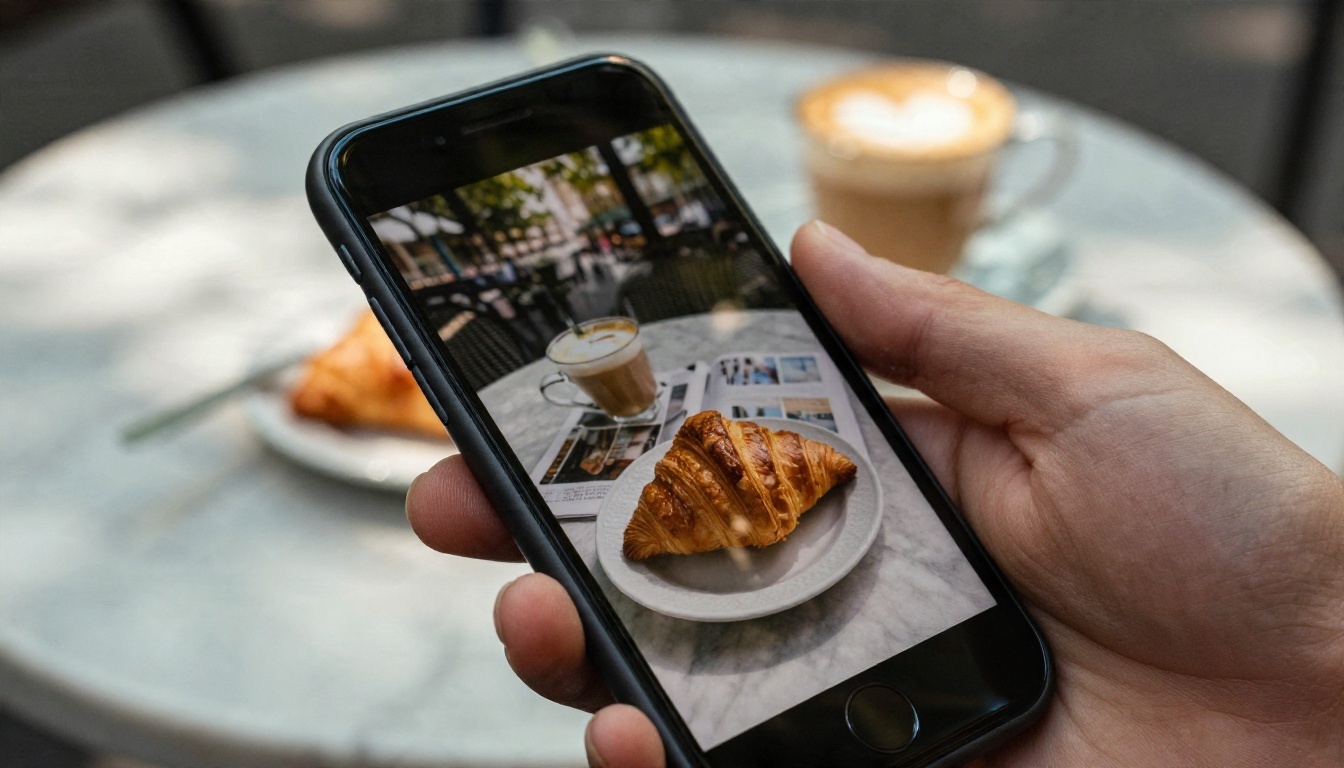
More than half of readers will open your link on a phone, so test it there. A good viewer switches from a two-page spread to a single page on small screens, keeps text legible, and responds to swipes instead of tiny arrow buttons.
How to Create a Flipbook with Flipbooks AI
Now let's put the theory into practice. Here is the full workflow, from file to shareable link, using Flipbooks AI. You can follow along with any PDF: a menu, a brochure, or a portfolio.
Upload Your PDF
- Go to Flipbooks AI and create an account.
- Click the upload button on your dashboard and pick your PDF. If you want a dedicated page for this step, the PDF to Flipbook Converter does the same job.
- Wait for conversion. Each page is processed into images, and you will see a preview once it finishes.
💡 Pro tip: export your PDF at 150 to 200 DPI with fonts embedded. Sharper source files produce crisper zoom, and embedded fonts prevent odd substitutions.
Style and Brand It
In the editor, adjust the elements that make the flipbook feel like yours:
- Colors and background: match your brand palette or use a neutral backdrop.
- Logo: add it to the toolbar so every viewer sees your brand.
- Page effects: choose the curl style, speed, and sound.
- Multimedia: attach video, audio, or links to individual pages.
Because Flipbooks AI never adds watermarks, the result looks like your own publication from the first page.
Share and Protect It
Once you are happy with the preview, choose how readers will access it:
- Direct link: paste it into an email, chat, or social post.
- Embed code: place it inside a page with the Embed Flipbook on Website option.
- Password protection: limit access to clients, staff, or investors.
- Offline download: let readers save a copy for later.
✅ Best practice: use password protection for pricing sheets and internal reports, and a public link for anything meant to attract new customers.
Pro Features Worth Using
On the Professional plan, you get analytics and lead generation. You can see how many people opened the flipbook, which pages held attention, and where readers dropped off. A lead form placed before the first page captures names and emails, which is useful for gated catalogs and reports. Check the pricing plans to see which tier fits.

Common Mistakes to Avoid
Most weak flipbooks fail for the same few reasons. Check this list before you publish.
Tiny Text on Phones
Designs made for A4 print can be hard to read on a six-inch screen. Use body text of at least 11 to 12 points, and keep columns narrow.
Huge Source Files
A 200 MB PDF will slow conversion and loading. Compress images before export, aiming for a few MB per ten pages.
Skipping the Links
A flipbook without links is just a nicer PDF. Add clickable buttons for products, booking pages, and contact details. Every page should offer a next step.
Forgetting to Test Sharing
Open your link in a private window and on a phone. Confirm that the password prompt, embed, and download all behave the way you expect.
| Mistake | Impact | Quick fix |
|---|
| Small text | Readers leave early | Increase font size |
| Heavy files | Slow load | Compress images |
| No links | Lost clicks | Add page buttons |
| Untested embed | Broken layout | Preview on mobile |
| Public sensitive file | Data exposure | Add a password |
Your Next Flipbook Starts Here
So, how does a flipbook work? It splits your PDF into optimized page images, draws them in a viewer, and uses a fold calculation with shadows and easing to fake the physics of paper. The rest is practical: clean source files, good links, and a sharing method that fits your audience.
Ready to see it in action? Get started for free on Flipbooks AI, browse all available flipbook tools and templates, or compare plans and features to find the right fit for your catalog, menu, or portfolio.



