You have a PDF that nobody opens. Maybe it is a catalog, a menu, a report or a portfolio, and the download numbers say people skip it. An online flipbook fixes that by turning the same file into a page-turning experience that loads in the browser, works on a phone and looks like a real publication. With Flipbooks AI, the whole process takes a few minutes, and this article shows you exactly how to do it, which free tools are worth your time, which templates fit which job, and how to put the finished flipbook on your website.
What an Online Flipbook Really Is
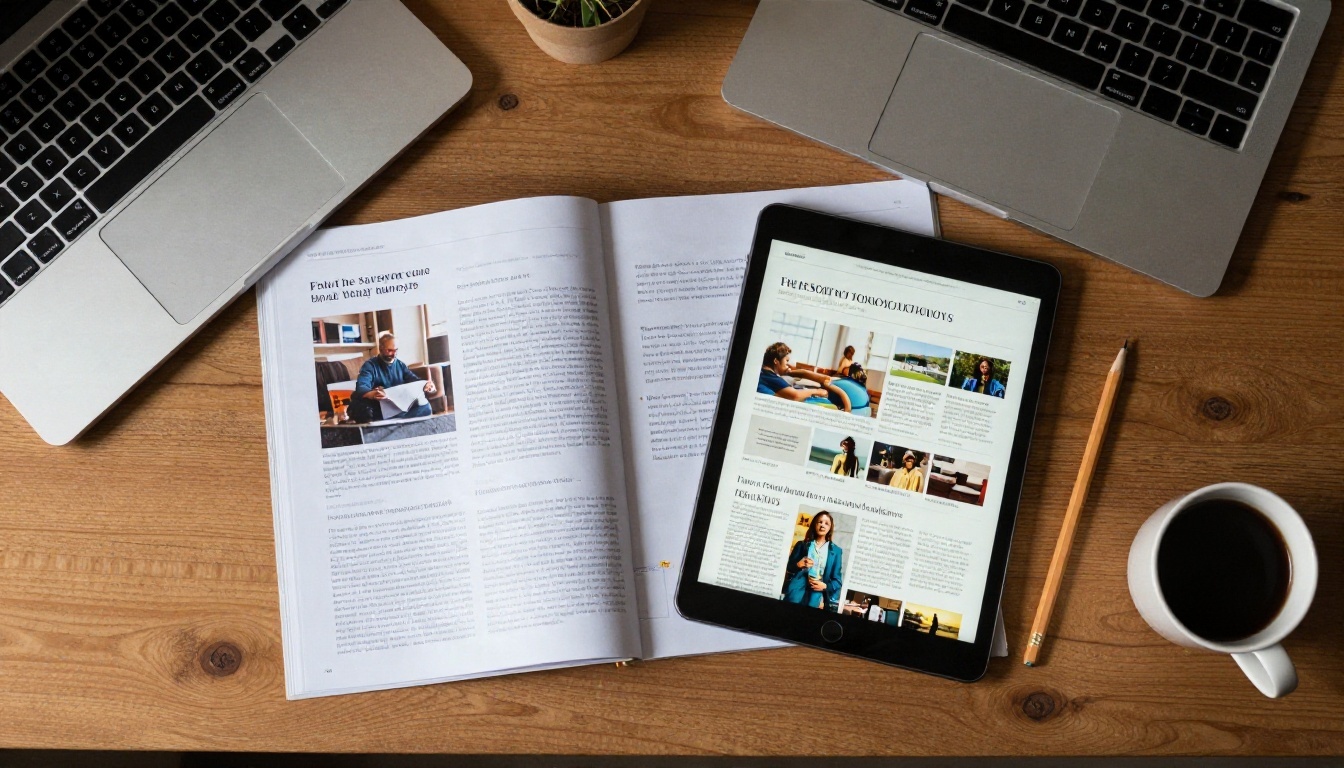
An online flipbook is a digital publication that mimics a printed book or magazine. Readers see pages, click or swipe to turn them, zoom into details and share a link. Behind the scenes, the platform converts your PDF into optimized page images and wraps them in a viewer.
Flipbook vs. Plain PDF
A PDF is a file. A flipbook is an experience. That difference shows up in the numbers you care about: time on page, shares and completed reads.
| Feature | Plain PDF | Online Flipbook |
|---|
| Opens in browser instantly | Often needs a download | Yes |
| Page-turn effect | No | Yes |
| Mobile friendly | Pinch and scroll | Responsive viewer |
| Embedded video and audio | Rarely works | Supported |
| Reader analytics | None | Available on higher plans |
| Shareable short link | No | Yes |
| Update without resending | No | Yes |
Who Actually Needs One
Almost anyone who sends a multi-page document. Restaurants, real estate agents, fashion brands, schools, photographers, consultants and non-profits all publish flipbooks. If your file has more than four pages and a visual identity, a flipbook will make it look more professional than an attachment.
💡 Quick test: if you have ever emailed a PDF and wondered whether anyone opened it, you need a flipbook with analytics.
Search for a free flipbook maker and you will find dozens. Most follow the same pattern: a free tier that lets you try the product, then limits that push you toward a paid plan. Knowing those limits before you start saves you from rebuilding a project halfway through.
The Watermark Trap
The most common catch is branding. Many free plans stamp the maker's logo on every page or on the viewer toolbar. For a personal project that may be fine. For a client proposal or a restaurant menu, it looks careless. Other limits to watch for:
- Page caps, often 10 to 30 pages per flipbook
- File size limits that reject image-heavy PDFs
- Expiring links that quietly stop working after a trial
- Locked embed codes that only appear on paid tiers
- Public-only visibility with no password option
Free vs. Paid at a Glance
| What to check | Typical free tier | What you want |
|---|
| Watermark | Present | None, ever |
| Number of flipbooks | 1 to 3 | Unlimited |
| Custom colors and logo | Limited | Full branding |
| Embed on your site | Sometimes locked | Included |
| Password protection | Paid only | Available |
| Analytics | None | Page views and reader behavior |
| Offline download | No | Yes |
Flipbooks AI takes a different approach: no watermarks, ever, and unlimited flipbooks from the Standard plan up. You can compare the plans on the pricing page before you commit to anything.
⚠️ Warning: always open a flipbook on your phone before sending it to a client. Some free tools look fine on desktop and break on mobile.
Pick a Template That Fits
A template is a head start, not a limit. The right one saves you hours of layout work because the page proportions, typography and visual rhythm already suit the content.
Match Format to Goal
Start with what the reader should do after the last page. Buy, book, call, sign up or simply remember you. Then choose a format built for that action.
You can browse every option in the tools directory.
Design Basics Before You Export
Your flipbook can only be as good as the PDF behind it. Before uploading, check these points:
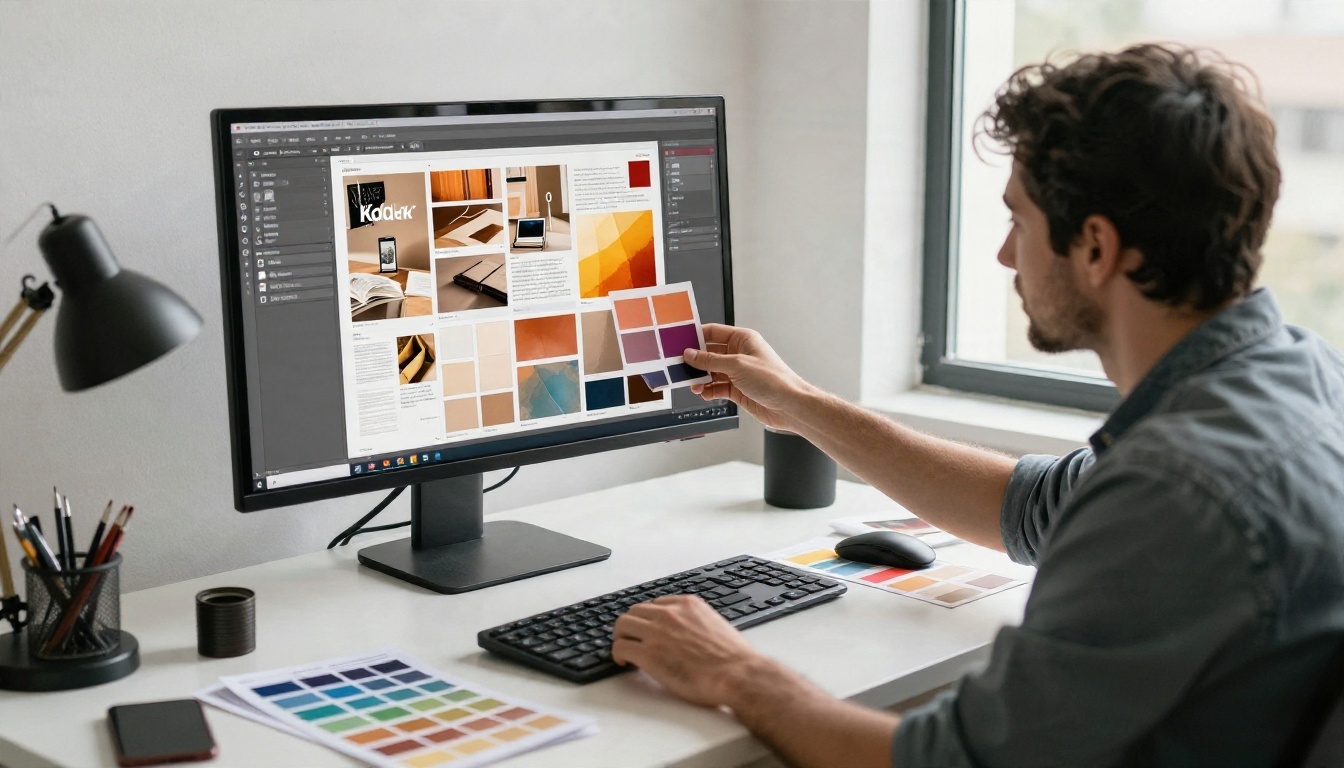
- Export at the right size. A4, US Letter or a square format all work. Pick one and keep every page the same.
- Use high-resolution images. 150 to 200 DPI is enough for screen reading.
- Keep text large. Body copy under 10 pt becomes hard to read on a phone.
- Leave margins. The page-turn effect crops nothing, but generous margins feel better.
- Name your file clearly. The title often becomes the default flipbook name.
How to Create a Flipbook with Flipbooks AI
This is the full workflow, from file to finished publication. You do not need design skills, only a PDF. If you do not have one yet, export it from Canva, InDesign, Word, Google Slides or any tool that saves to PDF.
Step 1: Upload Your PDF
Go to Flipbooks AI, sign in or create an account, and choose to create a new flipbook. Drag your PDF into the upload area. The platform converts each page into a crisp, fast-loading image and builds the viewer automatically. For long documents, conversion can take a short while, so keep the tab open.
If you want a one-purpose entry point, the PDF to Flipbook Converter does exactly this.
💡 Pro tip: compress oversized PDFs before uploading. A 200 MB file with 300 DPI photos will load slowly for readers on mobile data.
Step 2: Customize the Look
Once the pages appear, open the design settings. Here is what you can adjust:
- Branding: add your logo and use your brand colors for the toolbar and background
- Page effects: choose how pages curl, slide or flip
- Background: use a solid color, gradient or image behind the book
- Layout: single page or two-page spread
- Sound: turn the page-turn sound on or off
Keep it simple. A flipbook should feel like your publication, not like a software demo.
Step 3: Add Video, Audio and Links
This is where a flipbook beats a PDF. Add a video to a product page, an audio clip to a restaurant intro or clickable links on a catalog item. Place them where a reader would naturally want more detail. A fashion lookbook with a short runway clip beside each outfit is far more persuasive than still photos alone.
Step 4: Share and Protect
When you are happy with the result, publish and choose how to share it:
| Method | Best for | How it works |
|---|
| Direct link | Email, social posts, messages | Copy the short URL |
| Embed code | Websites and landing pages | Paste an iframe snippet |
| QR code | Print, packaging, table tents | Scan to open on a phone |
| Password protection | Private proposals, internal reports | Readers enter a password |
| Offline download | Trade shows, poor connections | Save a copy for later |
Step 5: Pro Features That Pay Off
On the Professional plan you get analytics and lead generation. Analytics show which pages hold attention and where readers leave. Lead generation can ask for an email address before someone opens the flipbook, which is ideal for gated reports and sales material. See what is included on the pricing page.

✅ Best practice: check analytics one week after publishing. If readers drop off on page 3, move your strongest content earlier.
Real Examples You Can Copy
Theory is fine, but examples show you what to build. Here are three setups that work well.
Restaurant Menus
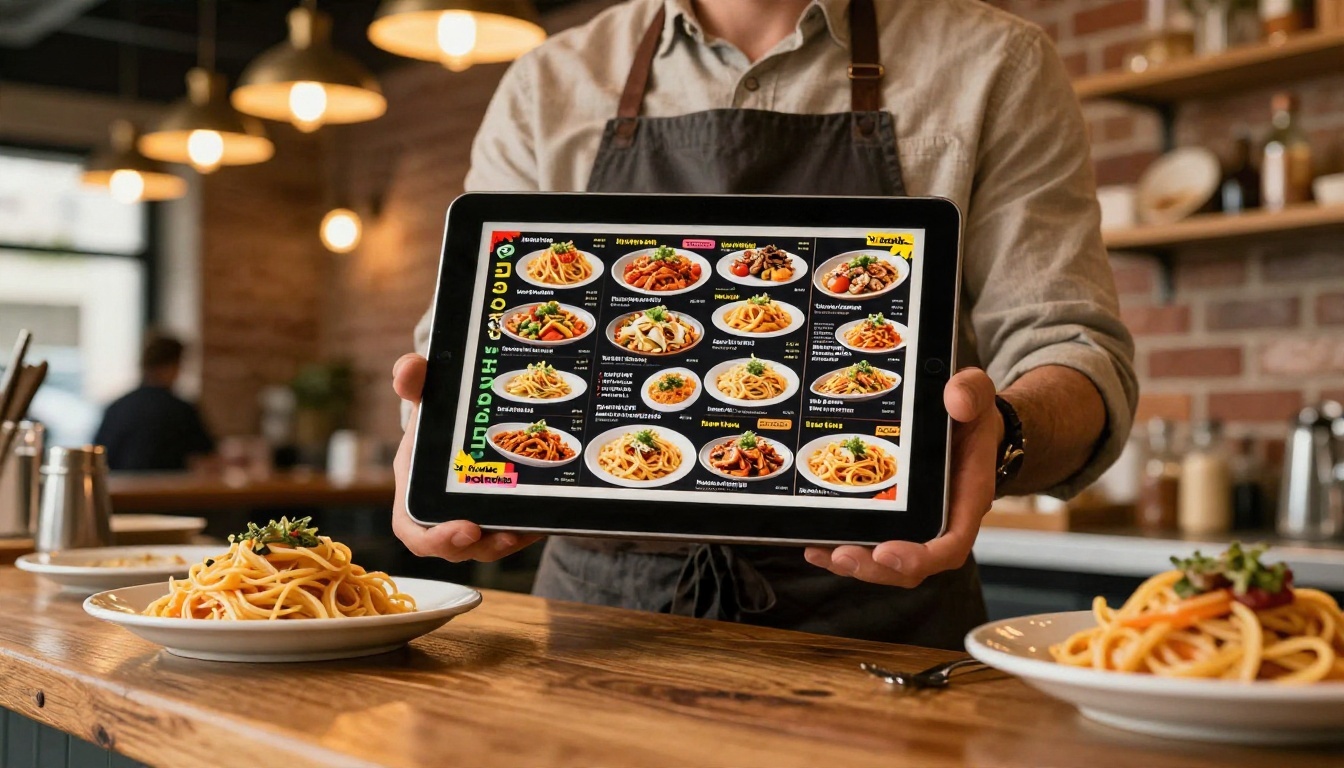
A restaurant owner can export the menu as a PDF, upload it and print a QR code for every table. Updating a price means replacing the file, and the same link and QR code keep working, so there is no reprinting. Add a short video of the kitchen, or a clickable link to the reservation page on the last spread. The Restaurant Menu Creator and the Menu Flipbook Designer are built for exactly this.
Real Estate Brochures
Agents can send a property brochure to a buyer as a link rather than a heavy attachment. The buyer flips through photos on a phone, taps a link to book a viewing and can share it with a partner in seconds. Pair the brochure with a password if it contains pricing meant for a single client. Start with the Real Estate Brochure Creator or the Hotel Brochure Designer for hospitality.

Photography Portfolios
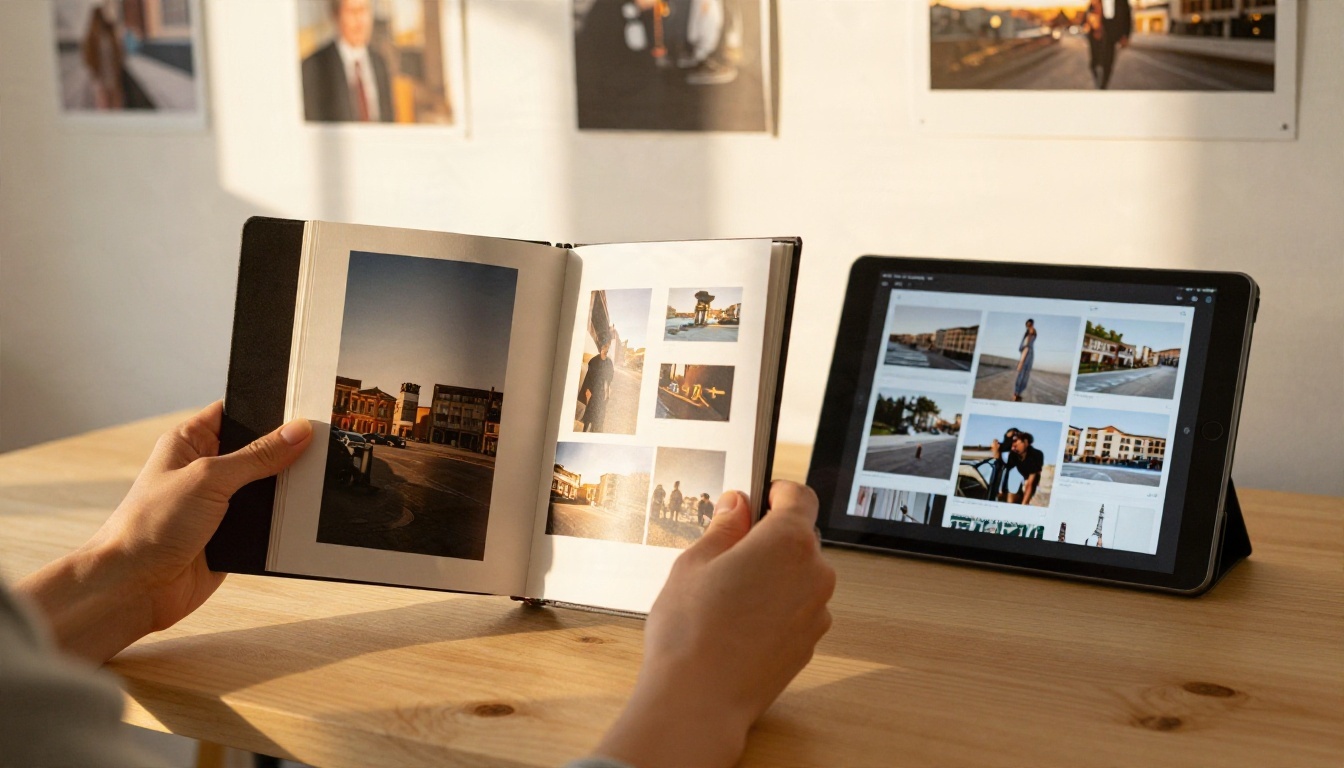
Photographers want pages that feel like a printed album. A flipbook delivers that feel and removes the need to ship a physical book to every prospect. Send a private link to a wedding client or embed a public portfolio on your site. The Photography Portfolio and Wedding Album Flipbook tools are good starting points.
More Ideas Worth Trying
Embed Options for Any Website
Publishing a flipbook is only half the job. People need to find it, and the best place is often your own site. The Embed Flipbook on Website tool covers the process, and the basics are below.
Iframe Embed Code
Most embeds use an iframe. Copy the code from the share menu and paste it into your page. A typical snippet looks like this:
<iframe src="YOUR-FLIPBOOK-LINK" width="100%" height="600" allowfullscreen></iframe>
Replace the link with your own, then adjust the height to suit your layout. Setting width to 100% keeps the viewer responsive.
Where It Works
| Platform | How to embed |
|---|
| WordPress | Add a Custom HTML block and paste the code |
| Wix | Use the Embed a Site or HTML iframe element |
| Squarespace | Insert a Code block with the snippet |
| Shopify | Paste into a page or section via the HTML editor |
| Webflow | Drag an Embed element and paste the code |
| Plain HTML | Paste inside your page body |
Direct Links and QR Codes
Not everything belongs on a web page. Use the short link in emails, bios and social posts. Turn the link into a QR code for flyers, packaging and shop windows. Because the QR code points to the same URL, updating the flipbook never breaks printed material.
Password Protection
For client proposals, internal reports or paid content, switch on password protection. Share the link in one message and the password in another. Only people with both can read it.

💡 Mobile check: more than half of readers will open your link on a phone. The viewer is mobile-responsive, but test your embed height so it does not leave awkward empty space.
Mistakes That Ruin Flipbooks
A good tool cannot rescue a careless file. These are the errors that show up again and again.
Oversized or Blurry Files
Huge PDFs load slowly, and tiny ones look soft. Aim for a middle ground: sharp images, compressed sensibly, under a size that opens quickly on 4G.
Ignoring the First Page
The first page is your storefront. Use a strong image, a clear title and one line telling readers what they get. Skip the long table of contents on page one.
No Next Step
Every flipbook needs a call to action on the last page. A booking link, a phone number, a shop URL. Without it, the reader finishes and leaves.
Forgetting to Update
An outdated flipbook is worse than none. Set a reminder to review prices, dates and contact details. Replacing the file keeps your link and embed intact.
Ready to Publish Yours?
You now have everything you need: a PDF, a template choice, a clear workflow and an embed plan. Most people finish their first flipbook in under ten minutes.
- Create your account and upload your first PDF.
- Pick a format from the tools directory that matches your goal.
- Customize your colors and add a logo, with no watermark on any plan.
- Share the link, embed it or print a QR code.
- Compare pricing plans when you want analytics, lead capture and unlimited flipbooks.
Ready to see your PDF turn into a real publication? Get started for free on Flipbooks AI and publish your first flipbook today.



