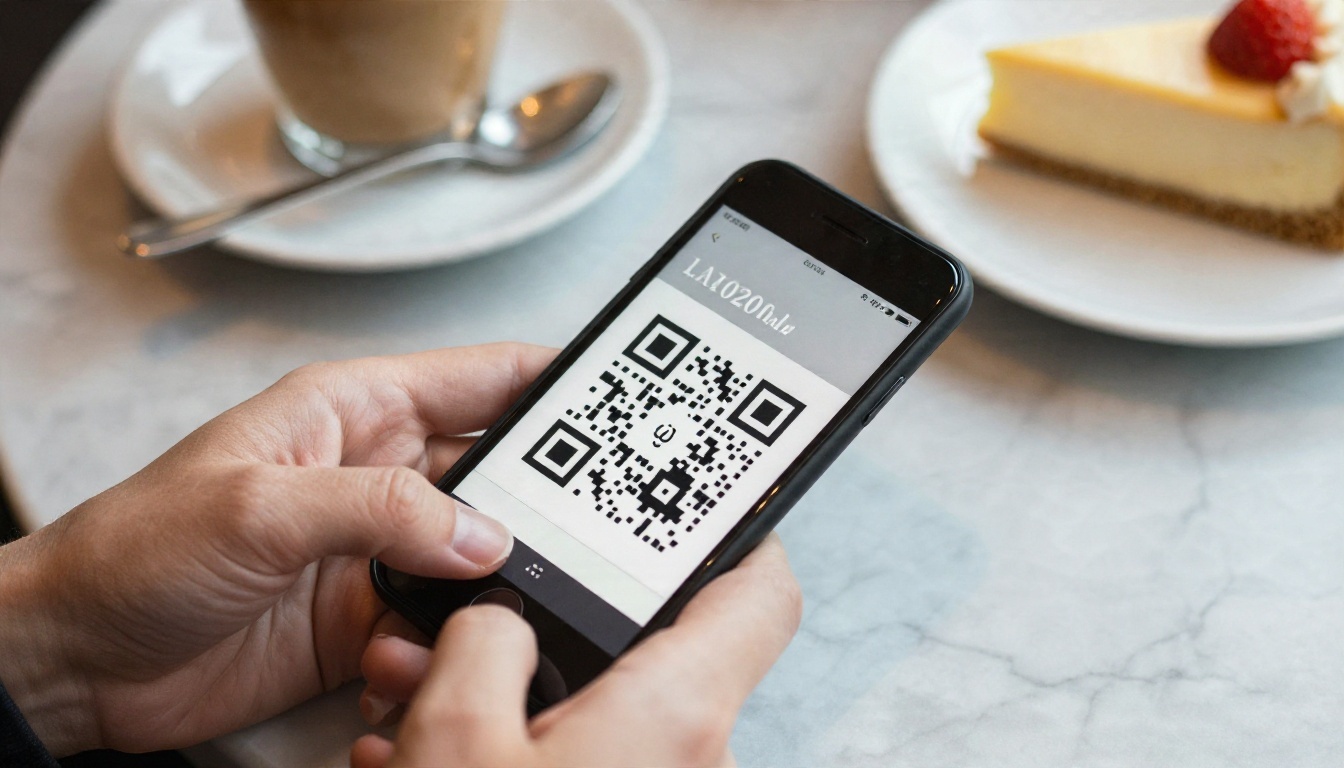
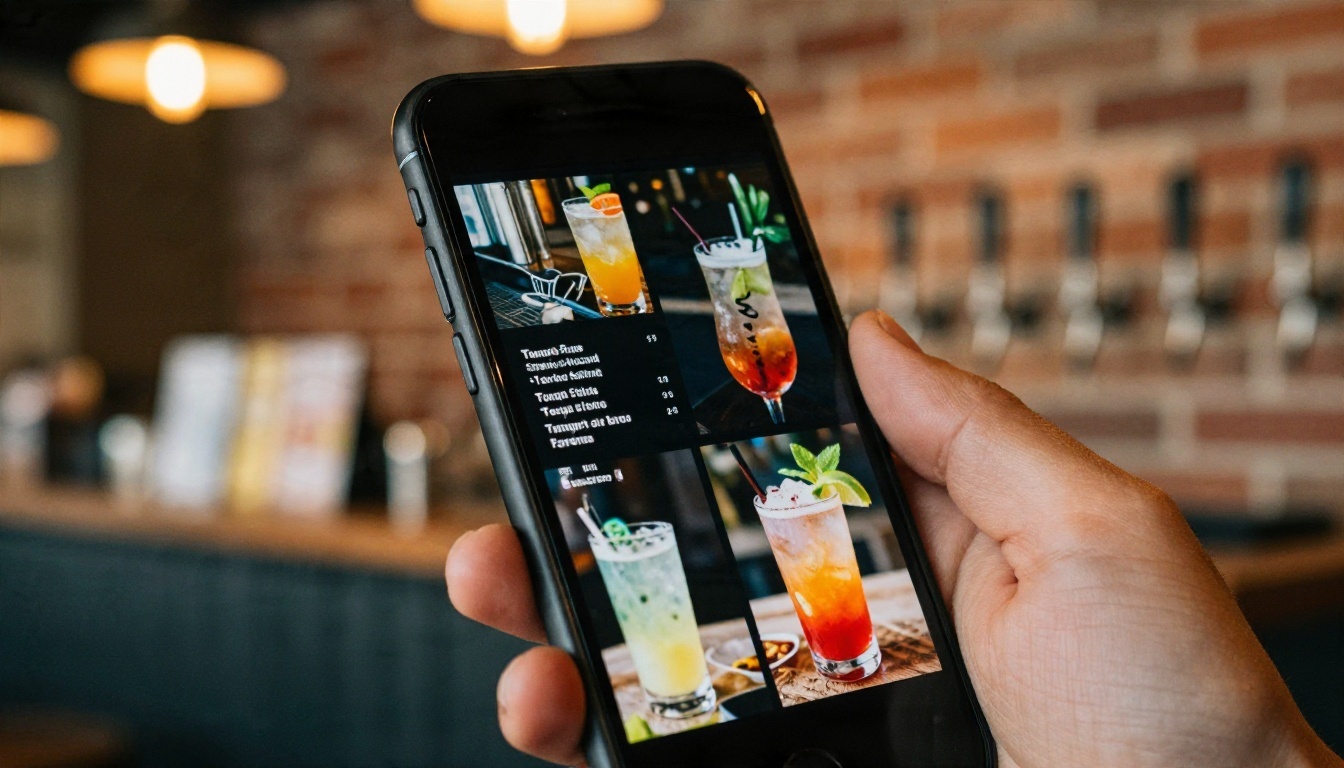
A guest sits down, points a phone at a small square on the table, and your full menu opens in two seconds. No laminated sheets to wipe, no reprint when the oat milk price changes, no "sorry, that's sold out" after they have already decided. That is what an online digital menu does for a cafe or bar, and you can have one running before your next opening shift. With Flipbooks AI you can even turn your existing PDF into a page-turning menu that works on every phone.
This article walks through the whole process: how QR menus work, a step-by-step setup, which free options are worth your time, real examples for cafes and bars, and the mistakes that quietly cost you orders.
An online digital menu is simply your menu living at a web address instead of on paper. A QR code is the shortcut: the guest scans it, and their phone opens that address. Nothing to download, no app store, no account.
Three Formats You Can Choose
Not every digital menu is built the same way. The format you pick decides how it looks on a small screen and how painful it is to update.
| Format | Looks on phone | Update effort | Best for |
|---|
| Plain PDF link | Tiny text, pinch and zoom | Re-upload the file | Quick stopgap |
| Web page menu | Good, scrolls like a site | Edit in a builder | Larger menus with photos |
| Flipbook menu | Page-turn feel, sharp text | Replace the PDF, link stays | Cafes and bars that care about design |
A plain PDF is the fastest to publish and the hardest to read. A flipbook keeps your layout, fonts, and photography intact, which matters when your brand is part of the experience.
Why Cafes and Bars Are Switching
- Instant price changes. Espresso cost went up? Edit once, every table updates.
- Zero reprint costs. Seasonal drinks, happy hour specials, and guest taps change often. Paper does not keep up.
- Faster tables. Guests browse while you pour the first round.
- Better photos. A tasting-note photo of a cocktail sells more than a line of text.
- Cleaner counters. No sticky, worn menus.
💡 Pro tip: Keep your QR code pointing to one permanent link. You change the menu behind it, never the code on the table.
QR Code Setup in Six Steps
Here is the order that saves the most headaches. Do it once, and the physical part never needs touching again.
Prepare the Menu File
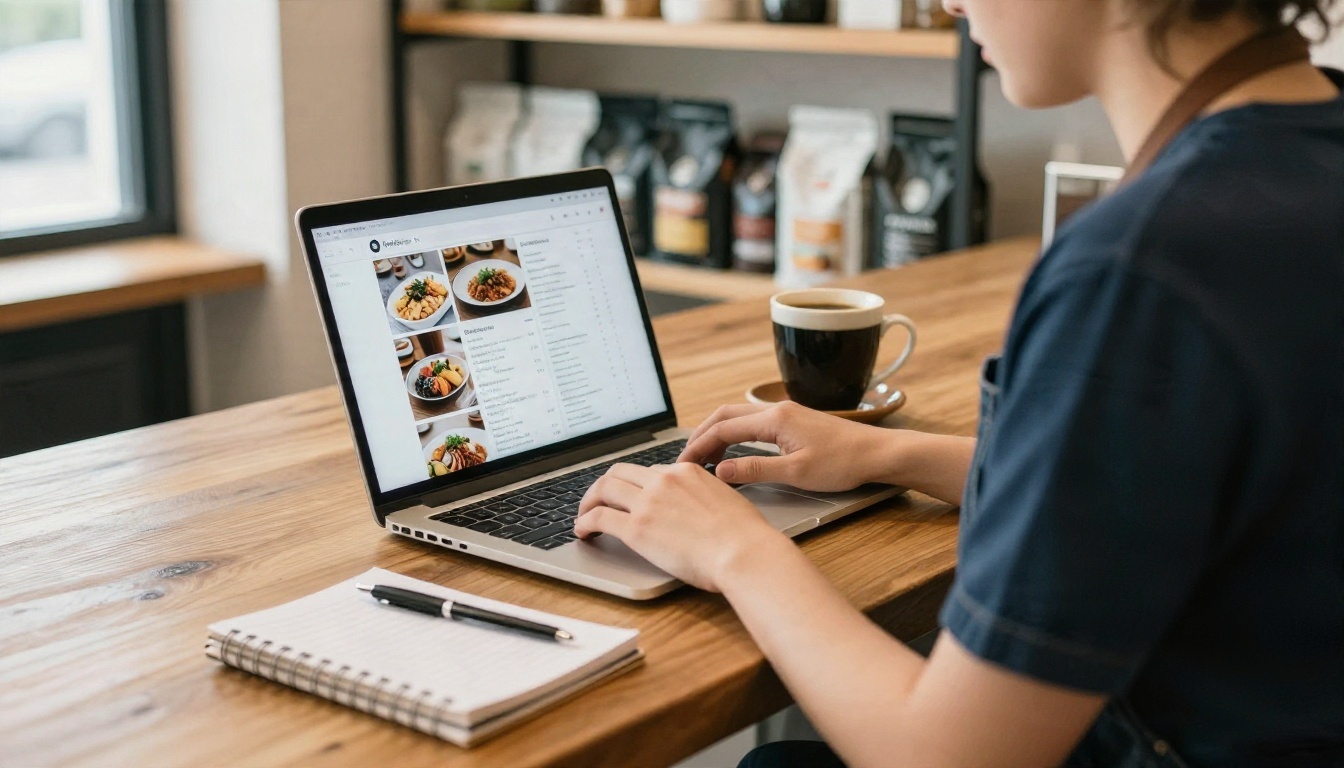
Start with a clean source. If you already have a designed menu, export it as a PDF. If not, build one in any design tool or use the Restaurant Menu Creator.
Checklist before you export:
- Text at least 11 pt so it stays legible on a phone.
- Prices aligned in one column, easy to scan.
- Allergen and dietary icons placed consistently.
- Photos compressed, but not blurry.
- A short drinks section near the top for bars, a "morning" section first for cafes.
Generate the QR Code
You need a QR code that points to your menu link. There are two types, and the difference matters.
| Type | How it works | Risk |
|---|
| Static | The link is baked into the pattern | If the link changes, you must reprint |
| Dynamic | The code points to a redirect you control | Depends on a service staying online |
If your menu link is permanent, a static code is perfectly fine. A flipbook link stays the same when you replace the PDF, so static works well here and costs nothing.
⚠️ Warning: Avoid generators that make free codes expire after a trial. A dead code on forty tables is a bad Saturday.
Print, Place, and Test
Print the code at least 3 cm (about 1.2 inches) wide with a generous white border. High contrast is critical: dark code, light background. Skip glossy finishes that bounce light back at the phone camera.
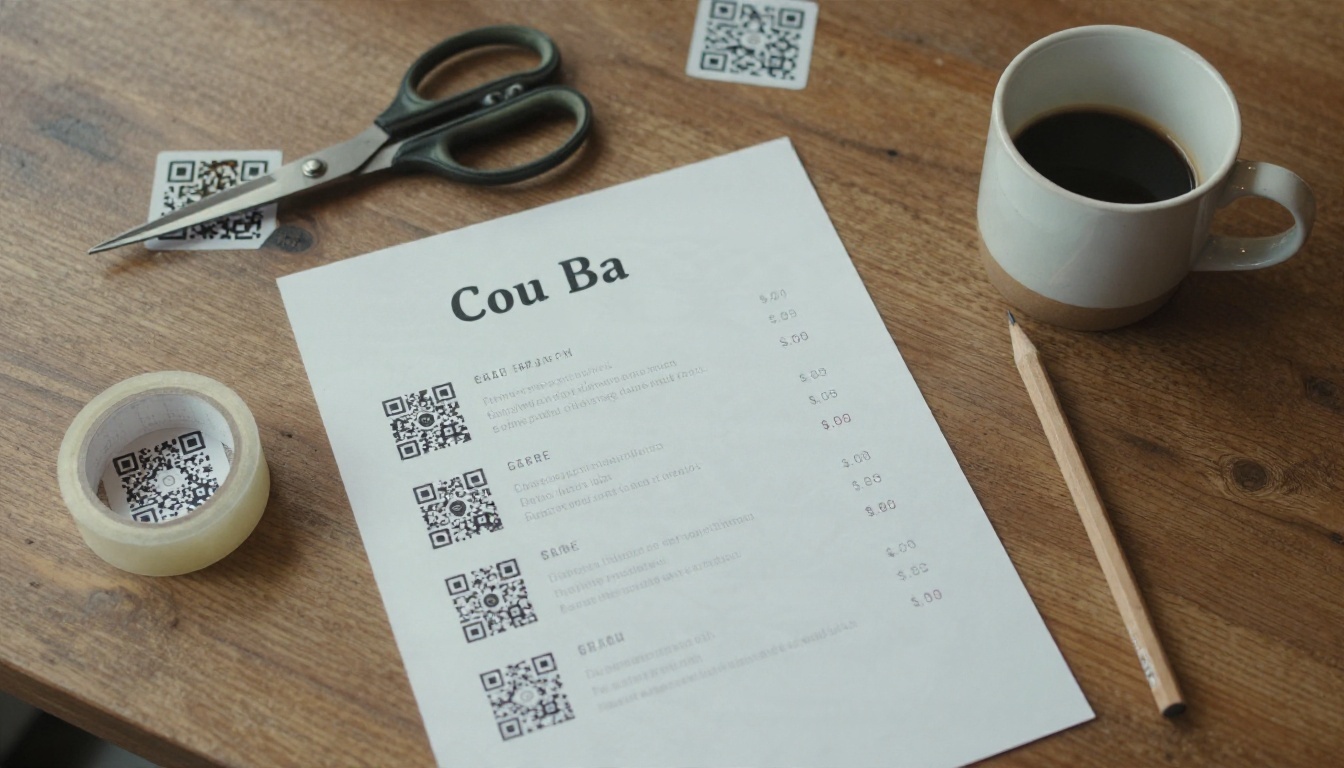
Test like a guest, not like the owner:
- Scan from a standard seat, not while leaning over the table.
- Try an iPhone and an Android phone.
- Try on mobile data, not only your cafe Wi-Fi.
- Scan in the dimmest corner of the room.
- Hand the phone to a regular and watch them do it.
✅ Best practice: Add a short line under the code such as "Scan for menu" and a printed web address. Some guests do not scan, and some phones struggle in low light.
Free Options Worth Trying
You can launch with zero budget. The trick is knowing where free stops being useful.
Free QR Generators and Menu Builders
Most free generators create a static code with no sign-up. That is enough for one menu link. For the menu itself, free builders usually fall into three groups:
- Template web menus, quick to launch, limited design control.
- Document hosting, where you upload a PDF and receive a link.
- Flipbook converters, where the PDF to Flipbook Converter turns your file into a page-turning menu.
Pricing and limits change often, so check each plan page before you print anything.
Where Free Runs Out
| Need | Free tier usually | Paid tier usually |
|---|
| Remove watermark | Often watermarked | Clean output |
| Custom branding and colors | Limited | Full control |
| Several menus (food, drinks, brunch) | One or two | Unlimited |
| Scan and view analytics | None | Included |
| Password-protected private menus | Rare | Available |
The usual trap: free tools that put their logo on your menu, or that cap how many menus you can publish. A cafe with breakfast, lunch, and a bar menu hits that wall fast. Compare pricing plans before committing, and look for no watermarks as a baseline.
💡 Pro tip: Run a free test for a week at two tables. If guests use it without asking staff for paper, roll it out everywhere.
Build Yours with Flipbooks AI
If you want a menu that looks designed rather than dumped into a template, a flipbook is the cleanest route. Here is how to create an online digital menu on Flipbooks AI.
Step 1: Sign Up and Upload
- Go to Flipbooks AI and create an account.
- Click to create a new flipbook and upload your menu PDF.
- The platform converts every page into a responsive flipbook within moments.
The Menu Flipbook Designer is built for exactly this: multi-page food and drink menus that keep their layout on a small screen.
Step 2: Customize the Look
In the editor you can set:
- Branding: your logo, brand colors, and a custom background that matches your room.
- Page effects: page-turn animation and sound, or a clean slide.
- Multimedia: add a short clip of the espresso pour or a track of ambient music, with embedded video and audio.
- Links: make a drink name open a pairing page, or a button open your reservation form.
Everything is mobile-responsive, so one file works on a phone, a tablet, and the TV by the door.
Step 3: Share and Protect
| Sharing option | Use it for |
|---|
| Direct link | The destination of your table QR code |
| Embed code | Your website, via Embed Flipbook on Website |
| Password protection | Staff-only cost sheets or private event menus |
| Offline download | Guests who want the PDF for later |
Paste the direct link into any QR generator, print it, and place it on your tables. When prices change, replace the file and the link stays the same, so the tables never need touching.
Step 4: Use the Pro Features
On the Professional plan you get analytics and lead generation. Check which pages guests open, how long they stay on the drinks section, and capture an email for a loyalty offer. Standard plans and above give you unlimited flipbooks, so food, drinks, brunch, and holiday menus each get their own link. See the pricing page for the current plan details.
✅ Best practice: Duplicate your menu flipbook before seasonal changes. Edit the copy, and swap it in on the day the new menu launches.
For a simple price board without any page design, the Digital Price List Generator is another quick option.
Examples for Cafes and Bars
Here is how real venues use the same setup in different ways.
The Neighborhood Cafe
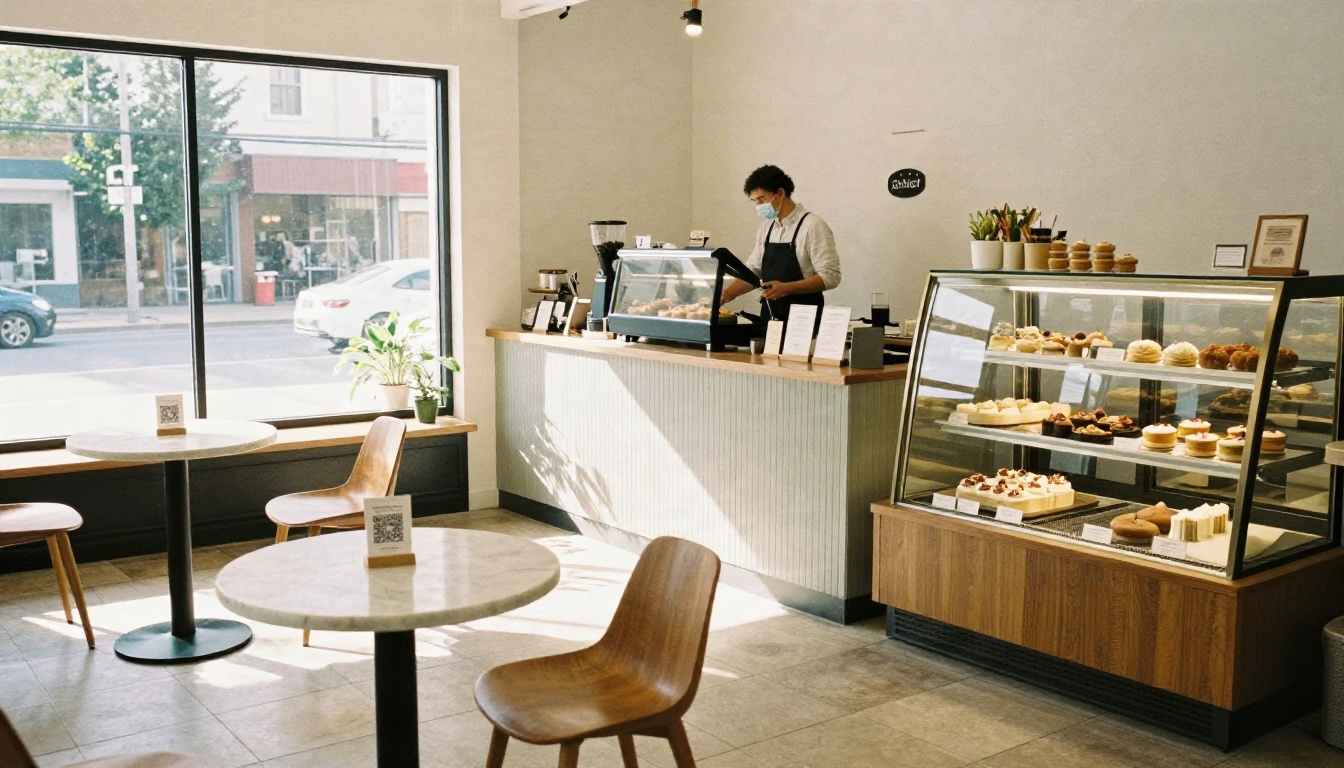
A small bakery cafe with six tables puts one table-tent QR on each table and one sticker on the counter. The menu is a four-page flipbook: breakfast, coffee, pastries, and a "today only" page. The owner swaps the last page every morning before opening. Regulars scan once and bookmark the link.
What works: the daily specials page, a short coffee list with tasting notes, and a prominent oat and lactose-free section.
The Cocktail Bar
A bar leans on photography and ambient lighting, so the menu is dark, elegant, and image-heavy. QR codes are etched on small brass plates fixed to the bar top. The drinks flipbook is organized by spirit, with a pairing note per cocktail.
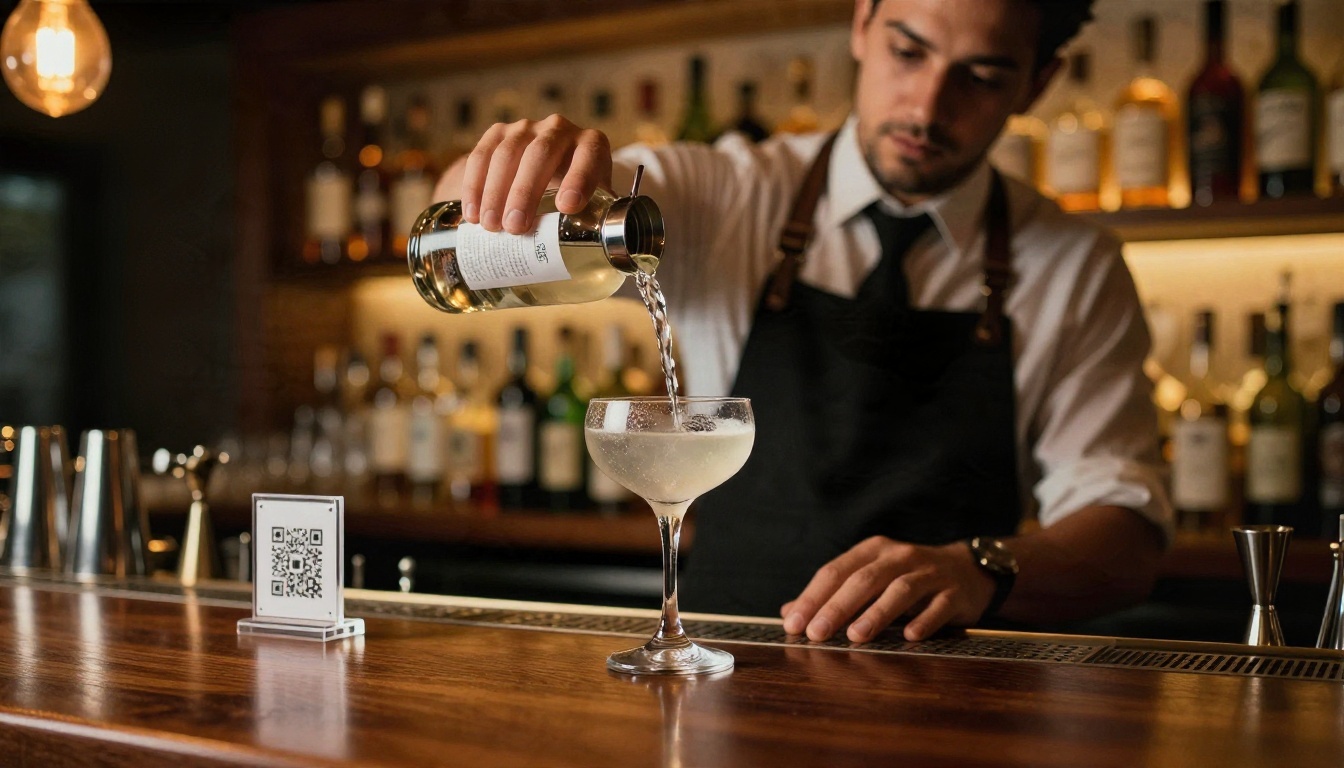
The bar manager updates guest taps and happy hour pricing from a tablet between rushes, which is where a link that never changes pays off.
The Brunch Terrace
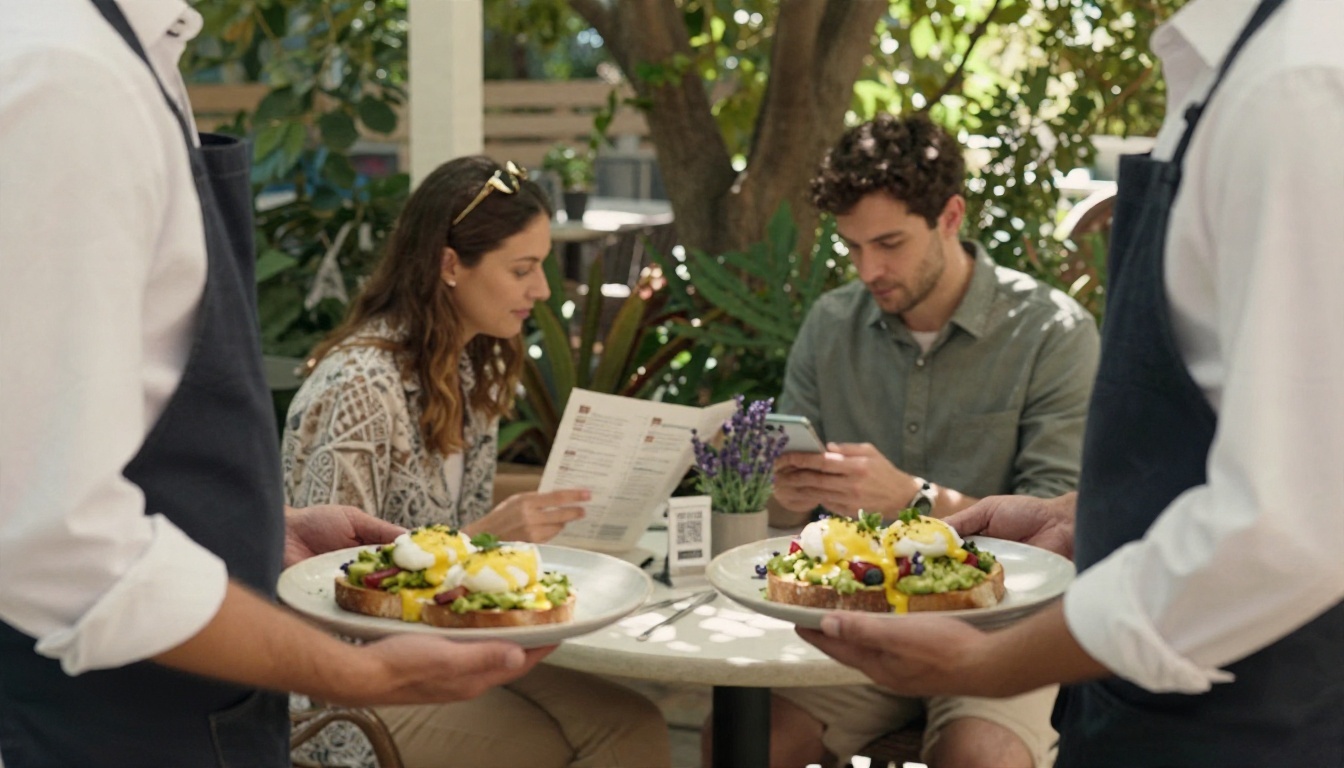
A terrace cafe has two problems: wind and sun glare. Paper menus fly away, and phones struggle in direct light. The fix is a matte, shaded QR stand placed on the table's umbrella side, plus a high-contrast menu theme. The brunch menu is a separate flipbook, linked by a second code placed only on weekend tables.
| Venue type | QR placement | Menu content | Update rhythm |
|---|
| Neighborhood cafe | Table tents, counter sticker | Breakfast, coffee, pastries | Daily |
| Cocktail bar | Brass plates on the bar | Cocktails, pairings, wine | Weekly |
| Brunch terrace | Matte stands, shaded side | Brunch, drinks, specials | Seasonal |
Mistakes That Cost You Orders
Most digital menus fail in small ways. Check yours against this list.
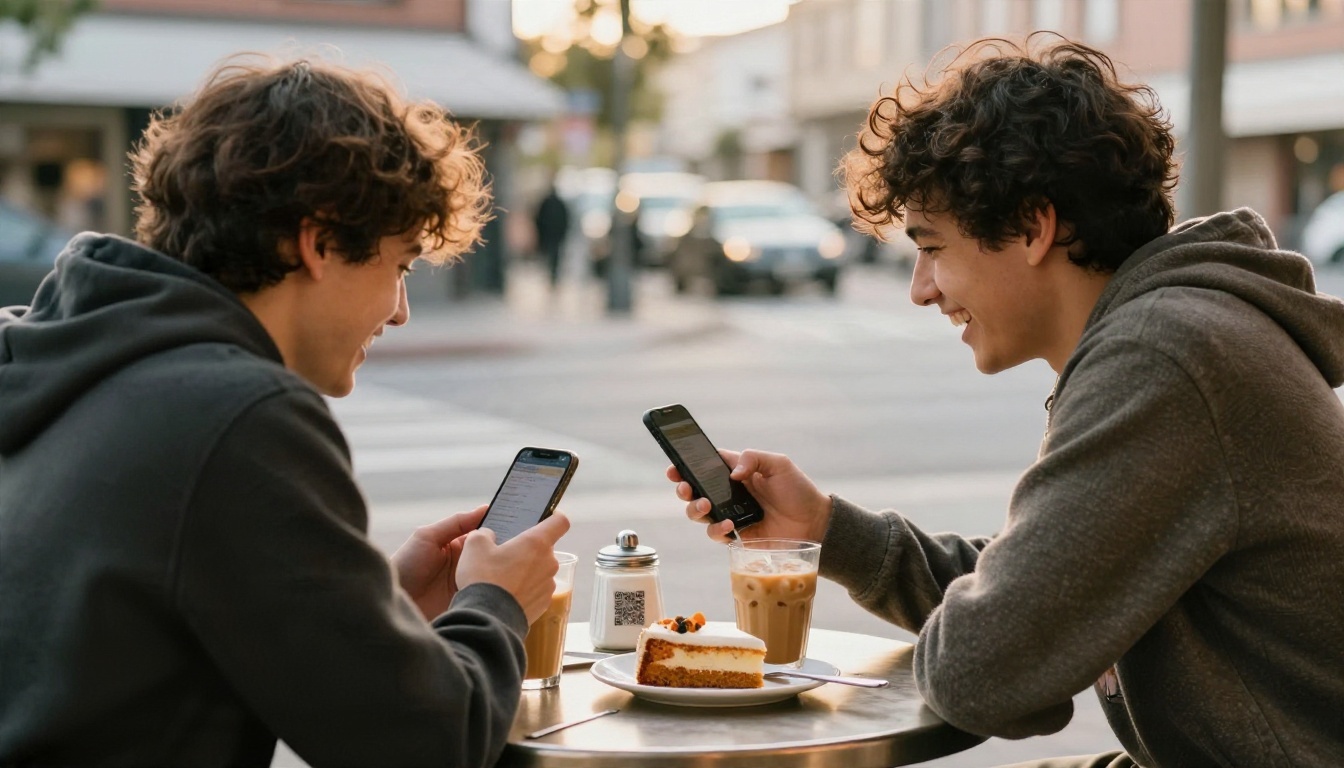
- A tiny, unreadable PDF. If guests must pinch and zoom, they stop reading and ask a server.
- A heavy file. A 40 MB menu on mobile data loads for ten seconds. Compress images before you upload.
- A code that only works on your Wi-Fi. Test on cellular.
- No printed fallback. Keep two or three paper menus behind the bar for guests who prefer them.
- A cluttered first page. Lead with what sells: signature coffee, best-selling cocktails.
- Forgetting allergens. Mark them clearly and consistently, and keep that page current.
- Changing the link. Every new link means reprinting the codes.
| Mistake | What guests experience | Quick fix |
|---|
| Tiny PDF text | Squinting, pinching | Use a mobile-friendly flipbook |
| Heavy images | Slow loading | Compress to web size |
| Dead or expired code | Nothing happens | Use a permanent link |
| No fallback | Frustration, staff interruptions | Keep a few printed copies |
⚠️ Warning: Do not put the QR code only on the door or the counter. Guests decide at the table, so that is where the code belongs.
You already have the hardest part: a menu worth reading. The rest is a PDF, a link, and a printed square.
Publish a first version this week, test it at two tables, and let your guests tell you what to polish next.



