A PDF is perfect for printing and awkward for reading. On a phone you pinch, drag and squint. On a laptop you scroll through a gray wall of pages that feels nothing like a magazine. A PDF flipbook fixes that in a few minutes: the same file becomes a page-turning publication that opens in any browser, loads fast and can sit inside your website. Better still, you can start without paying. With Flipbooks AI you upload a PDF, get a shareable viewer and copy an embed code, and the real question becomes where the free limits sit and when they start to matter.
This article walks through the whole path: how a free online creator works, what the viewer does on different screens, how to embed a flipbook in WordPress, and which restrictions you should expect from free tools in general. Tables, checklists and real examples are included so you can decide quickly.
What a Free PDF Flipbook Really Is
A flipbook is a web version of a document that mimics a printed book. Pages sit side by side, corners curl, and readers turn them with a click, a swipe or an arrow press. Behind the scenes, the tool reads your PDF, renders every page as an optimized image or vector layer, and wraps it in a lightweight viewer.
How the Conversion Works
The process is simpler than it looks:
- You upload a PDF, usually up to a size limit set by the plan.
- The service splits it into individual pages and compresses them for the web.
- A viewer is generated with page-turn animation, zoom, a table of contents and a share button.
- You receive a public link and an embed snippet.
The original PDF stays untouched. If you update the file later, you replace it and the link usually stays the same, which is handy for price lists and menus that change every month.
💡 Pro tip: Export your PDF at 150 DPI with fonts embedded. It keeps text sharp while the file stays small enough for fast loading.
Who Uses Free Flipbooks
Free flipbooks are not only for hobbyists. Small teams use them to test an idea before committing budget. Common examples:
- Freelance designers sharing portfolio proofs with clients.
- Restaurants publishing a seasonal menu through a restaurant menu creator.
- Teachers distributing workbooks and handouts.
- Real estate agents sending property brochures to buyers.
- Nonprofits presenting annual summaries to donors.
How to Create a Flipbook Online
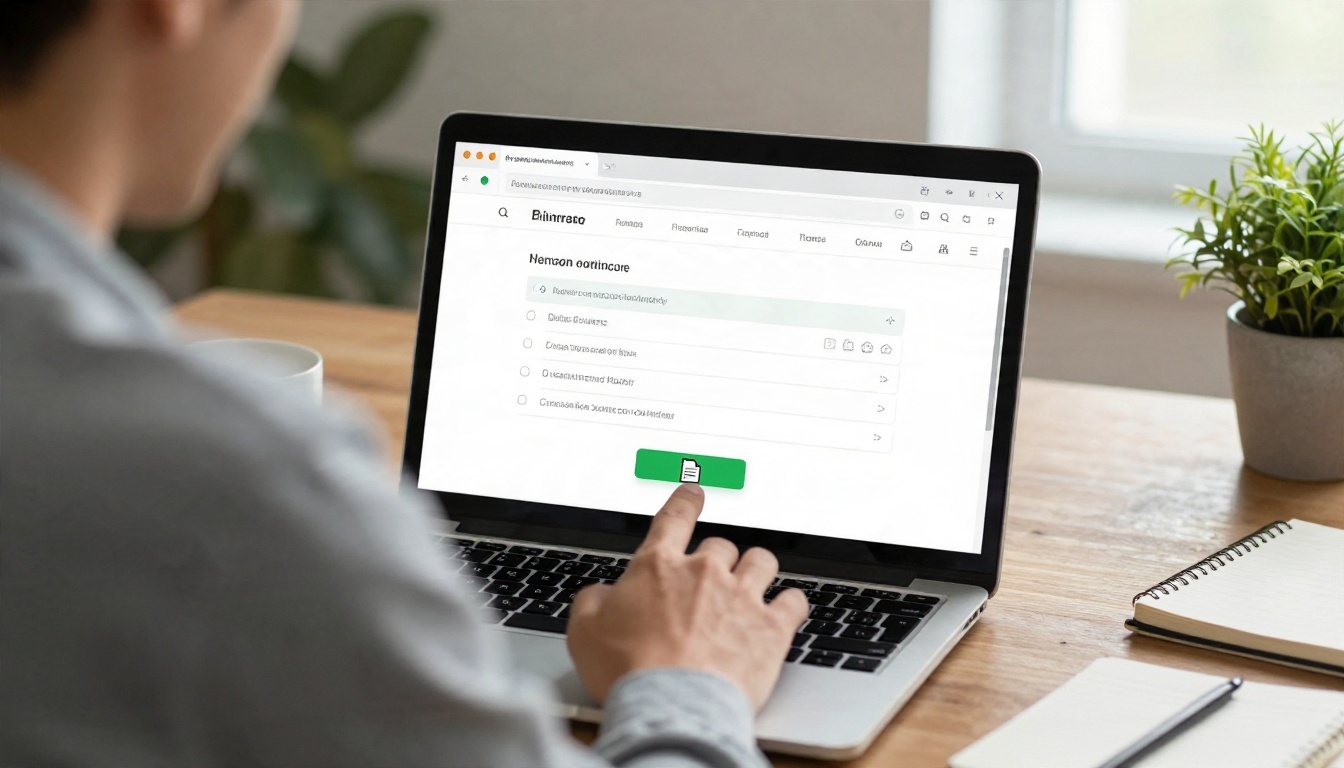
If you want to see the workflow end to end, here is the tutorial for creating a PDF flipbook with Flipbooks AI. It takes about five minutes with a ready PDF.
Upload and Convert
- Go to Flipbooks AI and create an account.
- Click the new flipbook button and drop your PDF into the upload area. The dedicated PDF to Flipbook Converter page shows the same flow.
- Wait for the conversion bar to finish. A 40-page brochure normally takes well under a minute.
- Open the preview and flip a few pages to confirm that fonts, images and links survived.
Screenshot description: the editor shows a large preview in the center, a thumbnail strip of pages on the left and a settings panel on the right with tabs for design, sharing and downloads.
Customize Look and Branding
Before you share anything, spend two minutes on the design panel:
- Background color or image that matches your brand.
- Page effects such as realistic curl, soft slide or flat fade.
- Logo and favicon so the viewer feels like part of your site.
- Multimedia: add video and audio to specific pages.
- Table of contents and a search box for long documents.
Flipbooks AI never adds a watermark, so the viewer looks like yours rather than an advertisement for someone else.
Share Links, Passwords, Embeds
Once the design looks right, choose how people reach it:
| Sharing option | Best for | Notes |
|---|
| Direct link | Email, chat, social posts | Fastest, nothing to install |
| Embed code | Websites and blogs | Works with an iframe |
| Password protection | Private reports, client proofs | Readers must enter a code |
| Offline download | Trade shows, poor connections | Lets readers keep a copy |
⚠️ Warning: A public link can be forwarded by anyone. If the document includes prices or contracts that should stay private, turn on password protection before sending it.
Pro Features: Analytics and Leads
The Professional plan adds analytics (views, time per page, drop-off points) and lead generation forms that ask for an email before the reader gets past a chosen page. If you want to know which catalog pages sell, check the pricing plans once your free flipbook proves useful. Standard and above also remove the cap on the number of flipbooks.
The Online Viewer Experience
A flipbook succeeds or fails in the viewer. If it loads slowly or feels clumsy on a phone, people close it. Good viewers share several traits.
Desktop and Mobile Reading
On desktop, the viewer shows a two-page spread with arrows, keyboard shortcuts and a zoom tool. On a phone, it switches to single-page mode in portrait and responds to swipes. Flipbooks AI is mobile-responsive by default, so you build one flipbook and it adapts to every screen.

What readers get from a decent viewer:
- Fast page loading thanks to lazy loading of images.
- Pinch to zoom for small print and technical drawings.
- Clickable links inside pages for products, emails and phone numbers.
- Fullscreen mode for presentations.
- Share and print buttons that you can switch off.
Speed and File Size
Heavy PDFs are the number one cause of slow flipbooks. Here is how file choices affect the result:
| PDF situation | Typical result | Fix |
|---|
| 5 MB, 20 pages, optimized images | Opens almost instantly | Nothing to do |
| 60 MB, 40 pages, raw photos | Slow first load on mobile | Compress images before upload |
| 120 MB scanned pages | May hit the free size limit | Split the file or reduce DPI |
| Text-only report | Very light, sharp at any zoom | Keep fonts embedded |
WordPress Embed Without Plugin Bloat
WordPress owners often assume they need a dedicated plugin. You do not. An iframe embed is lighter, easier to update and works with almost any theme. The Embed Flipbook on Website page explains the snippet in more detail.
Iframe Method Step by Step
- Open your flipbook in Flipbooks AI and click the share tab.
- Copy the embed code. It looks like an iframe tag with a source URL, a width and a height.
- In WordPress, edit the page or post where the flipbook should appear.
- Add a Custom HTML block and paste the snippet.
- Preview the page on desktop and mobile, then publish.
✅ Best practice: Set the width to 100% and the height to at least 600 pixels. The flipbook then fills the content column on any screen.
Gutenberg and Classic Editor
Both editors accept the snippet, with a small difference in where you paste it.
| Editor | Where to paste | Watch out for |
|---|
| Gutenberg (block editor) | Custom HTML block | Use the preview button, not just the editor view |
| Classic editor | Text tab, not Visual tab | Switching to Visual can strip the iframe |
| Page builders | HTML or code widget | Some builders add padding that shrinks the viewer |

Fixing Common Embed Problems
- Blank box: your security plugin or host blocks iframes. Allow the flipbook domain in the settings.
- Tiny viewer on phones: the height is fixed in pixels inside a narrow column. Use a wider layout or a larger height.
- Mixed content warning: your site runs on HTTPS but the snippet uses HTTP. Switch the URL to HTTPS.
- Double scrollbars: remove the border and scrolling attributes from the iframe tag.
Free Limits You Should Expect
Every free plan has boundaries. They differ by provider, so the list below describes what free tools usually restrict, not a promise from any single service. For exact numbers on Flipbooks AI, check the pricing page.
Typical Free Plan Restrictions
| Limit | Usual free tier | Why it matters |
|---|
| Number of flipbooks | One to a handful | Fine for tests, tight for a business |
| PDF size and pages | A fixed cap per upload | Large catalogs may need a paid plan |
| Watermark | Often forced on free plans | Looks unprofessional on a client site |
| Custom domain | Rarely included | Your link shows the provider name |
| Analytics | None or basic | You cannot see what readers do |
| Expiry | Some tools delete inactive files | Old links may break |
Watermarks and Branding Trade-offs
Many free flipbook makers stamp a logo on every page or a banner on the viewer. That is acceptable for a school project and awkward for a company catalog. Flipbooks AI takes the opposite approach: no watermarks, ever. Always check what a provider does with its branding before sending a link to customers.
When to Upgrade
Stay on a free plan while you are testing. Move up when any of these happen:
- You publish more than a few documents per month.
- You need password protection or lead forms.
- You want to see analytics on page views and time spent.
- You need offline downloads for events or low-connection areas.
- Your brand requires a clean, custom look.
💡 Pro tip: Build your first flipbook on the free plan and share it with three people. If they open it and read past page five, the format works for your audience and an upgrade is justified.
Real-World Use Cases
Theory is fine, but examples show where the format pays off.
A restaurant replaces a PDF menu that clients had to pinch and zoom with a flipbook that turns pages smoothly on a phone. Staff update prices by replacing the file, and the QR code on the tables never changes. Start with the Menu Flipbook Designer if you work in hospitality.

A real estate agent sends a property brochure as a link instead of a heavy attachment. Buyers flip through photos and floor plans on the sofa, and the agent sees which pages got attention. The Real Estate Brochure Creator is designed for this.

A teacher publishes weekly workbooks as flipbooks so students open them from any device, without installing a PDF reader. The Course Material Publisher fits this scenario.

An online shop builds a seasonal lookbook with the Digital Catalog Maker, embeds it on a landing page, and tracks which products draw the longest reading time.

Mistakes to Avoid
Most disappointing flipbooks share the same flaws. Here are the five that appear again and again:
- Uploading a design made for print. Bleed marks, tiny margins and CMYK-only images look off on screen. Export a screen-optimized PDF.
- Ignoring file size. A 100 MB upload is a slow start for readers on mobile data.
- Forgetting links. If your PDF has no clickable buttons, readers have nowhere to go next. Add links to your shop, booking page or email.
- Skipping the mobile preview. Always test on a real phone before publishing.
- Leaving the document public by accident. Check your sharing settings, especially for internal reports.
Ready to Publish Yours?
You now have everything needed to turn a PDF into a flipbook that opens fast, looks sharp on every screen and lives inside your WordPress site. Start small: pick one document, convert it, embed it and watch how readers react.
One PDF, one upload, one link. That is all it takes to give your document the reading experience it deserves.



