Most print catalogs go wrong before they ever reach the printer. The layout looks fine on screen, then the trim slices through a product name, the photos print muddy, or the PDF bounces back for missing bleed. A good print catalog builder prevents all three problems, and plenty of free online options now let you design, size and export a file your printer accepts on the first try. This article shows what to look for, which templates and page sizes work, and exactly how to export a print-ready PDF. If you also want an interactive version for your website, Flipbooks AI turns that same PDF into a page-turning digital catalog in minutes.
What a Print Catalog Builder Does
A print catalog builder is software that arranges product photos, descriptions, prices and branding into a multi-page layout, then exports it in a format a commercial printer can use. The best ones handle the boring technical work for you: page sizes, margins, bleed, color mode and page order.
Online Builder vs Desktop Software
Desktop tools such as InDesign give you total control, but they cost money and take weeks to learn. Browser-based builders trade some control for speed. You open a template, drop in images, and export. For a catalog with 12 to 60 pages, that trade usually wins.
| Feature | Online Builder | Desktop Software |
|---|
| Cost | Free tiers available | Monthly subscription or license |
| Setup time | Minutes | Hours to days |
| Print controls | Preset bleed and margins | Full manual control |
| Collaboration | Share a link | Share files, merge versions |
| Best for | Small to mid-size catalogs | Complex editorial layouts |

Who Benefits Most
You don't need a design degree to get value from these tools. These are the people who use them most:
- Boutique retailers printing a seasonal lookbook for in-store customers
- Wholesalers and distributors sending a price list with product photos to buyers
- Furniture and home decor shops that sell items people want to touch and flip through
- Trade show exhibitors who need 200 copies by Friday
- Restaurants and spas printing menus that double as brochures
💡 Pro tip: If your catalog changes every season, choose a builder that lets you duplicate and edit an existing project. Rebuilding from scratch each time wastes more hours than any template can save.
Free Online Options Worth Trying
Free is rarely free in the way it sounds. Before you invest hours in a layout, check what the free tier actually allows.
What "Free" Usually Means
Free plans tend to fall into one of three buckets. Some give you full design access but stamp a watermark on the export. Others let you design freely but charge for the PDF download. A third group offers a limited number of pages or projects per month.
⚠️ Warning: A watermark on a print file is a dealbreaker. You can't remove it later without redoing the layout, and a printer will happily print it on all 500 copies.
Look for these signals before you commit:
- Watermark policy: Is the exported PDF clean?
- Page limits: Can you build 24 or 48 pages, or are you capped at 8?
- Export quality: Does the PDF keep images at print resolution?
- Custom sizes: Can you enter your own width and height?
- Bleed support: Does the export include bleed and crop marks?
Comparing Free Builder Types
| Builder Type | Strength | Typical Limit | Good Choice When |
|---|
| Template-first design apps | Huge template libraries | Print export may be paid | You want a polished look fast |
| Spreadsheet-driven catalog tools | Auto-fill from product data | Basic layout styles | You have hundreds of SKUs |
| Document editors with PDF export | Familiar interface | Weak bleed and margin control | You need a rough draft |
| Flipbook platforms | Digital and print from one PDF | Print design done elsewhere | You want a web version too |
The honest answer is that many teams use two tools: one to design the printable PDF, and another to publish an interactive version. That is where a platform like Flipbooks AI fits, since you upload the finished PDF and get a shareable, watermark-free flipbook.
Templates That Save Hours
A template does more than look nice. It locks in a grid, a type hierarchy and a rhythm of page layouts so your catalog feels consistent from page 1 to page 40.

Pick a Layout by Product Type
Different products need different page structures. A template built for fashion will frustrate you if you sell industrial fasteners.
| Product Type | Best Layout | Photos Per Page | Notes |
|---|
| Fashion and apparel | Full-bleed hero plus detail strip | 1 to 3 | Lean on large photography |
| Furniture and decor | Room scene plus product callouts | 2 to 4 | Show scale and materials |
| Hardware and parts | Grid with spec table | 6 to 12 | Clarity beats style |
| Food and beverage | Image-led cards with short copy | 3 to 6 | Warm color palette helps |
| Wholesale price list | Dense grid, minimal imagery | 8 to 16 | Prices must stay readable |
If you sell furniture, the Furniture Catalog Maker is a useful reference point for how room scenes and product details can share a spread. For apparel, the Fashion Catalog Creator shows how image-led pages behave when they turn on screen.
Customize Without Breaking the Grid
Templates break when you stuff them with content they weren't designed for. Follow a few simple rules:
- Keep two typefaces at most. One for headings, one for body text.
- Limit your palette to your brand color, one accent and neutrals.
- Don't shrink text below 8 pt for printed body copy.
- Repeat the same spread structure for similar products so buyers can scan quickly.
- Leave white space. Crowded pages look cheap even when the products are not.
Page Sizes Explained
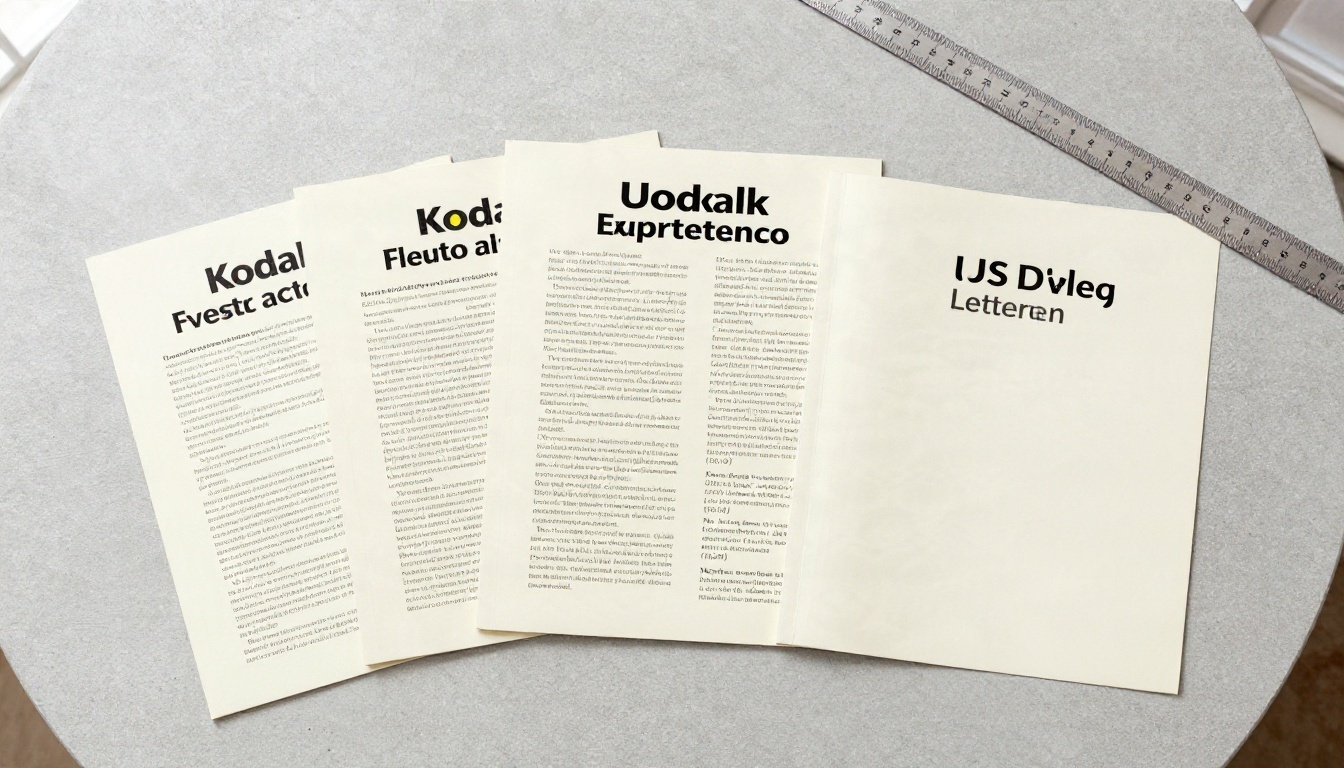
Page size decides your paper cost, your postage cost and how the catalog feels in the hand. Pick it before you design anything, because changing it later means reflowing every page.
Common Sizes at a Glance
| Format | Dimensions (inches) | Dimensions (mm) | Best For |
|---|
| US Letter | 8.5 x 11 | 216 x 279 | Standard US catalogs, easy to print in-house |
| A4 | 8.27 x 11.69 | 210 x 297 | Standard catalog size outside North America |
| A5 | 5.83 x 8.27 | 148 x 210 | Compact lookbooks, handouts |
| Half Letter | 5.5 x 8.5 | 140 x 216 | Pocket-friendly product booklets |
| Square | 8 x 8 | 203 x 203 | Design-led, photo-heavy catalogs |
💡 Pro tip: Square formats look striking but cost more to mail, because many postal services charge extra for non-standard shapes. Check postage rates before you fall in love with a layout.
Page Count and Binding Rules
Binding method limits your page count, and the page count must fit the binding.
- Saddle stitch (stapled spine): total pages in multiples of 4, usually 8 to 64 pages
- Perfect bound (glued spine): works best from about 60 pages and up, and allows a printed spine
- Wire-o or spiral: lays flat, ideal for price lists and order forms
If your catalog has 22 pages, a saddle-stitch printer will want 24. Plan a useful last page, such as an order form or contact details, rather than leaving blank pages.
Print-Ready PDF Export Settings
This is where most free-tool projects stumble. A PDF that looks perfect on your monitor can fail at the printer for reasons you can't see on screen.

Bleed, Margins and Crop Marks
Paper is cut after printing, and cutting is never perfectly exact. Bleed gives the cutter some room for error.
- Bleed: extend backgrounds and images 3 mm (0.125 in) past the trim edge
- Safe margin: keep text and logos at least 5 mm (0.25 in) inside the trim edge
- Crop marks: small lines outside the page that show the printer where to cut
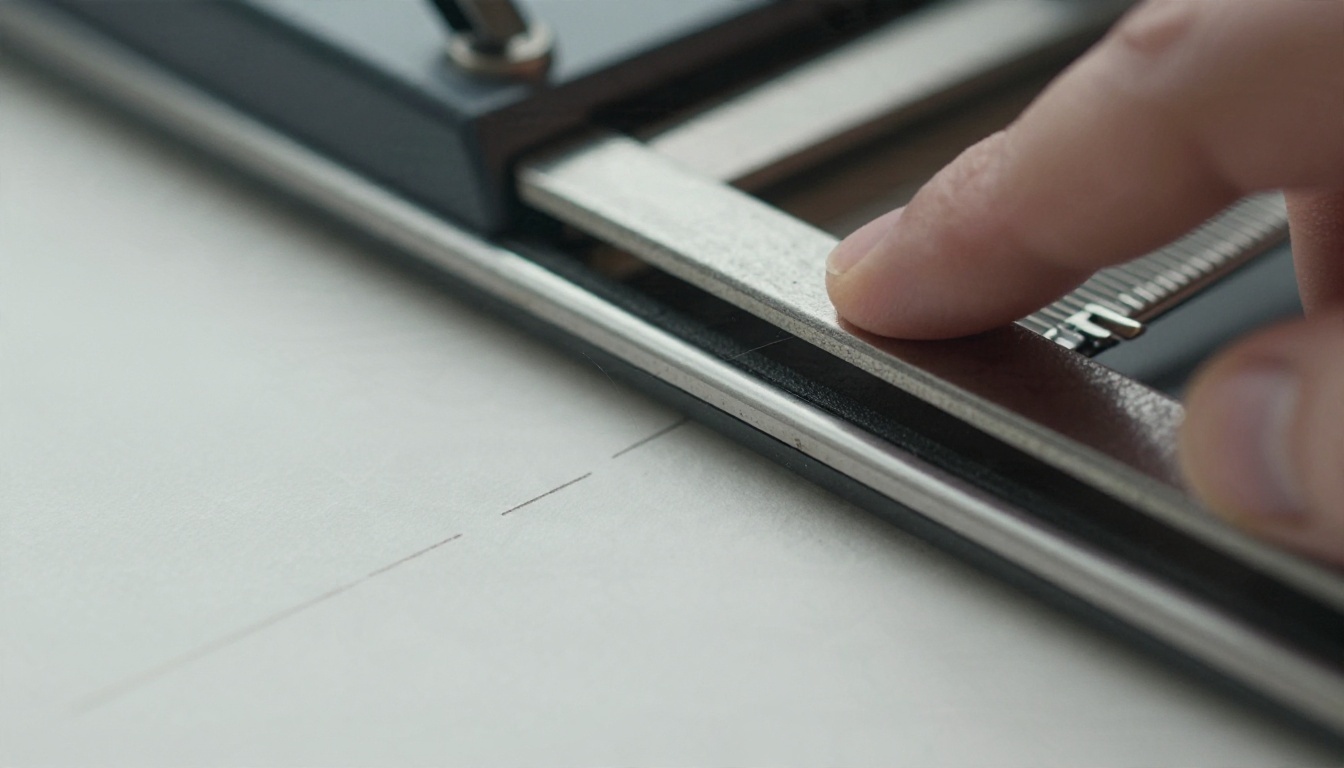
Skip bleed and you risk thin white slivers along the page edge. Ignore the safe margin and a price might lose its last digit.
Color, Resolution and Fonts
| Setting | Recommended Value | Why It Matters |
|---|
| Color mode | CMYK (or the printer's profile) | RGB colors shift when converted |
| Image resolution | 300 dpi at final size | Lower values print soft or pixelated |
| Fonts | Embedded or outlined | Missing fonts get replaced silently |
| PDF standard | PDF/X-1a or PDF/X-4 | Designed for reliable print output |
| Pages | Single pages, not spreads | Most printers impose pages themselves |
Many free browser tools only export RGB. If that is your situation, ask your printer whether they convert files for you, and request a proof so you can check how the colors land. Saturated blues and bright greens are the usual casualties.
Preflight Checklist
Run through this list before you send the file:
- Is the page count a multiple of 4 (for saddle stitch)?
- Are all images 300 dpi at their placed size?
- Is bleed included, with crop marks if the printer asked for them?
- Is all body text inside the safe margin?
- Are fonts embedded?
- Did you read every price, phone number and URL out loud one more time?
✅ Best practice: Order a single printed proof, even if it costs a little extra. Holding page 14 in your hand reveals problems no monitor will show.

How to Create a Catalog Online
Once the print PDF is ready, you can turn it into a digital catalog that customers can open on any phone. Printed pieces reach people in a showroom or at a trade show, while a flipbook reaches everyone who clicks a link. Doing both from one file saves time and keeps your pricing consistent.
Upload and Convert
Here is the process on Flipbooks AI:
- Create your account. Sign up here to open your dashboard.
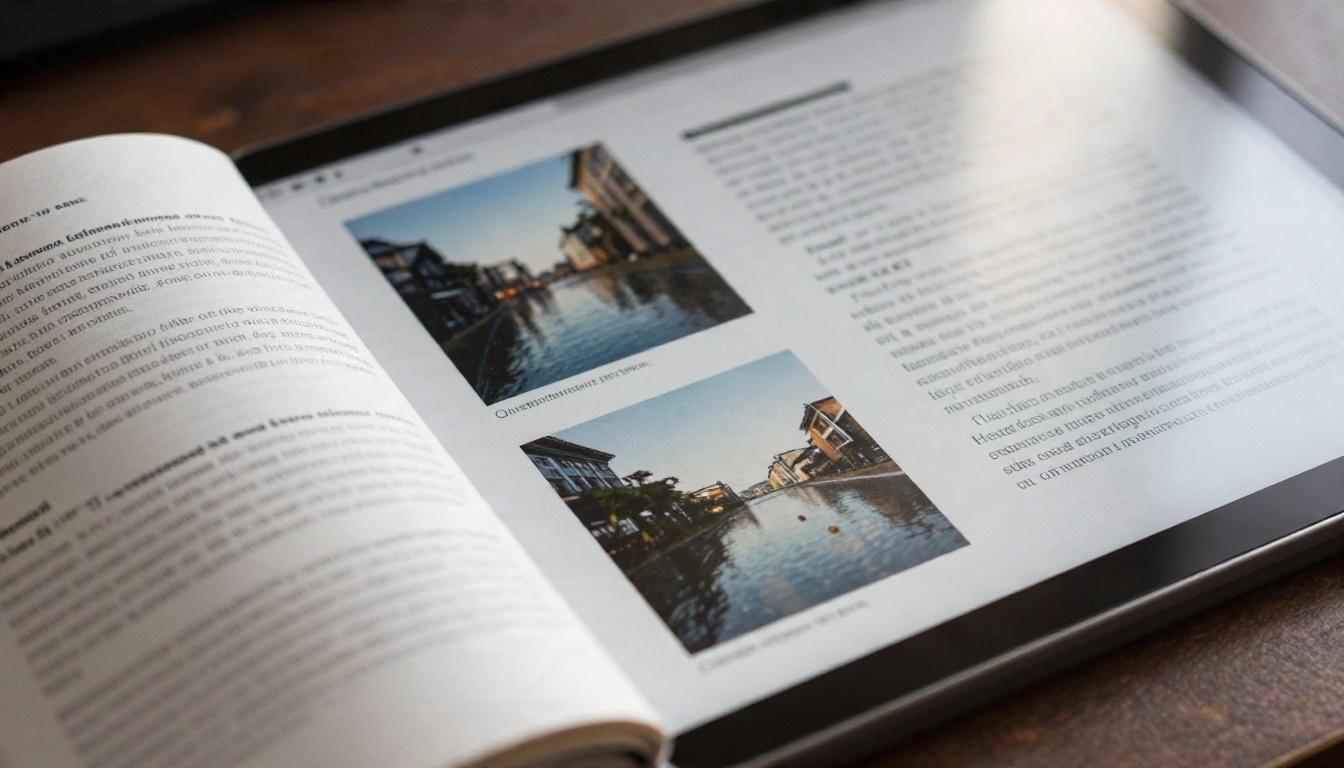
- Upload your PDF. Drag the print-ready file into the uploader. The PDF to Flipbook Converter turns each page into a turnable page automatically.
- Check the page order. Flip through the preview and confirm that every spread reads as intended.
- Add interactivity. Embed videos or audio where they help, such as a short clip showing a product in use.
Brand and Share
Customization takes only a few clicks:
- Branding: add your logo, choose background colors and set the page turn effect
- Mobile display: the flipbook is responsive, so it adapts to phones and tablets
- Sharing: copy a direct link, or use the Embed Flipbook on Website option to place the catalog on a product page
- Privacy: add password protection for wholesale price lists that are not meant for the public
- Offline downloads: let customers save the catalog for later reading
Teams that need to see which pages attract attention can use analytics and lead generation, which are part of the Professional plan. Check the pricing page to compare plans. Every flipbook is watermark-free, and unlimited flipbooks are included on the Standard plan and above.
| Capability | Printed Catalog | Digital Flipbook |
|---|
| Reach | Local, limited by print run | Global, one link |
| Update cost | New print run | Replace the PDF |
| Tracking | Hard to measure | Page-level analytics (Professional) |
| Shelf life | Until it is thrown away | Always available online |
| Best moment | In-person meetings | Email, social and web |
Print Plus Digital in Practice
A furniture showroom owner named in this example as Marta prints 300 copies of a 32-page A4 catalog each spring. She hands them out in the store and mails them to interior designers. Before the print run, she exports the same PDF to a flipbook and adds a link to it in her email signature and on her website. When a sofa fabric is discontinued mid-season, she replaces the PDF online in minutes rather than reprinting.

The same approach works for other businesses:
- A boutique can print a lookbook for in-store customers and share the flipbook on social media
- A wholesaler can mail a printed price list and keep a password-protected digital copy for buyers
- A restaurant can use the Restaurant Menu Creator for the web while the printed menu stays on the table
When the print run is ready, the finished boxes still need to be packed, labeled and shipped, so build a buffer of a few days between final approval and your promotion date.

Ready to Build Yours?
The recipe is simple. Choose a builder that exports a clean PDF without a watermark, start from a template that fits your products, pick your page size before you design, and apply bleed and safe margins from the first page. Run the preflight checklist, order a proof, then print.
When you want the catalog to live online as well, create your free account on Flipbooks AI and upload your PDF. Browse all flipbook tools to find a format that suits your business, try the Digital Catalog Maker for product ranges, and compare pricing plans when you are ready for analytics and lead capture. For a direct route to plans, use this link.



