A PDF is a great container and a clumsy reading experience. You pinch, you scroll, you lose your place, and a beautifully designed 40-page brochure ends up feeling like a long grey wall. The fix is simple: view the PDF as a book, with two-page spreads, a real page-turn animation, and a layout that fits any screen. A page-flip reader does exactly that, and with Flipbooks AI you can set one up in a couple of minutes, in your browser, on your phone, and without paying to start.
This article shows what a page-flip reader is, which free options exist, how mobile reading really works, and how to convert your own file step by step. You will also find honest comparison tables, so you can pick the right route before you upload anything.
What "PDF as a Book" Really Means
When people search for a way to view a PDF as a book, they usually want three things at once: the feel of paper, the convenience of a link, and a layout that does not break on a small screen. A page-flip reader (also called a flipbook viewer) delivers all three by rebuilding the PDF as an interactive publication.
Flat PDF vs Page-Flip View
A standard PDF viewer shows one long vertical strip or single pages that you scroll. A page-flip view treats the file like a printed book: the first page sits alone like a front page, the following pages appear as left and right spreads, and each turn has a soft curl and a shadow.
That small change matters more than it sounds. Readers stay longer in a format that looks familiar, and designers see their spreads the way they were meant to be seen.
| Feature | Standard PDF Viewer | Page-Flip Reader |
|---|
| Page layout | Single page or scroll | Two-page spreads |
| Page turn | Jump or scroll | Animated curl and shadow |
| Mobile fit | Pinch and zoom | Responsive, tap or swipe |
| Sharing | Send a file | Send a link or embed |
| Branding | None | Colors, logo, background |
| Tracking | None | Analytics (Professional plan) |
Who Actually Uses It
You might assume this is only for publishers. In practice, the people who benefit most are everyday users:
- Small business owners who send price lists and menus
- Students who read long textbooks and lecture packs
- Real estate agents who share brochures with buyers
- Designers and photographers who present portfolios
- HR and training teams who distribute manuals
💡 Pro tip: If your document has more than ten pages and a lot of images, a page-flip view almost always beats a plain PDF for readability.
Read a PDF as a Book Online

Reading online means you open a link in any browser and the book is just there. No app, no install, no plugin. That is the biggest practical advantage over desktop software, and it is why browser-based readers have taken over.
Browser Readers Compared
There are three common routes to a page-flip view, and each has trade-offs.
| Route | Cost to Start | Setup Time | Mobile Friendly | Watermark Risk |
|---|
| Free online flipbook tool | Free tier or trial | 2 to 5 minutes | Usually yes | Common on free tiers |
| Desktop flipbook software | One-time or monthly fee | 15 to 30 minutes | Depends on export | Depends on license |
| Hand-coded JavaScript library | Free | Hours | Needs custom work | None, but you maintain it |
For most people the first route is the sensible one. The catch is the watermark: many tools stamp their name on every page unless you pay. Flipbooks AI has a firm rule here: no watermarks, ever. You can check the details on the pricing page.
Free vs Paid: What Changes
Free is a perfectly reasonable place to begin, especially for a one-off document. Paid plans start to matter when you publish regularly or want to measure results.
- Free use suits personal reading, a single school project, or testing the look of your layout.
- Standard plan and above adds unlimited flipbooks, which helps if you publish catalogs every month.
- Professional plan adds analytics and lead generation, useful when the flipbook is a sales tool.
⚠️ Watch out: Some "free" readers delete your file after a few days or add banners that cover your design. Always open your finished flipbook in a private browser window before sharing it.
View a PDF as a Book on Mobile
Most reading happens on a phone, and that is exactly where regular PDFs struggle. A letter-sized page shrunk onto a six-inch screen means tiny text and constant zooming. A good page-flip reader solves it by adapting to the screen.
iPhone and Android Behavior
On a phone held upright, a responsive flipbook usually shows one page at a time so the text stays readable. Turn the phone sideways and it switches to a two-page spread, like opening a book. You tap the page edge or swipe to turn.
Here is how that plays out on common devices:
| Device | Portrait View | Landscape View | Turn Gesture |
|---|
| iPhone (Safari) | Single page | Two-page spread | Swipe or tap edge |
| Android (Chrome) | Single page | Two-page spread | Swipe or tap edge |
| Tablet | Spread or single | Spread | Swipe, tap, or arrow |
| Laptop | Spread | Spread | Click, drag, or arrow keys |
Why Responsive Design Matters
A reader who has to pinch and zoom will close the tab within seconds. A mobile-responsive flipbook keeps font sizes readable, loads pages as you go instead of all at once, and keeps the buttons big enough for a thumb. If you plan to send your link by messaging apps or social media, assume that more than half of your audience will open it on a phone.
Three quick checks before you share:
- Open the link on your own phone in portrait mode.
- Rotate to landscape and confirm the spread appears.
- Test on mobile data, not just Wi-Fi, to see how fast pages load.
How to Create a Page-Flip PDF with Flipbooks AI
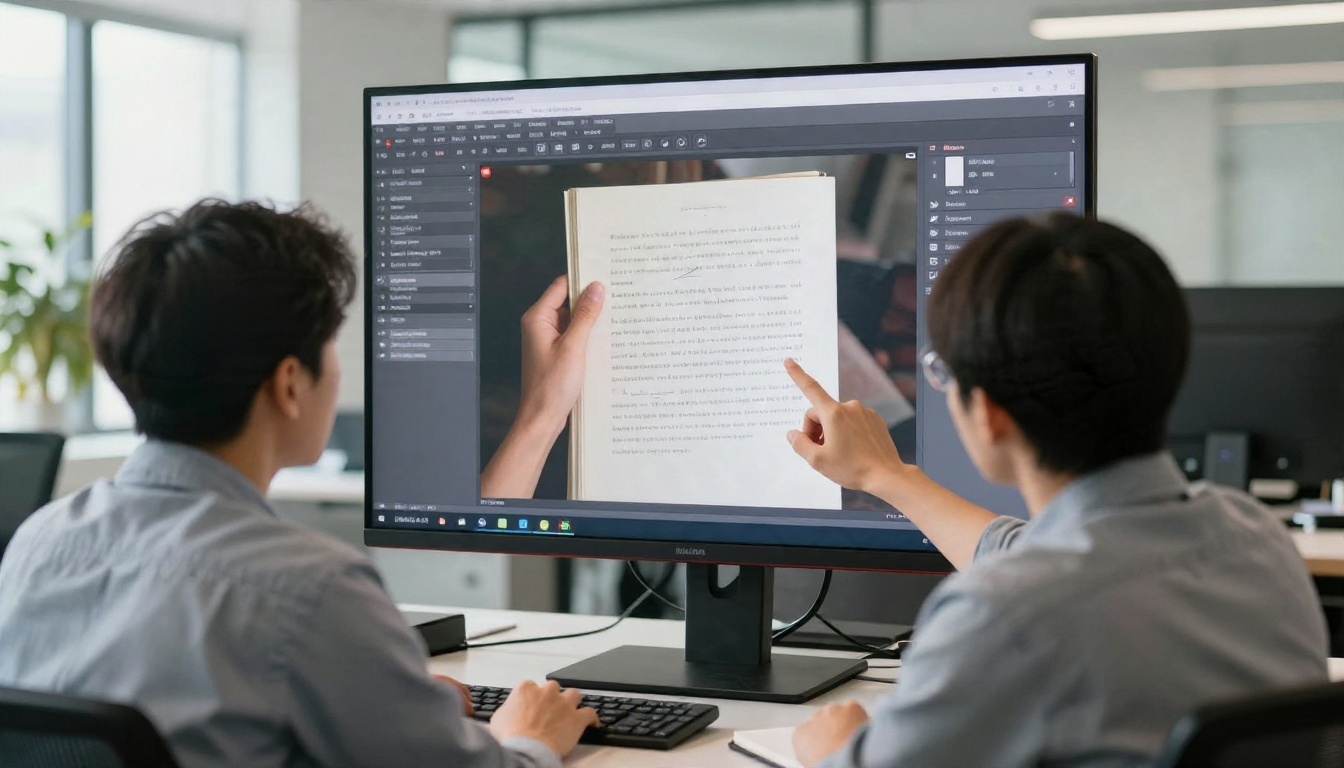
Here is the practical part. The steps below use the PDF to Flipbook Converter, and the whole process takes only a few minutes for a typical file.
Step 1: Create Your Account
Go to Flipbooks AI and create an account. Signing up is quick, and you can start with the free option before deciding on a plan.
Step 2: Upload the PDF
- Open your dashboard and choose to create a new flipbook.
- Drag your PDF into the upload area, or select it from your device.
- Wait while the file is converted. Each page becomes a crisp, flippable image or text layer.
- Check the page order in the preview.
💡 Pro tip: Export your PDF at a normal resolution before uploading. A 300 MB file full of oversized images will load slowly for readers on mobile data, no matter which tool you use.
Step 3: Customize the Look
This is where a plain PDF becomes a branded publication. In the editor you can adjust:
- Colors and background to match your brand or your mood
- Logo placement so your name stays visible
- Page effects such as the curl strength, shadow, and turn speed
- Multimedia like embedded videos and audio, so a page can play a clip or a voice note
- Navigation controls, including a table of contents, thumbnails, and zoom
The screen in the editor shows a live preview, so each change appears immediately next to your pages.
Step 4: Share It Your Way
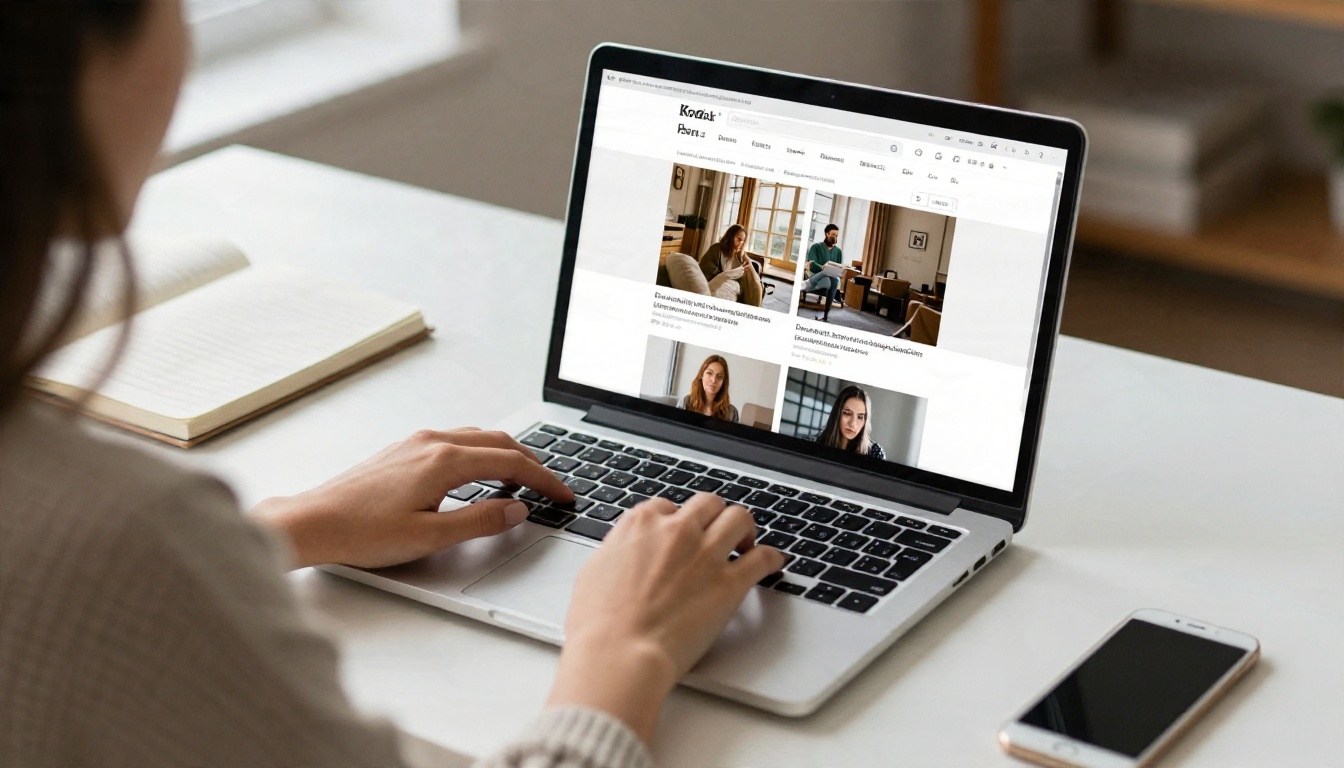
When the layout looks right, choose how people will open it:
| Sharing Option | Best For | Notes |
|---|
| Direct link | Email, messaging apps, social posts | Fastest route |
| Embed code | Websites and blogs | Use the Embed Flipbook on Website tool |
| Password protection | Private or paid content | Readers need the password to open |
| Offline download | Travel and low signal areas | Readers keep a copy on their device |
Step 5: Add Pro Features When You Need Them
If the flipbook supports your business, the Professional plan adds analytics and lead generation. You can see how many people opened the book, which pages held their attention, and collect contact details before a reader gets full access. Compare the options on the pricing page when you reach that point.
Real Examples That Work

Theory is useful, but examples show where the format earns its place.
A Restaurant Menu on Every Table
A small restaurant keeps its menu as a PDF made in a design program. Instead of printing a new set each season, the owner converts it into a flipbook and puts a link on a table card. Guests flip through starters and mains on their phones, and the owner updates a single file when prices change. The Restaurant Menu Creator is built for exactly this, and the Menu Flipbook Designer gives more layout control.
A Student Reading on the Lawn

Course packs often arrive as a single huge PDF. A page-flip view makes a 200-page reader feel less like a chore. Teachers can use the Course Material Publisher to share lecture notes, and trainers can use the Training Manual Flipbook for onboarding material.
A Traveler Offline at 35,000 Feet
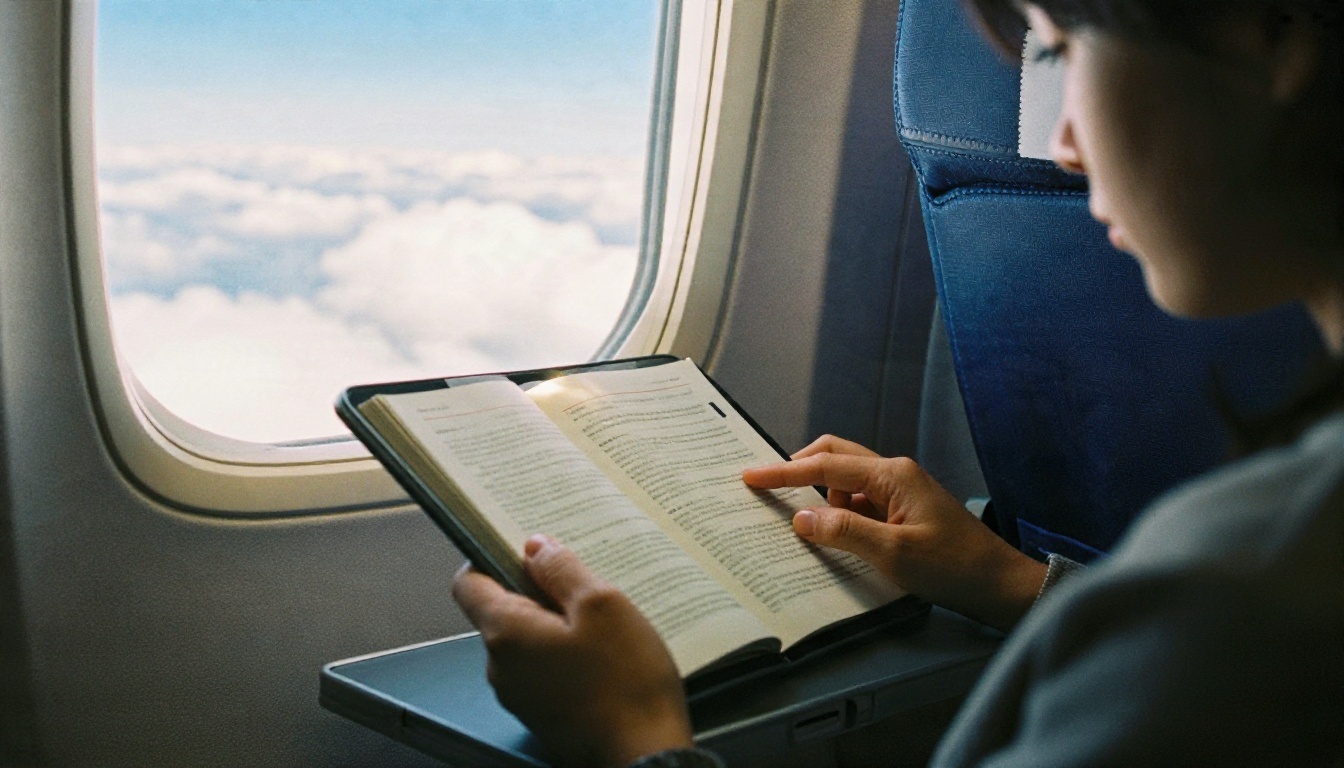
Tickets, itineraries, and city maps usually live in PDFs. Download an offline copy before boarding, and you can read the pages with the same flipping feel, even without a connection. The Event Program Maker works well for conferences and weddings, where guests need the schedule in hand.
Free Options and Their Limits
Free tools are useful, but they are not all equal. Before you commit, look at four things: watermarks, storage time, page limits, and mobile quality.
| Question to Ask | Why It Matters | Red Flag |
|---|
| Is there a watermark? | It affects how professional your file looks | Logo on every page |
| How long is the file stored? | Links should not die after a week | Auto-delete notices |
| Is there a page or size cap? | Long documents need room | Hard limit under 30 pages |
| Does it work on mobile? | Most readers use phones | Fixed two-page layout only |
| Can I embed it? | Needed for websites | Link-only sharing |
When Free Is Enough
Free works well for a personal reading list, a school presentation, or a quick preview for a client. If you will share it once or twice, the cost of a paid plan is hard to justify.
When to Pay
Consider upgrading when you publish regularly, need a clean brand look, or want numbers about readers. Browse the full set of flipbook tools to find the format closest to your project, such as the Digital Catalog Maker for product ranges or the Digital Portfolio Creator for creative work.
Common Mistakes to Avoid
Even a good tool cannot rescue a poorly prepared file. These are the slips that show up most often.
Uploading Huge, Unoptimized Files
Large images slow the first load. Compress photos before you export, and your flipbook will open quickly even on a weak signal.
Ignoring Page Order and Spreads
A book has a front page, then pairs of facing pages. If your PDF was designed as single sheets, the spreads may split a headline or an image awkwardly. Check the preview and adjust the page order or add a blank page where needed.
Skipping the Mobile Test
A layout that looks perfect on a 27-inch monitor can feel cramped on a phone. Always open your link on a real device. Small text, thin fonts, and dense tables are the usual troublemakers.
✅ Best practice: Use body text of at least 11 points in your source file, and keep important details away from the page gutter where the fold sits.
Forgetting Access Settings
If your document is private, set a password. If it is public, double check that no internal notes sit in the file. A quick scan before publishing takes thirty seconds and saves a lot of embarrassment.
Start Reading Pages Properly
A PDF does not have to feel like a spreadsheet. With a page-flip view, the same file becomes something people actually enjoy opening, on a laptop at work or a phone on the train. You do not need design skills, a developer, or a big budget to get there.
Here is a simple plan:
- Create a free account on Flipbooks AI.
- Upload your PDF with the PDF to Flipbook Converter.
- Customize the colors, logo, and page effects.
- Share the link, embed it, or protect it with a password.
- Move up when you need analytics, lead generation, or unlimited flipbooks: compare plans here.
Ready to see your own document as a real book? Get started for free and open your first flipbook today, or browse all available tools and templates to find the perfect fit.



