You double-click a PDF and wait. The page loads slowly, the fonts look off, the annotation tool is greyed out, and a banner is asking you to upgrade. Free PDF viewers are everywhere, yet very few of them are honest about what you get and what you give up. This article compares the best free options for Windows, Mac and the browser, shows exactly where each one hits a wall, and explains when it makes more sense to stop sending PDFs altogether and publish them as interactive flipbooks with Flipbooks AI.
Why Your Default PDF Viewer Falls Short
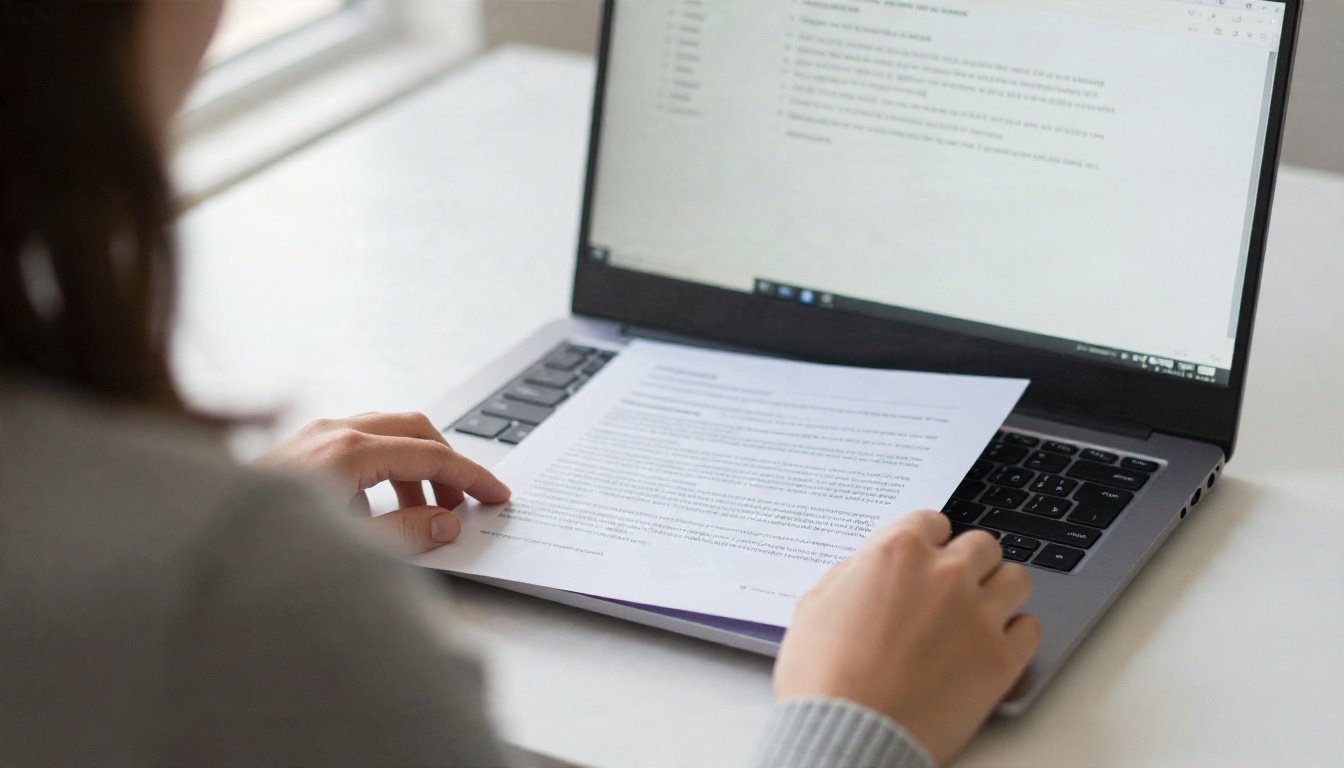
Most people never choose a PDF viewer. It arrives with the browser, with the operating system, or bundled with another installer. That works until you need to fill a form, sign a contract, search a 400-page manual, or send a brochure to a customer who opens it on a phone.
What a Good Viewer Needs
A viewer is a simple job done well. Before comparing names, decide which of these actually matter to you:
- Speed: opening large files without freezing.
- Search: finding text fast, including in scanned pages if OCR is available.
- Annotation: highlights, comments, drawing and sticky notes.
- Forms and signatures: filling fields and adding a legal-looking signature.
- Privacy: no forced account, no uploading files to a server you do not control.
- Portability: the same experience on a laptop, tablet and phone.
Free Does Not Mean Unlimited
"Free" in this category usually means one of three things: truly free open-source software, a free tier of a paid product, or a web tool that limits how many files you can process per day. The difference shows up the moment you try to do something slightly beyond reading.
💡 Pro tip: If a tool lets you open a file instantly but asks you to sign in before you can save a highlight, treat it as a free trial, not a free viewer.
Best Free PDF Viewers for Windows
Windows users have the widest range of choices, from featherweight readers to full office suites with a free layer on top.
Sumatra PDF
Sumatra PDF is the minimalist's favorite. It is open source, starts almost instantly, and handles PDF, ePub, MOBI and comic formats. It has no ribbon, no cloud login and no upsell. The trade-off is clear: annotation and form support are limited, so it is a reader, not a workspace.
Foxit PDF Reader
Foxit PDF Reader is a familiar alternative to Adobe with a tabbed interface, comments, stamps and form filling. It is fast on big files. Expect occasional prompts nudging you toward the paid editor, and be careful during installation to decline any bundled extras.
Microsoft Edge
Many people overlook the browser already installed on their PC. Edge opens PDFs in a built-in viewer with highlighting, freehand drawing, text notes, form filling and read-aloud. For casual reading and quick markups, it does more than several downloadable apps.
| Viewer | Best for | Annotation | Forms | Offline | Main limit |
|---|
| Sumatra PDF | Fast reading | Basic | Limited | Yes | Not built for editing or review |
| Foxit PDF Reader | Review and comments | Strong | Yes | Yes | Upgrade prompts for editing |
| Microsoft Edge | Everyday use | Good | Yes | Yes | Weaker with very complex files |
| Adobe Acrobat Reader | Compatibility | Good | Yes | Yes | Editing and export locked |
Best Free PDF Viewers for Mac
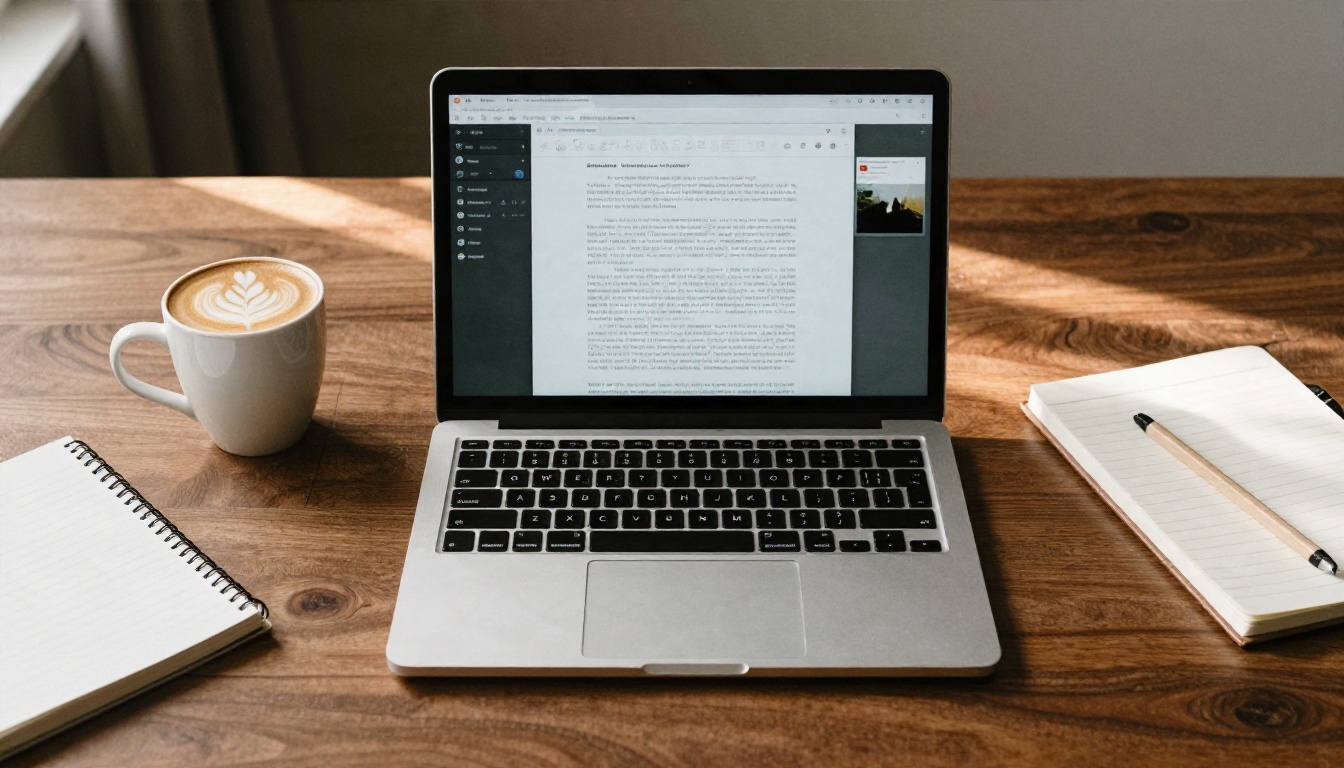
Mac users start with an unusual advantage: the operating system already ships with a capable viewer.
Preview
Preview opens PDFs, images and more. It lets you highlight, draw, add text boxes, insert a signature captured from your trackpad or camera, rearrange pages by dragging thumbnails, and merge documents. For roughly 80 percent of everyday tasks, nothing else is needed.
Adobe Acrobat Reader
Adobe Acrobat Reader remains the reference for compatibility. If a document uses unusual fonts, embedded multimedia, or a complex form created in Adobe tools, Reader is the safest bet. The free version includes comments and Fill and Sign, while editing text, exporting to Word and combining files sit behind a paid subscription.
Skim
Skim is an open-source reader favored by researchers and students. It supports highlights, notes, bookmarks and a presentation mode, and it keeps your annotations in a way that is easy to export. The interface looks dated, but it is lightweight and dependable.
| Viewer | Best for | Annotation | Signatures | Page tools | Main limit |
|---|
| Preview | Daily work on Mac | Good | Yes | Reorder, merge | Not available on Windows |
| Adobe Acrobat Reader | Complex forms | Good | Yes | Mostly paid | Paywall on editing |
| Skim | Research and notes | Strong | No | Minimal | Dated interface |
✅ Best practice: On a Mac, start with Preview. Install a second viewer only if a specific file refuses to render correctly.
Best Online PDF Viewers

Online viewers need no installation, which makes them perfect for borrowed computers, Chromebooks and quick checks. They also introduce questions about privacy and file size.
Browser Built-In Viewers
Chrome, Firefox, Edge and Safari all open PDFs directly in a tab. You get search, zoom, thumbnails, print and basic form filling. Edge adds the richest markup tools. Firefox offers drawing and text tools too. None of them is built for long review cycles, but they are free, fast and private because the file stays on your machine.
Google Drive Preview
Google Drive previews PDFs in any browser and lets you share a link with view-only access. It is convenient for teams already inside Google Workspace. The viewer is plain, however: no real annotation, and the person receiving the link sees a generic Drive screen rather than your brand.
Web-Based PDF Tools
Dozens of sites let you upload a PDF to read, mark up, merge or compress it. Many cap daily tasks, limit file size, add watermarks on export or require an account after the first use. Before uploading anything, check whether the file is deleted after processing.
⚠️ Warning: Never upload contracts, ID scans or financial statements to an unknown web tool. If the page does not state how long files are kept, assume the worst.
Where Free Viewers Hit a Wall
Every free option above is good at reading. The problems begin when the PDF has to do a job.
Annotation and Form Limits
Highlighting is nearly universal. Beyond that, the experience breaks down. Some viewers cannot save form data, others flatten your comments so the next reader cannot edit them, and many refuse to add a signature without an upgrade.
Security and Privacy Risks
PDFs can carry scripts and embedded links. Keep your viewer updated, disable JavaScript in the document if you do not need it, and avoid opening unsolicited attachments. Offline desktop viewers keep files local, while online tools send them elsewhere.
| Limit | Desktop viewers | Browser viewers | Online tools |
|---|
| File size | Rarely capped | Depends on memory | Often capped |
| Account needed | Rarely | No | Frequently |
| Watermark on export | No | No | Sometimes |
| Branding of the reader's experience | None | None | None |
| Reader analytics | None | None | Rare |
| Mobile experience | Separate app | Pinch and scroll | Varies |
The last three rows matter most if you are the one sending documents. A viewer helps the person reading. It does nothing for the person who wrote the file and wants to know whether anyone opened it.
Alternatives When You Share, Not Just Read
A viewer solves your problem as a reader. If you publish catalogs, menus, reports, portfolios or brochures, the real question changes: how do I make this pleasant to open on any device, and how do I know it was seen?
Why Flipbooks Beat Attachments
A flipbook turns your PDF into a page-turning web experience that opens from a link, with no download and no reader software. Compare the two formats side by side:
| Feature | Plain PDF attachment | Flipbook |
|---|
| Opens in browser, no install | Depends on device | Yes |
| Page-turn animation | No | Yes |
| Mobile-responsive | Pinch and zoom | Yes |
| Embed on your website | Awkward | One snippet |
| Custom branding | Limited | Logo, colors, background |
| Video and audio inside pages | Rarely works | Yes |
| Password protection | Per-file encryption | Link-level control |
| Reader analytics | None | Available on Professional |
Three Real Scenarios
- A boutique owner sends a seasonal lookbook to wholesale buyers. Instead of a heavy attachment, they share one link built with the Digital Catalog Maker and see on which pages buyers linger.
- A restaurant manager replaces a downloadable PDF with a mobile-friendly menu created through the Restaurant Menu Creator, then updates prices without reprinting anything.
- A real estate agent shares property sheets as a branded brochure flipbook that opens instantly on a client's phone.

How to Create a Flipbook from a PDF with Flipbooks AI
If you already have a PDF, the conversion takes a few minutes. Here is the process using the PDF to Flipbook Converter.
Step by Step
- Open your account. Go to Flipbooks AI and sign up. You can begin on a free plan and move up later.
- Upload your PDF. Drag the file into the uploader. Pages are converted automatically into a flipbook, keeping text sharp and images intact.
- Customize the look. Add your logo, pick brand colors, choose a background and adjust page-turn effects so the flipbook feels like your own publication.
- Add multimedia. Place video or audio on specific pages, plus links to your shop, booking page or contact form.
- Set privacy. Keep the flipbook public, or protect it with a password when the content is meant for clients or internal teams.
- Share it. Copy the direct link, or use the Embed Flipbook on Website option to paste a snippet into your site. Download an offline copy if you need one for events without internet.
- Review the results. On the Professional plan you get analytics and lead generation, so you can see opens, page views and captured contacts.
💡 Pro tip: Export your PDF at the final page size before uploading. Clean margins and embedded fonts produce the sharpest flipbook pages.
Every flipbook is published with no watermarks, and unlimited flipbooks are included from the Standard plan upward. You can also browse all flipbook tools for specific formats such as magazines, reports, portfolios and price lists.

Use this table as a shortcut:
| Your situation | Best pick | Why |
|---|
| Fast reading on an older Windows PC | Sumatra PDF | Tiny, instant, no login |
| Reviewing and commenting on Windows | Foxit PDF Reader or Edge | Strong markup, free |
| Everyday PDF work on Mac | Preview | Built in, signatures and page tools |
| Complex forms from third parties | Adobe Acrobat Reader | Highest compatibility |
| Quick look on a shared computer | Browser viewer | No install, private |
| Sending a catalog, menu or report to others | Flipbook | Branded, trackable, mobile-ready |
Free viewers are excellent at one thing: letting you read. The moment you need to present, brand, protect or measure a document, the PDF format itself becomes the limit. That is where a flipbook earns its place.
Ready to publish your first flipbook? Create your free account on Flipbooks AI, browse the tools and templates for your use case, or compare pricing plans to see which one fits your documents.



