You do not need a design agency or a paid subscription to make a good brochure. A browser, a Google account and an afternoon are enough. Google Docs and Google Slides both work as a free brochure maker, and once your layout is ready you can export it as a PDF and turn it into a page-turning digital version with Flipbooks AI. This article shows how each tool behaves, which free options are worth your time, and how to move from a flat file to something people actually open.
The search intent behind "brochure maker Google" is mostly practical. People want a template, a quick setup, and a file they can print or send. So we will go in that order: pick the tool, set up the page, design the panels, export, then publish.
Google Docs and Slides are not built for print design, yet they handle about 80% of what a small business needs from a brochure. They are free, they save automatically, and a whole team can edit the same file at once.
Docs, Slides or Something Else?
The choice comes down to how much control you want over placement.
| Feature | Google Docs | Google Slides |
|---|
| Layout style | Flowing text, columns, tables | Free placement of every element |
| Best for | Text-heavy tri-folds, price sheets | Photo-led brochures, visual portfolios |
| Page size control | Landscape or portrait, preset sizes | Fully custom dimensions |
| Image handling | Inline or wrapped, can be fiddly | Drag, layer, crop, mask |
| Template gallery | Built-in brochure templates | Many free third-party decks |
| Learning curve | Very low | Low to medium |
| Export | PDF, Word, ePub | PDF, PowerPoint, images |
💡 Quick rule: if your brochure is mostly words with a few photos, start in Docs. If it is mostly images with short captions, start in Slides.
What Google Cannot Do
Be honest about the limits before you commit. Neither tool supports CMYK color, true bleed marks or spot colors. For a run of 5,000 glossy copies, a print shop will want a different file. For digital sharing, short print runs from an office printer, and PDF distribution, Google is more than enough.
Google Docs Brochure Templates
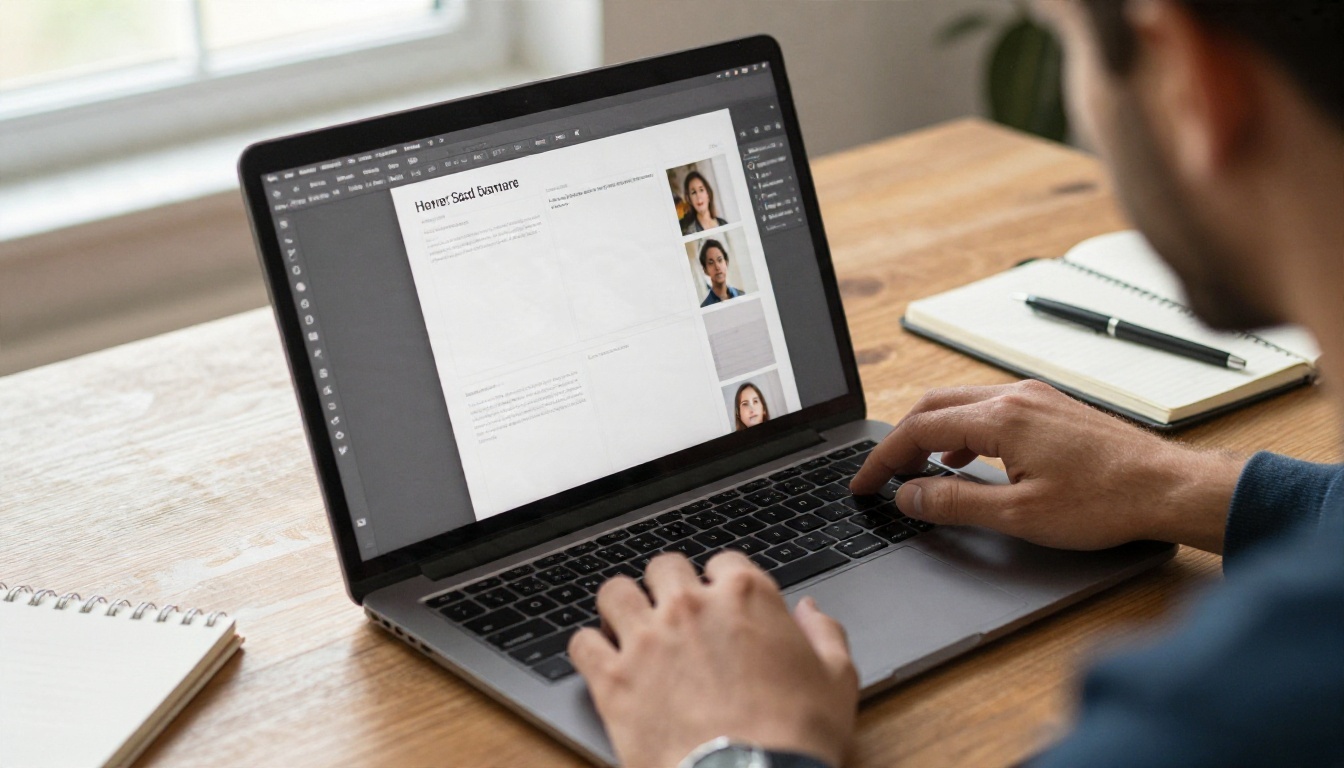
Docs is the fastest route to a clean, readable brochure. The structure is simple: landscape page, three columns, and a handful of images.
Set Up a Tri-Fold in Five Minutes
- Open a new Google Doc.
- Go to File, then Page setup, choose Landscape, and set all margins to 0.5 inches.
- Insert a table with 3 columns and 1 row. This is more stable than the built-in column tool because each panel stays locked in place.
- Set the table border width to 0 so the panels look seamless.
- Add a second page with the same table for the inside spread.
The first page holds the outside: the back panel, the inside flap and the front cover panel. The second page holds the three inside panels. When you print double-sided and fold, the order lines up if you flip on the short edge.
Where to Find Free Docs Templates
You have four realistic sources.
- The Docs template gallery. Depending on your account type, a few brochure layouts appear under the template gallery. They are plain, but they are safe and editable.
- Google Workspace Marketplace add-ons. Some add-ons ship with ready brochure layouts. Check recent reviews before installing anything.
- Free template sites. Many offer Docs files that open with one click through "Make a copy." Read the license note if you plan to sell something.
- Your own template. Build one good tri-fold, save it as "Brochure Master," and duplicate it every time you need a new one. This is what most agencies do.
⚠️ Watch the fonts. Docs substitutes missing fonts on other computers when you share an editable file. Export to PDF before sending, and the fonts lock in.
Google Slides Brochure Templates
Slides gives you something Docs cannot: total freedom over where things sit. That is why designers lean on it for portfolios, lookbooks and image-driven brochures.
Custom Page Size Setup
Go to File, then Page setup, then Custom. Useful sizes:
| Brochure type | Page size (inches) | Panels |
|---|
| Tri-fold, letter | 11 x 8.5 | 3 per side |
| Bi-fold, letter | 11 x 8.5 | 2 per side |
| Half-page flyer | 8.5 x 5.5 | 1 |
| Square digital brochure | 10 x 10 | 1 per page |
| A4 tri-fold | 11.69 x 8.27 | 3 per side |
Draw two guides with View, then Guides, then Add vertical guide to mark the panel folds. Slides has no ruler for bleed, so keep important text at least 0.25 inches away from every edge.

Design Rules That Make It Look Expensive
- Two fonts, maximum. One for headlines, one for body text. Keep the body at 10 to 11 points for print.
- One accent color. Pull it from your logo and use it for buttons, rules and icons.
- Real photos over stock clichés. A single honest photo of your product or place beats five generic handshakes.
- White space. Leave breathing room around every block. Crowded panels look cheap even when the content is good.
- A clear action on the back panel. Phone number, address, QR code, website. Pick the one you want people to use.
✅ Best practice: design the front panel first, then the back, then the inside. The front panel decides whether anyone opens it.
Free Brochure Maker Options Compared
Google is not the only free route. Here is how the main choices stack up when your goal is a brochure that can be printed and shared digitally.
| Option | Cost | Templates | Print-ready PDF | Interactive output |
|---|
| Google Docs | Free | Few built in, many third-party | Yes | No |
| Google Slides | Free | Many third-party decks | Yes | Links only |
| Canva free tier | Free with limits | Thousands | Yes | Limited |
| Microsoft Word online | Free with account | Built-in gallery | Yes | No |
| Flipbooks AI | Free account to begin | Converts any PDF | Not needed | Yes, page-turning flipbook |
The pattern is clear. Google and Word give you the layout. A flipbook tool gives you the experience. They do not compete, they stack. If you want a dedicated starting point, try the Online Brochure Designer or the Brochure Flipbook Maker.
Export a Clean PDF From Google
The PDF is the bridge between your design and the final flipbook, so it is worth getting right.
From Docs
- Choose File, then Download, then PDF Document (.pdf).
- Open the file and scroll through every page. Check that no table row has split across pages.
- Confirm that image quality looks sharp at 100% zoom.
From Slides
- Choose File, then Download, then PDF Document (.pdf).
- For multi-page brochures, keep one slide per page, in reading order.
- Hide speaker notes. They should not appear, but confirm.
Pre-Flight Checklist
| Check | Why it matters |
|---|
| Images are at least 1500 px on the long edge | Prevents blur when readers zoom in |
| All links are clickable blue or underlined text | Flipbook conversion keeps active links |
| File size under 50 MB | Faster upload and smoother loading |
| Pages are in reading order | Flipbooks follow the PDF order exactly |
| Text is real text, not an image | Keeps content searchable |
💡 Pro tip: if your brochure is spreads, such as two inside panels shown together, export them as single wide pages so the flipbook shows them as one image.
Turn the PDF Into a Flipbook
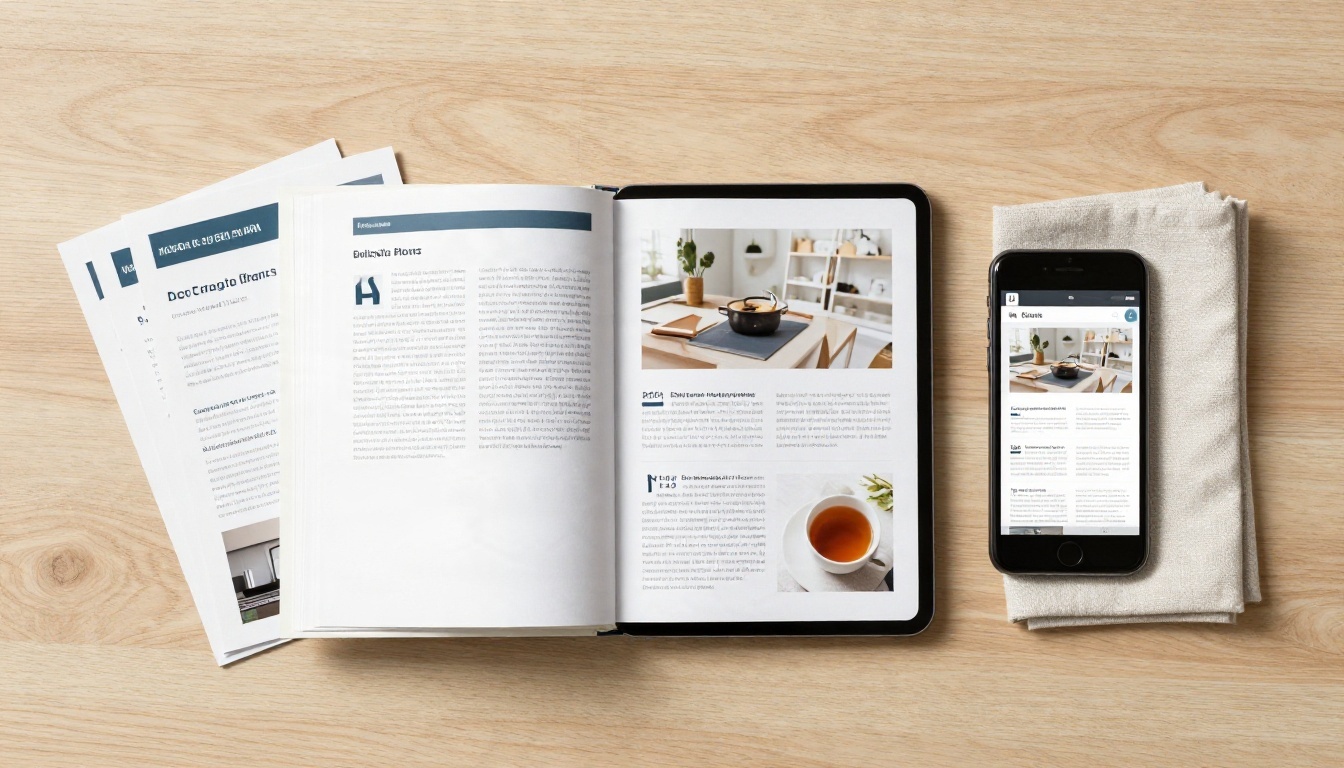
A PDF is a flat file. It opens in a viewer, it zooms awkwardly on a phone, and nobody can tell if it was read. A flipbook fixes all three. Pages turn with a natural curl, text stays sharp on mobile, and you get a link or an embed code you can place anywhere.
How to Create a Brochure Flipbook With Flipbooks AI
The process takes a few minutes. Here is the full path from Google file to live link.
- Open the platform. Go to Flipbooks AI and create an account.
- Upload your PDF. Drag the exported file into the PDF to Flipbook Converter. Conversion starts automatically and each page becomes a flippable sheet.
- Check the page order. Flip through the preview. If something is wrong, fix it in Docs or Slides, export again and re-upload.
- Customize the look. Add your logo, pick a background color that matches your brand, and choose the page-turn effect.
- Add multimedia. Place a video on the inside spread, or an audio greeting on the front. Embedded videos and audio are supported.
- Set privacy. Leave it public, or protect it with a password if the brochure is for clients only.
- Publish and share. Copy the direct link, or grab the embed code for your site. The Embed Flipbook on Website page explains the options.
✅ No watermarks. Flipbooks AI does not stamp your pages, so the brochure looks like yours and nobody else's.
Customization Options
| Setting | What it does | When to use it |
|---|
| Logo and branding | Puts your mark on the viewer | Always |
| Background color | Frames the pages | Match your brand palette |
| Page effects | Controls the turning animation | Pick a soft curl for premium feel |
| Multimedia | Adds video and audio | Product demos, welcome notes |
| Password | Restricts access | Pricing sheets, private proposals |
| Offline download | Lets readers save the file | Trade shows, poor connection |
Pro Features Worth Knowing
The Standard plan and above allow unlimited flipbooks, which matters if you publish a new brochure every season. The Professional plan adds analytics and lead generation, so you see how many people opened the brochure and can collect an email before they read. Check the pricing plans to see which tier fits your volume.
Print, PDF or Flipbook?
Each format has a job. Use the right one at the right moment.
| Format | Strengths | Weak spots | Best moment |
|---|
| Printed tri-fold | Tactile, works with no device | Cost, no tracking, goes out of date | Reception desks, events |
| Plain PDF | Easy to attach | Awkward on phones, flat experience | Email attachments, forms |
| Flipbook | Mobile friendly, trackable, can include video | Needs a link or QR code | Websites, social, QR codes |
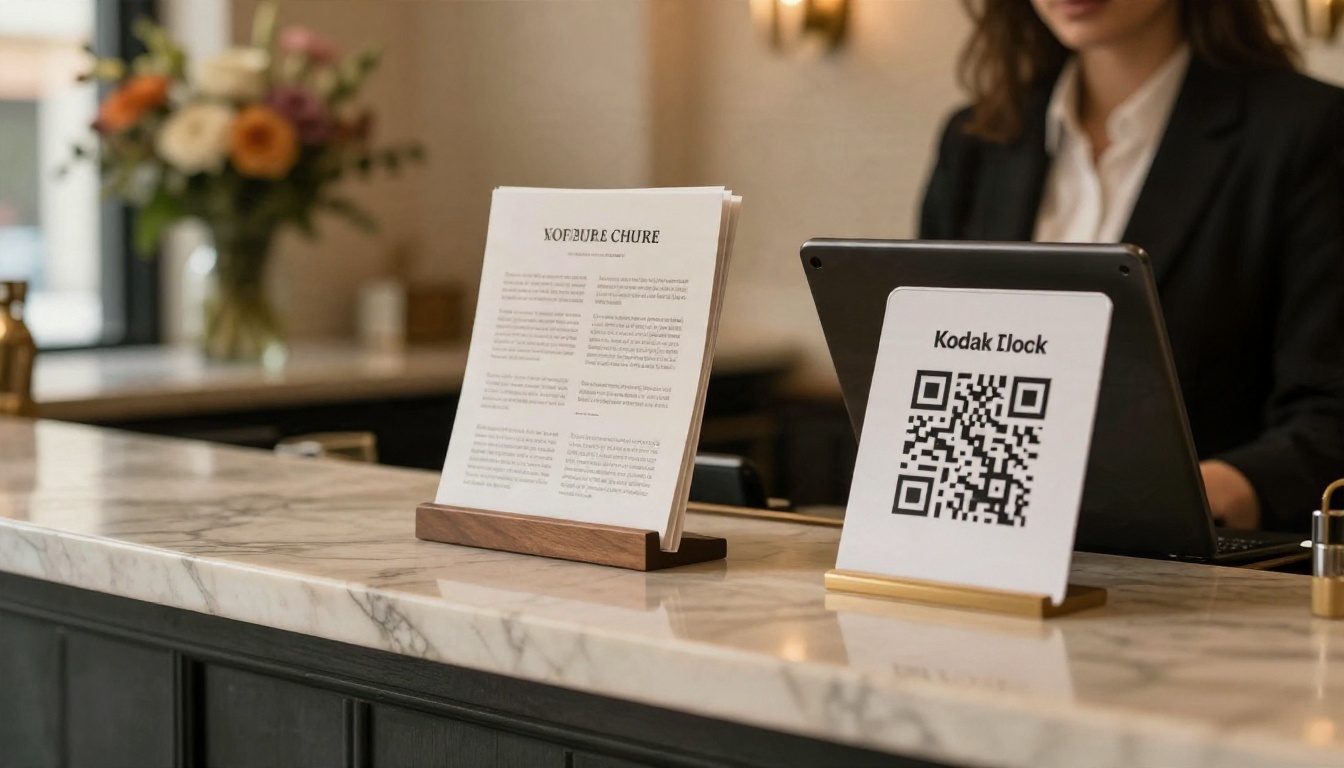
Most businesses do best with a mix. Print a small batch for the counter, add a QR code to it, and send people to the flipbook for the full version.
Real Examples You Can Copy
Seeing how others use this pipeline helps more than any abstract advice.
A Boutique Hotel
A small hotel designs a landscape tri-fold in Slides with room photos on every panel. The front desk keeps 100 printed copies, each with a QR code on the back. The same PDF becomes a flipbook on the booking page. The hotel can reuse the process with the Hotel Brochure Designer for seasonal updates.
A Real Estate Agent
An agent builds a single listing brochure in Docs: photos, floor plan, price, contact. Instead of attaching a heavy PDF to each email, they send a link to the flipbook. Buyers flip through on a phone in seconds. The Real Estate Brochure Creator is built for exactly this scenario.
A Local Shop
A shop owner makes a seasonal product brochure in Slides with 12 square pages. The PDF turns into a catalog flipbook shared on social media and in the shop window through a QR code. For larger ranges, the Product Catalog Generator handles the volume.
A Freelance Designer
A freelance photographer lays out a service brochure in Slides, exports it and publishes it as a flipbook that sits on their site. The same file feeds into a Photography Portfolio when they pitch to new clients.
Mistakes That Ruin a Brochure
- Too much text. If a panel needs a magnifying glass, cut half the words.
- Low-resolution images. Screenshots and compressed social photos look soft in print and worse on a retina screen.
- No clear next step. A brochure without a phone number, link or QR code is only decoration.
- Inconsistent margins. Docs tables shift when content grows. Check every page after the final edit.
- Skipping the mobile test. Open the final flipbook on a phone before sharing. If you cannot read the small text, make it larger in the source file.
- Forgetting links. Make every website mention and email address clickable before exporting.
⚠️ Keep a source copy. Store the Google file in a shared folder. When prices change, you update the doc, export again and replace the flipbook in minutes.
Build and Publish Your Brochure Today
The workflow is short: design in Google Docs or Slides, export a clean PDF, convert it to a flipbook, and share one link everywhere. You get the speed of a free tool and the polish of a real digital publication.
Ready to publish your first brochure? Create a free account on Flipbooks AI and upload your PDF. Browse all flipbook tools for brochure, catalog and menu options, or compare pricing plans when you need analytics and unlimited flipbooks. When you are ready to move up a tier, head to the upgrade page.



