You have a PDF. Maybe it is a novel, a recipe collection, a portfolio or a company handbook. It sits in a folder, flat and silent, and you want it to feel like a book: pages that turn, a spine you can hold, or both. The good news is that you can get there in an afternoon. With a tool like Flipbooks AI, a PDF becomes an online page-flip book in minutes, and with the right sizes and print settings the same file can become a paperback or hardcover.
This article walks through both paths. You will see how online conversion works, which free options are worth your time, which trim sizes suit which content, and what to fix in the file before a printer ever sees it.
Two Meanings of "Book" From a PDF
When people search for ways to convert a PDF to a book, they usually mean one of two things. Mixing them up is the fastest way to pick the wrong tool.
Digital Page-Flip Books
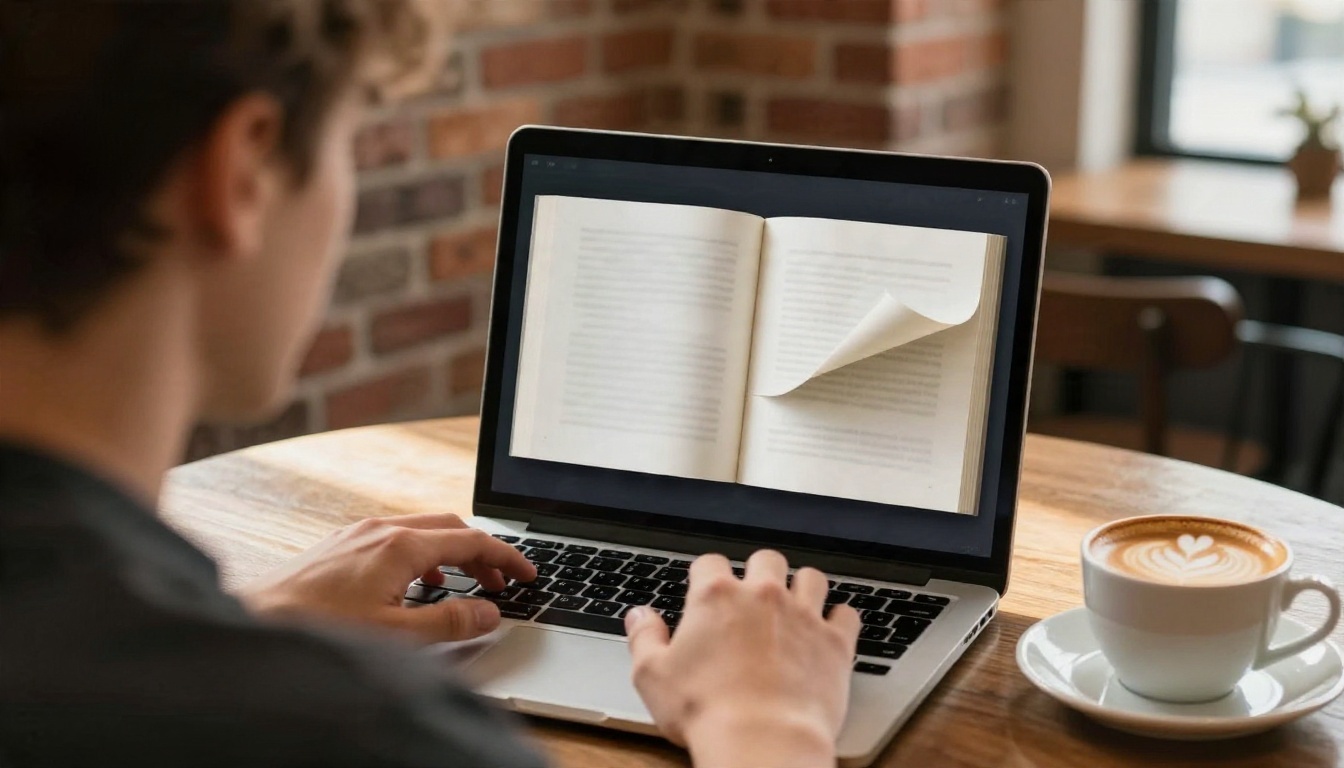
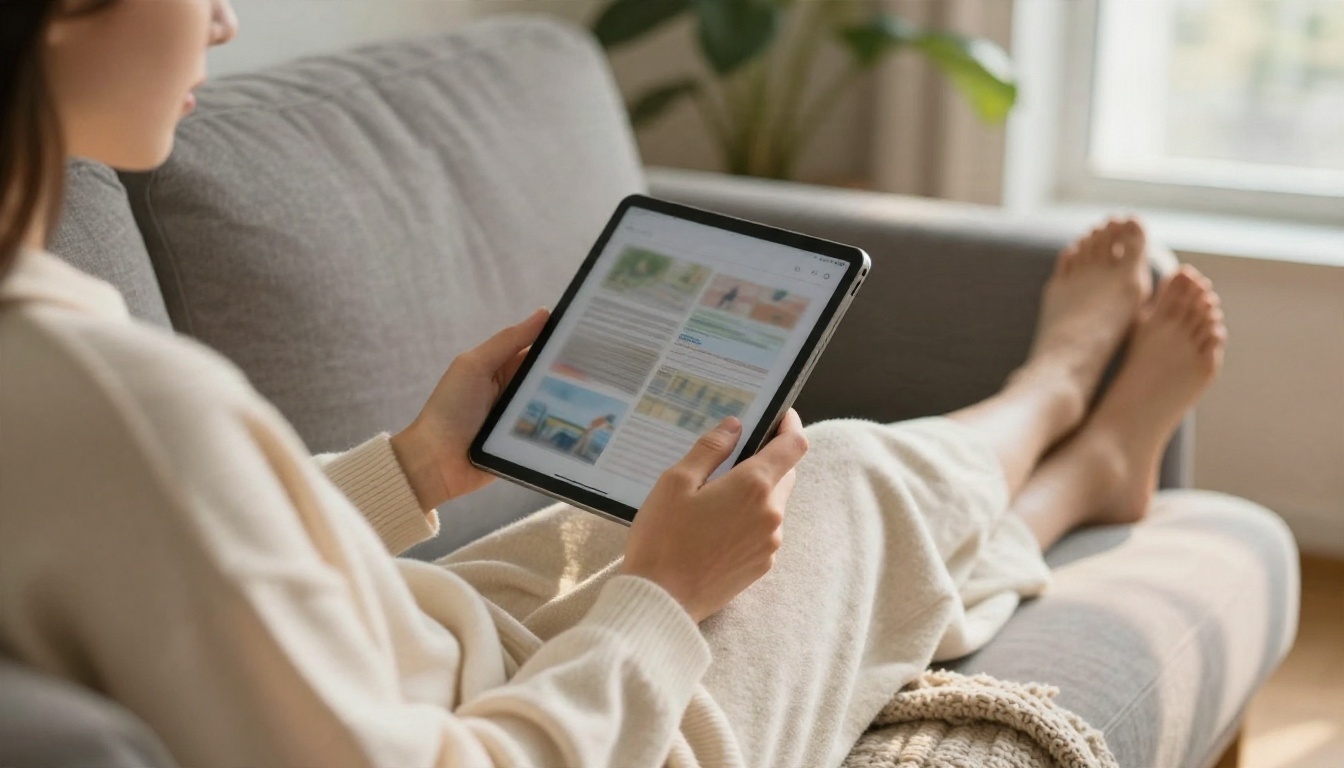
A page-flip book (often called a flipbook) is an interactive web version of your PDF. Readers click or swipe and the page curls over like paper. It runs in a browser, works on phones, and can be shared with a link or embedded on a website. There is nothing to print and nothing to ship.
Printed Books
A printed book is a physical object. Your PDF has to match a specific trim size, include bleed, respect margins and fit a page count the binder can handle. Most people reach this stage through a print shop or a print-on-demand service.
💡 Pro tip: Most projects benefit from doing both. Publish a flipbook for instant sharing, then order a short print run once readers ask for a physical copy.
Which Method Fits Your Goal
| Goal | Best method | Typical effort | Cost pattern |
|---|
| Share a brochure or catalog today | Online flipbook | Minutes | Subscription or free tier |
| Collect leads from a lookbook | Online flipbook with analytics | Under an hour | Professional plan |
| Hand out copies at an event | Print run | Days | Per copy |
| Sell a book to readers | Print on demand plus flipbook preview | Days to weeks | Per copy sold |
| Keep a family archive | Small print run, flipbook backup | A weekend | Low |
Convert PDF to Page-Flip Online
The online route is the quickest. You upload, the platform renders each page, and you get a viewer with realistic page turns. Because the source stays a PDF, text stays sharp and links stay clickable.
How to Create a Flipbook With Flipbooks AI
Here is the process step by step. The PDF to Flipbook Converter handles the heavy lifting.
- Open the platform. Go to Flipbooks AI and create an account. Signing up takes a minute.
- Upload your PDF. Drag the file into the upload area. The platform splits the document into pages and builds the viewer automatically. Large files with many images take a little longer.
- Check the preview. Flip through every page. Look for pages that sit in the wrong order, cropped images and blurry scans. Fix them in the source PDF and re-upload if needed.
- Customize the look. Choose a background color, add your logo and pick a page-turn effect (more on that below).
- Add extras. Place links, embed videos or audio, and add a table of contents so readers can jump around.
- Publish and share. Copy the direct link or the embed code. Add a password if the content is private.
✅ Best practice: Always upload the highest quality PDF you have. A flipbook can only be as crisp as its source file.
Customize Branding and Effects
A flipbook does not have to look generic. You can set your own colors, add a logo, choose how the pages move and decide whether the viewer shows a single page or a two-page spread. Custom branding matters most for business use: a digital catalog or a portfolio should look like it belongs to you, not to the tool.
Other useful touches:
- Embedded video and audio for product demos, author readings or music
- Clickable links for buy buttons and contact pages
- Mobile-responsive layout so phone readers get a clean single-page view
- No watermarks, so the finished book looks professional
Share, Embed and Protect
You have three main ways to put the book in front of readers:
| Sharing option | Best for | Notes |
|---|
| Direct link | Email, social posts, messaging apps | Fastest to set up |
| Embed code | Your own website or blog | See the Embed Flipbook on Website tool |
| Password protection | Internal manuals, client proposals, paid content | Readers need the password to open |
| Offline download | Trade shows, travel, weak connections | Readers keep a local copy |
Pro Features Worth Paying For
If the flipbook is part of a business workflow, the Professional plan adds analytics and lead generation. You can see how many people opened the book, which pages held attention, and capture an email address before someone reads. The Standard plan and above also remove limits on how many flipbooks you can publish. Compare pricing plans to see what fits your volume.
A few real-world examples:
- A restaurant uploads its seasonal menu through the Restaurant Menu Creator and updates it without reprinting.
- A real estate agent turns a listing PDF into a shareable brochure flipbook and tracks who opens it.
- An author publishes a sample chapter with the E-Book Flipbook Generator and links to the retail page on the last spread.
Free Options That Actually Work
Free does not mean low quality, but it does come with trade-offs. Here is an honest look at where you can spend nothing, or close to it.
Free Online Routes
Many flipbook platforms, Flipbooks AI included, let you try the conversion before you commit to a plan. Check the current limits on the pricing page. Typical free tiers restrict page counts, number of flipbooks, or branding. For a one-off personal project, that may be enough. For anything public, look for no watermark policies, since a watermark on your book looks careless.
Free Print Routes
If you want paper, you have a few low-cost choices:
- Home printing as a booklet. Most PDF readers have a booklet print mode that reorders pages for folding. It works well for 8 to 40 pages on a stapler or long-arm stapler.
- Print-on-demand upload. Several services accept a PDF with no setup fee. You pay only for the copies you order (or the printer takes a cut when readers buy).
- Library or school print rooms. Often the cheapest way to produce a handful of spiral-bound copies.
| Option | Upfront cost | Quality | Limits |
|---|
| Free flipbook tier | None | Good screen quality | Page, branding or count caps |
| Paid flipbook plan | Monthly fee | Full branding, no watermark | Depends on plan |
| Home booklet printing | Paper and ink | Basic | Low page counts only |
| Print-on-demand | None | Professional binding | Per copy cost, strict file specs |
| Local print shop | Per job | Best control | Minimum quantities may apply |
⚠️ Watch out: "Free" print-on-demand still has file rules. A PDF with the wrong size or missing bleed will be rejected or trimmed badly.
Pick the Right Book Size
Size decides how your content reads, how much it costs to print and which printers can handle it. Choose it before you finalize the layout, not after.
Common Trim Sizes
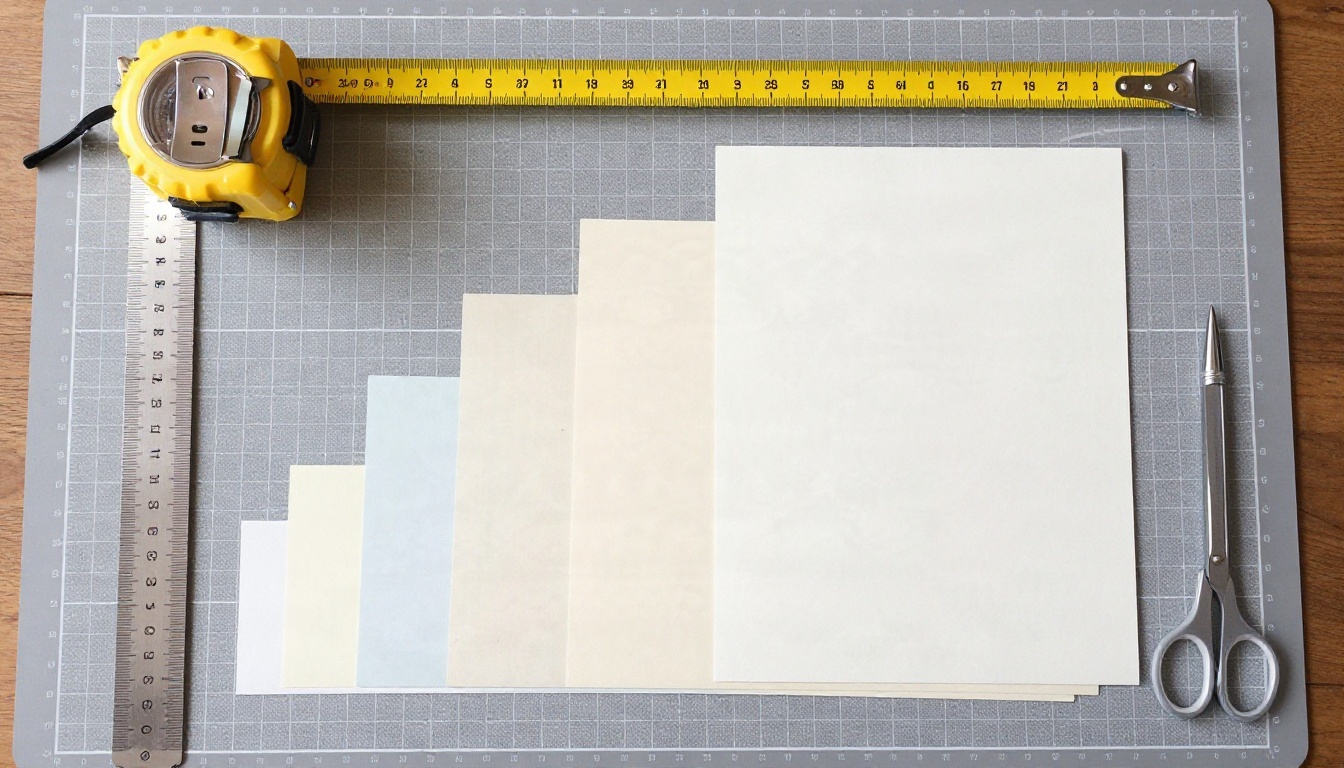
Trim size is the final dimension of the page after cutting. These are the formats most printers support:
| Trim size (inches) | Metric approx. | Typical use |
|---|
| 5 x 8 | 127 x 203 mm | Fiction, memoir, poetry |
| 5.5 x 8.5 | 140 x 216 mm | Novels, nonfiction |
| 6 x 9 | 152 x 229 mm | Nonfiction, textbooks, workbooks |
| A5 | 148 x 210 mm | European paperbacks, journals |
| 7 x 10 | 178 x 254 mm | Manuals, cookbooks |
| 8.5 x 11 / A4 | 216 x 279 / 210 x 297 mm | Reports, catalogs, magazines |
| 8 x 8 | 203 x 203 mm | Photo books, children's books |
Match Size to Content
- Text-heavy books read best at 5.5 x 8.5 or 6 x 9. Smaller pages mean more of them, which raises printing cost.
- Image-heavy books need room. Go with 8 x 8, 8.5 x 11 or landscape formats.
- Workbooks and manuals work well at 7 x 10 or A4 because readers write in them.
- Catalogs and lookbooks often use A4 or Letter. A fashion catalog or lookbook shows off photography when the page is large.
If your PDF is a different size than the book you want, do not just scale it. Rebuild the layout in the new page size so text stays readable and margins stay even. Scaling a Letter document down to 5 x 8 turns 11 point text into something close to 7 point.
💡 Pro tip: Set your PDF page size to the exact trim size plus bleed from the first draft. Changing it late means rebuilding every page.
Prepare the PDF for Print
Printers are strict because machines are strict. These settings prevent the most common rejections.
Bleed, Margins and Gutter
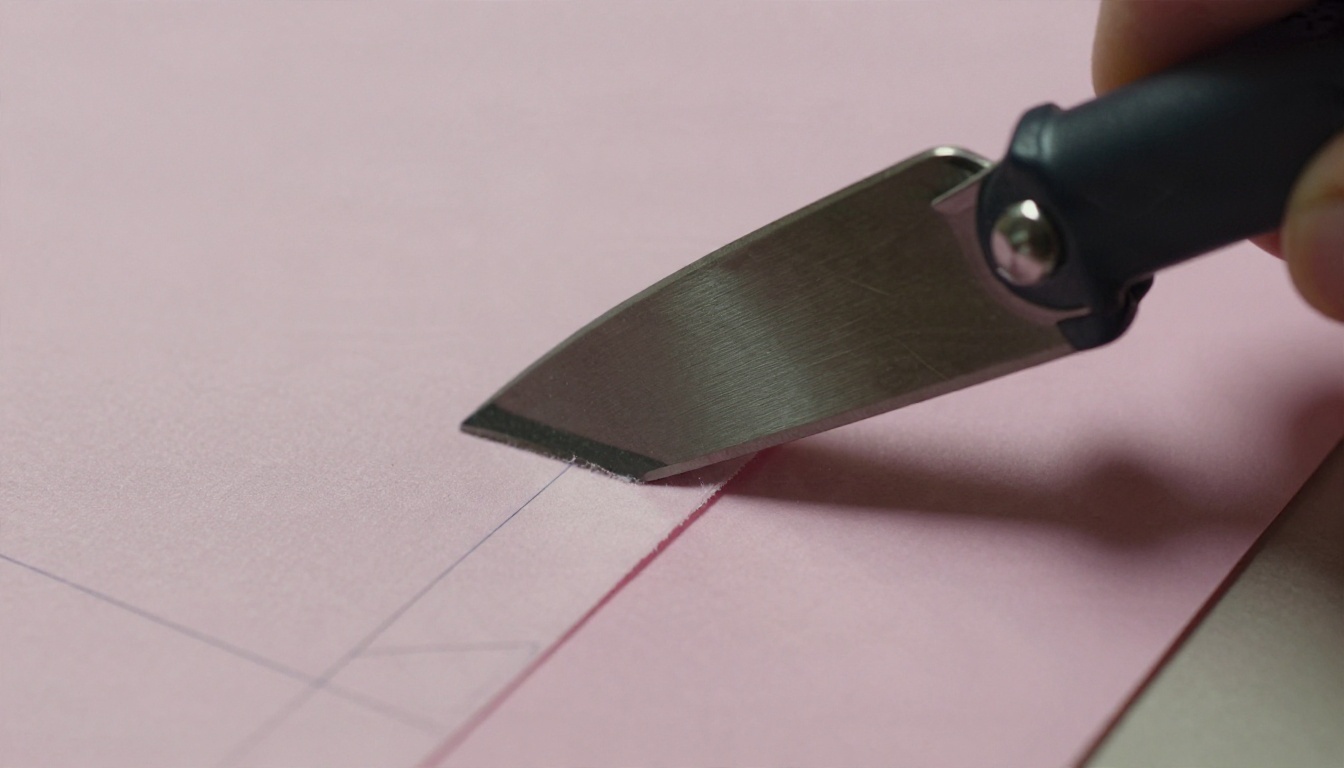
Bleed is extra image or color that extends past the trim line, so a tiny cutting shift does not leave a white edge. Margins keep text away from the cut. The gutter is the inner margin near the binding, where pages curve.
| Setting | Typical value | Why it matters |
|---|
| Bleed | 0.125 in (3 mm) on outer edges | Prevents white slivers after trimming |
| Outer and top margin | 0.5 in (12 mm) or more | Keeps text safe from the cutter |
| Inner gutter | 0.625 to 0.875 in depending on page count | Stops text vanishing into the spine |
| Resolution | 300 dpi for images | Avoids blurry or pixelated photos |
| File format | PDF, often PDF/X-1a or PDF/X-4 | Keeps fonts and colors predictable |
⚠️ Warning: Thicker books need wider gutters. A 500 page book swallows far more of the inner margin than a 60 page booklet.
Fonts, Images and Color
- Embed all fonts. A missing font changes line breaks and can push text onto extra pages.
- Flatten transparency if your printer asks for it, especially with drop shadows.
- Convert to CMYK for offset printing. Screens use RGB, which includes bright blues and greens that ink cannot match, so colors look duller on paper.
- Check image quality. A web image at 72 dpi that looks fine on screen will look soft in print.
- Use black text, not rich black. Small text should be a single black ink to avoid color fringing.
Page Count and Spine
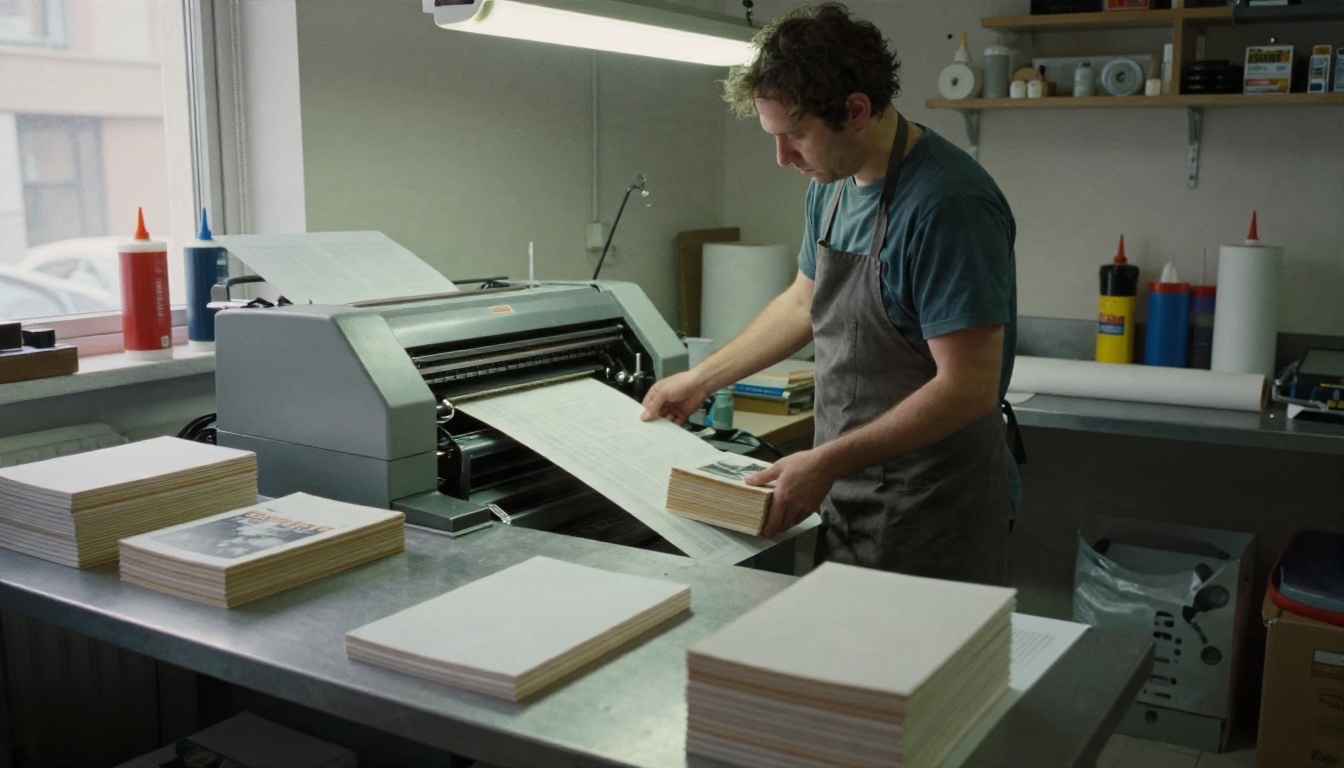
Page count has to suit the binding. Saddle-stitched booklets need a multiple of four. Perfect-bound paperbacks usually need an even number, often with a minimum around 24 to 32 pages. Spine width depends on paper thickness, and most printers provide a calculator. As a rough sense of scale, a 300 page book on standard cream paper lands around three quarters of an inch.
Add blank pages if you must pad to the right count, and place them deliberately at the start or end rather than in the middle of a chapter.
Choose a Binding Style
Binding changes cost, durability and how flat the book lies. Pick it based on how the book will be used.
| Binding | Best for | Page range | Pros | Cons |
|---|
| Saddle stitch (stapled) | Booklets, programs, zines | 8 to 80 | Cheap, quick | No printed spine |
| Perfect bound | Novels, manuals, catalogs | 40 to 800 | Professional look | Does not lie flat |
| Hardcover case bound | Gift books, photo books | 24 to 600+ | Most durable | Highest cost |
| Spiral or wire-o | Workbooks, cookbooks, notebooks | 20 to 300 | Lies flat | Looks less like a trade book |
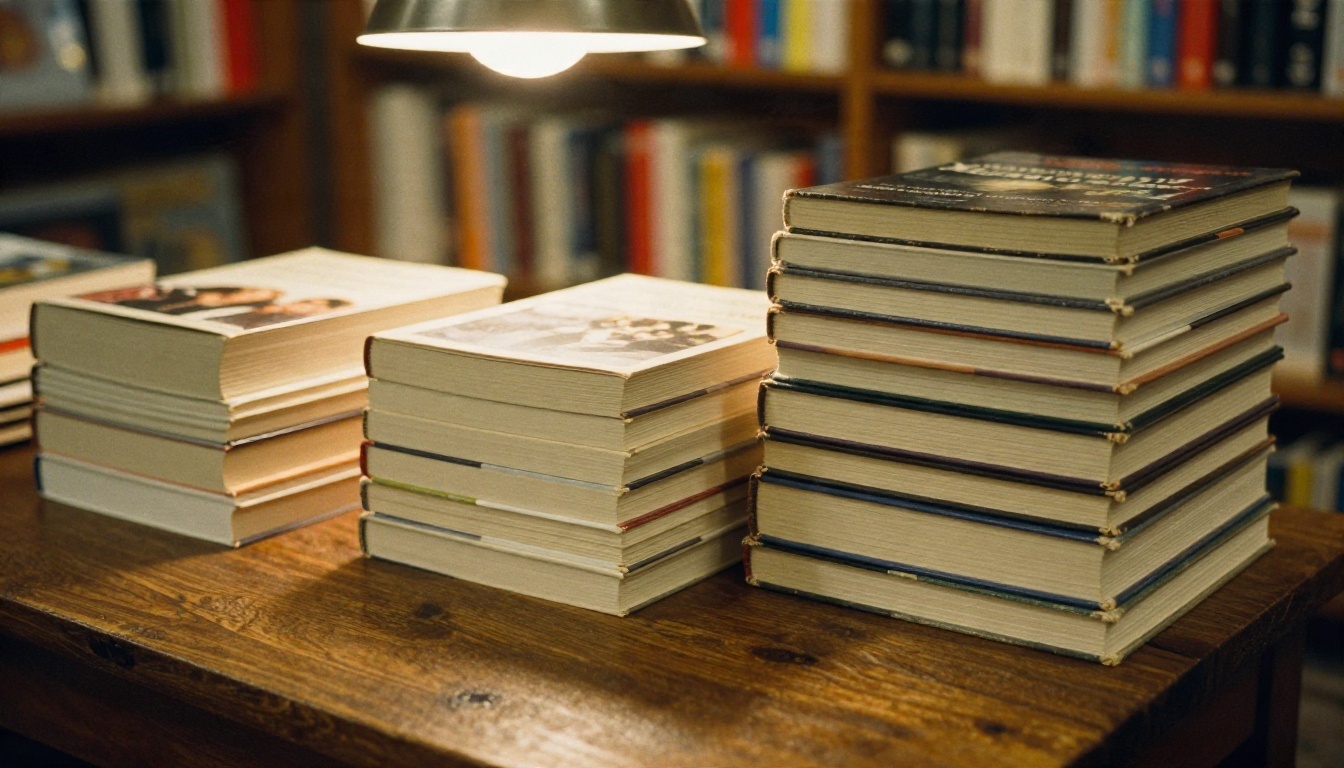
A cookbook benefits from a spiral binding so it stays open on a counter. A novel looks right as a perfect-bound paperback. A wedding album or portfolio justifies the extra cost of a hardcover. For event material, a stapled booklet from the Event Program Maker is hard to beat.
Five Mistakes That Waste Money
- Skipping the proof. Always order a single printed copy or a digital proof before a big run. Typos and cropped text only show up on paper.
- Ignoring bleed. Full-page images without bleed end with thin white edges after trimming.
- Using low resolution images. If a photo is under 200 dpi at its printed size, it will look soft.
- Choosing the wrong size late. Changing from A4 to 6 x 9 after layout forces a full rebuild.
- Forgetting the digital version. A flipbook lets readers preview before buying, and costs nothing per view. Pair it with print for wider reach.
✅ Best practice: Keep one master PDF for print (with bleed and CMYK) and one screen version (RGB, optimized size) for the flipbook. Each file then does its job well.
Turn Your PDF Into a Book Today
You do not have to choose between digital and print. Start with the online version so readers can open your work immediately, then use the sizes, bleed settings and binding choices above when you are ready to hold it in your hands.
Ready to try it? Create your free account on Flipbooks AI and upload your first PDF. If you need analytics, lead capture or unlimited flipbooks, compare the pricing plans. To see what else the platform can build, browse all the flipbook tools, from the Interactive E-Book Publisher to the Magazine Flipbook Creator.



