Your best photos are probably sitting in a camera roll right now, buried between screenshots and receipts. A scrapbook fixes that. The good news is you no longer need glue sticks, a craft table or a box of paper scraps to make one. You can create a scrapbook online, arrange every page on your screen, and share the result as a book that turns pages like the real thing. Tools like Flipbooks AI handle that last part, so your finished pages become a shareable page-flip album in a few minutes.
This article walks through free digital scrapbook ideas, template layouts that save hours, a step-by-step build process, and every practical way to share your pages with family and friends.
Why Digital Scrapbooks Work
A paper scrapbook is lovely, but it has one big weakness: there is only one copy. If it gets damp, lost or dropped, the memories go with it. A digital scrapbook keeps the same warmth and adds a few things paper cannot offer.
Paper vs Screen
Digital does not mean cold. You can still use pressed flowers (scanned), handwritten notes (photographed), ticket stubs and washi tape (as free transparent stickers). The difference is that mistakes cost nothing. Misplaced a photo? Drag it back. Hate a color? Change it in one click.
Where Page-Flip Fits In
A normal PDF scrolls like a tax form. A page-flip book shows two pages side by side, curls the corner when you click, and plays a soft turning animation. That small detail is why people actually finish looking at a flipbook album instead of closing the tab after one page.
| Feature | Paper Scrapbook | Plain PDF | Page-Flip Scrapbook |
|---|
| Cost per copy | High (supplies, printing) | Free | Free to low |
| Easy to share | No, one copy only | Yes | Yes, link or embed |
| Feels like an album | Yes | No | Yes |
| Works on phone | No | Awkward zooming | Yes, mobile-responsive |
| Edit after finishing | Hard | Moderate | Re-upload in minutes |
| Safe from damage | No | Yes | Yes |
💡 Pro tip: Keep the original paper pieces too. Photograph them on a plain background and use the images as digital elements. You get a real texture without any risk.
Free Digital Scrapbook Ideas
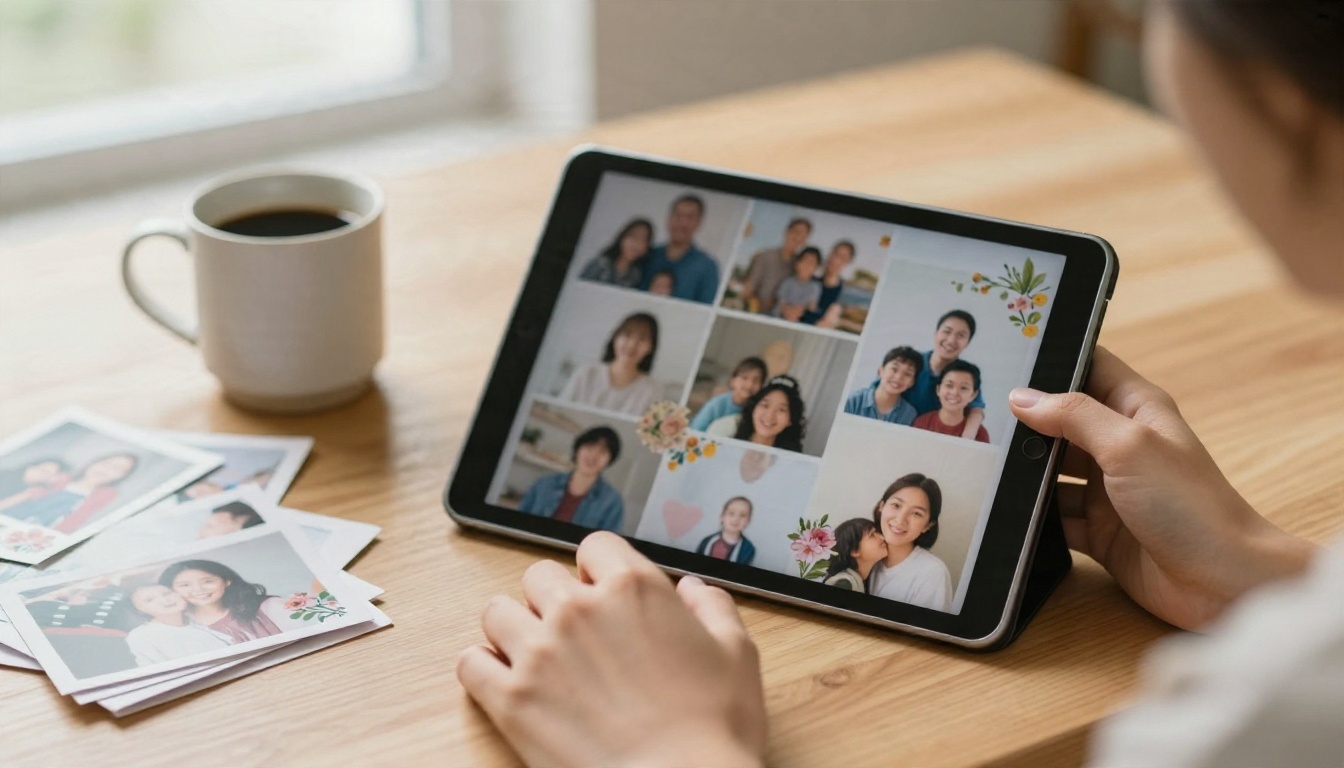
Not sure what to put on your pages? Start with a theme. A single clear theme makes layout decisions easy, because every photo either belongs or it does not.
Travel Journal Pages
Use one spread per destination. Place a wide landscape photo across the top, add a small map screenshot, and fill the corners with ticket images and a short caption: "Lisbon, 6:40 am, best pastry of my life." Short captions beat long paragraphs on screen.
Baby's First Year
Make 12 spreads, one per month. Each gets a monthly portrait, one milestone photo and a single line about what changed. Parents who do this once usually keep going for years, because the structure is already there.
Wedding and Anniversary
Mix formal portraits with candid shots and scanned handwritten vows. For a more complete wedding presentation, the Wedding Album Flipbook tool suits this kind of layout well.
Family Recipes and Heritage
Photograph a grandmother's recipe card, add a portrait of her in the kitchen, and write two sentences about the dish. A set of these pages becomes a keepsake book. If you want the recipes to look polished, try the Recipe Book Flipbook tool.
School Year and Pet Memories
A school year scrapbook works as a monthly timeline: first day, sports day, a drawing, a certificate. Pet albums are even simpler. Pick ten photos from puppy age to now and add a funny caption to each.
| Idea | Best Photo Count | Page Count | Difficulty |
|---|
| Travel journal | 20 to 40 | 10 to 20 | Easy |
| Baby's first year | 24 to 36 | 12 to 24 | Easy |
| Wedding or anniversary | 40 to 80 | 20 to 30 | Medium |
| Family recipes | 10 to 30 | 8 to 16 | Easy |
| School year | 15 to 30 | 10 to 14 | Easy |
| Pet memories | 10 to 20 | 6 to 10 | Easy |
Free Templates That Save Hours
Starting from a blank page is the number one reason people give up on a scrapbook. A template removes that decision. You only swap in your photos.
Pick a Page Size First
Choose the size before you design anything, because changing it later breaks every layout. A landscape format (such as 11 x 8.5 inches) suits two-page spreads and widescreen viewing. A square format (such as 8 x 8 inches) feels like a classic photo book and looks neat on phones.
Layouts Worth Keeping
You only need five reusable layouts to build a whole album:
- Full-bleed hero: one large photo filling the page, with a short caption in a corner.
- Grid of four: equal squares for a before-and-after or four moments from one day.
- Polaroid scatter: three or four small photos slightly rotated, with a tape sticker on each.
- Photo and story: one photo on the left page, a few lines of text on the right.
- Collage wall: many small photos with one larger anchor image.
Free design platforms such as Canva, Google Slides, Adobe Express and PowerPoint all let you build these layouts, and each can export a PDF. Pick whichever you already know. The flipbook step comes after, so your design tool does not need any special feature.
| Design Tool | Cost | Best For | PDF Export |
|---|
| Canva (free plan) | Free | Ready-made scrapbook templates | Yes |
| Google Slides | Free | Simple layouts, easy sharing for edits | Yes |
| PowerPoint | Paid or free web version | Precise control over spacing | Yes |
| Adobe Express | Free tier | Quick social-style pages | Yes |
⚠️ Watch out: Export your pages at high quality. A blurry PDF will look worse inside a flipbook, because readers zoom in to see faces and details.
Build Your Pages Step by Step
Here is the process that works for most people. It takes about two hours for a 12-page album once your photos are ready.
Gather and Trim Your Photos
Make one folder on your computer. Copy in 30 to 50 photos, then remove anything blurry, duplicated or boring. Aim to keep roughly half of what you started with. Fewer, better photos make a stronger scrapbook.
Choose a Palette and Two Fonts
Pick three colors from your best photo. A beach photo gives you sand, sea blue and sun-faded white. Then choose one handwriting-style font for captions and one clean font for dates. More than two fonts makes pages look messy.
Add Texture Elements
Free sticker packs, paper textures and tape graphics add the handmade feel. Use them with restraint: one or two per page. Real scans of your own items, such as a boarding pass or a pressed leaf, always look more personal than stock graphics.
Export as a PDF
When every page is done, export the file as a PDF with pages in order. Check that the first page is your title page and the last page is a simple thank-you or closing photo.
How to Create a Scrapbook Flipbook with Flipbooks AI
Once your PDF is ready, you can turn it into a page-flip album. Here is the full process on Flipbooks AI.
Steps to Follow
- Open the platform. Go to Flipbooks AI and create an account. You will see the dashboard with an upload button in the center.
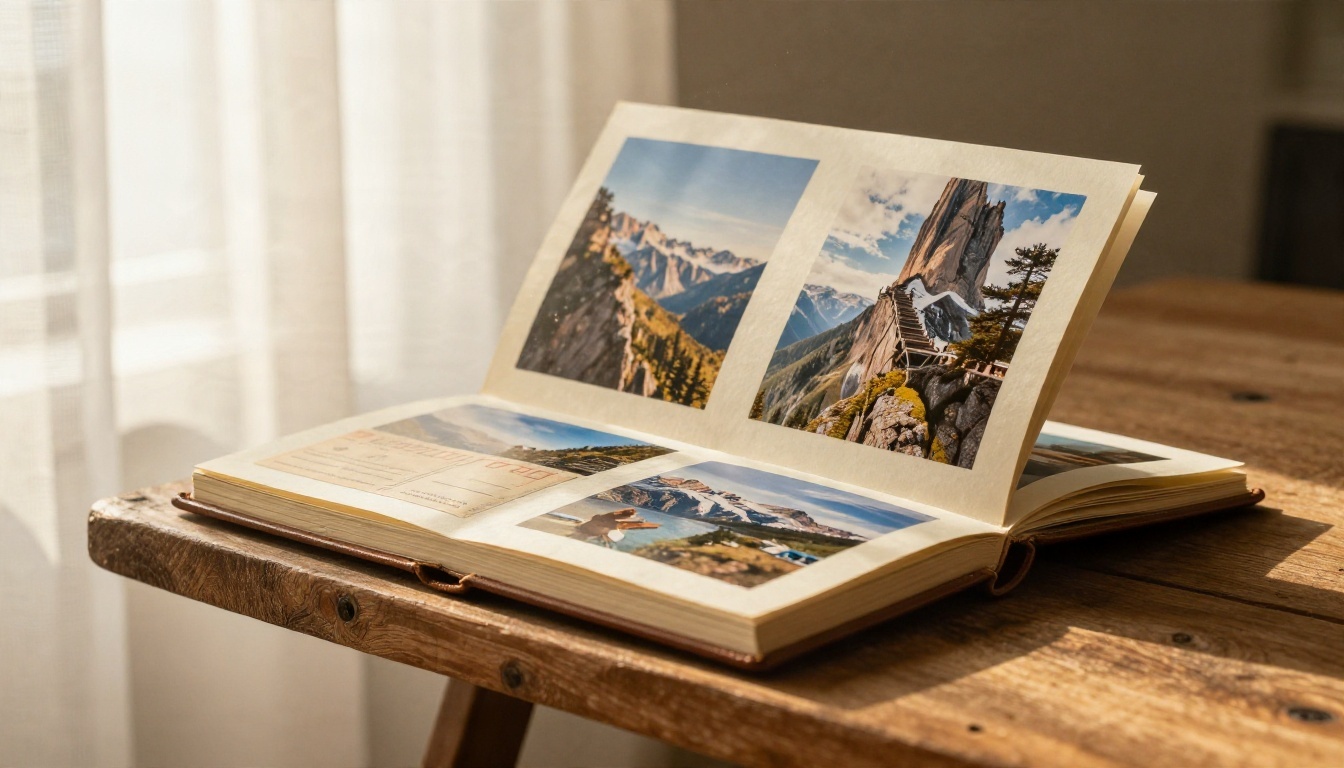
- Upload your PDF. Drag your scrapbook file into the upload area. The PDF to Flipbook Converter turns every page into a flippable spread, usually within a minute.
- Check the page order. Click through the preview. Make sure the title page opens first and the spreads line up as planned.
- Customize the look. Pick a background color that matches your palette, adjust the page-turn effect, and add your own branding or a custom title if you want one.
- Add multimedia. Embed a short video clip from a holiday, or add background audio such as a favorite song for a wedding album.
- Publish. Click publish and copy the link. Your scrapbook is live, with no watermarks.
Customization That Matters
Keep it simple. A soft cream or charcoal background lets photos stand out. If your scrapbook is a gift, add a custom title page such as "Our First Year" before you upload, so the first thing a person sees is personal.
Extra Features Worth Knowing
- Password protection: keep baby photos or wedding images private.
- Offline downloads: let relatives save a copy and read it without internet.
- Analytics and lead generation: available on the Professional plan, useful if you sell photo books or run a creative studio. See the pricing page for details.
- Unlimited flipbooks: available on the Standard plan and above, handy when you make a new album every year.
If your project is closer to a portfolio than a family album, the Digital Portfolio Creator and Photography Portfolio tools follow the same upload steps.
✅ Best practice: Test your flipbook on your phone before sharing. Most relatives will open it there first.
Page-Flip Sharing Options
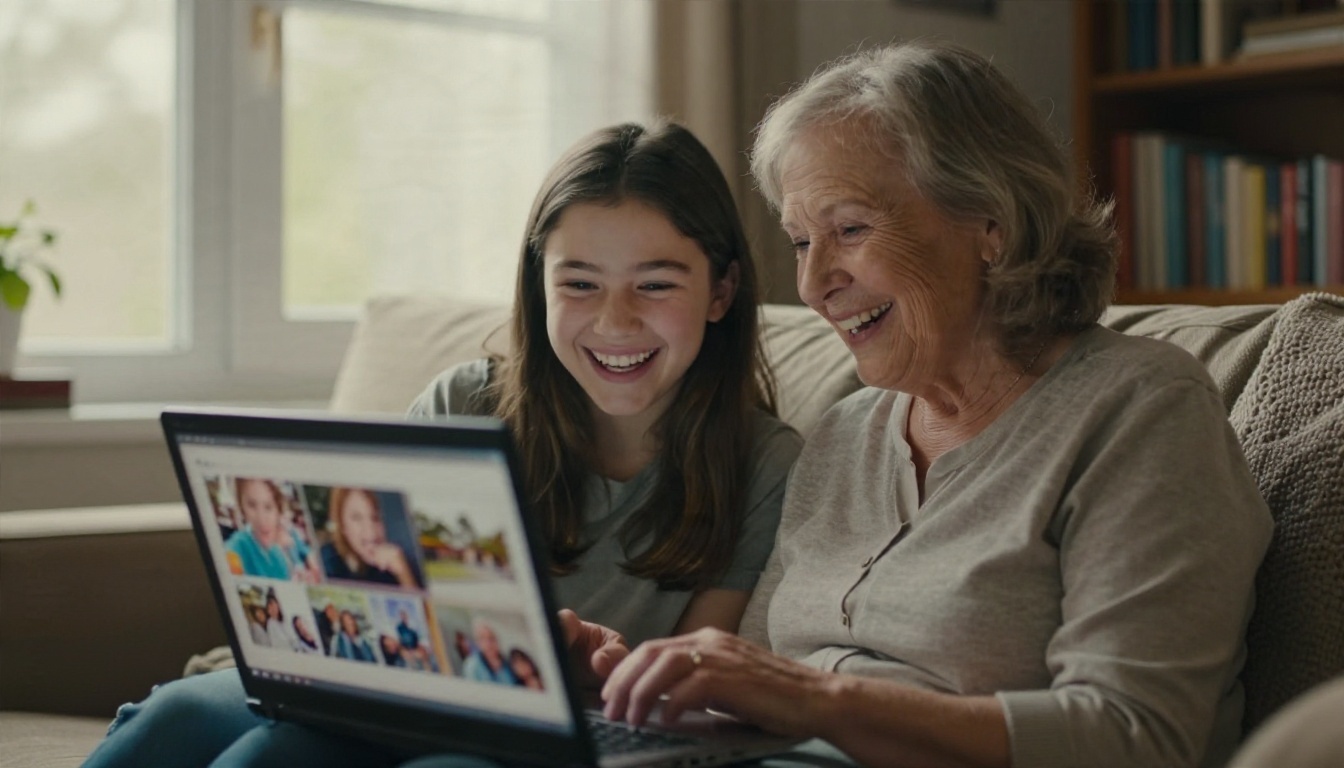
A scrapbook is only half done until someone else sees it. Pick the sharing method that fits who you are sending it to.
Direct Link
The fastest option. Paste the link into WhatsApp, email or a family group chat. Anyone with the link can open the album in a browser, with no app to install.
Embed on a Website or Blog
If you run a travel blog or a family site, embed the album inside a post. The Embed Flipbook on Website tool gives you a snippet you paste into your page. Readers flip through without leaving your site.
Private Sharing with a Password
For anything personal, add a password and send it in a separate message. This takes ten seconds and keeps strangers out.
| Sharing Method | Setup Time | Privacy Level | Best For |
|---|
| Direct link | Under 1 minute | Low to medium | Quick family sharing |
| Embedded on website | 5 minutes | Public | Blogs, portfolios, event pages |
| Password protected | 2 minutes | High | Wedding, baby, private albums |
| Offline download | 1 minute | Medium | Relatives with weak internet |
| QR code on a printed card | 5 minutes | Medium | Party invitations, gifts |
A Real Example
Imagine a couple who spent three weeks in Japan. They build a 16-page travel scrapbook in Canva, export a PDF, and upload it. They set a password, then send the link to both sets of parents. Within a day, both families have flipped through it on their phones, and one parent has already asked for a printed copy. That is the whole workflow, and nothing in it needed a craft store.
Mistakes to Avoid
Most weak digital scrapbooks fail for the same few reasons.
Too Many Photos Per Page
Eight photos on one page means none of them gets noticed. Stick to one to four photos per page for most layouts, and use the collage wall only occasionally.
Tiny Text
Captions that look fine on a monitor are unreadable on a phone. Keep caption text at a size where you can read it comfortably when the page is shrunk to a third of the screen.
Forgetting the Order
Put the story in order, whether chronological or by theme. A scrapbook that jumps between years without a reason loses the viewer. Add a simple divider page when you change chapters.
| Common Mistake | What Happens | Simple Fix |
|---|
| Low-resolution export | Blurry zoomed photos | Export at high quality |
| Too many fonts | Messy look | Use two fonts only |
| No password on private albums | Anyone with link can view | Add password protection |
| Huge file size | Slow loading on mobile | Compress images before export |
| No title page | Album feels unfinished | Add a simple title spread |
Make Your First Page Today
You do not need a perfect plan. Pick one theme, choose ten photos, and build a single spread this evening. Then export it, upload it, and watch it flip. That first small win is what turns a scrapbook from a vague intention into a finished album.
Ready to create your first page-flip scrapbook? Get started for free on Flipbooks AI. You can also browse all flipbook tools and templates to find the best fit for a baby album, a wedding book or a travel journal. When you are ready to share more widely or track who opens your album, compare the pricing plans and choose what works for you.



