You have 200 photos on your phone, a folder of PNG mockups on your laptop, and a client who wants to "see everything in one place." Sending a zip file is clumsy. Posting a gallery link is forgettable. A flipbook solves both problems: your images become pages that turn on screen, and the whole thing lives behind a single link. With Flipbooks AI, you can go from a pile of image files to a shareable, page-turning publication in a few minutes.
This article shows you exactly how an image to flipbook workflow works, which format (JPG or PNG) belongs where, how to build photo albums and portfolios that people actually open, and which mistakes waste the most time.
Why Turn Images Into a Flipbook
The Problem With Loose Photo Files
Loose image files have no order, no pacing, and no story. Someone opening a shared folder sees thumbnails in alphabetical order, clicks two or three, and leaves. Email attachments get blocked by size limits. Cloud galleries look different on every device and often show other people's ads or branding.
A flipbook gives you control over the sequence. You decide which image comes first, which pair sits together on a spread, and where the viewer's eye rests before the next page turns.
What a Flipbook Changes
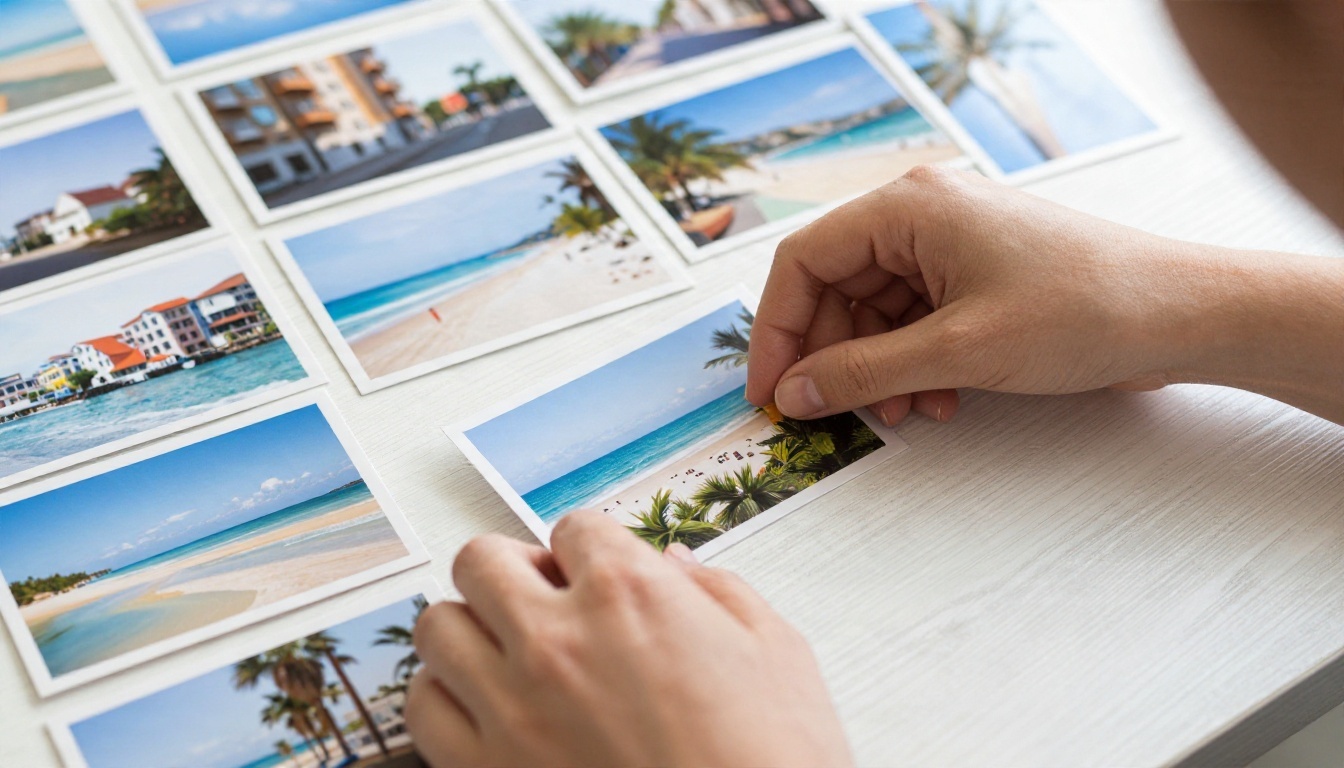
Sorting printed photos on a table feels natural because you can see the whole set at once and rearrange it. A flipbook brings that same feeling to the screen, and adds things paper can't do:
- Page-turning animation that feels like a real album
- One link that works on phones, tablets, and desktops
- Zoom so viewers can inspect details in a photograph
- Embed anywhere, including your own website
- Password protection for private family or client sets
- No watermarks, so your work stays yours
💡 Pro tip: Think of the flipbook as an edited selection, not a dump. Fifty carefully ordered images beat five hundred random ones every time.
Both formats work for flipbooks, but they behave differently once images are turned into pages. Here is a quick comparison.
| Feature | JPG | PNG |
|---|
| Best for | Photographs, travel shots, portraits | Screenshots, logos, graphics, text-heavy pages |
| Compression | Lossy, small files | Lossless, larger files |
| Transparency | Not supported | Supported |
| Typical file size (12 MP photo) | 2 to 5 MB | 15 to 25 MB |
| Sharp text and lines | Can show artifacts | Crisp and clean |
| Flipbook load speed | Fast | Slower with many pages |
Resolution and File Size Rules
The format matters less than the resolution you feed in. A few practical numbers:
- Single-page layout: aim for 1600 to 2400 pixels on the long edge.
- Two-page spreads: use images around 3000 pixels wide so zoom stays sharp.
- Screen-only albums: 150 DPI is plenty. You don't need print resolution.
- Large portfolios (50+ pages): compress JPGs to roughly 80% quality to keep loading fast.
A Simple Rule for Mixing Formats
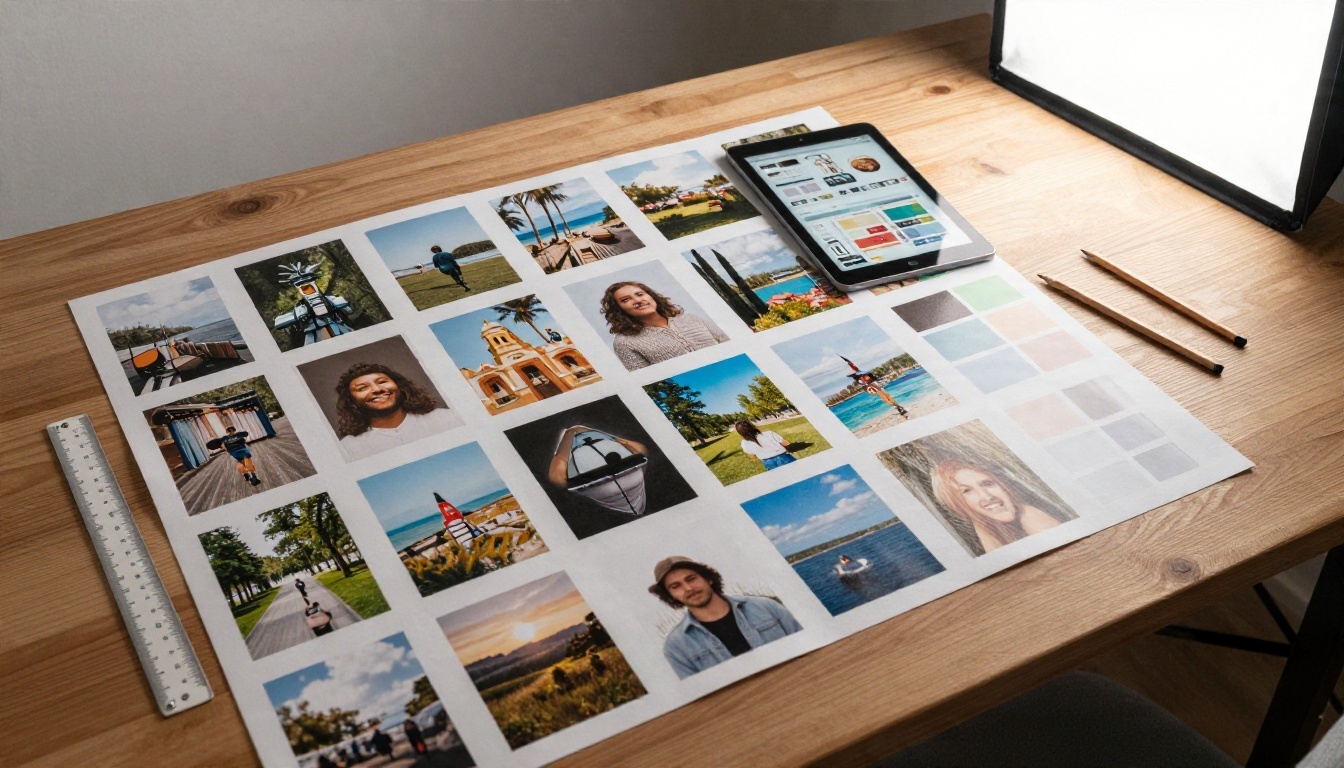
You don't have to choose just one. A common setup is JPG for photographs and PNG for title pages, captions, and graphics. Once everything is placed into a PDF, the flipbook treats each page the same way.
How to Create an Image Flipbook with Flipbooks AI
Flipbooks AI builds flipbooks from PDF files, so the workflow has one extra step: your JPG and PNG images become pages in a PDF first, and then the platform converts that PDF into a flipbook. It sounds like more work than it is. Most people finish in under ten minutes.
Step 1: Prepare Your Images
Before building anything, spend two minutes on prep:
- Pick your best shots. Cut near-duplicates ruthlessly.
- Name files in order, for example
01-beach.jpg, 02-market.jpg.
- Crop to a consistent ratio. Landscape 3:2 or 16:9 for screens, square for a gallery feel.
- Fix obvious exposure problems in your phone's editor.
Step 2: Combine Images Into a PDF
You have several free ways to make the PDF:
| Method | Works on | Best for |
|---|
| Print to PDF from a photo viewer | Windows, Mac | Quick one-image-per-page sets |
| Presentation software (Google Slides, PowerPoint, Keynote) | All platforms | Captions, titles, and layouts |
| Free design tools (Canva and similar) | Browser | Polished albums and portfolios |
| Phone scanner or share sheet | iOS, Android | Fast sets straight from your camera roll |
Export at the highest quality the tool offers. If you add text, keep it large enough to read on a phone.
Step 3: Upload and Convert
- Go to Flipbooks AI and create an account.
- Open the PDF to Flipbook Converter.
- Upload your PDF by dragging it into the upload area.
- Wait a few moments while the pages are converted.
- Preview the result and flip through it as a viewer would.
✅ Best practice: Preview on your phone before sharing. Most viewers will open your flipbook on a small screen first.
Step 4: Customize the Look
This is where an ordinary PDF turns into something that feels like your brand or your story. You can adjust:
- Custom branding: add your logo and choose colors that match your site
- Page effects: set the page-turn style and speed
- Background: pick a neutral tone so photographs stand out
- Multimedia: embed videos and audio, such as ambient music for a wedding album or a short intro clip for a portfolio
Step 5: Share and Protect
Once the flipbook looks right, choose how people reach it:
- Direct link for email, messages, and social bios
- Embed code to place it inside a website page (see the Embed Flipbook on Website tool)
- Password protection for private family albums, unreleased client work, or paid collections
Step 6: Use the Pro Features
If your flipbook is part of your business, the Professional plan adds tools that matter:
- Analytics to see how many people open it and how far they scroll
- Lead generation to collect an email before someone views your portfolio
- Offline downloads so clients can keep a copy
Standard plans and above include unlimited flipbooks. Compare the options on the pricing page before you commit.
Photo Albums That People Open
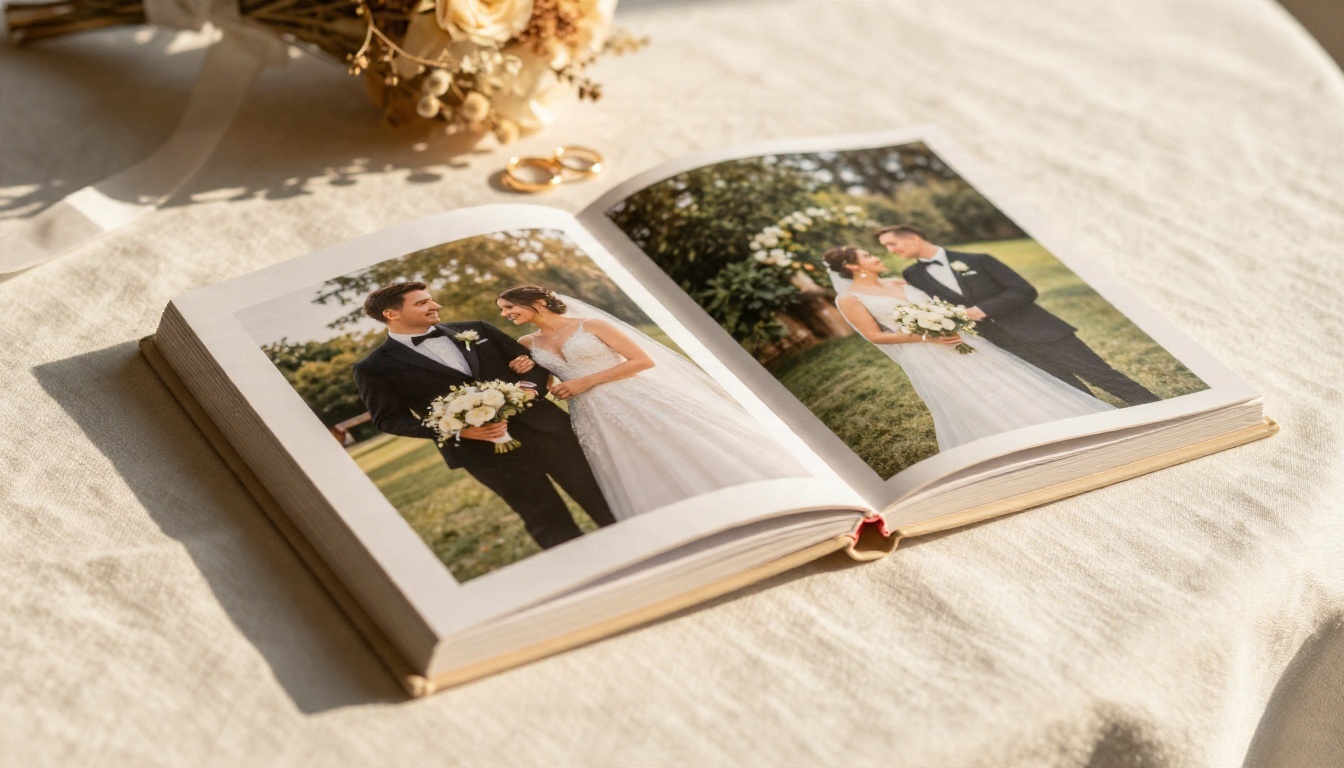
Printed albums are lovely but expensive, heavy, and hard to share. A digital flipbook album costs almost nothing to duplicate, and a grandmother in another country can open it the same afternoon.
Wedding and Family Albums
A wedding photographer can deliver a gallery that feels like a keepsake instead of a download link. The Wedding Album Flipbook tool is built for this: ceremony pages first, then portraits, then candid reception shots, finished with a soft music track.
Here is a sample structure that works well:
| Section | Pages | Image mix |
|---|
| Opening | 2 to 3 | One strong portrait, a title page (PNG) |
| Getting ready | 6 to 8 | Detail shots, close-ups of rings and flowers |
| Ceremony | 10 to 12 | Wide shots, then emotional close-ups |
| Portraits | 10 to 15 | Couple and family groupings |
| Reception | 8 to 10 | Candids, dancing, toasts |
| Closing | 1 to 2 | Sunset or farewell shot |
Travel and Holiday Albums
Travel sets thrive on pacing. Alternate wide landscapes with small details such as food, signs, and textures. Add short captions on each page and you have something close to a travel magazine. The Travel Guide Flipbook tool pairs well with this approach.
💡 Pro tip: Start with a map screenshot (PNG) as page two. It gives viewers context before the photographs begin.
Portfolios That Win Clients
A portfolio is not a gallery. It is an argument: this is what I do, and this is why you should hire me. A flipbook lets you make that argument in order.
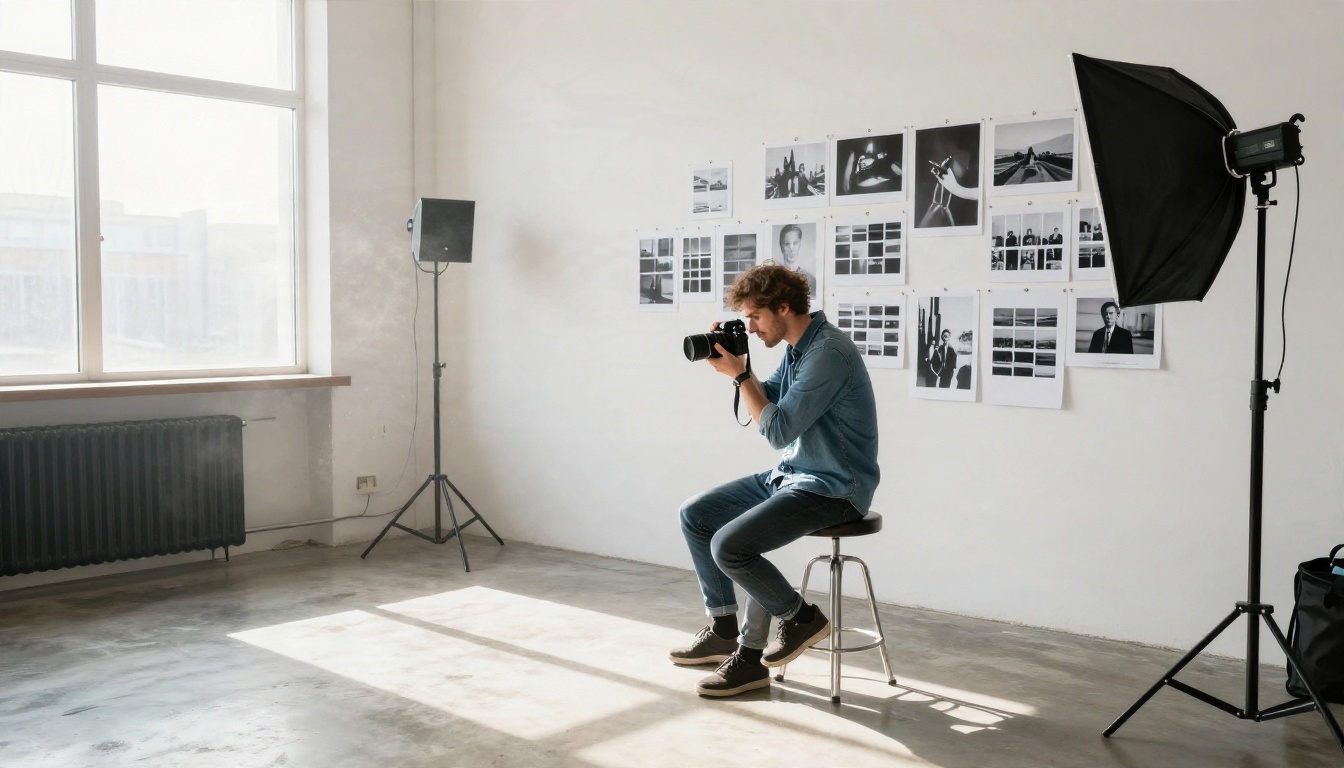
Photographers and Visual Artists
For photographers, the Photography Portfolio tool is the natural starting point. Keep these points in mind:
- Open with your single strongest image, not a title slide
- Group work by theme, such as portraits, landscapes, or commercial
- Limit the portfolio to 20 to 30 images
- End with a contact page and a clear next step
Designers and Illustrators
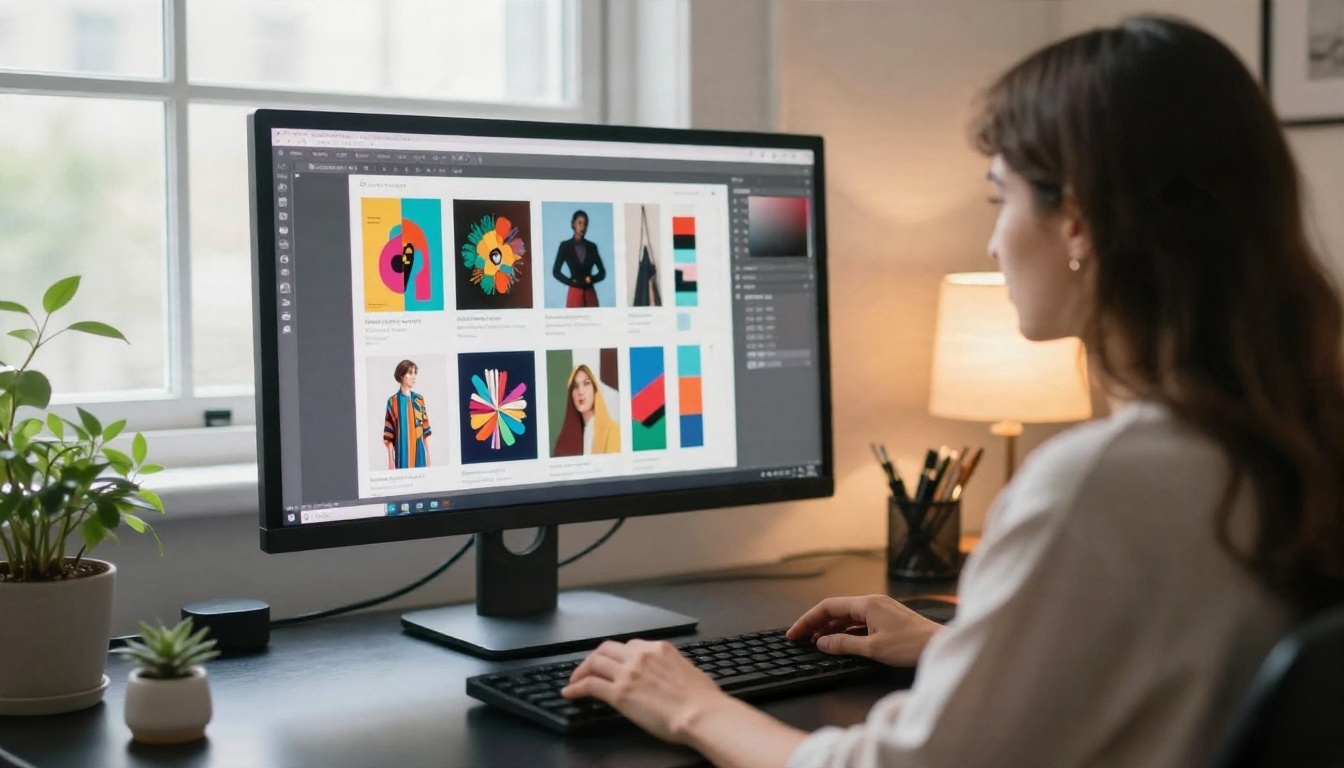
Designers often work with PNG exports, which suits the format well. Show a project in three beats: the problem, the process, and the result. The Digital Portfolio Creator and Portfolio Flipbook Builder both fit this layout.
Small Business Lookbooks

A potter, a florist, or a boutique owner can shoot products with a phone and turn the best frames into a seasonal lookbook. The Interactive Lookbook Designer and Lookbook Flipbook Builder help here, and if you sell items, the Product Catalog tool lets you turn that lookbook into a catalog.
Share It Anywhere
Where your flipbook lives matters as much as how it looks.
Mobile First, Always
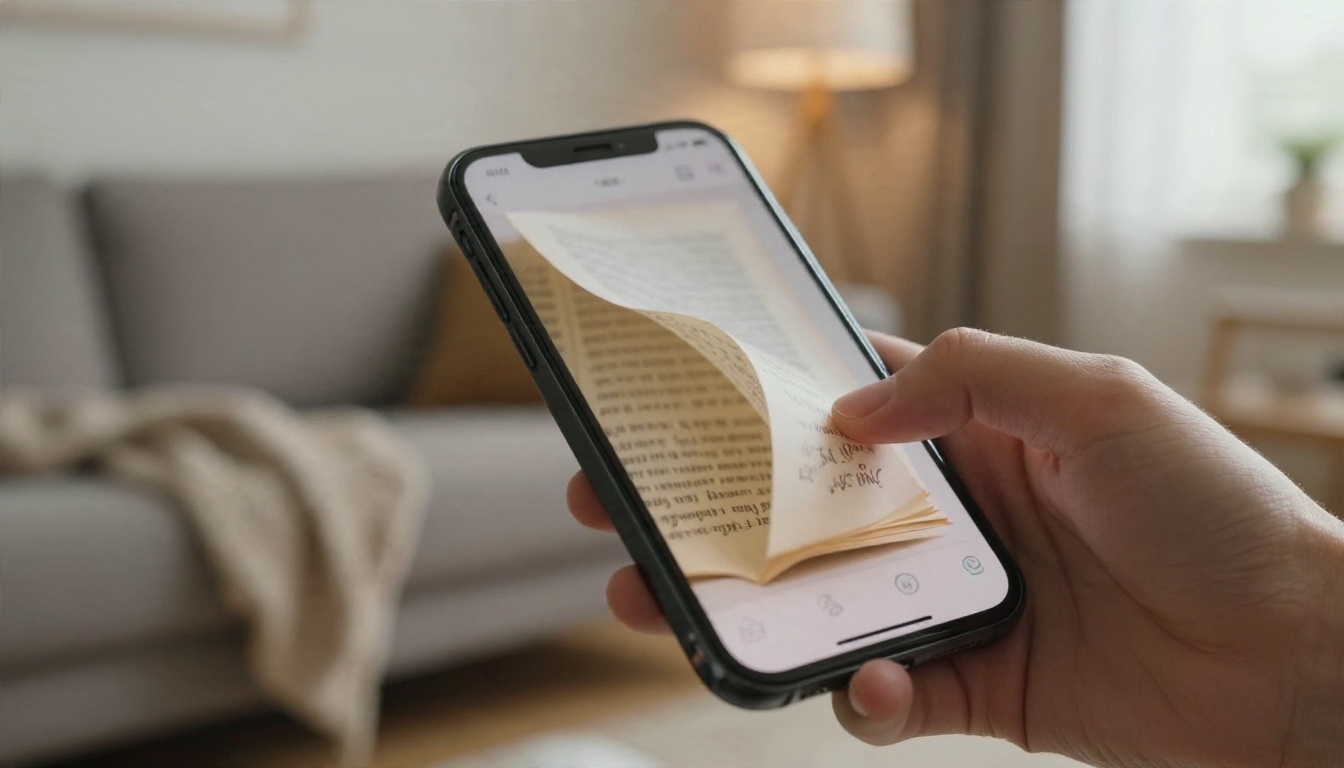
More than half of casual viewers will open a shared link on a phone. A mobile-responsive flipbook adjusts to the screen, so pinch-to-zoom and swipe-to-turn feel natural. Test every flipbook on your own phone before sending it.
Client Presentations
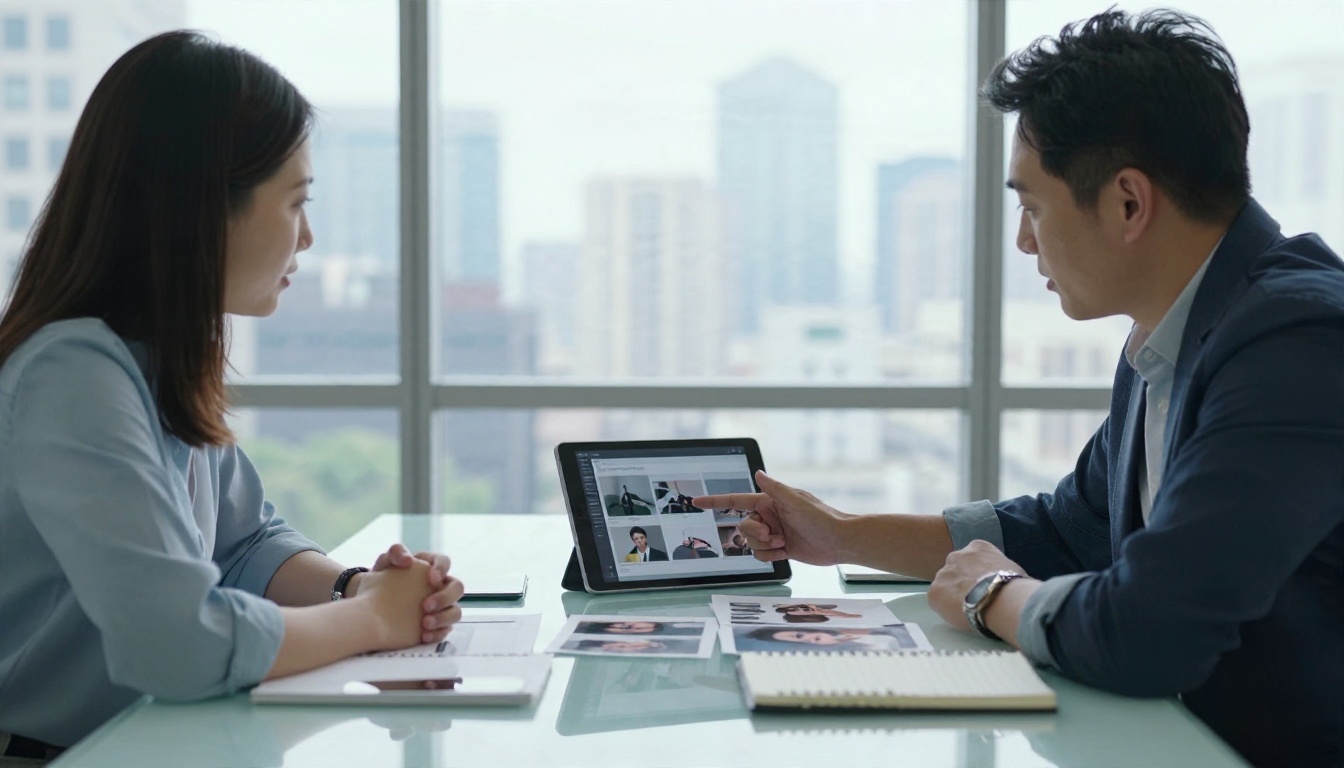
In a meeting, a flipbook on a tablet looks far more polished than a folder of files. Send the same link afterward, and the client sees exactly what you showed. If you pitch regularly, the Presentation Flipbook Designer is worth a look.
You can absolutely start for free. Here is how common approaches compare.
| Option | Page-turn effect | Custom branding | Password protection | Analytics | Watermark-free |
|---|
| Shared cloud folder | No | No | Sometimes | Limited | Yes |
| Social media carousel | No | No | No | Platform only | Yes |
| Basic PDF in email | No | No | Manual | No | Yes |
| Free flipbook tools with limits | Yes | Limited | Rare | Rare | Often no |
| Flipbooks AI | Yes | Yes | Yes | Professional plan | Yes, always |
⚠️ Watch out: Many free converters stamp their logo on every page. That might be fine for a family album, but it looks unprofessional on a client portfolio.
Mistakes That Waste Your Time
Most disappointing flipbooks fail for the same few reasons.
- Uploading huge uncompressed PNGs. A 200-page PNG-based PDF can take forever to load. Convert photographs to JPG first.
- Mixing orientations randomly. Switching between portrait and landscape every page feels jarring. Group similar shapes together.
- Skipping captions. Even one short line gives a photograph context.
- Tiny text on a phone. If you can't read it at arm's length, nobody else can.
- No ending. Finish with a contact page, a next step, or a closing image.
- Forgetting to test. Preview on desktop and phone every time.
✅ Best practice: Show the flipbook to one person who hasn't seen the photos. Their first reaction tells you more than any checklist.
Make Your First Flipbook Today
You already have the hard part: the images. What's left is ordering them, exporting a PDF, and letting the platform handle the page-turning.
Pick ten of your best JPG or PNG files, build a quick PDF, and see how it feels to flip through them. The first version never needs to be perfect, and sharing it takes one link.



