You do not need a four-figure software budget to produce a magazine that looks professional. You need a tool that matches your page count, your skills and the way readers will actually see the finished issue. This comparison of magazine layout software looks at free desktop apps, browser-based editors, template libraries and paid suites, then shows how to turn the finished PDF into an interactive issue with Flipbooks AI.
The market is crowded, and most roundups simply list logos. Here you get costs, trade-offs, honest weak spots and a clear answer to one question: which tool should you open first?
What Layout Software Actually Does
A magazine is not a long document. It is a system of repeating decisions: column grids, type styles, image placement, page numbers, spreads that read left to right as a pair. Good magazine design software automates those decisions so you can spend your time on content.
Print Versus Digital Output
Before comparing tools, decide where the issue will live. Print needs CMYK color, bleed, crop marks and high-resolution images. Digital needs small file sizes, working links and a layout that reads well on a phone.
- Print only: choose software with CMYK export and PDF/X support.
- Digital only: RGB color, compressed images and clickable links matter more.
- Both: build once at print quality, then export a lighter PDF for screens.
Features That Actually Matter
Skip the feature lists with 60 bullet points. Five capabilities decide whether a tool will survive a real issue:
- Parent pages that repeat folios, headers and grids automatically.
- Paragraph and character styles so one change updates every headline.
- Linked text frames that flow a story across columns and pages.
- Image handling with cropping, wrapping and resolution warnings.
- Clean PDF export with bleed, fonts embedded and links preserved.
💡 Pro tip: Test any tool with a six-page sample before committing. If setting up styles and parent pages feels painful on six pages, it will be miserable on sixty.
Free Desktop Options
Free does not have to mean limited. Two desktop routes can produce print-ready files at no cost.
Scribus
Scribus is open source and built for exactly this job. It supports CMYK, spot colors, bleed, linked text frames and PDF/X export. That puts it closer to professional publishing tools than most free software.
The catch is the interface. It feels dated, shortcuts differ from what designers expect, and templates are scarce. Expect a rough first week. After that, it is a dependable workhorse for a volunteer club newsletter or a small-run zine.
Affinity Publisher
Affinity's page layout tools have long been the favorite alternative to subscription suites, offering styles, parent pages and strong PDF export. Canva made the Affinity apps free in late 2025, so check the current terms on their site before you buy anything. If the free version fits your needs, it is the most polished no-cost desktop option for designers who want a modern interface.
Word Processors as a Fallback
Google Docs, Pages and Word can produce a passable eight-page newsletter. They struggle with bleed, CMYK and precise image placement. Use them only for internal updates, never for something you plan to print and sell.
Online Editors Worth Trying
Browser tools win on convenience. No install, instant sharing, and thousands of ready-made layouts.

Canva
Canva is the default choice for non-designers. The free plan includes a huge catalog of magazine templates, drag and drop editing and a shared brand palette on paid tiers. It handles a 12 to 24 page digital issue comfortably.
Weak spots: long documents become sluggish, text flow between pages is manual, and print color control is limited compared with desktop software. For a lifestyle blog or a company newsletter, none of that matters. For a 100-page glossy, it does.
Adobe Express and Marq
Adobe Express offers a free tier with templates that feel more editorial than most. Marq (formerly Lucidpress) targets teams that need locked brand templates, so a marketing department can let colleagues edit text without breaking the design.
| Online Editor | Best For | Free Tier | Main Limitation |
|---|
| Canva | Quick digital issues | Yes, generous | Weak on long documents |
| Adobe Express | Editorial style templates | Yes, limited assets | Few multi-page controls |
| Marq | Team brand control | Limited | Paid plans for real use |
| Google Slides | Landscape ezines | Yes | No bleed or CMYK |
⚠️ Watch out: Free plans change often. Premium images, brand kits and PDF quality options are common paywalls, so read the export screen before you design 20 pages.
Paid Software: When It Pays Off
Some projects justify the monthly bill. Others do not.
Adobe InDesign
InDesign remains the standard in professional publishing. Long document control, data merge, nested styles, preflight and tight integration with Photoshop and Illustrator make it the right call for agencies, newsrooms and anyone sending files to a commercial printer regularly.
It runs on a subscription, and the interface rewards training. If you publish a quarterly issue with a team of three or more, the cost usually pays for itself in saved hours.
Microsoft Publisher Is Gone
Microsoft announced end of support for Publisher in October 2026. If you still rely on old .pub files, export them to PDF and move future issues elsewhere. Starting a new magazine in an abandoned tool is a trap.
Side by Side Comparison
Here is the full picture on one screen. Costs are described in tiers because prices shift.
| Tool | Cost Model | Skill Level | Print Ready (CMYK) | Templates | Best Use |
|---|
| Scribus | Free, open source | Intermediate | ✅ | Few | Zines, club newsletters |
| Affinity | Free or low cost | Intermediate | ✅ | Moderate | Indie print magazines |
| Canva | Free plus Pro | Beginner | Limited | Thousands | Digital issues |
| Adobe Express | Free plus paid | Beginner | Limited | Many | Social style mags |
| Marq | Paid for teams | Beginner | Limited | Brand focused | Corporate publications |
| InDesign | Subscription | Professional | ✅ | Many via Adobe Stock | Large print runs |
| Word or Docs | Free or bundled | Beginner | ❌ | Basic | Internal bulletins |
Which One Fits Your Situation
| Your Situation | Start With | Why |
|---|
| First issue, no design background | Canva | Fastest path to a good result |
| Zero budget, print run planned | Scribus | Real prepress features |
| Freelance designer | Affinity or InDesign | Speed and client compatibility |
| Marketing team with brand rules | Marq | Locked templates |
| Weekly digital newsletter | Canva or Adobe Express | Quick edits and exports |
Templates: Where to Find Them
A good template saves hours. A bad one costs more than starting from scratch.
Built In Libraries
Canva, Adobe Express and Marq ship with large collections. Search by format (A4, US Letter, square) and orientation first, then by style. Prefer templates with clear text styles over ones with flattened, decorative graphics.
Marketplaces and Stock Sites
Envato Elements, Creative Market and Adobe Stock sell InDesign and Affinity compatible magazine templates, typically with a font list and image placeholders. Always check the license: some prohibit resale of the finished product.
Template Rules Worth Following
- Change the fonts last. Layout problems usually come from copy length, not typefaces.
- Keep two typefaces at most. One for headlines, one for body text.
- Delete unused pages. Leftover sample pages bloat the PDF.
- Replace every placeholder image. Stock thumbnails slip through more often than you would guess.
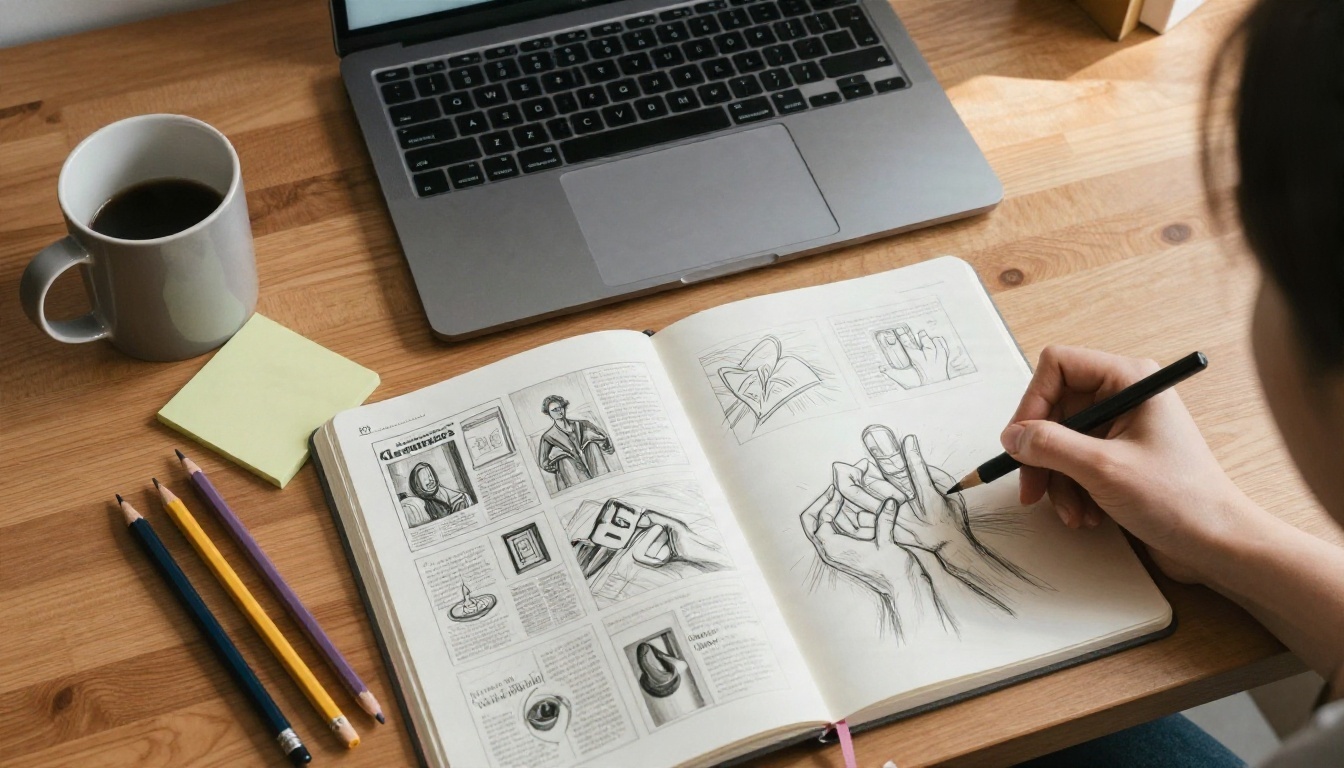
✅ Best practice: Sketch the issue on paper first. A row of small boxes, one per page, shows pacing problems long before you open any software.
Layout Rules That Save Hours
Software will not fix weak layout choices. These habits apply in every tool.

Build a Grid Before Content
Choose a column count (three for body text works well on A4), set margins and keep gutters consistent. Every photo and pull quote should snap to the grid.
Respect Reading Order
Readers look at the biggest image first, then the headline, then the first paragraph. Place those three elements in a deliberate path rather than scattering them.
Pick Images With Care
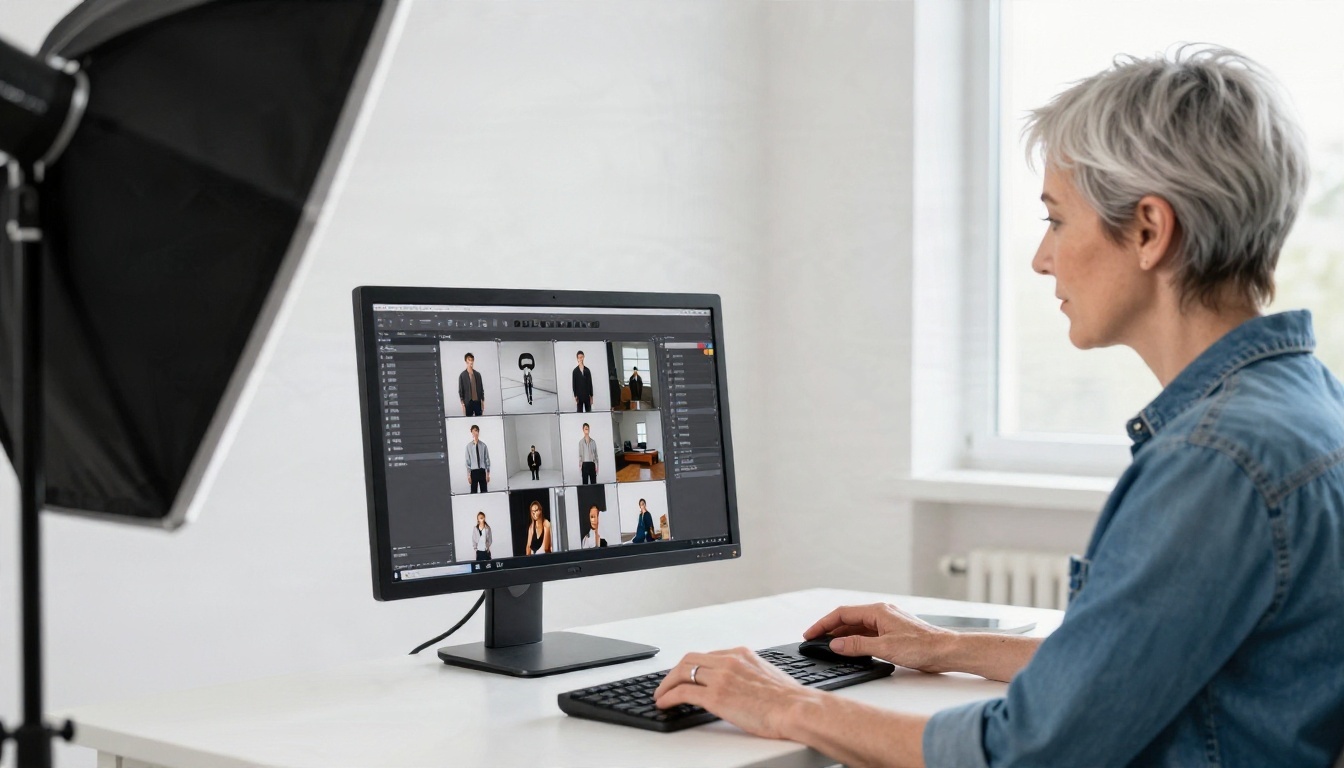
Print needs roughly 300 dpi at final size. Screens are forgiving, but oversized files slow loading. Photographers who curate their own selects, as in a contact sheet review, tend to produce stronger issues because the photos drive the page.
Common Mistakes to Avoid
- Text running to the page edge with no margin.
- Five fonts in one issue.
- Low-resolution photos stretched across a full spread.
- Links added in the layout tool but lost on PDF export.
- No proofreading pass on a printed or screen proof.
Publish Your PDF as a Flipbook
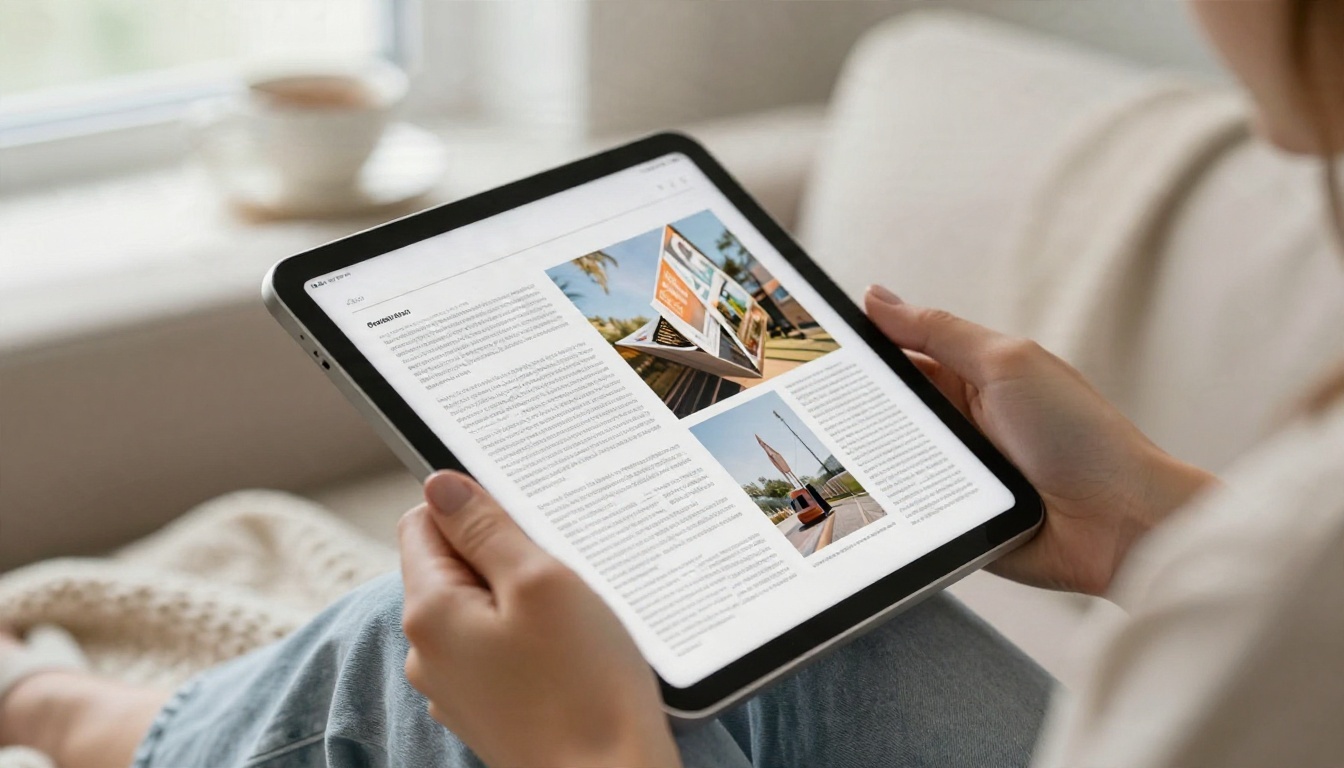
Whichever tool you choose, the end product is usually a PDF. A static PDF is easy to share but hard to enjoy: readers download it, scroll awkwardly and leave no trace. Turning it into a page-turning issue fixes that.
How to Create a Magazine Flipbook with Flipbooks AI
The Magazine Flipbook Creator and the E-Magazine Publishing Tool handle this in a few minutes.
- Open your account. Create an account on Flipbooks AI.
- Upload the PDF. Use the PDF to Flipbook Converter. Pages are converted automatically, and spreads stay paired.
- Customize the look. Set branding, background colors, a logo and the page-turn effect. Mobile-responsive design is built in, so phone readers get a clean view.
- Add multimedia. Embed videos and audio, such as an interview clip beside a feature story.
- Choose sharing options. Copy a direct link, or use an embed code to embed the flipbook on your website. Add password protection for subscriber-only or private issues.
- Track results. On the Professional plan, analytics show how readers behave and lead generation captures contact details. Offline downloads let people read without a connection.
No watermarks appear on your pages, ever. The Standard plan and above also allow unlimited flipbooks, which suits a monthly publishing schedule. Review the pricing plans to see which tier fits.
| Capability | What It Does | Typical User |
|---|
| Custom branding | Logo, colors, backgrounds | Brands and agencies |
| Password protection | Restricts private issues | Membership publishers |
| Embedded video and audio | Adds media to pages | Lifestyle and music mags |
| Analytics and lead capture | Tracks readers, collects emails | Marketing teams |
| Offline download | Reading without internet | Travelers, field teams |
Real Examples
A boutique owner can turn a seasonal lookbook into a shareable issue with the Interactive Lookbook Designer. A photographer can send clients a photography portfolio flipbook. A school can distribute its termly update through the School Newsletter Creator.

Pick Your Setup Today
Here is the short version. Beginners should start in Canva. Zero-budget print publishers should try Scribus. Professionals with regular print runs should stay with InDesign or Affinity. Teams with brand rules should look at Marq. Then export a PDF and publish it as a flipbook so readers get the experience they expect on screen.
Ready to publish your first issue? Get started for free on Flipbooks AI, browse all flipbook tools and templates, or compare plans to choose what works for you.



