Most small businesses design their first brochure in a Microsoft app, print a few hundred copies, and then realize nobody outside the office will ever see the PDF. The layout tool is only half the job. The other half is getting the finished piece in front of customers on their phones, in their inboxes and on your website. This article compares Microsoft Word, Microsoft Publisher, the best free alternatives, and a simple way to publish the result online with Flipbooks AI.
If you are choosing software today, you will want straight answers: what each tool does well, where it breaks, what it costs, and what to use now that Publisher is on its way out.
What Microsoft Offers for Brochures
Microsoft gives you two real options for brochure design, and a handful of lighter ones. Both main apps are familiar, which is their biggest selling point. Nobody needs training to open a document and start typing.
Word: The Default Choice
Word ships with a large set of brochure templates, including tri-fold, bi-fold and single-sheet layouts. You pick a template, swap the photos, replace the placeholder text, and print. Columns, text boxes, shapes and picture styles are all there.
Where Word works well:
- Text-heavy brochures such as service lists, clinic information and school handouts
- Quick edits by several people who already have Office
- Mixed teams where someone needs to update a phone number without opening a design app
Where it struggles:
- Images shift when you edit nearby text
- Bleed and crop marks for professional printing are awkward
- Precise alignment across three panels takes patience
💡 Pro tip: Build every panel inside a table with invisible borders. It keeps photos and text from drifting when someone edits a sentence.
Publisher: Built for Layout
Publisher was always the better tool for page design. It treats the page like a canvas, with guides, master pages, linked text frames and proper print settings. Tri-fold brochures, flyers and postcards were its home turf.
The catch: Microsoft has announced that Publisher reaches end of support in October 2026, so it is now past that date. Existing files still open, and the app may still run on your machine, but it no longer receives updates or security fixes. Check Microsoft's current notice for your Office version before you rely on it for new projects.
⚠️ Warning: Publisher files (.pub) are awkward to open anywhere else. Export a PDF and keep your source text in a separate document so you are never locked in.
Word vs Publisher at a Glance
| Feature | Microsoft Word | Microsoft Publisher |
|---|
| Ready-made brochure templates | Yes, many | Yes, many |
| Precise layout control | Moderate | Strong |
| Print-ready export (PDF) | Yes | Yes |
| Bleed and crop marks | Limited | Better |
| Support status | Active | Retired from October 2026 |
| Works in a browser | Yes (Word for the web) | No |
| Best for | Text-led brochures | Image-led layouts |
For most readers, the practical conclusion is simple: use Word if you need an answer this afternoon, and pick a Publisher alternative if the brochure is a long-term asset.
Free Options Worth Using
You do not need to pay for brochure software. Several free tools handle a good-looking tri-fold without trouble.
Browser Tools From Microsoft and Google
Word for the web is free with a Microsoft account. It opens your brochure templates, supports columns and images, and saves to OneDrive. It lacks some of the finer layout controls of the desktop app, but it is fine for light edits.
Google Docs and Google Slides are the quiet workhorses. Slides in particular makes a decent brochure: set a custom page size, drop in photos, and you get free alignment guides and real-time collaboration.
Canva, LibreOffice and Scribus
- Canva has thousands of brochure templates and a drag-and-drop editor. The free tier covers most small projects, though some photos and elements are reserved for paid plans.
- LibreOffice Writer and Draw are open source and read Word files well. Draw behaves more like a layout tool.
- Scribus is a free, open-source desktop publishing program. It supports bleed, CMYK and professional print output, but it takes longer to pick up than the others.
Free Tools Compared
| Tool | Cost | Ease of use | Print quality | Best for |
|---|
| Word for the web | Free with account | Easy | Basic | Quick edits |
| Google Slides | Free | Easy | Good | Team projects |
| Canva (free tier) | Free | Very easy | Good | Template-led design |
| LibreOffice Draw | Free | Medium | Good | Word file users |
| Scribus | Free | Hard | Excellent | Print professionals |
✅ Best practice: Whichever free tool you choose, export at 300 DPI for print and keep a lower-resolution copy for the web. Large files slow down email and website loading.
Publisher Alternatives for Print
If you liked Publisher's layout approach, you want a tool with frames, master pages and proper print output.
Desktop Layout Software
- Affinity (from Canva) offers a layout app aimed squarely at people leaving Publisher. It handles bleed, spreads and PDF export.
- Adobe InDesign is the industry standard. It is also the most expensive and the most demanding.
- Scribus remains the free choice for those who want full print control.
- LibreOffice Draw is the gentlest move if you already live in Office-style menus.
Online Brochure Makers
Browser-based tools remove the install and the file compatibility headaches. You design in the browser, export a PDF, and send it off. If your brochure is mainly for digital audiences, the Online Brochure Designer is worth a look, because the output is built for screens from the start.
| Need | Best match |
|---|
| Familiar interface, little time | Word |
| Print-shop precision | Affinity or InDesign |
| Zero budget, serious print | Scribus |
| Fast, attractive result | Canva |
| Mostly viewed on screens | Online brochure maker |
How to Build a Brochure in Word
Here is a reliable workflow if you are sticking with Microsoft for now.
- Open a template. In Word, choose File, then New, and search for "brochure". Pick the tri-fold that matches your content.
- Set the page. Check the margins, orientation and paper size. Letter and A4 differ, and your printer will care.
- Replace the text. Keep headlines short. Three panels give you less room than you think.
- Add photos. Right-click each image, choose Wrap Text, and select "In Front of Text" or "Square" so it stays put.
- Lock the fonts. Use two typefaces at most. Embed fonts when saving if you share the .docx.
- Proof on paper. Print one copy on plain paper and fold it. Awkward breaks appear instantly.
- Export to PDF. File, Save As, PDF. Choose "Standard" for print or "Minimum size" for email.
💡 Pro tip: Leave the back panel of a tri-fold for contact details and a clear call to action. It is the panel people see last and act on first.

Why Printed PDFs Fall Short Online
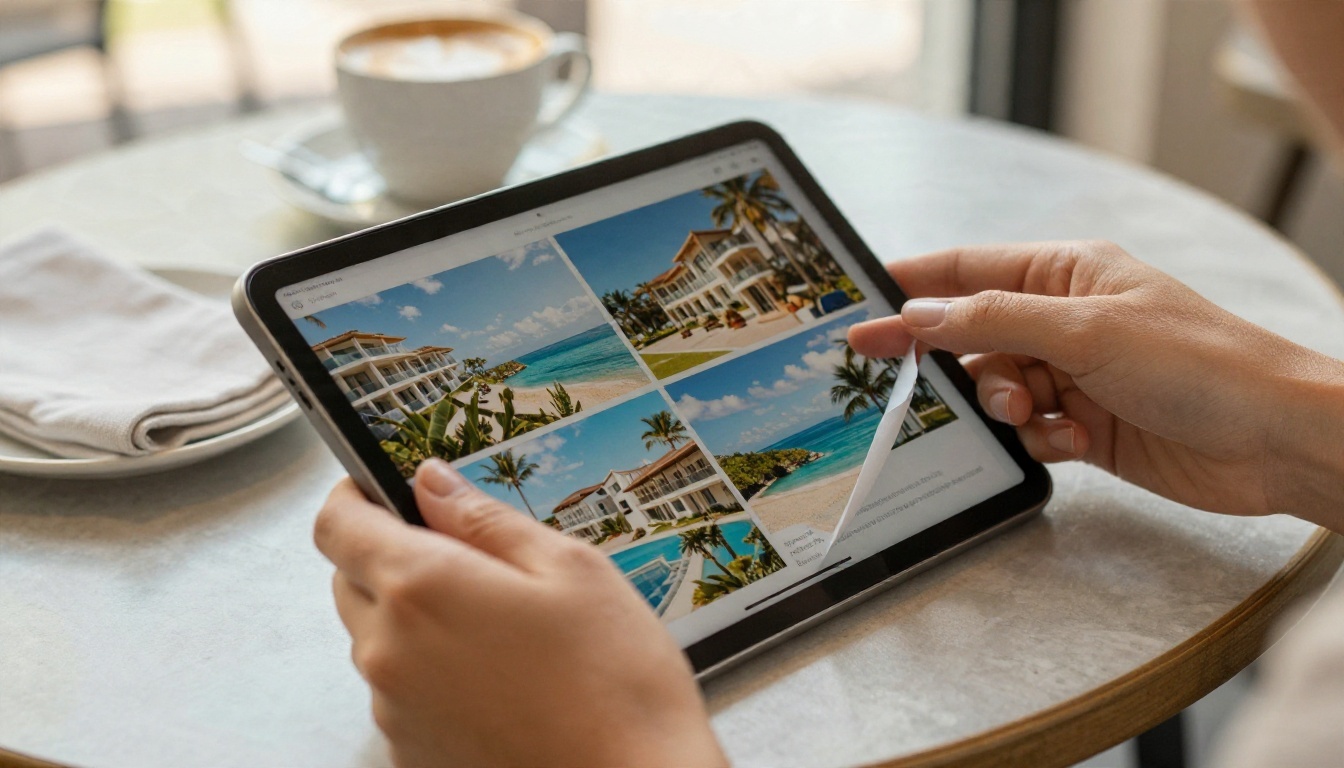
Here is the problem that surprises people. A brochure PDF looks great on paper and awkward everywhere else. On a phone, you pinch and zoom. On a website, it downloads as a file. In an email, it sits in a folder.
Typical frustrations:
- No page-turn feel, which makes browsing flat
- Big file sizes that bounce from inboxes
- No tracking, so you never learn who opened it
- No branding on the viewer, because it opens in whatever PDF reader the visitor has
A printed brochure reaches whoever picks it up. A digital one can reach anyone with a link. That difference matters for hotels, real estate agents, clinics, tour operators and any business that sells to people who are far away.

Share Your Brochure Online as a Flipbook
Turning the PDF you already made into a page-turning online brochure takes minutes. Whichever Microsoft tool or alternative you used, the PDF is the common starting point.
How to Create a Brochure Flipbook with Flipbooks AI
- Start on the platform. Go to Flipbooks AI and create an account.
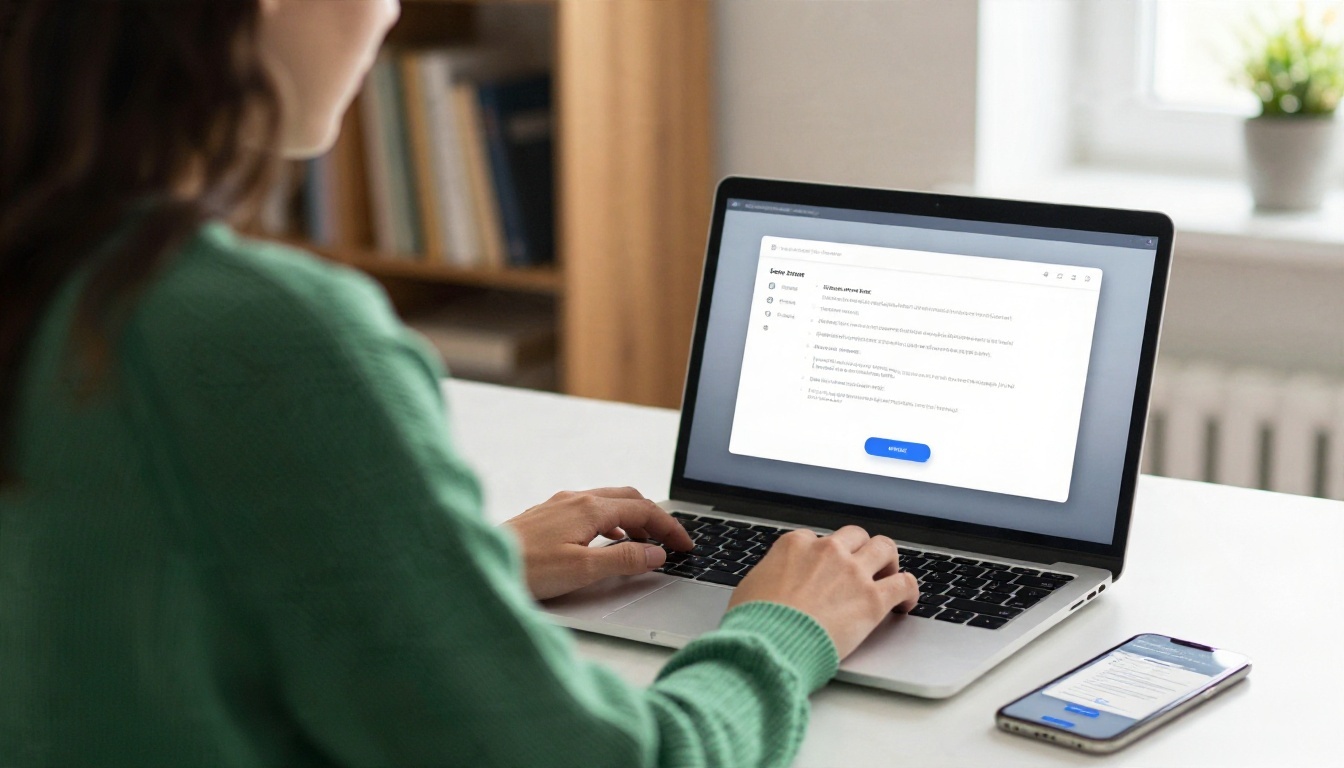
- Upload your PDF. Drag in the file exported from Word, Publisher, Canva or any other tool. The PDF to Flipbook Converter turns each page into a flippable spread, and the Brochure Flipbook Maker is tuned for tri-folds and bi-folds.
- Customize the look. Add your logo, pick background colors, adjust the page-turn effect and set the thumbnail.
- Add media. Embed a video tour, background audio or clickable links to booking pages.
- Choose how to share. Copy a direct link, grab an embed code for your site, or set a password for private audiences. The Embed Flipbook on Website tool shows exactly how.
- Track results. On the Professional plan, analytics and lead generation show who opened your brochure and which pages held attention. Compare pricing plans to see which one fits.
The platform adds no watermarks, works on mobile screens, and supports offline downloads when visitors want a copy.
Sharing Options Compared
| Method | Best for | Pros | Cons |
|---|
| Email attachment (PDF) | One-off sends | Familiar | Large files, no tracking |
| Download link on a site | Static pages | Simple | Visitor must open a viewer |
| Flipbook direct link | Social posts, messages | Opens instantly | Needs a short link |
| Flipbook embed | Websites, landing pages | Stays on your page | Needs a code snippet |
| Password protected flipbook | Private pricing, clients | Controlled access | Share the password separately |
Real-World Examples
Seeing the workflow in use makes it easier to choose.
- A boutique hotel designs a tri-fold in Word, exports the PDF and publishes it with the Hotel Brochure Designer. The link goes in booking confirmation emails, and guests flip through room options on their phones before arrival.
- A real estate agent builds a property sheet in Canva, then uses the Real Estate Brochure Creator to give buyers a link they can forward to family. Analytics show which listings get the most page views.
- A local clinic keeps its Publisher file for printed copies in the waiting room, but exports it for an online version with a booking link on the last page.
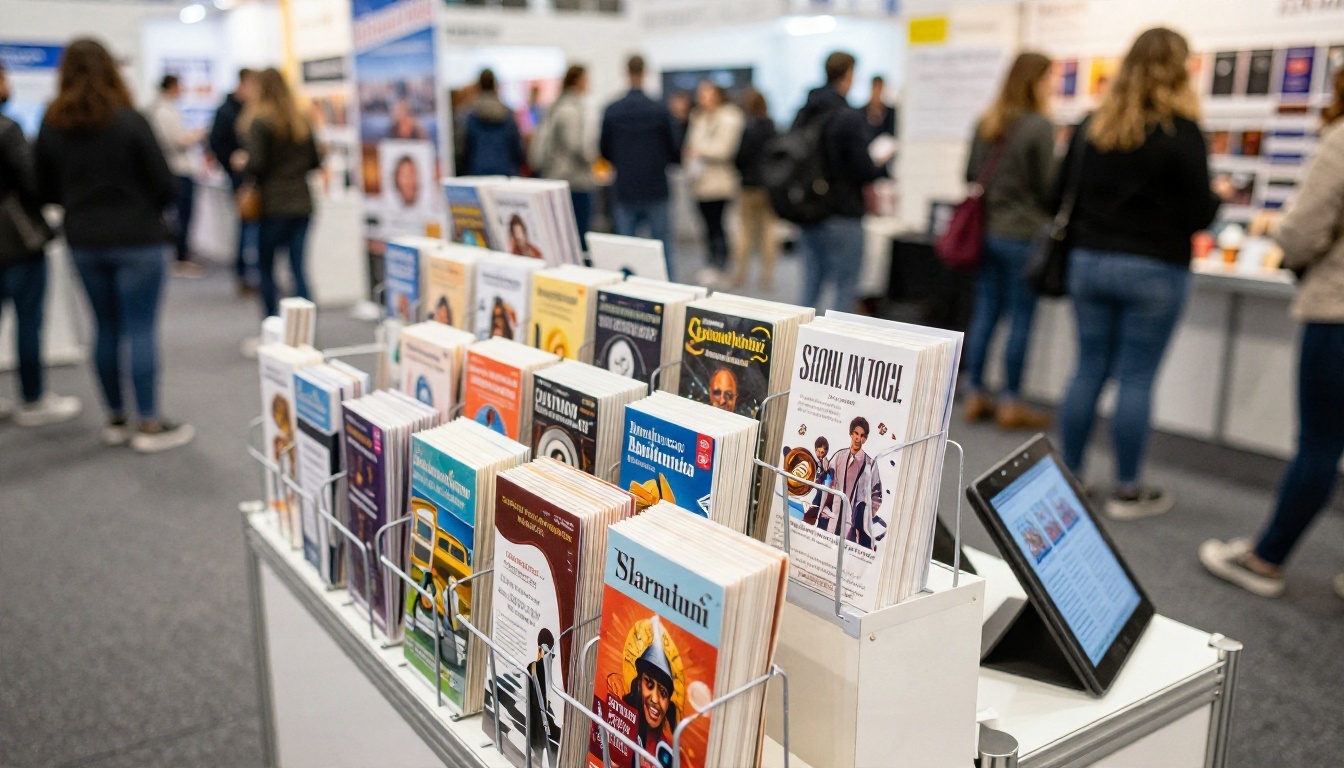
- A trade fair exhibitor prints a limited run for the stand and puts a QR code on a tablet display that opens the digital brochure, so visitors take it home without carrying paper.
Mistakes to Avoid
Brochures fail for boring reasons. These are the most common ones.
Designing Only for Print
A beautiful tri-fold with tiny text and wide margins can be unreadable on a phone. Use at least 10 pt body text, and check the PDF at 50 percent zoom.
Ignoring File Size
A 60 MB PDF full of uncompressed photos will bounce from inboxes and load slowly online. Compress images before export. Aim for a few megabytes.
Skipping the Call to Action
A brochure without a next step is just a pretty object. Put a phone number, booking link or QR code on the final panel.
Forgetting the Source File
When your only copy is a PDF, edits mean rebuilding from scratch. Keep the editable file in cloud storage, and name versions clearly.
Choosing Your Setup
Here is the short version. If you need something today and your team already has Office, build in Word. If you want print precision without a bill, try Scribus or Affinity. If you want speed and style, Canva is hard to beat. Whatever you pick, export a PDF and give it a second life online.
Ready to publish? Create your first flipbook on Flipbooks AI, browse all flipbook tools for your industry, or compare pricing plans to see what fits your volume. When you are set, sign up and choose a plan and send your brochure to every customer who will never walk past your rack.



