A static PDF can show a product, but a ten second clip can show it working. If you have an MP4 sitting on your desktop and a flipbook that feels a little flat, the fix takes minutes. With Flipbooks AI you can place video straight into a page-turning publication, share it with a link, and let readers press play without leaving the page. This article walks through the exact process, the free options worth trying, and the file size limits that trip people up.
Quick answer: convert your PDF into a flipbook, upload an H.264 MP4 (ideally under 50 MB), or paste a YouTube or Vimeo link if the file is too heavy. Test on a phone before you publish.
Why Video Belongs in a Flipbook
Flipbooks already feel closer to a magazine than a document. Adding motion pushes that further. A reader flips to page six, sees a short clip of a chef plating a dish, and understands the dish faster than any paragraph could explain it.

What MP4 Brings to the Page
MP4 is the safest container for web video. Nearly every browser, phone, and tablet plays it without extra plugins. That matters because a flipbook is viewed on everything from a 27 inch monitor to a five year old Android phone.
- Universal playback: Chrome, Safari, Firefox, and Edge all handle H.264 MP4 natively.
- Small for its quality: modern compression keeps a 30 second clip light.
- Easy to create: every smartphone records in a format that is already close to MP4.
- Simple to replace: swap the file later without rebuilding the whole publication.
When Video Backfires
Video is not always the answer. A 200 MB clip on a slow connection will stall the page, and an autoplaying video with sound annoys readers fast.
⚠️ Keep clips short and purposeful. If a video does not answer a question the reader already has, leave it out.
Good candidates are product demos, how-to steps, welcome messages, property walkthroughs, and behind the scenes moments. Poor candidates are long webinars, raw footage, and anything that repeats what the text already says.
MP4 Settings That Play Everywhere
Before you upload anything, check how the file was made. Most playback problems come from the encoding, not from the flipbook itself.
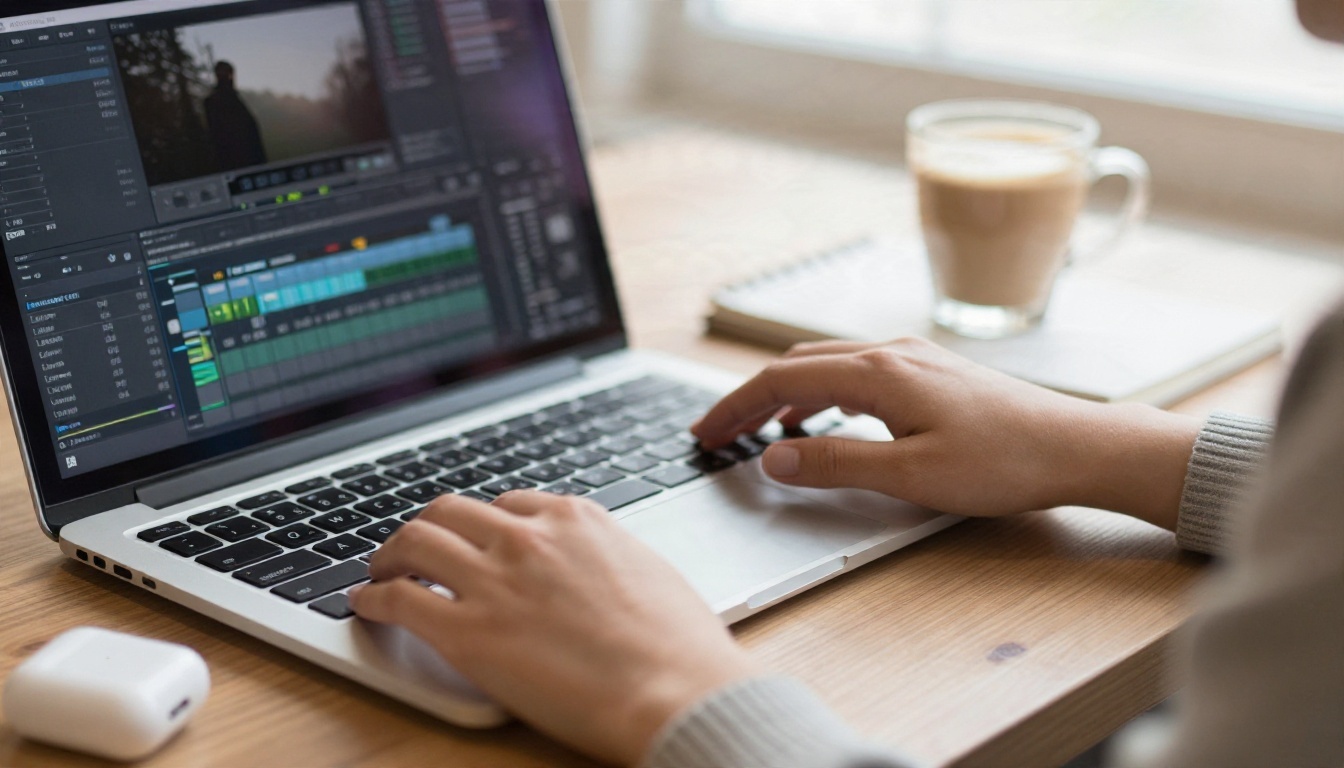
Recommended Export Settings
| Setting | Recommended Value | Why It Matters |
|---|
| Container | MP4 | Plays on all major browsers and devices |
| Video codec | H.264 (AVC) | Widest hardware support, good compression |
| Audio codec | AAC | Standard pairing with H.264 |
| Resolution | 1280x720 (720p) | Sharp on most screens, small file |
| Frame rate | 24 or 30 fps | Smooth motion without bloating the file |
| Bitrate | 2 to 4 Mbps | Balanced quality for in-page playback |
| Length | 15 to 60 seconds | Matches how people read a flipbook |
Codecs to Avoid
HEVC (H.265) files from newer iPhones often look great but fail on older browsers. If your clip came straight from a phone, re-export it as H.264 before uploading. The same goes for MOV files with unusual audio tracks.
💡 A quick test: open the file in a browser tab by dragging it in. If it plays there with sound, it will almost certainly play in your flipbook.
File Size Limits Explained
This is the question behind most searches for an MP4 to flipbook workflow: how big can the video be? The honest answer is that it depends on the platform, the plan, and the reader's connection. Check the current numbers on the pricing page before you commit to a large upload, because limits can change between plans.
Practical Size Targets
Even when an upload limit is generous, smaller wins. Readers on mobile data will abandon a page that takes ten seconds to buffer.
| Clip Length | 720p at 3 Mbps | 1080p at 6 Mbps | Verdict |
|---|
| 15 seconds | about 5.5 MB | about 11 MB | Ideal for product loops |
| 30 seconds | about 11 MB | about 22 MB | Great for demos |
| 60 seconds | about 22 MB | about 45 MB | Fine for walkthroughs |
| 3 minutes | about 67 MB | about 135 MB | Better hosted externally |
| 10 minutes | about 225 MB | about 450 MB | Link to YouTube or Vimeo |
The math is simple: file size in MB is roughly bitrate in Mbps multiplied by seconds, divided by 8. A 30 second clip at 3 Mbps is about 11 MB.
How to Shrink an Oversized MP4
If your file is too large, you have several free routes:
- HandBrake: a free desktop app. Use the "Fast 720p30" preset and check the result.
- FFmpeg: a free command line tool for people comfortable with a terminal.
- Built-in editors: Clipchamp on Windows, iMovie on Mac, and Photos on iPhone all export smaller files.
- Trim first: cutting dead seconds at the start and end is the easiest saving of all.
✅ Best practice: compress once, preview on a phone, and keep the original master file backed up in case you need a higher quality version later.
Free Ways to Add Video
You do not need to pay for every approach. Here are the realistic free options and what each one trades off.
Upload vs. Link vs. Embed
| Method | Cost | Size Limit | Best For | Downside |
|---|
| Direct MP4 upload | Depends on plan | Plan based | Short clips that must stay private | Larger files slow loading |
| YouTube link | Free | Very large | Long videos and tutorials | Related videos and ads may appear |
| Vimeo link | Free tier available | Tier based | Clean player, fewer distractions | Weekly upload caps on free tier |
| Google Drive link | Free | Large | Internal sharing | Player is basic, permissions can break |
| Self-hosted MP4 | Hosting cost | Server based | Full control over delivery | You manage bandwidth |
For most people, the smartest free setup is a mix. Upload short clips directly so they play inline, and link longer videos from YouTube or Vimeo.
Free Tools for Preparing Video
- HandBrake for compression and format conversion.
- Clipchamp or DaVinci Resolve for trimming and basic edits.
- Canva for quick captions and branded intros.
- Audacity for cleaning up a noisy voiceover.
If you are still deciding whether the platform fits, you can create a free account and test one clip before paying for anything.
How to Add MP4 with Flipbooks AI
Here is the full workflow, from file to shareable flipbook. The steps below use Flipbooks AI, which also supports embedded audio, password protection, and no watermarks.
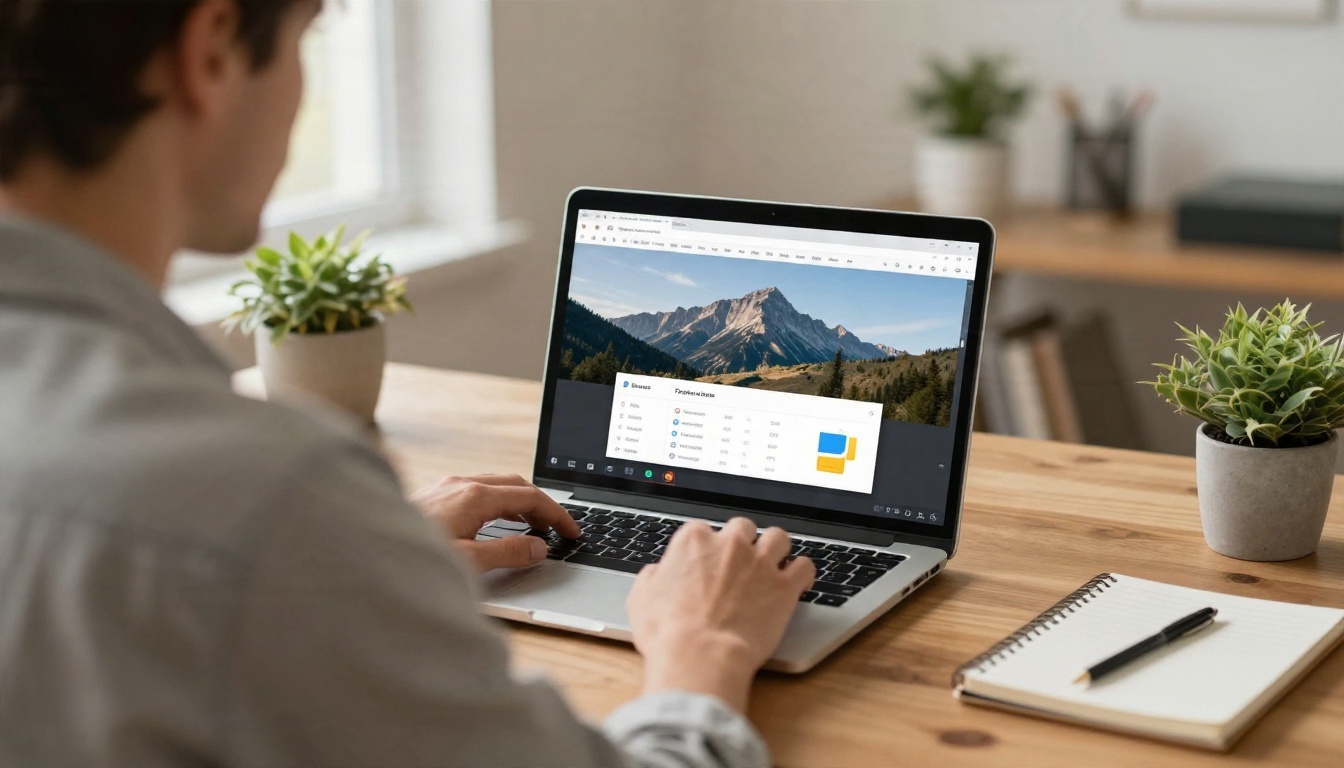
Step by Step Tutorial
- Sign in. Go to Flipbooks AI and create an account or log in.
- Upload your PDF. Drag your document into the PDF to Flipbook Converter. Each PDF page becomes a flipbook page, and the page turn effect is applied automatically.
- Open the editor. Select the page where the video should appear. A page with empty space or a placeholder image works best.
- Add the video. Choose the video option, then upload your H.264 MP4 or paste a YouTube or Vimeo link.
- Position and resize. Drag the player over the area you left open in your design. Keep a small margin so controls stay clickable.
- Set a poster frame. Pick a still image that looks good before play. This is what readers see first.
- Preview. Flip through the publication on desktop, then open the preview link on your phone.
- Publish. Save the flipbook and copy your share link.
💡 Design your PDF with the video in mind. Leave a clean 16:9 rectangle on the page so the player does not cover text.
Customization and Branding
Once the video works, polish the surroundings. You can add your logo, choose background colors, adjust page effects, and pick how the cover and spreads behave. Consistent branding makes the video feel like part of the publication rather than a pasted attachment.
Sharing and Protection
| Sharing Option | How It Works | Best For |
|---|
| Direct link | Paste the URL in email or chat | Quick sharing |
| Embed code | Add the flipbook to your site with the embed tool | Landing pages and blogs |
| Password protection | Readers enter a password to open | Private pricing, client material |
| Offline download | Readers save a copy | Trade shows, poor connections |
Analytics and Lead Capture
On the Professional plan, you can track how readers move through the publication and collect contact details before they view it. That helps you see whether the video page is actually getting visits. Compare options on the pricing page.
Real Examples by Industry
Video works differently depending on who is publishing. These scenarios show where a short MP4 earns its place.
Product Catalogs
A furniture brand can drop a 15 second clip on each collection page showing a drawer opening or a table extending. Buyers see the mechanism instead of reading about it. Try the Product Catalog Generator or the Furniture Catalog Maker for a ready layout.
Real Estate Brochures
An agent can pair floor plans with a 45 second walkthrough. Buyers who cannot visit in person get a real sense of light and space. The Real Estate Brochure Creator gives you a template that already reserves room for media.

Training and Education
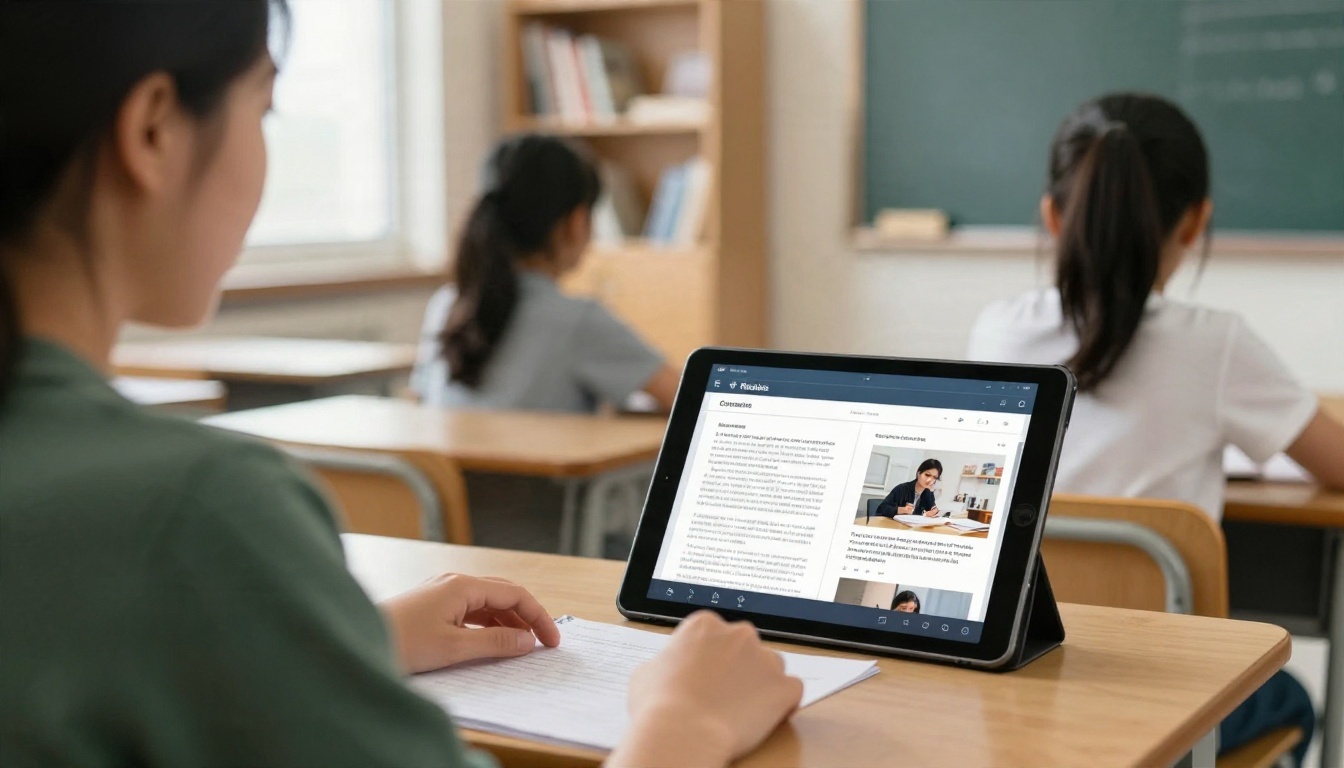
A teacher can embed a two minute demonstration beside the written steps in a lesson. Students who miss something in the text can replay the clip as often as they like. The Course Material Publisher and the Training Manual Flipbook are built for this.
Where Each Industry Benefits Most
Fixing Common Video Problems
Even a clean setup can hit a snag. These are the issues that come up most often, and the quickest fixes.
Video Will Not Play
First check the codec. If the file is HEVC or has an unusual audio format, re-export as H.264 with AAC audio. Next, check that the file finished uploading. A partial upload looks fine in the editor but fails when a reader presses play.
Video Loads Too Slowly
The file is probably too big for the page. Drop to 720p, lower the bitrate to around 2 Mbps, or trim the length. If the clip must stay long, host it on YouTube or Vimeo and link it.
Mobile Layout Feels Off
Most phones show a single page at a time, so a small player can become tiny. Make the video area at least one third of the page width, and avoid placing it near the page edge where a thumb swipe turns the page by accident.
Quick Troubleshooting Table
| Problem | Likely Cause | Fix |
|---|
| Black screen on play | Unsupported codec | Re-export as H.264 and AAC |
| Upload fails | File over plan limit | Compress or link externally |
| Long buffering | Bitrate too high | Export at 720p, 2 to 4 Mbps |
| No sound | Muted by browser or missing audio track | Check the track, add a visible unmute hint |
| Page turn triggers instead of play | Player too close to edge | Move it inward and enlarge it |
✅ Always test on at least one iPhone and one Android phone. Desktop previews hide a lot of mobile issues.
Ready to Add Video?
You do not need editing skills or a developer. You need a short, well-encoded MP4, a PDF with a little breathing room, and ten minutes. Start by recording a single clip, compress it to around 10 MB, and place it on the page where words work hardest.

Ready to try it? Create your account on Flipbooks AI and publish your first video flipbook today. Browse the full list of flipbook tools to find a template that fits your project, or compare pricing plans to see which one matches the upload size you need.



