You have a PDF people should see: a menu, a price list, a lookbook, a media kit. And you have one tiny field in your Instagram profile where a link can go. The trick is that Instagram does not host PDFs, so you need a web link that opens your file. With Flipbooks AI you can turn that PDF into a page-turning link in a few minutes, but there are also free routes that work fine for simple needs. This article lays out every option, compares them side by side, and shows the exact steps to put a PDF link in your Instagram bio today.
💡 Quick answer: Upload your PDF to a service that gives you a public web address, copy that address, then paste it into Edit profile > Links in Instagram. That is the whole process. The differences are in how the PDF looks when someone taps.
Why Instagram Won't Take PDFs
Instagram is built for photos, reels and stories. Its profile has a bio text area, a name, a category and a links section. There is no attachment button, no file picker for documents, and no way to drop a PDF into a post and have people open it.
The One Link Problem
For years the bio held a single clickable URL. Instagram has since added the option to list several links in a profile, but most creators and shops still lead with one main destination because that is what people tap. Captions and comments do not make links clickable, so the bio link is where the traffic goes.
That means your PDF competes with your website, your booking page and your shop. Whatever you pick has to earn that spot.
What Followers Actually Want
Someone tapping your bio link is usually on a phone, often on mobile data, often in a hurry. They want to see the thing you promised in your caption, immediately. A raw PDF often forces pinch-zooming on tiny text, a slow download, or a prompt to open another app. Each extra step loses people.
- Speed: the page should load in seconds.
- Readability: text must fit a phone screen without zooming.
- No login walls: asking for a sign-in kills most taps.
- Clarity: one tap, one result.
Free Options That Work Today
You do not need to pay to get a PDF online. Several free routes exist, and each has trade-offs you should know before you pick one.
Cloud Storage Links
Google Drive, Dropbox and OneDrive all let you upload a file and create a shareable link. Set the access to "anyone with the link," copy the address, and you are done.
The upside is that it takes about two minutes and costs nothing. The downside is the experience. Viewers land on a storage preview page with the provider's branding, buttons and sometimes a sign-in prompt. The link is long, and if you replace the file you may need to check that the address still works.
Link-in-Bio Pages
Services such as Linktree, Beacons and similar builders give you a single mini page with several buttons. You add a button called "Menu" or "Price list" and point it at your PDF link. This is handy when you have many things to share. It is less handy if you have one PDF and want it to be the star, because people must tap twice: once to open the mini page, once to open the file.
Free Flipbook Hosting
A flipbook turns your PDF into a web page with pages that turn like a real publication. It opens in the browser, needs no app, and reads well on a phone. Some platforms offer a free tier, though free plans often add a watermark or limit the number of publications. Check the terms before you print that link on a business card.
⚠️ Watch for watermarks. A free tool that stamps its logo on every page may be fine for a test, but it can look off-brand on a menu or a client proposal.
| Option | Cost | Setup time | Mobile reading | Branding control | Best for |
|---|
| Cloud storage link | Free | 2 minutes | Basic preview | None | Quick one-off files |
| Link-in-bio page | Free tier | 10 minutes | Depends on file | Limited | Many links in one place |
| Free flipbook tier | Free tier | 5 minutes | Good | Often limited | Testing the idea |
| Paid flipbook plan | Subscription | 5 minutes | Very good | Full | Menus, catalogs, portfolios |
| Own website page | Hosting cost | 30+ minutes | Varies | Full | Sites you already run |
Different jobs need different tools. Here is how the common choices stack up for the specific job of sharing a PDF from an Instagram profile.
| Tool type | Opens in browser | Page-turn effect | Password option | Click stats | Watermark-free |
|---|
| Google Drive or Dropbox | Yes | No | Limited | Rarely | Yes |
| Link-in-bio builder | Yes | No | No | Yes, for button clicks | Often on free tier |
| Generic PDF host | Yes | No | Sometimes | Sometimes | Varies |
| Flipbooks AI | Yes | Yes | Yes | Yes, on Professional | Yes |
The pattern is clear. Storage tools are fast but plain. Bio-page builders are flexible but add a tap. A flipbook tool gives the most polished reading experience, which matters most when the PDF is a product people will judge you by.
When a Simple Link Is Enough
If your PDF is a one-page flyer, a form, or a quick reference sheet, cloud storage is perfectly fine. Do not over-build it.
When a Flipbook Wins
If the PDF has many pages, photos, or prices, a flipbook shines. Pages load as a smooth, swipeable publication instead of a gray document viewer. You can also swap the PDF later and keep the same link, which means the address in your bio never needs to change.
How to Add the Link Step by Step
Once you have a web address for your PDF, adding it to Instagram takes under a minute. Follow these steps on the phone app.
Prepare the PDF First
Before you upload anything, tidy the file. A few minutes here saves headaches later.
- Compress large images. Files over 20 MB load slowly on mobile data.
- Use readable type. Body text under 10 points is painful on a phone.
- Check page order. Make sure the first page works as a hook.
- Name the file clearly. "summer-menu-2026.pdf" beats "final_v7_REAL.pdf."
Paste It Into Your Profile
- Open Instagram and tap your profile picture at the bottom right.
- Tap Edit profile.
- Tap Links, then Add external link.
- Paste your PDF web address into the URL field.
- Add a short title such as "Menu" or "Lookbook." This text is what people see.
- Tap Done and save.
💡 If your account is a business or creator profile, you can usually add more than one link. Put the PDF link first so it appears at the top.
Test It Like a Visitor
Open your profile from a different account or in a private browser window. Tap the link. Check that it opens without a login, loads quickly, and reads well on a phone. Then try it on mobile data, not just Wi-Fi.
Build It With Flipbooks AI
If you want your PDF to look like a real publication, a flipbook is the cleanest route. Here is the full process using Flipbooks AI, from file to bio link.

Create Your Account and Upload
- Go to Flipbooks AI and create an account.
- Click to start a new flipbook.
- Drag your PDF into the upload area, or pick it from your computer. The PDF to Flipbook Converter turns each page into a turnable page automatically.
- Wait a few moments while the conversion runs. Your pages appear in a preview.
Customize the Look
Once the pages load, open the settings panel. You will find options for:
- Branding: add your logo and choose colors that match your Instagram feed.
- Page effects: adjust the page-turn animation and background.
- Multimedia: embed videos and audio so the PDF becomes more than static pages.
- Mobile view: pages adapt to small screens, so nobody has to pinch and zoom.
No watermarks appear on your publication, which keeps the result looking like your own brand and not someone else's advert.
Share and Protect
- Click Share to get a direct link.
- Copy the link and paste it into your Instagram profile using the steps above.
- If the file is private, switch on password protection so only people with the password can open it.
- If you also run a website, use the Embed Flipbook on Website option to place the same flipbook on a page.
Pro Features Worth Using
On the Professional plan you can switch on analytics to see views, plus lead generation to collect emails before someone reads. You can also allow offline downloads so people can save the file. Check the pricing plans to see which tier fits your needs, as unlimited flipbooks come with the Standard plan and above.
| Feature | Why it helps on Instagram | Plan |
|---|
| No watermark | Keeps your brand clean | All plans |
| Mobile-responsive pages | Easy reading on phones | All plans |
| Password protection | Share private PDFs safely | Paid plans |
| Embedded video and audio | Add motion to static pages | Paid plans |
| Custom branding | Match your profile style | Paid plans |
| Analytics | See how many people open it | Professional |
| Lead generation | Capture emails before reading | Professional |
| Offline downloads | Let fans save a copy | Paid plans |
✅ Best practice: Use a short custom title on the link, such as "Read the lookbook," and mention it in your caption: "Full catalog, link in bio."
Real Examples by Niche
Abstract advice only goes so far. Here is how real businesses use a PDF link in their bio.
Restaurants and Cafes
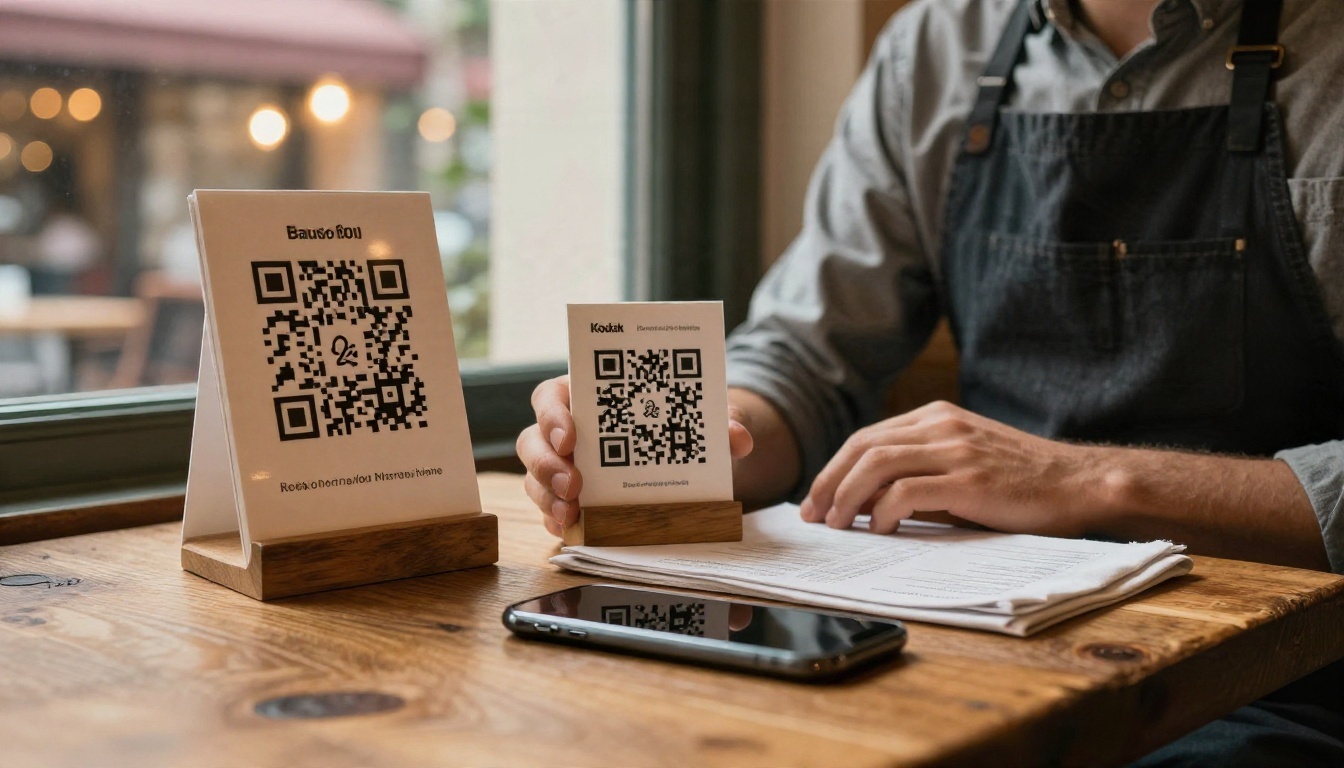
A bistro posts a photo of its new seasonal dish and writes "Full menu in bio." A hungry follower taps once and flips through the menu on their phone. The owner can build the menu with the Restaurant Menu Creator, update prices when they change, and the bio link stays identical. The same link can go on a table QR code.
Boutiques and Fashion Brands
A clothing shop shares reels of a new collection. The bio link opens a digital lookbook built with the Lookbook Flipbook Builder. Shoppers browse outfits page by page, then tap through to the store. For a larger range, the Digital Catalog Maker handles product lists.

Photographers and Creatives
Photographers share work on Instagram, but a portfolio PDF holds the full story: packages, pricing, a client list. A flipbook made with the Digital Portfolio Creator feels like a printed book, and a password lets you send a private proposal to a single client.

| Niche | PDF type | Best caption line | Suggested approach |
|---|
| Restaurant | Menu | "Tonight's menu, link in bio" | Flipbook, updated weekly |
| Boutique | Lookbook | "New drop, flip through in bio" | Flipbook with product links |
| Photographer | Portfolio | "Pricing and packages in bio" | Password-protected flipbook |
| Coach or consultant | Media kit | "Work with me, details in bio" | Flipbook with lead capture |
| Event planner | Program | "Schedule in bio" | Simple link, easy to update |
Mistakes That Kill Clicks
Even a great PDF underperforms when the setup is sloppy. These are the problems that show up most often.
Using a Download Link
Some links force a file download instead of opening in the browser. On iPhone and Android, that means an extra step, a file buried in a folder, and a lot of people who give up. Choose a link that opens in the browser.
Forgetting Mobile
Designs made for A4 printing often have small type, tiny buttons and wide margins. If you can't read a page comfortably on your own phone, your followers can't either. Test every page.
Changing the Link Every Time
If you create a new link for each update, you must edit your bio each time, and old posts or QR codes break. Use a tool that lets you replace the file behind a stable link.
Hiding the Call to Action
Many people mention a link in a caption but never tell followers where to look. Say it plainly: "Link in bio." Pair it with a story sticker or a pinned post.
⚠️ Don't link to a PDF with private data. If a file contains client names, prices you don't want public, or personal details, use a password or keep it off the bio link entirely.
Track What Happens After the Tap
Adding the link is half the work. The other half is knowing whether it works. Instagram's own insights show profile visits and link taps for business and creator accounts. They do not show what happens after the tap.

What to Measure
- Link taps: how many people tapped from your profile.
- Opens: how many actually reached the PDF.
- Time spent: whether people read the first page or the whole thing.
- Drop-off page: where people leave.
- Emails captured: if you ask for contact details first.
With a flipbook on the Professional plan, analytics and lead generation give you these numbers. With a cloud storage link, you usually get little or nothing.
A Simple Weekly Routine
- Check your link taps in Instagram every Monday.
- Compare them with views in your flipbook analytics.
- If taps are high but views are low, the link may load slowly or ask for too much.
- If views are high but reading time is short, shorten the PDF or move the best page to the front.
- Update the PDF and keep the link the same.
Ready to Add Yours?
You now have everything you need. Pick the route that matches your goal: a cloud link for a quick flyer, a bio page for many links, or a flipbook when the PDF deserves to look polished.
If you want the polished version, get started for free on Flipbooks AI, upload your PDF, and paste the new link into your bio in the same sitting. Browse all flipbook tools to find a template that fits your menu, catalog or portfolio, and compare pricing plans to see which one fits. When you are ready to pick a plan, sign in and head straight to pricing.
Your followers are already tapping that link. Give them something worth opening.



