You open Canva, type "zine" into the search bar, and a wall of templates appears. Some are free, some have a little crown icon, and none of them tell you what size to print or how to fold the thing. This article fixes that. You will see which zine template Canva options cost nothing, which print sizes are safe for a home printer or a copy shop, and how to turn the finished PDF into an online flipbook with Flipbooks AI so people can read your zine without ever holding a stapler.
A zine is a small, self-published booklet. It can be a photo diary, a comic, a recipe collection, a band fanzine, or a portfolio. The format is cheap to make and forgiving, which is exactly why a drag-and-drop editor suits it so well.
What a Canva Zine Template Gives You
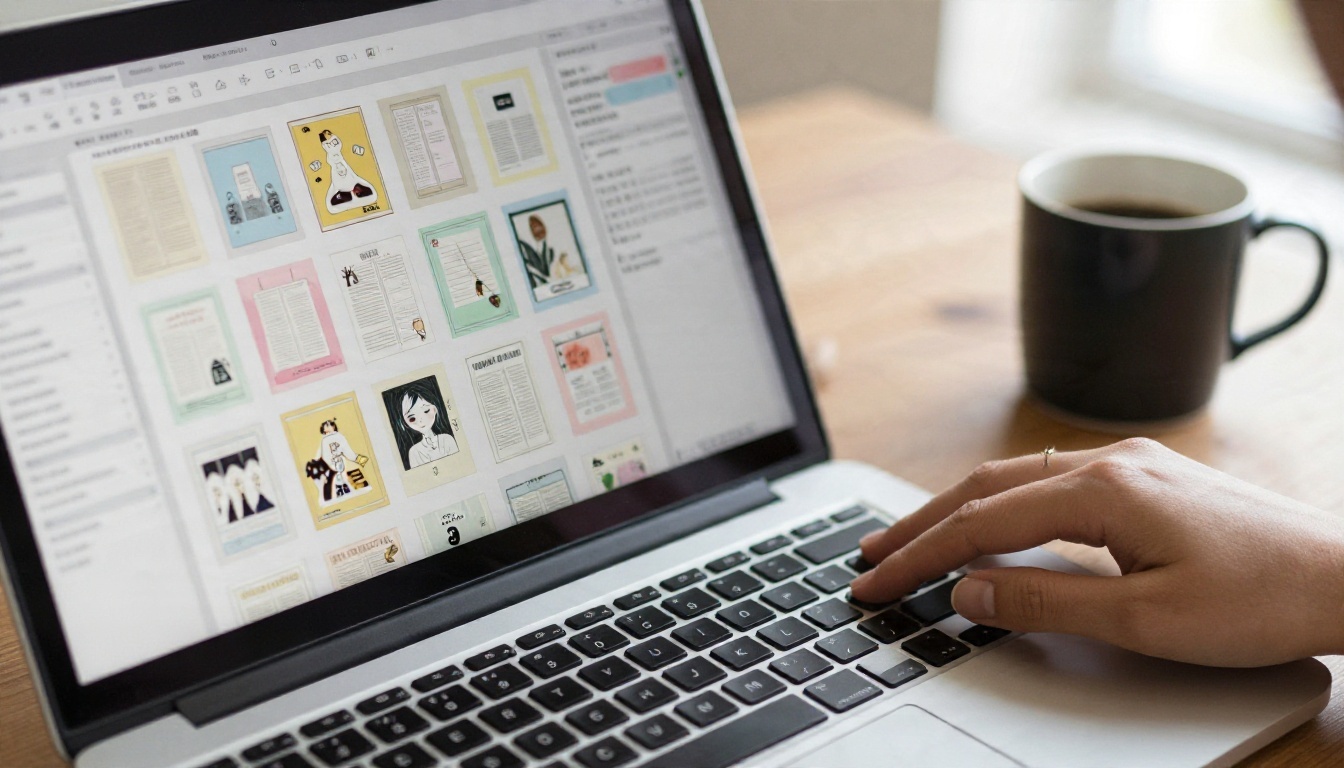
Canva does not have one single "zine" product. It has a collection of templates, mostly built as multi-page documents, and you pick one that matches the size and mood you want. Most are laid out at a booklet-friendly page size, with a title page, inner spreads and a back page already styled.
Free Options Worth Using
Plenty of templates carry no crown icon, and those are usable on a free account. In practice a free template already gives you:
- Pre-built page layouts for text, photos and pull quotes
- Free fonts, shapes, frames and basic textures
- Collage-style grids that suit photo zines
- Editable colors, so you can swap the palette in a few clicks
- Export to PDF, PNG and JPG
💡 Pro tip: Search with a topic, not just the word zine. "Photo zine", "comic zine", "mini zine" and "art zine" each return different layouts. Filter by free if you do not want to hit a paywalled element halfway through.
What Usually Needs Canva Pro
Some premium elements sit inside otherwise free-looking templates. Watch for the crown badge on individual photos, graphics and fonts. If one appears, you can replace it with a free alternative rather than upgrade.
| Feature | Free account | Paid plan |
|---|
| Browse and edit zine templates | Yes | Yes |
| Premium photos, graphics and fonts | Limited | Full library |
| Export PDF for print | Yes | Yes |
| Brand kit and saved fonts | No | Yes |
| Background remover | No | Yes |
| Resize a design to another format | No | Yes |
Plan details change over time, so check Canva's current pricing page before you decide. For a one-off zine, the free tier is normally enough.
Where Templates Fall Short
A template is a layout, not a print job. Canva does not do imposition, which means it will not rearrange your pages so they print in the right order on folded sheets. It exports pages in reading order: 1, 2, 3, 4. A saddle-stitched booklet needs them shuffled. We will deal with that in the printing section.
Print Sizes That Actually Work
Pick the size before you design anything. Changing it later means every photo and text box shifts, and on a free account you cannot use the automatic resize feature.
Common Zine Sizes at a Glance
| Format | Page size (inches) | Page size (mm) | Best for |
|---|
| Mini zine (one sheet, 8 pages) | 2.75 x 4.25 | 70 x 108 | Quick poems, comics, giveaways |
| Quarter letter | 4.25 x 5.5 | 108 x 140 | Pocket zines, short stories |
| Half letter | 5.5 x 8.5 | 140 x 216 | The classic zine size |
| A6 | 4.1 x 5.8 | 105 x 148 | Postcard-style, European printing |
| A5 | 5.8 x 8.3 | 148 x 210 | Photo zines, art zines |
| Letter, full page | 8.5 x 11 | 216 x 279 | Magazine-style zines, portfolios |
Half letter is the safest pick in North America because it folds out of a standard letter sheet with almost no waste. A5 is the equivalent in most other countries.
Bleed, Margins and Page Counts
Three numbers matter more than any template choice.
- Bleed: extend backgrounds and photos about 0.125 in (3 mm) past the trim edge. Without it, a tiny white sliver can show where the blade drifted.
- Safe margin: keep text and faces at least 0.25 in (6 mm) inside the trim. Home printers also have an unprintable border, so this protects you twice.
- Page count: for a stapled booklet, use a multiple of 4. Eight, twelve, sixteen and twenty are the usual choices. Blank pages at the end look sloppy, so plan the count early.
⚠️ Warning: Most desktop printers cannot print to the edge of the paper. If your design has a full-bleed background, either print at a copy shop or accept a thin white border and design with that in mind.
Set Up Your Zine in Canva
Here is the workflow I would follow from a blank account to a finished PDF.
Start From a Template
- Open Canva and search for "zine".
- Pick a template that matches your intended page count. If it has twelve pages and you need eight, delete four.
- Click each page and replace the placeholder text and photos.
- Swap any crown-marked element for a free one.
Or Use a Custom Size
If no template fits, create a design with custom dimensions. Enter the page size from the table above, for example 5.5 x 8.5 in. Then duplicate the page until you reach the right count. This gives you a blank grid with none of someone else's styling to undo.
Export Settings for Print
When you export, choose PDF Print rather than the standard PDF. It keeps the resolution higher and gives you extra options.
- Tick crop marks and bleed if your printer asks for them
- Pick CMYK only if a professional press requests it, otherwise stay with RGB
- Export all pages as one file so the page order is preserved
✅ Best practice: Always export two versions. One print PDF with bleed for the printer, and one clean screen PDF without crop marks. The second one is what you will upload to a flipbook later.
Printing and Folding at Home
You have two realistic routes: a one-sheet mini zine, or a stapled booklet.

The One-Sheet Mini Zine
This is the classic. Eight tiny pages from a single letter or A4 sheet, no staples.
- Design eight pages in a single Canva layout, arranged on one landscape sheet. Pages 2 to 5 sit on the top row, upside down.
- Print on one side.
- Fold the sheet in half lengthwise, then in half twice more.
- Unfold and cut a slit along the center fold line, stopping at the middle crossing.
- Push the ends together so the slit opens into a diamond, then fold it flat into a booklet.
Because Canva exports pages in order, you place the pages on the sheet manually in a single design. It takes ten minutes the first time and almost none after that.
Saddle-Stitched Booklets
For anything beyond eight pages, you print double-sided sheets, nest them and staple along the fold.
| Pages in zine | Sheets of paper (double-sided) | Print order issue |
|---|
| 8 | 2 | Needs reordering |
| 12 | 3 | Needs reordering |
| 16 | 4 | Needs reordering |
| 20 | 5 | Needs reordering |
Free booklet-imposition tools and the "booklet" option in many PDF viewers will shuffle the pages for you. Canva will not, so run your PDF through one of those before printing.
Paper and Finishing
- 80 to 100 gsm uncoated paper suits inner pages
- 160 to 200 gsm card works for a sturdier front and back
- A long-reach stapler or a needle and waxed thread binds the spine
- A bone folder gives you crisp creases without scuffing the ink
Turning Your Zine Into a Flipbook
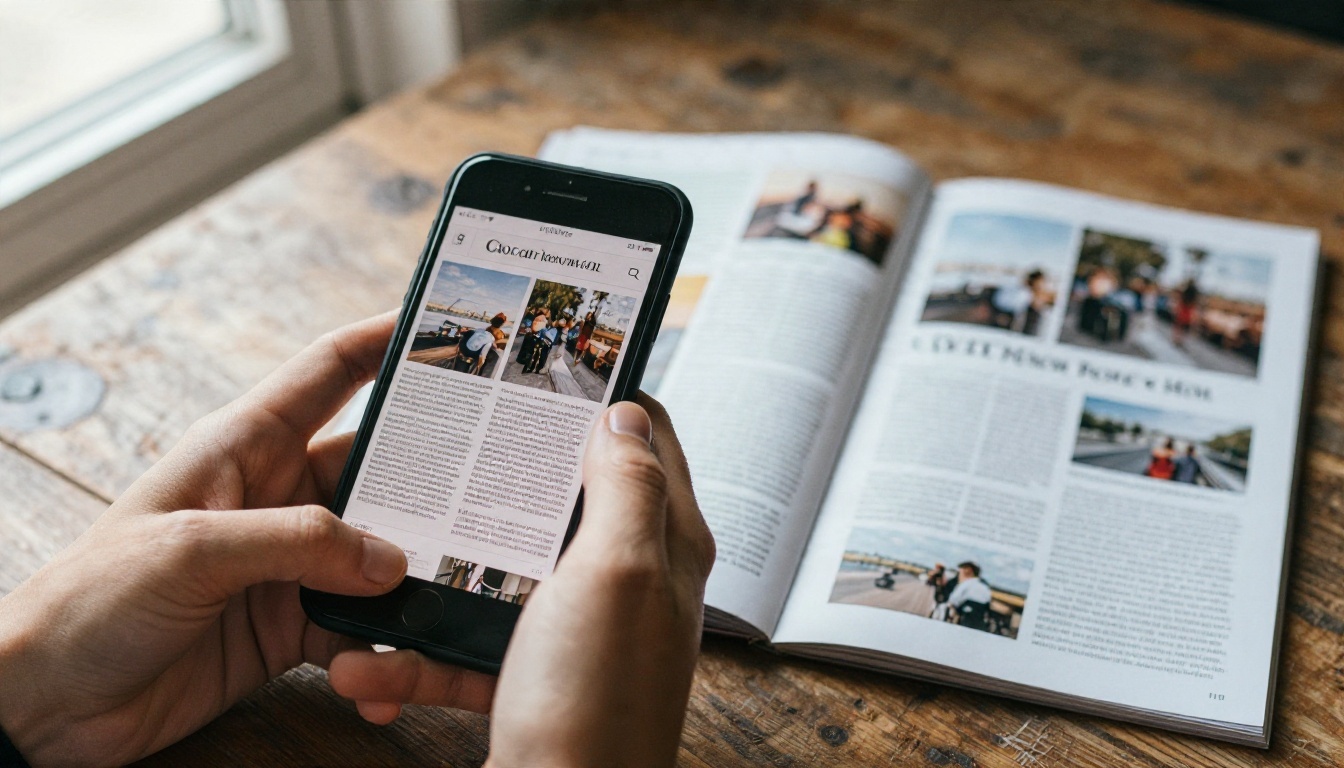
Print is wonderful, but a printed zine only reaches the people you can hand it to. A flipbook lets anyone open it from a link. They see realistic page turns, can zoom into your artwork, and read on a phone without pinching a PDF.

How to Create a Zine Flipbook With Flipbooks AI
The process is short, and you already did the hard part in Canva.
- Sign up. Create an account on Flipbooks AI. You can look at the pricing plans first if you want to compare tiers.
- Export the right PDF. In Canva choose the standard PDF with all pages in reading order, with no crop marks. Do not upload the imposed printer version, or readers will see pages in the wrong sequence.
- Upload. Drop the file into the PDF to Flipbook Converter. Conversion turns each page into a flippable spread.
- Customize. Set your background color, add your logo, choose page-turn effects and, if you like, embed video or audio on specific pages. A photo zine with a short soundtrack feels very different.
- Share. Copy the direct link, or take the embed code and paste it on your website. The Embed Flipbook on Website tool explains how.
- Protect it if needed. Add a password for private editions, such as a limited run for subscribers.
💡 Pro tip: Zines are usually designed as single pages, but readers on a screen see two at a time. Put your front page alone on the right, and make sure strong images do not get split awkwardly across the center fold.
Features Worth Knowing About
| Feature | What it does for a zine | Plan |
|---|
| No watermarks | Your artwork stays clean | All plans |
| Custom branding | Your logo and colors on the viewer | Standard and above |
| Unlimited flipbooks | One per issue, no cap | Standard and above |
| Password protection | Private or paid issues | Per plan |
| Offline download | Readers keep a copy | Per plan |
| Analytics and lead capture | See reads, collect emails | Professional |
The Professional plan matters if you plan to sell zines or grow a mailing list, since lead generation and analytics show you who opens each issue. For a hobby project, the lower tiers are plenty.
Using Other Tools for Different Zine Types
Not every zine is the same, and the tools directory has options that match specific formats:
Print or Flipbook: Which One?
You do not have to choose. Most zine makers do both, and each format does a different job.
| Factor | Printed zine | Flipbook |
|---|
| Cost per copy | Paper, ink, staples | Nothing per reader |
| Reach | Local, hand to hand | Anyone with the link |
| Feel | Tactile, collectible | Smooth page turns, zoom |
| Updates | Reprint needed | Replace the file |
| Tracking readers | Impossible | Possible with analytics |
| Multimedia | None | Video and audio |
A Practical Example
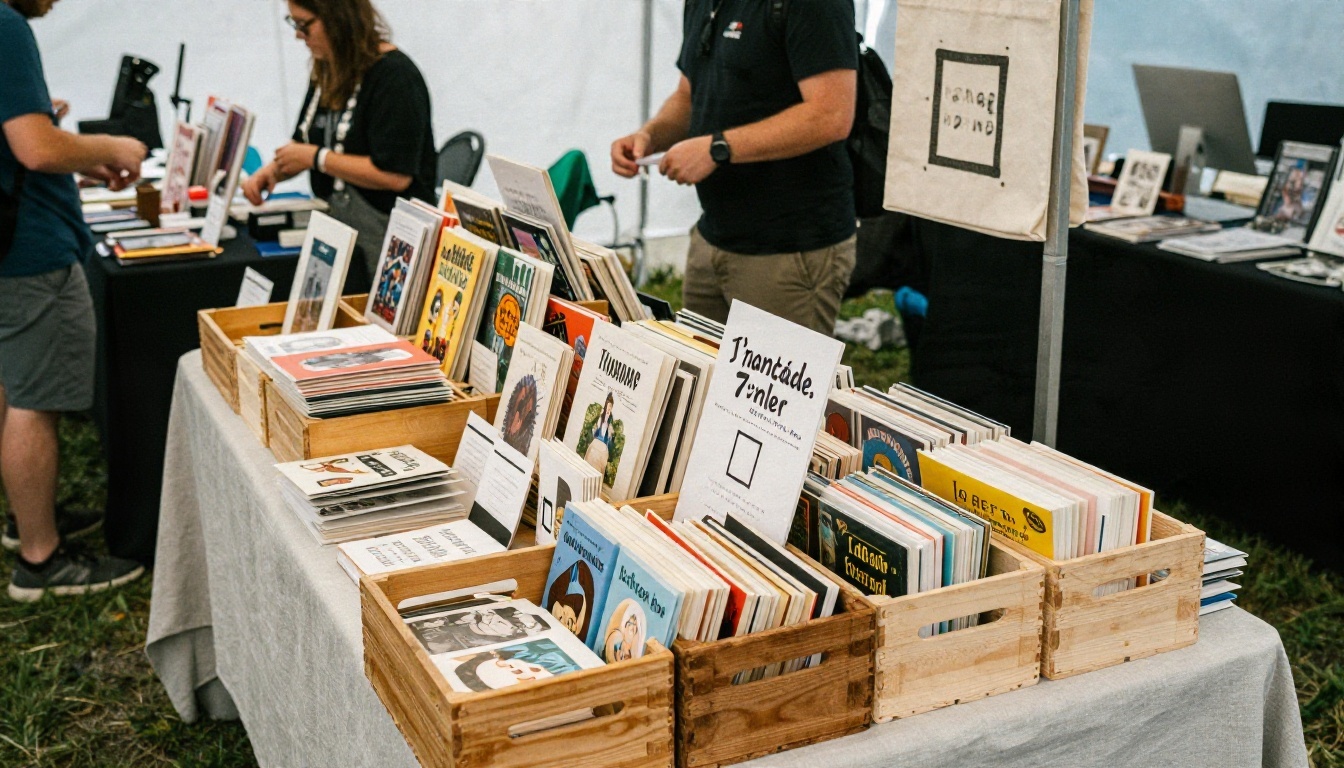
Say you make a monthly photo zine about street food. You print thirty copies for a local zine fair and sell them at a small table. You also upload the same PDF as a flipbook, and put a small QR code on the back page. Visitors who miss a printed copy scan it, read the digital issue, and join your mailing list. The print run feeds the flipbook audience, and the flipbook sells the next print run.
Who Else Benefits
- Illustrators share a sample issue with galleries and publishers
- Bands hand out a fanzine with tour photos, then update the link for each show
- Teachers publish student writing without printing a class set
- Small shops turn a zine into a seasonal product catalog, using the Digital Catalog Maker
Three Common Mistakes
Forgetting the Page Multiple
A twelve-page layout is fine. A thirteen-page layout leaves a blank leaf and a confused printer. Count before you design.
Placing Text Too Close to the Edge
Trimming is never perfect. If a caption sits 2 mm from the edge, one slightly crooked cut will slice a letter in half. Stick to the safe margin.
Uploading the Printer File
The imposed or crop-marked PDF is for the press. For a flipbook, use the plain page-by-page export. Mixing them up produces a viewer full of odd spreads and tiny marks in the corners.

⚠️ Warning: Always proof the printed version on cheap paper first. Colors look different on screen than on toner, and a ten-cent test run saves a ten-dollar mistake.
Pre-Flight Checklist
Run through this before you hit print or publish:
Ready to Publish Your Zine?
A good Canva zine template gets the layout done in an afternoon. The right print size gets it out of the printer without clipped edges. A flipbook gets it in front of readers who will never meet you at a fair.
Ready to put your zine online? Get started for free with Flipbooks AI, browse all flipbook tools for your zine type, or compare pricing plans to pick the one that fits. When you are ready to go further, sign in and choose a plan in one step.



