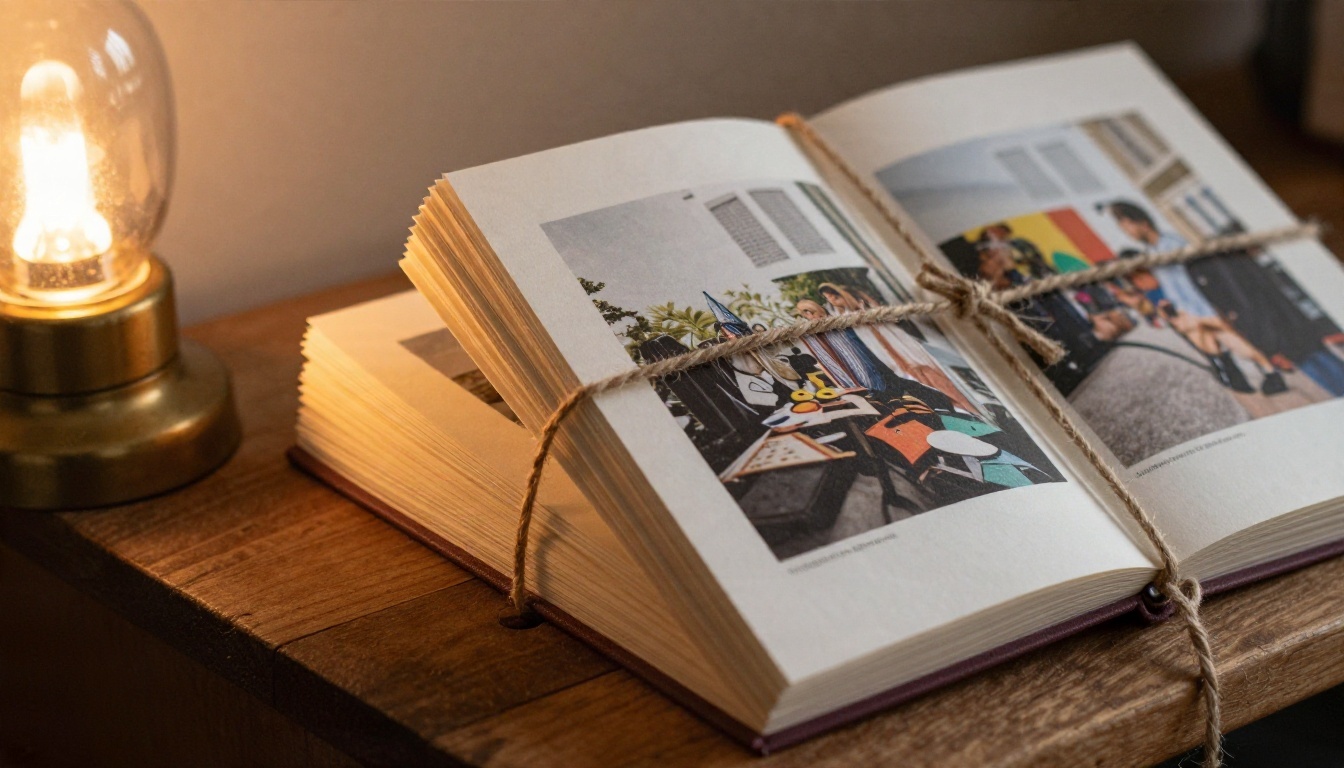
You have a stack of photos, a few poems, or a fan project that deserves more than a social post, and you want it on paper by the weekend. A zine template for Word gets you there without buying design software. You set up the page once, drop in your content, print, fold, and staple. Then, once the paper copies are in people's hands, you can publish the same file online with Flipbooks AI so readers anywhere can flip through it on a phone.
This article walks through the whole path: a free template you build in about ten minutes, design settings that print cleanly, folding and stapling steps, and the right way to share your zine digitally.
What a Zine Template Actually Does
A zine is a small self published booklet, usually made from folded paper and a few staples. The format is loose, but the page layout is not. If the pages are in the wrong order or too close to the fold, your finished booklet will look broken.
A template solves that. It locks the page size, margins, and page order so you can focus on content.
Who Needs One
- Artists and illustrators collecting sketchbook pages into a small edition.
- Photographers who want a pocket sized series for a show or a swap.
- Writers publishing poetry, short fiction, or essays.
- Teachers and clubs making handouts, newsletters, or event programs.
- Small shops creating a mini catalog or a care instruction booklet.
Free Options Inside Word
Microsoft Word already includes several free ways to build a zine. You do not need a paid add-on or a third party file.
| Method | Best For | Pages | Difficulty |
|---|
| Built in booklet template (File, New, search "booklet") | Quick text heavy zines | 8, 12, 16 or more | Easy |
| Book fold page setup | Longer zines in multiples of 4 | 8 to 40 | Easy |
| Eight panel table template | One sheet mini zine, folded and cut | 8 | Medium |
| Blank document with manual imposition | Custom sizes | Any | Hard |
💡 Pro tip: If you only need a short booklet of 8 to 24 pages, the Book fold setting is the fastest route. If you want the classic one sheet mini zine, build the eight panel template below.
Build Your Own Eight Page Template
This version uses one sheet of letter or A4 paper, one cut, and no stapler required for the smallest edition. It is also the best starting point if you want to copy the layout for future issues.

Set Up the Page
- Open a blank document in Word.
- Go to Layout, then Orientation, and choose Landscape.
- Open Margins, pick Custom Margins, and set all four sides to 0.25 in (6 mm). Most home printers cannot print closer to the edge than that.
- Check that the paper size matches what you will print on: Letter in North America, A4 almost everywhere else.
Draw the Eight Panel Grid
- Go to Insert, then Table, and create a table with 4 columns and 2 rows.
- Select the whole table, open Table Properties, and set the row height to exactly half the printable page height. On letter paper that is about 3.75 in.
- Set each column to one quarter of the printable width, about 2.5 in.
- Turn on View Gridlines so you can see the panels even with no borders.
- Give each cell 0.15 in of internal padding so text never touches the fold lines.
Each panel is now one page of your zine. Folded, the finished booklet is a quarter of the sheet, which gives you a pocket sized zine about 2.75 by 4.25 inches on letter paper.
Flip the Top Row
This is the step most people miss. The top row has to be upside down, because when you fold the sheet those panels end up inverted.
- Click inside the first top cell.
- Go to Layout, then Text Direction, and rotate the text 180 degrees. If your Word version does not offer 180, place a text box in the cell and use Rotate, Flip Vertical on its contents.
- Repeat for all four cells in the top row.
Now number the panels using this map:
| Position | Column 1 | Column 2 | Column 3 | Column 4 |
|---|
| Top row (upside down) | Page 5 | Page 4 | Page 3 | Page 2 |
| Bottom row (upright) | Page 6 | Page 7 | Page 8 | Page 1 |
Page 1 is your front page, and page 8 is the back. Save this file as a template (File, Save As, Word Template .dotx) and you can reuse it for every issue.
✅ Best practice: Print a draft on scrap paper first. Fold it, write a number on each page with a pencil, and confirm the order before you design anything.
Design Pages That Print Cleanly
A small page forgives almost nothing. Tiny type, thin lines, and busy backgrounds all fall apart at pocket size.
Margins and Bleed
Word does not support true bleed, so keep a safe zone instead.
- Keep text at least 0.2 in (5 mm) away from every fold and cut line.
- For full page images, extend the picture to the panel edge and accept a thin white border. It looks intentional, and it avoids the clipped look of a misaligned cut.
- Leave a slightly wider gutter on pages that will be stapled along the spine.
Fonts and Images
- Use body type of 8 to 10 pt for a mini zine, and 10 to 12 pt for a half letter booklet.
- Pick one serif or one clean sans for body text, and one display font for titles. Two is plenty.
- Insert pictures at 300 dpi or higher. Right click, Format Picture, and use the Compress Pictures option set to print quality, not web quality.
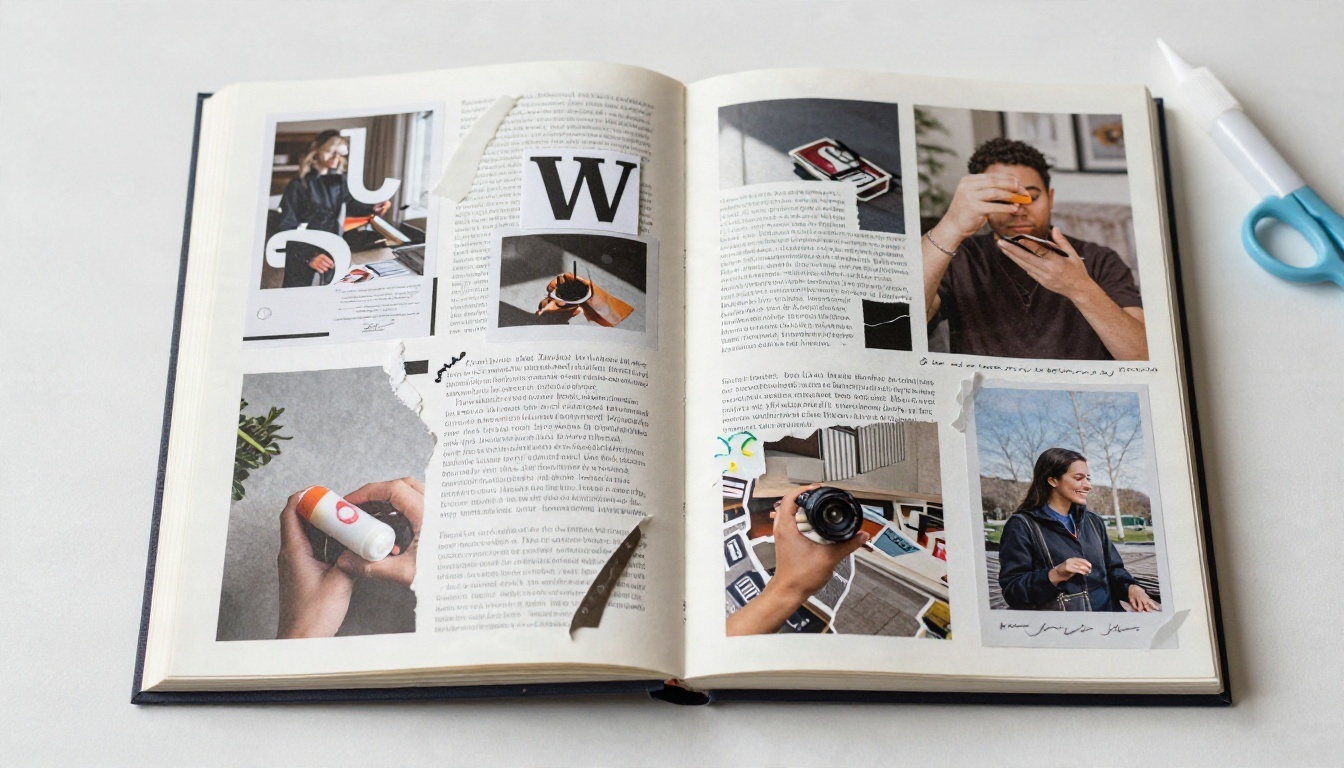
- Convert photos to grayscale before inserting them if you plan to photocopy. Photocopiers turn mid tones into mud, so raise the contrast a little first.
Black and White Versus Color
| Choice | Cost per Copy | Look | When to Pick It |
|---|
| Black and white laser or photocopy | Lowest | Crisp, high contrast, classic zine feel | Text, line art, punk and collage styles |
| Home inkjet color | Medium | Rich color, slightly soft on plain paper | Small runs of 10 to 30 copies |
| Copy shop color digital | Higher | Even color, sharp type | Photo zines and portfolios |
| Risograph | Medium for large runs | Layered spot color with grain | Editions of 50 or more |
⚠️ Warning: Rich black backgrounds look dramatic on screen but can soak a page on an inkjet and cause the paper to curl. Use dark gray text on a light page for anything longer than a few pages.
Printing Tips for Home and Copy Shops
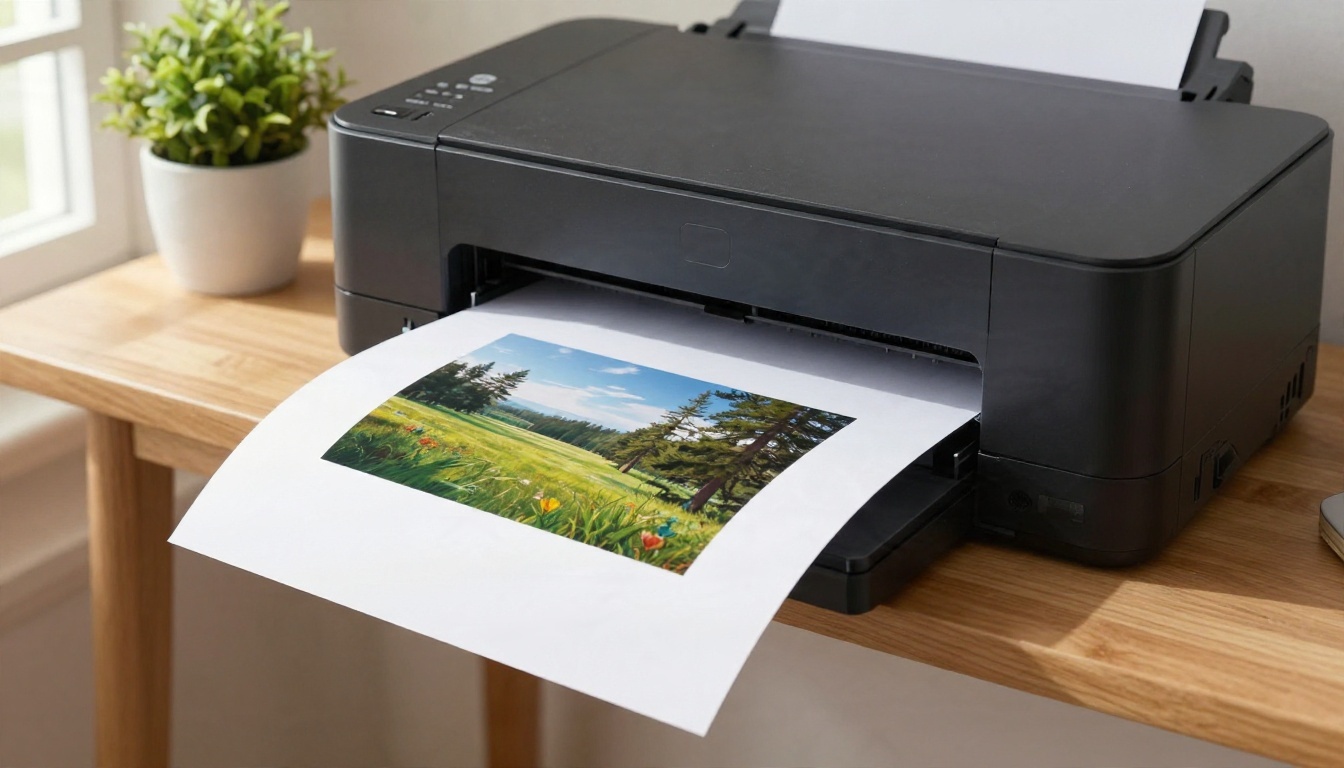
Printing is where a good layout either shines or gets ruined. Take five minutes to set up the printer properly.
Duplex Settings That Work
For the eight panel one sheet zine, you print on one side only. That is the beauty of it.
For a Book fold booklet with more pages, you will print on both sides:
- Open File, Print.
- Choose Print on Both Sides and select Flip pages on short edge. Picking the long edge is the most common mistake, and it leaves every second page upside down.
- Set Scale to None or 100%. Never choose "Fit to page," because it shrinks your margins.
- If your printer has no automatic duplex, print the odd pages first, put the stack back in the tray the way your printer manual shows, and print the even pages.
Choosing Paper
Paper weight changes everything about how a zine feels and folds.
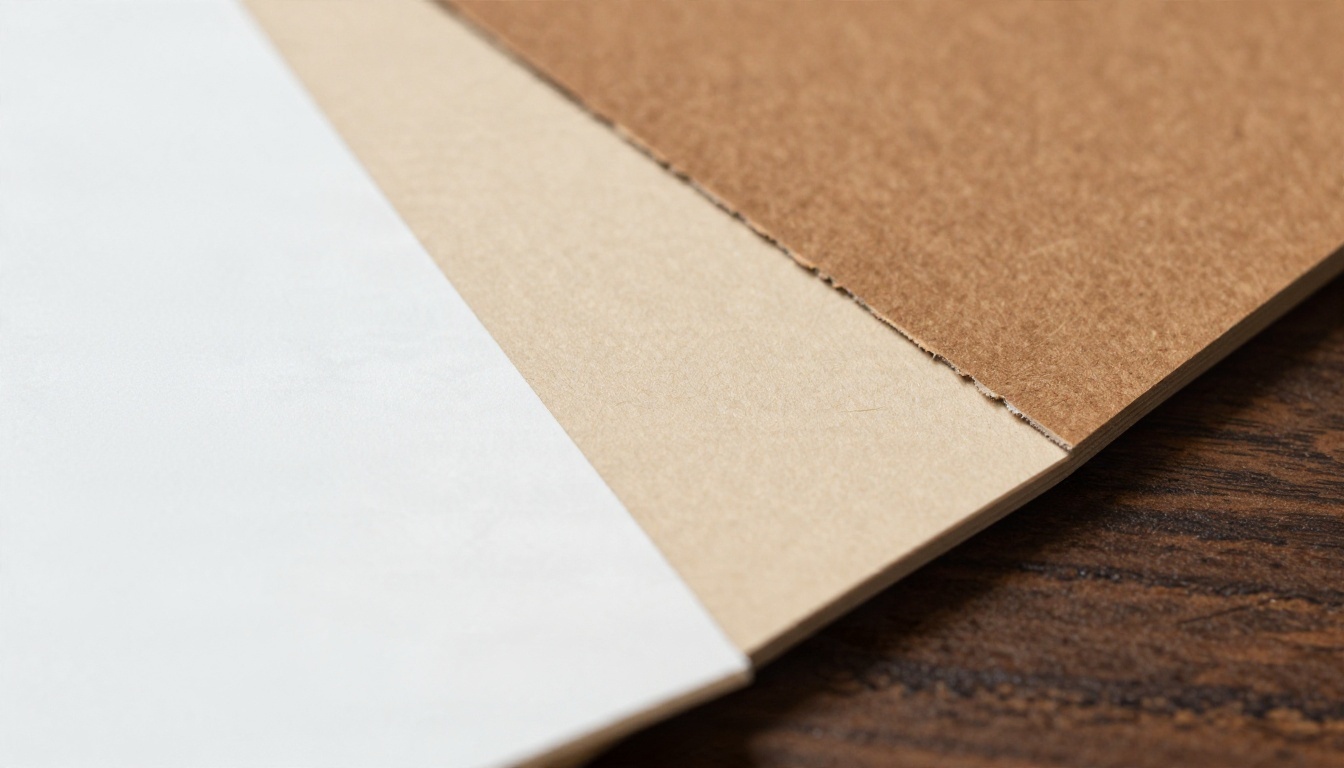
| Paper Weight | Feel | Folding | Best Use |
|---|
| 70 to 80 gsm (20 lb) | Thin, newsprint like | Folds easily | Black and white photocopy zines |
| 90 to 100 gsm (24 to 28 lb) | Sturdy, premium office paper | Crisp creases | Everyday home printed zines |
| 120 to 150 gsm | Heavy, nearly card | Needs scoring | Front pages and photo spreads |
| 200 gsm or more | Card stock | Must be scored | Front page only, never the inside |
💡 Pro tip: Use a heavier sheet for the outer page and a lighter one inside. Saddle stitched booklets with all heavy paper bulge at the spine and refuse to stay shut.
Print Shop Versus Home Printer
| Factor | Home Printer | Copy Shop |
|---|
| Setup effort | Low | Medium (export a PDF first) |
| Cost for 10 copies | Ink and paper only | Often cheaper per page in bulk |
| Color accuracy | Varies by model | Consistent and calibrated |
| Turnaround | Immediate | Same day to a few days |
| Trimming and stapling | By hand | Often available as an add on |
If you take the file to a shop, send a PDF rather than the Word file. Fonts and spacing can shift when a different computer opens a .docx. In Word, use File, Save As, PDF and tick Optimize for Standard.
Fold and Staple It Step by Step
Here is the folding sequence for the one sheet, eight page zine.
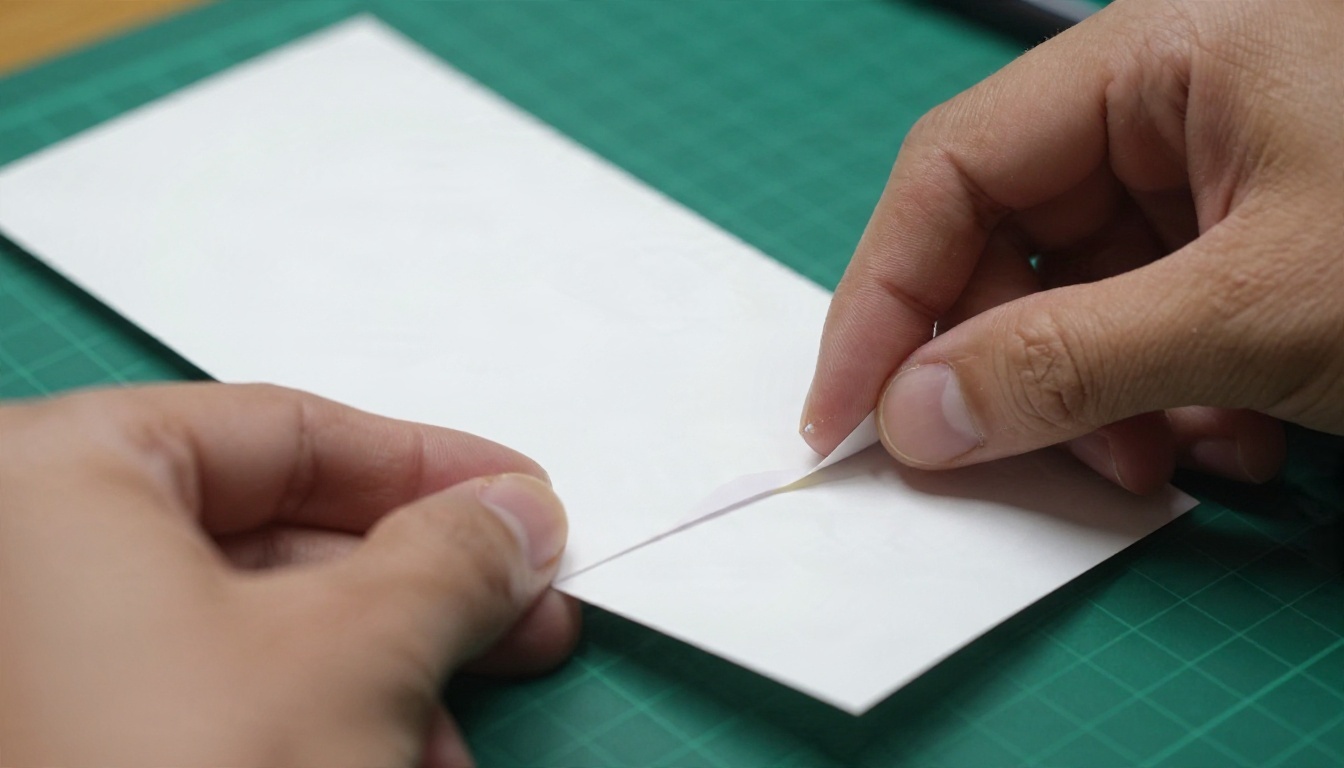
- Fold the sheet in half along the long side, with the printed side facing you, so the top and bottom rows meet. Press the crease with a bone folder or the back of a spoon.
- Unfold, then fold it in half the other way, short edge to short edge. Crease and unfold again.
- Fold once more so the long sides meet, then open the sheet flat.
- Cut a slit with a craft knife or scissors along the center fold, from the middle crease out to the two adjacent creases. Leave the outer quarters uncut.
- Refold the sheet along the long center crease, with the slit now an open gap, and push the two ends toward each other. The gap opens into a diamond.
- Collapse the diamond into a cross shape, then wrap the pages around so page 1 sits on the front and page 8 on the back.
- Press flat and run a bone folder along every edge.
For longer booklets made with the Book fold setting, you stack the folded sheets, then staple twice along the spine. This is called saddle stitching.
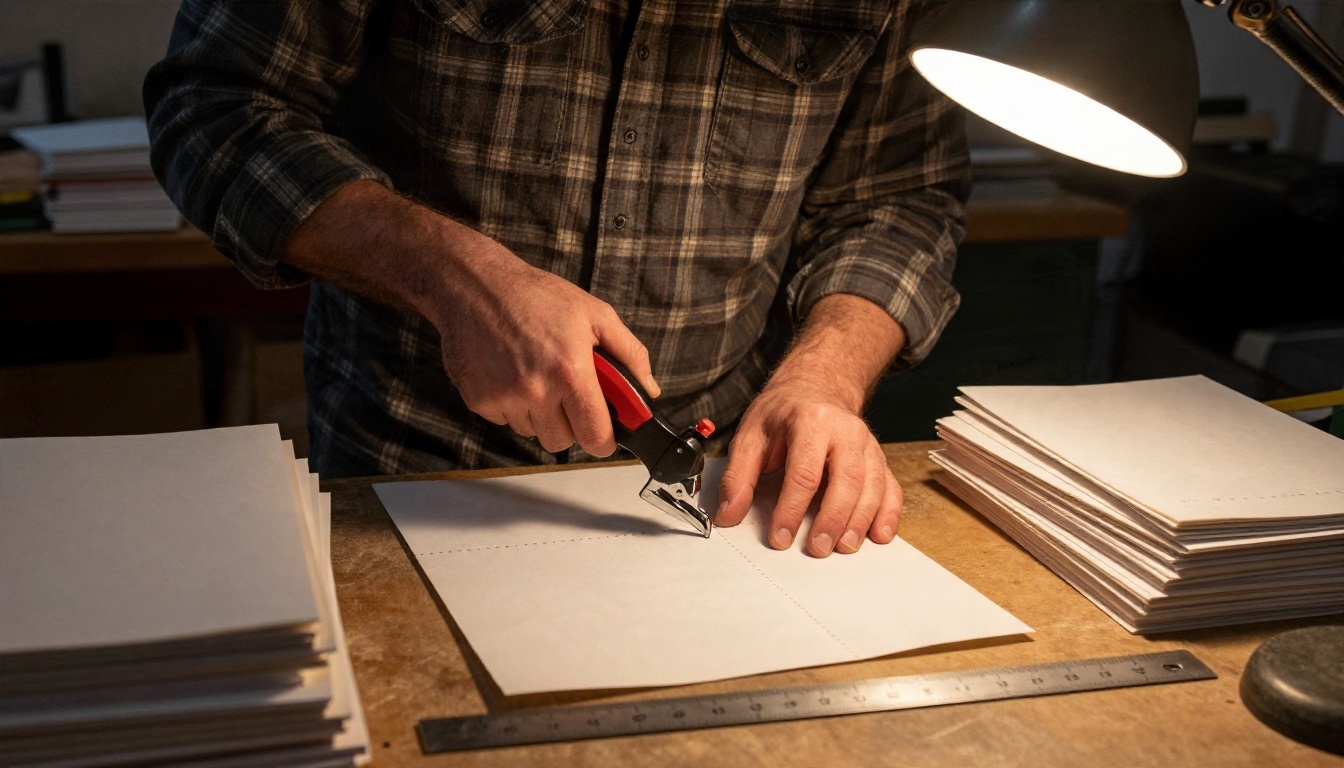
- Use a long arm stapler or open a standard stapler flat and press the staples through into a folded towel.
- Place staples about one quarter of the way in from the top and bottom edges.
- Bend the staple legs flat on the inside with your thumbnail.
- Trim the open edges with a paper cutter if the pages stick out unevenly after a thick stack.
✅ Best practice: Count your sheets before stapling. For a Book fold booklet, the total page count must be a multiple of 4. Add a blank notes page if you are one short.
Share Your Zine Online
A paper zine reaches the people at your table. A digital version reaches everyone else. Anyone who missed the swap, lives in another country, or just prefers a screen can still read it.

Export the Right PDF
This matters more than most people realize. The file you print is arranged for folding, so the pages are in the wrong order and half of them are upside down. Readers need a reading order version.
- Make a second copy of your document with one page per page, in order from 1 to 8 (or however many you have).
- Set the page size to your finished zine size, such as 5.5 by 8.5 in or A5.
- Go to File, Save As, PDF and choose Minimum size (publishing online) for fast loading, or Standard if your photos need to stay sharp.
- Name the file clearly, like
my-zine-issue-1.pdf.
How to Create a Zine Flipbook with Flipbooks AI
A raw PDF works, but readers scroll it like a form. A flipbook turns the pages the way a real zine does, with a curl, a sound, and a clean mobile layout. Here is the process on Flipbooks AI:
- Start here. Create an account to open your dashboard.
- Upload your PDF. Drag the reading order file into the upload area. The PDF to Flipbook Converter turns each page into a flippable spread within moments.
- Customize the look. Change the background color to match your front page, add your logo, and set the page turning effect. You can also embed video and audio, which is a nice touch for a zine with a soundtrack or an author reading.
- Choose how to share. Copy a direct link for social bios and messages, or use an embed code to place the zine on your own site with the Embed Flipbook on Website tool.
- Protect it if needed. Add a password for a members only issue, a patron reward, or a client preview.
- Check on mobile. Open the link on your phone. The flipbook is mobile responsive, so it adapts to small screens without extra work.
More options are on the Professional plan: analytics to see how many people open each issue, lead generation to collect email addresses before the first page, and offline downloads for readers who want a copy on their device. There are no watermarks, ever, so your artwork stays clean.
💡 Pro tip: Put the flipbook link on the back page of your printed zine as a short URL or a small hand drawn QR code. Paper readers can then find the digital issue, and the next one.
Related tools worth knowing about include the Magazine Flipbook Creator for multi issue series, the Newsletter Flipbook Publisher for recurring zines, and the Photography Portfolio tool for image led issues. You can browse everything in the flipbook tools directory.
Print, PDF or Flipbook
| Format | Reach | Cost to Distribute | Reader Experience |
|---|
| Printed zine | Local, events, mail | Printing and postage | Tactile, collectible |
| Plain PDF | Anyone with the file | Free | Functional, scrolling |
| Flipbook | Anyone with a link | Free to low | Page turning, mobile friendly, trackable |
Most creators use all three. Print is for the table, the PDF is for archives, and the flipbook is for sharing.
Zine Ideas That Work
Not sure what to put in your first issue? Here are formats that suit the eight page template well.

- A photo walk: One photo per page, a short caption, a map on the back page.
- A recipe zine: One recipe per spread, with a shopping list on the final page. The Recipe Book Flipbook tool works well for the online edition.
- An artist statement: A small portfolio you hand out at a gallery opening. Pair it with a Digital Portfolio Creator page for people who ask for more.
- A club newsletter: Eight pages of news, dates, and member spotlights.
- A product care booklet: A small shop can slip a zine into every parcel with tips and a discount code.
- A comic or short story: Eight panels is a natural fit for a short comic.
A Real Example
A ceramics seller prints 40 copies of a pocket zine titled with her studio name. It holds three glaze recipes, two photos of finished pieces, and a link on the back page. She hands them out at a craft market, then posts the flipbook link in her shop bio. Visitors who missed the market read the same zine on their phones, and she sees in her analytics which pages get the most attention.
Fix These Common Mistakes
| Problem | Likely Cause | Fix |
|---|
| Pages appear in the wrong order | Top row was not mapped to the page order table | Re-number panels using the map above |
| Top row text is upright | Text direction was not rotated | Rotate each top cell 180 degrees |
| Edges are clipped | Printer margin too tight | Use 0.25 in margins and keep text 0.2 in inside |
| Every second page is upside down | Flip on long edge was selected | Switch to flip on short edge |
| Booklet will not stay shut | Paper too heavy | Use lighter inner pages |
| Fonts changed at the print shop | Word file opened elsewhere | Send a PDF with fonts embedded |
Make Your First Zine Today
Open Word, set the page to landscape, build the eight panel grid, and save it as a template. Print a draft, fold it, and fix whatever looks off. Once the paper version feels right, export a reading order PDF and share it.
Ready to put your zine online? Get started for free on Flipbooks AI, check the pricing plans for analytics and lead capture, or browse the full list of flipbook tools and templates to find the right fit for your next issue.