You already own a flipbook maker, you just might not know it. PowerPoint can play a stack of slides like a hand-drawn pad of paper, and with the right export it can also feed a realistic page-turning publication. The catch: PowerPoint alone cannot give you a shareable link, a mobile-friendly reader or a page-flip effect on a website. That is where a free online converter such as Flipbooks AI completes the picture. This article walks through both sides: the animation tricks inside PowerPoint, the template setup that saves hours, and the online options for publishing the result.
What a PowerPoint Flipbook Really Is
People search for "flipbook in PowerPoint" and mean two different things. Picking the right one before you open a blank deck will save you a lot of rework.
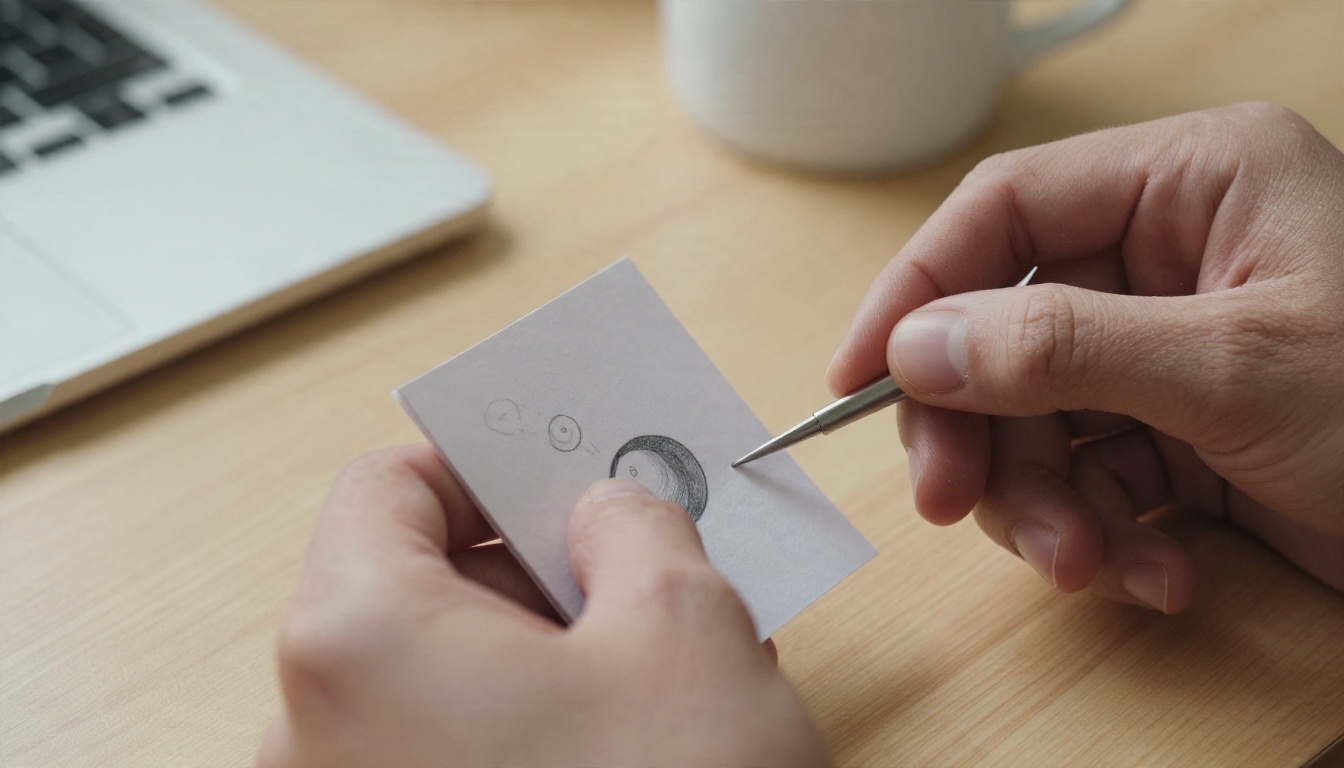
Two meanings, two workflows
The first meaning is a frame-by-frame animation: every slide is one drawing, and the deck plays fast enough that the drawings appear to move, exactly like the paper pads you flicked with your thumb as a kid. The second is a page-turn publication: a brochure, catalog, report or lookbook where each slide is a page and the reader flips through it with a realistic curl.
| Type | What each slide is | Best output | Typical use |
|---|
| Frame animation | One animation frame | Animated GIF or MP4 | Social posts, teaching motion, product demos |
| Page-turn publication | One printed-style page | PDF, then online flipbook | Catalogs, menus, reports, portfolios |
| Hybrid | Pages with short animated inserts | Online flipbook with embedded video | Sales decks, training manuals |
Who benefits from each
A teacher can animate a plant growing across twelve slides. A real estate agent can lay out a property brochure and publish it as a page-turning link. A designer can pitch a motion idea before committing to After Effects. Same software, very different finish lines.
💡 Pro tip: Decide the output first. A GIF needs tiny, consistent changes between slides. A publication needs strong page layouts. Mixing the two goals in one file usually produces a mess.
Set Up the Slide Canvas
Most flipbook projects go wrong in the first five minutes because the slide size is wrong. Fix this before you add a single shape.
Pick the right slide size
Open Design > Slide Size > Custom Slide Size. For a publication, choose a portrait page such as A4 (21 x 29.7 cm) or US Letter. For a frame animation shared on social media, 1080 x 1080 px equivalent (a square ratio) or the default 16:9 works well.
| Goal | Recommended size | Orientation | Why |
|---|
| Printed-style brochure | A4 or Letter | Portrait | Matches how readers expect pages |
| Magazine spread | 2 x A4 side by side | Landscape | Mimics a two-page open book |
| Animated GIF | 16:9 or 1:1 | Landscape or square | Plays everywhere |
| Phone-first catalog | 9:16 | Portrait | Fills the screen on mobile |
Build a reusable template
Go to View > Slide Master and set up the parts that never change: margins, a header band, a page-number placeholder, brand colors and two fonts. Then create three layouts: a cover-style full-bleed photo page, a text plus image page, and a gallery page with a grid of pictures. Every new slide now inherits a consistent look.
Save the result as a .potx file. That file is your personal flipbook template, and you can reuse it for every catalog or report afterward.
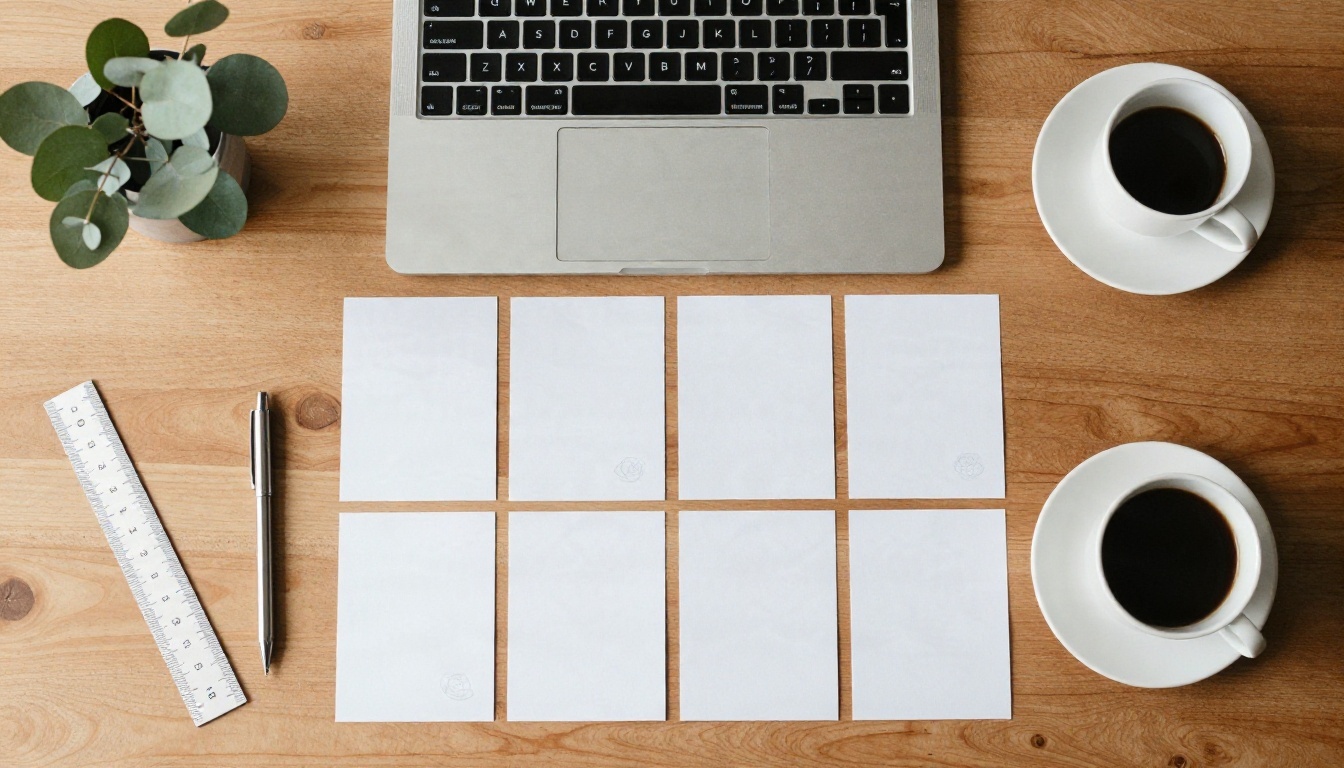
Storyboard before you build
Sketch the sequence on index cards or paper first. For an animation, mark the start pose, the end pose and the number of frames in between. For a publication, list page by page what goes where. It feels slow, but it cuts the build time in half.
Animate Frame by Frame
This is the classic method. No add-ins, no code.
Step by step
- Create your first slide with the starting drawing: a shape, an icon or a photo placed at the start position.
- Right-click the slide thumbnail and choose Duplicate Slide.
- On the duplicate, move, rotate or resize the object by a very small amount.
- Repeat steps 2 and 3 until the motion is finished. Twelve frames is a good first target, twenty-four feels smooth.
- Select all slides in the thumbnail panel and open the Transitions tab.
- Set the transition to None, untick On Mouse Click, tick After and type
00:00.08.
- Go to Slide Show > Set Up Slide Show and choose Loop continuously until Esc.
- Press F5 and watch your flipbook run.
⚠️ Warning: If a frame seems to flash or jump, check that the transition is set to None on every slide. Even a subtle fade adds delay and breaks the rhythm.
Timing that feels natural
| Frames per second | Time per slide | Look |
|---|
| 6 fps | 00:00.17 | Choppy, hand-drawn charm |
| 12 fps | 00:00.08 | Classic flipbook feel |
| 24 fps | 00:00.04 | Smooth, film-like motion |
Use 12 fps for a nostalgic look and 24 fps when you want polish. More frames mean more slides, so be realistic about your time.
Export as GIF or video
Choose File > Export > Create an Animated GIF for a lightweight clip, or Create a Video for MP4 with better color. A GIF is ideal for email and chat. An MP4 is better for websites and social platforms because the file stays small and the quality stays sharp.
💡 Use the Morph transition for the in-between frames when objects only move or resize. PowerPoint calculates the motion for you, so you need far fewer duplicated slides.
Add a Page-Turn Effect
Now the second meaning: a document that feels like turning pages.
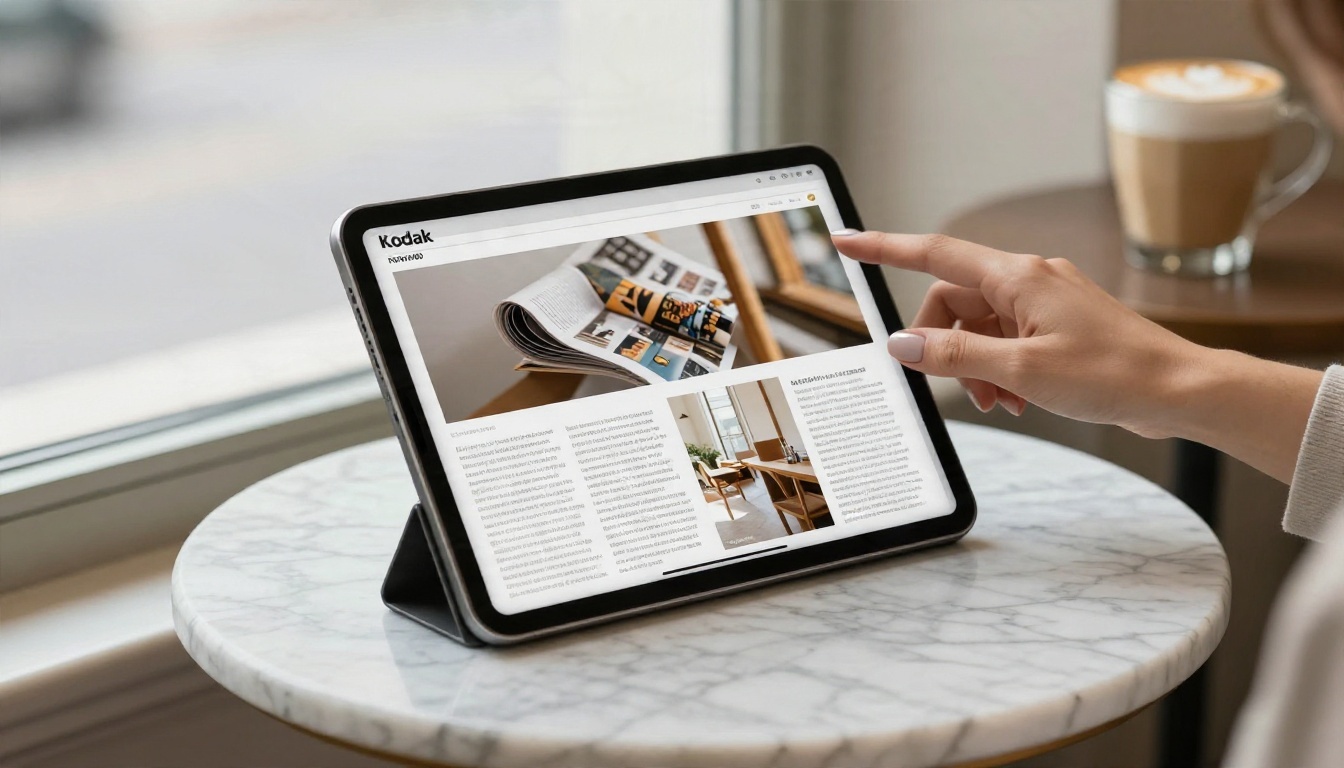
Transitions that mimic pages
PowerPoint ships with a few transitions that come close to a page flip. They work inside a live presentation, which is useful for a pitch or a kiosk display.
| Transition | Category | Feels like | Best for |
|---|
| Page Curl | Exciting | A corner lifting and peeling | Brochures, lookbooks |
| Flip | Dynamic Content | A card rotating around an edge | Before and after pages |
| Cube | Dynamic Content | A box turning to a new side | Product comparisons |
| Push | Subtle | A page sliding sideways | Reports, step lists |
Set the duration between 0.8 and 1.5 seconds so the motion reads as a turn, not a blink.
Make the pages look like pages
Add a soft shadow along the left edge of each slide, a thin paper-white margin and slightly off-white background (for example #FAF7F2). Keep body text at 12 pt or larger so it stays readable when the page is scaled down on a phone.
The hard limit
These effects only exist while someone runs the slideshow in PowerPoint. You cannot paste them into a website, and the recipient needs the software installed. If you send the PPTX by email, fonts can shift, animations can break and your layout is exposed to editing. For sharing, you want a PDF-based flipbook instead.
Where PowerPoint Falls Short
PowerPoint is a brilliant layout tool and a weak publishing tool. Here is the gap in plain numbers.
| Need | PowerPoint alone | Online flipbook platform |
|---|
| Shareable link | Requires cloud storage and permissions | One click |
| Page-flip on a website | Not available | Embed code |
| Mobile reading | Clumsy zoom and scroll | Responsive layout |
| Reader analytics | None | Views, time on page, clicks |
| Password protection | File level only | Per flipbook |
| Offline copy | Send the file | Download option |
| Brand control | Manual per file | Logo, colors, custom domain |
The practical workflow
Design in PowerPoint, publish elsewhere. Export your deck with File > Export > Create PDF/XPS Document, choose Standard quality, and keep Optimize for on high quality if the deck includes photography. Then hand the PDF to a converter.
✅ Best practice: Export a PDF at 150 to 200 dpi equivalent. Smaller files load fast, but below that the text starts to blur when readers zoom.
Create a Flipbook with Flipbooks AI
Once your slides are polished, turning them into a real page-turning publication takes a couple of minutes. Flipbooks AI has no watermarks, ever, and works with a plain PDF.

Open your account
Head to the account page and sign in. The dashboard shows your flipbooks and a single upload button. If you want a quick overview of what each plan includes, check the pricing page.
Upload and convert
- Click Create new flipbook.
- Drag your exported PDF into the upload area. The PDF to Flipbook Converter reads each slide as a page.
- Wait a few seconds while pages are processed. The preview shows your deck as a book with a real page-turn animation.
- Check that page order, orientation and text clarity look right.
If you built a pitch, the Presentation Flipbook Designer and the Sales Presentation tool are tailored for that format.
Customize the look
- Branding: add your logo and choose a background color or image behind the book.
- Page effects: adjust flip speed, shadows and sound.
- Multimedia: add embedded videos and audio to chosen pages, so the animation you made earlier can live inside the flipbook as a short clip.
- Layout: single page view for phones, double page spreads for desktops.
Share it
| Sharing option | How it works | Best for |
|---|
| Direct link | Copy the URL and send it anywhere | Email, chat, social bios |
| Embed code | Paste an iframe into your site | Landing pages, blogs |
| Password protection | Add a code before viewing | Client proposals, internal reports |
| Offline download | Allow readers to save a copy | Field teams, events |
The Embed Flipbook on Website page shows exactly how to place the code on common site builders.
Pro features worth knowing
On the Professional plan you get analytics (which pages are read, how long readers stay) and lead generation (collect an email before the reader opens the book). Both are covered on the pricing page. Standard plans and above include unlimited flipbooks, which suits agencies and teams that publish often.
💡 A PowerPoint deck is a fine starting point for many specialized formats. Try the Digital Portfolio Creator for creative work, or browse every flipbook tool for menus, catalogs and reports.
Free Online Alternatives Compared
You are not locked into one option. Here is a fair look at the usual routes, from DIY to dedicated platforms. Free tiers change often, so confirm current limits on each site before committing.
| Route | Cost | Page-turn effect | Watermark on free use | Embeds on a website |
|---|
| PowerPoint slideshow only | Included with Microsoft 365 | In live show only | None | No |
| PDF in a cloud drive | Free | No | None | Limited |
| General design tools with PDF export | Free tier | No | Varies | Limited |
| Document hosting sites | Free tier | Often scroll based | Often branded | Yes |
| Flipbooks AI | See plans | Yes | Never | Yes |
When PowerPoint alone is enough
If you present live in a room, loop a slideshow on a screen at an event or just need a short animated clip, stay inside PowerPoint. There is no reason to add a platform you do not need.
When to move online
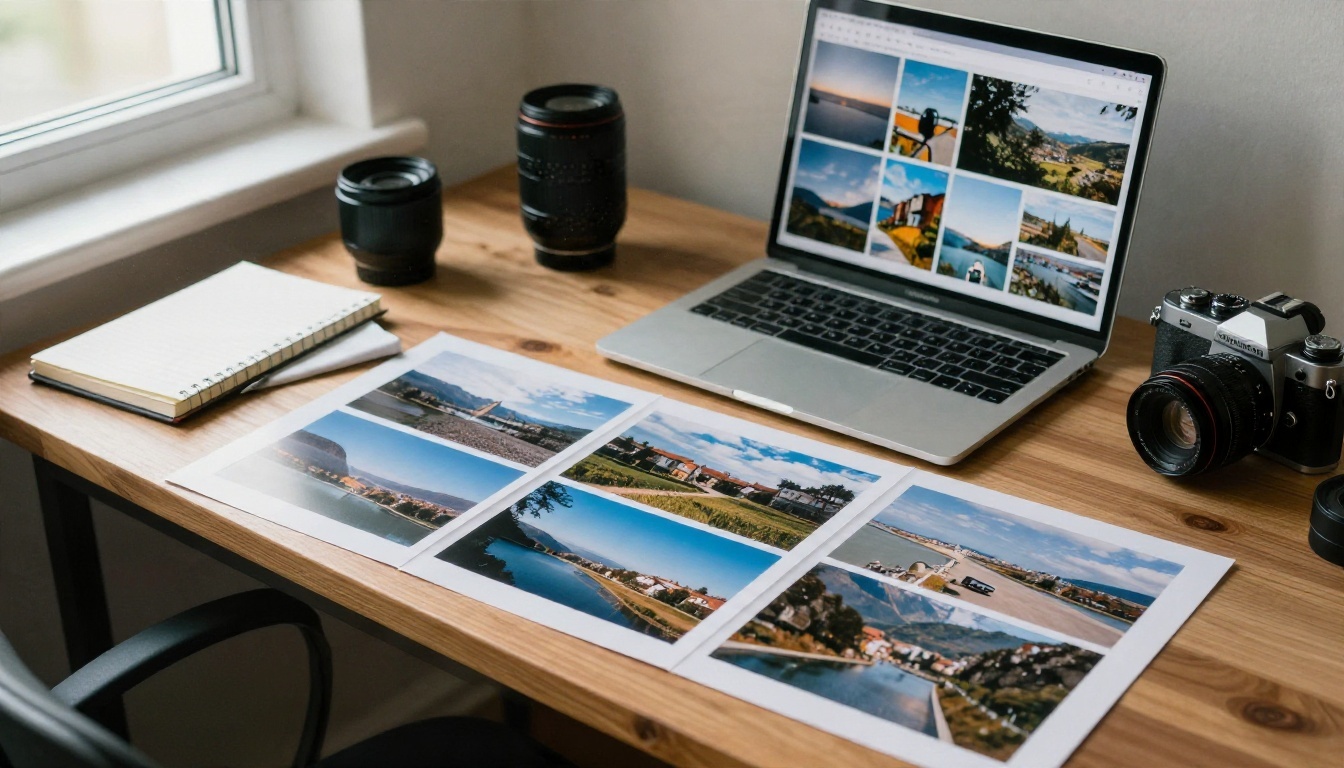
Move online the moment you need readers to open it on their own phones, when you want to track who reads what, or when the document has to live on your website. A restaurant owner updating a seasonal menu, or a photographer sending a portfolio to a gallery, will feel the difference on day one.
Real Projects Worth Copying
Ideas make the process easier. Here are scenarios where the PowerPoint to flipbook workflow already works well.
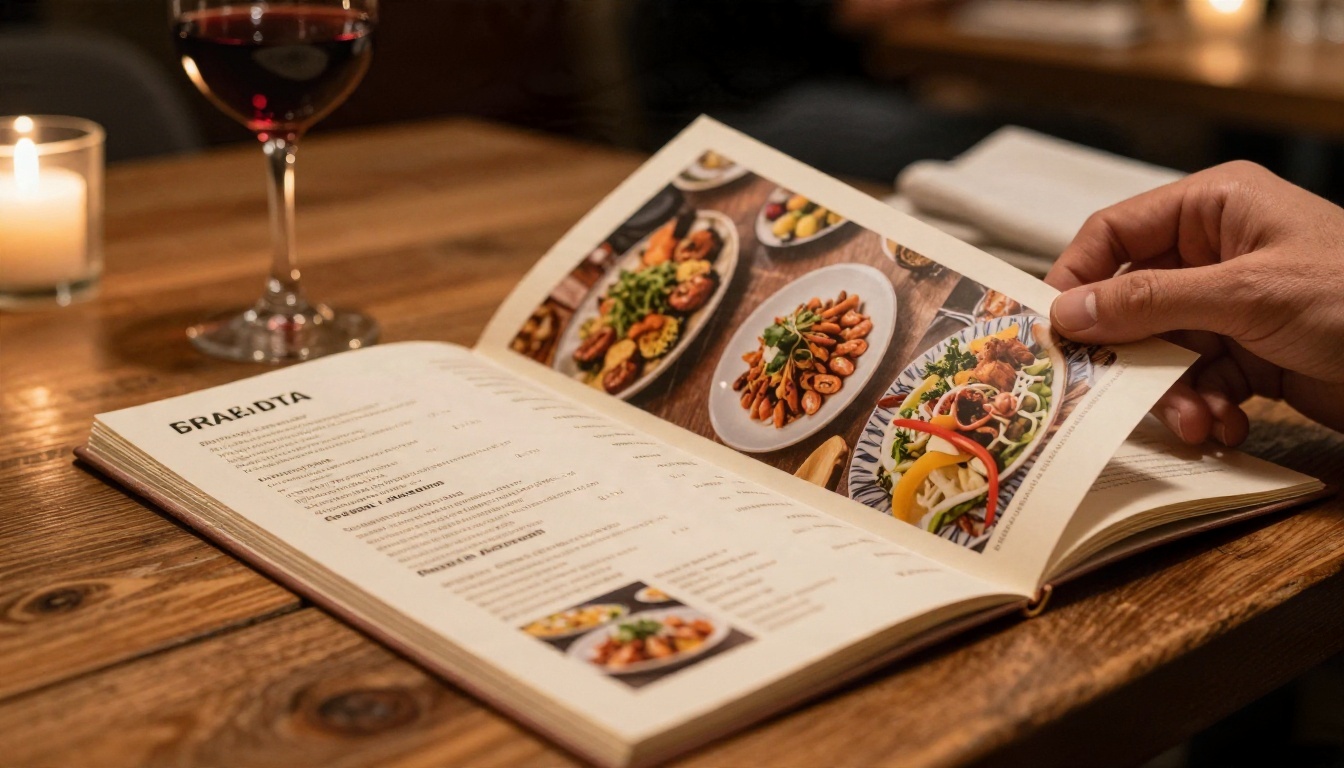
Menus and price lists
A cafe lays out a menu in PowerPoint with a consistent template, exports a PDF and publishes it with the Restaurant Menu Creator. Updating a price means editing one slide and re-uploading, not reprinting.
Catalogs and lookbooks
A small clothing brand builds a 20 page lookbook in PowerPoint, using the same three layouts on every page. The Interactive Lookbook Designer turns it into a flipbook shoppers can browse on a phone.
Training material
An HR manager builds a safety manual with a short animated clip showing how to lift correctly. The clip is exported as MP4 from PowerPoint, then embedded on the right page of a Training Manual Flipbook.
Three mistakes that waste time
- Using too many fonts. Stick with two, and embed or outline them before exporting.
- Compressing images twice. Insert good originals, compress once at export.
- Skipping the mobile test. Open the final link on a real phone before you send it to anyone.
Ready to Publish Yours?
Build the pages in PowerPoint, because that is where you already work fast. Use the animation settings for short motion pieces, and use a PDF export for everything readers should flip through. When you are ready for a link, an embed and a reader that works on every screen, create a free account on Flipbooks AI and upload your first PDF. Browse the full list of tools and templates to find a format that fits your project, or compare plans when you need analytics, lead capture and unlimited flipbooks.



