Page Flip Magazine: Free Online Maker, PDF Upload, Examples and Embed Options
Want your magazine to turn pages like paper on any screen? This article shows how to build a page flip magazine from a PDF, prepare files, pick real world examples, and embed the finished issue on a website, blog or shared link.
You spent weeks on that issue. The photography is sharp, the layout is tight, and then you send it out as a flat PDF that people scroll past in three seconds. A page flip magazine fixes that. Readers click, the page curls, and the issue feels like something they are holding. With Flipbooks AI you can turn an existing PDF into a flipping magazine without watermarks, share it with a link, and embed it on your own site.
This article walks through what a page flip magazine is, how the free online maker works, how to prepare your PDF, which examples are worth copying, and every embed option you have once the issue is live.
What a Page Flip Magazine Is
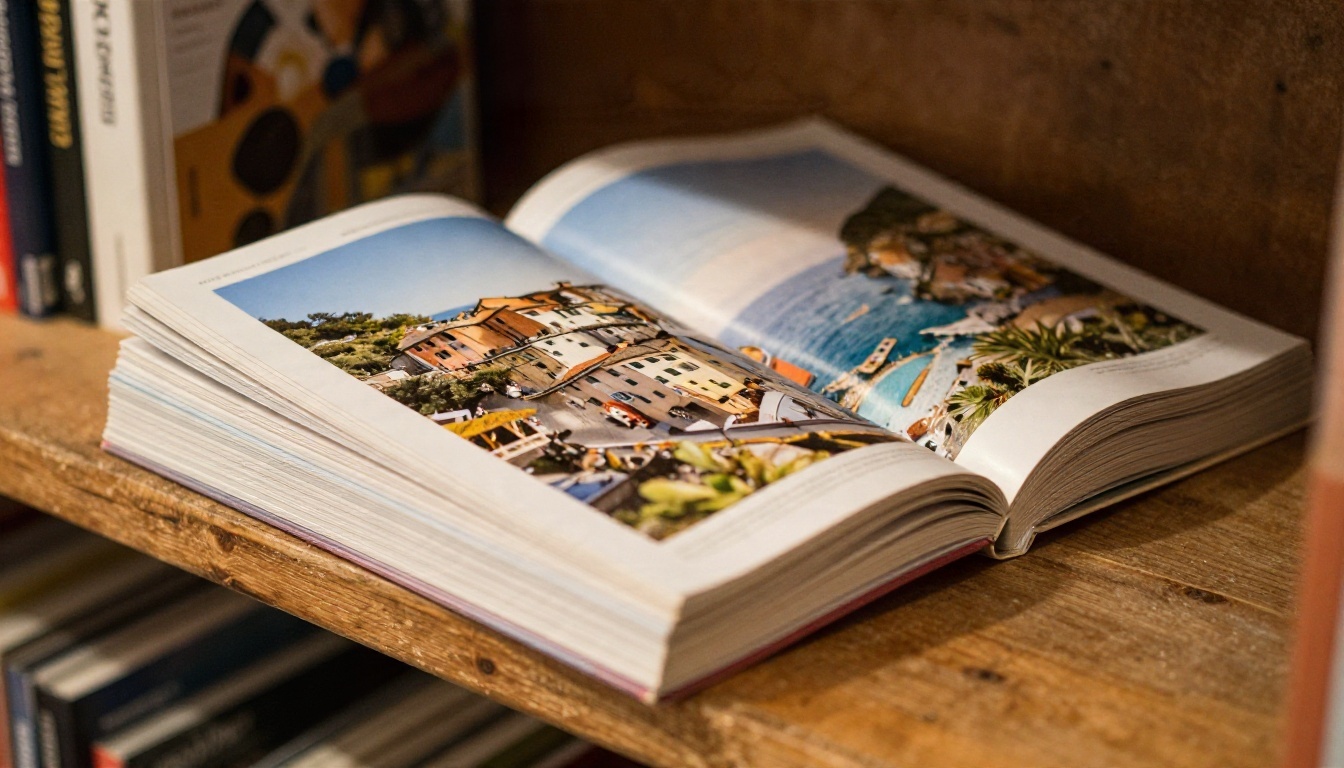
A page flip magazine is a digital publication that imitates a printed one. Pages sit side by side as spreads, the corners lift when you hover, and a swipe or click turns the page with a soft curl and shadow. Under the surface it is still your PDF, but it is wrapped in a viewer that behaves like paper.
How the Page Turn Works
The maker takes each PDF page, converts it into a high resolution image layer, and keeps text searchable and links clickable. The viewer then animates the turn using the page edges as hinges. Because it runs in the browser, readers need no app, no plugin and no download.
You get a few things that print never gave you:
Zoom on any photo or paragraph without losing sharpness
Thumbnails and a table of contents for fast jumping
Sound and video embedded right on the page
Mobile responsive layouts that switch to single pages on phones
Who Uses Them
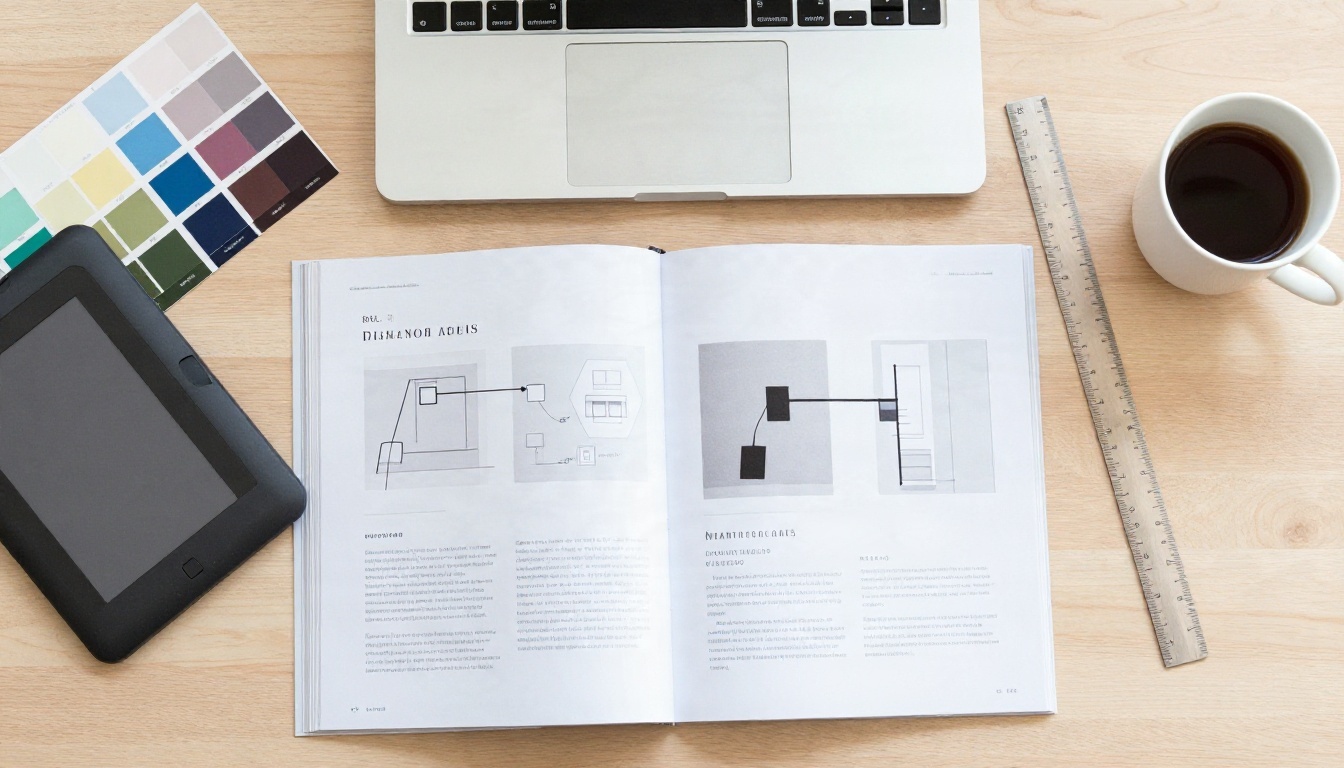
Independent publishers, fashion labels, travel bloggers, schools, agencies and local businesses all lean on the format. If you already produce a PDF, you can publish a flipping version in the same afternoon. The Magazine Flipbook Creator and the E-Magazine Publishing Tool were built for exactly this workflow.
Why Flip Instead of Send a Plain PDF
A PDF is a file. A flipbook is an experience. That difference shows up in how long people stay, how often they share, and whether your brand looks premium or improvised.
Feature
Plain PDF
Page Flip Magazine
Printed Magazine
Page turn feel
None, vertical scroll
Realistic curl and shadow
Physical
Opens in browser
Sometimes
Always
No
Embeddable on a site
Poor
Yes, responsive
No
Video and audio
Rarely works
Built in
Impossible
Read tracking
None
Analytics available
None
Cost per extra reader
Zero
Zero
Printing and postage
Password protection
Clunky
One click
Not applicable
💡 Pro tip: Keep your original PDF too. Some readers want to download and print, so offer the flipbook as the main view and the PDF as a secondary option.
The Practical Upside
Sending a link instead of a 60 MB attachment avoids bounced emails. Updating a typo means re-uploading one file, and the same link keeps working. For subscription magazines, that single stable URL is a quiet but huge advantage.
How to Create a Page Flip Magazine for Free
Here is the full workflow, from blank browser tab to a shareable issue. It takes about five minutes if your PDF is ready.
Step 1: Create Your Account
Head to Flipbooks AI and create an account. You can start on the free option to test your first issue, then compare pricing plans once you know how many publications you will run.
Step 2: Upload the PDF
From your dashboard, choose to create a new flipbook and drop in your file. The PDF to Flipbook Converter processes each page, and a typical 40 page magazine finishes in under a minute.
Click New Flipbook.
Drag your PDF into the upload area, or browse your folders.
Wait while pages convert. A progress bar shows each stage.
Check the preview and flip through to confirm nothing is cropped.
⚠️ Warning: If your PDF has fonts that were not embedded, text can shift. Export from InDesign, Canva or Affinity with fonts embedded.
Step 3: Customize the Look
This is where the issue starts to feel like your brand. In the editor you can adjust:
Background color or image behind the pages
Logo in the toolbar, with a link to your site
Page effects including curl intensity, shadow depth and sound
Layout mode, double page spreads or single pages
Multimedia, such as YouTube clips, audio loops or image galleries
Hotspots that link a product photo to a shop page
Keep the background neutral if your photography is bold. A warm grey or soft cream lets colour pop without competing.
Step 4: Share It
When you hit publish, you receive a permanent link, an embed snippet, and a QR code. You can add a password for private issues, turn off downloads, or allow offline downloads for readers on bad connections. The next sections go deeper on each option.
Prepare Your PDF Before Upload
A clean source file produces a clean flipbook. Fifteen minutes of preparation saves hours of fixing blurry pages later.
Page Size and Resolution
Export at the size you would print, then let the viewer scale it down. Low resolution exports look soft when readers zoom in.
Setting
Recommended
Why It Matters
Page size
A4, US Letter or tabloid
Keeps proportions familiar
Resolution
150 to 300 dpi images
Sharp zoom without huge files
Color mode
RGB for screen
Colors stay vivid on displays
Fonts
Embedded or outlined
Prevents text shifting
Bleed and crop marks
Off
Avoids odd white borders
File size
Under 100 MB
Faster conversion and loading
Spreads or Single Pages
Magazines are designed as spreads, so decide how to export. If the front page stands alone, set page one as a single and let the rest pair up in the usual left and right order. Exporting the wrong way round is the number one reason spreads look mismatched.
Export single pages when you want a clean phone experience
Export spreads only if your tool cannot split them
Check that page one is a lone right hand page, as in print
Links and Interactive Elements
Make sure live links in your PDF are real URLs, not just underlined text. The converter keeps working links, so your table of contents, ad placements and subscription buttons stay clickable. Add alt text to important images when your design tool allows it, because it helps accessibility and search.
✅ Best practice: Put a clickable table of contents on page two. Readers who skim will jump straight to the story they want.
Page Flip Magazine Examples That Work
Seeing real use cases helps you decide how to structure your own issue. These are the formats that perform best.
Fashion and Lifestyle
A boutique label publishes a seasonal lookbook as a flipping magazine. Each outfit photo has a hotspot that opens the product page. The brand gets the glossy feel of print with a built in sales path. The Interactive Lookbook Designer and Fashion Catalog Creator suit this style.
Travel and Local Publishing
A city events magazine uploads a new issue every month. Restaurants and hotels buy ad spreads that link to booking pages, and the publisher shows advertisers how many readers opened each page. The Travel Guide Flipbook template works well for destination content.
Corporate and Internal Newsletters
A company turns its quarterly staff newsletter into a password protected flipbook. HR shares one link, employees read on phones, and leadership sees which stories got attention. The Newsletter Flipbook Publisher handles the format.
Publishing the flipbook is only half the job. Where it appears decides who reads it.
Embed on Your Website
Copy the embed snippet from your flipbook settings and paste it into any page that accepts HTML. It works on WordPress, Wix, Squarespace, Webflow and plain HTML sites. The Embed Flipbook on Website tool explains the supported platforms.
Paste it into an HTML or custom code block on your page.
Publish and test on desktop and phone.
💡 Use a width of 100% and a height of at least 600 pixels so the spread fills the layout and stays responsive.
Direct Links and QR Codes
Every flipbook has a short permanent URL. Add it to email signatures, social bios and newsletters. For events and print ads, use the QR code so people holding a paper flyer can jump into the digital issue in seconds.
Password Protection
Not every issue should be public. Add a password for members only content, investor updates or early access editions. You can change the password later without changing the link.
Sharing Method
Best For
Setup Time
Access Control
Direct link
Email and social posts
Instant
Optional password
Website embed
Blogs and landing pages
2 minutes
Inherits site rules
QR code
Print ads and events
Instant
Optional password
Offline download
Travel and low signal
Instant
Plan dependent
Pro Features Worth Paying For
The free option is good for a first issue. When the magazine becomes a regular publication, a few extras start to pay for themselves. Check pricing for current limits.
Unlimited flipbooks on the Standard plan and above, ideal for monthly issues and back catalogs
No watermarks, ever, so the viewer looks like your brand
Analytics on the Professional plan, showing opens, time per page and popular spreads
Lead generation, where readers enter an email before reading
Offline downloads for people without steady internet
Custom branding with your own logo, colors and domain feel
Analytics change how you plan the next issue. If readers drop off at page 14, you know where pacing broke. If a recipe spread holds attention for two minutes, you know what to publish more of. Lead capture turns a free magazine into a growing subscriber list.
Common Mistakes to Avoid
Most flipbook problems are avoidable. These are the ones we see most.
Uploading a low resolution PDF. Zoomed pages look muddy. Export at 150 dpi or higher.
Forgetting mobile. Test on a phone before announcing the issue. Single page mode often reads better on small screens.
Burying the link. Put the flipbook above the fold on your site, not three clicks deep.
Skipping the table of contents. Long issues need a clickable index.
Hiding the PDF. Some readers still want to download. Offer both.
Ignoring file naming. Name your PDF clearly, such as the magazine title and issue month, so you can find it later.
⚠️ Warning: Do not embed a flipbook inside a tiny box. A 300 pixel wide frame makes spreads unreadable and wastes your design.
Make Your First Issue Today
You already have the hard part, which is the content. A page flip magazine simply gives it the stage it deserves. Get started for free on Flipbooks AI, upload your PDF, polish the branding, and share the link or embed code before the day ends.
Browse all flipbook tools to find the format that matches your publication, from lookbooks to annual reports. When you are ready to publish every month without limits, compare pricing plans and pick the one that fits your readership.